mirror of
https://github.com/Ark0N/Codeman.git
synced 2026-09-30 12:39:42 +02:00
Compare commits
44
Commits
| Author | SHA1 | Date | |
|---|---|---|---|
 Codeman maintainer Codeman maintainer
|
8a54b331e3 | ||
|
Codeman maintainer
|
09bf00c815 | ||
|
Ark0N
|
2e19fc0430 | ||
|
Ark0N
|
30f35490f6 | ||
|
Ark0N
|
322801052b | ||
|
Ark0N
|
736a6b8b7b | ||
|
Ark0N
|
6525ade530 | ||
|
Codeman maintainer
|
947ff6f6fa | ||
|
Aamer Akhter
|
ce405a4cff | ||
|
Aamer Akhter
|
8e5691b05c | ||
|
Codeman maintainer
|
98e37bf895 | ||
|
Codeman maintainer
|
5ded2ed1a3 | ||
|
Codeman maintainer
|
76ea090a67 | ||
|
Codeman maintainer
|
d30cac4440 | ||
|
Codeman maintainer
|
f3cb7696f0 | ||
|
Codeman maintainer
|
5080390e2c | ||
|
Codeman maintainer
|
f7e2975883 | ||
|
Codeman maintainer
|
f60bf93c99 | ||
|
Codeman maintainer
|
f4ba4d2cb1 | ||
|
Codeman maintainer
|
fa8ebe0068 | ||
|
Ark0N
|
b0e493d462 | ||
|
Ark0N
|
631913f04c | ||
|
Ark0N
|
bb959c4aac | ||
|
Codeman maintainer
|
24ed43935c | ||
|
Codeman maintainer
|
cb9149879d | ||
|
Codeman maintainer
|
f44d597450 | ||
|
Codeman maintainer
|
cdbde9f36f | ||
|
Codeman maintainer
|
f07905b193 | ||
|
Ark0N
|
05c94f5ac0 | ||
|
Ark0N
|
aaf22909bc | ||
|
Ark0N
|
94908ffdb5 | ||
|
Ark0N
|
82fe3cf684 | ||
|
Ark0N
|
6946ca0b8a | ||
|
Codeman maintainer
|
ea4b940cef | ||
|
Codeman maintainer
|
c6f428e687 | ||
|
Codeman maintainer
|
499d35566b | ||
|
Codeman maintainer
|
210da991d5 | ||
|
Codeman maintainer
|
da999b130e | ||
|
Codeman maintainer
|
cbc54fc98d | ||
|
Codeman maintainer
|
4e2c1b9989 | ||
|
Codeman maintainer
|
19aabe34d2 | ||
|
Claudia
|
0afd4e1cdc | ||
|
Claudia
|
b6293959d2 | ||
|
Claudia[bot]
|
c01edcbbb8 |
@@ -0,0 +1,23 @@
|
||||
---
|
||||
"aicodeman": patch
|
||||
---
|
||||
|
||||
Clear every production-reachable npm advisory, and fix a service-worker caching regression the upgrade exposed.
|
||||
|
||||
`npm audit` reported 20 advisories, but 16 were devDependencies-only (Remotion, Puppeteer, postcss, the eslint/tsx toolchain) and never reached anyone installing the package. Four reached production and are now resolved:
|
||||
|
||||
- **`@fastify/static` 9.1.3 to 10.1.3** — GHSA-8pvw-jcv7-9cmj, authorization bypass via non-canonical URL paths. The advisory covers `<=10.1.1`, so the entire 9.x line is affected and the fix only exists on 10.x.
|
||||
- **`find-my-way` 9.6.0 to 9.8.0** — GHSA-c96f-x56v-gq3h (HTTP/2 DDoS). Not exploitable here since Codeman does not enable HTTP/2, fixed anyway.
|
||||
- **`fast-uri` 3.1.2 to 3.1.5** — GHSA-v2hh-gcrm-f6hx, host confusion via a literal backslash authority delimiter.
|
||||
- **`brace-expansion` to 5.0.9 / 1.1.18** — GHSA-3jxr-9vmj-r5cp, exponential-time expansion DoS.
|
||||
|
||||
The last three were transitive and only needed a lockfile re-resolve; no `overrides` were added.
|
||||
|
||||
The `@fastify/static` major changes the `setHeaders` callback's first argument from a Node `ServerResponse` to a `FastifyReply`, which required two fixes:
|
||||
|
||||
- `res.setHeader()` became `reply.header()`. A v9-style body throws `TypeError: res.setHeader is not a function` from inside the plugin on every static request.
|
||||
- **That change also flips precedence, silently.** The callback used to write to the raw response and be overwritten by the route's staged reply headers; it now writes to the reply and wins instead. That handed `/sw.js` a year of `immutable` in place of the `no-cache, no-store` its route sets, which would pin a service worker on every client with no server-side way to recover. A route that already set `Cache-Control` now keeps it.
|
||||
|
||||
`ws` also appears in `npm audit` but production is already on 8.21.0, outside the vulnerable range; the only affected copy is bundled under `@remotion/renderer` and is dev-only.
|
||||
|
||||
Adds `test/static-cache-headers.test.ts`, which drives a real server and covers the caching contract that had no test at all, and moves the floors in `test/dependency-security.test.ts` up to the patched versions.
|
||||
+12
-3
@@ -37,11 +37,20 @@ npm run check:frontend-syntax # syntax-checks the plain-JS frontend modules
|
||||
### Tests
|
||||
|
||||
```bash
|
||||
npm test -- test/<file>.test.ts # one file (the normal way)
|
||||
npm run test:ci # the full CI sweep
|
||||
npm test # the gate — exactly what CI runs
|
||||
npm test -- test/<file>.test.ts # one file
|
||||
```
|
||||
|
||||
**Never run bare `npm test`.** The default config includes browser-driven Playwright suites that need a live server, Chromium, and environment-specific baselines; they will hang or fail on a normal machine. `test:ci` is the honest "run everything" command, it is exactly what CI runs.
|
||||
`npm test` is the same suite CI runs, so a green run locally means a green run there. It leaves out three suites that cannot pass on an arbitrary machine, each with its own command:
|
||||
|
||||
```bash
|
||||
npm run test:browser # Playwright + chromium (+ a live server; codex-predictive-echo needs a real codex binary)
|
||||
npm run test:mobile # the above plus environment-specific PNG baselines
|
||||
npm run test:perf # wall-clock benchmarks — run on an otherwise idle machine
|
||||
npm run test:all # literally everything, environmental failures included
|
||||
```
|
||||
|
||||
Expect `test:browser`/`test:mobile`/`test:perf` to fail where the machine cannot provide what they need; read that as "not runnable here", not as a regression. `config/test-suites.ts` holds the globs, and both configs derive from it, so the exclusions and those runners cannot drift apart.
|
||||
|
||||
If you add a test that binds a port, pick a unique one at 3150 or above (search the repo for `const PORT =` first). Never 3000.
|
||||
|
||||
|
||||
@@ -87,7 +87,9 @@ jobs:
|
||||
fi
|
||||
|
||||
- name: Run unit & integration tests
|
||||
# Excludes the browser-driven mobile suite (test/mobile/**); see config/vitest.ci.config.ts.
|
||||
# Excludes the suites that need chromium, per-machine PNG baselines or a
|
||||
# quiet machine — see config/test-suites.ts for the list and the reason
|
||||
# behind each entry. Identical to what `npm test` runs locally.
|
||||
# Safe in CI: TmuxManager no-ops all shell commands under VITEST (test/setup.ts).
|
||||
run: npm run test:ci
|
||||
|
||||
@@ -99,6 +101,11 @@ jobs:
|
||||
run: npx vitest run
|
||||
working-directory: packages/xterm-zerolag-input
|
||||
|
||||
# Note: The browser-driven mobile suite (test/mobile/**) is excluded from CI —
|
||||
# it needs a live server + chromium + environment-specific PNG baselines.
|
||||
# Run it locally/manually. All other tests run via the `test` job above.
|
||||
# Note: three suites are excluded from CI, each with its own local runner:
|
||||
# npm run test:browser Playwright + chromium (+ a live server, and a real
|
||||
# codex binary for codex-predictive-echo)
|
||||
# npm run test:mobile the above plus environment-specific PNG baselines
|
||||
# npm run test:perf wall-clock benchmarks; need an otherwise idle machine
|
||||
# config/test-suites.ts holds the globs; the configs derive from it so the
|
||||
# exclusions here and those runners cannot drift apart. Everything else runs in
|
||||
# the `test` job above, which is the same thing `npm test` runs.
|
||||
|
||||
@@ -0,0 +1,109 @@
|
||||
name: Sync Wiki
|
||||
|
||||
# Publishes docs/wiki/ to the repository's GitHub wiki.
|
||||
#
|
||||
# The wiki is a separate git repo with no CI and no review, so the source of truth
|
||||
# lives in docs/wiki/ and this workflow mirrors it. Browser edits to the wiki are
|
||||
# overwritten by the next sync; fix pages with a PR against docs/wiki/ instead.
|
||||
#
|
||||
# One-time setup: GitHub only creates <repo>.wiki.git once the first page has been
|
||||
# saved in the browser. Save a stub page at /wiki/_new before the first run.
|
||||
#
|
||||
# Token: GITHUB_TOKEN can push to the wiki on most repos but not all. If a run fails
|
||||
# with 403, add a fine-grained PAT with wiki write access as the WIKI_TOKEN secret;
|
||||
# it is preferred automatically when present. Note the 403 usually surfaces on the
|
||||
# PUSH, not the clone: this repo is public, so a read-only token still clones the
|
||||
# wiki fine. Both steps carry the hint.
|
||||
|
||||
on:
|
||||
push:
|
||||
branches: [master]
|
||||
paths:
|
||||
- 'docs/wiki/**'
|
||||
- '.github/workflows/wiki-sync.yml'
|
||||
workflow_dispatch:
|
||||
|
||||
concurrency: ${{ github.workflow }}
|
||||
|
||||
jobs:
|
||||
sync:
|
||||
name: Push docs/wiki to the wiki
|
||||
runs-on: ubuntu-latest
|
||||
permissions:
|
||||
contents: write
|
||||
|
||||
steps:
|
||||
- name: Checkout repo
|
||||
uses: actions/checkout@v6
|
||||
|
||||
- name: Clone wiki
|
||||
env:
|
||||
WIKI_TOKEN: ${{ secrets.WIKI_TOKEN || secrets.GITHUB_TOKEN }}
|
||||
run: |
|
||||
set -euo pipefail
|
||||
if ! git clone "https://x-access-token:${WIKI_TOKEN}@github.com/${GITHUB_REPOSITORY}.wiki.git" wiki 2>"${RUNNER_TEMP}/clone-err.txt"; then
|
||||
cat "${RUNNER_TEMP}/clone-err.txt"
|
||||
echo "::error::Could not clone ${GITHUB_REPOSITORY}.wiki.git. If this says 'Repository not found', the wiki has never had a page: save one at https://github.com/${GITHUB_REPOSITORY}/wiki/_new and re-run. If it says 403, add a WIKI_TOKEN secret."
|
||||
exit 1
|
||||
fi
|
||||
|
||||
- name: Mirror pages
|
||||
run: |
|
||||
set -euo pipefail
|
||||
|
||||
# The mirror deletes before it copies, so an empty source would wipe
|
||||
# every published page and the commit step would happily push that. A
|
||||
# MISSING directory already fails safely (cp aborts under set -e); an
|
||||
# empty one does not, so check explicitly. This is the one failure mode
|
||||
# here that destroys something a browser edit cannot get back.
|
||||
if [ ! -d docs/wiki ]; then
|
||||
echo "::error::docs/wiki does not exist. Refusing to mirror, which would delete the entire published wiki."
|
||||
exit 1
|
||||
fi
|
||||
pages=$(find docs/wiki -maxdepth 1 -name '*.md' | wc -l)
|
||||
if [ "$pages" -eq 0 ]; then
|
||||
echo "::error::docs/wiki contains no .md pages. Refusing to mirror, which would delete the entire published wiki."
|
||||
exit 1
|
||||
fi
|
||||
echo "Mirroring ${pages} pages."
|
||||
|
||||
find wiki -mindepth 1 -maxdepth 1 ! -name '.git' -exec rm -rf {} +
|
||||
cp -R docs/wiki/. wiki/
|
||||
|
||||
- name: Stamp the documented version
|
||||
run: |
|
||||
set -euo pipefail
|
||||
# _Footer.md renders on every page and used to carry a hand-written
|
||||
# version, which went stale on every release because nothing refreshed
|
||||
# it. It carries {{VERSION}} instead and the series is stamped here.
|
||||
series="$(node -p "require('./package.json').version.split('.').slice(0,2).join('.') + '.x'")"
|
||||
# grep exits 1 when it matches nothing, which under `set -o pipefail`
|
||||
# would fail the step instead of warning, so test before substituting.
|
||||
if grep -rlq '{{VERSION}}' wiki/; then
|
||||
grep -rlZ '{{VERSION}}' wiki/ | xargs -0 -r sed -i "s/{{VERSION}}/${series}/g"
|
||||
else
|
||||
echo "::warning::No {{VERSION}} placeholder found in docs/wiki. The published version line can no longer be refreshed automatically."
|
||||
fi
|
||||
if grep -rq '{{VERSION}}' wiki/; then
|
||||
echo "::error::A {{VERSION}} placeholder survived substitution and would be published verbatim."
|
||||
exit 1
|
||||
fi
|
||||
echo "Stamped version ${series}."
|
||||
|
||||
- name: Commit and push
|
||||
run: |
|
||||
set -euo pipefail
|
||||
cd wiki
|
||||
git config user.name 'github-actions[bot]'
|
||||
git config user.email '41898282+github-actions[bot]@users.noreply.github.com'
|
||||
git add -A
|
||||
if git diff --quiet --cached; then
|
||||
echo "Wiki already up to date."
|
||||
exit 0
|
||||
fi
|
||||
git commit -m "docs: sync wiki from docs/wiki @ ${GITHUB_SHA:0:7}"
|
||||
if ! git push 2>"${RUNNER_TEMP}/push-err.txt"; then
|
||||
cat "${RUNNER_TEMP}/push-err.txt"
|
||||
echo "::error::Could not push to ${GITHUB_REPOSITORY}.wiki.git. A 403 here means the token can read the wiki but not write it, which is the usual GITHUB_TOKEN case: add a fine-grained PAT with wiki write access as the WIKI_TOKEN secret."
|
||||
exit 1
|
||||
fi
|
||||
@@ -10,7 +10,7 @@ sections here.
|
||||
Quick pointers:
|
||||
|
||||
- Type check: `tsc --noEmit` · Lint: `npm run lint` · Format: `npm run format:check`
|
||||
- Targeted tests only: `npm test -- test/<file>.test.ts` (bare `npm test` is unsafe in managed sessions)
|
||||
- Tests: `npm test` (the CI gate, safe to run bare) or `npm test -- test/<file>.test.ts` for one file
|
||||
- Route tests use `app.inject()`; new tests needing ports must pick a unique `const PORT =`
|
||||
- Branch off `master` for all work; Conventional Commit-style messages (`fix(mobile): ...`)
|
||||
- Never commit secrets or local state from `~/.codeman/`
|
||||
|
||||
+105
@@ -1,5 +1,110 @@
|
||||
# aicodeman
|
||||
|
||||
## 1.19.6
|
||||
|
||||
### Patch Changes
|
||||
|
||||
- Wiki user manual, a phone tab tap-zone fix, per-parent lineage colours, and two robustness fixes.
|
||||
- **Wiki**: `docs/wiki/` is now a 30-page user manual (installation, quick start, the dashboard, agent CLIs, remote/Docker cases, hooks, security, HTTP API, troubleshooting and more), published to the GitHub wiki by a sync workflow on every push that touches it.
|
||||
- **Phone tabs**: on a narrow phone the active tab's geometric centre could land on its gear icon, so a thumb aiming at the tab opened Session Options instead of switching. The active tab's name now reserves a minimum width, and a static test recomputes the clearance from the stylesheet so widening the icons fails there rather than on a phone.
|
||||
- **Lineage lines**: the arcs between a tab and the tabs it spawned are now coloured per SPAWNING tab, so every arc leaving one tab shares a colour and the strip reads as "these came from w1, those from w2". A child that spawns in turn gets its own colour, so a chain changes colour at each generation.
|
||||
- **File access**: `validateSessionFilePath()` now canonicalizes the workspace as well as the candidate path before comparing them. Resolving only the candidate made a workspace reached through a symlink (`/tmp` on macOS, symlinked project dirs, bind-mounted case paths) report a spurious escape and refuse every read and write in that session. Escapes are still refused.
|
||||
- **Respawn**: a cycle step that is stopped mid-write no longer revives the state machine. `stop()` could land during the `await` on the kickstart / update / clear / init write, after which the controller set itself back to a waiting state and kept running.
|
||||
|
||||
### Thanks
|
||||
- @aakhter for the symlink-safe workspace confinement fix (#314) and the respawn stop-race fix (#315).
|
||||
|
||||
- 98e37bf: Session List Layout gains a third option, "Left sidebar", whose rows carry the same per-session detail the home screen shows.
|
||||
|
||||
The sidebar previously had one row style: a name and a folder. That is the whole story a tab can tell, but a docked column is not a tab strip — it has width to spare and a row per session either way, and the information that was missing is exactly the information the desktop home rail and the phone overview already put on screen. So the new option lifts it onto the rows: when the session was first created, how long it has been in the state it is in, and a status pill naming that state.
|
||||
- The old "Left sidebar" is now **"Left sidebar simple"** and is unchanged, down to the byte — the stored value stays `sidebar`, so anyone already using it keeps exactly the layout they chose. The new option is `sidebar-rich`.
|
||||
- Both sidebar values are the SAME layout and both set `data-session-list="sidebar"`; row detail rides on a separate `data-sidebar-detail` attribute. That is deliberate: every `isSessionSidebarActive()` call site and every `html[data-session-list="sidebar"]` rule in styles.css and mobile.css keeps matching both, untouched.
|
||||
- Which state a session is in, and which stamp measures it, come from `_mobileOverviewState()` / `_mobileOverviewSince()` rather than being re-derived — the sidebar, the home rail and the phone overview cannot disagree about what "working" means. A working row is measured from the turn's last Enter, not from its last repaint, so a running turn reads `working 12m` instead of `0m`.
|
||||
- The stamps refresh in place on a 20s clock instead of re-rendering: a rebuild would restart every load spinner and alert animation in the list, twice a minute. The clock only runs while rich rows are on screen.
|
||||
- The column widens to 300px for the extra line, and the collapsed 44px rail and the handheld drawer are explicitly held back from that width.
|
||||
|
||||
- 947ff6f: `npm test` is now the CI gate and is safe to run bare; the suites it cannot run each got their own command.
|
||||
|
||||
`npm test` ran the everything-config, which fails ~87 tests on a clean master on any machine without chromium, a free port and per-machine PNG baselines. That made the repo's most obvious command useless as a pass/fail signal, and the docs had accumulated "never run bare `npm test`" warnings in four files to work around it. It now runs `config/vitest.ci.config.ts` — exactly what CI runs — so local green means CI green.
|
||||
- New: `test:browser` (5 Playwright files), `test:perf` (2 wall-clock benchmarks), `test:all` (the old everything-behaviour, kept reachable). `test:ci` and `test:mobile` are unchanged; `test:watch` and `test:coverage` follow `test` onto the gate's config.
|
||||
- The exclusion list moved to `config/test-suites.ts`, with the reason each suite cannot run in CI. Every config derives from it, so the gate's excludes and the runners' includes cannot drift.
|
||||
- That drift was a silent hole, not a tidiness problem: a file excluded from CI and added to no runner is tested by NOTHING, and every command stays green, because vitest counts "no files matched" as success. `test/test-suite-partition.test.ts` now fails if any test file is reachable by no runner or by two.
|
||||
- ⚠️ A file filter must match its runner: `npm test -- test/mobile/keyboard.test.ts` matches nothing and exits green having run zero tests, because the gate excludes that path. Use `npm run test:mobile -- <file>`. Documented in CLAUDE.md, and the one place that recommended the old form was corrected.
|
||||
- Docs synced: CLAUDE.md, AGENTS.md, .github/CONTRIBUTING.md, both READMEs, and two ci.yml comments that claimed only `test/mobile/**` was excluded (it is three suites, and 5 Playwright files rather than 3).
|
||||
|
||||
## 1.19.5
|
||||
|
||||
### Patch Changes
|
||||
|
||||
- Closing the session you are looking at now always moves you to the next tab.
|
||||
|
||||
The delete request and its own `session_deleted` broadcast raced each other: the close path selected the next tab, while the broadcast handler cleared the active session and showed the home screen, and whichever ran first decided what you saw. On one build, closing a tab either switched sessions or dumped you on the welcome screen depending on timing. The close now owns that handoff from beginning to end, and the broadcast handler stays out of the way for a close started in that tab. A session deleted from somewhere else still returns you to the home screen, which is the honest answer when what you were looking at was taken away.
|
||||
|
||||
The next tab is also picked from sessions that still exist, so a stale entry in the tab order can no longer name a tab that is already gone.
|
||||
|
||||
## 1.19.4
|
||||
|
||||
### Patch Changes
|
||||
|
||||
- Only a human opening a session clears its yellow "waiting for input" tab alert.
|
||||
|
||||
1.19.2 made that clear durable and cross-device, which also meant the app itself could spend it: restoring your last session on page load, a popped-out window opening its target, and the fallback to another tab after you close the active one all counted as "I checked it", so a yellow tab could clear itself before you ever saw it. Those three app-driven selections are now marked and skip the acknowledgement, so the alert survives until you actually open the session.
|
||||
|
||||
Everything a human does still clears it, on every surface: tapping a tab, tapping a row on the phone home screen, the keyboard tab shortcuts, and submitting a prompt into the session. The flag defaults to user-initiated, so a selection path nobody marked keeps acknowledging rather than leaving an alert nothing can clear.
|
||||
|
||||
## 1.19.3
|
||||
|
||||
### Patch Changes
|
||||
|
||||
- Red "needs you" tab alerts now follow the dialog instead of the keyboard.
|
||||
|
||||
Typing in the terminal no longer clears a red alert. It used to clear every pending alert on the device you typed on, but a permission or question dialog ignores keystrokes that are not one of its options, so the dialog was still open and still blocking: the other devices stayed red and a reload brought the red back on the first one. Input now spends the yellow idle alert only, and it does that through the server-side acknowledgement added in 1.19.2, so the clear is durable and reaches every device.
|
||||
|
||||
A dialog answered in the terminal now clears by itself. Claude Code fires no "permission answered" hook, so the item stayed pending until the whole turn ended, and any page load in between re-armed a red alert for a dialog that was long gone. Listing approvals now re-captures the pane and resolves items whose dialog is no longer on screen, using the same conservative check the answer path already uses: only an item whose original frame parsed numbered options can be dropped this way, so an unreadable capture keeps the alert rather than losing a live one. Measured against a real AskUserQuestion dialog: the stale item cleared 5 seconds ahead of the stop hook that used to be the only signal, while a dialog still on screen survived 11 consecutive listings over 55 seconds untouched.
|
||||
|
||||
## 1.19.2
|
||||
|
||||
### Patch Changes
|
||||
|
||||
- Yellow "waiting for input" tab alerts now stay cleared once you have checked them, on every device.
|
||||
|
||||
Viewing a session used to clear its idle alert in that browser's memory only. The server-side approval store still held the prompt, so the next page load seeded the alert straight back and a tab you had already checked went yellow again, while your other devices never heard about the click at all. Opening a session now acknowledges its pending idle prompt server-side (`POST /api/approvals/session/:sessionId/viewed`, a new `acknowledgedAt` field on approval items, broadcast as `approval:updated`), so the clear survives reloads and reaches every connected client.
|
||||
|
||||
Acknowledgement is deliberately not resolution: the prompt is still unanswered, so the item stays in the Approvals Inbox, stays answerable, and stays available as Read My Mind context, it just stops arming the tab alert. Permission and question dialogs are never acknowledged this way, since looking at a dialog does not answer it, so the red "needs you" alert survives being viewed. Clicking the tab you are already on now clears the alert as well; that path returned early before, so an alert armed on the active tab could not be cleared by clicking at all.
|
||||
|
||||
## 1.19.1
|
||||
|
||||
### Patch Changes
|
||||
|
||||
- Follow-up hardening from the 1.19.0 reviews, across all three of that release's areas (#309, #310, #311).
|
||||
|
||||
Home screens: the activity ordering introduced in 1.19.0 now stays truthful. Hook events push a session state broadcast, so a blocked session ranks by a fresh stamp instead of whatever the page loaded with; a working row with no recorded submit shows the same stamp it sorts by; Alt+1..9 resolves through the live sessions the tabs actually paint, so a stale id in the saved order can no longer shift every number off its target; and the "most recently quiet" ordering survives restarts, since recovery now restores each session's previous activity stamp from state.json instead of restamping everything at boot (previously every deploy flattened the ordering to tab order).
|
||||
|
||||
Files and sidebar: playable media extensions are pinned to the attachment registry by a parity test, so an in-workspace .m4a/.flac/.opus opens the preview player instead of the log viewer; /etc paths no longer render as links that can only 403; the sidebar session count counts the rows actually on screen (web tabs included, filtered rows excluded) and follows the filter box; connectors re-anchor on incremental renders in sidebar layout; and ~/.claude.json plus ~/.claude/settings(.local).json are blocked from file serving, home-anchored only, so case-level .claude files stay viewable.
|
||||
|
||||
Workspace hooks: the install-vs-refresh decision is one shared core that every claude create path routes through, so the workspaceHooksEnabled setting now also applies to cron jobs, legacy scheduled runs, and plan-orchestrator one-shots; a shell session in a docker case no longer authors a hooks block; the boot sweep no longer resurrects a deleted workspace as an empty directory; and the statusLine exporter got the same remote-attach and cwd-fallback guards as the hooks install.
|
||||
|
||||
## 1.19.0
|
||||
|
||||
### Minor Changes
|
||||
|
||||
- c01edcb: Add an optional collapsible left session sidebar as an alternative to the header tab strip.
|
||||
|
||||
With many concurrent sessions the horizontal strip wraps into several rows and stops being scannable. The new layout puts the session list in a vertical `<aside>` with a filter box and a live session count, collapsible to a 44px rail that keeps the status dots and task badges visible.
|
||||
|
||||
Opt-in via Settings → Layout → Tabs → Session List Layout; the default stays the header strip, so nothing changes unless you switch. Both layouts share one `#sessionTabs` element that is re-parented between mount points, so every existing affordance (status, mode badge, alerts, drag-reorder, keyboard navigation, web tabs, subagent windows) behaves identically in both. Below 1024px the sidebar is an off-canvas drawer that overlays the terminal instead of shrinking it. Collapse state persists per device; `Alt+B` toggles it.
|
||||
|
||||
- Codeman hooks now install into every claude workspace at session create, not just cases Codeman created (#304). Linked cases and cloned repos previously ran hook-blind: tab alerts, the Approvals Inbox, and the agent skill's stop/blocked wait signals were silently dead there. The install is an add-only merge that preserves user-authored hooks and leaves malformed files untouched, and a boot sweep heals sessions recovered from a restart. Opt out with the new synced `workspaceHooksEnabled` setting. Note: a `.claude/settings.local.json` can now appear in repos you link as cases; it contains no secrets. Remote SSH attaches and creates without a `workingDir` never write hooks.
|
||||
|
||||
File paths an agent prints are now clickable in both the terminal and the response viewer, opening the file preview overlay, including paths outside the session workspace (#306). Out-of-workspace paths are served through the attachment routes' extension allowlist, realpath confinement, and sensitive-path blocklist; Codeman's own credential-bearing files (`settings.json`, `push-keys.json`, `intents.json`, `state*.json`) are blocked from serving.
|
||||
|
||||
Both home screens (the desktop home tab rail and the phone overview) sort sessions by activity instead of tab order (#303): blocked sessions first with the longest-blocked on top, then running sessions longest-running first, then quiet sessions most recently active first. A turn starting now pushes a session state broadcast so the ordering stays live after page load.
|
||||
|
||||
The codeman agent skill docs teach hook presence as a setting to check rather than a consequence of who created the workspace, and the §0 preamble stamp is bumped to 1.19.0 (#305).
|
||||
|
||||
### Thanks
|
||||
- @christianhaberl designed and built the collapsible left session sidebar (#307)
|
||||
|
||||
## 1.18.4
|
||||
|
||||
### Patch Changes
|
||||
|
||||
@@ -16,7 +16,7 @@ This file provides guidance to Claude Code (claude.ai/code) when working with co
|
||||
| Type check | `npm run typecheck` (= `tsc --noEmit`) |
|
||||
| Lint | `npm run lint` (fix: `npm run lint:fix`) |
|
||||
| Format | `npm run format` (check: `npm run format:check`) |
|
||||
| Single test | `npm test -- test/<file>.test.ts` (or `npx vitest run --config config/vitest.config.ts test/<file>.test.ts`) — ⚠ **never** run bare `npm test`, see Testing section |
|
||||
| Tests | `npm test` (the CI gate — safe to run bare) · one file: `npm test -- test/<file>.test.ts` · see Testing for the excluded suites |
|
||||
| Build | `npm run build` (esbuild via `scripts/build.mjs`, NOT tsc — `tsc --noEmit` is type-check only) |
|
||||
| Production | `npm run build && systemctl --user restart codeman-web` |
|
||||
|
||||
@@ -70,11 +70,12 @@ When user says "COM":
|
||||
4. **Sync CLAUDE.md version**: Update the `**Version**` line below to match the new version from `package.json`
|
||||
5. **Commit and deploy**: verify the branch first (`git branch --show-current`), then stage EXPLICIT paths — never `git add -A`, which has swept another session's WIP into a release. `git status --short` and account for every line before committing:
|
||||
`git add <paths> && git commit -m "chore: version packages" && git push && npm run build && systemctl --user restart codeman-web`
|
||||
6. **Wait for CI**: after `git push`, TWO workflows fire per master push — `CI` and `Release` (the npm publish + GitHub release). List both runs for the pushed commit with `gh run list --commit $(git rev-parse HEAD) --json databaseId,workflowName` and watch EACH with `gh run watch <id> --exit-status`. Confirm both pass before considering the release done (`gh run list -L 1` returns only one of the two).
|
||||
6. **Refresh the getcodeman.com version badge**: the landing page's status bar carries the release version (`v<x.y.z> · getcodeman.com · MIT`), so it goes stale on every release if nobody bumps it. The site source and its deploy script are maintained outside this repository, on the maintainer's machine only; follow the local site handbook there, which also covers the numbers strip and `sitemap.xml` refresh that belong in the same pass. Poll production (`curl -s https://getcodeman.com/ | grep v<x.y.z>`) before calling it done, since the edge lags a deploy by up to a minute. Not applicable to contributor clones — skip it and say so.
|
||||
7. **Wait for CI**: after `git push`, TWO workflows fire per master push — `CI` and `Release` (the npm publish + GitHub release). List both runs for the pushed commit with `gh run list --commit $(git rev-parse HEAD) --json databaseId,workflowName` and watch EACH with `gh run watch <id> --exit-status`. Confirm both pass before considering the release done (`gh run list -L 1` returns only one of the two).
|
||||
|
||||
CI runs `npm run check:lockfile` on every push/PR, so lockfile drift fails the build even if the `version-packages` script is bypassed.
|
||||
|
||||
**Version**: 1.18.4 (must match `package.json`)
|
||||
**Version**: 1.19.6 (must match `package.json`)
|
||||
|
||||
## Project Overview
|
||||
|
||||
@@ -98,7 +99,7 @@ Codeman is a Claude Code session manager with web interface and autonomous Ralph
|
||||
| Override window title hostname | `npx tsx src/index.ts web --title-hostname <name>` (default: `os.hostname()` — `codeman:<name>` is used for tab title, title-flash, and OS desktop notification prefix) |
|
||||
| Bind a non-loopback host | `npx tsx src/index.ts web --host 0.0.0.0` (or `-H`; env `CODEMAN_HOST`; default `127.0.0.1`). Without `CODEMAN_PASSWORD` it **starts but warns loudly** — see Common Gotchas + `docs/security-architecture.md` |
|
||||
| Continuous typecheck | `tsc --noEmit --watch` |
|
||||
| Watch-mode test | `npm run test:watch -- test/<file>.test.ts` (always pass a file — bare watch includes the browser suites) |
|
||||
| Watch-mode test | `npm run test:watch -- test/<file>.test.ts` (runs the CI gate's config; pass a file to narrow it) |
|
||||
| Test coverage | `npm run test:coverage` |
|
||||
| Dead-code sweep | `npm run knip` (config in `config/knip.json`, passed via `--config`) |
|
||||
| Rebuild gesture overlay | `npm run build:gesture` (esbuild `packages/gesture-control/src/codeman/entry.ts` → `src/web/public/gesture/gesture-codeman.js`; commit the result) |
|
||||
@@ -106,17 +107,17 @@ Codeman is a Claude Code session manager with web interface and autonomous Ralph
|
||||
| Gesture playground | `npm run dev` **in** `packages/gesture-control/` (standalone vite demo, fake tabs) |
|
||||
| Check public-asset formatting | `npm run check:public-assets` (prettier-checks `src/web/public/**` text assets; `scripts/check-public-assets.mjs`) |
|
||||
| Frontend JS syntax check | `npm run check:frontend-syntax` (`scripts/check-frontend-syntax.mjs`; runs in CI) |
|
||||
| CI-equivalent test sweep | `npm run test:ci` (full suite minus browser/perf — see Testing) |
|
||||
| Excluded-suite runners | `npm run test:browser` · `npm run test:mobile` · `npm run test:perf` · `npm run test:all` (everything, environmental failures included) — see Testing |
|
||||
| Production start | `npm run start` |
|
||||
| Production logs | `journalctl --user -u codeman-web -f` |
|
||||
| Detached server | `codeman web -d` (`--status`, `--stop`; pidfile+log at `dataPath('web.pid'/'web.log')`). ⚠ Refuses to start a 2nd server on one data dir — see Instance isolation |
|
||||
| Install/remove the service | `codeman service install` / `status` / `uninstall` (systemd user unit on Linux, LaunchAgent on macOS; names from `config/service-names.ts`) |
|
||||
|
||||
**CI**: `.github/workflows/ci.yml` (push to master/main + PRs, Node 22) runs two jobs: **(1)** `check:lockfile`, `typecheck`, `lint`, `check:frontend-syntax`, `format:check`, then a **server boot smoke test** (`tsx src/index.ts web --port 3151` must answer `/api/status` within 30s); **(2)** the **unit/integration test suite** via `npm run test:ci` (`config/vitest.ci.config.ts` — excludes the browser-driven `test/mobile/**` suite, `perf-*` benchmarks, and 3 Playwright tests). Tests are tmux-safe in CI: `TmuxManager` no-ops all shell commands under `VITEST` (see Testing).
|
||||
**CI**: `.github/workflows/ci.yml` (push to master/main + PRs, Node 22) runs two jobs: **(1)** `check:lockfile`, `typecheck`, `lint`, `check:frontend-syntax`, `format:check`, then a **server boot smoke test** (`tsx src/index.ts web --port 3151` must answer `/api/status` within 30s); **(2)** the **unit/integration test suite** via `npm run test:ci` (`config/vitest.ci.config.ts` — excludes the browser-driven `test/mobile/**` suite, `perf-*` benchmarks, and 5 Playwright tests; globs live in `config/test-suites.ts`). `npm test` runs this same config, so local green == CI green. Tests are tmux-safe in CI: `TmuxManager` no-ops all shell commands under `VITEST` (see Testing).
|
||||
|
||||
**Code style**: Prettier (`singleQuote: true`, `printWidth: 120`, `trailingComma: "es5"`) — config lives in the **`"prettier"` key of `package.json`**, not a `.prettierrc` (keeps the repo root short; editors read it natively). `.prettierignore` stays at the root because Prettier resolves it relative to cwd. ESLint flat config (`config/eslint.config.js`) allows `no-console`, warns on `@typescript-eslint/no-explicit-any`. Ignores: `app.js`, `scripts/**/*.mjs`, `src/web/public/vendor/**`, `scripts/remotion/**`.
|
||||
|
||||
**Prettier scope is deliberately narrow.** `npm run format` globs only `src/**/*.ts` and `src/web/public/**`, and `.prettierignore` then exempts most of `src/web/public/*.js` (app.js, styles.css, index.html, and 14 hand-formatted modules) plus `CLAUDE.md`. Those files are hand-formatted by design; `npm run check:public-assets` and `check:frontend-syntax` are what guard them (NUL bytes + JS syntax), not Prettier. Do not "fix" a file by adding it back to Prettier's scope.
|
||||
**Prettier scope is deliberately narrow.** `npm run format` globs only `src/**/*.ts` and `src/web/public/**`, and `.prettierignore` then exempts most of `src/web/public/*.js` (app.js, styles.css, **mobile.css**, index.html, upload.html, and 15 hand-formatted modules) plus `CLAUDE.md`. Those files are hand-formatted by design; `npm run check:public-assets` and `check:frontend-syntax` are what guard them (NUL bytes + JS syntax), not Prettier. Do not "fix" a file by adding it back to Prettier's scope.
|
||||
|
||||
## Common Gotchas
|
||||
|
||||
@@ -160,14 +161,14 @@ Codeman is a Claude Code session manager with web interface and autonomous Ralph
|
||||
| **Attachments** | `src/attachment-registry.ts`, `attachment-magic`, `generated-artifact-attachments`, `session-attachment-history`, `document-preview-cache`, `document-thumbnailer`, `document-conversion-limiter`, `config/attachment-guard` | See Key Patterns |
|
||||
| **Plan** | `src/plan-orchestrator.ts`, `src/prompts/*.ts`, `src/templates/` (`claude-md.ts` + `case-template.md`) | `templates/` holds the CLAUDE.md scaffold generated into new cases |
|
||||
| **Web** | `src/web/server.ts` ★, `sse-events.ts`, `routes/*.ts` (24 modules + barrel; `session-routes.ts` ★), `route-helpers.ts`, `ports/*.ts`, `middleware/auth.ts`, `schemas.ts`, `self-update.ts`, `plan-usage-latest.ts`, `ws-connection-registry.ts`, `heic-jpeg-converter.ts` + `heic-jpeg-worker.ts` | |
|
||||
| **Frontend** | `src/web/public/app.js` (~5K lines, core) + 29 modules + `sw.js` | See Frontend section for the load order, which is authoritative |
|
||||
| **Frontend** | `src/web/public/app.js` (~5K lines, core) + 30 modules + `sw.js` | See Frontend section for the load order, which is authoritative |
|
||||
| **Types** | `src/types/index.ts` (barrel) → 22 domain files; also `src/types.ts` root re-export | See `@fileoverview` in index.ts |
|
||||
|
||||
★ = Large, central file (>50KB) — read its `@fileoverview` first. All files have `@fileoverview` JSDoc — read that before diving in. Discovery aid: `grep -l '@fileoverview' src/web/routes/*.ts` lists all route modules; same grep works for `src/types/`, `src/web/public/*.js`.
|
||||
|
||||
**Local packages**: `packages/xterm-zerolag-input/` (local echo overlay, single-source, see Gotchas). `packages/gesture-control/` (`codeman-gesture-control`, hand-tracking overlay source, built via `npm run build:gesture`).
|
||||
|
||||
**Config**: `src/config/` — 20 files, no barrel (`index.ts`) exists; import from the specific file.
|
||||
**Config**: `src/config/` — 21 files, no barrel (`index.ts`) exists; import from the specific file.
|
||||
|
||||
**Utilities**: `src/utils/` — re-exported via index. Key: `CleanupManager`, `LRUMap` (⚠ NOT in the barrel — import from `./utils/lru-map.js` directly), `StaleExpirationMap`, `BufferAccumulator`, `stripAnsi`, `Debouncer`, `KeyedDebouncer`. Also: `claude-cli-resolver`/`opencode-cli-resolver`/`codex-cli-resolver`/`gemini-cli-resolver`/`antigravity-cli-resolver`/`pi-cli-resolver` (CLI path resolution; ⚠ `pi-cli-resolver` additionally version-probes the binary, since `pi` is a generic name), `string-similarity` (fuzzy matching), `regex-patterns` (ANSI/token/spinner patterns), `assertNever` (exhaustive checks), `token-validation` (auth tokens), `nice-wrapper` (process priority).
|
||||
|
||||
@@ -202,15 +203,15 @@ Codeman is a Claude Code session manager with web interface and autonomous Ralph
|
||||
|
||||
**External CLI modes (OpenCode, Codex, Gemini, Antigravity, Pi)**: `isExternalCliMode()` in `session.ts` gates Claude-specific behavior off (Ralph tracker, BashToolParser, token/CLI-info parsing, ❯-prompt readiness); these CLIs render their own TUIs, so readiness is output stabilization instead. All five **require tmux with no direct PTY fallback**, because secrets are injected via socket-scoped `tmux setenv` and never on the spawn command line. ⚠️ `run*()` in `session-ui.js` MUST unwrap the `{success,data}` envelope; reading the raw shape silently breaks the run. ⚠️ **Codex sessions use PREDICTIVE WRITE-THROUGH echo, never the buffer overlay** (`_localEchoPolicy` in `_updateLocalEchoState`, terminal-ui.js): codex's composer reacts per keystroke ("/" pops a live-filtering picker, arrows edit server-side state, the composer grows as it wraps), so buffer-until-Enter starved it into issues #218/#219/#220/#222 and stays disabled (`_localEchoEnabled` remains false for codex). Instead, `PredictiveEchoAddon` (separate `vendor/xterm-predictive-echo.js` bundle) paints each keystroke at the predicted cell while the wire path stays BYTE-IDENTICAL: the onData hook (`_predictHookOnData`) is a plain statement with no `return`, so control always falls through into the untouched send path — pinned by vm and E2E byte-identity tests. Predictions reconcile against the parsed buffer and only while the cursor sits on the measured composer row (`isCodexComposerRow`, `/^› /`). Codex also **drops keystrokes that share a PTY read with a bracketed paste**, so flushed text and the paste sequence must go out as separate delayed writes (mirroring the Enter branch's delayed `\r`). Tests: `test/local-echo-codex-gating.test.ts`, `test/codex-predictive-echo.test.ts` (E2E vs real codex), `packages/xterm-zerolag-input/test/codex-replay.test.ts`. ⚠️ **Pi is the opposite kind of CLI and needs the opposite instincts**: it has NO permission prompts and no sandbox, so there is no bypass flag to send and Codeman must not invent one; its privileged knob is the tri-state `approveProjectTrust` (`--approve`/`--no-approve`), which makes pi EXECUTE repo-local `.pi/extensions` TypeScript, so the multi-user clamp puts pi in the **materialize** branch (an absent config still yields `--no-approve` for a non-granted owner) and `--api-key` is never wired. Pi stays OUT of `isAltScreenStripMode()` (main-screen TUI, and its 0.84.0 fullscreen mode is runtime-switchable via `/settings`, where the alt screen is load-bearing), and lands on the `'buffer'` echo policy via the `_updateLocalEchoState` fallthrough. Pi's own tests: `test/pi-mode.test.ts`, `test/routes/external-cli-bypass-clamp.test.ts`; user guide `docs/pi-integration.md`. → [architecture-invariants#external-cli-modes-opencode-codex-gemini-antigravity-pi](docs/architecture-invariants.md#external-cli-modes-opencode-codex-gemini-antigravity-pi)
|
||||
|
||||
**Run launch synchronization**: the Run entrypoint holds an in-flight lock and disables `#runBtn` for the whole launch (≥500ms), so a double click cannot create duplicate sessions with the same `w<n>-<case>` name. `_ensureCreatedSessionVisible()` runs before `selectSession()`, and `_onSessionCreated()` stays an idempotent upsert, so POST-first and SSE-first ordering both produce exactly one rendered tab. → [architecture-invariants#run-launch-synchronization](docs/architecture-invariants.md#run-launch-synchronization)
|
||||
**Run launch synchronization**: the Run entrypoint holds an in-flight lock and disables `#runBtn` for the whole launch (≥500ms), so a double click cannot create duplicate sessions with the same `w<n>-<case>` name. `_ensureCreatedSessionVisible()` runs before `selectSession()`, and `_onSessionCreated()` stays an idempotent upsert, so POST-first and SSE-first ordering both produce exactly one rendered tab. ⚠️ **Closing has the mirror-image race and one owner**: `closeSession()` reads `wasActive` BEFORE its `await` and announces the delete via `_closingSessions`, while `_onSessionDeleted` skips the active-session handoff for an id in that set. Both used to read `activeSessionId` after the fact, so the `session_deleted` broadcast for your own delete could null it first and closing the tab you were on landed on the welcome screen instead of the next session, on the same build, depending on timing. The fallback also picks the first order entry that is still in `sessions` (a dead id can linger in `sessionOrder`, same reason Alt+N indexes a live-filtered list). A delete from ANOTHER client still shows the welcome screen, which is the honest answer when what you were looking at was taken away. Tests: `test/session-close-fallback.test.ts`. → [architecture-invariants#run-launch-synchronization](docs/architecture-invariants.md#run-launch-synchronization)
|
||||
|
||||
**Session lineage lines** (tab → tab it spawned, `sessionLineageLines`, per-device, desktop default ON): a create request may name the session that spawned it, as a `parentSessionId` body field on `POST /api/sessions` / `POST /api/quick-start` or the `X-Codeman-Parent-Session` header (the agent skill sets that once on its shared curl invocation, so every spawn recipe carries it). `resolveParentSessionId()` (route-helpers.ts) **resolves rather than trusts** it: exact id, else a UNIQUE ≥8-char prefix (ids reach agents truncated), it must be a live session the caller can see AND carry the same owner, and **anything unresolvable is DROPPED, never a 400** — a cosmetic field must not be able to fail a worker spawn. It rides `toState()` into `session_created`, so there is no new SSE event. ⚠️ Rendering is an ADDITIONAL LAYER on the existing SVG pass (`_appendLineageConnectionLines` called at the tail of `_updateConnectionLinesImmediate()`, exactly like ultracode), sharing one batched read→write reflow and the `tab:<id>` rect cache; geometry is pure in `computeLineagePath()` (constants.js). ⚠️ **ONE shape, and the second one was the bug**: every pair (flat strip or wrapped) gets a U-bridge hanging below the strip, anchored on both tabs' BOTTOM edges. A wrapped strip used to get a parent-bottom → child-TOP bezier with a ~14px row gap to bend in, which drew a flat line hidden in the gap with siblings overprinting. ⚠️ The dip is a **mis-tuned-in-both-directions corridor** (44px cap = straight thread at strip-wide spans, #285; 104px cap + full row offset = ~106px over-bow into the terminal, 2026-08-15): it now hangs from the **STRIP's bottom edge** (fallback: lower tab bottom), capped at 64px, with NO per-row offsets stacked on top — the strip-bottom baseline is also what keeps a row-1 pair's arc from drawing through row 2's tab labels. Colors cycle per CHILD in first-seen order from `CodemanLineage.COLORS` (first entry empty = the skin-tuned `--session-blue`; the rest vivid fixed hexes), set inline as `--lineage-color` so styles.css keeps owning opacity/glow/dash. ⚠️ **Desktop only**: the overlay is `z-index: 999` and the desktop header is 100 (arcs paint over it, which is what lets them touch tab bottoms), but under 1024px mobile.css makes the header `fixed; z-index: 1200` and would bury them. ⚠️ Paths carry `data-agent-id="lineage:<childId>"` because that is what `_applyLineEntrances()` queries — that one attribute is what gives them the entrance animation and its negative-`animation-delay` resume across `svg.innerHTML=''`. ⚠️ `.session-tabs` is `overflow-x: auto`, so a scrolled-out tab still HAS a rect (over the logo); edges with an endpoint outside the strip are skipped, and a passive `scroll` listener re-anchors the rest.
|
||||
**Session lineage lines** (tab → tab it spawned, `sessionLineageLines`, per-device, desktop default ON): a create request may name the session that spawned it, as a `parentSessionId` body field on `POST /api/sessions` / `POST /api/quick-start` or the `X-Codeman-Parent-Session` header (the agent skill sets that once on its shared curl invocation, so every spawn recipe carries it). `resolveParentSessionId()` (route-helpers.ts) **resolves rather than trusts** it: exact id, else a UNIQUE ≥8-char prefix (ids reach agents truncated), it must be a live session the caller can see AND carry the same owner, and **anything unresolvable is DROPPED, never a 400** — a cosmetic field must not be able to fail a worker spawn. It rides `toState()` into `session_created`, so there is no new SSE event. ⚠️ Rendering is an ADDITIONAL LAYER on the existing SVG pass (`_appendLineageConnectionLines` called at the tail of `_updateConnectionLinesImmediate()`, exactly like ultracode), sharing one batched read→write reflow and the `tab:<id>` rect cache; geometry is pure in `computeLineagePath()` (constants.js). ⚠️ **ONE shape, and the second one was the bug**: every pair (flat strip or wrapped) gets a U-bridge hanging below the strip, anchored on both tabs' BOTTOM edges. A wrapped strip used to get a parent-bottom → child-TOP bezier with a ~14px row gap to bend in, which drew a flat line hidden in the gap with siblings overprinting. ⚠️ The dip is a **mis-tuned-in-both-directions corridor** (44px cap = straight thread at strip-wide spans, #285; 104px cap + full row offset = ~106px over-bow into the terminal, 2026-08-15): it now hangs from the **STRIP's bottom edge** (fallback: lower tab bottom), capped at 64px, with NO per-row offsets stacked on top — the strip-bottom baseline is also what keeps a row-1 pair's arc from drawing through row 2's tab labels. ⚠️ **Colors are keyed on the SPAWNING tab, not per child**: every arc leaving one tab is the same color however many workers it spawns, so the strip reads as "these five came from w1, those two came from w2" — per-child coloring gave one tab's own children a different color each, which is the distinction the colors exist to make. A child that spawns in turn is a parent in its own right and gets its own color for the arcs below it, so a chain changes color at each generation while each generation's fan-out stays uniform. Assignment cycles `CodemanLineage.COLORS` in first-seen order per parent id (first entry empty = the skin-tuned `--session-blue`, so the first spawning tab keeps it; the rest vivid fixed hexes), memoized rather than derived from draw index (the SVG is wiped and rebuilt constantly, so an index-based color would flicker), and set inline as `--lineage-color` so styles.css keeps owning opacity/glow/dash. `test/session-lineage-lines.test.ts` drives the real `_appendLineageConnectionLines()` and asserts the painted property, since testing the color function alone would pass just as happily with the child id passed back in. ⚠️ **Desktop only**: the overlay is `z-index: 999` and the desktop header is 100 (arcs paint over it, which is what lets them touch tab bottoms), but under 1024px mobile.css makes the header `fixed; z-index: 1200` and would bury them. ⚠️ Paths carry `data-agent-id="lineage:<childId>"` because that is what `_applyLineEntrances()` queries — that one attribute is what gives them the entrance animation and its negative-`animation-delay` resume across `svg.innerHTML=''`. ⚠️ `.session-tabs` is `overflow-x: auto`, so a scrolled-out tab still HAS a rect (over the logo); edges with an endpoint outside the strip are skipped, and a passive `scroll` listener re-anchors the rest.
|
||||
|
||||
**Unified session list**: `GET /api/sessions/unified` merges live sessions, persisted state, lifecycle-log history, and Claude transcript files into one deduped list (pure core in `src/services/unified-session-service.ts`). Transcript rows fold into their owning session via a `claudeSessionId → Codeman id` alias map, so resumed and `/clear`-respawned sessions do not appear twice. No terminal buffers in the response, unlike `/api/sessions`. Backs the Cmd+K Session Manager, plus pinning and cross-device tab order (`PUT /api/session-order`; pure merge helpers in `src/session-order.ts`, pushing device wins and server-only ids are never dropped). → [architecture-invariants#unified-session-list-and-session-manager](docs/architecture-invariants.md#unified-session-list-and-session-manager)
|
||||
|
||||
**Hook events**: Claude Code hooks trigger via `/api/hook-event`. Key events: `permission_prompt`, `elicitation_dialog`, `elicitation_complete`, `elicitation_response`, `idle_prompt`, `stop`, `teammate_idle`, `task_completed`. See `src/hooks-config.ts`; upstream hook semantics mirrored in `docs/claude-code-hooks-reference.md`. ⚠️ **Every claude session INSTALLS the hooks block into its workspace** (`applyWorkspaceHooks` in session-routes.ts → `ensureCodemanHooks`, an add-only merge that keeps a user's own handlers), from both create paths and from `restoreMuxSessions()` for sessions recovered on server start. Before 2026-08-15 hooks were written ONLY when Codeman created the case DIRECTORY, so a linked case / cloned repo — where most sessions actually run — had no hooks at all and every hook-driven surface was silently dead there: an AskUserQuestion dialog blocked the pane while the tab and the phone overview both read a calm `idle`, with no Approvals Inbox item, no push, no definitive `stop`/`idle_prompt` for respawn and no `stop`/`blocked` for the wait endpoints. The escape hatch is the synced `workspaceHooksEnabled` setting (App Settings → Agents & CLIs → Claude, **default ON**); OFF restores the old behavior, where a Codeman block that is already there is still refreshed when stale (COD-91) but one is never added. ⚠️ Route the decision through `applyWorkspaceHooks` rather than calling `ensureCodemanHooks` at a new site, or the setting silently stops applying to that path. ⚠️ Claude Code RE-READS `settings.local.json`, so an already-running session starts firing hooks without a restart (measured 2026-08-15) — and the notification for a blocking dialog is delayed by Claude Code (~30s), so the alert trails the dialog. ⚠️ An AskUserQuestion / plan-selection dialog arrives as **`permission_prompt`**, not `elicitation_dialog` (that one is MCP elicitation), so it renders as the RED "needs you" alert, not the yellow idle one.
|
||||
**Hook events**: Claude Code hooks trigger via `/api/hook-event`. Key events: `permission_prompt`, `elicitation_dialog`, `elicitation_complete`, `elicitation_response`, `idle_prompt`, `stop`, `teammate_idle`, `task_completed`. See `src/hooks-config.ts`; upstream hook semantics mirrored in `docs/claude-code-hooks-reference.md`. ⚠️ **Every claude session INSTALLS the hooks block into its workspace** (`applyWorkspaceHooks` in hooks-config.ts → `ensureCodemanHooks`, an add-only merge that keeps a user's own handlers), from EVERY claude create path — both interactive routes, cron fires, legacy scheduled runs, the plan-orchestrator one-shots — and from `restoreMuxSessions()` for sessions recovered on server start (that boot sweep skips a workspace that no longer exists, so a deleted repo with a surviving tmux session is never resurrected as an empty dir). Before 2026-08-15 hooks were written ONLY when Codeman created the case DIRECTORY, so a linked case / cloned repo — where most sessions actually run — had no hooks at all and every hook-driven surface was silently dead there: an AskUserQuestion dialog blocked the pane while the tab and the phone overview both read a calm `idle`, with no Approvals Inbox item, no push, no definitive `stop`/`idle_prompt` for respawn and no `stop`/`blocked` for the wait endpoints. The escape hatch is the synced `workspaceHooksEnabled` setting (App Settings → Agents & CLIs → Claude, **default ON**); OFF restores the old behavior, where a Codeman block that is already there is still refreshed when stale (COD-91) but one is never added. ⚠️ Route the decision through `applyWorkspaceHooks` rather than calling `ensureCodemanHooks` at a new site, or the setting silently stops applying to that path. ⚠️ Claude Code RE-READS `settings.local.json`, so an already-running session starts firing hooks without a restart (measured 2026-08-15) — and the notification for a blocking dialog is delayed by Claude Code (~30s), so the alert trails the dialog. ⚠️ An AskUserQuestion / plan-selection dialog arrives as **`permission_prompt`**, not `elicitation_dialog` (that one is MCP elicitation), so it renders as the RED "needs you" alert, not the yellow idle one.
|
||||
|
||||
**Approvals Inbox** (cross-session queue of prompts waiting on a human; `approvalsInboxEnabled`, SYNCED, default OFF: every surface is opt-in; only the store and answer endpoints run regardless, so flipping it ON shows anything already pending): `web/approval-inbox.ts` is a `sessionWaits`-style singleton fed by `/api/hook-event`, holding at most ONE item per session (a new prompt supersedes), claude-mode only, in-memory. Cards are answered via `POST /api/approvals/:id/answer`, which sends a digit / Esc / idle-prompt text through `writeViaMux` (menu answers never carry `\r`). ⚠️ `option` digits are accepted ONLY when they match options parsed from the captured pane frame, and the answer path RE-CAPTURES the pane first (a dialog that no longer parses on screen means the keystroke would land in the composer, so refuse with 409). ⚠️ Resolution on the heuristic `working` signal is restricted to `idle` items; permission/question items clear only on definitive signals (`stop`, `elicitation_complete`/`elicitation_response`, exit/delete, answer, supersede, 12h TTL). The frontend seeds from `GET /api/approvals` in `handleInit` **regardless of the setting**: the seed re-arms the tab-alert state machine (`setPendingHook`) unconditionally, and only populating `this.approvals` (the inbox surfaces) is gated — seeding used to be gated wholesale, which left a reloaded page with NO red tab while a permission dialog sat blocking a session (2026-08-15); `_onApprovalResolved` clears the pending-hook alert unconditionally for the same reason. ⚠️ The red/yellow tab alert itself is a STEADY border/background/dot with a pulse on top: the original keyframes swung to transparent at 0%/100%, so half of every cycle looked like a normal tab. Push Approve/Deny buttons stay gated on the setting (`sendPushNotifications` strips `actions`/`approvalId` when OFF) and are answered from `sw.js` directly so they work with no tab open. Surfaces (all gated on the setting): header bell (marker-hidden until count > 0, phones never show it) + drawer (`approvals-ui.js`), phone overview NEEDS YOU answer strips (`mobile-overview.js`). Design: `docs/approvals-inbox-plan.md`.
|
||||
**Approvals Inbox** (cross-session queue of prompts waiting on a human; `approvalsInboxEnabled`, SYNCED, default OFF: every surface is opt-in; only the store and answer endpoints run regardless, so flipping it ON shows anything already pending): `web/approval-inbox.ts` is a `sessionWaits`-style singleton fed by `/api/hook-event`, holding at most ONE item per session (a new prompt supersedes), claude-mode only, in-memory. Cards are answered via `POST /api/approvals/:id/answer`, which sends a digit / Esc / idle-prompt text through `writeViaMux` (menu answers never carry `\r`). ⚠️ `option` digits are accepted ONLY when they match options parsed from the captured pane frame, and the answer path RE-CAPTURES the pane first (a dialog that no longer parses on screen means the keystroke would land in the composer, so refuse with 409). ⚠️ Resolution on the heuristic `working` signal is restricted to `idle` items; permission/question items clear only on definitive signals (`stop`, `elicitation_complete`/`elicitation_response`, exit/delete, answer, supersede, 12h TTL). ⚠️ **Viewing a session ACKNOWLEDGES its idle item, it does not resolve it** (`POST /api/approvals/session/:sessionId/viewed` → `acknowledgedAt` → `approval:updated`): the item stays pending (still answerable, still Read My Mind context) and only stops arming the yellow tab alert. That flag is what makes the clear durable, since the view-clears-idle rule used to live in one browser's memory and `seedApprovals()` re-armed the alert on the next reload while other devices never heard about it at all; the local half is `markIdleAlertSeen()` (app.js), called from BOTH `selectSession` paths, including the already-active early return, where a click could otherwise never clear the alert. ⚠️ **Only a HUMAN opening a session acknowledges**: `selectSession(id, { auto: true })` marks the three selections the APP makes (boot restore, a solo window opening its target, the fallback after the active session is closed) and skips the acknowledgement, so a page load cannot silently spend an alert the user never saw. The flag defaults to user-initiated, so an untagged call site fails toward acknowledging rather than toward an alert nothing can clear; `test/session-select-ack-gate.test.ts` pins both the gate and the tagged call sites. Idle-only by construction (`acknowledge()` defaults to `['idle']`): looking at a permission/question dialog does not answer it. ⚠️ Same rule on the input path: `_ackDelivery` (app.js) spends the IDLE alert only, via that same `markIdleAlertSeen()`. It used to `clearPendingHooks(sessionId)` with no kind, so one keystroke wiped a RED alert on that device while the dialog was still up, the other devices stayed red, and a reload re-seeded it. ⚠️ Claude Code fires no "permission answered" hook (only `elicitation_complete`/`elicitation_response`, i.e. the question flavor), so an answered-in-the-terminal dialog would otherwise sit pending until `stop`: `GET /api/approvals` therefore runs a **staleness sweep** over the caller's own items via `verifyStillAnswerable()`, which is deliberately the conservative check the answer path uses (only an item whose ORIGINAL frame parsed options can be dropped, so an unreadable capture keeps the alert rather than losing a live one). The frontend seeds from `GET /api/approvals` in `handleInit` **regardless of the setting**: the seed re-arms the tab-alert state machine (`setPendingHook`) unconditionally, and only populating `this.approvals` (the inbox surfaces) is gated — seeding used to be gated wholesale, which left a reloaded page with NO red tab while a permission dialog sat blocking a session (2026-08-15); `_onApprovalResolved` clears the pending-hook alert unconditionally for the same reason. ⚠️ The red/yellow tab alert itself is a STEADY border/background/dot with a pulse on top: the original keyframes swung to transparent at 0%/100%, so half of every cycle looked like a normal tab. Push Approve/Deny buttons stay gated on the setting (`sendPushNotifications` strips `actions`/`approvalId` when OFF) and are answered from `sw.js` directly so they work with no tab open. Surfaces (all gated on the setting): header bell (marker-hidden until count > 0, phones never show it) + drawer (`approvals-ui.js`), phone overview NEEDS YOU answer strips (`mobile-overview.js`). Design: `docs/approvals-inbox-plan.md`.
|
||||
|
||||
**Read My Mind intent profiles** (phase 1 of `docs/readmymind-plan.md`; `readMyMindEnabled`, SYNCED, default OFF): per-CASE profiles (user-stated `goals` + the user's recent real prompts), keyed by owner + realpath(workingDir) so they survive `/clear`/respawns and multi-user scoping is structural. Capture rides the transcript (`transcript:user_prompt` from `transcript-watcher.ts`), NOT the input paths: `POST /input` sees only programmatic prompts and the WS channel is raw keystrokes. The listener lives inside `startTranscriptWatcher()`'s `if (!watcher)` block (outside it would duplicate per hook event) and is claude-only + gated on the setting per event. Store: `src/intent-store.ts` singleton, `intents.json` written 0600 tmp+rename (prompts can contain secrets; never fed to `/api/search`). Endpoints: GET/PUT/DELETE `/api/sessions/:id/intent` + POST `/api/sessions/:id/readmymind` (`readmymind-routes.ts`, ownership via `findSessionOrFail` WITH `req`; registrations stay the bare `app.<method>('path')` shape, the endpoints.md drift scanner cannot see generics). **Phase 2 (predictor + 🧠 button)**: `readmymind-context.ts` is the PURE budgeted assembler (9 ranked sources, drop order siblings→away→workspace→tools, sections 1-4 truncate only); IO lives in `readmymind-collectors.ts` (transcript TAIL read — the live watcher keeps only a 500-char snippet — + git signals, skipped for remote-SSH cases) and the route; `readmymind-predictor.ts` reuses the AiCheckerBase spawn mechanics standalone (verdict-shaped base vs freeform JSON) as a mutable singleton routes call and tests stub. Claude-mode only (400), one in flight per session (409 CONFLICT), model = `readMyMindModel` setting defaulting to `AI_CHECK_MODEL` (opus, decided). Frontend `readmymind-ui.js`: header 🧠 marker-hidden (`btn-readmymind--hidden`) until the setting is ON; phones hide it in mobile.css and get a keyboard-accessory 🧠 key instead (ships in BOTH bar templates, revealed by the `rmm-enabled` class on the BAR element — setMode() rebuilds button innerHTML, so per-key state would be wiped; synced at init + every `applyHeaderVisibilitySettings()`). Alternate suggestions render as tappable rows that swap into the editable field without losing edits; Rethink rejects the whole shown set and carries the optional steer note (`#readMyMindSteer`, sent as `steer`, shown in ready + empty-result phases, cleared on each open). Suggestions render via value/`textContent` ONLY and Send/Insert go through `POST /input` (server-side, so the sendEnterKey/local-echo trap does not apply) — nothing auto-sends, ever. User guide: `docs/readmymind.md`.
|
||||
|
||||
@@ -230,6 +231,8 @@ Codeman is a Claude Code session manager with web interface and autonomous Ralph
|
||||
|
||||
**Attachments** (live external document references; all wiring in `file-routes.ts`): a **registry** maps a stable `attachmentId` to a realpath-resolved, extension-allowlisted absolute path, so browser requests never carry arbitrary absolute paths. ⚠️ The **magic-link scanner** (`codeman://attach?...` in terminal output) is **prompt-injectable**, so its scan path is force-confined to the session workspace; a hostile prompt could otherwise exfiltrate arbitrary host files over SSE. The security gate is an extension **allowlist**, not a blocklist. `document-conversion-limiter.ts` caps converter spawns globally: without it, N large docs detected at once fork N multi-minute processes, which is a resource-exhaustion vector. → [architecture-invariants#attachments](docs/architecture-invariants.md#attachments)
|
||||
|
||||
**File-path links (terminal + chat)**: a path an agent prints is clickable on BOTH surfaces and opens the file-preview overlay. ⚠️ ONE pattern (`FILE_PATH_LINK_PATTERN` / `absoluteFilePathPattern()` in constants.js) feeds the xterm link provider AND the response viewer's `_linkifyFilePaths()`; a fresh instance per call, since `lastIndex` is per-object state. The chat linkifier walks TEXT NODES with DOM APIs (the source is model output; never rebuild sanitized markup as a string) and skips subtrees already inside an `<a>`. ⚠️ **An out-of-workspace path is served through the ATTACHMENT routes, not the file routes** — `file-content`/`file-raw` are workspace-confined and 404 exactly the paths agents print most (a `/tmp` capture, Claude's scratchpad), so `openFilePreview()` registers such a path via `POST /api/sessions/:id/attachments` with **`notify: false`** (suppresses only the `attachment:detected` broadcast — same guard, same routes; without it every click also popped a card announcing the file already on screen) and renders by id. The click is an explicit action on the explicit, Origin-guarded route, which is what distinguishes it from the force-confined magic-link scanner. ⚠️ **Media extensions are single-sourced** (`VIDEO_ATTACHMENT_EXTENSIONS`/`AUDIO_ATTACHMENT_EXTENSIONS` in `attachment-registry.ts`, imported by `file-content`'s classification) so a clip plays the same in or out of the workspace; a player needs all THREE of allowlist + a real `MIME_TYPES` entry (octet-stream renders a dead player) + the range-aware body. ⚠️ **`TEXT_ATTACHMENT_EXTENSIONS` IS `EDITABLE_EXTENSIONS`** (never a second list): if the viewer would edit it inside the workspace, it can be read outside. Widening READ must never widen RUN, so `html`/`htm` joined `svg` in `serveRawFile`'s download-only branch, other text goes out as inert `text/plain`+`nosniff`, and `~/.codeman*/state.json` joined `isSensitivePath` (it persists `envOverrides`, which can hold `GEMINI_API_KEY`). ⚠️ The terminal sends an **out-of-workspace** path to the preview instead of the log viewer (that one spawns `tail -f` and reaches only workspace + `/var/log` + `~/logs`); in-workspace text keeps the tail viewer and `file-stream-manager`'s allowlist is untouched. The image-watcher keeps its own narrow detection list, so none of this cards every file an agent writes. → [architecture-invariants#file-path-links-terminal--response-viewer](docs/architecture-invariants.md#file-path-links-terminal--response-viewer)
|
||||
|
||||
**Filesystem path picker** (Link Existing "Browse" + the mobile keyboard's `📁 Path` key): lazy one-directory browsing via `GET /api/filesystem/browse`, with `GET /api/filesystem/preview` for the tapped file. Inserts the path **without** Enter, so the prompt is never submitted; the sibling `⌫ All` key clears only the unsent prompt and must never send the agent's `/clear`. ⚠️ This is a **second file-serving surface and inherits neither the attachment confinement nor its ownership scoping** — it allowlists Home, `CASES_DIR`, `/mnt/d` and `CODEMAN_FILE_PICKER_ROOTS`, blocks sensitive trees, and rejects symlink escapes **after** `realpath`. ⚠️ The optional `sessionId` is an ownership boundary that must be `canAccessOwned`-checked by hand (it does not go through `findSessionOrFail`), and in multi-user mode a non-admin gets only their own `userSpacePath` as a root: per-user spaces live INSIDE `homedir()`, so a `Home` root exposes every other user's workspace. Previews go through the same global conversion limiter, and Markdown/TXT/JSON are served as inert `text/plain`. → [architecture-invariants#filesystem-path-picker](docs/architecture-invariants.md#filesystem-path-picker)
|
||||
|
||||
**File Viewer edit mode** (issue #212): the file-preview overlay edits workspace text files in place — `GET .../file-content?edit=1` + `PUT /api/sessions/:id/file-content`, policy in `src/config/file-editing.ts`. This is a **third file surface and the only one that WRITES**: read-path confinement (realpath + workspace + ownership) plus sensitive/blocked/`.git` denies and an extension **allowlist**; writes are `wx`-temp + rename (no `O_CREAT` anywhere = edit-in-place is structural); optimistic concurrency via sha256 `baseHash` → 409. ⚠️ `edit=1` never truncates and the client must never save a plain-preview buffer (the 500-line truncation would silently delete the rest). ⚠️ CRLF/UTF-8 guards: EOL re-applied server-side, non-UTF-8 refused via round-trip compare. → [architecture-invariants#file-viewer-edit-mode](docs/architecture-invariants.md#file-viewer-edit-mode), `docs/file-viewer-edit-plan.md`
|
||||
@@ -254,15 +257,19 @@ Codeman is a Claude Code session manager with web interface and autonomous Ralph
|
||||
|
||||
### Frontend
|
||||
|
||||
Frontend JS modules have `@fileoverview` with `@dependency`/`@loadorder` tags. Load order: `constants.js`(1) → `i18n.js`(1.5) → `mobile-handlers.js`(2) → `voice-input.js`(3) → `notification-manager.js`(4) → `keyboard-accessory.js`(5) → `input-cjk.js`(5.5) → `sanitize-html.js`(5.6) → `app.js`(6) → `terminal-ui.js`(7) → `respawn-ui.js`(8) → `ralph-panel.js`(9) → `orchestrator-panel.js`(9.5) → `cron-ui.js`(9.7) → `settings-ui.js`(10) → `panels-ui.js`(11) → `readmymind-ui.js`(11.3) → `ultracode-panel.js`(11.5) → `approvals-ui.js`(11.6) → `admin-ui.js`(11.7) → `session-ui.js`(12) → `webview-tabs.js`(12.5) → `mobile-overview.js`(12.55) → `home-sessions.js`(12.56) → `entrance-animations.js`(12.6) → `ralph-wizard.js`(13) → `api-client.js`(14) → `subagent-windows.js`(15) → `ultracode-windows.js`(15.5) → `image-input.js`(16). `i18n.js` translates static + newly inserted application DOM while skipping terminal/response/file/user-name surfaces; `input-cjk.js` handles CJK IME composition via an always-visible textarea below the terminal (`window.cjkActive` blocks xterm's onData).
|
||||
Frontend JS modules have `@fileoverview` with `@dependency`/`@loadorder` tags. Load order: `constants.js`(1) → `i18n.js`(1.5) → `mobile-handlers.js`(2) → `voice-input.js`(3) → `notification-manager.js`(4) → `keyboard-accessory.js`(5) → `input-cjk.js`(5.5) → `sanitize-html.js`(5.6) → `app.js`(6) → `terminal-ui.js`(7) → `respawn-ui.js`(8) → `ralph-panel.js`(9) → `orchestrator-panel.js`(9.5) → `cron-ui.js`(9.7) → `settings-ui.js`(10) → `panels-ui.js`(11) → `readmymind-ui.js`(11.3) → `ultracode-panel.js`(11.5) → `approvals-ui.js`(11.6) → `admin-ui.js`(11.7) → `session-ui.js`(12) → `webview-tabs.js`(12.5) → `mobile-overview.js`(12.55) → `home-sessions.js`(12.56) → `entrance-animations.js`(12.6) → `ralph-wizard.js`(13) → `api-client.js`(14) → `subagent-windows.js`(15) → `ultracode-windows.js`(15.5) → `session-lineage.js`(15.6) → `image-input.js`(16). `i18n.js` translates static + newly inserted application DOM while skipping terminal/response/file/user-name surfaces; `input-cjk.js` handles CJK IME composition via an always-visible textarea below the terminal (`window.cjkActive` blocks xterm's onData).
|
||||
|
||||
**Entrance animations** (`entrance-animations.js`, all OFF by default): opt-in animations for the four things that appear when work starts, chosen per surface via `data-tab-anim` / `data-term-anim` / `data-win-anim` / `data-line-anim` on `<html>`. Defaults are the `legacy` theme, so an untouched install behaves exactly as before and every hook short-circuits on its first line. ⚠️ Tabs and connection lines are **destroyed mid-animation** on every re-render (`_fullRenderSessionTabs()` replaces the strip's innerHTML; `_updateConnectionLinesImmediate()` does `svg.innerHTML = ''`), so both are tracked by id and re-applied to the fresh element with a **negative `animation-delay`** to resume rather than restart. ⚠️ The terminal-pane styles may animate **transform / opacity / clip-path only**, xterm's FitAddon derives rows+cols from `getComputedStyle(parent).width/height`, so animating width/height/padding there would resize the PTY. ⚠️ Window styles other than `beam` transform the window, which moves the rect its connection line is aimed at; `beam` deliberately animates opacity/filter only so its line can draw toward a stable target. Persisted to its own `codeman:*Anim` localStorage keys (per-device, deliberately NOT in the `.strict()` `SettingsUpdateSchema`); picker in App Settings → Appearance, full per-surface lab at `?animlab=1`.
|
||||
|
||||
**Mobile tab strip scrolling** (issue #257): under 768px the tab strip is a horizontal scroller (desktop wraps to a second row instead), so the active tab can sit off-screen. Three rules keep it reachable and they only work together: `_updateActiveTabImmediate()` scrolls the selected tab into view via `computeTabScrollLeft()` (pure, in constants.js) using **rect math on the strip's own `scrollLeft`**, never `scrollIntoView()`, which would also scroll the document under a fixed header; `_fullRenderSessionTabs()` **restores `scrollLeft`** across the `innerHTML` rebuild, since ambient rebuilds (a task badge appearing, a session created elsewhere) otherwise snap a mid-swipe strip back to 0; and it re-reveals the active tab **only when it changed** (`_lastRenderedActiveTabId`), so browsing the far end of the strip is not undone by background renders. ⚠️ Mobile no longer hoists the active session to the front of the strip: that reordering ran on full renders only, so tab order flipped depending on which render path fired, and it renumbered the Alt+N badges. Scroll-into-view replaces it; do not reintroduce it.
|
||||
**Mobile tab strip scrolling** (issue #257): under 768px the tab strip is a horizontal scroller (desktop wraps to a second row instead), so the active tab can sit off-screen. Three rules keep it reachable and they only work together: `_updateActiveTabImmediate()` scrolls the selected tab into view via `computeTabScrollLeft()` (pure, in constants.js) using **rect math on the strip's own `scrollLeft`**, never `scrollIntoView()`, which would also scroll the document under a fixed header; `_fullRenderSessionTabs()` **restores `scrollLeft`** across the `innerHTML` rebuild, since ambient rebuilds (a task badge appearing, a session created elsewhere) otherwise snap a mid-swipe strip back to 0; and it re-reveals the active tab **only when it changed** (`_lastRenderedActiveTabId`), so browsing the far end of the strip is not undone by background renders. ⚠️ **The ACTIVE tab is the only one with action icons, and on a phone they can eat it**: `.session-tab.active .tab-name` reserves `min-width: 44px` in the ≤430px block, because a short session name rendered a 13px label against a 50px gear+close cluster, putting the tab's geometric CENTRE on the gear, so a thumb aiming at the tab opened Session Options instead of switching (measured at 360/393/430px; only long names cleared it). ⚠️ **The floor is set by the 10th tab onward, not by the tabs you can see**: `.tab-number` renders only for `_tabIdx < 9`, so tab 10 loses 16px + a gap off its left and its centre sits 10px further right. The centre clears the icons when `reserved > icons + rightEdge - leftRunUp - gap` (= 50 + 9 - 17 - 4 = **38px**), hit-testing snaps to whole pixels so 39px still lands on the gear, and the practical floor is 40px — a NUMBERED tab clears it at 20px, which is exactly why reasoning from the tabs on screen would put the centre back on the gear. `test/mobile-tab-tap-zones.test.ts` recomputes that inequality from the stylesheet, so widening the gear or the padding fails there rather than on a phone. The guarantee is centre-off-the-ICONS, not centre-inside-the-label (on a numberless tab it lands in the gap between them, which still switches). Non-active tabs keep their icons hidden and stay tappable end to end. ⚠️ Mobile no longer hoists the active session to the front of the strip: that reordering ran on full renders only, so tab order flipped depending on which render path fired, and it renumbered the Alt+N badges. Scroll-into-view replaces it; do not reintroduce it.
|
||||
|
||||
**Session list layout: header strip or left sidebar** (`sessionListLayout`, App Settings → Appearance → Tabs, default `header`; per-device policy — it IS in `SettingsUpdateSchema` and persists server-side, but `displayKeys` makes a device keep its own value): with many sessions the horizontal strip stops being scannable, so the list can move into a vertical `<aside>` with a filter box and a live count, collapsible to a 44px rail (`--sidebar-width` 260 / `--sidebar-width-collapsed` 44) via **Alt+B** (`toggleSessionSidebar`; Alt, not Ctrl+B, which must reach tmux/readline in the terminal). ⚠️ **There is ONE `#sessionTabs` element and it is MOVED between two hosts** (`#sessionTabsHost` in the header, `#sessionSidebarList` in the aside), never a second list — so every render path, drag-reorder handler and Alt+N index keeps working unchanged, and `applySessionListLayout()` is the only thing that reparents it. ⚠️ It sets `data-session-list` / `data-sidebar` on `<html>` and must run BEFORE `applyTabWrapSettings()`, which is the one owner of `tabs-two-rows`/`tabs-show-folder` and reads those attributes. ⚠️ Leaving sidebar mode **clears `_sidebarFilter`**: the filter box only exists in the aside, so a stale filter would hide sessions from the header strip with no reachable control to clear it. ⚠️ On handhelds the aside is an off-canvas overlay rather than a docked rail, and a closed drawer keeps `display: flex`, so it is marked `inert` + `aria-hidden` (`_isSessionSidebarOverlay()`) or its filter box and ~4 tab stops per session stay in the tab order; the DOCKED desktop rail must never be inerted, its rows are still clickable. The desktop home rail (`home-sessions.js`) defers to it, since both dock the session list flush left.
|
||||
|
||||
**Phone overview home screen** (`mobile-overview.js`, phones only, per-device `mobileOverviewEnabled`, default ON): under 430px the "C" logo shows a session overview (NEEDS YOU / CURRENT SESSIONS / PAST SESSIONS) instead of the welcome overlay; tablet and desktop are unchanged. The branch lives in `showWelcome()`/`hideWelcome()` (terminal-ui.js) behind `shouldUseMobileOverview()`, which is **width-driven** (`getDeviceType() === 'mobile'`) because this is a layout decision, unlike the settings namespace which stays handheld-based. ⚠️ The container ships with the `hidden` attribute and only this module removes it: never give `.mobile-overview` a bare `display` rule, since desktop does not load `mobile.css` (`media="(max-width: 1023px)"`) and would then render it unstyled. Live re-renders ride on the tail of `_renderSessionTabsImmediate()` (every state change it needs already funnels there); PAST rows come from one `_fetchUnifiedSessions(60)` per home-screen visit and resume through the shared `resumeHistorySession()`, so they behave exactly like the welcome screen's Resume list. ⚠️ Two things must stay in lockstep with surfaces outside this module, because divergence reads as a bug rather than a style: the split Run button carries the **toolbar's own classes** (`btn-toolbar btn-run mode-<backend>` / `btn-run-gear`) so the per-backend gradient and the light-skin overrides apply unchanged (mobile.css must therefore set no `background`/`color` on it), and row status uses the **session-tab language** (green dot when fine, `pulse` while working, yellow blinking row when waiting for input, red blinking row when a question is pending, mirroring `tab-alert-idle`/`tab-alert-action`). The picker mirrors the toolbar run-mode menu (`setRunMode()` + `run()`, `openWebviewFromMenu()` for saved dashboards) and deliberately omits its Recent-Sessions block, since PAST SESSIONS is that. Status pills carry `data-i18n-skip` (generic words like "idle" collide with state strings elsewhere).
|
||||
|
||||
**Desktop home tab rail** (`home-sessions.js`, desktop only): the welcome overlay centers ~560px of content in a ~1400px window, so its left gutter is dead space; it carries the open tabs as a rail **docked flush to the left edge, full height** (a vertically centered card floating mid-gutter read as debris). Rows are in **tab order**, not sorted by urgency like the phone overview, because the row badges are the Alt+1..9 indices, and each carries **created / last-active** stamps. State classification is REUSED from mobile-overview.js (`_mobileOverviewState`/`_mobileOverviewCaseFor`), which is why the module loads after it. ⚠️ The rail is `position: absolute` so the centered content never moves, which is exactly why it needs a **width gate in two places** — `HOME_SESSIONS_MIN_WIDTH` (1180) in the JS plus a `max-width: 1179px` media query as the backstop for a resize that outruns the matchMedia listener; drift between them means a rail overlapping the search panel, and `test/home-sessions.test.ts` pins them equal. ⚠️ `.home-sessions` is `display: flex`, so `[hidden]` must be re-asserted as `display: none` or the module's only visibility lever does nothing. ⚠️ Size scales with the viewport off **one knob**: `width: clamp(250px, 19vw, 430px)` plus a fluid `font-size` on `.home-sessions`, with every child sized in `em` — reintroducing `rem`/px type inside the block silently breaks the scaling, and widening the clamp past the gutter reintroduces the overlap the gate exists to prevent. The age stamps are refreshed **in place** by a 20s clock (`_tickHomeSessionsTimes()`, disarmed in `hideHomeSessions()`), never by re-rendering, which would restart every row's blink and working ring. Working state is deliberately byte-identical to the phone's: pulsing green dot + the `tab-load-spin` ring reused from the tab strip + the same green halo (added to `.mobile-overview-dot--working` at the same time), so "working" reads the same on every surface; **idle** is deliberately NOT that green — dot and pill mix toward `--text-muted` so a glance separates running from sitting. Live re-renders ride the tail of `_renderSessionTabsImmediate()` alongside the phone overview.
|
||||
**Desktop home tab rail** (`home-sessions.js`, desktop only): the welcome overlay centers ~560px of content in a ~1400px window, so its left gutter is dead space; it carries the open tabs as a rail **docked flush to the left edge, full height** (a vertically centered card floating mid-gutter read as debris). Rows are in **overview order** (see below), and each carries a **created** stamp plus the **state duration** the order is computed from (`created 3d ago · working 12m`, word and anchor from `_mobileOverviewSince()` so both home screens say the same thing). A rail sorted by a number it does not show reads as arbitrarily shuffled, and a working row's plain last-active stamp always says "just now". ⚠️ The number badge is the **Alt+1..9 index**, i.e. the position in the TAB STRIP, so on a sorted rail it deliberately does NOT run 1,2,3 downward: it names a shortcut, not a row position, and renumbering it to look tidy would make every badge lie. State classification is REUSED from mobile-overview.js (`_mobileOverviewState`/`_mobileOverviewCaseFor`), which is why the module loads after it. ⚠️ The rail is `position: absolute` so the centered content never moves, which is exactly why it needs a **width gate in two places** — `HOME_SESSIONS_MIN_WIDTH` (1180) in the JS plus a `max-width: 1179px` media query as the backstop for a resize that outruns the matchMedia listener; drift between them means a rail overlapping the search panel, and `test/home-sessions.test.ts` pins them equal. ⚠️ `.home-sessions` is `display: flex`, so `[hidden]` must be re-asserted as `display: none` or the module's only visibility lever does nothing. ⚠️ Size scales with the viewport off **one knob**: `width: clamp(250px, 19vw, 430px)` plus a fluid `font-size` on `.home-sessions`, with every child sized in `em` — reintroducing `rem`/px type inside the block silently breaks the scaling, and widening the clamp past the gutter reintroduces the overlap the gate exists to prevent. The age stamps are refreshed **in place** by a 20s clock (`_tickHomeSessionsTimes()`, disarmed in `hideHomeSessions()`), never by re-rendering, which would restart every row's blink and working ring. Working state is deliberately byte-identical to the phone's: pulsing green dot + the `tab-load-spin` ring reused from the tab strip + the same green halo (added to `.mobile-overview-dot--working` at the same time), so "working" reads the same on every surface; **idle** is deliberately NOT that green — dot and pill mix toward `--text-muted` so a glance separates running from sitting. Live re-renders ride the tail of `_renderSessionTabsImmediate()` alongside the phone overview.
|
||||
|
||||
**Home-screen session order** (`CodemanSessionOrder` in constants.js, pure + unit-tested in `test/session-overview-order.test.ts`): BOTH home screens (phone overview and desktop rail) order rows through this ONE comparator, because they list the same sessions and must answer "which of these wants me next?" the same way. Rank is `needs` → `error` → `waiting` → `working` → `idle` → `done`, and ⚠️ **the tiebreak flips direction halfway down**: states a session is still IN sort **oldest-first** (blocked longest / running longest = most urgent), states it has STOPPED in sort **newest-first** (the session that just went quiet is the one you came back for). ⚠️ The running group keys off **`lastSubmitAt`** (the pane's last Enter), never `lastActivityAt`: a working Claude pane repaints about once a second, so its last-activity stamp is always "now" and would rank every running turn as freshly started. A working pane with no submit stamp falls back to last activity, which lands it at the SHORT end of the group rather than falsely leading it. ⚠️ A **0 stamp means "unknown", not "the epoch"**, and it sorts last within its state either way, or a brand-new session would head every oldest-first group. Final tiebreak is the user's tab order (`orderIndex`), so the list is deterministic and cannot shuffle between renders. The tab strip itself is NOT sorted by this; it stays user-ordered and drag-reorderable.
|
||||
|
||||
**Welcome "Resume Conversation" list** (terminal-ui.js): `loadHistorySessions()` fetches once and caches the corpus on `_historyAll`/`_historyCases`; every subsequent view (filter box, sort select, expand, the periodic refresh in panels-ui.js) goes through `_renderHistoryList()`, so never append rows to `#historyList` directly or re-fetch to re-sort. ⚠️ The box height is **class-driven**: expanding the list without `.history-list.expanded` leaves the collapsed `max-height` in place and just deepens a scroll well, which is the bug #260 reported (35 sessions in a ~4-row box). ⚠️ The A–Z sort keys off `_historyRowLabel()`, the SAME string the row renders (`name || firstPrompt || path`), most rows are transcript-backed and have no session name, so sorting on `name` alone silently does nothing. ⚠️ A filter implies expansion, and `_renderSearch()` hides `#historyHeader` (title + controls) as one unit while a search is active. Tests: `test/history-list-controls.test.ts`.
|
||||
|
||||
@@ -284,7 +291,7 @@ Frontend JS modules have `@fileoverview` with `@dependency`/`@loadorder` tags. L
|
||||
|
||||
**Shell keyboard accessory bar + one-shot Ctrl** (issue #262, `keyboard-accessory.js`): a **shell**-mode session automatically swaps the mobile accessory bar for terminal controls (Ctrl, Esc, Tab, four arrows, paste, dismiss); every other mode keeps the agent bar. `setMode()` now records the user's `extendedKeyboardBar` preference as the **base** layout and `refreshForActiveSession()` (called from `selectSession`) resolves base-vs-shell, so a settings save during a shell session cannot yank the bar away and switching back restores the user's choice. ⚠️ **Ctrl is a ONE-SHOT modifier applied in `terminal.onData`, not in a keydown handler**: a virtual keyboard emits no usable key events, so the character only exists as onData text. The hook sits AFTER `shouldSuppressTerminalQueryResponse` (xterm answers DA/CPR through onData too, and one of those would silently spend the modifier) and BEFORE every send path, so the control byte follows the normal control-char route. ⚠️ **Not every onData chunk is a keystroke**, and the query filter is not enough on its own: xterm ALSO emits mouse and focus reports on its own initiative, so the hook skips them via `isTerminalFocusOrMouseReport()` (they still reach the PTY, they just don't count as the next key). The mouse half is live — a shell session keeps the NARROW strip, so mouse DECSETs reach the browser and one tap while vim/htop runs spent the armed modifier silently (measured). The focus half is defense in depth: `FOCUS_ESCAPE_FILTER` in `session.ts` strips `\x1b[?1004h` from every PTY read, so `sendFocusMode` never turns on today; if it ever did, the bar's own post-key refocus would emit `\x1b[I` and eat the modifier before the user typed. ⚠️ It must disarm on ALL of: use, second tap, any other accessory key, session switch, keyboard dismissal, and a layout swap; a modifier left armed turns the next innocent keystroke into a control byte. ⚠️ **onData is not the only input path** — with `cjkInputEnabled` on, the CJK textarea owns the keyboard (onData returns early for everything it swallows, and the focus router sends `terminal.focus()` there, which is where the bar refocuses after every key), so `_handleCjkInput()` applies the modifier too. It is that module's single choke point to the PTY, so one call covers typed characters, IME flushes, Enter, backspace and arrows. Without it an armed modifier could neither fire NOR be spent, and survived to a later keystroke. Mapping is `ctrlByteFor()` (`code & 0x1f` over @A-Z[\]^_ and a-z, plus Ctrl+Space=NUL / Ctrl+?=DEL); characters with no control equivalent pass through unchanged, like a hardware keyboard. ⚠️ The armed style is `.accessory-btn.accessory-btn-ctrl.armed` (0,3,0) in BOTH stylesheets, and it cannot outrank mobile.css's light-skin repaint at **(0,3,1)** (`:is()` inherits its most specific argument, and that list holds `.btn-toolbar.btn-shell`) — so that rule excludes the state by hand as `.accessory-btn:not(.armed)`. Without the exclusion the armed button renders identically to a resting one on all four light skins, which is worse than no armed style at all.
|
||||
|
||||
**Dismissing the on-screen keyboard** (PRs #279/#280, `terminal-ui.js`): the terminal parks focus on a hidden textarea that nothing used to release, so TWO gestures now blur it, and they own different regions. **(1)** `_installMobileKeyboardDismiss()` — a document-level `touchend` that fires only while the terminal input actually holds focus, **never inside `#terminalContainer`** (tap classification owns that) and **never on a control** (`MOBILE_KEYBOARD_DISMISS_EXEMPT_SELECTOR`, matched with `closest()` so an icon inside a button counts). Session tabs are covered by the selector's `[tabindex]:not([tabindex="-1"])` arm, which is what stops a tab tap from blurring and then being re-focused by `selectSession()`. **(2)** In `_handleMobileTerminalTap`, a second tap on **inert `content`** (`startedWithTerminalFocus`) blurs instead of re-focusing. ⚠️ Scoped to `content` on purpose: the prompt row (`input`) keeps focus-then-position so a second tap still places the caret, and actionable rows blur earlier via `_isActionableMobileTerminalTap`. ⚠️ **A scroll ends in `touchend` too** — dismissing there closes the keyboard and drops the composer mid-read, so travel is tracked from `touchstart` and multi-touch is never a tap. Both classifiers MUST share one threshold: `initTerminal`'s `TAP_THRESHOLD` reads `MOBILE_KEYBOARD_DISMISS_TAP_SLOP`, since a gesture the terminal calls a scroll and the dismiss handler calls a tap is exactly that bug. ⚠️ **`test:ci` excludes `test/mobile/**`, so CI cannot see the only test covering (1)** — run `npm test -- test/mobile/keyboard.test.ts` by hand and diff the FAIL list against master. That blind spot is why merging the two PRs, which conflicted semantically but not textually, produced a red suite with two green CI checks.
|
||||
**Dismissing the on-screen keyboard** (PRs #279/#280, `terminal-ui.js`): the terminal parks focus on a hidden textarea that nothing used to release, so TWO gestures now blur it, and they own different regions. **(1)** `_installMobileKeyboardDismiss()` — a document-level `touchend` that fires only while the terminal input actually holds focus, **never inside `#terminalContainer`** (tap classification owns that) and **never on a control** (`MOBILE_KEYBOARD_DISMISS_EXEMPT_SELECTOR`, matched with `closest()` so an icon inside a button counts). Session tabs are covered by the selector's `[tabindex]:not([tabindex="-1"])` arm, which is what stops a tab tap from blurring and then being re-focused by `selectSession()`. **(2)** In `_handleMobileTerminalTap`, a second tap on **inert `content`** (`startedWithTerminalFocus`) blurs instead of re-focusing. ⚠️ Scoped to `content` on purpose: the prompt row (`input`) keeps focus-then-position so a second tap still places the caret, and actionable rows blur earlier via `_isActionableMobileTerminalTap`. ⚠️ **A scroll ends in `touchend` too** — dismissing there closes the keyboard and drops the composer mid-read, so travel is tracked from `touchstart` and multi-touch is never a tap. Both classifiers MUST share one threshold: `initTerminal`'s `TAP_THRESHOLD` reads `MOBILE_KEYBOARD_DISMISS_TAP_SLOP`, since a gesture the terminal calls a scroll and the dismiss handler calls a tap is exactly that bug. ⚠️ **The gate excludes `test/mobile/**`, so CI cannot see the only test covering (1)** — run `npm run test:mobile -- test/mobile/keyboard.test.ts` by hand and diff the FAIL list against master. (Not `npm test --`: the gate's config excludes that path, so a file filter pointing into it matches nothing and exits green having run zero tests.) That blind spot is why merging the two PRs, which conflicted semantically but not textually, produced a red suite with two green CI checks.
|
||||
|
||||
**Phone toolbar: Enter replaces Shell** (post-1.8.0): inside `@media (max-width: 430px)` `btn-shell` is `display:none` and `btn-enter` takes its slot (`order: 4`); starting a shell moved into the Run dropdown (`Terminal / Shell` → `setRunMode('shell')` → `run()` → `runShell()`, button label "Run SH"). `runMode` is `z.string().max(20)` server-side, so new modes need no schema change. Desktop and tablet keep the green Run Shell button unchanged.
|
||||
|
||||
@@ -296,7 +303,7 @@ Frontend JS modules have `@fileoverview` with `@dependency`/`@loadorder` tags. L
|
||||
|
||||
**SSE staleness watchdog** (`computeSseStale()` in constants.js, `_checkSseStale()` + a 5s interval in app.js): an `EventSource` that stops delivering does not always error, so `onerror` never fires, the header dot stays green, and every SSE-driven surface (tab status dots, sessions created on another device, renames) freezes until the user reloads. ⚠️ The 15s server keepalive was an SSE **comment** (`:keepalive`), and comments are **invisible to `EventSource` by spec**, so there was nothing a client could observe: it is now the named `sse:heartbeat` event (`cleanupDeadClients()`, sse-stream-manager.ts), which is exactly why the frame had to change type. ⚠️ Staleness is judged **only while the status is `connected`** and the device is online; that guard is the loop breaker, since a forced `connectSSE()` leaves `connected` immediately and cannot re-fire while a reconnect is in flight. ⚠️ The liveness stamp is applied inside `addListener` itself, so every registered handler (the `_SSE_HANDLER_MAP` wrappers AND the directly-registered ones) feeds it from one place; the heartbeat's own listener is a no-op that exists **only** to be registered, since `EventSource` drops named events nobody listens for. ⚠️ The watchdog interval is cleared at the top of `connectSSE()` and nowhere else (its only teardown path); clearing it elsewhere stacks intervals. Recovery needs no new sync path: the reconnect re-runs `handleInit` → `_resetAllAppState()`. The forced reconnect logs one diagnostic line, because a middlebox that strips heartbeats presents as "silently reconnects every 45s".
|
||||
|
||||
**Z-index layers**: subagent windows (1000), plan agents (1100), mobile/tablet fixed header (1200, `mobile.css`), modals on ≤768px (1300 — must beat the fixed header or the modal close button is buried), log viewers (2000), connection-loss overlay (2500, above the fixed header and modals), image popups (3000), local echo overlay (7).
|
||||
**Z-index layers**: subagent windows (1000), plan agents (1100), mobile/tablet fixed header (1200, `mobile.css`), modals on ≤768px (1300 — must beat the fixed header or the modal close button is buried), log viewers (2000), connection-loss overlay (2500, above the fixed header and modals), image popups (3000), response viewer (5000, backdrop 4999), file-preview overlay (5100 — must outrank the response viewer, which can launch it; at its old 2000 a path clicked in the chat opened BEHIND the chat), toasts/path picker (10000+, deliberately above the preview), local echo overlay (7).
|
||||
|
||||
**Respawn presets**: `solo-work` (3s/60min), `subagent-workflow` (45s/240min), `team-lead` (90s/480min), `ralph-todo` (8s/480min), `overnight-autonomous` (10s/480min).
|
||||
|
||||
@@ -328,7 +335,7 @@ Frontend JS modules have `@fileoverview` with `@dependency`/`@loadorder` tags. L
|
||||
|
||||
### API Routes
|
||||
|
||||
~200 handlers across 24 route files in `src/web/routes/`: system (45), sessions (34), cases (29), files (16), orchestrator (10), ralph (9), cron (9), admin (8), plan (8), respawn (7), webviews (6 + the `/webview/:cap/*` proxy), mux (5), push (4), scheduled (4, legacy `ScheduledRun`), approvals (3), readmymind (4), me (2), teams (2), search (1), hooks (1), clipboard (1), status-telemetry (1), voice (1 + the `/ws/voice/stream` relay), ws (1 WebSocket). Each file has `@fileoverview` with endpoint details.
|
||||
~217 handlers across 24 route files in `src/web/routes/`: system (48), sessions (34), cases (29), files (17), orchestrator (10), ralph (9), cron (9), admin (8), plan (8), respawn (7), webviews (6 + the `/webview/:cap/*` proxy), mux (5), push (4), scheduled (4, legacy `ScheduledRun`), approvals (4), readmymind (4), me (2), teams (2), search (1), hooks (1), clipboard (1), status-telemetry (1), voice (1 + the `/ws/voice/stream` relay), ws (1 WebSocket). Each file has `@fileoverview` with endpoint details.
|
||||
|
||||
**HTTP contract** (stable since 0.9.x, see `docs/versioning-policy.md`; full envelope/status/error-code/SSE spec in `docs/api-reference.md`): responses use the `ApiResponse<T>` envelope — `{ success: true, data? }` or `{ success: false, error, errorCode }` (`src/types/api.ts`). `/api/v1/*` is a versioned alias of `/api/*` (URL rewrite in `server.ts`).
|
||||
|
||||
@@ -352,18 +359,30 @@ All in `~/.codeman/`: `state.json` (sessions, settings, respawn, orchestrator, c
|
||||
|
||||
## Testing
|
||||
|
||||
**Never run the bare full suite** (`npm test` with no file argument): the default config includes the browser-driven suites (`test/mobile/**` and 3 other Playwright tests), which need a live server + chromium + environment-specific PNG baselines and will fail/hang locally. Run individual files, or `test:ci` for a broad sweep:
|
||||
**`npm test` is the gate and is safe to run bare** — it runs `config/vitest.ci.config.ts`, exactly what CI runs, so local green means CI green.
|
||||
|
||||
```bash
|
||||
npm test -- test/<specific-file>.test.ts # Single file (SAFE, uses config/vitest.config.ts)
|
||||
npm test -- -t "pattern" # By name (SAFE)
|
||||
npm run test:ci # Everything except browser/perf suites — what CI runs
|
||||
# npm test # DON'T — includes browser/visual suites
|
||||
npm test # The gate — what CI runs
|
||||
npm test -- test/<specific-file>.test.ts # Single file
|
||||
npm test -- -t "pattern" # By name
|
||||
```
|
||||
|
||||
Raw `npx vitest` skips `config/vitest.config.ts`; always use `npm test --` or pass `--config config/vitest.config.ts`.
|
||||
Three suites are deliberately left out, because they cannot pass on an arbitrary machine. Each has its own runner, and a failure there means "not runnable here", not a regression:
|
||||
|
||||
**Config**: Vitest with `globals: true`, `fileParallelism: false`. Timeout 30s, teardown 60s. `config/vitest.ci.config.ts` = same minus the browser/perf excludes — keep the two configs in sync when changing shared options.
|
||||
```bash
|
||||
npm run test:browser # Playwright + chromium, live server; codex-predictive-echo also needs a real codex binary
|
||||
npm run test:mobile # the above plus environment-specific PNG baselines (own config, own pretest vendor step)
|
||||
npm run test:perf # wall-clock benchmarks — need an otherwise idle machine
|
||||
npm run test:all # literally everything; fails ~87 tests on a clean master here, which is why it is not the default
|
||||
```
|
||||
|
||||
⚠️ **`npm test` cannot see those suites**, so a change touching mobile/gesture/terminal-render behaviour needs the matching runner by hand — diff its FAIL list against master rather than reading it as pass/fail. That blind spot is what let two semantically-conflicting PRs merge green (see the on-screen-keyboard note above).
|
||||
|
||||
⚠️ **A file filter must match the runner.** `npm test -- test/mobile/keyboard.test.ts` matches nothing and exits GREEN having run zero tests, because the gate's config excludes that path — an excluded file needs its own runner (`npm run test:mobile -- <file>`, `npm run test:browser -- <file>`, `npm run test:perf -- <file>`). Vitest treats "no files matched a filter" as success, so read the file count, not just the colour.
|
||||
|
||||
Raw `npx vitest` skips the config (and with it `setup.ts`); always use `npm test --` or pass `--config`.
|
||||
|
||||
**Config**: Vitest with `globals: true`, `fileParallelism: false`. Timeout 30s, teardown 60s. `config/vitest.config.ts` is the everything-config behind `test:all`; `config/vitest.ci.config.ts` is the gate and derives its excludes from `config/test-suites.ts`, which is also what `vitest.browser.config.ts` and `vitest.perf.config.ts` derive their includes from — so the exclusions and the runners cannot drift apart. Keep shared options in sync across them.
|
||||
|
||||
**Tmux safety**: under vitest (`VITEST` env var, set automatically), `TmuxManager` no-ops ALL shell commands and becomes a pure in-memory mock — tests physically cannot create/kill/attach real tmux sessions (`IS_TEST_MODE` in `src/tmux-manager.ts`). Every docker IO path is no-op'd the same way. `Session` is test-gated too: instead of attaching a real tmux client, it spawns a raw-mode echo PTY (`TEST_PTY_SCRIPT` in `src/session.ts`), so integration tests get a live input/output loop that echoes each byte exactly once. `test/setup.ts` gives every test file a temporary `HOME`/`USERPROFILE` (all `homedir()`-derived state, `~/.codeman` and `~/codeman-cases` included, resolves into a per-file fixture; the Playwright browser cache path is preserved), and additionally strips `CODEMAN_PASSWORD`/`CODEMAN_USERNAME` (so auth state from the running instance can't leak into tests) and `CODEMAN_GESTURE` (a shell-exported gesture flag would flip render-injection assertions). ⚠️ Raw `npx vitest` without `--config` skips `setup.ts` and with it the temp-HOME isolation.
|
||||
|
||||
@@ -397,6 +416,6 @@ Two constraints worth knowing before you touch them: the env-derived PTY buffer
|
||||
|
||||
## Scripts & Tunnel
|
||||
|
||||
**`install.sh`** (repo root, 69KB) is the public entry point: `curl -fsSL <raw url> | bash` installs Node/tmux if missing, clones to `~/.codeman/app`, builds, and offers a systemd/launchd service. The network-access prompt is 3-way: **Tailscale** (loopback bind + guided `tailscale serve --bg <port>` HTTPS setup: install/login/operator/tailnet-HTTPS-toggle, then curl-verified end-to-end), **LAN** (0.0.0.0 + password prompt), or **local-only**; it preserves the existing binding on re-runs via `read_existing_binding()`. Tailscale state is detected dynamically from `tailscale serve status --json` (no marker files); the installer must NEVER `tailscale serve reset` or touch serve mappings other than 443→Codeman's port (users have unrelated serve config). `install.sh update`, `install.sh uninstall`, and `install.sh tailscale` (retrofit Tailscale access onto an existing install) also exist; `CODEMAN_NONINTERACTIVE=1` approves system changes for automation, `CODEMAN_TAILSCALE=1` presets the Tailscale choice (never installs Tailscale non-interactively).
|
||||
**`install.sh`** (repo root, 92KB) is the public entry point: `curl -fsSL <raw url> | bash` installs Node/tmux if missing, clones to `~/.codeman/app`, builds, and offers a systemd/launchd service. The network-access prompt is 3-way: **Tailscale** (loopback bind + guided `tailscale serve --bg <port>` HTTPS setup: install/login/operator/tailnet-HTTPS-toggle, then curl-verified end-to-end), **LAN** (0.0.0.0 + password prompt), or **local-only**; it preserves the existing binding on re-runs via `read_existing_binding()`. Tailscale state is detected dynamically from `tailscale serve status --json` (no marker files); the installer must NEVER `tailscale serve reset` or touch serve mappings other than 443→Codeman's port (users have unrelated serve config). `install.sh update`, `install.sh uninstall`, and `install.sh tailscale` (retrofit Tailscale access onto an existing install) also exist; `CODEMAN_NONINTERACTIVE=1` approves system changes for automation, `CODEMAN_TAILSCALE=1` presets the Tailscale choice (never installs Tailscale non-interactively).
|
||||
|
||||
Other key scripts: `scripts/tmux-manager.sh` (safe tmux mgmt), `scripts/tunnel.sh [quick|named] start|stop|status|url` (quick = random trycloudflare URL, default; `named setup|enable` = fixed-hostname tunnel via `scripts/codeman-tunnel-named.service`; bare `start|stop|url` still means quick), `scripts/run-beta.sh` (isolated beta instance), `scripts/build-agent-image.mjs` (docker base image), `scripts/self-update.sh` (detached updater). Production services: `scripts/codeman-web.service`, `scripts/codeman-tunnel.service`. **Always set `CODEMAN_PASSWORD`** before exposing via tunnel.
|
||||
|
||||
@@ -683,6 +683,7 @@ Single-digit selection (1-9), color-coded status, token counts, auto-refresh. De
|
||||
| `Ctrl/Cmd+Tab` | Next session |
|
||||
| `Alt/Option+[` / `Alt/Option+]` | Previous / next session |
|
||||
| `Alt/Option+1`-`Alt/Option+9` | Switch to tab N (physical keys, so macOS Option layouts work) |
|
||||
| `Alt/Option+B` | Collapse / expand the session sidebar (sidebar layout only) |
|
||||
| `Ctrl+Shift+{` / `Ctrl+Shift+}` | Move active tab left / right |
|
||||
| `Ctrl/Cmd+C` | Copy selection, or interrupt when nothing is selected |
|
||||
| `Ctrl+Shift+C` | Copy selection (never interrupts) |
|
||||
@@ -1036,7 +1037,7 @@ flowchart TB
|
||||
npm install
|
||||
npx tsx src/index.ts web # Dev mode
|
||||
npm run build # Production build
|
||||
npm run test:ci # Run tests (the CI suite; browser suites need extra setup)
|
||||
npm test # Run tests (same suite CI runs; browser/mobile/perf suites have their own commands)
|
||||
```
|
||||
|
||||
See [CLAUDE.md](./CLAUDE.md) for full documentation.
|
||||
|
||||
+1
-1
@@ -937,7 +937,7 @@ flowchart TB
|
||||
npm install
|
||||
npx tsx src/index.ts web # 开发模式
|
||||
npm run build # 生产构建
|
||||
npm run test:ci # 运行测试(CI 套件;浏览器套件需要额外环境)
|
||||
npm test # 运行测试(与 CI 相同;浏览器/移动端/性能套件另有独立命令)
|
||||
```
|
||||
|
||||
完整文档见 [CLAUDE.md](./CLAUDE.md)。
|
||||
|
||||
@@ -0,0 +1,45 @@
|
||||
/**
|
||||
* The test suites that `npm test` deliberately does NOT run, in one place.
|
||||
*
|
||||
* Why this file exists: the exclusion list used to live only in
|
||||
* config/vitest.ci.config.ts, as literals. Anything excluded there was
|
||||
* therefore reachable only by running the everything-config by hand and reading
|
||||
* past its failures — and a newly excluded file was reachable by nothing at
|
||||
* all, silently, because nothing pointed at it. Both configs now derive their
|
||||
* globs from the arrays below, so adding a suite here puts it in exactly one
|
||||
* runner and takes it out of exactly one gate.
|
||||
*
|
||||
* Adding a new test that cannot run in CI: put its glob in the array that
|
||||
* describes WHY it cannot, not in whichever one is shortest.
|
||||
*/
|
||||
|
||||
/**
|
||||
* Playwright-driven: needs chromium and, in most cases, a live Codeman server
|
||||
* on a real port. Deterministic where the environment provides both, which is
|
||||
* why these are a runnable suite (`npm run test:browser`) rather than skipped.
|
||||
*/
|
||||
export const BROWSER_TEST_GLOBS = [
|
||||
'test/inline-rename.test.ts',
|
||||
'test/opencode-resize.test.ts',
|
||||
'test/webgl-fallback.test.ts',
|
||||
'test/terminal-copy-shortcut.test.ts',
|
||||
'test/codex-predictive-echo.test.ts', // also needs a real codex binary
|
||||
];
|
||||
|
||||
/**
|
||||
* Wall-clock benchmarks. They assert on durations, so a loaded shared runner
|
||||
* fails them for reasons that have nothing to do with the diff under test.
|
||||
*/
|
||||
export const PERF_TEST_GLOBS = ['test/perf-*.test.ts'];
|
||||
|
||||
/**
|
||||
* Browser + visual regression: chromium AND environment-specific PNG baselines
|
||||
* that are generated per machine. Has its own config
|
||||
* (test/mobile/vitest.config.ts) because it needs serial execution, a longer
|
||||
* timeout and the `pretest:mobile` vendor step — run it with
|
||||
* `npm run test:mobile`, not through the configs here.
|
||||
*/
|
||||
export const MOBILE_TEST_GLOBS = ['test/mobile/**'];
|
||||
|
||||
/** Everything `npm test` skips. */
|
||||
export const NON_CI_TEST_GLOBS = [...MOBILE_TEST_GLOBS, ...PERF_TEST_GLOBS, ...BROWSER_TEST_GLOBS];
|
||||
@@ -0,0 +1,34 @@
|
||||
import { resolve } from 'node:path';
|
||||
import { defineConfig } from 'vitest/config';
|
||||
import { BROWSER_TEST_GLOBS } from './test-suites';
|
||||
|
||||
const root = resolve(import.meta.dirname, '..');
|
||||
|
||||
/**
|
||||
* The Playwright-driven suite `npm test` skips — `npm run test:browser`.
|
||||
*
|
||||
* Needs chromium and, for most of these, a live Codeman server on a real port;
|
||||
* codex-predictive-echo also needs a real codex binary. Expect failures where
|
||||
* the machine cannot provide those, and read them as "not runnable here", not
|
||||
* as a regression.
|
||||
*
|
||||
* The mobile suite is NOT here: it needs per-machine PNG baselines, serial
|
||||
* execution and the `pretest:mobile` vendor step, so it keeps its own config
|
||||
* (test/mobile/vitest.config.ts) behind `npm run test:mobile`.
|
||||
*
|
||||
* fileParallelism stays off for the same reason as every other config in this
|
||||
* directory: these bind real ports and drive real tmux sessions, and two files
|
||||
* doing that at once fail each other rather than the code.
|
||||
*/
|
||||
export default defineConfig({
|
||||
test: {
|
||||
root,
|
||||
globals: true,
|
||||
environment: 'node',
|
||||
include: BROWSER_TEST_GLOBS,
|
||||
setupFiles: ['./test/setup.ts'],
|
||||
fileParallelism: false,
|
||||
testTimeout: 60000,
|
||||
teardownTimeout: 60000,
|
||||
},
|
||||
});
|
||||
@@ -1,13 +1,17 @@
|
||||
import { resolve } from 'node:path';
|
||||
import { defineConfig, configDefaults } from 'vitest/config';
|
||||
import { NON_CI_TEST_GLOBS } from './test-suites';
|
||||
|
||||
const root = resolve(import.meta.dirname, '..');
|
||||
|
||||
/**
|
||||
* CI test config — same as vitest.config.ts but EXCLUDES the browser-driven
|
||||
* mobile suite (test/mobile/**). Those are Playwright visual-regression tests
|
||||
* that need a live server + chromium + environment-specific PNG baselines, so
|
||||
* they are run/maintained separately and are not part of the CI gate.
|
||||
* The default gate — what `npm test` and CI both run.
|
||||
*
|
||||
* Same as vitest.config.ts but EXCLUDES the suites that cannot pass on an
|
||||
* arbitrary machine: browser-driven (Playwright + chromium), visual-regression
|
||||
* (per-machine PNG baselines) and wall-clock perf. Those are not unmaintained;
|
||||
* they have their own runners (`test:browser`, `test:mobile`, `test:perf`).
|
||||
* See config/test-suites.ts for the list and the reason behind each entry.
|
||||
*
|
||||
* Keep the rest in sync with config/vitest.config.ts.
|
||||
*/
|
||||
@@ -17,16 +21,7 @@ export default defineConfig({
|
||||
globals: true,
|
||||
environment: 'node',
|
||||
include: ['test/**/*.test.ts'],
|
||||
exclude: [
|
||||
...configDefaults.exclude,
|
||||
'test/mobile/**', // browser/visual (Playwright + chromium)
|
||||
'test/perf-*.test.ts', // timing-sensitive perf benchmarks (flaky in CI)
|
||||
'test/inline-rename.test.ts', // browser (Playwright)
|
||||
'test/opencode-resize.test.ts', // browser (Playwright)
|
||||
'test/webgl-fallback.test.ts', // browser (Playwright)
|
||||
'test/terminal-copy-shortcut.test.ts', // browser (Playwright)
|
||||
'test/codex-predictive-echo.test.ts', // browser (Playwright) + real codex binary
|
||||
],
|
||||
exclude: [...configDefaults.exclude, ...NON_CI_TEST_GLOBS],
|
||||
setupFiles: ['./test/setup.ts'],
|
||||
fileParallelism: false,
|
||||
testTimeout: 30000,
|
||||
|
||||
@@ -3,6 +3,17 @@ import { defineConfig } from 'vitest/config';
|
||||
|
||||
const root = resolve(import.meta.dirname, '..');
|
||||
|
||||
/**
|
||||
* EVERY test in the repo, including the ones that cannot pass on an arbitrary
|
||||
* machine — `npm run test:all`. Reach for it when you want the complete picture
|
||||
* and are prepared to read past environmental failures.
|
||||
*
|
||||
* This is NOT what `npm test` runs. On a machine without chromium, a free port
|
||||
* or per-machine PNG baselines this config fails ~87 tests on a clean master,
|
||||
* which makes it useless as a pass/fail signal: the default gate is
|
||||
* config/vitest.ci.config.ts, and the suites it leaves out each have their own
|
||||
* runner (`test:browser`, `test:perf`, `test:mobile`). See config/test-suites.ts.
|
||||
*/
|
||||
export default defineConfig({
|
||||
test: {
|
||||
root,
|
||||
|
||||
@@ -0,0 +1,25 @@
|
||||
import { resolve } from 'node:path';
|
||||
import { defineConfig } from 'vitest/config';
|
||||
import { PERF_TEST_GLOBS } from './test-suites';
|
||||
|
||||
const root = resolve(import.meta.dirname, '..');
|
||||
|
||||
/**
|
||||
* The wall-clock benchmarks `npm test` skips — `npm run test:perf`.
|
||||
*
|
||||
* These assert on durations, so run them on an otherwise idle machine: a loaded
|
||||
* runner fails them for reasons that have nothing to do with the diff under
|
||||
* test, which is exactly why they are not part of the default gate.
|
||||
*/
|
||||
export default defineConfig({
|
||||
test: {
|
||||
root,
|
||||
globals: true,
|
||||
environment: 'node',
|
||||
include: PERF_TEST_GLOBS,
|
||||
setupFiles: ['./test/setup.ts'],
|
||||
fileParallelism: false,
|
||||
testTimeout: 60000,
|
||||
teardownTimeout: 60000,
|
||||
},
|
||||
});
|
||||
+19
-4
@@ -442,9 +442,16 @@ Design: [`approvals-inbox-plan.md`](approvals-inbox-plan.md).
|
||||
- `GET /api/v1/approvals` → `{ approvals: ApprovalItem[] }`, oldest first,
|
||||
ownership-scoped in multi-user mode. `ApprovalItem`: `{ id, sessionId,
|
||||
sessionName, kind: 'permission'|'question'|'idle', createdAt, toolName?,
|
||||
toolSummary?, message?, cwd?, context?, options?: {n, label}[] }`. `context`
|
||||
is the ANSI-stripped visible pane frame; `options` is present only when the
|
||||
dialog's numbered choices parsed confidently.
|
||||
toolSummary?, message?, cwd?, context?, options?: {n, label}[],
|
||||
acknowledgedAt? }`. `context` is the ANSI-stripped visible pane frame;
|
||||
`options` is present only when the dialog's numbered choices parsed
|
||||
confidently; `acknowledgedAt` marks an item a human has already looked at
|
||||
(see `/viewed` below) and tells clients not to re-arm its tab alert. Listing
|
||||
also runs a staleness sweep over the caller's own items: the pane is
|
||||
re-captured, and an item whose dialog no longer parses is resolved as
|
||||
`resolved_in_terminal` instead of being returned (only items whose original
|
||||
frame parsed `options` can be dropped this way, so an unreadable capture
|
||||
keeps the item).
|
||||
- `POST /api/v1/approvals/:id/answer` with `{ action: 'approve' }` (sends the
|
||||
digit `1`), `{ action: 'deny' }` (sends Esc), `{ action: 'option', option: n }`
|
||||
(sends the digit; accepted only when `n` is among the item's parsed
|
||||
@@ -453,9 +460,17 @@ Design: [`approvals-inbox-plan.md`](approvals-inbox-plan.md).
|
||||
`409 CONFLICT` when the dialog left the screen or another actor answered
|
||||
first, `422 OPERATION_FAILED` when the session refused input.
|
||||
- `POST /api/v1/approvals/:id/dismiss` removes the item without keystrokes.
|
||||
- `POST /api/v1/approvals/session/:sessionId/viewed` → `{ sessionId,
|
||||
acknowledged: itemId | null }`. Marks the session's pending **idle** item as
|
||||
seen by a human (the web UI calls it when you open the session's tab): the
|
||||
item stays pending and answerable, but stops arming the yellow tab alert on
|
||||
every client, including after a reload. Permission/question items are never
|
||||
acknowledged this way, since looking at a dialog does not answer it. `404`
|
||||
for an unknown or inaccessible session; acknowledging twice is a no-op
|
||||
(`acknowledged: null`).
|
||||
|
||||
SSE events: `approval:pending` (full item), `approval:updated` (context/options
|
||||
re-captured), `approval:resolved` (`{ id, sessionId, kind, resolution }` with
|
||||
re-captured, or the item acknowledged), `approval:resolved` (`{ id, sessionId, kind, resolution }` with
|
||||
`resolution` one of `answered | resolved_in_terminal | superseded |
|
||||
session_ended | dismissed | expired`).
|
||||
|
||||
|
||||
@@ -60,7 +60,7 @@ Module-level singleton in the style of `session-wait-registry.ts` (pure, no `Ses
|
||||
|
||||
Normal authed API (NOT the hook-secret bypass), `ApiResponse` envelope, Zod schemas in `schemas.ts`:
|
||||
|
||||
- `GET /api/approvals` → pending items, multi-user filtered by `canAccessOwned` (same policy as session lists).
|
||||
- `GET /api/approvals` → pending items, multi-user filtered by `canAccessOwned` (same policy as session lists). Also sweeps the caller's own items for staleness through `verifyStillAnswerable()`: Claude Code fires no "permission answered" hook, so a dialog answered in the terminal used to sit pending until `stop` and re-arm a red tab alert on the next page load. Only items whose original frame parsed options can be dropped this way, so an unreadable capture keeps the alert.
|
||||
- `POST /api/approvals/:id/answer` body `{ action: 'approve' | 'deny' | 'option' | 'text', option?, text? }`:
|
||||
- `approve` → `writeViaMux('1')` (option 1 is always plain Yes; no Enter, menus react to the digit).
|
||||
- `deny` → `writeViaMux('\x1b')` (Esc is the official No/cancel; precedent: auto-resume sends Esc the same way).
|
||||
@@ -68,6 +68,7 @@ Normal authed API (NOT the hook-secret bypass), `ApiResponse` envelope, Zod sche
|
||||
- `text` → `idle` items only: single line, embedded newlines stripped, sent as `text\r` (the `\r` discipline from CLAUDE.md).
|
||||
- Guards: item still pending (404 otherwise), session exists + ownership via `findSessionOrFail`, session mode installs hooks. **Answer-time re-capture**: for items whose frame parsed options, the pane is re-captured before sending; if the dialog no longer parses, the item resolves and the answer is refused with 409 (the keystroke would land in whatever now has focus). Marks `answered` BEFORE the write so a double-tap cannot double-send; rolls back to pending if the write fails.
|
||||
- `POST /api/approvals/:id/dismiss` → remove without keystrokes.
|
||||
- `POST /api/approvals/session/:sessionId/viewed` → acknowledge the session's pending **idle** item (`acknowledgedAt`, emitted as `approval:updated`). Added after the owner reported that a yellow tab clicked and checked went yellow again on reload: the view-clears-idle rule lived in one browser's memory, so the seed re-armed it and other devices never saw the clear. Acknowledgement is deliberately **not** resolution (the prompt is still unanswered, so it stays in the inbox and stays available as Read My Mind context), and deliberately **idle-only** (looking at a permission/question dialog does not answer it, so the red alert survives being viewed).
|
||||
|
||||
### SSE
|
||||
|
||||
@@ -84,7 +85,7 @@ Normal authed API (NOT the hook-secret bypass), `ApiResponse` envelope, Zod sche
|
||||
|
||||
New module `approvals-ui.js` (@loadorder 11.2, after panels-ui.js), prettier-formatted (not added to `.prettierignore`).
|
||||
|
||||
- **Seed on connect**: `GET /api/approvals` on init and SSE reconnect; each pending item re-feeds `setPendingHook(...)` so tab alerts and the phone overview survive reload (fixes problem 2 with zero changes to the alert state machine).
|
||||
- **Seed on connect**: `GET /api/approvals` on init and SSE reconnect; each pending item re-feeds `setPendingHook(...)` so tab alerts and the phone overview survive reload (fixes problem 2 with zero changes to the alert state machine). Items carrying `acknowledgedAt` are skipped, and `markIdleAlertSeen()` (app.js) is what sets it: viewing a session clears its yellow locally and POSTs `.../viewed`, so "I checked it" survives the reload and reaches the user's other devices through `approval:updated`.
|
||||
- **Desktop**: header bell `btn-approvals` with count badge. Ships default-hidden via marker class `btn-approvals--hidden` (same policy as the attachments button, so `test/mobile-header-buttons-policy.test.ts` excludes it from the default-visible enumeration); JS shows it only while count > 0. Click toggles a drawer of cards: session name + kind, tool/message summary, mono context block, buttons rendered from parsed options (else Approve/Deny), plus Dismiss and Open session. Esc closes; existing z-index layers respected.
|
||||
- **Phone**: header button stays hidden (`mobile.css`); the phone surface is the overview's NEEDS YOU section, whose rows gain inline ✓/✗ buttons for permission items (tap-through to the session remains the row's main action). Toolbar classes/status language rules from the mobile-overview section of CLAUDE.md apply.
|
||||
- **i18n**: new strings registered in i18n.js (en + zh-CN); status words carry `data-i18n-skip` where they would collide (mirroring the overview pills).
|
||||
|
||||
@@ -122,6 +122,24 @@ Implementation detail extracted from `CLAUDE.md` so that file stays small enough
|
||||
|
||||
**Attachments** (live external document references; COD-37/#119 core, COD-38/#120 previews, COD-39/#121 history): all wiring in `file-routes.ts`. **Registry** (`attachment-registry.ts`): an **in-memory** map of a stable `attachmentId` → an absolute, `realpath`-resolved, extension-allowlisted file path, so browser requests (`GET /api/sessions/:id/attachments/:attachmentId/raw`) never carry arbitrary absolute paths; `POST /api/sessions/:id/attachments` registers one. **Magic links** (`attachment-magic.ts`): parses `codeman://attach?...` out of terminal output — ⚠️ this scanner is prompt-injectable, so the scan path is **force-confined to the session workspace** (a hostile prompt could otherwise make it read arbitrary host files over SSE); emits the `attachment:detected` SSE event. Security gate is an extension **allowlist** (`isSupportedAttachmentExtension`, in the registry/magic modules), not a blocklist; a separate path layer (`config/attachment-guard.ts`) confines reads to the workspace (`attachmentConfineToWorkspace`) and blocks sensitive trees (`/root`, `/etc`). **Previews + thumbnails** (COD-38): `:attachmentId/preview` + `:attachmentId/thumbnail` (and the workspace-file equivalents `file-preview`/`file-thumbnail`) render Office docs/PDFs via external converters (`pdftoppm` / LibreOffice `soffice` / Word-COM `powershell`); `document-preview-cache.ts` is a shared disk cache (de-dups _identical_ in-flight inputs), `document-thumbnailer.ts` does best-effort first-page images, and `document-conversion-limiter.ts` is a **global converter-spawn concurrency cap** (`runWithConversionLimit`) — without it, N distinct large docs detected at once fork N multi-minute converter processes = a localhost fork-bomb-shaped resource-exhaustion vector. **History drawer** (COD-39): `session-attachment-history.ts` tracks the last `ATTACHMENT_HISTORY_LIMIT` (100) attachments per session (`Session._attachmentHistory`, persisted via `SessionState.attachmentHistory`, replayed so externals re-register on reconnect); `GET /api/sessions/:id/attachments` is the list endpoint. ⚠️ The history drawer's launcher button is desktop-only — hidden on phones (regression-guarded; see `mobile-header-buttons-policy` test). Session-local files keep using the existing workspace-scoped `file-routes` paths; the registry is only for explicit live externals. **Codex generated artifacts** (COD-166/#150, `generated-artifact-attachments.ts`): codex-mode sessions ALSO scan (ANSI-stripped) output for `Saved to: file:///…` lines and surface those files as attachment cards with a relaxed trust policy — the allow decision runs on the **realpath-resolved** path against `os.homedir()`-anchored `~/.codex` marker dirs (symlink escapes fall back to force-confinement); gated to `mode === 'codex'` only (`source` is a REQUIRED param through the listener-deps chain — a dropped arg here silently kills the feature). Image thumbnails pass through jpg/jpeg/gif/webp.
|
||||
|
||||
### File-path links (terminal + response viewer)
|
||||
|
||||
A file path an agent prints is a link on both surfaces it can appear on, and clicking it opens the file-preview overlay. Three things make that work and each has bitten:
|
||||
|
||||
**One pattern, two consumers.** `FILE_PATH_LINK_PATTERN` / `absoluteFilePathPattern()` live in `constants.js`; the xterm link provider (`registerFilePathLinkProvider`, terminal-ui.js) and the response viewer's `_linkifyFilePaths()` (app.js) both build a fresh instance from it. ⚠️ Fresh per call, never one shared object: `lastIndex` is per-object state on a `/g` regex. The pattern is anchored on a known absolute root and terminated by a known extension, so a fraction (`3/4`) or a date can't match and trailing punctuation stays out. Roots include `Users` and `mnt`, without which nothing was clickable on macOS or WSL. The linear-time guard and the "terminal-ui builds from the factory" structural check are in `test/link-provider-regex.test.ts`.
|
||||
|
||||
**The chat linkifier walks text nodes.** `_linkifyFilePaths()` builds anchors with `createElement`/`textContent` on the rendered subtree, never by rebuilding sanitized markup as a string — the source is model output. Subtrees already inside an `<a>` are skipped (marked autolinks URLs; a nested anchor would swallow the click), and the anchor's text is the path verbatim so "copy code" still yields what the agent printed. `test/response-viewer-file-links.test.ts` pins both properties.
|
||||
|
||||
**Out-of-workspace paths go through the attachment routes, not the file routes.** `file-content`/`file-raw` resolve against `workingDir` and 404 anything that escapes it, which is correct and unchanged — but the paths agents most often print (a `/tmp` capture, Claude's own scratchpad, another checkout) are exactly that, so clicking one used to report "File not found" for a file sitting on disk. `openFilePreview()` now detects the case (`_isExternalPreviewPath`, a string compare for ROUTING only; the real decision stays server-side) and registers the path via `POST /api/sessions/:id/attachments` first, rendering by id. ⚠️ That registration passes `notify: false`, which suppresses ONLY the `attachment:detected` broadcast — the guard, the registry entry and the by-id routes are identical either way. Without it every click also popped an attachment card announcing the file already filling the screen. ⚠️ The click is an explicit user action on the **explicit, Origin-guarded** registration route, which is why it may cross the workspace boundary at all; the passive magic-link scanner stays force-confined. A type outside `SUPPORTED_ATTACHMENT_EXTENSIONS` (`.svg`, `.bmp`) is refused with a message naming what IS previewable, rather than the registry's own policy term.
|
||||
|
||||
⚠️ **The terminal routes an out-of-workspace path to the preview, not the log viewer.** The log viewer spawns `tail -f` and allows only the workspace, `/var/log` and `~/logs`, so an external `.log`/`.json`/code path answered `Path must be within working directory or allowed log directories` while the SAME path clicked in the response viewer previewed fine. `activate()` now checks `_isExternalPreviewPath` alongside `previewsInFileViewer`. In-workspace text keeps the tail viewer, which is the point of it (live follow); nothing widened `file-stream-manager`'s allowlist, so no `tail -f` is spawned on an arbitrary host path.
|
||||
|
||||
**Text reuses the edit-mode allowlist; markup stays download-only.** `TEXT_ATTACHMENT_EXTENSIONS` IS `EDITABLE_EXTENSIONS` (`config/file-editing.ts`) rather than a second curated list that would drift from it: if the viewer would open a file for editing inside the workspace, the same file outside it can be read. The justification for widening is that the agent in the session can already `cat` any of these and the picker already previews them, so the suffix was never the confidentiality gate; the path guard is (sensitive-file blocklist, `/root` and `/etc` trees, realpath first). ⚠️ Two consequences had to be handled at the same time: `~/.codeman*/state.json` joined `isSensitivePath` (it persists `SessionState.envOverrides`, and the env allowlist admits key-shaped names like `GEMINI_API_KEY`, so it can hold a live credential), and `html`/`htm` joined `svg` in `serveRawFile`'s **download-only** branch so that widening what can be READ never widens what can RUN on our own origin. Text with no dedicated MIME entry goes out as inert `text/plain; charset=utf-8` + `nosniff`, matching the picker. The by-id text preview is bounded like the workspace one: a `Range` request for the first 512KB (a real partial read, not a discarded 50MB download) plus a 500-line cap, with the footer saying so.
|
||||
|
||||
**Media is single-sourced across the two preview paths.** `VIDEO_ATTACHMENT_EXTENSIONS` / `AUDIO_ATTACHMENT_EXTENSIONS` live in `attachment-registry.ts` and are imported by `file-content`'s media classification, so a clip plays identically whether it is in the workspace or reached by id from outside it. They diverged first: the workspace path had its own inline sets and the registry allowlist had no media at all, so a video an agent wrote to `/tmp` was refused as an unsupported type while the same file inside the repo played. ⚠️ Three things have to line up for a player rather than a dead frame: the extension in the allowlist, a **real MIME entry** in `MIME_TYPES` (a `<video>` refuses to decode `application/octet-stream`, which presents as a player that renders and then does nothing), and the range-aware body (`serveRawFile` → `sendFileBody`) that makes the scrub bar work. `getAttachmentType()` returns the `video`/`audio` members of `AttachmentDetectedType` for them; the attachment card has no per-type CSS and its thumbnail falls back to the type label, since `generateFirstPageThumbnail` has no media branch and answers 204. ⚠️ The image-watcher keeps its OWN narrow detection list (`png/pdf/docx/pptx`), so this does not start popping cards for every video an agent writes.
|
||||
|
||||
⚠️ **The preview overlay must outrank the panel that launched it.** `.file-preview-overlay` sits at `z-index: 5100`, above the response viewer (5000) and its backdrop (4999); at its historical 2000 a path clicked in the chat opened the overlay *behind* the chat, which reads as a dead link. It stays below the toast/picker band (10000+) so a "Saved" toast still lands on top.
|
||||
|
||||
### Filesystem path picker
|
||||
|
||||
**Filesystem path picker** (Link Existing "Browse" button + the extended mobile keyboard's `📁 Path` key): a lazy one-directory-at-a-time browser over `GET /api/filesystem/browse`, with `GET /api/filesystem/preview` serving the tapped file. It starts at the active session's working directory (falling back to `/mnt/d`), hides dot entries, and inserts the chosen path **without** Enter so the prompt is not submitted. The companion `⌫ All` key clears only the current unsent prompt buffer and must never emit the agent's `/clear` command.
|
||||
@@ -287,6 +305,12 @@ Anatomy: `.set-shell` → `.set-shell-head` (title + `.set-head-actions`) + `.se
|
||||
⚠️ **Claude transcripts are grouped at real human-turn boundaries, not per JSONL row.** A Claude transcript is an append-only event log, so one logical exchange spans many rows: tool-result rows, meta/image/skill rows, compact summaries, task/team notifications, sidechains, replayed assistant snapshots, and multi-block assistant output. Rendering a card per row was the bug: it produced duplicate and truncated cards that looked like the viewer had lost the response. The grouping walks to the next genuine user turn and dedups replayed assistant snapshots while preserving the tool/task/skill/compact/team metadata filtering. Related: a recovered `restored-<uuid8>` tmux placeholder carries a **stale cwd**, so transcript lookup by working directory finds nothing; it rebinds to the matching top-level Claude transcript UUID instead when that match is unambiguous. Tests: `test/routes/session-routes-claude-last-response.test.ts`. Purely client-side (no `renderIndexHtml` step): the template ships with `btn-response-viewer-header--hidden` and `applyHeaderVisibilitySettings()` (settings-ui.js) toggles it after settings load. Hiding must go through that marker class — the base rule is `display:inline-flex !important`, so an inline style can't override it. `showResponseViewer` is in the `displayKeys` per-device set (settings-ui.js), so it does NOT sync across devices.
|
||||
**File Viewer button** (header, 1.4.1) is **shown by default on desktop** since `211f3c0` (post-1.8.0): toggle under App Settings → Header & Panels → Header buttons → File Viewer (`showFileViewerButton`, in the per-device `displayKeys` set, fallback default `true`). Purely client-side like the response viewer: the template now ships the button VISIBLE (no `--hidden` class) and `applyHeaderVisibilitySettings()` toggles the `btn-file-viewer--hidden` marker class after settings load; phones still hide it via mobile.css. The button toggles the file-browser panel open/closed without opening the settings modal (`panels-ui.js`). The same commit set the **default desktop header** to WS/CPU/MEM + File Viewer + gear: the token-count chip (`showTokenCount`, no settings-UI toggle) and the lifecycle-log button (`showLifecycleLog`) both default **OFF** now (templates ship them hidden; stored prefs still honored). The plan-usage chip default is unchanged (opt-in, see Plan-usage chip). The **Cron toolbar button** joined the same opt-in pattern in 1.6.0: template ships `btn-cron--hidden`, `applyHeaderVisibilitySettings()` toggles it via the per-device `showCronButton` setting (default OFF, App Settings → Header & Panels → Scheduling); cron jobs themselves are unaffected.
|
||||
|
||||
### Session list layout (header strip vs. left sidebar)
|
||||
|
||||
**The session list can render as the horizontal header strip (default) or as a collapsible left sidebar** — App Settings → Layout → Tabs → **Session List Layout** (`sessionListLayout: 'header' | 'sidebar'`, in the per-device `displayKeys` set, so it never syncs across devices; also in `SettingsUpdateSchema`, which is `.strict()` — without that entry the server 400s the ENTIRE settings PUT and every unrelated setting silently stops persisting). ⚠️ **There is exactly ONE `#sessionTabs` element and `applySessionListLayout()` RE-PARENTS it** between `#sessionTabsHost` (in `<header>`) and `#sessionSidebarList` (in the `<aside>`, a flex sibling of `.terminal-wrap` so the terminal shrinks and `terminal-ui.js`'s `ResizeObserver` refits xterm on its own). It must never be cloned or rebuilt: `app.$(id)` caches elements by id and NEVER invalidates, and `settings-ui.js` / `webview-tabs.js` resolve the same id independently, so a rebuilt container leaves every consumer writing into a detached orphan — silently, with no error. Everything else is CSS keyed off `html[data-session-list]` / `html[data-sidebar]`, both written by a pre-paint script in `<head>` so the loading skeleton already matches. Consequences: the renderers, drag/keyboard handlers, web tabs (`data-webview-id` rows stay in the same list, keeping the shared Alt+N numbering and the single-active-tab invariant) and the generated gesture bundle (`TAB_SELECTOR`/`DOCK_SELECTOR` match on class names that are unchanged) all need **zero** edits.
|
||||
|
||||
⚠️ Collapsed means **different things per viewport**: at 1024px and up the sidebar keeps a 44px icon rail so the ambient signal (status dot, task/subagent/ultracode badges) survives — the Alt+N number, the name/folder and the `sh`/`oc`/`cx`/`gm` mode chip do NOT, because 44px minus paddings and borders is ~34px of content box and the chip lives inside `.tab-info`; below 1024px `mobile.css` turns the sidebar into an off-canvas overlay where collapsed == drawer closed (mirrored into an `.open` class plus `inert`/`aria-hidden`, since `translateX(-100%)` alone leaves every row in the Tab order), it defaults to CLOSED when the user has made no choice, and picking a session or web tab dismisses it. ⚠️ **That 1024px breakpoint is the only handheld test the sidebar may use** (`_isSessionSidebarOverlay()`, mirrored in the pre-paint script): `MobileDetection.getDeviceType()` calls everything from 768px up `'desktop'`, so using it gave 768-1023px the overlay CSS with docked-sidebar logic — drawer opening itself on load, immune to selection and Escape. The toggle chord (default Alt+B) also needs its gate in `terminal-ui.js`'s `attachCustomKeyEventHandler`, or `preventDefault()` in the capture handler still lets xterm write ESC b into the live PTY (same trap as COD-153). The sidebar filter only applies while its input is on screen — `applySidebarFilter()` strips the class in the header strip, the collapsed rail and the closed drawer, because a filter with no reachable control hides sessions permanently. Collapse state lives in its OWN `codeman-sidebar-collapsed` key, **not** in the settings blob — `saveAppSettings()` rebuilds that blob from DOM controls, so a key without a control is wiped on every Save. Solo (`/session/:id`) windows never get a sidebar (three guards: `getSessionListLayout()`, the pre-paint script, and `body.solo-mode`), because `#sessionTabs` parked in a `display:none` subtree measures 0/0 for tab overflow and inline rename. The sidebar CSS block sits at the END of `styles.css`, **after** the `html:not([data-skin="og"])` nesting block, and is layout-only — any colour on `.session-tab` there would render correctly on the `og` skin only. Same for the `mobile.css` block: it must stay at the end of the file or the earlier compact-strip rules clip the list to a 36px sliver. Two surfaces DEFER to the sidebar rather than adapt: **lineage arcs are skipped** in sidebar layout (`_appendLineageConnectionLines` early-returns — `computeLineagePath()`'s whole geometry hangs a U-bridge from the horizontal STRIP's bottom edge, so against a vertical list every arc would loop to the foot of the sidebar; a sideways lineage shape needs its own visual tuning, it is not a by-product of re-parenting), and the **desktop home tab rail** (`shouldShowHomeSessions()`) stays hidden while the sidebar is active, because both dock the session list flush left and the rail would render the same list next to it, z-ordered UNDER it. The subagent/ultracode connectors DO adapt (`_tabAnchor()`/`_tabConnectorPath()` in app.js: right-edge anchor, horizontal bezier), and the lineage strip-scroll listener redraws them on the sidebar's vertical scroll. `_scrollActiveTabIntoView()` owns active-row reveal on BOTH axes: sidebar mode branches to `scrollIntoView({block:'nearest'})` because the horizontal `computeTabScrollLeft` math no-ops against a vertical scroller, and `_fullRenderSessionTabs()` restores `scrollTop` alongside the #257 `scrollLeft` restore or ambient rebuilds yank a mid-scroll sidebar back to the top. Tests: `test/session-list-layout.test.ts`.
|
||||
|
||||
### Gesture control: the setting
|
||||
|
||||
**Gesture control** (the camera hand-tracking overlay) is **opt-in, default OFF**, under App Settings → Terminal & Input → Scrolling & rendering (`gestureControlEnabled`). `CODEMAN_GESTURE=1` makes the feature _available_ on the instance (CSP widening + `/gesture/` assets) and sets `window.__codemanGestureAvailable` (the Input section only shows when set); the overlay bundle is injected by `renderIndexHtml` **only when the setting is enabled**, so that method is `async` and reads `settings.json` via `readSettings(true)` — the `true` forces a **fresh** read (bypassing the 2s `_settingsCache`), because a post-save reload happens within that TTL and the cached value would otherwise render the pre-toggle state. Toggling the setting reloads the page (the bundle is render-injected).
|
||||
|
||||
@@ -0,0 +1,207 @@
|
||||
# Agent CLIs
|
||||
|
||||
Codeman drives seven run modes: six agent CLIs plus a plain shell. This page covers picking
|
||||
one, setting it up, and the differences that actually change how you work.
|
||||
|
||||
## The seven modes
|
||||
|
||||
| Mode | CLI | Get it |
|
||||
| -------------------- | ---------------------------- | ---------------------------------------------------------------------- |
|
||||
| **Claude Code** | `claude` | [docs.anthropic.com](https://docs.anthropic.com/en/docs/claude-code) |
|
||||
| **OpenCode** | `opencode` | [opencode.ai](https://opencode.ai) |
|
||||
| **Codex** | `codex` | [developers.openai.com/codex/cli](https://developers.openai.com/codex/cli) |
|
||||
| **Gemini** | `gemini` | [github.com/google-gemini/gemini-cli](https://github.com/google-gemini/gemini-cli) |
|
||||
| **Antigravity** | `agy` | [antigravity.google](https://antigravity.google) |
|
||||
| **Pi** | `pi` | [pi.dev](https://pi.dev) |
|
||||
| **Terminal / Shell** | your `$SHELL` | Already installed. |
|
||||
|
||||
Any combination works, including all of them. The run mode is chosen per session from the
|
||||
arrow beside the **Run** button, so one case can have a Claude session and a Codex session
|
||||
open side by side.
|
||||
|
||||
## Codeman does not manage your logins
|
||||
|
||||
Install each CLI yourself and log it in once by hand. Codeman never collects, stores, or
|
||||
refreshes your CLI credentials. It launches the binary and attaches to the result.
|
||||
|
||||
The one place credentials are touched is [Docker Cases](Docker-Cases), where host
|
||||
credentials are copied into a container read-only at launch so you do not have to log in
|
||||
again inside it. Even there, the container keeps its own copies and never writes back to
|
||||
your host credential stores.
|
||||
|
||||
## Making a CLI visible to Codeman
|
||||
|
||||
Codeman resolves each binary from the environment the **server** runs in, which is not
|
||||
necessarily the shell you tested in.
|
||||
|
||||
```bash
|
||||
codeman doctor # what Codeman can actually see
|
||||
codeman doctor --json
|
||||
```
|
||||
|
||||
If a CLI is installed but a Run button for it never appears:
|
||||
|
||||
1. Check `which <cli>` in a plain login shell, not just your interactive one.
|
||||
2. If Codeman runs as a service, remember that launchd hands a job
|
||||
`/usr/bin:/bin:/usr/sbin:/sbin`. `codeman service install` bakes your PATH into the unit
|
||||
precisely to avoid this; a hand-written plist or unit will not.
|
||||
3. Restart the server after installing a new CLI.
|
||||
|
||||
`pi` is additionally version-probed rather than trusted by name, because `pi` is a generic
|
||||
enough command that something else on your PATH may answer to it.
|
||||
|
||||
## Claude is the reference mode
|
||||
|
||||
A number of Codeman features exist only for Claude sessions. This is structural, not a
|
||||
backlog: they depend on Claude Code's hook system, or on parsing Claude's specific terminal
|
||||
output. The other CLIs expose no equivalent.
|
||||
|
||||
| Feature | Claude | Other CLIs |
|
||||
| ------------------------------------------------ | ------ | --------------------------------------------------- |
|
||||
| Sessions, tabs, scrollback, exactly-once input | Yes | Yes |
|
||||
| Respawn cycling and unattended runs | Yes | Yes |
|
||||
| Cron jobs | Yes | Yes |
|
||||
| Docker cases, remote SSH cases | Yes | Yes |
|
||||
| Precise idle detection (hook-driven) | Yes | Output-stabilization fallback, coarser |
|
||||
| Auto-resume when a usage limit resets | Yes | No |
|
||||
| Plan usage chip | Yes | No |
|
||||
| Approvals Inbox | Yes | No |
|
||||
| Read My Mind | Yes | No |
|
||||
| Ralph loop and its task tracker | Yes | No |
|
||||
| Subagent and team windows | Yes | No |
|
||||
| Model, effort, and ultracode controls | Yes | No |
|
||||
| `stop` and `blocked` wait signals | Yes | 400 if you ask for them explicitly |
|
||||
| The bundled agent skill | Yes | No |
|
||||
|
||||
Everything that makes a session a session works everywhere. What is Claude-only is mostly
|
||||
the machinery that needs to know *what* the agent is doing rather than *that* it is doing
|
||||
something.
|
||||
|
||||
## Per-CLI notes
|
||||
|
||||
### Claude Code
|
||||
|
||||
The defaults you will care about, all under **App Settings**:
|
||||
|
||||
- **Model** (Models section). Written into the case's `.claude/settings.local.json` as a
|
||||
soft default, so `/model` still works mid-session. The 1M-context Opus variant is a
|
||||
switch on the model card rather than a separate model.
|
||||
- **Effort** (`low` through `max`) or **ultracode** for dynamic multi-agent workflows. Also
|
||||
a soft default: `/effort` overrides it any time. Effort is deliberately not passed as an
|
||||
environment variable, because that would hard-lock it and block in-session switching.
|
||||
- **Startup permission mode** (Agents & CLIs section). The default is
|
||||
`--dangerously-skip-permissions`, which is why the security model matters. You can switch
|
||||
new sessions to Anthropic's classifier-guarded `auto` mode, normal prompting, or an
|
||||
explicit allowed-tools list.
|
||||
|
||||
**Separate Claude accounts per session.** Set `CLAUDE_CONFIG_DIR` in a session's environment
|
||||
overrides to point it at a different Claude config directory, which is how you run one
|
||||
session on a client's subscription and another on your own. One caveat: a relocated config
|
||||
directory writes transcripts outside `~/.claude/projects`, which blinds the response viewer,
|
||||
subagent windows, ultracode panel, and Read My Mind for that session. Symlink `projects`
|
||||
back into the shared tree to keep them working:
|
||||
|
||||
```bash
|
||||
ln -s ~/.claude/projects <configDir>/projects
|
||||
```
|
||||
|
||||
### OpenCode
|
||||
|
||||
Renders its own TUI, so Codeman treats readiness as output stabilization rather than
|
||||
watching for a prompt marker. Requires tmux, with no direct-PTY fallback, because its
|
||||
environment is injected through socket-scoped `tmux setenv` rather than the command line.
|
||||
|
||||
Integration detail: [`docs/opencode-integration.md`](https://github.com/Ark0N/Codeman/blob/master/docs/opencode-integration.md).
|
||||
|
||||
### Codex
|
||||
|
||||
Two behaviours that are deliberate and worth knowing:
|
||||
|
||||
- **Predictive echo instead of buffered echo.** Codex's composer reacts to every keystroke,
|
||||
a `/` opens a live-filtering picker, arrows edit server-side state. Buffering keystrokes
|
||||
until Enter starved it, so Codex paints each keystroke at the predicted cell while the
|
||||
bytes on the wire stay byte-identical to what you typed.
|
||||
- **The wheel is not forwarded** into its transcript. Codex ignores the mouse reports
|
||||
Codeman would send, so forwarding produced a dead wheel. Scrolling in a Codex session is
|
||||
local scrollback.
|
||||
|
||||
### Gemini
|
||||
|
||||
Enterprise only, since Google's June 2026 consumer cutover. Its environment allowlist
|
||||
includes the broad `GOOGLE_*` namespace, deliberately, because Vertex AI authentication
|
||||
needs `GOOGLE_CLOUD_PROJECT`, `GOOGLE_APPLICATION_CREDENTIALS`, and
|
||||
`GOOGLE_GENAI_USE_VERTEXAI`. That is the loosest allowlist entry in Codeman and it affects
|
||||
only the CLI you spawned yourself.
|
||||
|
||||
### Antigravity
|
||||
|
||||
Google's successor to the consumer Gemini CLI, invoked as `agy`. It keeps all of its state
|
||||
in `~/.gemini/antigravity-cli/`, so the credential handling that applies to Gemini applies
|
||||
to it as well.
|
||||
|
||||
### Pi
|
||||
|
||||
Pi needs the opposite instincts from every other CLI here.
|
||||
|
||||
- **It has no permission prompts and no sandbox.** There is no bypass flag to send, and
|
||||
Codeman does not invent one.
|
||||
- **Its privileged setting is project trust**, a three-way `--approve` / `--no-approve` /
|
||||
unset. Approving trust makes Pi **execute repo-local `.pi/extensions` TypeScript**, so
|
||||
point it at a repository you trust. In multi-user mode, a user without an explicit grant
|
||||
gets `--no-approve` even when no configuration exists.
|
||||
- **Authentication is `/login` inside the session**, or the server process's own
|
||||
environment. Pi's roughly 34 provider keys (`ANTHROPIC_API_KEY`, `OPENAI_API_KEY`,
|
||||
`HF_TOKEN`, and so on) share no common prefix, and the environment allowlist is global
|
||||
rather than per mode, so admitting them for Pi would widen the allowlist for every mode at
|
||||
once. They stay out.
|
||||
|
||||
Guide: [`docs/pi-integration.md`](https://github.com/Ark0N/Codeman/blob/master/docs/pi-integration.md).
|
||||
|
||||
### Terminal / Shell
|
||||
|
||||
A plain shell in a tmux session. No agent, no hooks, no idle detection.
|
||||
|
||||
On phones a shell session automatically swaps the keyboard accessory bar for terminal
|
||||
controls: Ctrl, Esc, Tab, arrows, paste. **Ctrl is a one-shot modifier**: tap it, then tap a
|
||||
letter, and the control byte is sent. It disarms on use, on a second tap, on any other
|
||||
accessory key, on a session switch, and when the keyboard closes. Details in
|
||||
[Mobile Guide](Mobile-Guide).
|
||||
|
||||
## Environment overrides
|
||||
|
||||
Per-session environment variables are set when creating a session and persist across
|
||||
respawns. Which variables are accepted depends on the mode:
|
||||
|
||||
| Mode | Allowed prefixes |
|
||||
| ----------- | --------------------------------- |
|
||||
| Claude | `CLAUDE_CODE_*`, plus the exact key `CLAUDE_CONFIG_DIR` |
|
||||
| OpenCode | `OPENCODE_*` |
|
||||
| Codex | `CODEX_*` |
|
||||
| Gemini | `GEMINI_*`, `GOOGLE_*` |
|
||||
| Antigravity | `ANTIGRAVITY_*` |
|
||||
| Pi | `PI_*` |
|
||||
|
||||
Anything outside the allowlist is rejected at the schema. This is intentional: the allowlist
|
||||
is one global list, so widening it for one CLI widens it for all of them.
|
||||
|
||||
Two things that deliberately do **not** travel as environment variables: **effort**, because
|
||||
an environment variable hard-locks it and blocks `/effort`, and **model**, which is written
|
||||
into the case's `.claude/settings.local.json` so that `/model` keeps working.
|
||||
|
||||
## Choosing a mode
|
||||
|
||||
- **Claude Code** if you want every Codeman feature. Unattended overnight runs, usage-limit
|
||||
auto-resume, the Approvals Inbox, and subagent visualization all assume it.
|
||||
- **Codex, OpenCode, Gemini, Antigravity** when you prefer that agent or that model. You get
|
||||
the session layer, respawn, cron, Docker, and remote SSH; you do not get the hook-driven
|
||||
features.
|
||||
- **Pi** if you want a fast, unsandboxed agent and you understand what project trust does.
|
||||
- **Shell** for the times you want a terminal on your phone with no agent at all. It is a
|
||||
genuinely useful mode, not a fallback.
|
||||
|
||||
## Read next
|
||||
|
||||
- [Core Concepts](Core-Concepts) - run modes versus location overlays.
|
||||
- [Settings Reference](Settings-Reference) - model, effort, and permission-mode settings.
|
||||
- [Keeping Agents Running](Keeping-Agents-Running) - what idle detection does per mode.
|
||||
- [Security](Security) - what skipping permission prompts actually means.
|
||||
@@ -0,0 +1,97 @@
|
||||
# Autonomous Loops
|
||||
|
||||
Two features that go further than "keep the session going": the **Ralph loop**, which works
|
||||
a task list to completion in one session, and the **Orchestrator**, which turns a goal into
|
||||
a phased plan and drives it across agents.
|
||||
|
||||
Both are Claude-only, both are off by default, and neither is where to start. If what you
|
||||
want is an agent that keeps working overnight, that is
|
||||
[Keeping Agents Running](Keeping-Agents-Running), and it is simpler, better understood, and
|
||||
what most people actually use.
|
||||
|
||||
## Which one, if either
|
||||
|
||||
| You have | Use |
|
||||
| ------------------------------------------------- | ------------------------------------------------------------ |
|
||||
| A session that stops too early | [Respawn](Keeping-Agents-Running) |
|
||||
| A written task list to grind through | Ralph loop |
|
||||
| One large goal that needs planning and checkpoints | Orchestrator |
|
||||
| Work that should start at a certain time | [Cron Jobs](Cron-Jobs) |
|
||||
| Several workers to fan out and supervise | [Driving Codeman From An Agent](Driving-Codeman-From-An-Agent) |
|
||||
|
||||
## The Ralph loop
|
||||
|
||||
Named after the Ralph Wiggum pattern: keep feeding the agent its own task list until the
|
||||
list is empty.
|
||||
|
||||
The shape of it:
|
||||
|
||||
- The task list lives in a plan file in the case, conventionally `fix_plan.md`.
|
||||
- Each cycle the agent reads the plan, works the next incomplete task, and marks progress.
|
||||
- Codeman watches the file, tracks todos, and detects stalls.
|
||||
- The loop ends when the agent signals completion, when the iteration cap is reached, or
|
||||
when you stop it.
|
||||
|
||||
Start it from **Session Options → Ralph / Todo**, or from the wizard on the welcome screen.
|
||||
|
||||
| Setting | What it does |
|
||||
| ---------------------- | ------------------------------------------------------------------------ |
|
||||
| Max iterations | Hard ceiling on cycles. |
|
||||
| Max todos | Cap on tracked tasks, default 500, oldest evicted first. |
|
||||
| Todo expiration | Auto-expiry for stale todos, default 60 minutes. |
|
||||
| Plan file | Which file holds the task list. |
|
||||
|
||||
A **circuit breaker** sits behind it to stop respawn thrashing: it moves from closed to
|
||||
half-open to open, and is reset explicitly from the session's Ralph controls.
|
||||
|
||||
Honest assessment: Ralph is functional but is not where development attention goes. It
|
||||
predates the respawn presets, which cover most of what people originally used it for with
|
||||
less ceremony. Treat it as a specialised tool rather than the headline feature.
|
||||
|
||||
Full background, including the upstream pattern it is based on:
|
||||
[`docs/ralph-wiggum-guide.md`](https://github.com/Ark0N/Codeman/blob/master/docs/ralph-wiggum-guide.md).
|
||||
|
||||
## The Orchestrator
|
||||
|
||||
A state machine that turns one goal into a phased plan and drives it to completion:
|
||||
|
||||
```
|
||||
idle → planning → approval → executing → verifying → (replanning) → completed / failed
|
||||
```
|
||||
|
||||
- **Planning** turns your goal into phases.
|
||||
- **Approval** is yours. You see the plan before anything runs.
|
||||
- **Executing** runs each phase, using team agents and the task queue.
|
||||
- **Verifying** gates each phase before the next one starts. A failed gate can send it back
|
||||
to replanning rather than forward.
|
||||
|
||||
Open it from the Orchestrator panel in the toolbar. State persists in `state.json`, so a
|
||||
server restart does not lose an in-flight plan.
|
||||
|
||||
Where it differs from Ralph: Ralph is one session grinding a list, the Orchestrator
|
||||
coordinates phases and agents with verification between them. It suits work that has a
|
||||
natural shape ("migrate this, then update callers, then update the tests") rather than a
|
||||
flat backlog.
|
||||
|
||||
Architecture: [`docs/orchestrator-loop-architecture.md`](https://github.com/Ark0N/Codeman/blob/master/docs/orchestrator-loop-architecture.md).
|
||||
|
||||
## Running any of this safely
|
||||
|
||||
Autonomous loops are the features most able to spend money and change code while you are not
|
||||
looking. Some habits that pay off:
|
||||
|
||||
- **Run them in a case that is a git repository**, on a branch you are willing to throw
|
||||
away. Being able to read the diff afterwards is the whole safety net.
|
||||
- **Consider a container.** [Docker Cases](Docker-Cases) gives the agent its own filesystem
|
||||
and network, and one checkbox is all it costs.
|
||||
- **Set the iteration cap deliberately.** It is the ceiling on the spend.
|
||||
- **Turn on notifications** so a blocked loop reaches you: see
|
||||
[Notifications And Approvals](Notifications-And-Approvals).
|
||||
- **Read the run summary and lifecycle log afterwards**, not just the final diff. They show
|
||||
where it went sideways and recovered.
|
||||
|
||||
## Read next
|
||||
|
||||
- [Keeping Agents Running](Keeping-Agents-Running) - the simpler feature that usually fits better.
|
||||
- [Watching Agents Work](Watching-Agents-Work) - seeing what a loop is doing while it runs.
|
||||
- [Docker Cases](Docker-Cases) - a sandbox for unattended work.
|
||||
@@ -0,0 +1,118 @@
|
||||
# Contributing
|
||||
|
||||
The full guide lives in
|
||||
[CONTRIBUTING.md](https://github.com/Ark0N/Codeman/blob/master/.github/CONTRIBUTING.md).
|
||||
This page is the short orientation, plus how to fix a page in this wiki.
|
||||
|
||||
## Where things go
|
||||
|
||||
| You have | Send it to |
|
||||
| --------------------------- | ---------------------------------------------------------------------------------------------- |
|
||||
| A bug | An [issue](https://github.com/Ark0N/Codeman/issues), with OS, install method, browser, and which CLI the session was running. |
|
||||
| A question or setup problem | [Discussions](https://github.com/Ark0N/Codeman/discussions). |
|
||||
| An idea | [Ideas](https://github.com/Ark0N/Codeman/discussions/categories/ideas), where it gets voted on. |
|
||||
| A small fix | Straight to a PR. |
|
||||
| A bigger feature | An issue or Discussion first, then build once the design has a nod. |
|
||||
| A security problem | Never a public issue. See [SECURITY.md](https://github.com/Ark0N/Codeman/blob/master/.github/SECURITY.md). |
|
||||
|
||||
Issues usually get a response within a day, and every release credits its contributors and
|
||||
bug reporters by name.
|
||||
|
||||
## Dev setup
|
||||
|
||||
```bash
|
||||
git clone https://github.com/Ark0N/Codeman.git
|
||||
cd Codeman
|
||||
npm install # postinstall builds the vendored xterm addon bundles
|
||||
npm run dev # http://localhost:3000
|
||||
```
|
||||
|
||||
Requirements: Node 22+, tmux, and at least one agent CLI on your PATH.
|
||||
|
||||
The frontend is plain JavaScript with no bundler in dev: edit a `.js` or `.css` file and
|
||||
reload. The exception is `index.html`, which is read once at server start, so markup changes
|
||||
need a restart.
|
||||
|
||||
## Before you push
|
||||
|
||||
CI runs all of these, so running them locally saves a round trip:
|
||||
|
||||
```bash
|
||||
npm run typecheck
|
||||
npm run lint
|
||||
npm run format:check
|
||||
npm run check:frontend-syntax
|
||||
npm test -- test/<file>.test.ts # one file, the normal way
|
||||
npm run test:ci # the full CI sweep
|
||||
```
|
||||
|
||||
**Never run bare `npm test`.** The default configuration includes browser-driven Playwright
|
||||
suites that need a live server, Chromium, and environment-specific baselines; they hang or
|
||||
fail on a normal machine. `test:ci` is the honest "run everything".
|
||||
|
||||
Tests are tmux-safe by design: under vitest the tmux layer becomes an in-memory mock, so
|
||||
tests cannot touch real sessions. If you add a test that binds a port, pick a unique one at
|
||||
3150 or above, and never 3000.
|
||||
|
||||
## Finding your way around
|
||||
|
||||
- Every source file opens with a `@fileoverview` block. Read it before the file; it is the
|
||||
map.
|
||||
- [`CLAUDE.md`](https://github.com/Ark0N/Codeman/blob/master/CLAUDE.md) at the repo root is
|
||||
the densest architecture primer there is. It is written for AI coding agents, but its
|
||||
invariants apply identically to humans, and most review feedback traces back to something
|
||||
already written there.
|
||||
- [`docs/architecture-invariants.md`](https://github.com/Ark0N/Codeman/blob/master/docs/architecture-invariants.md)
|
||||
holds the deep mechanisms and the history behind each rule.
|
||||
|
||||
## Good first contributions
|
||||
|
||||
- **A theme skin.** A skin is four things kept in sync, and a static test checks the sync, so
|
||||
if the test passes your skin works.
|
||||
- **A language.** The i18n module is dependency-free, English is canonical, and Simplified
|
||||
Chinese is a complete example to copy.
|
||||
- **Docs.** If you got stuck and then figured it out, the sentence that would have unstuck
|
||||
you is a pull request.
|
||||
- Anything labelled
|
||||
[good first issue](https://github.com/Ark0N/Codeman/issues?q=is%3Aissue+is%3Aopen+label%3A%22good+first+issue%22).
|
||||
|
||||
Worth discussing first: new CLI backends, and real-device testing reports, especially
|
||||
mobile, which always find things emulation cannot.
|
||||
|
||||
## PR expectations
|
||||
|
||||
- One change per PR. Small and focused reviews fast; a grab bag stalls.
|
||||
- Target `master`.
|
||||
- **Keep your branch mergeable.** A PR with conflicts silently gets no CI runs at all, which
|
||||
is a GitHub quirk rather than a Codeman one. Rebase when conflicts appear.
|
||||
- Include or update tests when you change behaviour.
|
||||
- Do not bump versions or edit the changelog; releases are handled after merge.
|
||||
- AI-assisted contributions are welcome, with one condition: understand what you are
|
||||
submitting, and actually run it. "The model said it works" is not a test.
|
||||
|
||||
## Fixing this wiki
|
||||
|
||||
These pages are generated from
|
||||
[`docs/wiki/`](https://github.com/Ark0N/Codeman/tree/master/docs/wiki) in the main
|
||||
repository, and pushed here automatically when master changes.
|
||||
|
||||
**Editing a page in the browser will be overwritten by the next sync.** Send a pull request
|
||||
against `docs/wiki/` instead. It is plain markdown, and a documentation PR is a genuinely
|
||||
useful contribution.
|
||||
|
||||
Conventions for wiki pages:
|
||||
|
||||
- Links between pages use the wiki form: `[Remote Access](Remote-Access)`, no `.md`.
|
||||
- Links into the repository are absolute `https://github.com/Ark0N/Codeman/blob/master/...`
|
||||
URLs.
|
||||
- Images are referenced from the main repository over raw URLs rather than being copied into
|
||||
the wiki.
|
||||
- Say what the default is, especially when it is off. Most of Codeman is opt-in.
|
||||
- Label Claude-only behaviour every time it appears. Six of the seven run modes are not
|
||||
Claude.
|
||||
|
||||
## Conduct
|
||||
|
||||
Be kind, be direct, assume good faith. Report unacceptable behaviour privately via the
|
||||
contact in
|
||||
[SECURITY.md](https://github.com/Ark0N/Codeman/blob/master/.github/SECURITY.md).
|
||||
@@ -0,0 +1,183 @@
|
||||
# Core Concepts
|
||||
|
||||
The five ideas the rest of the manual assumes: cases, sessions, run modes, location
|
||||
overlays, and tmux. Plus what actually persists, and where it lives on disk.
|
||||
|
||||
## Case
|
||||
|
||||
A **case** is a named working directory that Codeman remembers. It is the unit you pick in
|
||||
the toolbar before hitting Run, and every session belongs to exactly one.
|
||||
|
||||
A case is not a container or a sandbox. It is a folder plus a name plus a little
|
||||
Codeman-side configuration:
|
||||
|
||||
- Which CLI the Run button should default to.
|
||||
- Per-case toggles (Agent Teams, 1M Opus context).
|
||||
- Where it runs, if it is not the local filesystem: see [Location overlays](#location-overlays).
|
||||
|
||||
Three ways to get one, all under **+** next to the case picker:
|
||||
|
||||
| How | Result |
|
||||
| ----------------- | ------------------------------------------------------------------------------------------------------ |
|
||||
| **Create New** | A fresh `~/codeman-cases/<name>` with a scaffolded `CLAUDE.md`. |
|
||||
| **Clone Repo** | A public repo cloned into `~/codeman-cases/<name>` and registered as a case. |
|
||||
| **Link Existing** | An existing folder anywhere on disk, registered in place. Nothing is copied or moved. |
|
||||
|
||||
Linked cases keep living where they are. Deleting a case in Codeman removes the
|
||||
registration, and for a linked case that is all it removes.
|
||||
|
||||
**Cases created from scratch are the only copy of that code.** Uninstalling Codeman does not
|
||||
delete `~/codeman-cases/`, but treat that directory as real work, not scratch space.
|
||||
|
||||
## Session
|
||||
|
||||
A **session** is one CLI process running in one tmux session, streamed to your browser.
|
||||
|
||||
Sessions are named `w<n>-<case>`, so `w1-myproject` is the first worker in the `myproject`
|
||||
case. Each has a stable id, and that id is what the API, the wait primitives, and every
|
||||
event use.
|
||||
|
||||
Several sessions can share one case. That is the normal way to parallelize: three workers
|
||||
in the same repo, three tabs, one case.
|
||||
|
||||
A session carries state the case does not:
|
||||
|
||||
- Its run mode, model, effort level, and environment overrides.
|
||||
- Its respawn configuration and Ralph loop state.
|
||||
- Its terminal scrollback.
|
||||
- Its owner, in [Multi-User Mode](Multi-User-Mode).
|
||||
|
||||
## Run mode
|
||||
|
||||
The **run mode** is which CLI the session runs: `claude`, `opencode`, `codex`, `gemini`,
|
||||
`antigravity`, `pi`, or `shell`. It is chosen at start and does not change afterwards; to
|
||||
switch, start another session.
|
||||
|
||||
Claude is the reference mode. Six of the seven are not Claude, and a number of Codeman
|
||||
features are Claude-only for structural reasons rather than missing effort: they depend on
|
||||
Claude Code's hook system or on parsing its terminal output. Every such feature is labelled
|
||||
Claude-only where it appears, and [Agent CLIs](Agent-CLIs) lists them in one place.
|
||||
|
||||
## Location overlays
|
||||
|
||||
Where a case runs is **separate from** which CLI it runs. There are three locations:
|
||||
|
||||
| Location | What happens |
|
||||
| -------------- | ------------------------------------------------------------------------------------------------------------ |
|
||||
| **Local** | The default. tmux and the CLI run on the Codeman host. |
|
||||
| **Docker** | One long-lived container per case; sessions `docker exec` into it. See [Docker Cases](Docker-Cases). |
|
||||
| **Remote SSH** | A durable tmux server on the remote host, fronted by a local pane running `ssh`. See [Remote SSH Sessions](Remote-SSH-Sessions). |
|
||||
|
||||
This matters because it is a common source of confusion: Docker is **not** an eighth run
|
||||
mode. All seven run modes work in all three locations. A case is docker-backed or
|
||||
ssh-backed; a session is claude or codex or shell.
|
||||
|
||||
**Web tabs** are the other thing that is not a session. A saved dashboard URL renders as a
|
||||
tab beside your agents, but there is no PTY, no tmux, and no respawn behind it. See
|
||||
[Web Tabs](Web-Tabs).
|
||||
|
||||
## Why tmux
|
||||
|
||||
tmux is a hard requirement, and it is the reason Codeman behaves the way it does.
|
||||
|
||||
The agent runs inside a tmux session. Codeman attaches to it, the same way your terminal
|
||||
would. That indirection buys:
|
||||
|
||||
- **Survival.** The agent outlives your browser tab, your network, your laptop lid, and a
|
||||
restart of the Codeman server itself.
|
||||
- **Real scrollback.** History is held by tmux, so reconnecting replays what happened while
|
||||
you were gone instead of starting from blank.
|
||||
- **Attach from anywhere else.** The same session is reachable from a terminal over SSH
|
||||
with the `sc` chooser, or plain `tmux -L codeman attach`.
|
||||
- **Secrets off the command line.** Environment overrides are injected with socket-scoped
|
||||
`tmux setenv` rather than being visible in the spawn command.
|
||||
|
||||
The socket is `tmux -L codeman`, separate from your personal tmux server, so Codeman
|
||||
sessions never appear in a bare `tmux ls`.
|
||||
|
||||
## What persists
|
||||
|
||||
| Survives | Does not survive |
|
||||
| -------------------------------------------- | --------------------------------------------------- |
|
||||
| Closing the browser | `tmux -L codeman kill-server` |
|
||||
| Losing the network | A machine reboot (tmux dies with it) |
|
||||
| Restarting the Codeman server | Killing the session from the UI |
|
||||
| `codeman web --stop` | |
|
||||
| A dropped SSH link, for remote cases | |
|
||||
| A container restart, for docker cases | |
|
||||
|
||||
Conversation history is a separate question: Claude transcripts live in `~/.claude/`, so a
|
||||
conversation can be resumed even after the tmux session is gone. That is what the welcome
|
||||
screen's **Resume Conversation** list offers.
|
||||
|
||||
## State on disk
|
||||
|
||||
Everything Codeman knows lives under `~/.codeman/`:
|
||||
|
||||
| File | Holds |
|
||||
| ---------------------------------------- | -------------------------------------------------------------------- |
|
||||
| `state.json` | Sessions, settings, respawn config, orchestrator state, cron jobs. |
|
||||
| `settings.json` | User preferences that sync across your devices. |
|
||||
| `mux-sessions.json` | tmux recovery data. |
|
||||
| `session-lifecycle.jsonl` | Append-only audit log of session starts, exits, and kills. |
|
||||
| `linked-cases.json` | Registered cases. |
|
||||
| `remote-hosts.json`, `docker-hosts.json` | Location overlay configuration. |
|
||||
| `webviews.json` | Saved dashboard URLs. |
|
||||
| `users.json` | Multi-user accounts, mode 0600. |
|
||||
| `push-*.json` | Web push keys and subscriptions. |
|
||||
| `certs/` | Self-signed TLS for `--https`. |
|
||||
|
||||
None of it needs root, none of it leaves the machine, and deleting `~/.codeman/` resets
|
||||
Codeman to a fresh install without touching your code.
|
||||
|
||||
## Instances
|
||||
|
||||
The data directory and the tmux socket are both **process wide**. Two Codeman servers
|
||||
started on one machine share them, which means the second one discovers the first one's
|
||||
live sessions and attaches to them, resizing and mutating sessions you did not expect it to
|
||||
touch.
|
||||
|
||||
To run two on purpose, give each its own instance name:
|
||||
|
||||
```bash
|
||||
CODEMAN_INSTANCE=beta CODEMAN_PORT=5000 codeman web
|
||||
```
|
||||
|
||||
That scopes the data directory and the tmux socket together, which is the only safe way to
|
||||
do it. `CODEMAN_DATA_DIR` and `CODEMAN_TMUX_SOCKET` can be set individually if you need
|
||||
them apart, but setting only one of the two reproduces exactly the problem you were trying
|
||||
to avoid.
|
||||
|
||||
## Hooks
|
||||
|
||||
For Claude sessions, Codeman writes a hooks configuration into the case so Claude Code can
|
||||
report events back: a permission prompt appeared, the turn finished, the agent went idle, a
|
||||
task completed. Those events drive tab alerts, the Approvals Inbox, notifications, and the
|
||||
wait primitives.
|
||||
|
||||
This is why some features are Claude-only. The other CLIs have no equivalent hook system,
|
||||
so for them Codeman falls back to watching terminal output, which is coarser: it can see
|
||||
that something happened, not what it was.
|
||||
|
||||
See [Hooks And Integrations](Hooks-And-Integrations).
|
||||
|
||||
## Vocabulary
|
||||
|
||||
| Term | Means |
|
||||
| --------------- | ---------------------------------------------------------------------------- |
|
||||
| **Case** | Named working directory. |
|
||||
| **Session** | One CLI in one tmux session. |
|
||||
| **Run mode** | Which CLI: claude, opencode, codex, gemini, antigravity, pi, shell. |
|
||||
| **Respawn** | Restarting the CLI on idle to keep an unattended run going. |
|
||||
| **Ralph loop** | An autonomous single-session task loop. |
|
||||
| **Orchestrator**| A phased plan driven across multiple agents. |
|
||||
| **Subagent** | An agent the CLI spawned itself, shown live in its own window. |
|
||||
| **Web tab** | A saved dashboard URL rendered as a tab. Not a session. |
|
||||
| **Instance** | One Codeman server with its own data directory and tmux socket. |
|
||||
|
||||
## Read next
|
||||
|
||||
- [The Dashboard](The-Dashboard) - what the UI is showing you.
|
||||
- [Agent CLIs](Agent-CLIs) - the seven run modes in detail.
|
||||
- [Keeping Agents Running](Keeping-Agents-Running) - respawn, idle detection, usage limits.
|
||||
- [`docs/architecture-invariants.md`](https://github.com/Ark0N/Codeman/blob/master/docs/architecture-invariants.md) - the mechanisms behind all of this, for contributors.
|
||||
@@ -0,0 +1,161 @@
|
||||
# Cron Jobs
|
||||
|
||||
Saved, named jobs that start a session and send it a prompt on a schedule. Cron for agent
|
||||
sessions: *every weekday at 03:00, open a Claude session in `~/proj` and tell it to update
|
||||
dependencies and open a PR.*
|
||||
|
||||
The ⏰ **Cron** header button is opt-in. Turn it on in
|
||||
**App Settings → Header & Panels**.
|
||||
|
||||
## Creating a job
|
||||
|
||||
1. Click **⏰ Cron**, then **+ New Job**.
|
||||
2. Give it a name, pick the agent type and working directory.
|
||||
3. Write the prompt, or point at a file containing it.
|
||||
4. Choose a schedule and leave **Enabled** on.
|
||||
5. **Save**. The job appears with its computed next run.
|
||||
|
||||
**Run Now** fires it immediately without touching the schedule, which is the fastest way to
|
||||
find out whether the prompt does what you meant.
|
||||
|
||||
## The fields
|
||||
|
||||
| Field | Notes |
|
||||
| ------------------------ | ------------------------------------------------------------------------------------------- |
|
||||
| **Name** | Also used as the created session's name. |
|
||||
| **Agent type** | Any run mode, including `shell`. |
|
||||
| **Working directory** | Validated when you save **and** again when the job fires. Blocked system trees are refused. |
|
||||
| **Launch command** | Shell jobs only. Sent as the first line once the shell is up, before the prompt. |
|
||||
| **Prompt** | Inline text, or a path to a file read at fire time. |
|
||||
| **Input mode** | `typed` behaves like a human typing. `paste` writes directly. |
|
||||
| **Schedule** | `once`, `interval`, `daily`, or `weekly`. |
|
||||
| **Enabled** | Disabled jobs never fire on their own. **Run Now** still works. |
|
||||
| **Concurrency policy** | What to do if sessions of the same type are already running. |
|
||||
| **Auto-close previous** | Recurring jobs only. Closes the session the previous run created. Default on. |
|
||||
| **Notes** | Free text for you. |
|
||||
|
||||
## Schedules
|
||||
|
||||
All wall-clock times are in the **server's local timezone**, not your browser's. A job set
|
||||
for 03:00 fires at 03:00 where the server is.
|
||||
|
||||
| Type | Behaviour |
|
||||
| ---------- | -------------------------------------------------------------------------------------------------- |
|
||||
| `once` | Fires at an absolute time, then disables itself. A job missed because the server was down still fires once on the next tick. |
|
||||
| `interval` | Every N minutes, from 1 minute to a year. |
|
||||
| `daily` | At `HH:MM` every day. If today's time has passed, the next run is tomorrow. |
|
||||
| `weekly` | At `HH:MM` on the weekdays you pick. |
|
||||
|
||||
Interval jobs re-anchor to when they actually fired, not to an ideal cadence, so a slow tick
|
||||
or a server restart shifts later runs slightly. That drift is accepted rather than corrected.
|
||||
|
||||
## Prompts are single line
|
||||
|
||||
This is the rule people trip over. Programmatic input into an agent session is single line
|
||||
everywhere in Codeman, because the terminal UIs these CLIs use treat a newline as submit. A
|
||||
multi-line prompt would be silently mangled, so it is **rejected** instead: the form refuses
|
||||
it, and a prompt file whose contents are multi-line fails the run with a clear message.
|
||||
|
||||
For anything longer than a sentence, put the instructions in a file and make the prompt tell
|
||||
the agent to read it:
|
||||
|
||||
```
|
||||
read TASKS.md and work through it
|
||||
```
|
||||
|
||||
That is also easier to edit than a job field.
|
||||
|
||||
### Prompt files
|
||||
|
||||
Reading the prompt from a file at fire time is useful when the instructions change more
|
||||
often than the schedule. The path is confined to the job's working directory, symlinks are
|
||||
resolved before the check, sensitive trees are refused, and the file has to be a regular
|
||||
file under 1 MiB.
|
||||
|
||||
If any of that fails, the run is recorded as failed and **no session is created**.
|
||||
|
||||
## Concurrency
|
||||
|
||||
Applies to scheduled runs only, never to **Run Now**:
|
||||
|
||||
| Policy | Behaviour |
|
||||
| ------------------------------- | -------------------------------------------------------------------------------------- |
|
||||
| `warn_only` | Always launch. The count of live same-type sessions is shown but does not block. |
|
||||
| `skip_if_same_agent_running` | Skip this fire if another live session of that mode exists. |
|
||||
|
||||
The skip policy has the details you would want it to have:
|
||||
|
||||
- Only **live** sessions block. A tab whose CLI already exited does not count.
|
||||
- Sessions the job created on its own previous runs never block it, otherwise a recurring
|
||||
job would deadlock on itself after the first fire.
|
||||
- A skipped `once` job is not consumed. It stays armed and fires when the blocker goes away.
|
||||
- Consecutive skips are collapsed into one record per streak, so a perpetually skipped job
|
||||
cannot bloat your state file.
|
||||
|
||||
## Run history
|
||||
|
||||
Every fire is recorded per job, with a status:
|
||||
|
||||
| Status | Meaning |
|
||||
| --------- | -------------------------------------------------------------------- |
|
||||
| `created` | The run started and a session was created. |
|
||||
| `skipped` | The concurrency policy blocked it. Not counted as a run. |
|
||||
| `failed` | The prompt could not be resolved, or the working directory was gone. |
|
||||
|
||||
The schedule is advanced **before** the session launches, so a slow start cannot cause the
|
||||
same job to re-trigger.
|
||||
|
||||
## Cron versus the other autonomy features
|
||||
|
||||
| Want | Use |
|
||||
| --------------------------------------------------- | ------------------------------------------------------- |
|
||||
| Start work at a specific time | Cron |
|
||||
| Keep an existing session working | [Keeping Agents Running](Keeping-Agents-Running) |
|
||||
| Drive one goal to completion across phases | [Autonomous Loops](Autonomous-Loops) |
|
||||
|
||||
There is also an older, deliberately separate `ScheduledRun` concept behind
|
||||
`/api/scheduled`: a run-now, duration-bounded loop with no recurrence and no saved jobs. The
|
||||
two systems never interact, and Cron is the one you want.
|
||||
|
||||
## From the API
|
||||
|
||||
```bash
|
||||
API=http://localhost:3000
|
||||
|
||||
curl -s -X POST "$API/api/cron/jobs" \
|
||||
-H 'Content-Type: application/json' \
|
||||
-d '{
|
||||
"name": "nightly-deps",
|
||||
"agentType": "claude",
|
||||
"workingDir": "/home/me/proj",
|
||||
"promptMode": "inline_text",
|
||||
"promptText": "Update dependencies and open a PR",
|
||||
"inputMode": "typed",
|
||||
"scheduleType": "daily",
|
||||
"dailyTime": "03:00",
|
||||
"enabled": true,
|
||||
"concurrencyPolicy": "warn_only"
|
||||
}' | jq
|
||||
|
||||
curl -s "$API/api/cron/jobs" | jq
|
||||
curl -s -X POST "$API/api/cron/jobs/<jobId>/run" | jq
|
||||
curl -s "$API/api/cron/jobs/<jobId>/runs" | jq
|
||||
```
|
||||
|
||||
Add `-u admin:"$CODEMAN_PASSWORD"` when a password is set, and `-k` with the `https://` URL
|
||||
on an HTTPS install.
|
||||
|
||||
## Gotchas
|
||||
|
||||
- **Times are the server's, not yours.** Obvious until you are travelling.
|
||||
- **A `pi` job starts slowly.** The readiness poll looks for markers pi does not print, so it
|
||||
burns its poll budget before sending the prompt. The job still works.
|
||||
- **A deleted working directory fails the run**, by design, rather than creating a session
|
||||
somewhere unexpected.
|
||||
- **Auto-close only touches sessions this job created.** Your own tabs are never closed.
|
||||
|
||||
## Read next
|
||||
|
||||
- [Keeping Agents Running](Keeping-Agents-Running) - continuing work rather than starting it.
|
||||
- [Notifications And Approvals](Notifications-And-Approvals) - hearing about a job that got stuck.
|
||||
- [`docs/cron-guide.md`](https://github.com/Ark0N/Codeman/blob/master/docs/cron-guide.md) - the complete reference, including the API and SSE events.
|
||||
@@ -0,0 +1,177 @@
|
||||
# Docker Cases
|
||||
|
||||
Run a case inside its own container instead of directly on your host: for isolation, for a
|
||||
reproducible toolchain, and for the ability to pick the whole environment up and move it to
|
||||
another machine.
|
||||
|
||||
A docker case is a **location overlay**, not a run mode. All seven run modes work inside a
|
||||
container. See [Core Concepts](Core-Concepts).
|
||||
|
||||
## One-time setup: the base image
|
||||
|
||||
The container needs an image carrying the agent toolchain (node, the CLIs, git, tmux). It
|
||||
builds itself on first use with progress streamed to the UI, or you can build it ahead of
|
||||
time:
|
||||
|
||||
```bash
|
||||
node scripts/build-agent-image.mjs --no-cache
|
||||
```
|
||||
|
||||
**Always pass `--no-cache`.** The CLIs are installed in a single `npm install -g` layer, so
|
||||
a plain rebuild reuses that layer from the cache and the CLIs stay frozen at whatever
|
||||
versions the image was *first* built with. This has shipped a broken CLI while reporting a
|
||||
successful build.
|
||||
|
||||
A zero exit code proves the layers ran, not that the toolchain works. Verify:
|
||||
|
||||
```bash
|
||||
docker run --rm codeman/agent:base bash -lc \
|
||||
'for c in claude codex gemini opencode agy pi; do printf "%-9s " $c; $c --version 2>&1 | head -1; done'
|
||||
```
|
||||
|
||||
The image is secret-free. Credentials are delivered at runtime, never baked in, so exports
|
||||
never leak them. A full image lands around 1.6GB.
|
||||
|
||||
Prerequisite: Docker or Podman with a reachable daemon.
|
||||
|
||||
## The quick way
|
||||
|
||||
On **Add Case → Create New**, tick **🐳 Run in an isolated Docker container**. That alone is
|
||||
enough: Codeman creates the case folder, spins up a hardened container with sensible
|
||||
defaults, and starts the session inside it.
|
||||
|
||||
Expanding **Container settings** offers a template:
|
||||
|
||||
| Template | Memory | CPUs | GPUs |
|
||||
| ----------------- | ------ | ---- | ------------------------------------- |
|
||||
| Small | 2 GB | 1 | none |
|
||||
| Medium (default) | 4 GB | 2 | none |
|
||||
| Large | 8 GB | 4 | none |
|
||||
| GPU | 8 GB | 4 | all (needs the NVIDIA container toolkit) |
|
||||
|
||||
Disk is elastic: storage grows as data arrives, bounded only by host disk. Changing any
|
||||
setting creates a dedicated host profile for that case, so it never mutates the shared
|
||||
default.
|
||||
|
||||
## The full way
|
||||
|
||||
**Add Case → Docker** exposes everything:
|
||||
|
||||
| Field | Meaning |
|
||||
| -------------------- | ----------------------------------------------------------------------------------------------- |
|
||||
| **Case name** | As usual. |
|
||||
| **Workspace path** | A real host directory, bind-mounted into the container at the **same absolute path**. |
|
||||
| **Host ID** | A reusable profile (image, network, resources). Share one across cases to share settings. |
|
||||
| **Network** | `bridge` (internet on, default), `none` (fully isolated), or a custom bridge. |
|
||||
| **Advanced** | Memory and CPU caps, host credential seeding, and whether to resume the last conversation on relaunch. |
|
||||
|
||||
The same-absolute-path bind mount is what keeps the File Viewer, attachments, and watchers
|
||||
operating on real host bytes rather than a copy.
|
||||
|
||||
## One container per case
|
||||
|
||||
Exactly one long-lived container per case, shared by every session in it.
|
||||
|
||||
- Killing one session kills only that session's in-container tmux. Siblings keep running and
|
||||
the container stays up.
|
||||
- Reconnecting after a Codeman restart lands back in the same live agent.
|
||||
- A container stop or a host reboot restarts the container and **resumes the last
|
||||
conversation** from the bind-mounted transcript.
|
||||
- Deleting the case removes the container. The workspace on the host survives.
|
||||
|
||||
## Credentials
|
||||
|
||||
Your existing host logins work inside the container without logging in again. Credentials
|
||||
are **seeded**: mounted read-only and copied in once at launch, so in-container CLIs never
|
||||
write refreshed tokens back to your host credential stores. Onboarding and trust prompts are
|
||||
pre-answered so no wizard appears.
|
||||
|
||||
Turn seeding **off** for a sealed sandbox: no host credentials, and with `network: none`, no
|
||||
outbound access either. That is the profile for genuinely untrusted work; you log in inside
|
||||
the container instead.
|
||||
|
||||
Bind mounts are excluded from image capture, so exports stay secret-free.
|
||||
|
||||
One consequence worth knowing: Pi's credentials are seeded per file rather than as a whole
|
||||
directory, because that directory also holds sessions, extensions, and installed packages,
|
||||
which can be gigabytes. So in-container Pi sessions are invisible from the host, and `pi -c`
|
||||
inside a docker case sees only that container's history.
|
||||
|
||||
## Isolation
|
||||
|
||||
Every container runs hardened by default:
|
||||
|
||||
- `--cap-drop ALL`
|
||||
- `--security-opt no-new-privileges`
|
||||
- Non-root, running as your host uid so workspace files stay host-owned
|
||||
- PID limit, memory cap with swap pinned to it, `--init`
|
||||
- **Never** `--privileged`, and **never** the docker socket
|
||||
|
||||
Rootless engines without cgroup-v2 systemd delegation cannot enforce resource caps; linking
|
||||
such a host warns that the caps are advisory.
|
||||
|
||||
## Configuration drift is refused, not ignored
|
||||
|
||||
Editing a docker host's configuration (image, memory, network) after a container exists is
|
||||
detected on the next launch by comparing a configuration hash against the container's label.
|
||||
A mismatch **refuses the launch** and offers to recreate rather than silently running with
|
||||
stale configuration.
|
||||
|
||||
Recreating is refused while sessions of that case are live. The workspace and the
|
||||
conversation both survive it.
|
||||
|
||||
## Moving a case to another machine
|
||||
|
||||
**Export**, from the Docker tab:
|
||||
|
||||
| Option | Contents |
|
||||
| -------------------------- | ------------------------------------------------------------------------- |
|
||||
| **Full image + workspace** | The whole toolchain, installed packages, and files, in one `.tgz`. |
|
||||
| **Workspace only** | Just the project files. Fast and small. |
|
||||
|
||||
The container is paused across the capture so image and workspace are consistent, free space
|
||||
is checked first, and the intermediate image is cleaned up. Exports run in the background
|
||||
and notify you when the bundle is ready.
|
||||
|
||||
**Import** on the other machine: copy the `.tgz` into `~/.codeman/docker-exports/` and
|
||||
import it into a new case. The manifest and per-member checksums are verified, the workspace
|
||||
tar is extracted with a traversal guard, and the image is loaded under a **quarantined tag**
|
||||
so it can never overwrite a local image. The destination supplies its own credentials, so
|
||||
nothing secret crosses machines.
|
||||
|
||||
## Hooks need to reach the server
|
||||
|
||||
In-container hooks (permission events, idle and stop notifications) call back to Codeman
|
||||
over the docker bridge gateway. If Codeman binds **loopback only**, which is the default and
|
||||
the production configuration, the container cannot reach it and **in-container hooks do not
|
||||
fire**.
|
||||
|
||||
The session still works fully: idle detection falls back to output-based detection through
|
||||
the exec PTY, and with permission prompts skipped there is nothing to forward anyway.
|
||||
|
||||
To enable them:
|
||||
|
||||
```bash
|
||||
CODEMAN_DOCKER_BRIDGE_HOOKS=1
|
||||
```
|
||||
|
||||
Codeman then starts a second listener bound to the docker bridge gateway that serves **only**
|
||||
the hook endpoints and rejects everything else with a 403. The bridge is host-internal, so
|
||||
this does not widen your network exposure. Add it to the service unit and restart.
|
||||
|
||||
## Limits
|
||||
|
||||
- Per-session environment overrides, effort, and per-CLI configuration are **rejected** for
|
||||
docker cases, because they do not cross into the container. Configure the container through
|
||||
the docker host's per-mode command override instead.
|
||||
- tmux must exist in the base image. It is a hard prerequisite and is probed when linking a
|
||||
host.
|
||||
- On macOS, Docker Desktop takes a dedicated uid path, and memory caps are subject to the
|
||||
VM's own ceiling.
|
||||
|
||||
## Read next
|
||||
|
||||
- [Core Concepts](Core-Concepts) - why this is an overlay rather than a run mode.
|
||||
- [Security](Security) - where containers fit in the model.
|
||||
- [Remote SSH Sessions](Remote-SSH-Sessions) - the other overlay.
|
||||
- [`docs/docker-cases.md`](https://github.com/Ark0N/Codeman/blob/master/docs/docker-cases.md) - the full reference.
|
||||
@@ -0,0 +1,188 @@
|
||||
# Driving Codeman From An Agent
|
||||
|
||||
Everything the dashboard does is HTTP, so an agent can do it too. This page is for the case
|
||||
that makes Codeman interesting: **Claude Code running inside a Codeman session, spawning and
|
||||
supervising other sessions.**
|
||||
|
||||
Two routes. Start with the skill.
|
||||
|
||||
## The agent skill
|
||||
|
||||
A Claude Code skill that teaches the agent the whole API, so you ask in plain English
|
||||
instead of pasting endpoint documentation into prompts.
|
||||
|
||||
### Install it
|
||||
|
||||
| How | Command | Scope |
|
||||
| ------------ | ----------------------------------------------------------- | ----------------------------------------------------------- |
|
||||
| Skills CLI | `npx skills add Ark0N/Codeman --skill codeman -g` | Global, any skills-aware agent. |
|
||||
| Bundled CLI | `codeman skill install` | Global, at `~/.claude/skills/codeman`. |
|
||||
| Bundled CLI | `codeman skill install --case <name>` | One case. |
|
||||
| Web UI | **App Settings → Agents & CLIs → Claude → Agent Skill** | Injects into each case when a Claude session is created. Off by default. |
|
||||
|
||||
`codeman skill uninstall [--case <name>]` reverses the CLI installs, and never touches a
|
||||
`skills/codeman` you wrote yourself.
|
||||
|
||||
### Then just ask
|
||||
|
||||
| You say | What happens |
|
||||
| --------------------------------------------------------------------------------------- | ------------------------------------------------------------------------------------------ |
|
||||
| "What sessions are running right now?" | Lists them with name, mode, and status. Read-only. |
|
||||
| "Start a shell worker on the `myapp` case, run the test suite, tell me if it passes." | Spawns, waits on a completion marker, reads the exit code, cleans up. |
|
||||
| "Spin up 3 workers for lint, typecheck and tests, run them in parallel, report failures." | One session per task, all started first, then gathered as each finishes. |
|
||||
| "Have a claude worker summarize `src/session.ts`, then close it." | Spawns, runs the readiness ladder, sends and waits, reads the answer, deletes the session. |
|
||||
| "Watch session w4 and tell me if it gets stuck on a permission prompt." | Blocks on the `blocked` signal and surfaces the question to **you**. |
|
||||
|
||||
Sessions the agent creates get deleted when it is done. You can watch the tabs appear and
|
||||
disappear in the dashboard while it works.
|
||||
|
||||
### What it will and will not do
|
||||
|
||||
- **It self-gates.** Outside a Codeman session it refuses to act and does not guess an API
|
||||
URL, so a global install costs an unrelated Claude Code session nothing.
|
||||
- **Unprompted, it may only** spawn sessions, prompt them, and delete ones **it created in
|
||||
that conversation, by exact id**, behind a guard that refuses to delete the agent's own
|
||||
session.
|
||||
- **It will not** answer another session's permission prompt on your behalf. It surfaces the
|
||||
question instead.
|
||||
- **Deleting a case** (which erases a real directory of your code), bulk kills, respawn,
|
||||
Ralph, cron, orchestrator, and settings writes all require you to ask, naming the target.
|
||||
|
||||
Turning the setting back off **does not remove already-injected copies**, because a
|
||||
create-time sweep would yank the skill out from under other live sessions sharing that
|
||||
directory. Remove them per case with `codeman skill uninstall --case <name>`.
|
||||
|
||||
The skill ships with the verb index always loaded, plus on-demand references for the verbs,
|
||||
worked multi-worker recipes, endpoint tables, and cross-session messaging.
|
||||
|
||||
## The manual path
|
||||
|
||||
The same operations as raw HTTP, for a CI bot, a shell script, or an agent without skill
|
||||
support.
|
||||
|
||||
### Detect that you are inside Codeman
|
||||
|
||||
These are set in every managed session. Read them rather than hardcoding anything:
|
||||
|
||||
| Variable | Meaning |
|
||||
| -------------------------- | ------------------------------------------------------------------------ |
|
||||
| `CODEMAN_MUX=1` | You are in a managed tmux session. Never `tmux kill-session`, `pkill claude`, or `pkill tmux`: you will kill yourself or a sibling. |
|
||||
| `CODEMAN_API_URL` | Base URL, with the correct scheme. |
|
||||
| `CODEMAN_SESSION_ID` | Your own session id. Use it to avoid acting on yourself. |
|
||||
| `CODEMAN_HOOK_SECRET_FILE` | Path to the hook secret. |
|
||||
|
||||
### Rules of the road
|
||||
|
||||
Read these before writing any code. Each one has cost somebody an afternoon.
|
||||
|
||||
1. **Input is single line and must end with `\r`.** Enter fires only when the payload
|
||||
contains a carriage return. Without it the text sits unsubmitted on the prompt, the
|
||||
request still succeeds, and a combined wait burns its full timeout on a turn that never
|
||||
started. Embedded newlines are stripped rather than rejected, so `"echo A\necho B\r"` runs
|
||||
the joined `echo Aecho B`. One line per call.
|
||||
2. **Make input idempotent.** Send a stable `clientId` and a monotonic per-session `seq`. The
|
||||
server deduplicates, so a retry after a dropped connection cannot double-deliver.
|
||||
3. **Auth.** With `CODEMAN_PASSWORD` set, use HTTP Basic or the session cookie. A missing
|
||||
`Origin` is allowed, so plain curl works. A `401` replies with the bare string
|
||||
`Unauthorized`, **not** the JSON envelope, so piping it into `jq` throws a parse error
|
||||
instead of showing the failure. Check the status before parsing.
|
||||
4. **Envelope.** Most endpoints return `{ "success": true, "data": ... }`. A few legacy GETs
|
||||
return bare bodies, so handle both: `body.data ?? body`.
|
||||
5. **Wait instead of polling, and a timeout is not an error.** The wait endpoints answer
|
||||
`200` with `wait.timedOut: true`. Loop over short waits rather than one long call, because
|
||||
tunnels cut idle connections.
|
||||
6. **Only `claude` sessions emit `stop` and `blocked`.** They come from Claude Code hooks.
|
||||
Shell and the external CLIs accept only `idle`, `working`, and `exit`; asking for `stop`
|
||||
explicitly there is a `400`, while omitting `until` is always safe. On a shell session
|
||||
`idle` fires **once at startup and never again**, so synchronize hook-less sessions with an
|
||||
output marker instead.
|
||||
7. **Nothing reports "ready", so wait for it explicitly.** A new session answers
|
||||
`{"signal":"exit","immediate":true}` until its PID exists, and that means *not started*,
|
||||
not *crashed*. A Claude worker in a fresh case then sits on the CLI's trust dialog; prompt
|
||||
it there and the wait resolves on idle in about two seconds looking exactly like a finished
|
||||
turn, while your text sits stuck in the dialog.
|
||||
|
||||
### Recipes
|
||||
|
||||
```bash
|
||||
API="${CODEMAN_API_URL:-http://localhost:3000}"
|
||||
# Add -u admin:"$CODEMAN_PASSWORD" if a password is set, and -k on an HTTPS install.
|
||||
|
||||
# What is running
|
||||
curl -s "$API/api/sessions" | jq '.data[] | {id, name, mode, status}'
|
||||
|
||||
# Spawn a worker in a case
|
||||
curl -s -X POST "$API/api/quick-start" \
|
||||
-H 'Content-Type: application/json' \
|
||||
-d '{"caseName":"myapp","mode":"shell"}' | jq
|
||||
|
||||
# Send a prompt (note the \r)
|
||||
curl -s -X POST "$API/api/sessions/$ID/input" \
|
||||
-H 'Content-Type: application/json' \
|
||||
-d '{"input":"run the tests\r","clientId":"my-agent","seq":1}' | jq
|
||||
|
||||
# Send and block until the turn finishes (registers the wait BEFORE writing)
|
||||
curl -s -X POST "$API/api/sessions/$ID/input" \
|
||||
-H 'Content-Type: application/json' \
|
||||
-d '{"input":"summarize src/session.ts\r","wait":["stop"],"waitTimeout":120000}' | jq
|
||||
|
||||
# Or wait for a marker in the output, which works on shell sessions too
|
||||
curl -s "$API/api/sessions/$ID/wait-output?contains=DONE_17909&from=buffer" | jq
|
||||
|
||||
# Read the terminal back
|
||||
curl -s "$API/api/sessions/$ID/terminal?tail=4000" | jq -r '.data.output'
|
||||
|
||||
# Clean up, by exact id
|
||||
curl -s -X DELETE "$API/api/sessions/$ID" | jq
|
||||
```
|
||||
|
||||
Use `POST /api/quick-start` rather than `POST /api/sessions` when a case might be remote:
|
||||
the plain create endpoint validates the working directory locally and has no case concept.
|
||||
|
||||
### The split-marker trick
|
||||
|
||||
For hook-less sessions, synchronize on a marker in the output. The catch: your own
|
||||
keystrokes echo into the output stream, so an unsplit marker matches **before the command
|
||||
has run**.
|
||||
|
||||
Split it so the typed line never contains the string you are waiting for:
|
||||
|
||||
```bash
|
||||
M=DONE; R=17909
|
||||
# typed: echo ${M}_${R} → output contains DONE_17909, the typed line does not
|
||||
```
|
||||
|
||||
Make it unique per call, because tmux repaints replay old screen text.
|
||||
|
||||
### Reading output
|
||||
|
||||
Use `terminal?tail=`, not `/output`. The latter's text field is empty for every tmux-backed
|
||||
session, which is every interactive session. `tail` counts **bytes**, and what comes back is
|
||||
terminal data with ANSI sequences included.
|
||||
|
||||
## Fan-out, and why it needs care
|
||||
|
||||
Wait signals are **edge triggered with no history**. A signal that fires with no waiter
|
||||
registered is unobservable afterwards.
|
||||
|
||||
So a fan-out must register its waits before or as it dispatches: use send-and-wait per
|
||||
worker, or latched output markers. Dispatching all the workers and then waiting on them one
|
||||
at a time loses the signals of everyone who finished early.
|
||||
|
||||
Send-and-wait registers the waiter **before** the write for the same reason. A separate POST
|
||||
followed by a wait races, and reports the previous turn's state.
|
||||
|
||||
## Lineage
|
||||
|
||||
A create request can name the session that spawned it, through a body field or a header, and
|
||||
the dashboard then draws a lineage arc from parent to child. The skill sets it automatically.
|
||||
|
||||
It is resolved rather than trusted: an unresolvable parent is dropped silently rather than
|
||||
failing the spawn, because a cosmetic field must never break a worker.
|
||||
|
||||
## Read next
|
||||
|
||||
- [HTTP API](HTTP-API) - the endpoint map and the envelope.
|
||||
- [Hooks And Integrations](Hooks-And-Integrations) - events flowing the other way.
|
||||
- [Watching Agents Work](Watching-Agents-Work) - seeing the fan-out in the UI.
|
||||
- [`skills/codeman/SKILL.md`](https://github.com/Ark0N/Codeman/blob/master/skills/codeman/SKILL.md) - the skill itself.
|
||||
@@ -0,0 +1,250 @@
|
||||
# FAQ
|
||||
|
||||
The questions that keep arriving in
|
||||
[Discussions](https://github.com/Ark0N/Codeman/discussions) and issues. For "why is it
|
||||
doing that", go to [Troubleshooting](Troubleshooting) instead.
|
||||
|
||||
## The basics
|
||||
|
||||
### What is Codeman, in one sentence?
|
||||
|
||||
A self-hosted dashboard that runs AI coding agents in persistent tmux sessions on your own
|
||||
machine and lets you drive them from any browser, including a phone.
|
||||
|
||||
### Is it free? What is the licence?
|
||||
|
||||
MIT, free, and open source. There is no paid tier and no account.
|
||||
|
||||
### Do I need an API key?
|
||||
|
||||
No. Codeman drives agent CLIs you have already installed and logged in yourself. Whatever
|
||||
subscription or key that CLI uses is what pays for the tokens. Codeman never collects,
|
||||
stores, or refreshes your credentials.
|
||||
|
||||
### Does Codeman send my code or prompts anywhere?
|
||||
|
||||
No. There is no telemetry, no analytics, and no phone-home. The only network traffic
|
||||
Codeman itself makes is between your browser and your server.
|
||||
|
||||
Your agent CLI is a separate matter: Claude Code talks to Anthropic, Codex talks to OpenAI,
|
||||
and so on. That traffic is the CLI's, on your own account, exactly as it would be in a
|
||||
terminal.
|
||||
|
||||
Two features do send data outward, both off by default and both stated where they appear:
|
||||
voice dictation through your own Claude login, and the Read My Mind prediction call.
|
||||
|
||||
### Does it work on Windows?
|
||||
|
||||
Through WSL2. Codeman requires tmux. Install it inside WSL, run your agent CLI inside WSL,
|
||||
and `http://localhost:3000` works from your Windows browser. Work in the Linux filesystem
|
||||
rather than `/mnt/c/...`, which is dramatically slower for file watching and git.
|
||||
|
||||
### Is there a mobile app?
|
||||
|
||||
The web UI is built for phones and installs as a PWA. There is no App Store or Play Store
|
||||
app.
|
||||
|
||||
## Sessions and persistence
|
||||
|
||||
### Do my agents keep running when I close the browser?
|
||||
|
||||
Yes. Agents run in tmux on the server, not in your browser. Close the tab, close the laptop,
|
||||
lose the network. When you come back, the session is still there with its scrollback.
|
||||
|
||||
The same holds when the Codeman server itself restarts. What does end a session is killing
|
||||
the tmux server or rebooting the machine.
|
||||
|
||||
### What happens after a reboot?
|
||||
|
||||
tmux dies with the machine, so the sessions are gone. Conversations are not: Claude
|
||||
transcripts persist on disk, and the welcome screen's **Resume Conversation** list picks
|
||||
them back up. Install Codeman as a service and the server itself comes back on boot.
|
||||
|
||||
### How many sessions can I run at once?
|
||||
|
||||
The design target is 20 sessions and 50 agent windows at 60fps. The hard cap is higher, and
|
||||
what you will actually hit first is the CPU and memory of the machine running the agents.
|
||||
|
||||
### Can I run Claude Code and Codex side by side?
|
||||
|
||||
Yes, that is a normal setup. The run mode is per session, so one case can have a Claude tab,
|
||||
a Codex tab, and a shell tab open at the same time, each with its own colour. Some Codeman
|
||||
features are Claude-only; [Agent CLIs](Agent-CLIs) lists exactly which.
|
||||
|
||||
### Can I attach to a session from a terminal instead of the browser?
|
||||
|
||||
Yes. `sc` is an interactive chooser (`sc 2` attaches directly, `sc -l` lists), or use tmux
|
||||
directly on the `codeman` socket. Detach with `Ctrl+A D`.
|
||||
|
||||
## Running unattended
|
||||
|
||||
### I hit my Claude usage limit overnight. Can Codeman resume automatically?
|
||||
|
||||
Yes, and it is the reason the feature exists. Turn on auto-resume at the top of the Respawn
|
||||
tab for that session. When Claude halts on a subscription limit, Codeman parses the reset
|
||||
time from the message, waits until two minutes past it, and continues the conversation.
|
||||
|
||||
Respawn cycles are blocked while a session is limit-paused, which is what stops a `/clear`
|
||||
from wiping the conversation you are waiting to resume. Claude-only.
|
||||
|
||||
### Will it keep prompting my agent forever?
|
||||
|
||||
Only if you configure it to. Respawn cycling is per session and off unless you turn it on,
|
||||
and it has presets ranging from a 60 minute solo session to an 8 hour overnight run. There
|
||||
are circuit breakers to stop a thrashing session from spinning indefinitely. See
|
||||
[Keeping Agents Running](Keeping-Agents-Running).
|
||||
|
||||
### Does an idle session cost tokens?
|
||||
|
||||
No. An idle agent is a process waiting for input. Tokens are spent when a turn runs, so what
|
||||
costs money is the re-prompting you configured, not the session sitting there.
|
||||
|
||||
### Can I schedule work for a specific time?
|
||||
|
||||
Yes. [Cron Jobs](Cron-Jobs) saves named jobs on a `once`, `interval`, `daily`, or `weekly`
|
||||
schedule; each spins up a session and sends a prompt when due, with per-job run history.
|
||||
|
||||
## Access
|
||||
|
||||
### How do I reach Codeman from my phone when I am away from home?
|
||||
|
||||
Tailscale is the recommended answer: your devices join a private network, Codeman keeps its
|
||||
loopback bind, and you get real HTTPS. The installer sets it up, and `install.sh tailscale`
|
||||
retrofits it onto an existing install.
|
||||
|
||||
A Cloudflare tunnel gives a public URL faster, and requires `CODEMAN_PASSWORD`. Full
|
||||
comparison in [Remote Access](Remote-Access).
|
||||
|
||||
### Why can't other devices reach Codeman?
|
||||
|
||||
Because the default bind is `127.0.0.1`, on purpose. Codeman starts agents with permission
|
||||
prompts skipped, so whoever reaches the dashboard can run code on your machine. Exposing it
|
||||
is a deliberate step, and [Remote Access](Remote-Access) covers the safe ways.
|
||||
|
||||
### My reverse proxy domain is rejected with `403 host not allowed`
|
||||
|
||||
The always-on Host-header allowlist blocks DNS rebinding, and it does not know your domain.
|
||||
Add it:
|
||||
|
||||
```bash
|
||||
CODEMAN_ALLOWED_HOSTS='codeman.example.com,.internal.example.com'
|
||||
```
|
||||
|
||||
A leading dot matches subdomains. Also make sure the proxy forwards WebSocket upgrades.
|
||||
|
||||
### Do I have to type a password on my phone?
|
||||
|
||||
No. Scan the QR code shown on the desktop dashboard. Tokens are single use and rotate every
|
||||
60 seconds. The password remains the fallback.
|
||||
|
||||
## Multiple people, multiple instances
|
||||
|
||||
### Can several people share one Codeman?
|
||||
|
||||
Yes, with `codeman web --multiuser`. Each person gets a login and their own case space, and
|
||||
sessions, cases, search, and events are scoped to their owner.
|
||||
|
||||
Be clear about what that is: it separates **workspaces**, not operating system accounts.
|
||||
Every session still runs as the same OS user, so a determined user's agent can reach another
|
||||
user's files. For real isolation, pair users with Docker cases or run separate instances
|
||||
under separate OS accounts. See [Multi-User Mode](Multi-User-Mode).
|
||||
|
||||
### How do I run a second instance, a beta beside my main one?
|
||||
|
||||
Give it its own instance name, which scopes the data directory and the tmux socket together:
|
||||
|
||||
```bash
|
||||
CODEMAN_INSTANCE=beta CODEMAN_PORT=5000 codeman web
|
||||
```
|
||||
|
||||
Do not skip this. The data directory and tmux socket are process wide, so a second server on
|
||||
the defaults discovers and attaches your live sessions.
|
||||
|
||||
## Updating and maintenance
|
||||
|
||||
### What is the right way to update Codeman?
|
||||
|
||||
| Install route | Update with |
|
||||
| ------------- | --------------------------------------------------------------------------- |
|
||||
| Installer | Re-run the install one-liner, or **App Settings → System → Updates**. |
|
||||
| npm | `npm update -g aicodeman` |
|
||||
| git clone | `git pull && npm install && npm run build`, then restart the service. |
|
||||
|
||||
The in-app updater covers git-clone installs supervised by systemd or launchd. It stashes a
|
||||
dirty tree rather than discarding it, and streams progress across the restart. npm installs
|
||||
report as non-updatable.
|
||||
|
||||
### Will updating kill my running sessions?
|
||||
|
||||
No. Sessions live in tmux, so restarting the server reattaches to them.
|
||||
|
||||
### Where is my data?
|
||||
|
||||
Everything under `~/.codeman/`, with cases created from scratch in `~/codeman-cases/`.
|
||||
Nothing needs root and nothing leaves the machine. Uninstalling does not delete either
|
||||
directory.
|
||||
|
||||
## Features
|
||||
|
||||
### What is the difference between respawn, Ralph, and the orchestrator?
|
||||
|
||||
- **Respawn** restarts a session's CLI when it goes idle, to keep a long run going. It is the
|
||||
one most people want.
|
||||
- **Ralph loop** is an autonomous single-session task loop with its own tracker.
|
||||
- **Orchestrator** turns one goal into a phased plan and drives it across agents.
|
||||
|
||||
[Keeping Agents Running](Keeping-Agents-Running) and [Autonomous Loops](Autonomous-Loops)
|
||||
cover them properly.
|
||||
|
||||
### Can agents start and supervise other agents?
|
||||
|
||||
Yes. Codeman ships an agent skill that lets an agent inside a session drive the HTTP API:
|
||||
list sessions, spawn workers, send prompts, and block until a worker's turn finishes. It is
|
||||
off by default and enabled per case.
|
||||
|
||||
See [Driving Codeman From An Agent](Driving-Codeman-From-An-Agent).
|
||||
|
||||
### Can I run a case in a container?
|
||||
|
||||
Yes. One container per case, shared by all its sessions, non-root and capability-dropped by
|
||||
default, with your host CLI logins seeded in so nothing asks you to log in again. You can
|
||||
export a container plus its workspace and move it to another machine. See
|
||||
[Docker Cases](Docker-Cases).
|
||||
|
||||
### Can the agent run on a different machine?
|
||||
|
||||
Yes. Point a case at a remote host over SSH and the agent runs there, inside a durable
|
||||
remote tmux, so a dropped connection does not kill the run. See
|
||||
[Remote SSH Sessions](Remote-SSH-Sessions).
|
||||
|
||||
### Can I put my Grafana or other dashboards in here?
|
||||
|
||||
Yes. Saved URLs render as tabs beside your sessions, proxied through Codeman's own origin so
|
||||
that mixed content and frame-blocking headers do not break them. See [Web Tabs](Web-Tabs).
|
||||
|
||||
### Why is a feature I read about not on screen?
|
||||
|
||||
Most of Codeman's UI is opt-in and defaults to off, so a stock install stays small. Check
|
||||
**App Settings → Header & Panels**. [Settings Reference](Settings-Reference) lists the
|
||||
defaults.
|
||||
|
||||
## Contributing
|
||||
|
||||
### How do I request a feature?
|
||||
|
||||
Open an [Idea](https://github.com/Ark0N/Codeman/discussions/categories/ideas) and it gets
|
||||
voted on. Roadmap decisions happen there.
|
||||
|
||||
### How do I contribute code?
|
||||
|
||||
[CONTRIBUTING.md](https://github.com/Ark0N/Codeman/blob/master/.github/CONTRIBUTING.md) has
|
||||
the full map. Small fixes can go straight to a PR; anything larger starts as an issue or
|
||||
Discussion so the design gets a nod first. Skins, translations, and docs are good first
|
||||
contributions.
|
||||
|
||||
### How do I fix a mistake in this wiki?
|
||||
|
||||
These pages are generated from
|
||||
[`docs/wiki/`](https://github.com/Ark0N/Codeman/tree/master/docs/wiki) in the main
|
||||
repository. Editing a page in the browser gets overwritten on the next sync, so send a PR
|
||||
against that directory instead.
|
||||
@@ -0,0 +1,164 @@
|
||||
# HTTP API
|
||||
|
||||
Codeman's HTTP and SSE API is a **stable contract**. Everything the dashboard does goes
|
||||
through it, so anything the dashboard can do, a script can do.
|
||||
|
||||
This page is the orientation. The complete specification, including every wait semantic and
|
||||
the SSE catalogue, is
|
||||
[`docs/api-reference.md`](https://github.com/Ark0N/Codeman/blob/master/docs/api-reference.md).
|
||||
|
||||
## What is stable
|
||||
|
||||
Covered by semantic versioning: endpoint paths under `/api/v1`, the response envelope,
|
||||
`errorCode` values, and SSE event names.
|
||||
|
||||
Not covered, and free to change in a patch release: on-disk state files, internal modules,
|
||||
and anything marked experimental. The full statement is in
|
||||
[Versioning](Versioning).
|
||||
|
||||
`/api/v1/*` is a versioned alias of `/api/*`. Prefer the versioned form in anything you
|
||||
intend to keep.
|
||||
|
||||
## The envelope
|
||||
|
||||
```json
|
||||
{ "success": true, "data": { } }
|
||||
```
|
||||
|
||||
```json
|
||||
{ "success": false, "error": "human readable", "errorCode": "NOT_FOUND" }
|
||||
```
|
||||
|
||||
A few legacy GET handlers return bare bodies rather than the envelope, so a robust client
|
||||
reads `body.data ?? body`.
|
||||
|
||||
Branch on `errorCode`, which is stable. The HTTP status is reliable too:
|
||||
|
||||
| `errorCode` | HTTP | Meaning |
|
||||
| ------------------ | ---- | ------------------------------------------------ |
|
||||
| `INVALID_INPUT` | 400 | Malformed request or failed validation. |
|
||||
| `UNAUTHORIZED` | 401 | Authentication required or failed. |
|
||||
| `NOT_FOUND` | 404 | No such resource. |
|
||||
| `SESSION_BUSY` | 409 | The session is busy. |
|
||||
| `CONFLICT` | 409 | Conflicts with current state. |
|
||||
| `ALREADY_EXISTS` | 409 | Resource already exists. |
|
||||
| `OPERATION_FAILED` | 422 | Well formed, could not be completed. |
|
||||
| `RATE_LIMITED` | 429 | Too many requests. |
|
||||
| `INTERNAL_ERROR` | 500 | Unexpected server error. |
|
||||
|
||||
New error codes are non-breaking. Removing or renaming one is a major change.
|
||||
|
||||
**A `401` is the bare string `Unauthorized`, not the envelope.** Piping it into `jq` throws
|
||||
a parse error rather than showing the failure, so check the status first.
|
||||
|
||||
## Authentication
|
||||
|
||||
With no password set, and the default loopback bind, there is none. With `CODEMAN_PASSWORD`
|
||||
set, use HTTP Basic or the session cookie:
|
||||
|
||||
```bash
|
||||
curl -s -u admin:"$CODEMAN_PASSWORD" "$API/api/sessions"
|
||||
```
|
||||
|
||||
A **missing** `Origin` header is allowed, so curl and CLI tools work unchanged. A
|
||||
present-but-foreign origin is rejected by the CSRF guard. On an HTTPS install with the
|
||||
self-signed certificate, add `-k`.
|
||||
|
||||
## Endpoint map
|
||||
|
||||
Roughly 200 handlers across 24 route modules. By domain:
|
||||
|
||||
| Domain | Handlers | Covers |
|
||||
| ------------------- | -------- | --------------------------------------------------- |
|
||||
| System | 45 | Status, settings, search, digest, updates. |
|
||||
| Sessions | 34 | Create, input, terminal, wait, kill. |
|
||||
| Cases | 29 | Create, link, clone, remote and docker cases. |
|
||||
| Files | 16 | Preview, edit, raw, attachments, path picker. |
|
||||
| Orchestrator | 10 | Plans and phases. |
|
||||
| Ralph | 9 | Loop control and configuration. |
|
||||
| Cron | 9 | Jobs and run history. |
|
||||
| Admin | 8 | Multi-user administration. |
|
||||
| Plan | 8 | Plan orchestration. |
|
||||
| Respawn | 7 | Respawn configuration and presets. |
|
||||
| Webviews | 6 | Saved dashboards, plus the proxy. |
|
||||
| Mux | 5 | tmux operations. |
|
||||
| Push | 4 | Web push subscriptions. |
|
||||
| Read My Mind | 4 | Intent profiles and prediction. |
|
||||
| Scheduled | 4 | The legacy scheduled-run concept. |
|
||||
| Approvals | 3 | The inbox and answering. |
|
||||
| Teams, me, search, hooks, clipboard, telemetry, voice, ws | 1-2 each | |
|
||||
|
||||
Each route module documents its own endpoints in its file header.
|
||||
|
||||
## Long-polling instead of polling
|
||||
|
||||
Three calls block until something happens, so an agent driving Codeman from a shell can wait
|
||||
rather than spin:
|
||||
|
||||
| Call | Blocks until |
|
||||
| ----------------------------------------- | -------------------------------------------------------- |
|
||||
| `GET /api/v1/sessions/:id/wait` | One of a set of lifecycle signals fires. |
|
||||
| `GET /api/v1/sessions/:id/wait-output` | A literal string appears in the session's output. |
|
||||
| `POST /api/v1/sessions/:id/input` + `wait`| The input is delivered **and then** a signal fires. |
|
||||
|
||||
Three semantics that break callers who assume otherwise:
|
||||
|
||||
1. **A timeout is `200`, not an error.** It answers with `wait.timedOut: true`. Loop over
|
||||
short waits; a single long call gets cut by tunnels and proxies.
|
||||
2. **Send-and-wait is not a POST followed by a wait.** It registers the waiter *before*
|
||||
writing, which closes the window where a separate wait sees the session still idle from
|
||||
the previous turn and answers instantly about the wrong turn.
|
||||
3. **Signals are edge triggered with no history.** One that fires with no waiter registered
|
||||
is unobservable afterwards. Fan-outs must register their waits as they dispatch.
|
||||
|
||||
`wait-output` matches a **literal substring, never a regex.** That is deliberate: no regex
|
||||
means no catastrophic backtracking on attacker-influenced output.
|
||||
|
||||
Only `claude` sessions emit `stop` and `blocked`, because those come from Claude Code hooks.
|
||||
Shell and external CLI sessions accept `idle`, `working`, and `exit`.
|
||||
|
||||
## SSE
|
||||
|
||||
`GET /api/events` is the live event stream. 155 event names, kept in sync between server and
|
||||
client with a test that fails on drift.
|
||||
|
||||
The heartbeat is a **named** `sse:heartbeat` event rather than an SSE comment, because
|
||||
comments are invisible to `EventSource` by specification and a client could not observe
|
||||
them. That is what lets the browser detect a stream that has silently stopped delivering.
|
||||
|
||||
```js
|
||||
const es = new EventSource('/api/events');
|
||||
es.addEventListener('session:created', (e) => console.log(JSON.parse(e.data)));
|
||||
```
|
||||
|
||||
## Quick examples
|
||||
|
||||
```bash
|
||||
API="${CODEMAN_API_URL:-http://localhost:3000}"
|
||||
|
||||
curl -s "$API/api/status" | jq # whole-system snapshot
|
||||
curl -s "$API/api/sessions" | jq '.data[].name' # live sessions
|
||||
curl -s "$API/api/sessions/unified" | jq # live + historical, deduped
|
||||
curl -s "$API/api/subagents" | jq # background agents
|
||||
curl -s "$API/api/search?q=deploy" | jq # cross-session search
|
||||
```
|
||||
|
||||
## Limits
|
||||
|
||||
| Limit | Default |
|
||||
| --------------------- | ------------------------------------------ |
|
||||
| Max sessions | 50 |
|
||||
| Max agent windows | 500 |
|
||||
| Max SSE clients | 100 |
|
||||
| Terminal buffer | 32 MB per session |
|
||||
| Text payload | 1 MB |
|
||||
| Wait timeout ceiling | 600 s, and the response tells you what was applied |
|
||||
|
||||
Most are environment-overridable. See `src/config/`.
|
||||
|
||||
## Read next
|
||||
|
||||
- [Driving Codeman From An Agent](Driving-Codeman-From-An-Agent) - the practical version, with recipes.
|
||||
- [Hooks And Integrations](Hooks-And-Integrations) - events flowing back into Codeman.
|
||||
- [Versioning](Versioning) - what the version number promises.
|
||||
- [`docs/api-reference.md`](https://github.com/Ark0N/Codeman/blob/master/docs/api-reference.md) - the full specification.
|
||||
@@ -0,0 +1,136 @@
|
||||
<p align="center">
|
||||
<img src="https://raw.githubusercontent.com/Ark0N/Codeman/master/docs/images/codeman-title.svg" alt="Codeman" height="56">
|
||||
</p>
|
||||
|
||||
<h3 align="center">Mission control for AI coding agents</h3>
|
||||
|
||||
Codeman runs your coding agents on your own machine and puts them behind one dashboard you
|
||||
can open from any device. It spawns Claude Code, OpenCode, Codex, Antigravity, Gemini, or
|
||||
Pi inside persistent tmux sessions, streams the real terminal to the browser, and keeps
|
||||
working while you are away from the keyboard: it re-prompts idle agents, resumes when a
|
||||
subscription limit resets, runs jobs on a schedule, and shows every background subagent
|
||||
live.
|
||||
|
||||
This wiki is the manual. The [README](https://github.com/Ark0N/Codeman) is the overview,
|
||||
and the deep internals live in
|
||||
[`docs/`](https://github.com/Ark0N/Codeman/tree/master/docs).
|
||||
|
||||
```bash
|
||||
curl -fsSL https://getcodeman.com/install | bash
|
||||
codeman web # then open http://localhost:3000
|
||||
```
|
||||
|
||||
---
|
||||
|
||||
## Start here
|
||||
|
||||
**New to Codeman**
|
||||
|
||||
1. [Installation](Installation) - requirements, the installer, npm and git clone routes, updating.
|
||||
2. [Quick Start](Quick-Start) - from a running server to a working agent in five minutes.
|
||||
3. [Core Concepts](Core-Concepts) - cases, sessions, run modes, and what survives a restart.
|
||||
4. [The Dashboard](The-Dashboard) - reading the tab strip, the status dots, and the alerts.
|
||||
|
||||
**Already running it**
|
||||
|
||||
- [Agent CLIs](Agent-CLIs) - the seven run modes, their setup, and which features are Claude-only.
|
||||
- [Mobile Guide](Mobile-Guide) - phone and tablet use, QR login, the touch keyboard bar.
|
||||
- [Remote Access](Remote-Access) - Tailscale, Cloudflare tunnel, LAN plus password, QR login.
|
||||
- [Keeping Agents Running](Keeping-Agents-Running) - idle detection, respawn cycling, auto-resume on usage limits.
|
||||
- [Troubleshooting](Troubleshooting) - symptom-first index of things that actually break.
|
||||
|
||||
**Driving it from code**
|
||||
|
||||
- [Driving Codeman From An Agent](Driving-Codeman-From-An-Agent) - the bundled skill, worker sessions, wait primitives.
|
||||
- [HTTP API](HTTP-API) - the envelope, auth, the endpoint map, SSE events.
|
||||
- [Hooks And Integrations](Hooks-And-Integrations) - events flowing back into Codeman.
|
||||
|
||||
---
|
||||
|
||||
## Everything in the manual
|
||||
|
||||
### Getting started
|
||||
|
||||
| Page | What it answers |
|
||||
| ------------------------------- | --------------------------------------------------- |
|
||||
| [Installation](Installation) | How do I install it, update it, and remove it? |
|
||||
| [Quick Start](Quick-Start) | How do I get one agent working right now? |
|
||||
| [Core Concepts](Core-Concepts) | What is a case, a session, a run mode? |
|
||||
|
||||
### Using it
|
||||
|
||||
| Page | What it answers |
|
||||
| ------------------------------------------ | ---------------------------------------------------------- |
|
||||
| [The Dashboard](The-Dashboard) | What is the UI telling me? |
|
||||
| [Agent CLIs](Agent-CLIs) | Which agent should this session run, and how do I set it up? |
|
||||
| [Working With Files](Working-With-Files) | How do I read, edit, and attach files? |
|
||||
| [Input And Voice](Input-And-Voice) | How do I talk to an agent, including by voice? |
|
||||
| [Mobile Guide](Mobile-Guide) | How well does this work on a phone? |
|
||||
| [Keyboard Shortcuts](Keyboard-Shortcuts) | What can I drive from the keyboard? |
|
||||
| [Settings Reference](Settings-Reference) | What does this setting do, and why did it not follow me to my phone? |
|
||||
|
||||
### Keeping agents running
|
||||
|
||||
| Page | What it answers |
|
||||
| ------------------------------------------------------------- | --------------------------------------------------- |
|
||||
| [Keeping Agents Running](Keeping-Agents-Running) | How does it run unattended overnight? |
|
||||
| [Notifications And Approvals](Notifications-And-Approvals) | How do I know an agent needs me, and answer from my phone? |
|
||||
| [Cron Jobs](Cron-Jobs) | How do I run an agent on a schedule? |
|
||||
| [Autonomous Loops](Autonomous-Loops) | What are the Ralph and Orchestrator loops for? |
|
||||
| [Watching Agents Work](Watching-Agents-Work) | How do I see what the subagents are doing? |
|
||||
|
||||
### Where it runs
|
||||
|
||||
| Page | What it answers |
|
||||
| --------------------------------------------- | -------------------------------------------- |
|
||||
| [Docker Cases](Docker-Cases) | How do I sandbox a project in a container? |
|
||||
| [Remote SSH Sessions](Remote-SSH-Sessions) | How do I run the agent on another machine? |
|
||||
| [Web Tabs](Web-Tabs) | Can my Grafana live in here too? |
|
||||
| [Multi-User Mode](Multi-User-Mode) | Can several people share one Codeman? |
|
||||
|
||||
### Access and security
|
||||
|
||||
| Page | What it answers |
|
||||
| ------------------------------- | ---------------------------------------------------------- |
|
||||
| [Remote Access](Remote-Access) | How do I reach it from outside this machine, safely? |
|
||||
| [Security](Security) | What is exposed, what protects it, what do I have to do? |
|
||||
|
||||
### Automation and integration
|
||||
|
||||
| Page | What it answers |
|
||||
| ----------------------------------------------------------------- | -------------------------------------------- |
|
||||
| [Driving Codeman From An Agent](Driving-Codeman-From-An-Agent) | How does an agent spawn and drive workers? |
|
||||
| [HTTP API](HTTP-API) | What can I call, and what comes back? |
|
||||
| [Hooks And Integrations](Hooks-And-Integrations) | How do I wire Codeman into something else? |
|
||||
|
||||
### Operating it
|
||||
|
||||
| Page | What it answers |
|
||||
| --------------------------------------------- | -------------------------------------------------- |
|
||||
| [Running As A Service](Running-As-A-Service) | How do I keep it up across reboots, and update it? |
|
||||
| [Troubleshooting](Troubleshooting) | Why is it doing that? |
|
||||
| [FAQ](FAQ) | The questions that keep coming up. |
|
||||
| [Contributing](Contributing) | How do I send a fix? |
|
||||
| [Versioning](Versioning) | What does the version number promise? |
|
||||
|
||||
---
|
||||
|
||||
## Requirements at a glance
|
||||
|
||||
| Thing | Needed |
|
||||
| ------------ | --------------------------------------------------------------------------- |
|
||||
| OS | macOS or Linux. Windows works through WSL2. |
|
||||
| Node.js | 22 or newer. |
|
||||
| tmux | Required. Sessions live in tmux, which is what makes them survive restarts. |
|
||||
| An agent CLI | At least one of Claude Code, OpenCode, Codex, Gemini, Antigravity, Pi. Plain shell sessions need none. |
|
||||
| Network | Binds to `127.0.0.1` by default. Reaching it from another device is a deliberate step: see [Remote Access](Remote-Access). |
|
||||
|
||||
Codeman is MIT licensed, self-hosted, and sends no telemetry. Everything runs on your
|
||||
machine.
|
||||
|
||||
## Getting help
|
||||
|
||||
- **Questions and setup help**: [Discussions](https://github.com/Ark0N/Codeman/discussions), especially [Q&A](https://github.com/Ark0N/Codeman/discussions/categories/q-a).
|
||||
- **Bugs**: [Issues](https://github.com/Ark0N/Codeman/issues). Include your OS, install method, browser, and which CLI the session was running.
|
||||
- **Ideas and roadmap**: [Ideas](https://github.com/Ark0N/Codeman/discussions/categories/ideas).
|
||||
- **Security**: never a public issue. See [SECURITY.md](https://github.com/Ark0N/Codeman/blob/master/.github/SECURITY.md).
|
||||
@@ -0,0 +1,97 @@
|
||||
# Hooks and Integrations
|
||||
|
||||
Events flowing **back** into Codeman, and the four seams a third party can build against.
|
||||
|
||||
## Hooks
|
||||
|
||||
Claude Code can run a command when something happens in a session. Codeman writes a hooks
|
||||
configuration into each Claude case so those events post back to it, which is what turns a
|
||||
terminal into something that can notify you.
|
||||
|
||||
| Event | Fires when | Drives |
|
||||
| ---------------------- | ----------------------------------------------- | --------------------------------------------- |
|
||||
| `permission_prompt` | The agent asks for permission. | Red tab alert, Approvals Inbox, push. |
|
||||
| `idle_prompt` | The agent is waiting for input. | Yellow tab alert, the `idle` wait signal. |
|
||||
| `stop` | A turn ends. | The `stop` wait signal, idle detection. |
|
||||
| `elicitation_dialog` | A dialog opens. | Approvals Inbox. |
|
||||
| `elicitation_complete` | The dialog closes. | Clearing the alert. |
|
||||
| `elicitation_response` | The dialog is answered. | Clearing the alert. |
|
||||
| `teammate_idle` | An agent-team member goes idle. | Team surfaces. |
|
||||
| `task_completed` | A task finishes. | Task tracking, run summary. |
|
||||
|
||||
This is why several Codeman features are Claude-only. The other CLIs have no hook system, so
|
||||
for them Codeman watches terminal output, which reveals that something happened but not what
|
||||
it was.
|
||||
|
||||
### How hooks get installed
|
||||
|
||||
Codeman writes them into the case when a Claude session is created. Hook blocks are
|
||||
**marker-owned**: Codeman only ever updates a block it wrote, and never touches
|
||||
configuration you added yourself.
|
||||
|
||||
If tab alerts and approvals never fire in a particular case, that case is missing its hook
|
||||
block. Recreating the case rewrites it.
|
||||
|
||||
### The hook secret
|
||||
|
||||
`/api/hook-event` and `/api/status-telemetry` skip HTTP Basic authentication, because they
|
||||
are called from localhost by the CLI itself. When authentication is on, that bypass
|
||||
additionally requires a per-instance hook secret, because Codeman cannot tell a genuine
|
||||
loopback call from a request arriving through your own loopback reverse proxy.
|
||||
|
||||
The secret lives in the data directory, and its path is exported into every managed session.
|
||||
|
||||
### Two things that break hooks
|
||||
|
||||
- **HTTPS.** Hook callbacks must accept the self-signed certificate. Recent versions
|
||||
self-heal existing cases; older cases need recreating.
|
||||
- **Docker cases on a loopback bind.** A container cannot reach `127.0.0.1` on the host, so
|
||||
in-container hooks silently do not fire. Set `CODEMAN_DOCKER_BRIDGE_HOOKS=1` to open a
|
||||
hooks-only listener on the bridge gateway. See [Docker Cases](Docker-Cases).
|
||||
|
||||
## Integration seams
|
||||
|
||||
Codeman has **no plugin runtime**, and that is a decision rather than a gap. A plugin runtime
|
||||
means running third-party code inside a process that spawns agents with your credentials, on
|
||||
a server people routinely expose over a tunnel. Codeman's security posture is one of its
|
||||
reasons to exist, so it does not trade that away for an extension mechanism.
|
||||
|
||||
What exists instead is four documented seams.
|
||||
|
||||
### 1. Web tabs
|
||||
|
||||
Anything with a web UI can live inside Codeman as a tab, proxied through Codeman's own
|
||||
origin. The lowest-effort integration by a wide margin: if your tool has a dashboard, it can
|
||||
sit beside the agents with no code at all. See [Web Tabs](Web-Tabs).
|
||||
|
||||
### 2. SSE events
|
||||
|
||||
`GET /api/events` streams everything Codeman knows: session lifecycle, output, agent
|
||||
activity, approvals, cron runs. 155 named events, stable under semantic versioning.
|
||||
|
||||
This is the seam for anything that reacts. A bot that pings your chat channel when an agent
|
||||
needs a human is a short script over this stream.
|
||||
|
||||
### 3. HTTP API and CLI
|
||||
|
||||
Everything the dashboard does. Create sessions, send input, block on wait primitives, read
|
||||
terminals, manage cron. See [HTTP API](HTTP-API) and
|
||||
[Driving Codeman From An Agent](Driving-Codeman-From-An-Agent).
|
||||
|
||||
### 4. Hooks
|
||||
|
||||
The seam above, in the other direction: your own hook commands can run alongside Codeman's
|
||||
in a case, as long as you leave Codeman's marker-owned block alone.
|
||||
|
||||
## Publishing an integration
|
||||
|
||||
There is no registry to submit to. Share it in
|
||||
[Show and tell](https://github.com/Ark0N/Codeman/discussions/300), and if it needs a change
|
||||
in Codeman to work properly, open an issue or a Discussion first.
|
||||
|
||||
## Read next
|
||||
|
||||
- [HTTP API](HTTP-API) - the endpoint map and envelope.
|
||||
- [Driving Codeman From An Agent](Driving-Codeman-From-An-Agent) - the agent-facing path.
|
||||
- [`docs/extending-codeman.md`](https://github.com/Ark0N/Codeman/blob/master/docs/extending-codeman.md) - the seams in full, with examples.
|
||||
- [`docs/claude-code-hooks-reference.md`](https://github.com/Ark0N/Codeman/blob/master/docs/claude-code-hooks-reference.md) - upstream hook semantics.
|
||||
@@ -0,0 +1,135 @@
|
||||
# Input and Voice
|
||||
|
||||
Getting words into an agent: typing, dictating, and letting Codeman guess. Plus the input
|
||||
machinery that only shows up when it goes wrong.
|
||||
|
||||
## Typing
|
||||
|
||||
Click into the terminal and type. It is a real terminal, so everything the CLI supports
|
||||
works, slash commands included.
|
||||
|
||||
| Key | Effect |
|
||||
| ---------------------------- | --------------------------------------------- |
|
||||
| `Enter` | Send. |
|
||||
| `Shift+Enter` / `Ctrl+Enter` | Newline without sending. |
|
||||
| `Ctrl+C` | Copy if text is selected, otherwise interrupt. |
|
||||
| `Ctrl+Shift+C` | Copy, never interrupts. |
|
||||
| `Ctrl+L` | Clear the terminal. |
|
||||
|
||||
### Exactly-once delivery
|
||||
|
||||
Browser input goes through a durable layer rather than a plain socket write. Each prompt
|
||||
carries a stable client id and a per-session sequence number, held in local storage until
|
||||
the server acknowledges it.
|
||||
|
||||
The result is the property you want on a phone: a connection that drops mid-prompt never
|
||||
loses the prompt and never delivers it twice. Two browser tabs on the same session coexist,
|
||||
and only a reconnect from the *same* tab supersedes the old connection.
|
||||
|
||||
## Zero-lag local echo
|
||||
|
||||
On touch devices, keystrokes are painted in the terminal immediately and sent when you press
|
||||
Enter, instead of waiting for each character to round-trip to the server and back. Over a
|
||||
mobile connection that is the difference between usable and not.
|
||||
|
||||
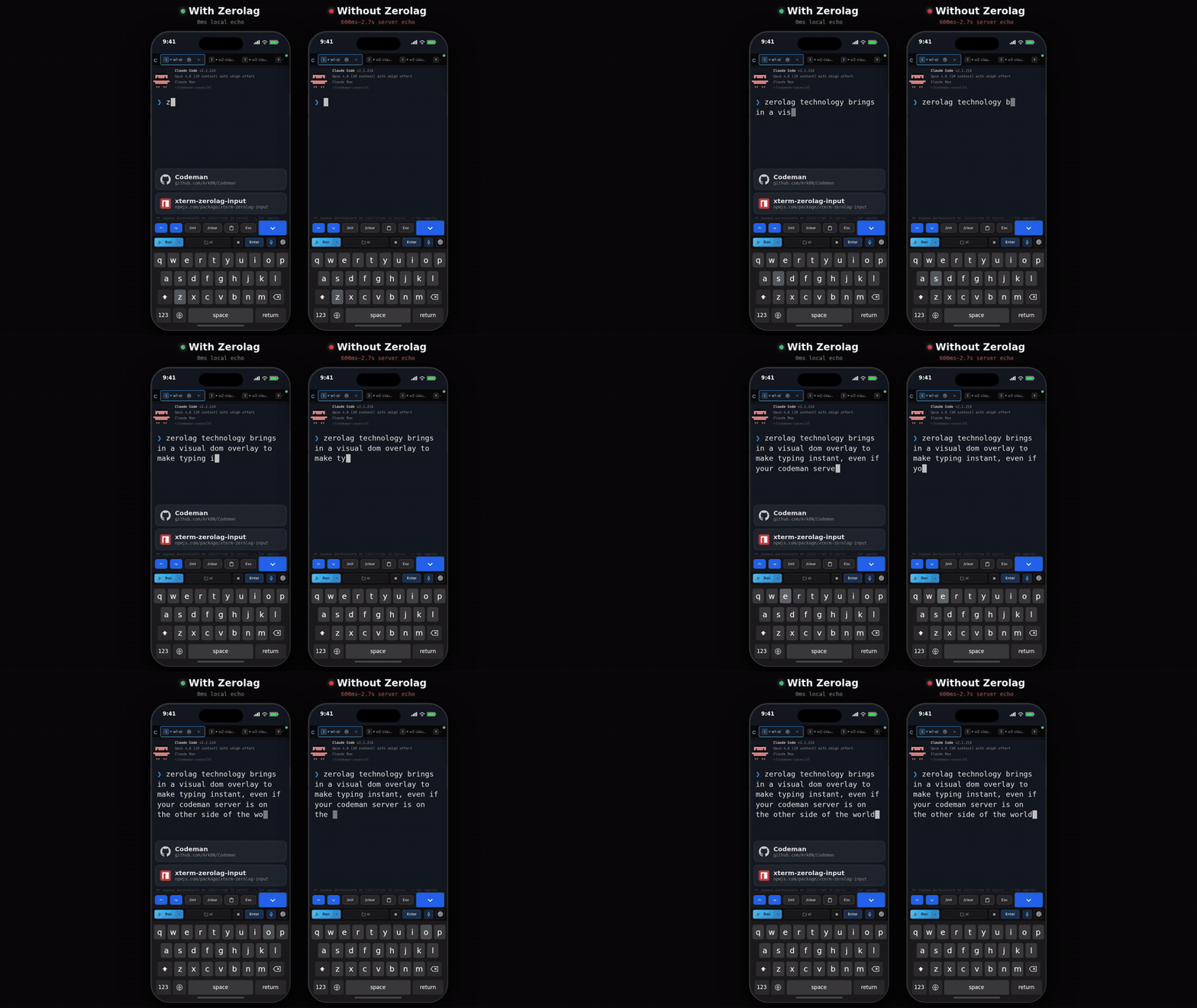
|
||||
|
||||
The consequence to remember: **text on screen has not necessarily reached the agent yet.**
|
||||
It is flushed on Enter. If a prompt appears to have been ignored, press Enter, or the phone
|
||||
toolbar's **Enter** button.
|
||||
|
||||
Default on for touch devices, off for desktop, and switchable in
|
||||
**App Settings → Terminal & Input**.
|
||||
|
||||
### Codex is different on purpose
|
||||
|
||||
Codex's composer reacts to every keystroke: `/` opens a live-filtering picker, arrows edit
|
||||
state on its side, the composer grows as text wraps. Buffering until Enter starved it, so
|
||||
Codex sessions use **predictive echo** instead: each keystroke is painted at its predicted
|
||||
position while the bytes actually sent stay identical to what you typed. Predictions
|
||||
reconcile against the real buffer and only apply while the cursor is on the composer row.
|
||||
|
||||
## CJK input
|
||||
|
||||
Chinese, Japanese, and Korean input needs an IME, and an IME needs a real text field.
|
||||
Turning on CJK input in **App Settings → Terminal & Input** puts an always-visible textarea
|
||||
below the terminal that owns composition, then delivers the composed text to the session.
|
||||
|
||||
## Voice dictation
|
||||
|
||||
`Ctrl+Shift+V`, or the microphone button. There are three providers and the default is
|
||||
`auto`, which prefers them in this order:
|
||||
|
||||
| Provider | Needs | Notes |
|
||||
| ------------------ | ---------------------------------------------- | ------------------------------------------------------------ |
|
||||
| **Claude** | Claude Code logged in on the server. Opt-in. | Uses this machine's existing Claude login. No extra key. |
|
||||
| **Deepgram** | A Deepgram API key. | Nova-3, with automatic silence detection. |
|
||||
| **Web Speech** | Nothing. | Browser-provided, quality varies. |
|
||||
|
||||
### Dictating through your Claude login
|
||||
|
||||
Off by default; enable it in **App Settings → Voice**.
|
||||
|
||||
Claude Code has its own voice mode, but it opens the **host's** microphone, and in Codeman
|
||||
the CLI runs headless in a tmux pane while you are in a browser somewhere else entirely. So
|
||||
Codeman captures audio in your browser and borrows only the backend: audio goes browser to
|
||||
Codeman to Anthropic, and the page never sees the OAuth token.
|
||||
|
||||
Two deliberate limits:
|
||||
|
||||
- **Credentials are read only.** Codeman never refreshes your Claude token, because a
|
||||
refresh rotates the refresh token and could sign you out of your own CLI. An expired token
|
||||
is reported as expired rather than silently renewed.
|
||||
- **Capture is raw PCM** at 16 kHz mono, which requires an AudioWorklet rather than the
|
||||
usual browser recorder.
|
||||
|
||||
## Read My Mind
|
||||
|
||||
**Claude only, off by default.** Turn it on in **App Settings**, and a 🧠 button appears in
|
||||
the header (on phones, in the keyboard bar instead).
|
||||
|
||||
It keeps a per-case **intent profile**: goals you or your agent write down, plus the prompts
|
||||
you actually submitted in that case. Pressing 🧠 feeds that profile plus live session signals
|
||||
to a single model call and shows a predicted next prompt.
|
||||
|
||||
What you can do with the result:
|
||||
|
||||
- **Send** it, **Insert** it into the composer, or edit it first.
|
||||
- Pick one of the alternate suggestions, which swaps into the editable field without losing
|
||||
your edits.
|
||||
- **Rethink**, optionally with a steer note, to reject the whole set and try again.
|
||||
|
||||
**Nothing is ever sent automatically.** Every path requires a click.
|
||||
|
||||
Where the data lives: the profile is keyed by owner and the resolved working directory, so
|
||||
it survives `/clear` and respawns. Prompts can contain secrets, so the store is written
|
||||
0600 and is deliberately excluded from cross-session search.
|
||||
|
||||
Guide: [`docs/readmymind.md`](https://github.com/Ark0N/Codeman/blob/master/docs/readmymind.md).
|
||||
|
||||
## Programmatic input
|
||||
|
||||
Sending prompts over the API has one rule that catches everyone: **the payload must end with
|
||||
`\r`** or Enter is never sent. The request still succeeds, the text sits unsubmitted in the
|
||||
composer, and any wait burns its whole timeout on a turn that never started.
|
||||
|
||||
Input is also **single line**. Embedded newlines are stripped rather than rejected, so
|
||||
`"echo A\necho B\r"` runs the joined `echo Aecho B`. Put multi-line content in a file and
|
||||
tell the agent to read it.
|
||||
|
||||
See [Driving Codeman From An Agent](Driving-Codeman-From-An-Agent).
|
||||
|
||||
## Gotchas
|
||||
|
||||
- **Typed text sitting on screen has not been sent.** Press Enter.
|
||||
- **`Ctrl+C` with a selection copies.** Clear the selection to interrupt.
|
||||
- **Voice needs HTTPS.** Microphone access requires a secure context, same as push
|
||||
notifications.
|
||||
- **Read My Mind goes blind for sessions using a relocated Claude config directory**, along
|
||||
with the other transcript-backed features. See [Agent CLIs](Agent-CLIs).
|
||||
|
||||
## Read next
|
||||
|
||||
- [Mobile Guide](Mobile-Guide) - the keyboard bar and touch input.
|
||||
- [Keyboard Shortcuts](Keyboard-Shortcuts) - the full list.
|
||||
- [Working With Files](Working-With-Files) - images and attachments as input.
|
||||
@@ -0,0 +1,234 @@
|
||||
# Installation
|
||||
|
||||
Getting Codeman onto a machine, verifying it works, updating it, and removing it.
|
||||
|
||||
## Requirements
|
||||
|
||||
| Requirement | Notes |
|
||||
| ---------------- | -------------------------------------------------------------------------------------------------------------------------------------- |
|
||||
| **macOS or Linux** | Windows works through WSL2. See [Windows](#windows-wsl) below. |
|
||||
| **Node.js 22+** | The installer offers to install it if missing. |
|
||||
| **tmux** | Not optional. Sessions live inside tmux, which is what makes them survive a server restart, a dropped connection, or a closed laptop. |
|
||||
| **An agent CLI** | At least one of [Claude Code](https://docs.anthropic.com/en/docs/claude-code), [OpenCode](https://opencode.ai), [Codex](https://developers.openai.com/codex/cli), [Antigravity](https://antigravity.google), [Gemini CLI](https://github.com/google-gemini/gemini-cli), [Pi](https://pi.dev). Plain shell sessions need none. See [Agent CLIs](Agent-CLIs). |
|
||||
|
||||
Codeman itself sends no telemetry and phones no home. The only network traffic is your
|
||||
browser to your server, and whatever the agent CLI you chose does on its own.
|
||||
|
||||
## Route A: the installer (recommended)
|
||||
|
||||
```bash
|
||||
curl -fsSL https://getcodeman.com/install | bash
|
||||
```
|
||||
|
||||
This installs Node.js and tmux if they are missing, clones Codeman into `~/.codeman/app`,
|
||||
and builds it.
|
||||
|
||||
What it asks you:
|
||||
|
||||
1. **Permission for every system change.** Package installs and agent CLI downloads are
|
||||
prompted individually. Nothing is installed silently.
|
||||
2. **How the dashboard should be reachable.** Three choices:
|
||||
- **Tailscale** (recommended for phone access): keeps the loopback bind and walks you
|
||||
through `tailscale serve`, including the tailnet HTTPS toggle, then verifies the result
|
||||
end to end.
|
||||
- **Your local network** (`0.0.0.0`): prompts for a password. Skipping the password takes
|
||||
an explicit confirmation and ends on a loud warning.
|
||||
- **This machine only** (`127.0.0.1`): the safest option, and the default for a bare
|
||||
`codeman web` regardless of what you pick here.
|
||||
|
||||
Which one is preselected depends on what the installer finds. A fresh install defaults to
|
||||
the local network, unless Tailscale is already connected, in which case it defaults to
|
||||
Tailscale. An existing loopback install defaults to keeping loopback, or to Tailscale when
|
||||
a serve mapping for Codeman is already there. A bare Enter never pulls in new software,
|
||||
and a non-interactive run always keeps the safe loopback default.
|
||||
3. **What to do when it finishes.** Run in this terminal, install as a background service
|
||||
that starts on boot, or do nothing yet.
|
||||
|
||||
Re-running the same one-liner **updates an existing install in place**. Local changes in
|
||||
`~/.codeman/app` are stashed rather than discarded, a running service is restarted and
|
||||
verified, and your existing network binding is preserved. An interrupted first install
|
||||
resumes instead of restarting.
|
||||
|
||||
Two other entry points exist:
|
||||
|
||||
```bash
|
||||
install.sh update # update only
|
||||
install.sh uninstall # remove
|
||||
install.sh tailscale # retrofit Tailscale access onto an existing install
|
||||
```
|
||||
|
||||
**Automation and CI**: with no terminal attached, any step that would change the system
|
||||
aborts with instructions instead of running silently. Set `CODEMAN_NONINTERACTIVE=1` to
|
||||
approve those steps. `CODEMAN_TAILSCALE=1` preselects the Tailscale answer, and never
|
||||
installs Tailscale itself non-interactively.
|
||||
|
||||
## Route B: npm
|
||||
|
||||
```bash
|
||||
npm install -g aicodeman
|
||||
codeman web
|
||||
```
|
||||
|
||||
The npm package is named `aicodeman`; the product is Codeman. Both `codeman` and
|
||||
`aicodeman` are installed as commands.
|
||||
|
||||
The trade-off against Route A: no guided network setup, and the in-app self-updater does
|
||||
not apply. npm installs report as non-updatable in **App Settings → System → Updates**, and
|
||||
you update with `npm update -g aicodeman`.
|
||||
|
||||
## Route C: git clone
|
||||
|
||||
For contributing, or for running unreleased code.
|
||||
|
||||
```bash
|
||||
git clone https://github.com/Ark0N/Codeman.git
|
||||
cd Codeman
|
||||
npm install # postinstall builds the vendored xterm addon bundles
|
||||
npm run dev # dev server on http://localhost:3000
|
||||
```
|
||||
|
||||
For a production run from a clone:
|
||||
|
||||
```bash
|
||||
npm run build
|
||||
npm run start
|
||||
```
|
||||
|
||||
`npm run dev` runs TypeScript directly through `tsx` with no build step. The frontend is
|
||||
plain JavaScript served from `src/web/public/` with no bundler, so editing a `.js` or `.css`
|
||||
file and reloading the page is enough. The one exception is `index.html`, which is read once
|
||||
at server start, so markup changes need a restart.
|
||||
|
||||
See [Contributing](Contributing) for the rest of the development loop.
|
||||
|
||||
## Installing an agent CLI
|
||||
|
||||
Codeman drives CLIs, it does not bundle them. Install at least one:
|
||||
|
||||
| CLI | Install | Notes |
|
||||
| --------------- | ------------------------------------------------------------------ | -------------------------------------------------------------------------- |
|
||||
| **Claude Code** | `npm i -g @anthropic-ai/claude-code` | The primary target. Some Codeman features are Claude-only: see [Agent CLIs](Agent-CLIs). |
|
||||
| **OpenCode** | See [opencode.ai](https://opencode.ai) | |
|
||||
| **Codex** | See [developers.openai.com/codex/cli](https://developers.openai.com/codex/cli) | |
|
||||
| **Antigravity** | See [antigravity.google](https://antigravity.google) | Google's successor to the consumer Gemini CLI. |
|
||||
| **Gemini CLI** | See [github.com/google-gemini/gemini-cli](https://github.com/google-gemini/gemini-cli) | Enterprise only since Google's June 2026 consumer cutover. |
|
||||
| **Pi** | See [pi.dev](https://pi.dev) | No permission prompts and no sandbox by design. Read [Agent CLIs](Agent-CLIs) before using it on a repo you care about. |
|
||||
|
||||
Log each CLI in once, by hand, before pointing Codeman at it. Codeman never collects or
|
||||
stores your CLI credentials.
|
||||
|
||||
## Verify the install
|
||||
|
||||
```bash
|
||||
codeman doctor # checks Node, tmux, the agent CLIs, document converters
|
||||
codeman --version
|
||||
codeman web # then open http://localhost:3000
|
||||
```
|
||||
|
||||
`codeman doctor --json` gives machine-readable output, and `--category core` narrows it to
|
||||
the things a session cannot start without.
|
||||
|
||||
If the dashboard loads and **+ New Session** opens, you are done. Continue to
|
||||
[Quick Start](Quick-Start).
|
||||
|
||||
## Where things live
|
||||
|
||||
| Path | What |
|
||||
| ----------------------- | ------------------------------------------------------------------------------------------------ |
|
||||
| `~/.codeman/app` | The installed code (installer route only). |
|
||||
| `~/.codeman/` | All state: `state.json`, settings, session history, push keys, TLS certs. See [Core Concepts](Core-Concepts). |
|
||||
| `~/codeman-cases/` | Cases created from scratch. Linked cases stay wherever they already are. |
|
||||
| `~/.codeman/web.log` | Log for a detached (`-d`) server. |
|
||||
|
||||
Everything is under your home directory, and nothing needs root.
|
||||
|
||||
## Keeping it running
|
||||
|
||||
A bare `codeman web` dies with the shell that started it. Two ways to outlive that:
|
||||
|
||||
```bash
|
||||
codeman web -d # detached; --status and --stop manage it
|
||||
codeman service install # systemd user unit or macOS LaunchAgent; survives reboots
|
||||
```
|
||||
|
||||
Full detail, including logs and the self-updater, is in
|
||||
[Running As A Service](Running-As-A-Service).
|
||||
|
||||
## Updating
|
||||
|
||||
| Install route | How to update |
|
||||
| ------------- | ----------------------------------------------------------------- |
|
||||
| Installer | Re-run the one-liner, or **App Settings → System → Updates** in the UI. |
|
||||
| npm | `npm update -g aicodeman` |
|
||||
| git clone | `git pull && npm install && npm run build`, then restart. |
|
||||
|
||||
The in-app updater covers git-clone installs supervised by systemd or launchd. It restarts
|
||||
the process that is running it, so the actual work happens in a detached script and the
|
||||
browser polls across the restart. Progress appears in the UI.
|
||||
|
||||
## Uninstalling
|
||||
|
||||
```bash
|
||||
install.sh uninstall # installer route
|
||||
npm uninstall -g aicodeman # npm route
|
||||
```
|
||||
|
||||
Neither removes `~/.codeman/` or `~/codeman-cases/`. Delete those by hand if you want the
|
||||
state and your case folders gone as well, and check `~/codeman-cases/` first: linked cases
|
||||
point at directories you already had, but cases created from scratch have their only copy
|
||||
there.
|
||||
|
||||
Running tmux sessions are not killed by an uninstall. `tmux -L codeman kill-server` ends
|
||||
them.
|
||||
|
||||
## Windows (WSL)
|
||||
|
||||
```powershell
|
||||
wsl bash -c "curl -fsSL https://getcodeman.com/install | bash"
|
||||
```
|
||||
|
||||
Codeman requires tmux, so Windows runs it inside
|
||||
[WSL2](https://learn.microsoft.com/en-us/windows/wsl/install). If you do not have WSL yet:
|
||||
run `wsl --install` in an admin PowerShell, reboot, open Ubuntu, and install your agent CLI
|
||||
*inside* WSL. `http://localhost:3000` then works from your Windows browser.
|
||||
|
||||
Work inside the Linux filesystem (`~/project`), not `/mnt/c/...`. Filesystem watching and
|
||||
git are both dramatically slower across the Windows mount, and agents notice.
|
||||
|
||||
## macOS notes
|
||||
|
||||
**`Error: posix_spawnp failed.` on every session start.** node-pty publishes its macOS
|
||||
`spawn-helper` without the executable bit, and macOS launches every PTY through it. Codeman
|
||||
detects this and repairs it automatically on the first failure. If you hit it on a clone
|
||||
install and want to fix it by hand:
|
||||
|
||||
```bash
|
||||
npm run fix:node-pty
|
||||
```
|
||||
|
||||
This is a `chmod`, not a rebuild. Look in `prebuilds/darwin-<arch>/`, not
|
||||
`build/Release/`, which does not exist on macOS. Linux cannot reproduce this.
|
||||
|
||||
**launchd and PATH.** A LaunchAgent gets `/usr/bin:/bin:/usr/sbin:/sbin`, which finds
|
||||
neither a Homebrew or nvm `node` nor `tmux` or `claude`. `codeman service install` bakes
|
||||
your current PATH into the unit for exactly this reason, so prefer it over a hand-written
|
||||
plist.
|
||||
|
||||
## Gotchas
|
||||
|
||||
- **`tmux: command not found` after a successful install.** The installer asks before
|
||||
installing packages, and a declined prompt is a valid answer it remembers. Install tmux
|
||||
and re-run.
|
||||
- **Port 3000 in use.** `codeman web --port 8080`, or set `CODEMAN_PORT`.
|
||||
- **Two Codemans on one machine.** The data directory and the tmux socket are both process
|
||||
wide, so a second instance discovers and attaches the first one's live sessions. Give each
|
||||
a distinct `CODEMAN_INSTANCE` before starting a second. See [Core Concepts](Core-Concepts).
|
||||
- **The dashboard is not reachable from your phone.** That is the default, not a fault. The
|
||||
server binds `127.0.0.1`. See [Remote Access](Remote-Access).
|
||||
|
||||
## Read next
|
||||
|
||||
- [Quick Start](Quick-Start) - your first working session.
|
||||
- [Agent CLIs](Agent-CLIs) - picking and setting up a run mode.
|
||||
- [Remote Access](Remote-Access) - reaching it from another device.
|
||||
- [Troubleshooting](Troubleshooting) - when the above did not go as written.
|
||||
@@ -0,0 +1,159 @@
|
||||
# Keeping Agents Running
|
||||
|
||||
Codeman exists for the hours you are not at the keyboard. This page covers how it notices an
|
||||
agent has stopped, what it does about it, and how to run a session overnight without
|
||||
babysitting it.
|
||||
|
||||
Everything here is **per session and off by default**. A session you never configure just
|
||||
sits there when it finishes, which is usually what you want.
|
||||
|
||||
## How Codeman knows an agent is idle
|
||||
|
||||
Harder than it sounds, and worth understanding, because it is what every other feature here
|
||||
is built on.
|
||||
|
||||
**For Claude sessions**, the naive signal does not work. Claude redraws its prompt marker
|
||||
roughly once a second all the way through a turn, so "saw a prompt, waited two seconds,
|
||||
called it idle" flipped working sessions to idle a couple of seconds into every turn. Its
|
||||
real working indicator is an animated line whose glyph and wording both change, and terminal
|
||||
repaints arrive in partial fragments, so matching it in the output stream does not work
|
||||
either.
|
||||
|
||||
So Codeman waits for the pane to go quiet, then **asks the screen** what is on it before
|
||||
believing the session is idle. Turn-start detection works the same way in reverse: a
|
||||
sustained run of repaints marks a turn as started, with the same screen check vetoing mere
|
||||
keystroke echo. Idle now lands a few seconds after a turn genuinely ends.
|
||||
|
||||
There are several layers stacked on that: a completion message from the CLI, an AI check,
|
||||
output silence, and token stability.
|
||||
|
||||
**For every other CLI**, there are no hooks to lean on, so detection is output
|
||||
stabilization: the session is idle when output stops changing. Coarser, and it is why the
|
||||
features further down this page are Claude-only.
|
||||
|
||||
## The Respawn Controller
|
||||
|
||||
Respawn keeps a session working past the point where the agent would otherwise stop. When
|
||||
the session goes idle, Codeman runs a cycle and starts it again.
|
||||
|
||||
A cycle is up to four steps, each optional:
|
||||
|
||||
1. **Update prompt.** Ask the agent to write down where it got to, so the next round can pick
|
||||
it up.
|
||||
2. **`/clear`.** Reset the context window.
|
||||
3. **`/init`.** Re-read the project's `CLAUDE.md`.
|
||||
4. **Kickstart prompt.** Tell it to continue.
|
||||
|
||||
Steps 2 and 3 are what make long runs possible: without a context reset, a multi-hour
|
||||
session eventually spends its whole window on its own history.
|
||||
|
||||
Configure it in **Session Options → Respawn**, then press **Enable**. It repeats until the
|
||||
duration you set runs out.
|
||||
|
||||
| Setting | What it controls |
|
||||
| ---------------------- | ----------------------------------------------------------------------- |
|
||||
| **Idle timeout** | How long the session must be quiet before a cycle starts. |
|
||||
| **Duration** | How long the whole arrangement stays armed. |
|
||||
| **Inter-step delay** | Pause between the steps above, so a step is not sent into a busy pane. |
|
||||
| **`/clear` + `/init`** | Whether the context reset happens at all. |
|
||||
| **Update prompt** | What the agent is asked to record before the reset. |
|
||||
| **Kickstart prompt** | What starts the next round. |
|
||||
| **Auto-accept prompts**| Answer routine confirmation dialogs automatically. |
|
||||
|
||||
### Presets
|
||||
|
||||
Five built-ins, and the numbers matter more than the names. The idle timeout is the main
|
||||
difference: a lead session coordinating subagents is legitimately silent for a minute at a
|
||||
time, and a three second timeout would interrupt it constantly.
|
||||
|
||||
| Preset | Idle timeout | Duration | Built for |
|
||||
| -------------- | ------------ | -------- | --------------------------------------------------------------- |
|
||||
| **Solo** | 3s | 60 min | One agent working alone, fast cycles with a context reset. |
|
||||
| **Subagents** | 45s | 240 min | A lead session running Task subagents; tolerates their silences. |
|
||||
| **Team** | 90s | 480 min | Leading an agent team; tolerates long silences. |
|
||||
| **Ralph/Todo** | 8s | 480 min | Working through a task list with progress tracking. |
|
||||
| **Overnight** | 10s | 480 min | Unattended overnight runs with a full reset between cycles. |
|
||||
|
||||
Start from the preset that matches your shape of work and adjust the idle timeout first.
|
||||
Presets you build yourself can be saved alongside these.
|
||||
|
||||
### What it costs
|
||||
|
||||
Every cycle is real tokens: the update prompt, the reset, and the kickstart, plus whatever
|
||||
work follows. An overnight run is a deliberate spend, not a background nicety. The duration
|
||||
setting is the ceiling, and it is worth setting honestly.
|
||||
|
||||
## Auto-resume when a usage limit resets
|
||||
|
||||
**Claude only.** At the top of the Respawn tab.
|
||||
|
||||
When Claude halts on a subscription limit, the message names the time the limit resets.
|
||||
Codeman parses it, arms a timer for two minutes after that, then sends Escape followed by
|
||||
`continue`.
|
||||
|
||||
The important part is what it does **not** do: respawn cycles are blocked while a session is
|
||||
limit-paused. Without that, the next cycle would fire `/clear` and wipe the conversation you
|
||||
are waiting to resume. This is the single most useful setting for overnight runs on a
|
||||
subscription plan.
|
||||
|
||||
## The plan usage chip
|
||||
|
||||
**Claude only.** A header chip showing live subscription usage, on by default on desktop and
|
||||
off on phones.
|
||||
|
||||
It works by installing a status line exporter into Claude Code, which posts Claude's own
|
||||
rate limit data back to Codeman. The exporter is marker-identified, so it only ever touches
|
||||
a status line Codeman installed, never one you wrote yourself, and it prints your footer
|
||||
through so the in-terminal status line still works.
|
||||
|
||||
The chip and the exporter are the same setting. Turning the chip on without the exporter
|
||||
would leave it showing a dash forever, so resolve it in one place: **App Settings**.
|
||||
|
||||
## Circuit breakers
|
||||
|
||||
Two, and they are unrelated:
|
||||
|
||||
- **The Ralph breaker** stops respawn thrashing. It moves from closed to half-open to open,
|
||||
and is reset from the session's Ralph controls.
|
||||
- **The PTY-exit breaker** trips when a session's process exits repeatedly and quickly, and
|
||||
blocks automatic restarts so a broken configuration cannot spin forever.
|
||||
|
||||
The PTY-exit breaker resets **only** on an explicit clear. Reattaching to the session does
|
||||
not clear it, deliberately, so a UI reconnect cannot paper over a session that is genuinely
|
||||
failing to start.
|
||||
|
||||
## A working overnight setup
|
||||
|
||||
1. Start a Claude session in the case you want worked on.
|
||||
2. Give it a clear goal and let it start. Respawn continues work, it does not invent it.
|
||||
3. **Session Options → Respawn → Overnight preset.**
|
||||
4. Turn on **auto-resume on usage limit**.
|
||||
5. Set the duration to how long you actually want it running.
|
||||
6. Press **Enable**.
|
||||
7. Optionally turn on push notifications so a blocking question reaches your phone: see
|
||||
[Notifications And Approvals](Notifications-And-Approvals).
|
||||
|
||||
In the morning, the **Away Digest** summarizes what happened while you were gone, and the
|
||||
run summary and lifecycle log carry the detail.
|
||||
|
||||
## Gotchas
|
||||
|
||||
- **Respawn without a context reset stalls eventually.** The window fills with history and
|
||||
the agent gets less useful every cycle.
|
||||
- **An idle timeout that is too short interrupts real work.** If the agent runs long tool
|
||||
calls or coordinates subagents, raise it. That is what the Subagents and Team presets are.
|
||||
- **The update prompt is what makes a reset survivable.** After `/clear`, everything the
|
||||
agent knows comes from that summary and the project files. A vague update prompt produces
|
||||
a vague next cycle.
|
||||
- **Non-Claude sessions can respawn**, but with output-based idle detection and no
|
||||
usage-limit auto-resume.
|
||||
- **Do not run respawn on a session you are actively typing in.** It will send prompts
|
||||
underneath you.
|
||||
|
||||
## Read next
|
||||
|
||||
- [Autonomous Loops](Autonomous-Loops) - Ralph and the orchestrator, for structured
|
||||
autonomous work rather than "keep going".
|
||||
- [Cron Jobs](Cron-Jobs) - starting work on a schedule instead of continuing it.
|
||||
- [Notifications And Approvals](Notifications-And-Approvals) - being told when it needs you.
|
||||
- [`docs/respawn-state-machine.md`](https://github.com/Ark0N/Codeman/blob/master/docs/respawn-state-machine.md) - the state machine itself.
|
||||
@@ -0,0 +1,72 @@
|
||||
# Keyboard Shortcuts
|
||||
|
||||
Every binding, and how to change them. `Ctrl` also accepts `Cmd` on macOS.
|
||||
|
||||
Press `Ctrl+?` in the app for the same list in a floating overlay.
|
||||
|
||||
## Sessions and tabs
|
||||
|
||||
| Shortcut | Action |
|
||||
| ------------------------------- | --------------------------------------------------------------- |
|
||||
| `Ctrl+K` (also `Cmd+K`, `Alt+K`)| Find an open session or start a new one. |
|
||||
| `Ctrl+W` | Kill the active session. |
|
||||
| `Ctrl+Tab` | Next session. |
|
||||
| `Alt+[` / `Alt+]` | Previous / next tab. |
|
||||
| `Alt+1` to `Alt+9` | Switch to tab N. Physical keys, so macOS Option layouts work. |
|
||||
| `Ctrl+Shift+{` / `Ctrl+Shift+}` | Move the active tab left / right. |
|
||||
| `Alt+B` | Collapse / expand the session sidebar, when that layout is on. |
|
||||
|
||||
## Terminal
|
||||
|
||||
| Shortcut | Action |
|
||||
| ----------------------- | --------------------------------------------------------------- |
|
||||
| `Enter` | Send. |
|
||||
| `Shift+Enter` | Insert a newline without sending. |
|
||||
| `Ctrl+Enter` | Same. |
|
||||
| `Ctrl+C` | Copy the selection, or interrupt when nothing is selected. |
|
||||
| `Ctrl+Shift+C` | Copy the selection. Never interrupts. |
|
||||
| `Ctrl+L` | Clear the terminal. |
|
||||
| `Ctrl+Shift+R` | Restore terminal size. |
|
||||
| `Ctrl` `+` / `Ctrl` `-` | Font size. |
|
||||
| `Shift+Wheel` | Scroll the local buffer, even where the wheel is forwarded to the CLI. |
|
||||
|
||||
## Everything else
|
||||
|
||||
| Shortcut | Action |
|
||||
| -------------- | ------------------------------- |
|
||||
| `Ctrl+Shift+V` | Toggle voice input. |
|
||||
| `Ctrl+?` | Shortcut reference overlay. |
|
||||
| `Escape` | Close panels and modals. |
|
||||
|
||||
## Rebinding
|
||||
|
||||
**App Settings → Shortcuts.** Bindings live in a registry with per-user overrides, so a
|
||||
rebind is stored as an override on top of the default rather than replacing the table.
|
||||
|
||||
Two things are deliberately not rebindable:
|
||||
|
||||
- **`Ctrl+C` smart copy.** The generic dispatch loop calls `preventDefault()` on every
|
||||
shortcut it handles, and doing that to `Ctrl+C` would swallow the interrupt when nothing
|
||||
is selected. It is handled separately for that reason.
|
||||
- **`Escape`**, which closes whatever is open.
|
||||
|
||||
## Why some chords behave oddly
|
||||
|
||||
The terminal sees keystrokes before the app does. Any chord the app claims has to also be
|
||||
swallowed at the terminal layer, or xterm writes the control byte into the session as well
|
||||
as triggering the action. If you rebind something to a chord the terminal cares about
|
||||
(`Ctrl+D`, say), expect the CLI to see it too.
|
||||
|
||||
`Alt+1` through `Alt+9` are matched on **physical key position** rather than the character
|
||||
produced, so macOS Option layouts that produce `¡™£` still switch tabs.
|
||||
|
||||
## On phones
|
||||
|
||||
There is no physical keyboard, so the equivalents live in the keyboard accessory bar: `Esc`,
|
||||
`Ctrl` as a one-shot modifier, `Tab`, arrows, and quick actions. See
|
||||
[Mobile Guide](Mobile-Guide).
|
||||
|
||||
## Read next
|
||||
|
||||
- [The Dashboard](The-Dashboard) - what the shortcuts are navigating.
|
||||
- [Settings Reference](Settings-Reference) - where the overrides are stored.
|
||||
@@ -0,0 +1,145 @@
|
||||
# Mobile Guide
|
||||
|
||||
Codeman on a phone is not a shrunken desktop UI. It is the surface most of its design
|
||||
attention has gone into, because checking on an agent from a bus is the thing this software
|
||||
is for.
|
||||
|
||||
<p align="center">
|
||||
<img src="https://raw.githubusercontent.com/Ark0N/Codeman/master/docs/screenshots/mobile-session-keyboard-20260727.png" alt="Answering an agent prompt on a phone" width="300">
|
||||
</p>
|
||||
|
||||
## Getting there
|
||||
|
||||
1. **Set up access.** Tailscale is the recommended route and gives you real HTTPS. See
|
||||
[Remote Access](Remote-Access).
|
||||
2. **Log in by QR.** Open the dashboard on your desktop and scan the code. No password
|
||||
typing. Tokens are single use and rotate every 60 seconds.
|
||||
3. **Install it to your home screen.** On iOS this is mandatory for push notifications;
|
||||
Safari does not deliver push to tabs. On Android it makes the app full screen.
|
||||
|
||||
HTTPS matters for more than security here: microphone access and push notifications both
|
||||
require a secure context.
|
||||
|
||||
## The layout
|
||||
|
||||
| Element | Where |
|
||||
| -------------------- | --------------------------------------------------------------------- |
|
||||
| Header | Fixed at the top, deliberately minimal. Desktop-only controls never appear. |
|
||||
| Tab strip | Scrolls horizontally. The active tab is always scrolled into view. |
|
||||
| Terminal | The rest of the screen. |
|
||||
| Toolbar | Bottom: Run, Stop, **Enter**, case picker, voice, settings. |
|
||||
| Keyboard bar | Above the on-screen keyboard when it is open. |
|
||||
|
||||
Layout respects notch and home-indicator safe areas, touch targets are 44px, and the case
|
||||
picker is a bottom sheet rather than a dropdown.
|
||||
|
||||
**Swipe left and right** on the terminal to switch sessions.
|
||||
|
||||
## The home screen
|
||||
|
||||
Tapping the "C" logo gives a session overview rather than a welcome page:
|
||||
|
||||
1. **NEEDS YOU** first: sessions blocked on a question, with answer strips so you can
|
||||
resolve them without opening the session.
|
||||
2. **CURRENT SESSIONS** with live status.
|
||||
3. **PAST SESSIONS**, resumable.
|
||||
|
||||
Row status uses the same language as the tabs: green when fine, pulsing while working,
|
||||
yellow when waiting for input, red when a question is pending.
|
||||
|
||||
The split Run button carries the same per-backend colours as the desktop toolbar, and its
|
||||
picker mirrors the desktop run-mode menu.
|
||||
|
||||
On by default; it can be turned off in settings.
|
||||
|
||||
## The keyboard accessory bar
|
||||
|
||||
A row of keys above the virtual keyboard, and what it contains depends on the session.
|
||||
|
||||
**Agent sessions** get quick actions: `/init`, `/clear`, `/compact`, a clipboard key, `Esc`,
|
||||
a path picker, an image key, and 🧠 when Read My Mind is on. Destructive commands need a
|
||||
double press, so you cannot fire `/clear` with a stray thumb.
|
||||
|
||||
**Shell sessions** automatically swap it for terminal controls: `Ctrl`, `Esc`, `Tab`, four
|
||||
arrows, paste, and dismiss. Your normal preference is remembered and restored when you
|
||||
switch back to an agent session, so a settings change during a shell session cannot strip
|
||||
the bar away permanently.
|
||||
|
||||
### One-shot Ctrl
|
||||
|
||||
`Ctrl` on the shell bar is a **one-shot modifier**: tap `Ctrl`, then tap `c`, and the
|
||||
control byte is sent. It disarms on use, on a second tap, on any other accessory key, on a
|
||||
session switch, and when the keyboard closes.
|
||||
|
||||
That list matters. A modifier left armed turns your next innocent keystroke into a control
|
||||
byte, so it is deliberately eager to disarm. Keys with no control equivalent pass through
|
||||
unchanged, exactly like a hardware keyboard.
|
||||
|
||||
## The Enter button
|
||||
|
||||
The toolbar's dedicated **Enter** button exists because of local echo. On a phone, the
|
||||
characters you type are painted locally and have not reached the agent yet; Enter flushes
|
||||
them and then submits.
|
||||
|
||||
It replays the keypress through the terminal rather than sending a bare carriage return.
|
||||
Sending a bare `\r` would submit an empty line and strand your typed text on screen, which
|
||||
looks exactly like a dead button.
|
||||
|
||||
On phones this button replaces the desktop's **Run Shell** control; starting a shell moved
|
||||
into the Run dropdown.
|
||||
|
||||
## Scrolling and the keyboard
|
||||
|
||||
- The terminal and toolbar shift up when the keyboard opens, tracked through the browser's
|
||||
visual viewport rather than guessed.
|
||||
- **Two ways to dismiss the keyboard**: tap outside the terminal on inert space, or tap twice
|
||||
on inert terminal content. Tapping a control never dismisses it, and tapping the prompt row
|
||||
keeps focus so you can place the caret.
|
||||
- A scroll is never mistaken for a tap: travel is measured from the start of the gesture, and
|
||||
multi-touch never counts.
|
||||
|
||||
## Voice
|
||||
|
||||
The microphone button, or the keyboard bar. Providers and setup are covered in
|
||||
[Input And Voice](Input-And-Voice). Dictating is often faster than typing a prompt on a
|
||||
phone, and it is the main reason the feature exists.
|
||||
|
||||
## Notifications
|
||||
|
||||
Push notifications reach you with no tab open, and with the Approvals Inbox on they carry
|
||||
**Approve** and **Deny** buttons handled by the service worker, so you can unblock an agent
|
||||
from the lock screen.
|
||||
|
||||
Setup in [Notifications And Approvals](Notifications-And-Approvals).
|
||||
|
||||
## Reading long answers
|
||||
|
||||
The terminal viewport is small. **Last Response** (opt-in header button) renders the agent's
|
||||
last answer as scrollable text instead, with a **More** button for additional context.
|
||||
|
||||
The [File Viewer](Working-With-Files) works on phones too, including edit mode, which is
|
||||
enough to fix a typo an agent introduced while you are away from your desk.
|
||||
|
||||
## What is deliberately not on phones
|
||||
|
||||
- Extra header buttons. New header controls are kept off phones by policy, with a test that
|
||||
enforces it.
|
||||
- The Approvals bell. Phones get the NEEDS YOU strips on the home screen instead.
|
||||
- The desktop home tab rail, which needs a wide window.
|
||||
- Lineage arcs, which are a desktop overlay.
|
||||
|
||||
## Gotchas
|
||||
|
||||
- **Typed text sitting on screen has not been sent.** Press Enter.
|
||||
- **iOS needs the home screen install for push**, not just a bookmark.
|
||||
- **iOS Safari can serve stale JavaScript after an update** until the tab is fully closed.
|
||||
Close it and reopen.
|
||||
- **Plain HTTP over a LAN address disables voice and push.** Use HTTPS.
|
||||
- **An armed `Ctrl` is visibly highlighted.** If it looks the same as a resting key, you are
|
||||
on an old version, on a light skin.
|
||||
|
||||
## Read next
|
||||
|
||||
- [Remote Access](Remote-Access) - getting the phone connected in the first place.
|
||||
- [Notifications And Approvals](Notifications-And-Approvals) - being told when you are needed.
|
||||
- [Input And Voice](Input-And-Voice) - local echo, dictation, and the input rules.
|
||||
@@ -0,0 +1,97 @@
|
||||
# Multi-User Mode
|
||||
|
||||
Share one Codeman with a small trusted team. Each person gets their own login and workspace,
|
||||
and sessions, cases, search, and live events are scoped to their owner.
|
||||
|
||||
**Off by default.** Without the flag, behaviour is identical to single-user Codeman, because
|
||||
every scoping check short-circuits.
|
||||
|
||||
## Read this before enabling it
|
||||
|
||||
**Multi-user mode separates workspaces. It does not sandbox users from each other.**
|
||||
|
||||
Every session still runs as the **same operating system account**. A determined user's agent
|
||||
can reach another user's files, because at the OS level they are the same user. This is a
|
||||
convenience and organization feature, not a security boundary.
|
||||
|
||||
If you need real isolation:
|
||||
|
||||
- Pair each user with [Docker Cases](Docker-Cases), which gives their work its own
|
||||
filesystem and network.
|
||||
- Or run separate Codeman instances under separate OS accounts, each with its own
|
||||
`CODEMAN_INSTANCE`.
|
||||
|
||||
"Small trusted team" is the honest description of who this is for.
|
||||
|
||||
## Enabling it
|
||||
|
||||
```bash
|
||||
codeman users add alice --admin # create the first admin, prompts for a password
|
||||
codeman web --multiuser # or CODEMAN_MULTIUSER=1
|
||||
```
|
||||
|
||||
Then manage users from the CLI or the **Users** entry in App Settings:
|
||||
|
||||
```bash
|
||||
codeman users add bob # a regular user
|
||||
codeman users list
|
||||
codeman users passwd bob # reset to a one-time password
|
||||
codeman users rm bob
|
||||
```
|
||||
|
||||
`--password-stdin` reads the password from standard input, for scripts.
|
||||
|
||||
Accounts live in `~/.codeman/users.json` with scrypt-hashed passwords, mode 0600.
|
||||
Administrative actions are audited to `~/.codeman/admin-audit.jsonl`.
|
||||
|
||||
## What each user gets
|
||||
|
||||
| Thing | Scope |
|
||||
| ------------------- | ---------------------------------------------------------------------------- |
|
||||
| **Case space** | `~/codeman-users/<name>/cases`, their own. |
|
||||
| **Sessions** | Only theirs are listed, reachable, or controllable. |
|
||||
| **Events** | Live event routing is per owner, and fails closed. |
|
||||
| **Search** | Scoped on read, including historical results. |
|
||||
| **File previews** | Scoped to sessions they own. |
|
||||
| **Path picker** | Only their own user space as a root, not the whole home directory. |
|
||||
|
||||
Admins see everything.
|
||||
|
||||
Ownership threads through every list endpoint, the session lookup helper, the WebSocket
|
||||
layer, and file previews. A user cannot address another user's session even by id.
|
||||
|
||||
## Safer defaults for regular users
|
||||
|
||||
Non-admins get tighter defaults, and lifting them is an explicit per-user grant:
|
||||
|
||||
| Default | Meaning |
|
||||
| ---------------------------------- | ------------------------------------------------------------------------ |
|
||||
| Claude runs in `auto` permission mode | Anthropic's classifier-guarded mode instead of skip-prompts. |
|
||||
| Raw shell sessions require a grant | A plain shell is unmediated machine access. |
|
||||
| Skip-permissions requires a grant | Same reasoning. |
|
||||
| Cron `launchCommand` requires a grant | It is an arbitrary command on a schedule. |
|
||||
| Pi project trust defaults to off | Trust makes Pi execute repo-local TypeScript. |
|
||||
|
||||
These exist because the OS boundary is shared. They narrow what a normal account can do
|
||||
casually; they do not make the account a sandbox.
|
||||
|
||||
## Accounts and sessions
|
||||
|
||||
Each user authenticates with their own name and password rather than the shared
|
||||
`CODEMAN_PASSWORD`. Logins are individually revocable: disable, reset, or delete an account
|
||||
at any time, and existing browser sessions can be revoked.
|
||||
|
||||
## Gotchas
|
||||
|
||||
- **Enabling it does not migrate existing cases** into a user space. They stay where they
|
||||
are, owned by whoever the ownership rules resolve them to.
|
||||
- **Admins see everything**, including other users' sessions. Choose admins accordingly.
|
||||
- **The audit log is append-only and local.** Ship it somewhere if you care about it.
|
||||
- **It is not a substitute for OS accounts.** Restating this because it is the one thing
|
||||
people get wrong.
|
||||
|
||||
## Read next
|
||||
|
||||
- [Security](Security) - where this fits in the model, and what it does not cover.
|
||||
- [Docker Cases](Docker-Cases) - the isolation story that actually isolates.
|
||||
- [`docs/multi-user-plan.md`](https://github.com/Ark0N/Codeman/blob/master/docs/multi-user-plan.md) - the design.
|
||||
@@ -0,0 +1,147 @@
|
||||
# Notifications and Approvals
|
||||
|
||||
An agent that stops to ask a question, with nobody watching, is a run that quietly wasted an
|
||||
hour. This page covers every way Codeman tells you it needs you, and how to answer without
|
||||
opening the session.
|
||||
|
||||
## The signals, cheapest first
|
||||
|
||||
| Surface | Reaches you | Default |
|
||||
| ---------------------- | ------------------------------------------------- | ------- |
|
||||
| Tab alert | While the dashboard is open | On |
|
||||
| Browser title flash | Another tab in the same browser | On |
|
||||
| Desktop notification | Another window on the same machine | Opt-in |
|
||||
| Push notification | Anywhere, even with no tab open | Opt-in |
|
||||
| Approvals Inbox | One queue across every session | Opt-in |
|
||||
| Phone overview | Phone home screen, NEEDS YOU section | On |
|
||||
| Away Digest | Afterwards, as a summary | Opt-in |
|
||||
|
||||
## Tab alerts
|
||||
|
||||
The tab itself changes state:
|
||||
|
||||
| State | Meaning |
|
||||
| -------------------- | ---------------------------------------------------------- |
|
||||
| Yellow, blinking | The agent is waiting for input from you. |
|
||||
| Red, blinking | A question or permission prompt is blocking the session. |
|
||||
|
||||
These are a steady colour with a pulse layered on top, not a blink to transparent, so a tab
|
||||
needing attention looks that way at every point in the cycle.
|
||||
|
||||
They survive a reload. The alert state is re-seeded from the server on page load, so
|
||||
reloading the dashboard while a permission dialog is blocking a session does not leave you
|
||||
with a normal-looking tab.
|
||||
|
||||
For Claude sessions, these come from Claude Code's hooks and are precise about *why* the
|
||||
session stopped. For other CLIs there are no hooks, so you get the coarser output-based
|
||||
signal.
|
||||
|
||||
## Window title and OS notifications
|
||||
|
||||
The browser tab title is prefixed `codeman:<host>`, so several Codeman instances across
|
||||
several machines stay distinguishable at a glance. Override the hostname with
|
||||
`codeman web --title-hostname <name>`.
|
||||
|
||||
Desktop notifications use the same prefix. Enable them in **App Settings → Notifications**.
|
||||
|
||||
## Push notifications
|
||||
|
||||
Push reaches your phone with **no Codeman tab open at all**, which is the only option that
|
||||
works while you are actually away.
|
||||
|
||||
Setup:
|
||||
|
||||
1. Open Codeman over **HTTPS**. Web push requires a secure context. Tailscale gives you real
|
||||
HTTPS; `--https` gives you a self-signed certificate; plain HTTP over a LAN address will
|
||||
not work.
|
||||
2. **App Settings → Notifications → Subscribe**, and accept the browser prompt.
|
||||
3. On **iOS**, add Codeman to your home screen first. Safari only delivers web push to
|
||||
installed web apps, not to tabs.
|
||||
|
||||
Once subscribed, a blocking prompt reaches your phone even from a locked screen.
|
||||
|
||||
## The Approvals Inbox
|
||||
|
||||
**Opt-in, off by default. Claude sessions only.**
|
||||
|
||||
One queue of every prompt currently waiting on a human, across all your sessions, answerable
|
||||
in place. When you have eight workers running, this is the difference between checking eight
|
||||
tabs and checking one list.
|
||||
|
||||
Turn it on in **App Settings**. Surfaces:
|
||||
|
||||
- **A header bell** with a count, hidden entirely while the count is zero. Never shown on
|
||||
phones.
|
||||
- **A drawer** listing each waiting card.
|
||||
- **NEEDS YOU strips** at the top of the phone overview home screen.
|
||||
|
||||
Each card shows the session, the case, and the captured prompt with its options. Answering
|
||||
sends the keystroke into the session for you: a digit for a menu choice, Escape to decline,
|
||||
or free text for an idle prompt.
|
||||
|
||||
Behaviour worth knowing:
|
||||
|
||||
- **One item per session.** A newer prompt supersedes the older one, because the older one
|
||||
is no longer on screen.
|
||||
- **Menu answers are validated against the live screen.** Codeman re-captures the pane before
|
||||
sending, and refuses with a conflict if the dialog is no longer there. Otherwise your
|
||||
keystroke would land in the composer as stray text.
|
||||
- **Permission and question items clear only on definitive signals**: the turn ending, the
|
||||
dialog completing, an answer, a supersede, the session exiting, or a 12 hour timeout. They
|
||||
do not clear on a heuristic "looks busy again" signal, because that signal is wrong often
|
||||
enough to lose a real prompt.
|
||||
- **In memory only.** Restarting the server clears the queue; the prompts themselves are
|
||||
still sitting in the sessions.
|
||||
|
||||
### Approve and Deny from the notification
|
||||
|
||||
With the inbox enabled, push notifications carry **Approve** and **Deny** buttons. Those are
|
||||
handled by the service worker directly, so they work with no tab open: tap Approve on a
|
||||
locked phone and the agent continues.
|
||||
|
||||
With the inbox off, the buttons are stripped from the notification payload entirely rather
|
||||
than being shown and failing.
|
||||
|
||||
## The phone overview
|
||||
|
||||
On phones, tapping the "C" logo gives a session overview with **NEEDS YOU** first, then
|
||||
current sessions, then past ones. Rows use the same language as the tab strip: a green dot
|
||||
when fine, pulsing while working, yellow when waiting for input, red when a question is
|
||||
pending.
|
||||
|
||||
Answer strips let you resolve a prompt straight from the home screen without opening the
|
||||
session.
|
||||
|
||||
## The Away Digest
|
||||
|
||||
Retrospective rather than live: what happened while you were gone, aggregated from the
|
||||
lifecycle log, run summaries, live sessions, token statistics, and recent subagents.
|
||||
|
||||
It is the morning-after view for an overnight run. Enable its header button in
|
||||
**App Settings → Header & Panels**.
|
||||
|
||||
## Recommended setup for unattended runs
|
||||
|
||||
1. HTTPS access, ideally Tailscale. See [Remote Access](Remote-Access).
|
||||
2. Push notifications subscribed, with Codeman installed to the home screen on iOS.
|
||||
3. Approvals Inbox on.
|
||||
4. Auto-resume on usage limit on, for each session you leave running. See
|
||||
[Keeping Agents Running](Keeping-Agents-Running).
|
||||
|
||||
That combination means a blocking question wakes your phone and can be answered in two taps
|
||||
from the lock screen.
|
||||
|
||||
## Gotchas
|
||||
|
||||
- **No push over plain HTTP.** It is a browser requirement, not a Codeman one.
|
||||
- **iOS needs the home screen install.** A Safari tab will never receive push.
|
||||
- **The bell is invisible at zero.** That is deliberate, not a broken setting.
|
||||
- **Approvals are Claude-only.** They are built on hook events the other CLIs do not emit.
|
||||
- **A stale menu answer is refused, not sent.** If you answer a card for a dialog that has
|
||||
since gone away, Codeman declines rather than typing a digit into the composer.
|
||||
|
||||
## Read next
|
||||
|
||||
- [Keeping Agents Running](Keeping-Agents-Running) - what to configure before walking away.
|
||||
- [Mobile Guide](Mobile-Guide) - the phone surfaces in full.
|
||||
- [Settings Reference](Settings-Reference) - where each of these toggles lives.
|
||||
@@ -0,0 +1,153 @@
|
||||
# Quick Start
|
||||
|
||||
From an installed Codeman to a working agent, in about five minutes. If you have not
|
||||
installed yet, start at [Installation](Installation).
|
||||
|
||||
## 1. Start the server
|
||||
|
||||
```bash
|
||||
codeman web
|
||||
```
|
||||
|
||||
It prints a URL, `http://localhost:3000` by default. Open it.
|
||||
|
||||
The server binds `127.0.0.1` only, so this URL works from the machine running it and
|
||||
nowhere else. That is deliberate: Codeman starts agents with permission prompts skipped by
|
||||
default, so anyone who can reach the dashboard can run code on this machine. Reaching it
|
||||
from your phone is a separate, deliberate step covered in [Remote Access](Remote-Access).
|
||||
|
||||
To keep it alive after you close the terminal, use `codeman web -d` instead, or install it
|
||||
as a service. See [Running As A Service](Running-As-A-Service).
|
||||
|
||||
## 2. Meet the welcome screen
|
||||
|
||||
With no sessions running you get the welcome screen:
|
||||
|
||||
- **Run buttons** for each agent CLI Codeman found on your PATH. If you expected one and it
|
||||
is missing, its binary is not visible to the server; see [Agent CLIs](Agent-CLIs).
|
||||
- **A QR code**, if a password is set. Scanning it logs a phone in without typing anything.
|
||||
- **Resume Conversation**, a list of past sessions, including Claude conversations started
|
||||
outside Codeman. Empty on a fresh install.
|
||||
- **Search**, across sessions, events, and files.
|
||||
|
||||
You can click a Run button right now and get a working agent in your current case. The rest
|
||||
of this page is the deliberate version.
|
||||
|
||||
## 3. Pick or create a case
|
||||
|
||||
A **case** is a named working directory that Codeman remembers. Every session runs inside
|
||||
one. The case picker is in the bottom toolbar.
|
||||
|
||||
To make a new one, click **+** next to the picker. The Add Case dialog has three tabs:
|
||||
|
||||
| Tab | Use it when |
|
||||
| ----------------- | ------------------------------------------------------------------------------------------------------------------ |
|
||||
| **Create New** | Starting a fresh project. Creates `~/codeman-cases/<name>` and scaffolds a `CLAUDE.md` into it. |
|
||||
| **Clone Repo** | Working on an existing public repo. Paste the URL; Codeman preflights it as you type, offers the repo's real branches and tags, and fills in the case name. |
|
||||
| **Link Existing** | The code is already on disk. Point at the folder, with **Browse** if you would rather click than type. |
|
||||
|
||||
The gear next to the picker holds two per-case toggles: **Agent Teams** and
|
||||
**1M Opus Context**. Both are off by default and both are safe to ignore for now.
|
||||
|
||||
**Create New** also has a checkbox for running the case inside a Docker container, and a
|
||||
**Remote** panel for running it over SSH on another machine. Those are
|
||||
[Docker Cases](Docker-Cases) and [Remote SSH Sessions](Remote-SSH-Sessions); skip them for
|
||||
your first session.
|
||||
|
||||
## 4. Pick a run mode and hit Run
|
||||
|
||||
The **Run** button starts an agent in the selected case. The arrow next to it picks which
|
||||
one:
|
||||
|
||||
| Mode | What starts |
|
||||
| -------------------- | -------------------------------------------------------------- |
|
||||
| **Claude Code** | The default, and the mode every Codeman feature supports. |
|
||||
| **OpenCode** | |
|
||||
| **Codex** | OpenAI's CLI. |
|
||||
| **Gemini** | Enterprise only since Google's consumer cutover. |
|
||||
| **Antigravity** | Google's successor to the consumer Gemini CLI. |
|
||||
| **Pi** | No permission prompts and no sandbox by design. |
|
||||
| **Terminal / Shell** | A plain shell, no agent. Also the **Run Shell** button. |
|
||||
|
||||
The dropdown also lists any saved dashboard URLs ([Web Tabs](Web-Tabs)) and your recent
|
||||
sessions. Those do not change the run mode: Run always means "start an agent".
|
||||
|
||||
Click **Run**. A tab appears, and Codeman spawns the CLI on a real PTY inside a tmux
|
||||
session and streams it to your browser.
|
||||
|
||||
The number spinner beside the button starts several sessions at once, up to 20. Useful for
|
||||
fanning the same case out across parallel workers; unnecessary for a first run.
|
||||
|
||||
## 5. Talk to the agent
|
||||
|
||||
Click into the terminal and type. It is a real terminal (xterm.js over a real PTY), so full
|
||||
TUIs render properly and everything the CLI supports works, slash commands included.
|
||||
|
||||
| Key | Effect |
|
||||
| ---------------------------- | --------------------------------------------- |
|
||||
| `Enter` | Send. |
|
||||
| `Shift+Enter` / `Ctrl+Enter` | Newline without sending. |
|
||||
| `Ctrl+C` | Copy if text is selected, otherwise interrupt. |
|
||||
| `Ctrl+Shift+V` | Voice input. |
|
||||
|
||||
You can also paste or drag an image straight into the session, and register external files
|
||||
as attachments. See [Working With Files](Working-With-Files) and
|
||||
[Input And Voice](Input-And-Voice).
|
||||
|
||||
Input is delivered **exactly once**, even if your connection drops mid-prompt. A dropped
|
||||
link never loses a prompt and never sends it twice.
|
||||
|
||||
## 6. Read the tab
|
||||
|
||||
The tab tells you what the session is doing without opening it:
|
||||
|
||||
| Signal | Meaning |
|
||||
| --------------------- | ---------------------------------------------------------- |
|
||||
| Green dot | Alive and idle. |
|
||||
| Pulsing green dot | Working on a turn. |
|
||||
| Yellow, blinking | Waiting for you to type something. |
|
||||
| Red, blinking | A question or permission prompt is blocking the agent. |
|
||||
|
||||
Full tour in [The Dashboard](The-Dashboard). If you want a phone notification when an agent
|
||||
needs you, that is [Notifications And Approvals](Notifications-And-Approvals).
|
||||
|
||||
## 7. Leave, and come back
|
||||
|
||||
Close the browser tab. Close the laptop. The agent keeps running, because it lives in tmux
|
||||
and not in your browser.
|
||||
|
||||
Reopen the dashboard and the session is still there with its scrollback intact. First load
|
||||
of a session pulls the full tmux scrollback, so you get the history, not just what arrived
|
||||
after you reconnected.
|
||||
|
||||
This also survives restarting the Codeman server itself. What does not survive is killing
|
||||
the tmux server or rebooting the machine.
|
||||
|
||||
## 8. Stop things
|
||||
|
||||
| To do this | Do that |
|
||||
| ------------------------- | ------------------------------------------------------------------- |
|
||||
| Interrupt the current turn | `Ctrl+C` with nothing selected, or the **Stop** button. |
|
||||
| Close one session | `Ctrl+W`, or the tab's close control. |
|
||||
| Stop the server, keep agents | `codeman web --stop`. The tmux sessions stay alive. |
|
||||
| Stop everything | `tmux -L codeman kill-server`. |
|
||||
|
||||
If you are working *inside* a Codeman-managed session (`echo $CODEMAN_MUX` prints `1`),
|
||||
never run `tmux kill-session` or `pkill claude` by hand. You will kill the session you are
|
||||
sitting in, along with its siblings.
|
||||
|
||||
## Where to go next
|
||||
|
||||
**Make it run without you.** [Keeping Agents Running](Keeping-Agents-Running) covers idle
|
||||
detection, respawn cycling, and auto-resume when a subscription limit resets. That is the
|
||||
feature Codeman exists for.
|
||||
|
||||
**Get it on your phone.** [Remote Access](Remote-Access), then
|
||||
[Mobile Guide](Mobile-Guide).
|
||||
|
||||
**Understand what you just used.** [Core Concepts](Core-Concepts) explains cases, sessions,
|
||||
run modes, and what state lives where.
|
||||
|
||||
**Automate it.** [Cron Jobs](Cron-Jobs) for scheduled work,
|
||||
[Driving Codeman From An Agent](Driving-Codeman-From-An-Agent) for agents that spawn and
|
||||
supervise other agents.
|
||||
@@ -0,0 +1,209 @@
|
||||
# Remote Access
|
||||
|
||||
Reaching your Codeman from a phone, a laptop on the other side of the house, or a hotel
|
||||
network. This is the page to read carefully, because Codeman's dashboard is a
|
||||
remote-code-execution surface by design: it starts agents with permission prompts skipped,
|
||||
so whoever can reach it can run code on your machine.
|
||||
|
||||
## Start from the default
|
||||
|
||||
`codeman web` binds `127.0.0.1`. It is reachable from the machine running it and nothing
|
||||
else, which is why the no-password default is safe out of the box. Every option below is a
|
||||
deliberate step away from that.
|
||||
|
||||
Two rules that make the rest of this page simple:
|
||||
|
||||
1. **Never expose Codeman on a network without `CODEMAN_PASSWORD`.** Binding a non-loopback
|
||||
host without one starts, but prints a loud warning with the fixes.
|
||||
2. **Prefer keeping the loopback bind** and putting an authenticated tunnel in front of it,
|
||||
over binding wide and relying on a password alone.
|
||||
|
||||
## Pick an approach
|
||||
|
||||
| Approach | Good for | Cost |
|
||||
| --------------------- | ----------------------------------------------------- | --------------------------------------------------------- |
|
||||
| **Tailscale** | Phone access, permanently. The recommended setup. | Install Tailscale on both devices. |
|
||||
| **Cloudflare tunnel** | A public URL, quickly, from anywhere. | Public URL, so a password is mandatory. |
|
||||
| **LAN + password** | Home network only, no extra software. | Every device on your LAN can reach the login page. |
|
||||
| **SSH port forward** | You already SSH to the box. | Manual, per session, terminal-bound. |
|
||||
|
||||
## Tailscale (recommended)
|
||||
|
||||
Your devices join a private network, and Codeman stays bound to loopback. Nothing is
|
||||
published to the internet, and you get real HTTPS with a real certificate.
|
||||
|
||||
The installer sets this up for you, including installing Tailscale, logging in, enabling
|
||||
tailnet HTTPS, and verifying the result end to end. To retrofit it onto an existing
|
||||
install:
|
||||
|
||||
```bash
|
||||
install.sh tailscale
|
||||
```
|
||||
|
||||
By hand:
|
||||
|
||||
```bash
|
||||
tailscale serve --bg 3000
|
||||
tailscale serve status
|
||||
```
|
||||
|
||||
Then open `https://<machine>.<tailnet>.ts.net` from any device on your tailnet.
|
||||
|
||||
Notes:
|
||||
|
||||
- Keep the loopback bind. `tailscale serve` connects to `127.0.0.1:3000` locally, so
|
||||
binding wider adds exposure and buys nothing.
|
||||
- Your tailnet is the authentication boundary. Setting `CODEMAN_PASSWORD` as well is
|
||||
reasonable defence in depth, especially if other people have devices on your tailnet.
|
||||
- Codeman's Host-header allowlist already accepts `.ts.net`, so no extra configuration is
|
||||
needed.
|
||||
- The installer never resets or rewrites `serve` mappings other than the one pointing at
|
||||
Codeman's port, so unrelated serve configuration is left alone.
|
||||
|
||||
## Cloudflare tunnel
|
||||
|
||||
A free [quick tunnel](https://developers.cloudflare.com/cloudflare-one/connections/connect-networks/do-more-with-tunnels/trycloudflare/)
|
||||
gives you a public HTTPS URL with no port forwarding, no DNS, and no static IP:
|
||||
|
||||
```
|
||||
Browser → Cloudflare edge (HTTPS) → cloudflared → localhost:3000
|
||||
```
|
||||
|
||||
Prerequisites: [`cloudflared`](https://developers.cloudflare.com/cloudflare-one/connections/connect-networks/downloads/)
|
||||
installed, and `CODEMAN_PASSWORD` set.
|
||||
|
||||
```bash
|
||||
./scripts/tunnel.sh start # starts the tunnel, prints the public URL
|
||||
./scripts/tunnel.sh url
|
||||
./scripts/tunnel.sh status
|
||||
./scripts/tunnel.sh stop
|
||||
```
|
||||
|
||||
The quick-tunnel URL is a random `*.trycloudflare.com` address that changes every time the
|
||||
tunnel restarts. For a stable hostname, `./scripts/tunnel.sh named setup` walks through a
|
||||
named tunnel.
|
||||
|
||||
To survive reboots:
|
||||
|
||||
```bash
|
||||
systemctl --user enable codeman-tunnel
|
||||
loginctl enable-linger $USER
|
||||
```
|
||||
|
||||
There is also a toggle in **App Settings → System → Remote access**.
|
||||
|
||||
**The tunnel refuses to start without a password.** That is on purpose: a public URL with no
|
||||
authentication is a terminal on your machine handed to the internet. Acknowledging the risk
|
||||
explicitly is possible from the UI toggle, and only from there; the API will not do it for
|
||||
you.
|
||||
|
||||
## LAN plus password
|
||||
|
||||
```bash
|
||||
export CODEMAN_PASSWORD='something long'
|
||||
codeman web -H 0.0.0.0 --https
|
||||
```
|
||||
|
||||
Every device on your local network can now reach the login page. `--https` generates a
|
||||
self-signed certificate into `~/.codeman/certs/`, which your browser will warn about once.
|
||||
|
||||
`CODEMAN_USERNAME` defaults to `admin`.
|
||||
|
||||
The installer offers this path and prompts for the password. On re-runs it preserves
|
||||
whichever binding you already chose.
|
||||
|
||||
## SSH port forward
|
||||
|
||||
No configuration at all, if you already have SSH access:
|
||||
|
||||
```bash
|
||||
ssh -L 3000:localhost:3000 you@your-box
|
||||
```
|
||||
|
||||
Then open `http://localhost:3000` on the local machine. Codeman keeps its loopback bind and
|
||||
sees a local connection. Good for occasional access, awkward as a permanent arrangement
|
||||
because it dies with the SSH session.
|
||||
|
||||
## Logging in from a phone
|
||||
|
||||
Typing a long password on a phone keyboard is miserable, so Codeman issues **single-use QR
|
||||
tokens**. The desktop dashboard shows a QR code; scan it and the phone is authenticated.
|
||||
|
||||
How it behaves:
|
||||
|
||||
- The code rotates every 60 seconds, with a 90 second grace window so scanning during a
|
||||
rotation still works.
|
||||
- Each token is **single use**. The moment a phone consumes it, a new one is generated.
|
||||
- The URL contains a 6-character lookup code, not the secret, so it does not leak through
|
||||
browser history, `Referer` headers, or the tunnel provider's logs.
|
||||
- The desktop shows a toast naming the device and browser that just authenticated, with a
|
||||
one-click revoke.
|
||||
- QR attempts are rate limited separately from password attempts, so a mistyped password
|
||||
cannot lock out your QR login and vice versa.
|
||||
|
||||
Someone holding only the tunnel URL still meets the normal password prompt. The QR is the
|
||||
fast path, not a bypass.
|
||||
|
||||
Design detail and the threat analysis it is built against:
|
||||
[`docs/qr-auth-plan.md`](https://github.com/Ark0N/Codeman/blob/master/docs/qr-auth-plan.md).
|
||||
|
||||
## Behind a reverse proxy
|
||||
|
||||
Codeman enforces a Host-header allowlist on every request to block DNS rebinding, and the
|
||||
same allowlist gates the cross-site Origin check. It accepts `localhost`, IP literals, the
|
||||
bind host, `.ts.net`, `.trycloudflare.com`, `.cfargotunnel.com`, and the active managed
|
||||
tunnel.
|
||||
|
||||
**Your own domain is not on that list.** Add it:
|
||||
|
||||
```bash
|
||||
CODEMAN_ALLOWED_HOSTS='codeman.example.com,.internal.example.com'
|
||||
```
|
||||
|
||||
A bare entry matches that exact host; a leading dot matches subdomains. Without this, a
|
||||
correctly configured proxy still gets `403 host not allowed`, which reads like a proxy bug
|
||||
and is not one.
|
||||
|
||||
Also make sure the proxy forwards WebSocket upgrades. The terminal is a WebSocket, and the
|
||||
upgrade runs the same Host and Origin checks, closing with code `4003` on failure.
|
||||
|
||||
## Session cookies and rate limits
|
||||
|
||||
The first request prompts for HTTP Basic credentials. On success the server issues an opaque
|
||||
`codeman_session` cookie (24 hour lifetime, extended on activity, validated server-side so
|
||||
it cannot be forged offline). Ten failed attempts from one IP produce a `429` with a 15
|
||||
minute decay.
|
||||
|
||||
A valid cookie or a correct password recovers immediately even while an attacker is hammering
|
||||
the same IP, which matters because all tunnel traffic arrives from one loopback address.
|
||||
|
||||
## Terminal alternatives
|
||||
|
||||
You do not have to use a browser. `sc` is a thumb-friendly session chooser for SSH clients
|
||||
like Termius or Blink:
|
||||
|
||||
```bash
|
||||
sc # interactive chooser
|
||||
sc 2 # attach to session 2
|
||||
sc -l # list
|
||||
```
|
||||
|
||||
Detach with `Ctrl+A D`. The sessions are the same ones the dashboard shows.
|
||||
|
||||
## Common problems
|
||||
|
||||
| Symptom | Cause and fix |
|
||||
| ----------------------------------------------------------- | ------------------------------------------------------------------------------------------------------- |
|
||||
| `403 host not allowed` | Your domain is not in the allowlist. Set `CODEMAN_ALLOWED_HOSTS`. |
|
||||
| Phone shows the login page but the terminal never connects | The proxy is not forwarding WebSocket upgrades. |
|
||||
| Browser warns about the certificate | Expected with `--https` and its self-signed certificate. Tailscale gives you a real one instead. |
|
||||
| LAN IP does not respond, but a tunnel to the same box works | The server is bound to loopback. That is the default. A tunnel reaches it; a LAN browser cannot. |
|
||||
| Hooks stopped working after switching to HTTPS | Hook callbacks need `-k` for the self-signed certificate. Recent versions self-heal existing cases; if yours predates that, recreate the case's hooks. |
|
||||
| Everything is slow over the tunnel | Quick tunnels route through Cloudflare's edge. Tailscale is usually a direct connection and much faster. |
|
||||
|
||||
## Read next
|
||||
|
||||
- [Security](Security) - the whole model, and the hardening checklist.
|
||||
- [Mobile Guide](Mobile-Guide) - once you can reach it from the phone.
|
||||
- [Running As A Service](Running-As-A-Service) - keeping server and tunnel up across reboots.
|
||||
- [`docs/security-architecture.md`](https://github.com/Ark0N/Codeman/blob/master/docs/security-architecture.md) - the full model.
|
||||
@@ -0,0 +1,101 @@
|
||||
# Remote SSH Sessions
|
||||
|
||||
Point a case at another machine and the agent runs **there**, with the same dashboard,
|
||||
mobile UI, and autonomy features. Your laptop becomes a window onto a session living on the
|
||||
remote host.
|
||||
|
||||
Like Docker, this is a **location overlay** on a case, not a run mode. All seven run modes
|
||||
work remotely. See [Core Concepts](Core-Concepts).
|
||||
|
||||
## Why bother
|
||||
|
||||
The agent runs where the work is: a build server, a NAS, a GPU box, a machine reachable only
|
||||
through a jump host. Your laptop can sleep, change networks, or close, and the run continues.
|
||||
|
||||
## Setting it up
|
||||
|
||||
**Add Case → Remote**:
|
||||
|
||||
| Field | Notes |
|
||||
| --------------------- | -------------------------------------------------------------------- |
|
||||
| **Host** | Hostname or IP. |
|
||||
| **Username** | The SSH user. |
|
||||
| **Port** | Defaults to 22. |
|
||||
| **Identity file** | `~` and `$HOME` are expanded for you. |
|
||||
| **Jump host** | The `-J` equivalent, `[user@]host[:port]`. |
|
||||
| **SOCKS proxy** | For hosts reachable only through a proxy. |
|
||||
| **Extra SSH options** | Any `KEY=VALUE` options your normal connection needs. |
|
||||
| **Remote path** | The working directory on that machine. |
|
||||
|
||||
Hosts are saved and reusable, so a second case on the same machine is just a path. Host
|
||||
profiles can also carry per-run-mode launch command overrides, for when the binary lives
|
||||
somewhere unusual on that host.
|
||||
|
||||
The remote host needs **tmux**. Codeman probes for it when you link the host rather than
|
||||
failing later at launch.
|
||||
|
||||
## What actually runs
|
||||
|
||||
The agent lives inside a dedicated tmux server on the **remote** host, and Codeman fronts it
|
||||
with a local tmux pane running `ssh`.
|
||||
|
||||
That two-layer arrangement is what makes it durable: a dropped SSH connection, a network
|
||||
change, or a closed laptop kills the local pane, not the remote session. Reconnecting lands
|
||||
back in the same live conversation.
|
||||
|
||||
The remote session name is deliberately chosen so that a Codeman **running on the target
|
||||
host** will not adopt it as one of its own. Two Codemans, one host, no interference.
|
||||
|
||||
## Auto-reconnect
|
||||
|
||||
A watcher with bounded backoff notices a dead SSH pane and quietly reattaches to the still
|
||||
running remote session. On by default; the kill switch is in
|
||||
**App Settings → Agents & CLIs → Remote auto-reconnect**.
|
||||
|
||||
Intentional kills are never revived. Closing a session means closing it.
|
||||
|
||||
## Discover and attach
|
||||
|
||||
Codeman can list the `codeman-*` sessions already running on a host, whether that machine's
|
||||
own Codeman started them or another operator did, and attach to one.
|
||||
|
||||
The distinction that matters:
|
||||
|
||||
| Session | On tab close |
|
||||
| ------------ | ------------------------------------------------ |
|
||||
| **Launched** | Killed, like any local session. |
|
||||
| **Attached** | **Detached, never killed.** |
|
||||
|
||||
Attaching to someone else's session and closing your tab must not end their run, so it does
|
||||
not. Several clients can attach the same remote session at different window sizes without
|
||||
clamping each other, and discovery shows a shared badge with the client count.
|
||||
|
||||
## Security
|
||||
|
||||
Every SSH command line in Codeman flows through one builder that shell-escapes every
|
||||
user-supplied field: identity paths, jump hosts, proxy commands, and extra options. That is
|
||||
the entire injection surface, and it is deliberately a single function rather than string
|
||||
concatenation spread across the codebase.
|
||||
|
||||
Host, path, and identity fields are schema-validated on top of that.
|
||||
|
||||
Codeman does not store SSH passwords. Use keys, as you would for any other automation.
|
||||
|
||||
## Gotchas
|
||||
|
||||
- **The remote host needs tmux.** Probed at link time, so you find out immediately.
|
||||
- **The local working directory is meaningless** for a remote session, and is not used.
|
||||
- **Run flows must go through the quick-start path** for remote cases. This matters if you
|
||||
are driving Codeman over the API: the plain session-create endpoint validates the working
|
||||
directory locally and has no case concept, so it will reject or misroute a remote case.
|
||||
- **Latency is SSH latency.** Local echo helps the typing feel, but a slow link is a slow
|
||||
link.
|
||||
- **Transcript-backed features follow the transcript.** Subagent windows and similar surfaces
|
||||
read files on the machine where the agent runs.
|
||||
|
||||
## Read next
|
||||
|
||||
- [Core Concepts](Core-Concepts) - overlays versus run modes.
|
||||
- [Docker Cases](Docker-Cases) - the other overlay.
|
||||
- [Security](Security) - the wider model.
|
||||
- [`docs/remote-sessions.md`](https://github.com/Ark0N/Codeman/blob/master/docs/remote-sessions.md) - the full design.
|
||||
@@ -0,0 +1,197 @@
|
||||
# Running As A Service
|
||||
|
||||
Keeping Codeman up: past the shell you started it in, past a logout, past a reboot. Plus
|
||||
logs, updates, and running more than one instance.
|
||||
|
||||
## Three levels
|
||||
|
||||
| Level | Survives | Command |
|
||||
| -------------------- | ----------------------------------------- | ------------------------- |
|
||||
| Foreground | Nothing. Dies with the terminal. | `codeman web` |
|
||||
| Detached | Closing the shell and logging out. | `codeman web -d` |
|
||||
| Service | Reboots. | `codeman service install` |
|
||||
|
||||
Agents themselves survive all three, because they live in tmux. Stopping the server never
|
||||
stops the agents.
|
||||
|
||||
## Detached mode
|
||||
|
||||
```bash
|
||||
codeman web -d # start detached; logs to ~/.codeman/web.log
|
||||
codeman web --status # is it up, and on which pid
|
||||
codeman web --stop # graceful stop; agents keep running
|
||||
```
|
||||
|
||||
`-d` waits until the server actually answers before reporting success, so a port clash never
|
||||
reads as a successful start.
|
||||
|
||||
Two implementation details that explain the behaviour:
|
||||
|
||||
- It relaunches the same entry script detached, so there is no controlling terminal and no
|
||||
shell job entry. `nohup` is **not** what makes this work: Node re-arms the hangup signal to
|
||||
its default even when it inherits "ignore", and Codeman handles that signal with a graceful
|
||||
shutdown, so a delivered hangup would still stop the server.
|
||||
- `--stop` verifies the process still looks like a Codeman server before signalling it,
|
||||
because process ids get recycled.
|
||||
|
||||
**It refuses to start a second server on the same data directory.** Two servers sharing a
|
||||
tmux socket attach to each other's live sessions.
|
||||
|
||||
## Installing as a service
|
||||
|
||||
```bash
|
||||
codeman service install # systemd user unit on Linux, LaunchAgent on macOS
|
||||
codeman service status
|
||||
codeman service uninstall
|
||||
```
|
||||
|
||||
The installer's final menu offers this too.
|
||||
|
||||
Notable behaviours:
|
||||
|
||||
- **Your PATH is baked into the unit.** launchd hands a job
|
||||
`/usr/bin:/bin:/usr/sbin:/sbin`, which finds neither a Homebrew or nvm `node` nor `tmux`
|
||||
or `claude`. This is the single most common cause of a hand-written unit that starts and
|
||||
immediately dies.
|
||||
- **`CODEMAN_PASSWORD` is never written into the unit file.** Add it yourself if the service
|
||||
needs authentication.
|
||||
- **It refuses when a server is already running** on that data directory, for the same reason
|
||||
detached mode does.
|
||||
- **It verifies rather than assumes.** `launchctl load` and a clean spawn are both silent
|
||||
about a server that starts and immediately exits, so the parent polls until the child
|
||||
answers or dies.
|
||||
|
||||
On Linux, if you want the service running while you are not logged in:
|
||||
|
||||
```bash
|
||||
loginctl enable-linger $USER
|
||||
```
|
||||
|
||||
### Writing the unit by hand
|
||||
|
||||
**Linux (systemd user unit):**
|
||||
|
||||
```bash
|
||||
mkdir -p ~/.config/systemd/user
|
||||
cat > ~/.config/systemd/user/codeman-web.service << EOF
|
||||
[Unit]
|
||||
Description=Codeman Web Server
|
||||
After=network.target
|
||||
|
||||
[Service]
|
||||
Type=simple
|
||||
ExecStart=$(which node) $HOME/.codeman/app/dist/index.js web
|
||||
Restart=always
|
||||
RestartSec=10
|
||||
|
||||
[Install]
|
||||
WantedBy=default.target
|
||||
EOF
|
||||
systemctl --user daemon-reload
|
||||
systemctl --user enable --now codeman-web
|
||||
loginctl enable-linger $USER
|
||||
```
|
||||
|
||||
**macOS (LaunchAgent):**
|
||||
|
||||
```bash
|
||||
mkdir -p ~/Library/LaunchAgents
|
||||
cat > ~/Library/LaunchAgents/com.codeman.web.plist << EOF
|
||||
<?xml version="1.0" encoding="UTF-8"?>
|
||||
<!DOCTYPE plist PUBLIC "-//Apple//DTD PLIST 1.0//EN"
|
||||
"http://www.apple.com/DTDs/PropertyList-1.0.dtd">
|
||||
<plist version="1.0">
|
||||
<dict>
|
||||
<key>Label</key>
|
||||
<string>com.codeman.web</string>
|
||||
<key>ProgramArguments</key>
|
||||
<array>
|
||||
<string>$(which node)</string>
|
||||
<string>$HOME/.codeman/app/dist/index.js</string>
|
||||
<string>web</string>
|
||||
</array>
|
||||
<key>RunAtLoad</key><true/>
|
||||
<key>KeepAlive</key><true/>
|
||||
<key>StandardOutPath</key>
|
||||
<string>/tmp/codeman.log</string>
|
||||
<key>StandardErrorPath</key>
|
||||
<string>/tmp/codeman.log</string>
|
||||
</dict>
|
||||
</plist>
|
||||
EOF
|
||||
launchctl bootstrap gui/$(id -u) ~/Library/LaunchAgents/com.codeman.web.plist
|
||||
```
|
||||
|
||||
Prefer `codeman service install` where you can. It handles the PATH problem for you.
|
||||
|
||||
## Logs
|
||||
|
||||
```bash
|
||||
journalctl --user -u codeman-web -f # systemd
|
||||
tail -f ~/.codeman/web.log # detached mode
|
||||
log stream --predicate 'process == "node"' # macOS, noisy
|
||||
```
|
||||
|
||||
## Updating
|
||||
|
||||
| Install route | Update with |
|
||||
| ------------- | ------------------------------------------------------------------------ |
|
||||
| Installer | Re-run the one-liner, or **App Settings → System → Updates**. |
|
||||
| npm | `npm update -g aicodeman` |
|
||||
| git clone | `git pull && npm install && npm run build`, then restart. |
|
||||
|
||||
### The in-app updater
|
||||
|
||||
**App Settings → System → Updates**, for git-clone installs supervised by systemd or
|
||||
launchd. npm installs report as non-updatable, and an unsupervised install is told to
|
||||
restart manually.
|
||||
|
||||
The interesting part is that the update restarts the very process running it. So the real
|
||||
work runs in a **detached script that outlives the restart** and writes progress to a status
|
||||
file, which the browser polls across the connection drop. A dirty tree is stashed rather
|
||||
than discarded.
|
||||
|
||||
### After updating
|
||||
|
||||
Sessions are unaffected: they live in tmux and the server reattaches. If the UI looks stale,
|
||||
reload; on iOS Safari, close the tab completely and reopen.
|
||||
|
||||
## Running two instances
|
||||
|
||||
The data directory and the tmux socket are process wide, so a second server on the defaults
|
||||
will discover and attach the first one's sessions. Scope both together:
|
||||
|
||||
```bash
|
||||
CODEMAN_INSTANCE=beta CODEMAN_PORT=5000 codeman web
|
||||
```
|
||||
|
||||
Service unit names are instance-scoped too, so a beta instance can be installed as its own
|
||||
service without colliding with the main one. `CODEMAN_DATA_DIR` and `CODEMAN_TMUX_SOCKET`
|
||||
exist for the rare case where they need to differ, but setting only one of them recreates
|
||||
exactly the problem you were avoiding.
|
||||
|
||||
## The tunnel as a service
|
||||
|
||||
```bash
|
||||
systemctl --user enable codeman-tunnel
|
||||
loginctl enable-linger $USER
|
||||
```
|
||||
|
||||
Or the toggle in **App Settings → System → Remote access**. See
|
||||
[Remote Access](Remote-Access).
|
||||
|
||||
## Health checks
|
||||
|
||||
```bash
|
||||
curl -s localhost:3000/api/status | jq '.version, .uptime'
|
||||
codeman web --status
|
||||
codeman doctor
|
||||
```
|
||||
|
||||
Add `-k` and the `https://` URL on an HTTPS install.
|
||||
|
||||
## Read next
|
||||
|
||||
- [Installation](Installation) - the routes and what each supports.
|
||||
- [Remote Access](Remote-Access) - exposing it once it stays up.
|
||||
- [Troubleshooting](Troubleshooting) - when it does not.
|
||||
@@ -0,0 +1,120 @@
|
||||
# Security
|
||||
|
||||
The honest version first: **Codeman's dashboard is a remote code execution surface, by
|
||||
design.** It starts agents with permission prompts skipped by default, so anyone who can
|
||||
reach it can run arbitrary code as your user, on your machine. Every protection in Codeman
|
||||
exists to control who that is.
|
||||
|
||||
That is not a flaw to be fixed. It is what "run my coding agent for me" means. The job is to
|
||||
make sure the set of people who can reach it is exactly the set you intended.
|
||||
|
||||
## The default is safe
|
||||
|
||||
A bare `codeman web` binds `127.0.0.1`. Only processes on that machine can reach it, which
|
||||
is why shipping with no password by default is defensible. Everything risky starts when you
|
||||
expose it.
|
||||
|
||||
## Hardening checklist
|
||||
|
||||
In order of how much they matter:
|
||||
|
||||
1. **Do not expose it without `CODEMAN_PASSWORD`.** Binding a non-loopback host without one
|
||||
starts, but warns loudly. A tunnel refuses outright unless you acknowledge the exposure
|
||||
in the UI.
|
||||
2. **Prefer Tailscale over a public tunnel.** Keeping the loopback bind and putting a
|
||||
private network in front of it removes the public attack surface entirely, and gives you
|
||||
real HTTPS. See [Remote Access](Remote-Access).
|
||||
3. **Use a long password.** It is the only thing between a public URL and your shell.
|
||||
4. **Consider the permission mode.** **App Settings → Agents & CLIs → Claude → Startup
|
||||
Mode** can switch new sessions from skip-prompts to Anthropic's classifier-guarded `auto`
|
||||
mode, to normal prompting, or to an explicit allowed-tools list.
|
||||
5. **Use Docker cases for untrusted work.** If you are pointing an autonomous loop at a repo
|
||||
you did not write, [Docker Cases](Docker-Cases) gives it its own filesystem and network
|
||||
for the cost of one checkbox.
|
||||
6. **Keep it updated.** Browser-driven attack paths were closed in 0.9.x and hardening is
|
||||
ongoing.
|
||||
|
||||
## What protects what
|
||||
|
||||
These run on **every** request, including on a default no-password loopback install:
|
||||
|
||||
| Layer | What it stops |
|
||||
| ---------------------------- | ----------------------------------------------------------------------------------------------- |
|
||||
| **Host-header allowlist** | DNS rebinding. A domain rebound to `127.0.0.1` is rejected before any handler runs. Add your own domains with `CODEMAN_ALLOWED_HOSTS`. |
|
||||
| **Cross-site Origin guard** | CSRF on state-changing requests. A *missing* Origin is allowed so curl, the CLI, and hooks keep working; a foreign or opaque one is rejected. |
|
||||
| **Raw `text/plain` bodies** | The CORS simple-request CSRF vector, where a cross-site form could smuggle JSON into a write route with no preflight. |
|
||||
| **WebSocket origin check** | Cross-site WebSocket hijacking. The terminal upgrade closes with code `4003` on failure. |
|
||||
| **Output escaping** | Stored XSS from agent-derived strings: tool names, command arguments, subagent descriptions. |
|
||||
| **Security headers** | A strict content security policy, `nosniff`, frame options, and HSTS over HTTPS. CORS is reflected only for loopback origins. |
|
||||
|
||||
When authentication is enabled:
|
||||
|
||||
| Layer | Behaviour |
|
||||
| ------------------- | ------------------------------------------------------------------------------------------------ |
|
||||
| **HTTP Basic** | `CODEMAN_USERNAME` (default `admin`) and `CODEMAN_PASSWORD`. |
|
||||
| **Session cookie** | A 256-bit opaque token validated server side, so it cannot be forged offline. 24 hours, extended on activity, with a device-context audit trail. |
|
||||
| **Rate limiting** | Ten failed attempts per IP produce a `429` with a 15 minute decay. A correct password or valid cookie recovers immediately even under attack, which matters because all tunnel traffic shares one loopback address. |
|
||||
| **QR auth** | Single-use 60-second tokens with their own separate rate limiter, so a mistyped password cannot lock out QR login. |
|
||||
| **Hook endpoints** | The hook and telemetry endpoints skip Basic auth because they are called from localhost by the CLI, but when auth is on, that bypass additionally requires a per-instance hook secret. |
|
||||
|
||||
## File access
|
||||
|
||||
Three separate file surfaces, each confined differently, because a single shared rule would
|
||||
be wrong for at least one of them:
|
||||
|
||||
| Surface | Rules |
|
||||
| -------------------- | -------------------------------------------------------------------------------------------- |
|
||||
| **File Viewer** | Real path resolution before boundary checks, so symlinks cannot escape. Sensitive trees blocked. Edit mode adds an extension allowlist, a size cap, `.git` denial, and optimistic concurrency. It never creates files. |
|
||||
| **Attachments** | An id-based registry, so browser requests never carry absolute paths. The magic-link scanner is prompt-injectable by nature and is therefore force-confined to the session's workspace. Extension allowlist, not a blocklist. |
|
||||
| **Path picker** | Its own root allowlist rather than the workspace confinement. In multi-user mode a non-admin gets only their own user space, because per-user spaces live inside the home directory. |
|
||||
|
||||
Downloads block sensitive paths outright (`.env`, credentials files, `~/.ssh`, AWS
|
||||
credentials), and SVG and HTML are served as downloads with `nosniff` so they cannot execute
|
||||
in the page.
|
||||
|
||||
## Supply chain and isolation
|
||||
|
||||
- Security-sensitive transitive dependencies are pinned to patched versions, and lockfile
|
||||
integrity is checked on every push and pull request: every entry must resolve to the public
|
||||
registry with a hash.
|
||||
- Public assets are scanned for NUL bytes and syntax-checked in CI.
|
||||
- `CODEMAN_INSTANCE` scopes the tmux socket and the data directory together, so two
|
||||
instances never attach each other's live sessions.
|
||||
|
||||
## What Codeman does not protect against
|
||||
|
||||
Stated plainly, because a security page that only lists strengths is not useful:
|
||||
|
||||
- **Multi-user mode is not a sandbox.** It separates workspaces. Every session still runs as
|
||||
the same OS account, so a determined user's agent can reach another user's files. For real
|
||||
isolation, pair users with Docker cases or run separate instances under separate OS
|
||||
accounts.
|
||||
- **An agent you gave shell access can do anything you can.** Permission modes narrow this;
|
||||
they do not remove it.
|
||||
- **A tunnel makes your machine reachable from the internet.** The password is the whole
|
||||
boundary. Treat it accordingly.
|
||||
- **Codeman cannot detect your own loopback reverse proxy**, which is why the hook-endpoint
|
||||
bypass requires a secret unconditionally when auth is on.
|
||||
- **The agent CLIs have their own trust models.** Pi's project trust executes repo-local
|
||||
TypeScript, for instance. See [Agent CLIs](Agent-CLIs).
|
||||
|
||||
## Privacy
|
||||
|
||||
No telemetry, no analytics, no phone-home. Codeman's only network traffic is between your
|
||||
browser and your server. Your agent CLI's traffic is its own, on your account.
|
||||
|
||||
Two features send data outward, both off by default and both stated where they appear: voice
|
||||
dictation through your Claude login, and the Read My Mind prediction call.
|
||||
|
||||
## Reporting a vulnerability
|
||||
|
||||
**Never in a public issue.**
|
||||
[SECURITY.md](https://github.com/Ark0N/Codeman/blob/master/.github/SECURITY.md) has the
|
||||
private disclosure process and the current list of known limitations.
|
||||
|
||||
## Read next
|
||||
|
||||
- [Remote Access](Remote-Access) - the safe ways to expose it.
|
||||
- [Multi-User Mode](Multi-User-Mode) - what it does and does not separate.
|
||||
- [Docker Cases](Docker-Cases) - real isolation for untrusted work.
|
||||
- [`docs/security-architecture.md`](https://github.com/Ark0N/Codeman/blob/master/docs/security-architecture.md) - the complete model.
|
||||
@@ -0,0 +1,172 @@
|
||||
# Settings Reference
|
||||
|
||||
Two settings surfaces, and the rule that explains why a setting you changed on your laptop
|
||||
did not follow you to your phone.
|
||||
|
||||
| Surface | Scope | Opened from |
|
||||
| ------------------- | ------------------------------ | ---------------------------- |
|
||||
| **App Settings** | Global, this Codeman install. | The header gear. |
|
||||
| **Session Options** | One session. | The session's tab. |
|
||||
|
||||
App Settings is a single scrolling document with a rail acting as a table of contents;
|
||||
clicking a rail entry scrolls rather than switching. Session Options genuinely switches
|
||||
panels.
|
||||
|
||||
## Per-device versus synced
|
||||
|
||||
Some settings live on the server and follow you to every device. Others are stored in the
|
||||
browser and stay put. This is deliberate, not an oversight: your phone wants a different
|
||||
font size, a different keyboard bar, and a different set of header buttons than your
|
||||
desktop.
|
||||
|
||||
| Category | Examples |
|
||||
| ----------------------- | ------------------------------------------------------------------------------- |
|
||||
| **Per-device, local** | Skin, WebGL renderer, local echo, CJK input, extended keyboard bar, File Viewer and Cron header buttons. Never sent to the server at all. |
|
||||
| **Per-device policy** | Most `show*` toggles, plan usage chip, language. Stored server-side, but a device only takes the server value when it has no local one of its own. |
|
||||
| **Synced** | Models, effort, CLI options, notification preferences, voice settings, display name, the agent skill and approvals toggles. |
|
||||
|
||||
The practical rule: **appearance and input are per device, behaviour is shared.** If a change
|
||||
did not follow you, it is in one of the first two rows, and you change it again on that
|
||||
device.
|
||||
|
||||
## App Settings
|
||||
|
||||
### Updates
|
||||
|
||||
Current version, a manual check, and the in-app updater. Covers git-clone installs
|
||||
supervised by systemd or launchd; npm installs report as non-updatable. See
|
||||
[Running As A Service](Running-As-A-Service).
|
||||
|
||||
### Terminal & Input
|
||||
|
||||
| Setting | Default | Notes |
|
||||
| ----------------------------- | -------------------- | --------------------------------------------------------------------- |
|
||||
| Local Echo | On for touch devices | Paints keystrokes locally and flushes on Enter. See [Input And Voice](Input-And-Voice). |
|
||||
| CJK Input | Off | IME composition through a dedicated text field. |
|
||||
| Extended Keyboard Bar | Per device | Which accessory bar phones get. Shell sessions override it while they are active. |
|
||||
| Wheel Scrolls Local History | Off | Keeps the wheel on the local buffer instead of forwarding it to the CLI. |
|
||||
| WebGL Renderer | On | With a GPU-stall watchdog that falls back to DOM rendering. |
|
||||
| Gesture Control | Off | Camera hand tracking. Also needs `CODEMAN_GESTURE=1` on the server. |
|
||||
|
||||
### Header & Panels
|
||||
|
||||
Chips for every optional header control, with a live preview of the resulting header:
|
||||
|
||||
Run, Font Size, System Stats, Redraw Terminal, Response Viewer, Away Digest, Session
|
||||
Manager, Attachments, File Viewer, Multi-monitor, Plan Usage, Lifecycle Log, Monitor,
|
||||
Project Insights, File Browser, Subagents, Approvals Inbox, Read My Mind, Ultracode Agents,
|
||||
Ultracode Windows, Cron.
|
||||
|
||||
Most default to off. The stock desktop header is system stats, File Viewer, and the gear.
|
||||
New header controls never appear on phones.
|
||||
|
||||
This section also holds background-agent tracking, including whether to track agents for
|
||||
every session or only the active tab.
|
||||
|
||||
### Appearance
|
||||
|
||||
| Setting | Notes |
|
||||
| ---------------------- | ----------------------------------------------------------------------------------------- |
|
||||
| Skin | Theme palettes, light ones included. Applied before first paint, so no flash of the wrong theme. |
|
||||
| Entrance Animations | Per-surface animation styles for tabs, terminals, windows, and lineage lines. All default to the legacy no-animation behaviour. |
|
||||
| Display Name | Your name in the UI. Cosmetic only; it never renames the package, CLI, API, or storage. |
|
||||
| Interface Language | English or Simplified Chinese. Per device. |
|
||||
| Session List Layout | Header tab strip (default) or a collapsible left sidebar. See [The Dashboard](The-Dashboard#session-list-layout). |
|
||||
| Tall Tabs | Taller tab strip. |
|
||||
| Pop-out Button on Tabs | Adds the detach control to tabs, with a per-tab override. |
|
||||
| Spawn Lineage Lines | Arcs from a parent tab to sessions it spawned. Desktop only, on by default. |
|
||||
| Overview Home Screen | The phone home screen. On by default. |
|
||||
|
||||
### Models
|
||||
|
||||
Claude model cards, the 1M context window switch, and the thinking effort segment. The cards
|
||||
and the switch compose into one model choice, so there is no separate "which one wins"
|
||||
question.
|
||||
|
||||
Model and effort are both **soft defaults**: the model is written into the case's
|
||||
`.claude/settings.local.json` and effort is passed at start, so `/model` and `/effort`
|
||||
inside a session override them at any time.
|
||||
|
||||
### Agents & CLIs
|
||||
|
||||
| Setting | Notes |
|
||||
| -------------------------------- | -------------------------------------------------------------------------------------------- |
|
||||
| Startup Mode | Claude's permission mode for new sessions. Default skips prompts; `auto` uses Anthropic's classifier-guarded mode; `normal` prompts; or give an explicit allowed-tools list. |
|
||||
| Allowed Tools | The list used by the explicit mode. |
|
||||
| Ralph / Todo Tracker | Enables the Ralph loop surfaces. |
|
||||
| Agent Teams | Experimental teams. Also needs the CLI's own environment flag. |
|
||||
| Codeman Agent Skill | Injects the agent skill into new Claude sessions per case. Off by default. See [Driving Codeman From An Agent](Driving-Codeman-From-An-Agent). |
|
||||
| Remote auto-reconnect | Reattaches dropped remote SSH sessions. On by default. |
|
||||
| Nice priority / value | Runs agent processes at a lower CPU priority. |
|
||||
| Bypass approvals and sandbox | Pi's project trust. Read [Agent CLIs](Agent-CLIs) before enabling. |
|
||||
| Animated status effects | Cosmetic. |
|
||||
|
||||
### Notifications
|
||||
|
||||
Master toggle, browser notifications, push subscription, audio alerts, and the idle
|
||||
threshold that decides when a quiet session counts as needing you. See
|
||||
[Notifications And Approvals](Notifications-And-Approvals).
|
||||
|
||||
### Voice
|
||||
|
||||
Active provider and the engine behind it, insert mode, language, domain keywords to bias
|
||||
recognition, the Deepgram API key, and the opt-in switch for transcribing through this
|
||||
server's Claude login, with its live credential status. See
|
||||
[Input And Voice](Input-And-Voice).
|
||||
|
||||
### Shortcuts
|
||||
|
||||
Rebinding for the shortcut registry. See [Keyboard Shortcuts](Keyboard-Shortcuts).
|
||||
|
||||
### System
|
||||
|
||||
`CLAUDE.md` template for new cases, default working directory, the image watcher, and
|
||||
Cloudflare tunnel controls including the tunnel and upload URLs. In multi-user mode, the
|
||||
**Users** administration entry is injected here.
|
||||
|
||||
## Session Options
|
||||
|
||||
Per session, from the tab.
|
||||
|
||||
| Panel | Contains |
|
||||
| ---------------- | ------------------------------------------------------------------------------------------- |
|
||||
| **Respawn** | Auto-resume on usage limit, the respawn cycle configuration, presets, duration. See [Keeping Agents Running](Keeping-Agents-Running). |
|
||||
| **Session** | Name, working directory, environment overrides, per-tab pop-out override. |
|
||||
| **Ralph / Todo** | Loop configuration, iteration and todo caps, circuit breaker reset. See [Autonomous Loops](Autonomous-Loops). |
|
||||
| **Summary** | What this session has done: tokens, activity, run summary. |
|
||||
|
||||
Panels that only make sense for Claude are hidden for other run modes rather than shown and
|
||||
failing.
|
||||
|
||||
## Environment variables
|
||||
|
||||
Some things are configured before the server starts, not in the UI:
|
||||
|
||||
| Variable | Effect |
|
||||
| ----------------------------------- | ---------------------------------------------------------------------- |
|
||||
| `CODEMAN_PORT` | Listen port. |
|
||||
| `CODEMAN_HOST` | Bind address. Loopback by default. |
|
||||
| `CODEMAN_PASSWORD` / `CODEMAN_USERNAME` | HTTP Basic credentials. Username defaults to `admin`. |
|
||||
| `CODEMAN_ALLOWED_HOSTS` | Extra Host and Origin allowlist entries for a reverse proxy. |
|
||||
| `CODEMAN_INSTANCE` | Scopes the data directory and tmux socket together. Required for a second instance. |
|
||||
| `CODEMAN_MULTIUSER` | Enables multi-user mode. |
|
||||
| `CODEMAN_GESTURE` | Makes gesture control available to be enabled. |
|
||||
| `CODEMAN_DOCKER_BRIDGE_HOOKS` | Lets in-container hooks reach the host on a loopback bind. |
|
||||
| `CODEMAN_FILE_PICKER_ROOTS` | Extra roots for the path picker. |
|
||||
| `CODEMAN_ALLOW_UNAUTHENTICATED_NETWORK` | Acknowledges exposing the server with no password. |
|
||||
|
||||
## Gotchas
|
||||
|
||||
- **A setting that did not sync is per device.** Change it again on that device.
|
||||
- **The plan usage chip and its telemetry exporter are one setting.** Enabling the chip
|
||||
without the exporter would leave it blank forever, so it is deliberately not separable.
|
||||
- **Toggling a header button does nothing on a phone.** Phones deliberately ignore most of
|
||||
the header chips.
|
||||
- **Enabling a feature does not retroactively configure existing sessions.** The agent skill
|
||||
injection, for instance, applies at session creation.
|
||||
|
||||
## Read next
|
||||
|
||||
- [The Dashboard](The-Dashboard) - what each control does once visible.
|
||||
- [Keeping Agents Running](Keeping-Agents-Running) - the Respawn panel in depth.
|
||||
- [Agent CLIs](Agent-CLIs) - model, effort, and permission modes.
|
||||
@@ -0,0 +1,204 @@
|
||||
# The Dashboard
|
||||
|
||||
What the interface is telling you, and which parts of it are hidden until you turn them on.
|
||||
|
||||
Most of Codeman's UI is **opt-in**. A stock install shows a deliberately small header, and a
|
||||
feature you read about here may simply not be on screen yet. Where that is the case, this
|
||||
page says so and names the setting.
|
||||
|
||||
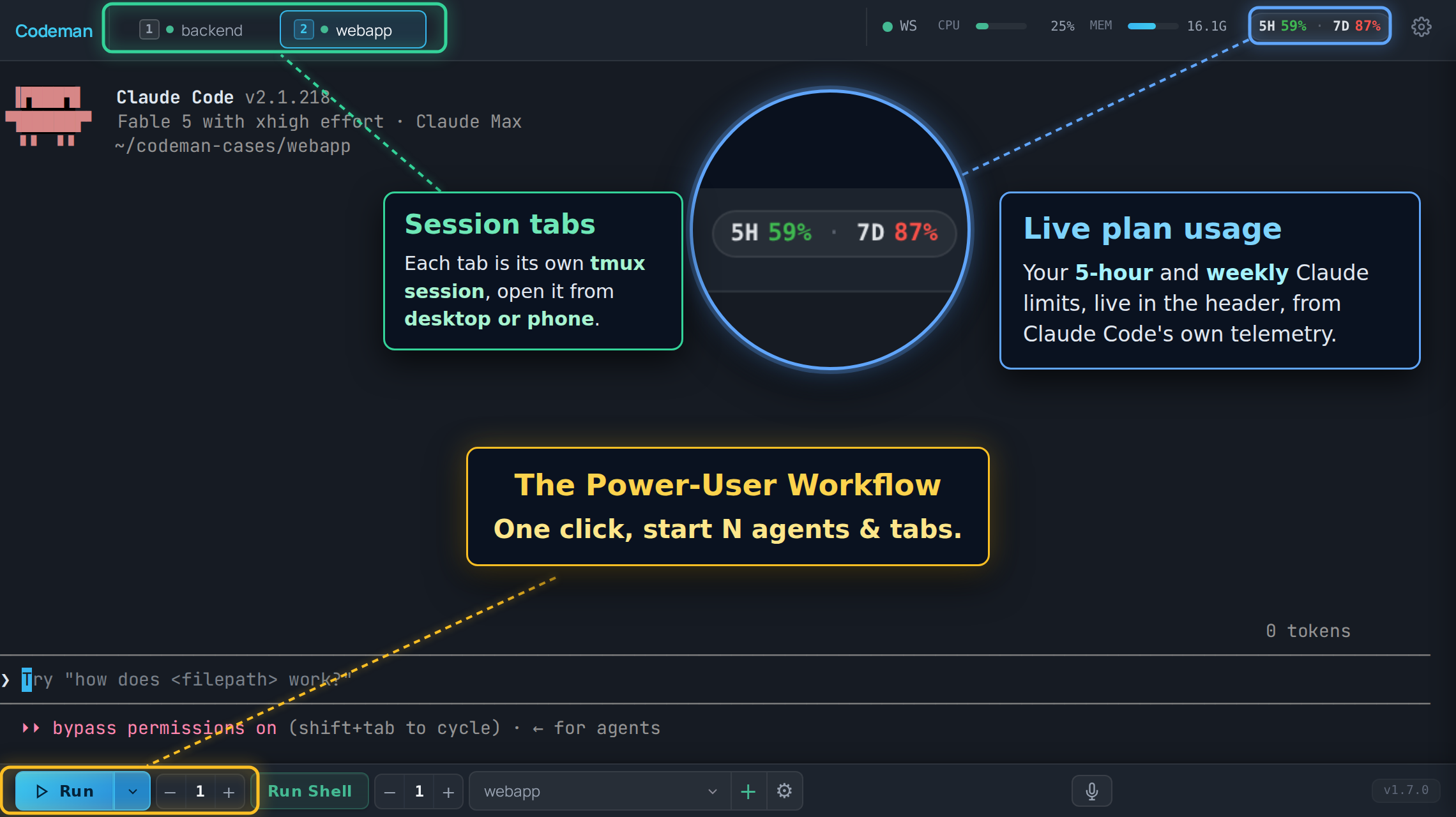
|
||||
|
||||
## Layout
|
||||
|
||||
| Region | What lives there |
|
||||
| ------------------ | -------------------------------------------------------------------------------------- |
|
||||
| **Header, left** | The "C" logo (goes home) and the session list, unless you moved it to the sidebar. |
|
||||
| **Header, right** | Status chips and panel buttons, most of them off by default. |
|
||||
| **Center** | The terminal for the active session, or the home screen when nothing is selected. |
|
||||
| **Bottom toolbar** | Run, Stop, Run Shell, the case picker, and the instance counters. |
|
||||
| **Overlays** | Panels and modals: Respawn, Cron, Subagents, File Viewer, Settings. |
|
||||
|
||||
## Session list layout
|
||||
|
||||
The session list lives in the header as a horizontal strip by default. With a lot of
|
||||
sessions open that strip stops being scannable, so **App Settings → Appearance → Tabs →
|
||||
Session List Layout** can move it into a vertical sidebar on the left instead.
|
||||
|
||||
| Layout | Behaviour |
|
||||
| -------------------- | --------------------------------------------------------------------------------- |
|
||||
| **Header tab strip** | The default. Wraps to a second row on desktop, scrolls sideways on a phone. |
|
||||
| **Left sidebar** | A vertical list with a filter box and a live session count. `Alt+B` collapses it to a narrow rail that keeps the status dots and task badges visible. On a phone it is an off-canvas drawer rather than a docked rail. |
|
||||
|
||||
It is the same list either way, just re-hosted: tab order, drag-to-reorder, the `Alt+1`
|
||||
to `Alt+9` numbers and every status colour below behave identically in both. The setting is
|
||||
per device, so a sidebar on your desktop does not force one onto your phone.
|
||||
|
||||
## Session tabs
|
||||
|
||||
One tab per session, in your order, and that order syncs across your devices.
|
||||
|
||||
**Status is carried by the dot and the tab's own styling:**
|
||||
|
||||
| Look | Meaning |
|
||||
| ----------------------------- | ----------------------------------------------------------------------- |
|
||||
| Green dot | Alive, not currently working. |
|
||||
| Pulsing green dot with a ring | Working on a turn. |
|
||||
| Yellow tab, blinking | The agent is waiting for input from you. |
|
||||
| Red tab, blinking | A question or permission prompt is blocking the session. |
|
||||
| No dot | The session is not running. |
|
||||
|
||||

|
||||
|
||||
The alert states are steady colour with a pulse layered on top, not a blink between the
|
||||
alert colour and nothing, so a tab that needs you looks like it needs you at every point in
|
||||
the cycle. They survive a page reload: the state is re-seeded from the server on load, so
|
||||
reloading while a permission prompt is blocking does not lose the red tab.
|
||||
|
||||
**Navigation:**
|
||||
|
||||
| Action | Keys |
|
||||
| ------------------------------- | ------------------------------------------------------- |
|
||||
| Jump to tab N | `Alt+1` to `Alt+9` (the number on the tab) |
|
||||
| Next / previous | `Ctrl+Tab`, `Alt+[`, `Alt+]` |
|
||||
| Move the active tab | `Ctrl+Shift+{`, `Ctrl+Shift+}` |
|
||||
| Close | `Ctrl+W` |
|
||||
| Find any session, open or past | `Ctrl+K` (also `Cmd+K` and `Alt+K`) |
|
||||
|
||||
Tabs can also be dragged to reorder.
|
||||
|
||||
On phones the strip scrolls horizontally instead of wrapping, and the active tab is always
|
||||
scrolled into view. It is not reordered to the front, so the `Alt+N` numbering stays stable.
|
||||
|
||||
### Lineage arcs
|
||||
|
||||
When one session spawns another (an agent starting a worker through the API), Codeman draws
|
||||
a coloured arc under the strip connecting parent to child, with one colour per child. It is
|
||||
how a fan-out of eight workers stays readable.
|
||||
|
||||
Desktop only, and on by default. Turn it off in **App Settings → Appearance**. Arcs are
|
||||
skipped for tabs scrolled out of the strip.
|
||||
|
||||
## Header controls
|
||||
|
||||
The right side of the header. Almost all of these are off until you enable them in
|
||||
**App Settings → Header & Panels**.
|
||||
|
||||
| Control | Default | What it does |
|
||||
| ---------------------- | ------------------ | ------------------------------------------------------------------------------- |
|
||||
| Connection dot | Always on | SSE connection health. Green is connected. |
|
||||
| Font size `-` / `+` | Always on | `Ctrl +` / `Ctrl -` do the same. |
|
||||
| CPU / MEM bars | On | Server resource use. |
|
||||
| File Viewer | On | Toggles the file browser panel. |
|
||||
| Settings gear | Always on | App Settings. |
|
||||
| Plan usage chip | On, desktop only | Live Claude subscription usage. Claude-only, and needs its telemetry exporter, which the same setting installs. |
|
||||
| Session Manager | Off | The full session list, live and historical. |
|
||||
| Approvals bell | Off | Cross-session queue of prompts waiting on a human. Appears only when the count is above zero. Never shown on phones. |
|
||||
| Read My Mind 🧠 | Off | Predicts your next prompt for this case. Claude-only. |
|
||||
| Attachments | Off | Registered external files. |
|
||||
| Away Digest | Off | What happened while you were gone. |
|
||||
| Last Response | Off | Readable view of the agent's last answer, useful on phones. |
|
||||
| Ultracode / Workflow | Off | Live workflow-run agents. |
|
||||
| Notifications | Off | Notification history and settings. |
|
||||
| Lifecycle Log | Off | Session start, exit, and kill audit trail. |
|
||||
| Cron ⏰ | Off | Scheduled jobs. |
|
||||
| Multi-monitor | Off, macOS | Opens a window spanning every display. |
|
||||
| Tunnel indicator | When a tunnel runs | Cloudflare tunnel status. |
|
||||
| Admin panel | Multi-user only | User administration. |
|
||||
|
||||
New header controls never appear on phones. Phone layout is deliberately minimal and is
|
||||
covered in [Mobile Guide](Mobile-Guide).
|
||||
|
||||
## Connection state
|
||||
|
||||
The dot in the header is the quick read. Two louder surfaces exist because a cached page
|
||||
with no server behind it used to look identical to a page with no sessions:
|
||||
|
||||
- **A full-screen overlay** when the page has never loaded server state. There is nothing
|
||||
behind it worth preserving.
|
||||
- **A banner** when the connection drops after state had loaded, so your scrollback stays
|
||||
readable.
|
||||
|
||||
Both wait about 2.5 seconds before appearing, so a deploy that restarts the server does not
|
||||
flash a warning at you every time. If the browser reports itself offline, the grace period
|
||||
is skipped.
|
||||
|
||||
There is also a watchdog for the case where the connection stops delivering without
|
||||
erroring. If the server's heartbeat stops arriving, Codeman reconnects on its own rather
|
||||
than sitting on a green dot showing frozen data.
|
||||
|
||||
## The terminal
|
||||
|
||||
A real terminal: xterm.js in the browser, a real PTY on the server, tmux in between. Full
|
||||
TUIs render correctly.
|
||||
|
||||
Worth knowing:
|
||||
|
||||
- **Scrollback.** The first time you open a session, Codeman pulls the entire tmux
|
||||
scrollback, not just the recent tail. Scrolling to the very top pulls again on demand.
|
||||
- **Wheel and touch scrolling** are forwarded into Claude's own transcript on recent Claude
|
||||
versions, so the wheel scrolls the conversation rather than the terminal. `Shift+Wheel` is
|
||||
always local scrollback. Other CLIs scroll locally.
|
||||
- **Selection copy.** `Ctrl+C` copies when text is selected and interrupts when it is not.
|
||||
`Ctrl+Shift+C` always copies.
|
||||
- **Zero-lag input.** On touch devices, keystrokes paint locally before the round trip. See
|
||||
[Input And Voice](Input-And-Voice).
|
||||
- **Renderer.** WebGL by default, with a watchdog that falls back to DOM rendering if the
|
||||
GPU stalls. `?nowebgl` forces DOM rendering for one page load.
|
||||
|
||||
## The home screen
|
||||
|
||||
With no session selected you get the welcome screen: run buttons for the CLIs Codeman
|
||||
found, a QR code when a password is set, cross-session search, and **Resume Conversation**,
|
||||
which lists past sessions including Claude conversations started outside Codeman entirely.
|
||||
|
||||
Two extras depending on the device:
|
||||
|
||||
- **Desktop, wide windows**: your open tabs appear as a rail docked to the left edge, in tab
|
||||
order, with created and last-active stamps. It needs at least 1180px of width; below that
|
||||
it is hidden so it cannot overlap the search panel.
|
||||
- **Phones**: tapping the "C" logo gives a session overview instead: NEEDS YOU first, then
|
||||
current sessions, then past ones. On by default.
|
||||
|
||||
## Panels
|
||||
|
||||
| Panel | Opened from | Covered in |
|
||||
| ---------------- | --------------------------------- | ---------------------------------------------------------------- |
|
||||
| Respawn | Session Options | [Keeping Agents Running](Keeping-Agents-Running) |
|
||||
| Ralph | Session Options | [Autonomous Loops](Autonomous-Loops) |
|
||||
| Orchestrator | Toolbar | [Autonomous Loops](Autonomous-Loops) |
|
||||
| Cron | Header ⏰ (opt-in) | [Cron Jobs](Cron-Jobs) |
|
||||
| Subagents | Automatic while agents run | [Watching Agents Work](Watching-Agents-Work) |
|
||||
| Ultracode | Header (opt-in) | [Watching Agents Work](Watching-Agents-Work) |
|
||||
| File Viewer | Header | [Working With Files](Working-With-Files) |
|
||||
| Attachments | Header (opt-in) | [Working With Files](Working-With-Files) |
|
||||
| Approvals | Header bell (opt-in) | [Notifications And Approvals](Notifications-And-Approvals) |
|
||||
| App Settings | Header gear | [Settings Reference](Settings-Reference) |
|
||||
|
||||
Session-specific configuration lives in **Session Options**, reachable from the tab. App
|
||||
Settings is global; Session Options is per session.
|
||||
|
||||
## Search and the session palette
|
||||
|
||||
`Ctrl+K` opens the session palette: every session, live or historical, filtered as you
|
||||
type. Picking a past one resumes its conversation.
|
||||
|
||||
The search box on the home screen is wider in scope. It federates over session metadata,
|
||||
run-summary events, and attachment history, filtered by type, case, status, and date. It
|
||||
does substring matching over data already in memory, with no regex and no filesystem reads,
|
||||
so it is fast and cannot be turned into a traversal.
|
||||
|
||||
## Appearance
|
||||
|
||||
**App Settings → Appearance** carries the theme skins, including light ones. The choice is
|
||||
applied before the first paint, so there is no flash of the wrong theme on load.
|
||||
|
||||
The same section has the entrance animations for tabs, terminals, agent windows, and
|
||||
lineage lines. All of them default to the legacy no-animation behaviour, so an untouched
|
||||
install animates nothing.
|
||||
|
||||
## Read next
|
||||
|
||||
- [Keyboard Shortcuts](Keyboard-Shortcuts) - the full list, and how to rebind.
|
||||
- [Settings Reference](Settings-Reference) - every setting, and why some follow you across devices and others do not.
|
||||
- [Mobile Guide](Mobile-Guide) - what changes on a phone.
|
||||
- [Watching Agents Work](Watching-Agents-Work) - subagent windows and workflow runs.
|
||||
@@ -0,0 +1,290 @@
|
||||
# Troubleshooting
|
||||
|
||||
Symptom first. Find the line that matches what you are seeing.
|
||||
|
||||
Before anything else, check what version you are on and whether the problem is already
|
||||
fixed:
|
||||
|
||||
```bash
|
||||
codeman --version
|
||||
codeman doctor
|
||||
```
|
||||
|
||||
## Installing and starting
|
||||
|
||||
### `Failed to start claude: error: posix_spawnp failed` on macOS
|
||||
|
||||
node-pty ships its macOS `spawn-helper` without the executable bit, and macOS launches
|
||||
every PTY through it. Codeman detects this and repairs it on the first failure, so updating
|
||||
usually fixes it outright. To repair by hand on a clone install:
|
||||
|
||||
```bash
|
||||
npm run fix:node-pty
|
||||
```
|
||||
|
||||
It is a `chmod`, not a rebuild, so it does not need Xcode command line tools. The helper
|
||||
lives in `prebuilds/darwin-<arch>/`, not `build/Release/`, which does not exist on macOS.
|
||||
Linux never sees this.
|
||||
|
||||
### `tmux: command not found`
|
||||
|
||||
The installer asks before installing packages and remembers a declined answer. Install tmux
|
||||
and start again. There is no tmux-free mode: sessions live in tmux.
|
||||
|
||||
### The port is already in use
|
||||
|
||||
```bash
|
||||
codeman web --port 8080 # or set CODEMAN_PORT
|
||||
```
|
||||
|
||||
If you believe nothing is on 3000, check for a Codeman you already started:
|
||||
|
||||
```bash
|
||||
codeman web --status
|
||||
```
|
||||
|
||||
### The terminal area is blank, and the console mentions a missing vendor file
|
||||
|
||||
Clone installs build the vendored xterm addon bundles in `postinstall`. If `npm install`
|
||||
was interrupted or run with `--ignore-scripts`, those bundles are missing:
|
||||
|
||||
```bash
|
||||
npm install
|
||||
```
|
||||
|
||||
They are intentionally not committed to the repository.
|
||||
|
||||
### `Case path not found` when clicking Run
|
||||
|
||||
The case points at a directory that no longer exists, usually because it was deleted or
|
||||
moved outside Codeman. Re-link the case, or create it again.
|
||||
|
||||
### The server starts but nothing is reachable
|
||||
|
||||
That is the default behaviour, not a failure. Codeman binds `127.0.0.1`. See
|
||||
[Remote Access](Remote-Access).
|
||||
|
||||
## Reaching the interface
|
||||
|
||||
### The dashboard will not load from another device
|
||||
|
||||
Check, in order: the bind (loopback by default), a firewall, and then
|
||||
[Remote Access](Remote-Access) for a supported way to expose it.
|
||||
|
||||
### `403 host not allowed`
|
||||
|
||||
The Host header is not in the allowlist, which is the DNS-rebinding guard doing its job. Add
|
||||
your domain:
|
||||
|
||||
```bash
|
||||
CODEMAN_ALLOWED_HOSTS='codeman.example.com,.internal.example.com'
|
||||
```
|
||||
|
||||
A leading dot matches subdomains.
|
||||
|
||||
### The page loads but the terminal never connects
|
||||
|
||||
The terminal is a WebSocket. Behind a reverse proxy, the upgrade must be forwarded. The
|
||||
upgrade also runs the Host and Origin checks and closes with code `4003` when they fail.
|
||||
|
||||
### The UI looks stale after updating
|
||||
|
||||
The app shell is cached by a service worker, and static assets are served with a long cache
|
||||
lifetime. `index.html` is not cached, and every asset reference is version-stamped, so a
|
||||
normal reload picks up a new build.
|
||||
|
||||
Two exceptions worth knowing:
|
||||
|
||||
- **iOS Safari** can keep serving old JavaScript until the tab is fully closed, not just
|
||||
reloaded. Close the tab and reopen it.
|
||||
- If you edit files in dev, changes to `index.html` need a server restart. Changes to `.js`
|
||||
and `.css` do not.
|
||||
|
||||
### A full-screen "cannot reach the server" overlay appears
|
||||
|
||||
The server is genuinely unreachable, or the connection dropped. Codeman waits about 2.5
|
||||
seconds before showing it, so a quick restart does not flash it. Retry re-arms both the
|
||||
event stream and the terminal socket.
|
||||
|
||||
## Sessions
|
||||
|
||||
### A session shows idle while it is clearly working
|
||||
|
||||
Update. Claude redraws its prompt roughly once a second throughout a turn, and older idle
|
||||
detection treated that as the end of the turn, flipping working sessions to idle a couple of
|
||||
seconds in. Current versions confirm against the actual screen before believing it.
|
||||
|
||||
### A session is stuck showing busy
|
||||
|
||||
For non-Claude CLIs, idle detection is output-based and coarser by necessity: those CLIs
|
||||
expose no hooks. A session that has genuinely gone quiet will settle. If it never does,
|
||||
interrupt it (`Ctrl+C` with nothing selected).
|
||||
|
||||
### The agent asks about bypass permissions every time
|
||||
|
||||
That prompt comes from Claude Code, not Codeman. Codeman's default is to start with
|
||||
permission prompts skipped, which is what the security model is built around. If you would
|
||||
rather it prompted, change **App Settings → Agents & CLIs → Claude → Startup Mode**.
|
||||
|
||||
### Sessions vanished after a reboot
|
||||
|
||||
Expected. tmux does not survive a reboot, so the sessions are gone. Conversations are not:
|
||||
Claude transcripts persist, so the welcome screen's **Resume Conversation** list can pick
|
||||
them back up.
|
||||
|
||||
### A session restarts, then refuses to restart again
|
||||
|
||||
That is the PTY-exit circuit breaker. Repeated rapid PTY exits trip it, and it blocks
|
||||
automatic restarts so a broken configuration does not spin forever. Reset it explicitly from
|
||||
the session's controls. Reattaching does not clear it, deliberately.
|
||||
|
||||
### Sessions I did not create appeared, or my session resized itself
|
||||
|
||||
Two Codeman servers are running against the same data directory and tmux socket. The second
|
||||
one discovers and attaches the first one's sessions. Give each instance its own scope:
|
||||
|
||||
```bash
|
||||
CODEMAN_INSTANCE=beta CODEMAN_PORT=5000 codeman web
|
||||
```
|
||||
|
||||
`codeman web -d` and `codeman service install` both refuse to start a second server on one
|
||||
data directory for exactly this reason.
|
||||
|
||||
## The terminal
|
||||
|
||||
### I cannot scroll back through history
|
||||
|
||||
Scrollback behaviour depends on the CLI, and Codeman adjusts what it strips per mode.
|
||||
Things to try:
|
||||
|
||||
- `Shift+Wheel` always scrolls the local buffer, whatever else is going on.
|
||||
- On Claude sessions with a recent CLI, the wheel is forwarded into Claude's own transcript,
|
||||
so it scrolls the conversation rather than the terminal buffer. That is intended.
|
||||
- Scrolling to the very top pulls the full tmux scrollback again on demand.
|
||||
|
||||
### The wheel does nothing in a Codex session
|
||||
|
||||
Codex ignores the mouse reports that forwarding would send, so Codeman does not forward
|
||||
there. Scrolling is local, and `Shift+Wheel` behaves the same way.
|
||||
|
||||
### `Ctrl+C` copies when I wanted to interrupt
|
||||
|
||||
With a selection, `Ctrl+C` copies. With no selection, it interrupts. Clear the selection
|
||||
first, or use the **Stop** button. `Ctrl+Shift+C` always copies and never interrupts.
|
||||
|
||||
### I typed a prompt but nothing was sent
|
||||
|
||||
On touch devices, keystrokes are painted locally and flushed when you press Enter, so text
|
||||
on screen has not necessarily reached the agent yet. Press Enter, or the phone toolbar's
|
||||
**Enter** button.
|
||||
|
||||
If you are sending input over the API instead, your payload must end with `\r` or no Enter
|
||||
is ever sent. The request still succeeds and the text sits unsubmitted in the composer. See
|
||||
[Driving Codeman From An Agent](Driving-Codeman-From-An-Agent).
|
||||
|
||||
## Mobile
|
||||
|
||||
### The keyboard covers the terminal, or scroll position jumps
|
||||
|
||||
Update first; several rounds of fixes have gone into keyboard resize and scroll restoration.
|
||||
|
||||
### I cannot reach the rightmost tabs
|
||||
|
||||
The strip scrolls horizontally on phones and the active tab is scrolled into view
|
||||
automatically. Swipe the strip itself. If a background render snaps you back, update.
|
||||
|
||||
### The space key does nothing on Android
|
||||
|
||||
A long-standing Android keyboard bug, fixed some time ago. Update.
|
||||
|
||||
### The keyboard will not close
|
||||
|
||||
Tap outside the terminal, or tap twice on inert terminal content. Tapping a control does not
|
||||
dismiss it, by design.
|
||||
|
||||
## Agents and CLIs
|
||||
|
||||
### A CLI is installed but Codeman does not offer it
|
||||
|
||||
Codeman resolves binaries from the environment the **server** runs in.
|
||||
|
||||
```bash
|
||||
codeman doctor
|
||||
```
|
||||
|
||||
If it runs as a service, launchd gives the job a minimal PATH. `codeman service install`
|
||||
bakes your PATH into the unit; a hand-written plist does not. Restart the server after
|
||||
installing a new CLI.
|
||||
|
||||
### Hooks stopped working after switching to HTTPS
|
||||
|
||||
Hook callbacks have to accept the self-signed certificate. Recent versions self-heal
|
||||
existing cases; if yours predates that, recreate the case so its hooks are rewritten.
|
||||
|
||||
### The model or effort I chose is not being used
|
||||
|
||||
Both are **soft defaults**, on purpose. The model is written into the case's
|
||||
`.claude/settings.local.json` and effort is passed on the command line at start, so `/model`
|
||||
and `/effort` inside the session override them at any time. Effort is deliberately never
|
||||
passed as an environment variable, because that hard-locks it.
|
||||
|
||||
### Tab alerts and approvals never fire in one of my repos
|
||||
|
||||
That case is missing its hooks block. Recreating the case rewrites it.
|
||||
|
||||
## Docker and remote
|
||||
|
||||
### Docker sessions do not detect idle
|
||||
|
||||
On a loopback-only bind, a container cannot reach `127.0.0.1` on the host, so in-container
|
||||
hooks have nothing to call. Set `CODEMAN_DOCKER_BRIDGE_HOOKS=1` to open a hooks-only
|
||||
listener on the docker bridge gateway. Without it, idle detection falls back to output
|
||||
watching.
|
||||
|
||||
### A rebuilt agent image still has old CLI versions
|
||||
|
||||
Always rebuild with `--no-cache`:
|
||||
|
||||
```bash
|
||||
node scripts/build-agent-image.mjs --no-cache
|
||||
```
|
||||
|
||||
A plain rebuild reuses the cached `npm install -g` layer and keeps the CLIs frozen at their
|
||||
original versions while reporting success.
|
||||
|
||||
### A remote SSH session dropped and did not come back
|
||||
|
||||
A bounded-backoff watcher reattaches dropped sessions, and it is on by default. Intentional
|
||||
kills are never revived. Check the host is reachable and that the remote tmux server is
|
||||
still running.
|
||||
|
||||
## Gathering diagnostics
|
||||
|
||||
```bash
|
||||
codeman doctor # dependency check
|
||||
curl -s localhost:3000/api/status | jq # full app state
|
||||
tmux -L codeman list-sessions # what tmux thinks is alive
|
||||
journalctl --user -u codeman-web -f # service logs (Linux)
|
||||
tail -f ~/.codeman/web.log # detached mode logs
|
||||
```
|
||||
|
||||
On an HTTPS install, add `-k` to the curl commands and use the `https://` URL.
|
||||
|
||||
## Filing a good bug report
|
||||
|
||||
Open an [issue](https://github.com/Ark0N/Codeman/issues) with:
|
||||
|
||||
- OS and version.
|
||||
- Install method: installer, npm, or git clone.
|
||||
- `codeman --version`.
|
||||
- Browser and version, if the problem is in the UI.
|
||||
- Which CLI the session was running, and its version.
|
||||
- What you did, what happened, what you expected.
|
||||
|
||||
Reports usually get a response within a day, and every release credits its reporters by
|
||||
name.
|
||||
|
||||
Questions and setup help fit better in
|
||||
[Discussions](https://github.com/Ark0N/Codeman/discussions). Security problems never go in a
|
||||
public issue; see
|
||||
[SECURITY.md](https://github.com/Ark0N/Codeman/blob/master/.github/SECURITY.md).
|
||||
@@ -0,0 +1,72 @@
|
||||
# Versioning
|
||||
|
||||
Codeman follows [semantic versioning](https://semver.org/). This page says what the version
|
||||
number actually promises, which matters if you are building anything against Codeman.
|
||||
|
||||
## Covered by the version number
|
||||
|
||||
Breaking any of these after 1.0 requires a **major** bump:
|
||||
|
||||
1. **The CLI.** Command names, documented flags, and their behaviour. The npm package is
|
||||
`aicodeman` and installs both the `aicodeman` and `codeman` commands; renaming either is
|
||||
breaking.
|
||||
2. **The HTTP API and SSE channel**, served under `/api/v1` with the uniform envelope and
|
||||
conventional status codes. Endpoint paths, the envelope, `errorCode` values, and SSE event
|
||||
names are all stable.
|
||||
3. **Documented deployment environment variables**: `CODEMAN_PASSWORD`, `CODEMAN_USERNAME`,
|
||||
`CODEMAN_HOST`, `CODEMAN_PORT`, `CODEMAN_INSTANCE`, `CODEMAN_ALLOWED_HOSTS`,
|
||||
`CODEMAN_DATA_DIR`, `CODEMAN_TMUX_SOCKET`, plus the `--host`, `--port`, and `--https`
|
||||
flags.
|
||||
4. **The published `xterm-zerolag-input` library**, on its own independent version line.
|
||||
Codeman reaching 1.0 says nothing about that package's version.
|
||||
|
||||
Additive changes are **not** breaking: new endpoints, new optional fields, new error codes,
|
||||
new SSE events. Genuinely breaking API changes would ship under a new prefix rather than
|
||||
changing `/api/v1`.
|
||||
|
||||
## Not covered
|
||||
|
||||
These can change in a minor or even patch release:
|
||||
|
||||
1. **The `~/.codeman/` state file formats.** Migrations are made on a best-effort basis and
|
||||
have been done across renames, but the on-disk shape is not a contract. Do not write
|
||||
tooling against it.
|
||||
2. **Internal TypeScript modules.** The npm package is CLI-only. There is no stable library
|
||||
entry point, and importing it programmatically is unsupported.
|
||||
3. **Experimental and opt-in features**, whatever the app's version: gesture control, agent
|
||||
teams, and anything labelled experimental in the UI or docs.
|
||||
|
||||
## Deprecation
|
||||
|
||||
- Additive changes are preferred over breaking ones.
|
||||
- A covered surface slated for removal is deprecated first: it keeps working for at least one
|
||||
minor release, with a runtime warning and a changelog note pointing at the replacement,
|
||||
then is removed in the next major.
|
||||
- Backwards-compatibility shims are kept until a major boundary.
|
||||
|
||||
## Releases
|
||||
|
||||
Releases are managed with changesets. Every release:
|
||||
|
||||
- Bumps the version and updates
|
||||
[`CHANGELOG.md`](https://github.com/Ark0N/Codeman/blob/master/CHANGELOG.md).
|
||||
- Publishes to npm as `aicodeman`.
|
||||
- Cuts a GitHub release, tagged `codeman@X.Y.Z`.
|
||||
- **Credits its contributors and bug reporters by name** in the release notes.
|
||||
|
||||
There is no fixed cadence. Patches ship when fixes are ready, which in practice is often.
|
||||
|
||||
## Which version am I on?
|
||||
|
||||
```bash
|
||||
codeman --version
|
||||
```
|
||||
|
||||
Or **App Settings → Updates**, which also checks for a newer one and can install it. See
|
||||
[Running As A Service](Running-As-A-Service).
|
||||
|
||||
## Read next
|
||||
|
||||
- [HTTP API](HTTP-API) - the stable API surface itself.
|
||||
- [Contributing](Contributing) - how changes get made.
|
||||
- [`docs/versioning-policy.md`](https://github.com/Ark0N/Codeman/blob/master/docs/versioning-policy.md) - the authoritative statement.
|
||||
@@ -0,0 +1,112 @@
|
||||
# Watching Agents Work
|
||||
|
||||
Modern agents fan out. A single Claude session can be running six subagents, and the parent
|
||||
terminal shows you almost none of it. Codeman surfaces that hidden work as live windows,
|
||||
panels, and after-the-fact summaries.
|
||||
|
||||
Everything on this page is Claude-only. It reads Claude Code's transcripts and team state;
|
||||
the other CLIs expose no equivalent.
|
||||
|
||||
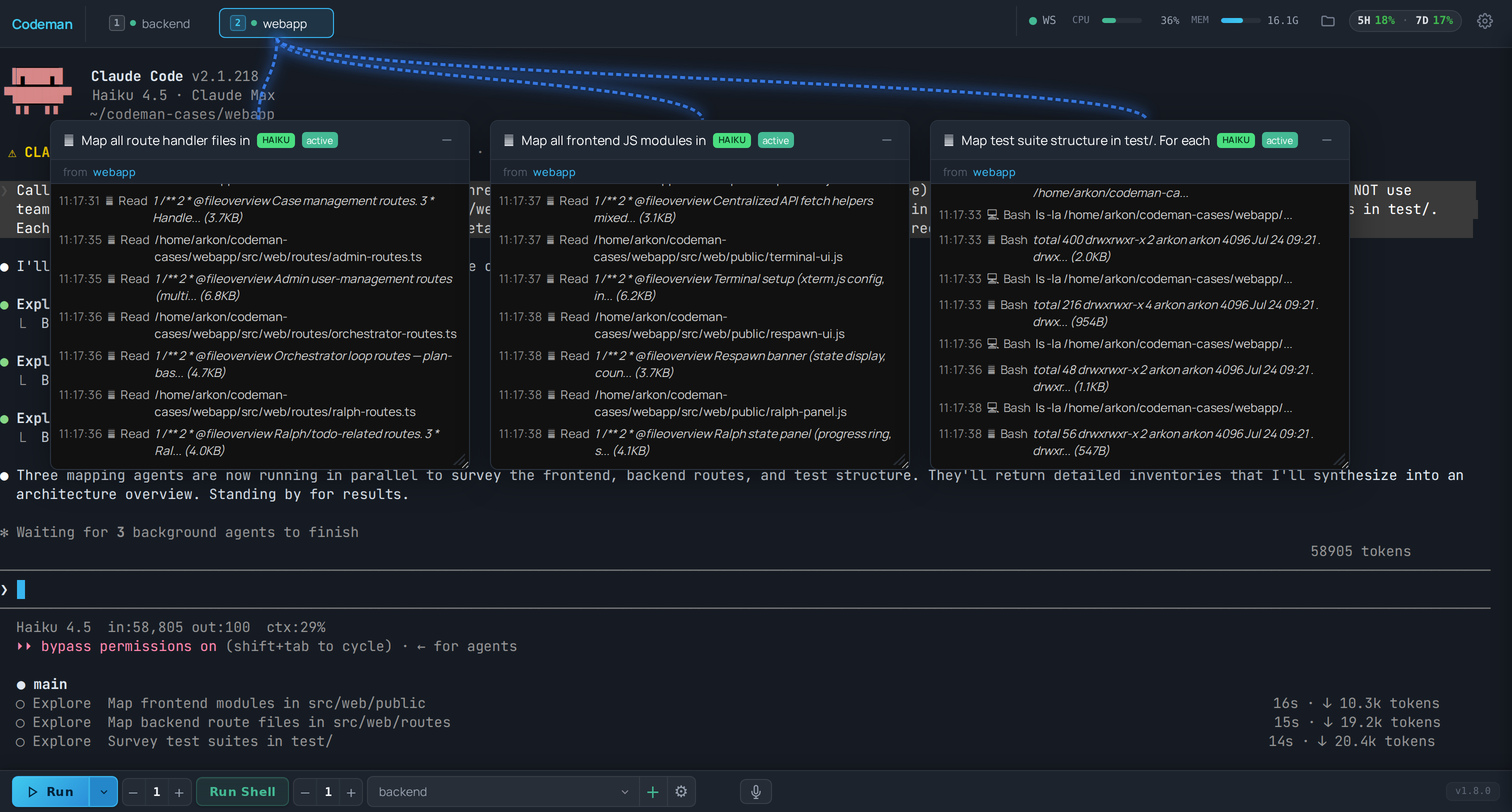
|
||||
|
||||
## Subagent windows
|
||||
|
||||
When a Claude session spawns subagents, each one gets its own floating window with a live
|
||||
transcript: what it was asked to do, what it is doing, and what it returned.
|
||||
|
||||
- Windows are draggable and resizable, and their positions persist across reloads.
|
||||
- A connection line links each window to the session tab that spawned it, so with four
|
||||
sessions running you can still tell whose worker is whose.
|
||||
- Closing a window does not stop the subagent. It only stops you watching it.
|
||||
|
||||
This is the feature that makes a fan-out legible. Without it, a lead session that spawned
|
||||
eight workers looks like a stalled terminal for several minutes.
|
||||
|
||||
## Session lineage arcs
|
||||
|
||||
The tab strip draws a coloured arc from a parent tab to any tab it spawned, one colour per
|
||||
child. That covers the other direction of fan-out: not subagents inside one session, but
|
||||
whole sessions started by an agent through the API.
|
||||
|
||||
Desktop only, on by default, and toggled in **App Settings → Appearance**. Arcs are skipped
|
||||
for tabs scrolled out of view.
|
||||
|
||||
See [Driving Codeman From An Agent](Driving-Codeman-From-An-Agent) for the spawning side.
|
||||
|
||||
## Agent teams
|
||||
|
||||
Claude Code's experimental agent teams appear as teammates alongside subagents. Enable them
|
||||
in the CLI's own environment:
|
||||
|
||||
```bash
|
||||
CLAUDE_CODE_EXPERIMENTAL_AGENT_TEAMS=1
|
||||
```
|
||||
|
||||
and turn the per-case **Agent Teams** toggle on in the case settings gear.
|
||||
|
||||
Codeman watches the team directory and matches teammates to the session leading them.
|
||||
Teammates are in-process threads rather than separate CLI processes, so they show up as
|
||||
windows, not tabs.
|
||||
|
||||
Notes and the experiment log:
|
||||
[`docs/agent-teams/`](https://github.com/Ark0N/Codeman/tree/master/docs/agent-teams).
|
||||
|
||||
## Ultracode and workflow runs
|
||||
|
||||
When Claude runs a Workflow, dozens of agents can be in flight at once. The completion
|
||||
artifact for a run is only written at the **end**, so a live run would otherwise be
|
||||
invisible until it finished. Codeman synthesizes the in-flight view from the transcripts and
|
||||
lets the real artifact supersede it when it lands.
|
||||
|
||||
Two independent toggles, both off by default:
|
||||
|
||||
| Setting | Shows |
|
||||
| ---------------------- | ----------------------------------------- |
|
||||
| Ultracode panel | A docked panel listing the run's agents. |
|
||||
| Ultracode windows | Floating windows, like subagents. |
|
||||
|
||||
Turning on either starts the watcher.
|
||||
|
||||
## Reading the answer, not the terminal
|
||||
|
||||
**Last Response** (header button, opt-in) renders the agent's last answer as scrollable text
|
||||
rather than terminal output. It exists mostly for phones, where reading a long answer in a
|
||||
terminal viewport is painful. **More** loads additional context.
|
||||
|
||||
## After the fact
|
||||
|
||||
| Surface | Answers |
|
||||
| ------------------ | -------------------------------------------------------------- |
|
||||
| **Away Digest** | What happened while I was gone? |
|
||||
| **Run summary** | What did this run actually do? |
|
||||
| **Lifecycle log** | When did sessions start, exit, or get killed, and why? |
|
||||
| **Token stats** | What did it cost? |
|
||||
|
||||
The Away Digest aggregates the lifecycle log, run summary events, live sessions, token
|
||||
statistics, and recent subagents into one view. It is the right first thing to open in the
|
||||
morning after an overnight run.
|
||||
|
||||
All of these header buttons are opt-in: **App Settings → Header & Panels**.
|
||||
|
||||
## Performance
|
||||
|
||||
The design target is 20 sessions and 50 agent windows at 60fps. If you routinely run more
|
||||
than that, expect the browser rather than the server to be the limit, and close windows you
|
||||
are not reading.
|
||||
|
||||
## Gotchas
|
||||
|
||||
- **A session pointed at a relocated Claude config directory goes blind here.** Transcripts
|
||||
written outside `~/.claude/projects` are invisible to the watchers, so subagent windows,
|
||||
the ultracode panel, the response viewer, and Read My Mind all stop working for that
|
||||
session. Symlink `projects` back into the shared tree to fix it. See
|
||||
[Agent CLIs](Agent-CLIs).
|
||||
- **Closing a window does not cancel the agent.** Nothing on this page controls agents; it
|
||||
observes them.
|
||||
- **Windows are opt-in for ultracode, automatic for subagents.**
|
||||
|
||||
## Read next
|
||||
|
||||
- [The Dashboard](The-Dashboard) - where these surfaces live.
|
||||
- [Driving Codeman From An Agent](Driving-Codeman-From-An-Agent) - the other kind of fan-out.
|
||||
- [Autonomous Loops](Autonomous-Loops) - the loops that generate this much activity.
|
||||
@@ -0,0 +1,101 @@
|
||||
# Web Tabs
|
||||
|
||||
Open any dashboard you run, Grafana, Uptime Kuma, Portainer, a status page on port 4000, as
|
||||
a tab beside your agent sessions. Codeman becomes one mission control instead of Codeman
|
||||
plus a pile of browser tabs.
|
||||
|
||||
A web tab is **not a session**. There is no PTY, no tmux, and no respawn behind it, the same
|
||||
way a docker case is not a run mode.
|
||||
|
||||
## Adding one
|
||||
|
||||
1. Click the chevron next to **Run**.
|
||||
2. Under **Web / URL**, pick **Add URL**.
|
||||
3. Name it, paste the URL, optionally hit **Test**, and **Save**.
|
||||
|
||||
It opens immediately and appears in the dropdown from then on. Web tabs share the tab strip
|
||||
with sessions, continue the same `Alt+1` to `Alt+9` numbering, and carry a globe icon so
|
||||
they never read as a running agent.
|
||||
|
||||
**Closing a tab is not deleting it.** The tab's `x` closes; the `x` on its **dropdown row**
|
||||
deletes the saved dashboard. Each dropdown row also has a gear for editing the URL.
|
||||
|
||||
Switching tabs does not reload a dashboard. Frames stay alive in the background, so one that
|
||||
took a while to authenticate is still there when you come back. Past six live frames, the
|
||||
least recently viewed is dropped to bound memory.
|
||||
|
||||
## Why dashboards are proxied
|
||||
|
||||
A plain cross-origin iframe fails three ways at once in the setup Codeman actually ships in:
|
||||
|
||||
| Blocker | What happens |
|
||||
| ------------------- | ----------------------------------------------------------------------------------------------- |
|
||||
| **Mixed content** | Production is HTTPS, and browsers hard-block `http://` iframes on an HTTPS page. No override, and none at all on iOS Safari. |
|
||||
| **Framing refusal** | Grafana, Portainer, Home Assistant and many others send `X-Frame-Options: DENY`. |
|
||||
| **Codeman's CSP** | `default-src 'self'` blocks a cross-origin frame before it starts. |
|
||||
|
||||
So by default the dashboard is served **through Codeman's own origin**: the browser loads a
|
||||
path on Codeman, and Codeman relays to the dashboard, stripping the framing refusal,
|
||||
rewriting redirects, cookies and root-absolute URLs, and relaying WebSockets so live panels
|
||||
still update.
|
||||
|
||||
A useful side effect: the dashboard is fetched **by the Codeman server**, so a tailnet-only
|
||||
or localhost-only dashboard works from any device that can reach Codeman, including a phone
|
||||
that is not on your tailnet.
|
||||
|
||||
There is also a `direct` mode, a plain cross-origin iframe, which is cheaper but only works
|
||||
for an HTTPS dashboard that permits framing.
|
||||
|
||||
## The Test button, and what it does not test
|
||||
|
||||
**Test** probes from the server and tells you which mode applies. It verifies
|
||||
**server-to-upstream reachability and nothing else**. It does not exercise the browser
|
||||
sandbox, cookies, CORS, CSP, or any reverse proxy in front of Codeman.
|
||||
|
||||
A passing Test does not guarantee the embedded page renders.
|
||||
|
||||
## The sandbox, and when to turn it off
|
||||
|
||||
Because a proxied dashboard is served from Codeman's own address, the browser considers it
|
||||
same-origin with Codeman. Unchecked, its JavaScript could read the Codeman page and call the
|
||||
API that spawns agents.
|
||||
|
||||
So the frame is sandboxed **without** same-origin access by default. The page runs in an
|
||||
opaque origin: it cannot touch Codeman, and it gets no cookies or local storage of its own.
|
||||
|
||||
Unchecking **Open sandboxed** grants a real origin. Do that only for a dashboard you fully
|
||||
trust, and only when you need it, which in practice means one with its own login that stores
|
||||
a session in a cookie.
|
||||
|
||||
Either way, Codeman never forwards its own credentials upstream. The `Authorization` header
|
||||
and the `codeman_session` cookie are stripped on the way out, so `CODEMAN_PASSWORD` cannot
|
||||
leak into a dashboard.
|
||||
|
||||
## Known incompatibility: cookie-authenticated reverse proxies
|
||||
|
||||
If Codeman itself sits behind Cloudflare Access, Authelia, oauth2-proxy, or similar, a
|
||||
**sandboxed** tab may render unstyled or broken while the Codeman page around it works fine.
|
||||
|
||||
The reason: an opaque-origin frame's stylesheet, script, and API requests do not carry the
|
||||
proxy's authentication cookie. The proxy redirects them to the login provider, and CORS or
|
||||
CSP kills them there.
|
||||
|
||||
Trusted mode keeps a real origin and the cookie, so it works. Test cannot catch this, because
|
||||
it checks the server's reach, not the browser's.
|
||||
|
||||
## Security notes
|
||||
|
||||
The proxy authenticates on an in-memory capability embedded in the path, which is why it is
|
||||
exempt from the cookie and Origin checks that every API route enforces. That exemption is
|
||||
fenced to safe methods and non-API paths, and there is a test pinning it in place.
|
||||
|
||||
Two failure modes that only appear inside a sandboxed frame, and that curl can never
|
||||
reproduce, are handled: runtime-built root-absolute URLs escaping the injected base, and
|
||||
same-host requests being CORS-checked with a null origin. Both present as the dashboard's own
|
||||
"Failed to fetch" while the page itself renders fine.
|
||||
|
||||
## Read next
|
||||
|
||||
- [The Dashboard](The-Dashboard) - the tab strip these share.
|
||||
- [Security](Security) - why the sandbox default is what it is.
|
||||
- [`docs/web-tabs.md`](https://github.com/Ark0N/Codeman/blob/master/docs/web-tabs.md) - the full reference.
|
||||
@@ -0,0 +1,159 @@
|
||||
# Working With Files
|
||||
|
||||
Reading, editing, attaching, and previewing files without leaving the dashboard. Useful on
|
||||
a desktop; on a phone it is the difference between reviewing an agent's work and waiting
|
||||
until you get home.
|
||||
|
||||
## The File Viewer
|
||||
|
||||
A panel that browses the active session's working directory. Its header button is on by
|
||||
default; if it is missing, re-enable it in **App Settings → Header & Panels**.
|
||||
|
||||
It renders what it can:
|
||||
|
||||
| Kind | Behaviour |
|
||||
| ------------------------ | ------------------------------------------------------------------------- |
|
||||
| Text and code | Syntax-aware preview. Long files are truncated in plain preview. |
|
||||
| Images | Inline. |
|
||||
| Audio and video | Inline with a working scrub bar, because range requests are supported. |
|
||||
| PDF and Office documents | Converted for preview when a converter is available. |
|
||||
| Anything else | Download. |
|
||||
|
||||
Caps: 10 MB for text preview, 50 MB for raw and download. Sensitive paths (`.env`, anything
|
||||
matching credentials, `~/.ssh`, AWS credentials) are blocked from download, and SVG and HTML
|
||||
are served as downloads rather than rendered, so they cannot execute in the page.
|
||||
|
||||
Closing the preview pauses and unloads any playing media. A video that keeps playing after
|
||||
you close the panel means you are on an old version.
|
||||
|
||||
## Editing in place
|
||||
|
||||
Text files can be edited and saved directly in the viewer. Click the pencil in the preview
|
||||
header, edit, **Save**.
|
||||
|
||||
The guardrails are worth knowing, because they are what makes editing safe rather than
|
||||
convenient:
|
||||
|
||||
- **Extension allowlist**, not a blocklist. Code, docs, config, and markup are editable.
|
||||
Anything not on the list is not.
|
||||
- **512 KB cap** on both read and write.
|
||||
- **Edit mode never truncates.** The plain preview does truncate long files, and saving a
|
||||
truncated buffer would silently delete the rest, so the editor loads the whole file or
|
||||
refuses.
|
||||
- **Optimistic concurrency.** The save carries a hash of what you started from. If the file
|
||||
changed underneath you (likely, when an agent is working in the same repo), the save is
|
||||
rejected rather than clobbering their work.
|
||||
- **No file creation.** Writes go to a temporary file and are renamed over the original, and
|
||||
the open never creates. Editing in place is structural, not a rule.
|
||||
- **Line endings are preserved** server-side, so editing two lines of a CRLF file does not
|
||||
produce a whole-file diff.
|
||||
- **`.git/` is denied outright.** Hooks are executable code, and a corrupted index looks
|
||||
unrecoverable to someone who wanted to fix a typo.
|
||||
- **Non-UTF-8 content is refused**, verified by a round-trip comparison.
|
||||
|
||||
## Attachments
|
||||
|
||||
Attachments are live references to files **outside** the session's workspace: a spec on your
|
||||
desktop, a PDF in Downloads, a design document elsewhere on the machine.
|
||||
|
||||
Register one from the CLI:
|
||||
|
||||
```bash
|
||||
codeman attach /path/to/spec.pdf
|
||||
```
|
||||
|
||||
An attachment card appears in the session, and the file can be previewed inline. The
|
||||
attachment gets a stable id, and browser requests use that id rather than carrying absolute
|
||||
paths around.
|
||||
|
||||
Agents can register attachments too, by emitting a `codeman://attach?...` link in their
|
||||
output. That path is **prompt-injectable by nature**, so it is force-confined to the
|
||||
session's workspace: a hostile prompt cannot use it to pull arbitrary host files into the
|
||||
event stream. The gate is an extension allowlist rather than a blocklist.
|
||||
|
||||
Document conversion for previews is globally rate limited. Without that, ten large documents
|
||||
detected at once would fork ten multi-minute converter processes.
|
||||
|
||||
## Clicking a path
|
||||
|
||||
File paths in a session are links. That works in two places:
|
||||
|
||||
- **In the terminal**, on any absolute path an agent prints.
|
||||
- **In the response viewer**, where paths are usually written as prose or in backticks. They
|
||||
render as underlined monospace links.
|
||||
|
||||
Clicking one opens it in the preview: images and PDFs render, video and audio play with a
|
||||
working scrub bar, documents convert, text and Markdown show inline. Log-shaped files open in
|
||||
the tail viewer instead, which follows a file that is still being written.
|
||||
|
||||
Paths **outside** the session's workspace work too, which matters because that is where most
|
||||
of an agent's output lands: a screenshot in `/tmp`, a capture in its own scratchpad, a file in
|
||||
another checkout. Those are served through the attachment routes rather than the workspace
|
||||
ones, so the same rules apply as to any other attachment: secret trees are blocked, the
|
||||
extension allowlist decides what can be opened, and symlinks are resolved before either check.
|
||||
|
||||
Outside the workspace the allowlist is images, video, audio, PDF, Office documents, and text
|
||||
files, where "text" is the same list the viewer will let you edit: code, config, logs, csv,
|
||||
markdown. The reasoning is that a session can already `cat` any of those, so the file suffix
|
||||
was never what kept anything secret; the path guard is. Types outside the list (`.svg`,
|
||||
`.bmp`) say so rather than failing silently, and `.html` previews as source rather than being
|
||||
rendered, so nothing served this way can execute in the page.
|
||||
|
||||
Text previews are capped at the first 500 lines, fetched as a partial read, so clicking a
|
||||
one-gigabyte log does not try to paint one.
|
||||
|
||||
Log-shaped files inside the workspace still open in the tail viewer, which follows a file as
|
||||
it is written. Outside the workspace they open in the preview instead: the tail viewer runs
|
||||
`tail -f`, and that is deliberately restricted to the workspace, `/var/log` and `~/logs`.
|
||||
|
||||
Nothing is registered until you click. Opening a file this way does not add an attachment card.
|
||||
|
||||
## The path picker
|
||||
|
||||
For choosing a path rather than typing one. It appears in two places:
|
||||
|
||||
- **Browse** in **Add Case → Link Existing**.
|
||||
- The **📁 Path** key on the mobile keyboard bar.
|
||||
|
||||
It browses one directory at a time and can show hidden entries on request. The picker
|
||||
inserts the path into your prompt **without** pressing Enter, so nothing is submitted by
|
||||
accident. Its sibling **⌫ All** key clears the unsent prompt, and never sends the agent's
|
||||
`/clear` command.
|
||||
|
||||
This is a separate file-serving surface from the viewer, with its own rules: it allowlists
|
||||
your home directory, the cases directory, and anything in `CODEMAN_FILE_PICKER_ROOTS`, and
|
||||
blocks sensitive trees. In multi-user mode a non-admin gets only their own user space as a
|
||||
root, because per-user spaces live inside the home directory and a home-directory root would
|
||||
expose everyone.
|
||||
|
||||
## Images into a session
|
||||
|
||||
Paste from the clipboard or drag and drop straight onto the terminal. The image is written
|
||||
where the agent can read it and the reference is inserted into your prompt. On a phone, the
|
||||
image key in the keyboard bar opens the camera or photo library.
|
||||
|
||||
HEIC images from an iPhone are converted to JPEG on the way in.
|
||||
|
||||
## Generated artifacts
|
||||
|
||||
When an agent produces a file the UI can show (a chart, a diagram, a document), it can
|
||||
surface as an artifact attachment rather than a path you have to go and find.
|
||||
|
||||
## Gotchas
|
||||
|
||||
- **The viewer follows the active session's workspace.** Switching tabs changes what you are
|
||||
browsing.
|
||||
- **A save can be rejected, and that is the feature.** It means the agent edited the file
|
||||
while you were typing. Re-open, re-apply, save again.
|
||||
- **Attachments live outside the workspace on purpose.** For files inside it, just use the
|
||||
viewer.
|
||||
- **`.env` files are readable in the viewer if the extension policy allows the preview, but
|
||||
never downloadable.** Do not treat the viewer as a secrets boundary; treat the machine as
|
||||
the boundary.
|
||||
|
||||
## Read next
|
||||
|
||||
- [The Dashboard](The-Dashboard) - where the panels live.
|
||||
- [Input And Voice](Input-And-Voice) - other ways to get content into a session.
|
||||
- [Security](Security) - how the file surfaces are confined.
|
||||
- [`docs/file-viewer-edit-plan.md`](https://github.com/Ark0N/Codeman/blob/master/docs/file-viewer-edit-plan.md) - the edit-mode design.
|
||||
@@ -0,0 +1,9 @@
|
||||
Documents Codeman **{{VERSION}}**. Something wrong or missing on this page? These pages are
|
||||
generated from [`docs/wiki/`](https://github.com/Ark0N/Codeman/tree/master/docs/wiki) in
|
||||
the main repository, so browser edits here are overwritten on the next sync. Send a pull
|
||||
request against that directory instead, or open a
|
||||
[Discussion](https://github.com/Ark0N/Codeman/discussions).
|
||||
|
||||
<!-- {{VERSION}} is replaced with the current major.minor series by
|
||||
.github/workflows/wiki-sync.yml at publish time. Do not hardcode a
|
||||
version here: it went stale every release when it was hand-written. -->
|
||||
@@ -0,0 +1,53 @@
|
||||
### [Codeman Wiki](Home)
|
||||
|
||||
[README](https://github.com/Ark0N/Codeman)
|
||||
|
||||
**Getting started**
|
||||
|
||||
- [Installation](Installation)
|
||||
- [Quick Start](Quick-Start)
|
||||
- [Core Concepts](Core-Concepts)
|
||||
|
||||
**Using it**
|
||||
|
||||
- [The Dashboard](The-Dashboard)
|
||||
- [Agent CLIs](Agent-CLIs)
|
||||
- [Working With Files](Working-With-Files)
|
||||
- [Input And Voice](Input-And-Voice)
|
||||
- [Mobile Guide](Mobile-Guide)
|
||||
- [Keyboard Shortcuts](Keyboard-Shortcuts)
|
||||
- [Settings Reference](Settings-Reference)
|
||||
|
||||
**Keeping agents running**
|
||||
|
||||
- [Unattended Runs](Keeping-Agents-Running)
|
||||
- [Notifications & Approvals](Notifications-And-Approvals)
|
||||
- [Cron Jobs](Cron-Jobs)
|
||||
- [Autonomous Loops](Autonomous-Loops)
|
||||
- [Watching Agents Work](Watching-Agents-Work)
|
||||
|
||||
**Where it runs**
|
||||
|
||||
- [Docker Cases](Docker-Cases)
|
||||
- [Remote SSH Sessions](Remote-SSH-Sessions)
|
||||
- [Web Tabs](Web-Tabs)
|
||||
- [Multi-User Mode](Multi-User-Mode)
|
||||
|
||||
**Access & security**
|
||||
|
||||
- [Remote Access](Remote-Access)
|
||||
- [Security](Security)
|
||||
|
||||
**Automation**
|
||||
|
||||
- [Driving It From An Agent](Driving-Codeman-From-An-Agent)
|
||||
- [HTTP API](HTTP-API)
|
||||
- [Hooks & Integrations](Hooks-And-Integrations)
|
||||
|
||||
**Operating it**
|
||||
|
||||
- [Running As A Service](Running-As-A-Service)
|
||||
- [Troubleshooting](Troubleshooting)
|
||||
- [FAQ](FAQ)
|
||||
- [Contributing](Contributing)
|
||||
- [Versioning](Versioning)
|
||||
Generated
+46
-28
@@ -1,12 +1,12 @@
|
||||
{
|
||||
"name": "aicodeman",
|
||||
"version": "1.18.4",
|
||||
"version": "1.19.6",
|
||||
"lockfileVersion": 3,
|
||||
"requires": true,
|
||||
"packages": {
|
||||
"": {
|
||||
"name": "aicodeman",
|
||||
"version": "1.18.4",
|
||||
"version": "1.19.6",
|
||||
"hasInstallScript": true,
|
||||
"license": "MIT",
|
||||
"workspaces": [
|
||||
@@ -17,7 +17,7 @@
|
||||
"@fastify/compress": "^8.3.1",
|
||||
"@fastify/cookie": "^11.0.2",
|
||||
"@fastify/multipart": "^10.0.0",
|
||||
"@fastify/static": "^9.1.3",
|
||||
"@fastify/static": "^10.1.3",
|
||||
"@fastify/websocket": "^11.2.0",
|
||||
"@xterm/addon-fit": "^0.11.0",
|
||||
"@xterm/addon-serialize": "^0.14.0",
|
||||
@@ -60,6 +60,7 @@
|
||||
"pixelmatch": "^6.0.0",
|
||||
"playwright": "^1.58.0",
|
||||
"pngjs": "^7.0.0",
|
||||
"postcss": "^8.5.15",
|
||||
"prettier": "^3.4.0",
|
||||
"puppeteer": "^24.36.0",
|
||||
"remotion": "4.0.473",
|
||||
@@ -1453,9 +1454,9 @@
|
||||
}
|
||||
},
|
||||
"node_modules/@fastify/static": {
|
||||
"version": "9.1.3",
|
||||
"resolved": "https://registry.npmjs.org/@fastify/static/-/static-9.1.3.tgz",
|
||||
"integrity": "sha512-aXrYtsiryLhRxRNaxNqsn7FUISeb7rB9q4eHUPIot5aeQBLNahnz1m6thzm7JWC1poSGXS9XrX8DvuMivp2hkQ==",
|
||||
"version": "10.1.3",
|
||||
"resolved": "https://registry.npmjs.org/@fastify/static/-/static-10.1.3.tgz",
|
||||
"integrity": "sha512-W6jqajYS974XjPjB5hQWoxPM8NKM4+p8YmQT6G5IbCa4uhdWSVadZUv75siy1wEA/3ty8RYdpBydfWeu9AqAqQ==",
|
||||
"funding": [
|
||||
{
|
||||
"type": "github",
|
||||
@@ -1469,13 +1470,30 @@
|
||||
"license": "MIT",
|
||||
"dependencies": {
|
||||
"@fastify/accept-negotiator": "^2.0.0",
|
||||
"@fastify/error": "^4.0.0",
|
||||
"@fastify/send": "^4.0.0",
|
||||
"content-disposition": "^1.0.1",
|
||||
"fastify-plugin": "^5.0.0",
|
||||
"content-disposition": "^2.0.1",
|
||||
"fastify-plugin": "^6.0.0",
|
||||
"fastq": "^1.17.1",
|
||||
"glob": "^13.0.0"
|
||||
}
|
||||
},
|
||||
"node_modules/@fastify/static/node_modules/fastify-plugin": {
|
||||
"version": "6.0.0",
|
||||
"resolved": "https://registry.npmjs.org/fastify-plugin/-/fastify-plugin-6.0.0.tgz",
|
||||
"integrity": "sha512-fZOty7z3O7vOliF6d8bHE3wiEh1KcNnKEQensSgTk9C1DvN6nRLS++XVd86v33Hw/8u9Un8A1zDrQ8ujcQDHEg==",
|
||||
"funding": [
|
||||
{
|
||||
"type": "github",
|
||||
"url": "https://github.com/sponsors/fastify"
|
||||
},
|
||||
{
|
||||
"type": "opencollective",
|
||||
"url": "https://opencollective.com/fastify"
|
||||
}
|
||||
],
|
||||
"license": "MIT"
|
||||
},
|
||||
"node_modules/@fastify/websocket": {
|
||||
"version": "11.2.0",
|
||||
"resolved": "https://registry.npmjs.org/@fastify/websocket/-/websocket-11.2.0.tgz",
|
||||
@@ -4135,16 +4153,16 @@
|
||||
}
|
||||
},
|
||||
"node_modules/@typescript-eslint/typescript-estree/node_modules/brace-expansion": {
|
||||
"version": "5.0.6",
|
||||
"resolved": "https://registry.npmjs.org/brace-expansion/-/brace-expansion-5.0.6.tgz",
|
||||
"integrity": "sha512-kLpxurY4Z4r9sgMsyG0Z9uzsBlgiU/EFKhj/h91/8yHu0edo7XuixOIH3VcJ8kkxs6/jPzoI6U9Vj3WqbMQ94g==",
|
||||
"version": "5.0.9",
|
||||
"resolved": "https://registry.npmjs.org/brace-expansion/-/brace-expansion-5.0.9.tgz",
|
||||
"integrity": "sha512-ScQ4IuvIEF1TMlP7Zt+vjJ//9zlPb2SDcxWxM3bk8s6t6GGdJ7KO1dCcTidOPJKePW30LE/2cT7wCyPho9/Wxg==",
|
||||
"dev": true,
|
||||
"license": "MIT",
|
||||
"dependencies": {
|
||||
"balanced-match": "^4.0.2"
|
||||
},
|
||||
"engines": {
|
||||
"node": "18 || 20 || >=22"
|
||||
"node": "20 || >=22"
|
||||
}
|
||||
},
|
||||
"node_modules/@typescript-eslint/typescript-estree/node_modules/minimatch": {
|
||||
@@ -5077,9 +5095,9 @@
|
||||
"license": "MIT"
|
||||
},
|
||||
"node_modules/brace-expansion": {
|
||||
"version": "1.1.15",
|
||||
"resolved": "https://registry.npmjs.org/brace-expansion/-/brace-expansion-1.1.15.tgz",
|
||||
"integrity": "sha512-EwOCDEex4quD37XhqM3omwtMoJjr//isUZz1JopUNWms+4Z2ViyM/k1YIRePpoVNnQhENnxtFjLaxNHrT7xIUg==",
|
||||
"version": "1.1.18",
|
||||
"resolved": "https://registry.npmjs.org/brace-expansion/-/brace-expansion-1.1.18.tgz",
|
||||
"integrity": "sha512-Edep/X9fGqVNmzKBVsDYIOtD+z1tuezV70LBjdCst9Tqu76lsnvRiZ6oTic1n+/BIwX6QDGAO94PN4N2SADvtw==",
|
||||
"dev": true,
|
||||
"license": "MIT",
|
||||
"dependencies": {
|
||||
@@ -5430,9 +5448,9 @@
|
||||
}
|
||||
},
|
||||
"node_modules/content-disposition": {
|
||||
"version": "1.1.0",
|
||||
"resolved": "https://registry.npmjs.org/content-disposition/-/content-disposition-1.1.0.tgz",
|
||||
"integrity": "sha512-5jRCH9Z/+DRP7rkvY83B+yGIGX96OYdJmzngqnw2SBSxqCFPd0w2km3s5iawpGX8krnwSGmF0FW5Nhr0Hfai3g==",
|
||||
"version": "2.0.1",
|
||||
"resolved": "https://registry.npmjs.org/content-disposition/-/content-disposition-2.0.1.tgz",
|
||||
"integrity": "sha512-e+H0ZXHSWYrENhQzw1LPuP4oF5MzVKmDU6d3hxlvaPEYLLg62MxtQNPRx4SYSuYJSBUgnQIG4HIN2tEtNv7Dog==",
|
||||
"license": "MIT",
|
||||
"engines": {
|
||||
"node": ">=18"
|
||||
@@ -6551,9 +6569,9 @@
|
||||
}
|
||||
},
|
||||
"node_modules/fast-uri": {
|
||||
"version": "3.1.2",
|
||||
"resolved": "https://registry.npmjs.org/fast-uri/-/fast-uri-3.1.2.tgz",
|
||||
"integrity": "sha512-rVjf7ArG3LTk+FS6Yw81V1DLuZl1bRbNrev6Tmd/9RaroeeRRJhAt7jg/6YFxbvAQXUCavSoZhPPj6oOx+5KjQ==",
|
||||
"version": "3.1.5",
|
||||
"resolved": "https://registry.npmjs.org/fast-uri/-/fast-uri-3.1.5.tgz",
|
||||
"integrity": "sha512-gHwA1O9LDIcKunMKhObS/HimwtehO1nPUECKAu5TpKgaO19fcWEl4bliWe1jWxVFvIXztJjjQ4L8XQ1EU9f7Jw==",
|
||||
"funding": [
|
||||
{
|
||||
"type": "github",
|
||||
@@ -6660,9 +6678,9 @@
|
||||
}
|
||||
},
|
||||
"node_modules/find-my-way": {
|
||||
"version": "9.6.0",
|
||||
"resolved": "https://registry.npmjs.org/find-my-way/-/find-my-way-9.6.0.tgz",
|
||||
"integrity": "sha512-Zf4Xve4RymLl7NgaavNebZ01joJ8MfVerOG43wy7SHLO+r+K0C6d/SE0BiR7AV5V1VOCFlOP7ecdo+I4qmiHrQ==",
|
||||
"version": "9.8.0",
|
||||
"resolved": "https://registry.npmjs.org/find-my-way/-/find-my-way-9.8.0.tgz",
|
||||
"integrity": "sha512-JtyUgATO7qxRp2zKhrmWof74Mqxc1ikbwpwMY97p8ipuTj2QtreA4gK2JNAF6SOqqHnYYkwMUvsgQVi2AJxIyw==",
|
||||
"license": "MIT",
|
||||
"dependencies": {
|
||||
"fast-deep-equal": "^3.1.3",
|
||||
@@ -6904,15 +6922,15 @@
|
||||
}
|
||||
},
|
||||
"node_modules/glob/node_modules/brace-expansion": {
|
||||
"version": "5.0.6",
|
||||
"resolved": "https://registry.npmjs.org/brace-expansion/-/brace-expansion-5.0.6.tgz",
|
||||
"integrity": "sha512-kLpxurY4Z4r9sgMsyG0Z9uzsBlgiU/EFKhj/h91/8yHu0edo7XuixOIH3VcJ8kkxs6/jPzoI6U9Vj3WqbMQ94g==",
|
||||
"version": "5.0.9",
|
||||
"resolved": "https://registry.npmjs.org/brace-expansion/-/brace-expansion-5.0.9.tgz",
|
||||
"integrity": "sha512-ScQ4IuvIEF1TMlP7Zt+vjJ//9zlPb2SDcxWxM3bk8s6t6GGdJ7KO1dCcTidOPJKePW30LE/2cT7wCyPho9/Wxg==",
|
||||
"license": "MIT",
|
||||
"dependencies": {
|
||||
"balanced-match": "^4.0.2"
|
||||
},
|
||||
"engines": {
|
||||
"node": "18 || 20 || >=22"
|
||||
"node": "20 || >=22"
|
||||
}
|
||||
},
|
||||
"node_modules/glob/node_modules/minimatch": {
|
||||
|
||||
+9
-5
@@ -1,6 +1,6 @@
|
||||
{
|
||||
"name": "aicodeman",
|
||||
"version": "1.18.4",
|
||||
"version": "1.19.6",
|
||||
"description": "Mission control for AI coding agents - run 20 autonomous agents with real-time monitoring and session persistence",
|
||||
"type": "module",
|
||||
"main": "dist/index.js",
|
||||
@@ -17,10 +17,13 @@
|
||||
"dev": "tsx src/index.ts web",
|
||||
"web": "node dist/index.js web",
|
||||
"clean": "rm -rf dist",
|
||||
"test": "vitest run --config config/vitest.config.ts",
|
||||
"test:watch": "vitest --config config/vitest.config.ts",
|
||||
"test:coverage": "vitest run --config config/vitest.config.ts --coverage",
|
||||
"test": "vitest run --config config/vitest.ci.config.ts",
|
||||
"test:watch": "vitest --config config/vitest.ci.config.ts",
|
||||
"test:coverage": "vitest run --config config/vitest.ci.config.ts --coverage",
|
||||
"test:ci": "vitest run --config config/vitest.ci.config.ts",
|
||||
"test:browser": "vitest run --config config/vitest.browser.config.ts",
|
||||
"test:perf": "vitest run --config config/vitest.perf.config.ts",
|
||||
"test:all": "vitest run --config config/vitest.config.ts",
|
||||
"pretest:mobile": "node scripts/prepare-test-vendor.mjs",
|
||||
"test:mobile": "vitest run --config test/mobile/vitest.config.ts",
|
||||
"check:frontend-syntax": "node scripts/check-frontend-syntax.mjs",
|
||||
@@ -82,7 +85,7 @@
|
||||
"@fastify/compress": "^8.3.1",
|
||||
"@fastify/cookie": "^11.0.2",
|
||||
"@fastify/multipart": "^10.0.0",
|
||||
"@fastify/static": "^9.1.3",
|
||||
"@fastify/static": "^10.1.3",
|
||||
"@fastify/websocket": "^11.2.0",
|
||||
"@xterm/addon-fit": "^0.11.0",
|
||||
"@xterm/addon-serialize": "^0.14.0",
|
||||
@@ -121,6 +124,7 @@
|
||||
"pixelmatch": "^6.0.0",
|
||||
"playwright": "^1.58.0",
|
||||
"pngjs": "^7.0.0",
|
||||
"postcss": "^8.5.15",
|
||||
"prettier": "^3.4.0",
|
||||
"puppeteer": "^24.36.0",
|
||||
"remotion": "4.0.473",
|
||||
|
||||
@@ -0,0 +1,179 @@
|
||||
/**
|
||||
* Manual verification harness for the session-sidebar feature.
|
||||
*
|
||||
* Renders the real UI in headless Chromium against a testMode WebServer,
|
||||
* injects a synthetic 25-session fleet, and screenshots every layout state.
|
||||
* Not part of the automated suite — run it by hand:
|
||||
*
|
||||
* npx tsx scripts/verify-session-sidebar.mts
|
||||
*
|
||||
* SAFETY: uses the repo's own test harness (temp HOME, testMode server) on a
|
||||
* dedicated port. It never touches a real Codeman instance or tmux socket.
|
||||
*/
|
||||
import { chromium } from 'playwright';
|
||||
import { WebServer } from '../src/web/server.js';
|
||||
import { mkdirSync } from 'node:fs';
|
||||
import { mkdtempSync } from 'node:fs';
|
||||
import { tmpdir } from 'node:os';
|
||||
import { join } from 'node:path';
|
||||
|
||||
// Mirror test/setup.ts: isolate HOME before the app modules touch state.
|
||||
process.env.HOME = mkdtempSync(join(tmpdir(), 'codeman-sidebar-verify-'));
|
||||
process.env.VITEST = 'true';
|
||||
|
||||
const PORT = 3299;
|
||||
const OUT = process.env.SIDEBAR_SHOTS_DIR ?? join(tmpdir(), 'codeman-sidebar-shots');
|
||||
mkdirSync(OUT, { recursive: true });
|
||||
|
||||
// Generic on purpose: these names end up in the harness screenshots, so they
|
||||
// should not carry one contributor's project list into everyone else's review.
|
||||
// The mix of CLI modes matters (each renders a different badge); the names do not.
|
||||
const PROJECTS = [
|
||||
['api-server', 'claude'],
|
||||
['web-client', 'claude'],
|
||||
['mobile-app', 'codex'],
|
||||
['data-pipeline', 'claude'],
|
||||
['shared-lib', 'gemini'],
|
||||
['codeman', 'claude'],
|
||||
['docs-site', 'claude'],
|
||||
['batch-jobs', 'opencode'],
|
||||
['search-index', 'claude'],
|
||||
];
|
||||
const STATUSES = ['idle', 'busy', 'idle', 'busy', 'error', 'idle'];
|
||||
|
||||
function fleet(n: number) {
|
||||
const out: any[] = [];
|
||||
for (let i = 0; i < n; i++) {
|
||||
const [proj, mode] = PROJECTS[i % PROJECTS.length];
|
||||
const status = STATUSES[i % STATUSES.length];
|
||||
out.push({
|
||||
id: `sess-${String(i).padStart(4, '0')}-aaaa-bbbb-cccc-dddddddddddd`,
|
||||
pid: 10000 + i,
|
||||
status,
|
||||
workingDir: `${tmpdir()}/projects/${proj}`,
|
||||
name: `${proj}${i > 8 ? '-' + Math.floor(i / 9) : ''}`,
|
||||
mode,
|
||||
currentTaskId: null,
|
||||
createdAt: Date.now() - i * 60000,
|
||||
lastActivityAt: Date.now() - i * 1000,
|
||||
isWorking: status === 'busy',
|
||||
messageCount: i * 3,
|
||||
totalCost: 0,
|
||||
inputTokens: 0,
|
||||
outputTokens: 0,
|
||||
color: 'default',
|
||||
taskStats: { total: i % 4, running: i % 3 === 0 ? 2 : 0, completed: 0, failed: 0 },
|
||||
taskTree: [],
|
||||
tokens: { input: 0, output: 0, total: 0 },
|
||||
bufferStats: { terminalBufferSize: 0, textOutputSize: 0, messageCount: 0 },
|
||||
});
|
||||
}
|
||||
return out;
|
||||
}
|
||||
|
||||
const SESSIONS = fleet(25);
|
||||
|
||||
async function main() {
|
||||
const server = new WebServer(PORT, false, true);
|
||||
await server.start();
|
||||
const browser = await chromium.launch({ headless: true });
|
||||
const results: string[] = [];
|
||||
|
||||
async function shot(
|
||||
name: string,
|
||||
opts: { layout: 'header' | 'sidebar'; collapsed?: boolean; width: number; height: number; touch?: boolean }
|
||||
) {
|
||||
const ctx = await browser.newContext({
|
||||
viewport: { width: opts.width, height: opts.height },
|
||||
hasTouch: !!opts.touch,
|
||||
isMobile: !!opts.touch,
|
||||
deviceScaleFactor: 2,
|
||||
});
|
||||
const page = await ctx.newPage();
|
||||
const settings = JSON.stringify({ sessionListLayout: opts.layout });
|
||||
const collapsed = opts.collapsed === undefined ? null : opts.collapsed ? '1' : '0';
|
||||
await page.addInitScript(
|
||||
([s, c]) => {
|
||||
localStorage.setItem('codeman-app-settings', s as string);
|
||||
localStorage.setItem('codeman-app-settings-mobile', s as string);
|
||||
if (c !== null) localStorage.setItem('codeman-sidebar-collapsed', c as string);
|
||||
else localStorage.removeItem('codeman-sidebar-collapsed');
|
||||
},
|
||||
[settings, collapsed]
|
||||
);
|
||||
await page.goto(`http://localhost:${PORT}`, { waitUntil: 'domcontentloaded' });
|
||||
await page.waitForTimeout(1500);
|
||||
|
||||
await page.evaluate((list) => {
|
||||
const app = (window as any).app;
|
||||
if (!app) throw new Error('no window.app');
|
||||
app.sessions.clear();
|
||||
for (const s of list as any[]) app.sessions.set(s.id, s);
|
||||
// The renderer iterates sessionOrder, not the map.
|
||||
app.sessionOrder = (list as any[]).map((s) => s.id);
|
||||
app.activeSessionId = (list as any[])[3].id;
|
||||
// renderSessionTabs() is debounced; drive the immediate path directly.
|
||||
(app._fullRenderSessionTabs ?? app._renderSessionTabsImmediate)?.call(app);
|
||||
app.applySessionListLayout?.();
|
||||
}, SESSIONS as any);
|
||||
await page.waitForTimeout(600);
|
||||
|
||||
const info = await page.evaluate(() => {
|
||||
const root = document.documentElement;
|
||||
const aside = document.getElementById('sessionSidebar');
|
||||
const tabsEl = document.getElementById('sessionTabs');
|
||||
const asideBox = aside?.getBoundingClientRect();
|
||||
const cs = aside ? getComputedStyle(aside) : null;
|
||||
return {
|
||||
dataSessionList: root.dataset.sessionList ?? null,
|
||||
dataSidebar: root.dataset.sidebar ?? null,
|
||||
rows: document.querySelectorAll('.session-tab').length,
|
||||
tabsParent: tabsEl?.parentElement?.id || tabsEl?.parentElement?.className || null,
|
||||
asideWidth: asideBox ? Math.round(asideBox.width) : null,
|
||||
asideVisible: cs ? cs.display !== 'none' && cs.visibility !== 'hidden' : null,
|
||||
asideInert: aside?.hasAttribute('inert') ?? null,
|
||||
ariaHidden: aside?.getAttribute('aria-hidden') ?? null,
|
||||
toggleAriaExpanded: document.getElementById('sidebarToggleBtn')?.getAttribute('aria-expanded') ?? null,
|
||||
firstRowText:
|
||||
(document.querySelector('.session-tab') as HTMLElement | null)?.innerText
|
||||
?.trim()
|
||||
.replace(/\s+/g, ' ')
|
||||
.slice(0, 40) ?? null,
|
||||
listScrollable: (() => {
|
||||
const el = document.getElementById('sessionTabs');
|
||||
return el ? el.scrollHeight > el.clientHeight + 2 : null;
|
||||
})(),
|
||||
};
|
||||
});
|
||||
|
||||
await page.waitForTimeout(400);
|
||||
const file = join(OUT, `${name}.png`);
|
||||
await page.screenshot({ path: file });
|
||||
results.push(`${name.padEnd(28)} ${JSON.stringify(info)}`);
|
||||
await ctx.close();
|
||||
return info;
|
||||
}
|
||||
|
||||
await shot('01-header-desktop', { layout: 'header', width: 1600, height: 900 });
|
||||
await shot('02-sidebar-expanded', { layout: 'sidebar', collapsed: false, width: 1600, height: 900 });
|
||||
await shot('03-sidebar-collapsed-rail', { layout: 'sidebar', collapsed: true, width: 1600, height: 900 });
|
||||
await shot('04-sidebar-narrow-1000', { layout: 'sidebar', collapsed: true, width: 1000, height: 800 });
|
||||
await shot('05-sidebar-drawer-open-1000', { layout: 'sidebar', collapsed: false, width: 1000, height: 800 });
|
||||
await shot('06-sidebar-phone-closed', { layout: 'sidebar', collapsed: true, width: 393, height: 852, touch: true });
|
||||
await shot('07-sidebar-phone-open', { layout: 'sidebar', collapsed: false, width: 393, height: 852, touch: true });
|
||||
|
||||
console.log('\n=== RESULTS ===');
|
||||
for (const r of results) console.log(r);
|
||||
console.log(`\nScreenshots in ${OUT}`);
|
||||
|
||||
await browser.close();
|
||||
await server.stop();
|
||||
}
|
||||
|
||||
main().then(
|
||||
() => process.exit(0),
|
||||
(e) => {
|
||||
console.error(e);
|
||||
process.exit(1);
|
||||
}
|
||||
);
|
||||
@@ -11,9 +11,46 @@ import { realpathSync } from 'node:fs';
|
||||
import fs from 'node:fs/promises';
|
||||
import { basename, extname, isAbsolute } from 'node:path';
|
||||
import { isBlockedAttachmentPath, loadAttachmentGuardConfig } from './config/attachment-guard.js';
|
||||
import { EDITABLE_EXTENSIONS } from './config/file-editing.js';
|
||||
import { validateSessionFilePath } from './web/route-helpers.js';
|
||||
import type { AttachmentDetectedEvent, AttachmentDetectedType } from './types.js';
|
||||
|
||||
/**
|
||||
* Playable media extensions, single-sourced here because the WORKSPACE preview
|
||||
* (`file-content`'s media classification) and the out-of-workspace attachment
|
||||
* path must agree on what plays. They diverged once: a video an agent wrote
|
||||
* inside the workspace played with a working scrub bar, while the same file in
|
||||
* `/tmp` was refused as an unsupported type, which reads as a bug rather than a
|
||||
* boundary. Serving is range-aware in both, which is what makes seeking work.
|
||||
*/
|
||||
export const VIDEO_ATTACHMENT_EXTENSIONS: ReadonlySet<string> = new Set(['mp4', 'webm', 'mov', 'm4v', 'ogv']);
|
||||
export const AUDIO_ATTACHMENT_EXTENSIONS: ReadonlySet<string> = new Set([
|
||||
'mp3',
|
||||
'wav',
|
||||
'ogg',
|
||||
'oga',
|
||||
'm4a',
|
||||
'aac',
|
||||
'flac',
|
||||
'opus',
|
||||
]);
|
||||
|
||||
/**
|
||||
* Plain-text extensions, REUSING the File Viewer's edit-mode allowlist rather
|
||||
* than curating a second list that would drift from it. The rule reads: if the
|
||||
* viewer would open that file for editing inside the workspace, the same file
|
||||
* outside it can be read here. `svg` and `env` are absent from that list by
|
||||
* design and stay absent here.
|
||||
*
|
||||
* Why widen at all: the agent in the session can already `cat` any of these,
|
||||
* and every path-shaped surface (the picker, the workspace viewer) can already
|
||||
* show them. Refusing a `.log` an agent just wrote to `/tmp` bought no
|
||||
* confidentiality, it only made the click fail. The confidentiality gate is the
|
||||
* path guard that still runs on every registration (sensitive-file blocklist,
|
||||
* `/root` and `/etc` trees, realpath before the check), not the file's suffix.
|
||||
*/
|
||||
export const TEXT_ATTACHMENT_EXTENSIONS: ReadonlySet<string> = EDITABLE_EXTENSIONS;
|
||||
|
||||
const SUPPORTED_ATTACHMENT_EXTENSIONS = new Set([
|
||||
'png',
|
||||
'jpg',
|
||||
@@ -25,6 +62,9 @@ const SUPPORTED_ATTACHMENT_EXTENSIONS = new Set([
|
||||
'pptx',
|
||||
'md',
|
||||
'txt',
|
||||
...VIDEO_ATTACHMENT_EXTENSIONS,
|
||||
...AUDIO_ATTACHMENT_EXTENSIONS,
|
||||
...TEXT_ATTACHMENT_EXTENSIONS,
|
||||
]);
|
||||
|
||||
export type AttachmentSource = 'detected' | 'external';
|
||||
@@ -108,10 +148,14 @@ export function isSupportedAttachmentExtension(extension: string): boolean {
|
||||
export function getAttachmentType(extension: string): AttachmentDetectedType {
|
||||
const normalized = extension.toLowerCase().replace(/^\./, '');
|
||||
if (['png', 'jpg', 'jpeg', 'gif', 'webp'].includes(normalized)) return 'image';
|
||||
if (VIDEO_ATTACHMENT_EXTENSIONS.has(normalized)) return 'video';
|
||||
if (AUDIO_ATTACHMENT_EXTENSIONS.has(normalized)) return 'audio';
|
||||
if (normalized === 'pdf') return 'pdf';
|
||||
if (normalized === 'pptx') return 'presentation';
|
||||
if (normalized === 'md') return 'markdown';
|
||||
if (normalized === 'txt') return 'text';
|
||||
// Everything else in the text family reads as text, including code and
|
||||
// config: the card and the preview both treat it as a plain-text file.
|
||||
if (normalized === 'txt' || TEXT_ATTACHMENT_EXTENSIONS.has(normalized)) return 'text';
|
||||
return 'document';
|
||||
}
|
||||
|
||||
|
||||
@@ -11,6 +11,7 @@ import { v4 as uuidv4 } from 'uuid';
|
||||
import { readFile } from 'node:fs/promises';
|
||||
import { statSync, realpathSync } from 'node:fs';
|
||||
import { Session } from '../session.js';
|
||||
import { applyWorkspaceHooks } from '../hooks-config.js';
|
||||
import { SseEvent } from '../web/sse-events.js';
|
||||
import { CronJobSchema } from '../web/schemas.js';
|
||||
import { getErrorMessage, createErrorResponse, ApiErrorCode } from '../types/api.js';
|
||||
@@ -401,6 +402,15 @@ export class CronService {
|
||||
// clampCronExternalCliConfigs — cron sends no per-CLI config, so the CLI's own
|
||||
// spawn default is what would otherwise apply).
|
||||
const { geminiConfig, piConfig } = clampCronExternalCliConfigs(mode, ownerGranted);
|
||||
// Workspace hooks (see applyWorkspaceHooks in hooks-config): cron jobs are
|
||||
// always local (workingDir was stat-validated above) but used to bypass the
|
||||
// shared install-vs-refresh decision, so a job firing in a linked case that
|
||||
// never had an interactive session ran hook-blind — no `stop` for the
|
||||
// completion detection, no tab alert on a blocking dialog. Claude mode only
|
||||
// (nothing else reads `.claude` hooks); best-effort inside the helper.
|
||||
if (mode === 'claude') {
|
||||
await applyWorkspaceHooks(job.workingDir);
|
||||
}
|
||||
session = new Session({
|
||||
workingDir: job.workingDir,
|
||||
mode,
|
||||
|
||||
+61
-1
@@ -10,8 +10,9 @@
|
||||
* Key exports:
|
||||
* - `generateHooksConfig()` — returns hooks object for settings.local.json
|
||||
* - `writeHooksConfig(casePath)` — writes hooks + env config to disk
|
||||
* - `applyWorkspaceHooks(workspace, install?)` — the ONE install-vs-refresh decision
|
||||
* point every claude-session create path routes through (see its doc comment)
|
||||
* - `ensureCodemanHooks(casePath)` — safely installs/updates hooks for a managed case
|
||||
* (no production call site yet; see its doc comment before wiring one)
|
||||
* - `updateCaseEnvVars(casePath, envVars)` — merges env vars into settings
|
||||
*
|
||||
* Hook events generated: `idle_prompt`, `permission_prompt`, `elicitation_dialog`,
|
||||
@@ -37,6 +38,7 @@ import { fileURLToPath } from 'node:url';
|
||||
|
||||
import type { HookEventType } from './types.js';
|
||||
import { HOOK_TIMEOUT_SECONDS } from './config/auth-config.js';
|
||||
import { dataPath } from './config/instance.js';
|
||||
|
||||
/**
|
||||
* Serializes read-modify-write access to a `settings.local.json` path. Every
|
||||
@@ -747,6 +749,64 @@ export async function refreshStaleCodemanHooks(casePath: string): Promise<void>
|
||||
});
|
||||
}
|
||||
|
||||
/**
|
||||
* Hooks for the workspace a Claude session is about to run in. ONE decision point,
|
||||
* shared by every claude-session create path — the interactive routes, quick-start,
|
||||
* cron fires, legacy scheduled runs, the plan-orchestrator one-shots, and the boot
|
||||
* recovery sweep — so the `workspaceHooksEnabled` setting cannot apply to some of
|
||||
* them only.
|
||||
*
|
||||
* ON (the default): INSTALL Codeman's hooks block (`ensureCodemanHooks`), merging so
|
||||
* a user's own hook entries and every other settings key survive. Hooks used to be
|
||||
* written only when Codeman CREATED the case DIRECTORY, so a linked case or any
|
||||
* pre-existing repo — where most sessions actually run — had none, and every
|
||||
* hook-driven surface was silently dead there (full history on `ensureCodemanHooks`).
|
||||
*
|
||||
* OFF: the older, narrower behavior. A Codeman block that is already there is still
|
||||
* refreshed when stale (COD-91: a pre-secret block 401s once the hook-secret gate
|
||||
* went unconditional), but one is never added, so Codeman leaves the repo alone.
|
||||
*
|
||||
* `install` overrides the setting read: route handlers resolve it through their
|
||||
* ConfigPort (`ctx.getWorkspaceHooksEnabled()`, which tests stub), and the boot sweep
|
||||
* passes `true` after checking the setting once for its whole batch. Every other
|
||||
* caller omits it and the synced setting is read from settings.json here — default ON
|
||||
* when the key is absent or the file unreadable, matching the server's resolver.
|
||||
*
|
||||
* Callers gate on their own context (claude mode only; local — never a remote
|
||||
* workingDir, which is a path on ANOTHER host, and never a docker case that opted
|
||||
* out of hooks). The guards EVERY caller needs live here instead:
|
||||
* - a workspace that does not exist is skipped — `ensureCodemanHooks` mkdir -p's,
|
||||
* so a deleted repo whose tmux session survived would otherwise be resurrected
|
||||
* as an empty directory tree holding only `.claude/settings.local.json`;
|
||||
* - errors are swallowed — a session create must never fail on hooks.
|
||||
*/
|
||||
export async function applyWorkspaceHooks(workspace: string, install?: boolean): Promise<void> {
|
||||
try {
|
||||
if (!existsSync(workspace)) return;
|
||||
const shouldInstall = install ?? (await readWorkspaceHooksEnabled());
|
||||
await (shouldInstall ? ensureCodemanHooks(workspace) : refreshStaleCodemanHooks(workspace));
|
||||
} catch {
|
||||
// Best-effort by contract (see doc comment): hooks degrade to output-based
|
||||
// idle detection; the create goes ahead.
|
||||
}
|
||||
}
|
||||
|
||||
/**
|
||||
* The synced `workspaceHooksEnabled` app setting, read straight from settings.json
|
||||
* for callers that live outside the web layer (cron, scheduled runs, the plan
|
||||
* orchestrator). Default ON: an absent key means a user who has never seen the
|
||||
* setting, and OFF for them would mean no tab alerts, no Approvals Inbox and no
|
||||
* respawn idle signals in every workspace Codeman did not scaffold itself.
|
||||
*/
|
||||
async function readWorkspaceHooksEnabled(): Promise<boolean> {
|
||||
try {
|
||||
const parsed = JSON.parse(await readFile(dataPath('settings.json'), 'utf-8')) as Record<string, unknown>;
|
||||
return parsed.workspaceHooksEnabled !== false;
|
||||
} catch {
|
||||
return true;
|
||||
}
|
||||
}
|
||||
|
||||
/** Unique marker identifying Codeman's own statusLine command (vs a user's). */
|
||||
const STATUSLINE_MARKER = '/api/status-telemetry';
|
||||
|
||||
|
||||
@@ -20,6 +20,7 @@ import type { TerminalMultiplexer } from './mux-interface.js';
|
||||
import { existsSync, mkdirSync, writeFileSync } from 'node:fs';
|
||||
import { join } from 'node:path';
|
||||
import { RESEARCH_AGENT_PROMPT, PLANNER_PROMPT } from './prompts/index.js';
|
||||
import { applyWorkspaceHooks } from './hooks-config.js';
|
||||
import { getErrorMessage, type PlanItem, type ClaudeMode } from './types.js';
|
||||
|
||||
// Re-export for backward compatibility
|
||||
@@ -429,6 +430,11 @@ export class PlanOrchestrator {
|
||||
detail: 'Researching...',
|
||||
});
|
||||
|
||||
// Workspace hooks for the case this plan targets (see applyWorkspaceHooks in
|
||||
// hooks-config): claude-mode, local workingDir, and the helper itself skips a
|
||||
// vanished dir + swallows failures — the plan run must never fail on hooks.
|
||||
await applyWorkspaceHooks(this.workingDir);
|
||||
|
||||
const session = new Session({
|
||||
workingDir: this.workingDir,
|
||||
mux: this.mux,
|
||||
@@ -591,6 +597,10 @@ export class PlanOrchestrator {
|
||||
detail: 'Generating plan...',
|
||||
});
|
||||
|
||||
// Workspace hooks: same rationale as the research one-shot above (idempotent —
|
||||
// the helper short-circuits when the hooks block is already current).
|
||||
await applyWorkspaceHooks(this.workingDir);
|
||||
|
||||
const session = new Session({
|
||||
workingDir: this.workingDir,
|
||||
mux: this.mux,
|
||||
|
||||
@@ -1624,6 +1624,11 @@ export class RespawnController extends EventEmitter {
|
||||
const prompt = this.config.kickstartPrompt!;
|
||||
this.logAction('command', `Sending kickstart: "${prompt.substring(0, 40)}..."`);
|
||||
await this.session.writeViaMux(prompt + '\r'); // \r triggers key.return in Ink/Claude CLI
|
||||
// COD-51: stop() may have run during the await; re-check before reviving the
|
||||
// state machine. Reads the public getter, not `_state`: TypeScript narrows
|
||||
// `_state` across the await from the guard above and cannot see that stop()
|
||||
// mutated it, so the comparison would be flagged as impossible.
|
||||
if (this.state === 'stopped') return;
|
||||
this.emit('stepSent', 'kickstart', prompt);
|
||||
this.setState('waiting_kickstart');
|
||||
this.promptDetected = false;
|
||||
@@ -2833,6 +2838,11 @@ export class RespawnController extends EventEmitter {
|
||||
const input = updatePrompt + '\r'; // \r triggers Enter in Ink/Claude CLI
|
||||
this.logAction('command', `Sending: "${updatePrompt.substring(0, 50)}..."`);
|
||||
await this.session.writeViaMux(input);
|
||||
// COD-51: stop() may have run during the await; re-check before reviving the
|
||||
// state machine. Reads the public getter, not `_state`: TypeScript narrows
|
||||
// `_state` across the await from the guard above and cannot see that stop()
|
||||
// mutated it, so the comparison would be flagged as impossible.
|
||||
if (this.state === 'stopped') return;
|
||||
this.emit('stepSent', 'update', updatePrompt);
|
||||
this.setState('waiting_update');
|
||||
this.promptDetected = false;
|
||||
@@ -2860,6 +2870,11 @@ export class RespawnController extends EventEmitter {
|
||||
if (this._state === 'stopped') return;
|
||||
this.logAction('command', 'Sending: /clear');
|
||||
await this.session.writeViaMux('/clear\r'); // \r triggers Enter in Ink/Claude CLI
|
||||
// COD-51: stop() may have run during the await; re-check before reviving the
|
||||
// state machine. Reads the public getter, not `_state`: TypeScript narrows
|
||||
// `_state` across the await from the guard above and cannot see that stop()
|
||||
// mutated it, so the comparison would be flagged as impossible.
|
||||
if (this.state === 'stopped') return;
|
||||
this.emit('stepSent', 'clear', '/clear');
|
||||
this.setState('waiting_clear');
|
||||
this.promptDetected = false;
|
||||
@@ -2902,6 +2917,11 @@ export class RespawnController extends EventEmitter {
|
||||
if (this._state === 'stopped') return;
|
||||
this.logAction('command', 'Sending: /init');
|
||||
await this.session.writeViaMux('/init\r'); // \r triggers Enter in Ink/Claude CLI
|
||||
// COD-51: stop() may have run during the await; re-check before reviving the
|
||||
// state machine. Reads the public getter, not `_state`: TypeScript narrows
|
||||
// `_state` across the await from the guard above and cannot see that stop()
|
||||
// mutated it, so the comparison would be flagged as impossible.
|
||||
if (this.state === 'stopped') return;
|
||||
this.emit('stepSent', 'init', '/init');
|
||||
this.setState('waiting_init');
|
||||
this.promptDetected = false;
|
||||
|
||||
+51
-10
@@ -135,6 +135,14 @@ const MUX_STARTUP_DELAY_MS = 300;
|
||||
/** Delay before declaring session idle after last output (2 seconds) */
|
||||
const IDLE_DETECTION_DELAY_MS = 2000;
|
||||
|
||||
// How long after construction a RECOVERED session's wire activity stamp keeps
|
||||
// its restored previous-run value. Recovery attaches every pane at boot and the
|
||||
// attach repaint arrives as ordinary PTY output; without this window that
|
||||
// repaint would overwrite every restored stamp within the same second, which is
|
||||
// exactly the restart flattening the restore exists to prevent. Real actions
|
||||
// (input, task assignment, respawn) always stamp through it.
|
||||
const WIRE_ACTIVITY_SETTLE_MS = 15_000;
|
||||
|
||||
// Note: Auto-compact/clear timing constants moved to session-auto-ops.ts
|
||||
|
||||
/** Graceful shutdown delay when stopping session (100ms) */
|
||||
@@ -392,6 +400,12 @@ export class Session extends EventEmitter {
|
||||
private _textOutput = new BufferAccumulator(MAX_TEXT_OUTPUT_SIZE, TEXT_OUTPUT_TRIM_SIZE);
|
||||
private _errorBuffer: string = '';
|
||||
private _lastActivityAt: number;
|
||||
// Display twin of _lastActivityAt, reported by toState()/the getter. It can
|
||||
// lag behind on recovery: the restored previous-run stamp survives the attach
|
||||
// repaint (see _markActivity), so a restart does not flatten the home
|
||||
// screens' quiet ordering. Idle detection never reads it.
|
||||
private _wireActivityAt: number;
|
||||
private _wireActivitySettleUntil: number;
|
||||
private _claudeSessionId: string | null = null;
|
||||
private _totalCost: number = 0;
|
||||
private _messages: ClaudeMessage[] = [];
|
||||
@@ -592,6 +606,8 @@ export class Session extends EventEmitter {
|
||||
attachmentHistory?: SessionAttachmentHistoryItem[];
|
||||
/** Restored wall-clock ms of the pane's last Enter (see `lastSubmitAt`). */
|
||||
lastSubmitAt?: number;
|
||||
/** Restored wall-clock ms of the pane's last output (recovery only; see `_wireActivityAt`). */
|
||||
lastActivityAt?: number;
|
||||
/** Remote execution metadata for sessions launched through SSH inside local tmux. */
|
||||
remote?: SessionRemote;
|
||||
/** Docker execution metadata for sessions launched inside a container via local tmux. */
|
||||
@@ -620,9 +636,18 @@ export class Session extends EventEmitter {
|
||||
// NOW, not `createdAt`: recovery passes the ORIGINAL creation time of a
|
||||
// days-old tmux session, and seeding last-activity from it would report a
|
||||
// freshly re-attached pane as having been silent for days, which the idle
|
||||
// confirmation reads as "already quiet" and the home screens print as its
|
||||
// idle duration. For a genuinely new session the two are the same instant.
|
||||
// confirmation reads as "already quiet". For a genuinely new session the
|
||||
// two are the same instant.
|
||||
this._lastActivityAt = Date.now();
|
||||
// The WIRE copy of the stamp is allowed to be older: recovery threads the
|
||||
// previous run's value so a restart does not flatten the home screens'
|
||||
// most-recently-quiet ordering (every stamp otherwise resets to boot time,
|
||||
// and the attach repaint re-bumps the rest within the same second). The
|
||||
// settle window in _markActivity() carries the restored value through that
|
||||
// repaint; the private stamp above stays boot-anchored because the idle
|
||||
// confirmation reads it as "how long has the pane been quiet".
|
||||
this._wireActivityAt = config.lastActivityAt || Date.now();
|
||||
this._wireActivitySettleUntil = config.lastActivityAt ? Date.now() + WIRE_ACTIVITY_SETTLE_MS : 0;
|
||||
// Set claudeSessionId — when resuming, the Claude conversation ID is the resumed one.
|
||||
this._claudeSessionId = config.resumeSessionId || this.id;
|
||||
// Restored from state.json on boot recovery. start() resets _claudeSessionId
|
||||
@@ -794,7 +819,21 @@ export class Session extends EventEmitter {
|
||||
}
|
||||
|
||||
get lastActivityAt(): number {
|
||||
return this._lastActivityAt;
|
||||
return this._wireActivityAt;
|
||||
}
|
||||
|
||||
/**
|
||||
* Stamp activity NOW. The private stamp (idle detection's "how long has the
|
||||
* pane been quiet") always moves; the wire stamp holds its restored value
|
||||
* through the post-recovery attach-repaint window unless the activity is a
|
||||
* real action (input, task assignment, respawn), which always writes through.
|
||||
*/
|
||||
private _markActivity(realAction = false): void {
|
||||
this._lastActivityAt = Date.now();
|
||||
if (realAction || Date.now() >= this._wireActivitySettleUntil) {
|
||||
this._wireActivityAt = this._lastActivityAt;
|
||||
this._wireActivitySettleUntil = 0;
|
||||
}
|
||||
}
|
||||
|
||||
get claudeSessionId(): string | null {
|
||||
@@ -1219,7 +1258,9 @@ export class Session extends EventEmitter {
|
||||
parentSessionId: this._parentSessionId,
|
||||
currentTaskId: this._currentTaskId,
|
||||
createdAt: this.createdAt,
|
||||
lastActivityAt: this._lastActivityAt,
|
||||
// The wire twin, not the private stamp: it survives the post-recovery
|
||||
// attach repaint, so the home screens' quiet ordering survives a restart.
|
||||
lastActivityAt: this._wireActivityAt,
|
||||
name: this._name,
|
||||
mode: this.mode,
|
||||
autoClearEnabled: this._autoOps.autoClearEnabled,
|
||||
@@ -1585,7 +1626,7 @@ export class Session extends EventEmitter {
|
||||
|
||||
// BufferAccumulator handles auto-trimming when max size exceeded
|
||||
this._terminalBuffer.append(data);
|
||||
this._lastActivityAt = Date.now();
|
||||
this._markActivity();
|
||||
this.emit('terminal', data);
|
||||
this.emit('output', data);
|
||||
}
|
||||
@@ -2484,7 +2525,7 @@ export class Session extends EventEmitter {
|
||||
this._messages = [];
|
||||
this._lineBuffer = '';
|
||||
this._altScreenSeqCarry = '';
|
||||
this._lastActivityAt = Date.now();
|
||||
this._markActivity(true);
|
||||
}
|
||||
|
||||
private _clearAllTimers(): void {
|
||||
@@ -3083,7 +3124,7 @@ export class Session extends EventEmitter {
|
||||
// Legacy method for sending input - wraps runPrompt
|
||||
async sendInput(input: string): Promise<void> {
|
||||
this._status = 'busy';
|
||||
this._lastActivityAt = Date.now();
|
||||
this._markActivity(true);
|
||||
this.runPrompt(input).catch((err) => {
|
||||
const errorMsg = getErrorMessage(err);
|
||||
// Clean up task state so the task queue doesn't get stuck
|
||||
@@ -3091,7 +3132,7 @@ export class Session extends EventEmitter {
|
||||
const taskId = this._currentTaskId;
|
||||
this._currentTaskId = null;
|
||||
this._status = 'idle';
|
||||
this._lastActivityAt = Date.now();
|
||||
this._markActivity(true);
|
||||
this.emit('taskError', taskId, errorMsg);
|
||||
} else {
|
||||
this._status = 'idle';
|
||||
@@ -3252,13 +3293,13 @@ export class Session extends EventEmitter {
|
||||
this._textOutput.clear();
|
||||
this._errorBuffer = '';
|
||||
this._messages = [];
|
||||
this._lastActivityAt = Date.now();
|
||||
this._markActivity(true);
|
||||
}
|
||||
|
||||
clearTask(): void {
|
||||
this._currentTaskId = null;
|
||||
this._status = 'idle';
|
||||
this._lastActivityAt = Date.now();
|
||||
this._markActivity(true);
|
||||
}
|
||||
|
||||
getOutput(): string {
|
||||
|
||||
+9
-1
@@ -63,7 +63,15 @@ export interface ImageDetectedEvent {
|
||||
size: number;
|
||||
}
|
||||
|
||||
export type AttachmentDetectedType = 'image' | 'pdf' | 'document' | 'presentation' | 'markdown' | 'text';
|
||||
export type AttachmentDetectedType =
|
||||
| 'image'
|
||||
| 'video'
|
||||
| 'audio'
|
||||
| 'pdf'
|
||||
| 'document'
|
||||
| 'presentation'
|
||||
| 'markdown'
|
||||
| 'text';
|
||||
|
||||
/**
|
||||
* Event emitted when a new previewable attachment file is detected in a session's
|
||||
|
||||
@@ -19,6 +19,8 @@
|
||||
* - Answer flow is take-then-write: `take()` removes the item BEFORE keystrokes
|
||||
* are sent so a double-tap cannot double-send; `restore()` re-inserts on a
|
||||
* failed write unless a newer prompt arrived meanwhile.
|
||||
* - Acknowledgement (`acknowledge()`, idle items only) is NOT resolution: the
|
||||
* item stays pending, it just stops arming the tab alert on every client.
|
||||
*
|
||||
* @dependencies utils (stripAnsi)
|
||||
* @consumedby web/routes/hook-event-routes (notePrompt/resolve), web/routes/approval-routes,
|
||||
@@ -61,6 +63,14 @@ export interface ApprovalItem {
|
||||
cwd?: string;
|
||||
/** ANSI-stripped tail of the visible pane frame at capture time. */
|
||||
context?: string;
|
||||
/**
|
||||
* Set when a human looked at the session (the web UI selecting its tab). The
|
||||
* item stays PENDING and answerable, only its tab alert is spent: clients
|
||||
* skip re-arming the alert for an acknowledged item when they seed from
|
||||
* `GET /api/approvals`, which is what makes "I checked it" survive a reload
|
||||
* and reach the user's other devices. See `acknowledge()`.
|
||||
*/
|
||||
acknowledgedAt?: number;
|
||||
/**
|
||||
* Present only when the frame parsed confidently. Gates which digits the
|
||||
* answer endpoint accepts; absent → only approve('1')/deny(Esc) are allowed.
|
||||
@@ -306,6 +316,25 @@ export class ApprovalInbox {
|
||||
this.onPending?.(item);
|
||||
}
|
||||
|
||||
/**
|
||||
* Mark a session's pending item as SEEN by a human, and return it (undefined
|
||||
* when there is nothing to acknowledge or it is already acknowledged). The
|
||||
* item is NOT resolved: an idle prompt a human glanced at is still unanswered,
|
||||
* so it stays in the inbox, stays answerable, and stays available as Read My
|
||||
* Mind context. Only the tab alert it armed is spent.
|
||||
*
|
||||
* ⚠️ `kinds` defaults to `['idle']` and callers must keep it that narrow:
|
||||
* looking at a permission/question dialog does not answer it, so the red
|
||||
* "needs you" alert has to survive being viewed.
|
||||
*/
|
||||
acknowledge(sessionId: string, kinds: ApprovalKind[] = ['idle']): ApprovalItem | undefined {
|
||||
const item = this.getForSession(sessionId);
|
||||
if (!item || !kinds.includes(item.kind) || item.acknowledgedAt) return undefined;
|
||||
item.acknowledgedAt = Date.now();
|
||||
if (!this.stopped) this.onUpdated?.(item);
|
||||
return item;
|
||||
}
|
||||
|
||||
/** Remove an item without keystrokes (user chose Dismiss). */
|
||||
dismiss(id: string): boolean {
|
||||
const item = this.getById(id);
|
||||
|
||||
+801
-33
File diff suppressed because it is too large
Load Diff
@@ -50,6 +50,11 @@ Object.assign(CodemanApp.prototype, {
|
||||
const inboxOn = this.approvalsInboxEnabled();
|
||||
for (const item of (data && data.approvals) || []) {
|
||||
if (inboxOn) this.approvals.set(item.id, item);
|
||||
// ⚠ Skip items a human already looked at (`acknowledgedAt`, set by
|
||||
// markIdleAlertSeen → POST .../viewed). Re-arming those is exactly the
|
||||
// bug this flag exists for: clicking a yellow tab cleared the alert in
|
||||
// this tab's memory only, so the next reload seeded it right back.
|
||||
if (item.acknowledgedAt) continue;
|
||||
// Re-arm the tab alert state machine (idempotent set-add).
|
||||
this.setPendingHook(item.sessionId, approvalKindToHook(item.kind));
|
||||
}
|
||||
@@ -70,7 +75,14 @@ Object.assign(CodemanApp.prototype, {
|
||||
},
|
||||
|
||||
_onApprovalUpdated(item) {
|
||||
if (!item || !item.id || !this.approvals?.has(item.id)) return;
|
||||
if (!item || !item.id) return;
|
||||
// Acknowledged elsewhere (this user opened the session on another device):
|
||||
// spend the tab alert UNCONDITIONALLY, for the same reason
|
||||
// _onApprovalResolved does: with the inbox setting OFF the item was never
|
||||
// stored in `this.approvals`, yet seedApprovals armed its alert, so gating
|
||||
// this on a map hit would strand a yellow tab on every other device.
|
||||
if (item.acknowledgedAt) this.clearPendingHooks(item.sessionId, approvalKindToHook(item.kind));
|
||||
if (!this.approvals?.has(item.id)) return;
|
||||
this.approvals.set(item.id, item);
|
||||
this.renderApprovals();
|
||||
},
|
||||
@@ -89,6 +101,23 @@ Object.assign(CodemanApp.prototype, {
|
||||
|
||||
// ─── Actions ─────────────────────────────────────────────────
|
||||
|
||||
/**
|
||||
* Tell the server the session's pending IDLE prompt has been looked at, so
|
||||
* the yellow tab alert stays gone: `seedApprovals()` skips acknowledged
|
||||
* items on the next reload, and the resulting `approval:updated` broadcast
|
||||
* clears the alert on the user's other devices. Called by markIdleAlertSeen
|
||||
* (app.js), which owns the local half of the clear.
|
||||
*
|
||||
* Fire-and-forget: the alert is already down locally, `_apiJson` swallows
|
||||
* failures, and the worst case of a lost POST is today's behavior (yellow
|
||||
* returns after a reload). Runs regardless of `approvalsInboxEnabled`,
|
||||
* since the tab alert predates the inbox and is not gated on it.
|
||||
*/
|
||||
acknowledgeIdleApprovalOnView(sessionId) {
|
||||
if (!sessionId) return;
|
||||
this._apiJson(`/api/approvals/session/${encodeURIComponent(sessionId)}/viewed`, { method: 'POST' });
|
||||
},
|
||||
|
||||
async answerApproval(id, action, option) {
|
||||
const body = option !== undefined ? { action, option } : { action };
|
||||
const data = await this._apiJson(`/api/approvals/${encodeURIComponent(id)}/answer`, {
|
||||
|
||||
+144
-1
@@ -243,7 +243,9 @@ const LINEAGE_DIP_MAX_PX = 64;
|
||||
// apart bled into one thick band instead of reading as three separate lines.
|
||||
const LINEAGE_SIBLING_STEP_PX = 8;
|
||||
const LINEAGE_STRIP_TOLERANCE_PX = 4;
|
||||
// Lineage palette, assigned per CHILD in first-seen order and cycled (session-lineage.js).
|
||||
// Lineage palette, assigned per SPAWNING TAB in first-seen order and cycled
|
||||
// (session-lineage.js). Every arc leaving one tab shares its colour however many
|
||||
// workers it spawns; a child that spawns in turn gets its own for the arcs below it.
|
||||
// The empty FIRST entry means "no override": the CSS then falls back to --session-blue,
|
||||
// which every skin block tunes for its own background, so a lone arc keeps the
|
||||
// skin-aware blue that shipped in 1.18.2. The fixed entries are deliberately vivid
|
||||
@@ -437,6 +439,94 @@ function computeSseStale(input) {
|
||||
return now - lastMessageAt >= timeoutMs;
|
||||
}
|
||||
|
||||
// Home-screen session order: one comparator for both overviews.
|
||||
//
|
||||
// The phone overview (mobile-overview.js) and the desktop tab rail
|
||||
// (home-sessions.js) list the same sessions, so they answer the same question
|
||||
// and must answer it the same way: "which of these wants me next?".
|
||||
//
|
||||
// 1. Anything blocked on a human first (red question, then error, then a
|
||||
// yellow idle prompt), longest-blocked at the top: a session that has been
|
||||
// sitting on a permission dialog for 20 minutes is starving, one that
|
||||
// raised it 5 seconds ago is not.
|
||||
// 2. Then whatever is running, LONGEST-RUNNING first, since that is the turn most
|
||||
// likely to be finished, or stuck, by the time you look.
|
||||
// 3. Then everything quiet, MOST RECENTLY quiet first: when nothing is
|
||||
// running, the session that just finished is the one you came back for,
|
||||
// and the one you abandoned yesterday sinks.
|
||||
//
|
||||
// So the tiebreak flips direction halfway down the list, and that is the point:
|
||||
// for a state something is still doing, longer = more urgent; for a state
|
||||
// something has stopped in, more recent = more relevant.
|
||||
//
|
||||
// Pure: no DOM, no clock (every input is an epoch-ms stamp already on the
|
||||
// session payload), no `this`. Unit-tested in test/session-overview-order.test.ts.
|
||||
const SESSION_ACTIVITY_RANK = {
|
||||
needs: 0,
|
||||
error: 1,
|
||||
waiting: 2,
|
||||
working: 3,
|
||||
idle: 4,
|
||||
done: 5,
|
||||
};
|
||||
|
||||
/** States still in progress, where the OLDEST stamp sorts first. */
|
||||
const SESSION_ACTIVITY_OLDEST_FIRST = ['needs', 'error', 'waiting', 'working'];
|
||||
|
||||
/**
|
||||
* When the row entered the state it is in.
|
||||
*
|
||||
* For everything quiet that is `lastActivityAt`, the last byte the pane printed:
|
||||
* a Claude pane sitting at its composer prints nothing, so the end of the last
|
||||
* turn is exactly when it went quiet.
|
||||
*
|
||||
* A WORKING pane is the opposite: it repaints about once a second, so its
|
||||
* last-activity stamp is always "now" and would rank every running turn as
|
||||
* freshly started. Its real start is the pane's last Enter (`lastSubmitAt`),
|
||||
* persisted server-side and therefore stable across a Codeman restart. A
|
||||
* working pane that has never submitted (spawned with its prompt on the command
|
||||
* line, or an external CLI) falls back to last activity, which puts it at the
|
||||
* short end of the running group rather than falsely at the head of it.
|
||||
*/
|
||||
function sessionActivityAnchor(row) {
|
||||
const activeAt = Number(row && row.lastActivityAt) || 0;
|
||||
if (row && row.state === 'working') return Number(row.lastSubmitAt) || activeAt;
|
||||
return activeAt;
|
||||
}
|
||||
|
||||
/**
|
||||
* Sort comparator for one overview row against another.
|
||||
* @param {{state: string, lastActivityAt?: number, lastSubmitAt?: number, orderIndex?: number}} a
|
||||
* @param {{state: string, lastActivityAt?: number, lastSubmitAt?: number, orderIndex?: number}} b
|
||||
*/
|
||||
function compareSessionActivity(a, b) {
|
||||
const rankA = SESSION_ACTIVITY_RANK[a.state];
|
||||
const rankB = SESSION_ACTIVITY_RANK[b.state];
|
||||
const rank = (rankA === undefined ? 99 : rankA) - (rankB === undefined ? 99 : rankB);
|
||||
if (rank !== 0) return rank;
|
||||
|
||||
const atA = sessionActivityAnchor(a);
|
||||
const atB = sessionActivityAnchor(b);
|
||||
if (atA !== atB) {
|
||||
// A row with no stamp at all gets no opinion: it sorts last either way
|
||||
// rather than claiming to be the oldest (0) thing on the screen.
|
||||
if (!atA) return 1;
|
||||
if (!atB) return -1;
|
||||
return SESSION_ACTIVITY_OLDEST_FIRST.includes(a.state) ? atA - atB : atB - atA;
|
||||
}
|
||||
|
||||
// Equal stamps (or two unstamped rows): fall back to the user's tab order so
|
||||
// the list is deterministic and cannot shuffle between renders.
|
||||
const orderA = Number.isFinite(a.orderIndex) ? a.orderIndex : Number.MAX_SAFE_INTEGER;
|
||||
const orderB = Number.isFinite(b.orderIndex) ? b.orderIndex : Number.MAX_SAFE_INTEGER;
|
||||
return orderA - orderB;
|
||||
}
|
||||
|
||||
/** Copy of `rows`, in overview order. Never sorts in place, so callers keep their array. */
|
||||
function sortSessionsByActivity(rows) {
|
||||
return (Array.isArray(rows) ? rows.slice() : []).sort(compareSessionActivity);
|
||||
}
|
||||
|
||||
if (typeof window !== 'undefined') {
|
||||
window.WEBGL_FALLBACK = WEBGL_FALLBACK;
|
||||
window.evaluateWebGLLongTaskTrip = evaluateWebGLLongTaskTrip;
|
||||
@@ -464,6 +554,12 @@ if (typeof window !== 'undefined') {
|
||||
compute: computeSseStale,
|
||||
TIMEOUT_MS: SSE_STALE_TIMEOUT_MS,
|
||||
};
|
||||
window.CodemanSessionOrder = {
|
||||
RANK: SESSION_ACTIVITY_RANK,
|
||||
anchor: sessionActivityAnchor,
|
||||
compare: compareSessionActivity,
|
||||
sort: sortSessionsByActivity,
|
||||
};
|
||||
}
|
||||
|
||||
// Scheduler API — prioritize terminal writes over background UI updates.
|
||||
@@ -893,6 +989,53 @@ function computeRewriteScrollLine(input) {
|
||||
return Math.max(0, (input?.baseY || 0) - linesFromBottom);
|
||||
}
|
||||
|
||||
/**
|
||||
* Absolute file paths in agent output, as ONE pattern with two consumers: the
|
||||
* xterm link provider (terminal-ui.js) and the response viewer's markdown
|
||||
* linkifier (app.js). They used to be able to drift, and a path that is
|
||||
* clickable in the terminal but inert in the chat reads as a bug, not a policy.
|
||||
*
|
||||
* Anchored on a known absolute root (so an ordinary fraction or a date can
|
||||
* never match) and terminated by a known extension (so the end of the path is
|
||||
* unambiguous — a trailing `)` or `.` after the extension stays out). Longer
|
||||
* extensions come first in each family (`tsx|ts`), so the trailing `\b` cannot
|
||||
* be satisfied by the shorter branch mid-word. `/etc` is deliberately NOT a
|
||||
* root: DEFAULT_BLOCKED_TREES (config/attachment-guard.ts) refuses the whole
|
||||
* tree server-side, so every `/etc/...` link was a guaranteed 403 — a link
|
||||
* that renders clickable and then dies is worse than plain text.
|
||||
*
|
||||
* ⚠ Consumers must never share one instance: `lastIndex` is per-object state on
|
||||
* a `/g` regex, so {@link absoluteFilePathPattern} mints a fresh one per call.
|
||||
*/
|
||||
const FILE_PATH_LINK_PATTERN =
|
||||
/(\/(?:home|Users|tmp|var|private|opt|mnt|srv|media|data|workspace)\/[^\s"'<>|;&\n\x00-\x1f]*\.(?:log|txt|json|md|ya?ml|csv|xml|sh|py|tsx|ts|jsx|js|mjs|cjs|css|html|toml|ini|sql|png|jpe?g|gif|webp|bmp|svg|pdf|docx|pptx|mp4|webm|mov|mp3|wav))\b/g;
|
||||
|
||||
/** A fresh, zero-state instance of {@link FILE_PATH_LINK_PATTERN}. */
|
||||
function absoluteFilePathPattern() {
|
||||
return new RegExp(FILE_PATH_LINK_PATTERN.source, 'g');
|
||||
}
|
||||
|
||||
/**
|
||||
* Extensions the file-preview overlay renders itself. Everything else a link
|
||||
* points at goes to the tail/log viewer, which is the right home for a growing
|
||||
* text file and the wrong one for bytes (tailing a PNG shows binary noise).
|
||||
*
|
||||
* The media entries mirror VIDEO_ATTACHMENT_EXTENSIONS/AUDIO_ATTACHMENT_EXTENSIONS
|
||||
* (src/attachment-registry.ts, the single source) — they diverged once and an
|
||||
* in-workspace `.m4a` opened as binary noise in the log viewer while the same
|
||||
* file in /tmp played fine. test/media-extension-parity.test.ts pins the sync.
|
||||
*/
|
||||
const FILE_PREVIEW_EXTENSIONS = new Set(
|
||||
('png jpg jpeg gif webp bmp svg pdf docx pptx mp4 webm mov m4v ogv mp3 wav ogg oga m4a aac flac opus').split(' ')
|
||||
);
|
||||
|
||||
/** Whether a path's extension is one {@link FILE_PREVIEW_EXTENSIONS} covers. */
|
||||
function previewsInFileViewer(filePath) {
|
||||
const ext = String(filePath || '').split('.').pop().toLowerCase();
|
||||
return FILE_PREVIEW_EXTENSIONS.has(ext);
|
||||
}
|
||||
|
||||
if (typeof window !== 'undefined') {
|
||||
window.CodemanHistoryFormat = { formatHistoryBytes, computeHistoryTruncationNotice, computeRewriteScrollLine };
|
||||
window.CodemanFilePaths = { absoluteFilePathPattern, previewsInFileViewer, FILE_PREVIEW_EXTENSIONS };
|
||||
}
|
||||
|
||||
@@ -5,8 +5,13 @@
|
||||
* The welcome screen centers ~560px of content in a window that is usually
|
||||
* 1400px+, so the two gutters are dead space. The left one now carries the same
|
||||
* list a phone gets on its home screen (mobile-overview.js), turned vertical:
|
||||
* one row per live tab, in TAB ORDER (not sorted by state) so it reads as the
|
||||
* tab strip rotated, and so Alt+1..9 still matches what you see.
|
||||
* one row per live tab.
|
||||
*
|
||||
* Rows are ordered by `CodemanSessionOrder` (constants.js), the same comparator
|
||||
* the phone overview uses: blocked on you first, then running longest-first,
|
||||
* then quiet most-recently-quiet first. The number badge stays the tab-strip
|
||||
* index (Alt+1..9), so it is deliberately NOT sequential down a sorted rail:
|
||||
* it names a shortcut, not a row position.
|
||||
*
|
||||
* DESKTOP ONLY, and only in a wide enough window: the rail is absolutely
|
||||
* positioned so the centered welcome content never moves, which means it can
|
||||
@@ -16,11 +21,13 @@
|
||||
* both scale with the viewport (see the `.home-sessions` block in styles.css) —
|
||||
* a fixed 256px card looks abandoned on a 2560px display.
|
||||
*
|
||||
* Each row carries when the session was FIRST CREATED and when it was LAST
|
||||
* ACTIVE, both relative. Those two stamps go stale on their own (a sitting
|
||||
* session emits no event), so a slow clock refreshes them IN PLACE from the
|
||||
* epoch-ms values parked on the elements, rather than re-rendering: a re-render
|
||||
* would restart every row's blink animation and its working ring.
|
||||
* Each row carries when the session was FIRST CREATED and how long it has been
|
||||
* in the state it is in ("created 3d ago · working 12m"), and that second stamp is
|
||||
* the value the order above is computed from, so the rail explains itself
|
||||
* rather than looking arbitrarily shuffled. Both stamps go stale on their own
|
||||
* (a sitting session emits no event), so a slow clock refreshes them IN PLACE
|
||||
* from the epoch-ms values parked on the elements, rather than re-rendering: a
|
||||
* re-render would restart every row's blink animation and its working ring.
|
||||
*
|
||||
* The working state is deliberately identical to the phone's: a pulsing green
|
||||
* dot ringed by the spinner a tab shows while it loads (`tab-load-spin`, reused
|
||||
@@ -34,6 +41,7 @@
|
||||
*
|
||||
* @mixin Extends CodemanApp.prototype via Object.assign
|
||||
* @dependency app.js (this.sessions, this.cases, this.pendingHooks, selectSession)
|
||||
* @dependency constants.js (CodemanSessionOrder, the shared row comparator)
|
||||
* @dependency mobile-overview.js (_mobileOverviewState, _mobileOverviewCaseFor, shouldUseMobileOverview)
|
||||
* @dependency ralph-panel.js (formatRelativeTime — the app's one relative-time formatter)
|
||||
* @dependency webview-tabs.js (this.webviews, this.webviewOrder, openWebview)
|
||||
@@ -85,6 +93,10 @@ Object.assign(CodemanApp.prototype, {
|
||||
shouldShowHomeSessions() {
|
||||
if (this.isSoloWindow) return false;
|
||||
if (this.shouldUseMobileOverview?.()) return false;
|
||||
// The sidebar layout already docks the full session list flush left at full
|
||||
// height — the rail would render the same list right next to it (and z-wise
|
||||
// UNDER it: sidebar 11, welcome overlay 10, rail inside the overlay).
|
||||
if (this.isSessionSidebarActive?.()) return false;
|
||||
return window.innerWidth >= HOME_SESSIONS_MIN_WIDTH;
|
||||
},
|
||||
|
||||
@@ -158,11 +170,18 @@ Object.assign(CodemanApp.prototype, {
|
||||
// ═══════════════════════════════════════════════════════════════
|
||||
|
||||
/**
|
||||
* One row per live session, in the user's tab order. State classification is
|
||||
* `_mobileOverviewState()` (mobile-overview.js) so both home screens agree on
|
||||
* what counts as needing you; the ORDER differs on purpose — the phone sorts
|
||||
* by urgency because it shows one screenful at a time, this column mirrors the
|
||||
* tab strip so the number badges line up with Alt+1..9.
|
||||
* One row per live session, in overview order: whatever is blocked on you
|
||||
* first, then whatever is running (longest turn first), then the quiet ones
|
||||
* most-recently-quiet first. The comparator is `CodemanSessionOrder`
|
||||
* (constants.js), shared with the phone overview, and state classification is
|
||||
* `_mobileOverviewState()` (mobile-overview.js), so the two home screens can
|
||||
* neither disagree about what "working" means nor about what sorts first.
|
||||
*
|
||||
* `orderIndex` stays the position in the TAB STRIP, because that is what the
|
||||
* number badge means (Alt+1..9). Once the rows are sorted those badges no
|
||||
* longer run 1,2,3 down the rail: the badge answers "which key selects this",
|
||||
* not "how far down the list is it".
|
||||
*
|
||||
* @returns {Array<object>} row descriptors, ready to render
|
||||
*/
|
||||
buildHomeSessionRows() {
|
||||
@@ -173,14 +192,14 @@ Object.assign(CodemanApp.prototype, {
|
||||
// invisible here while its tab already exists.
|
||||
for (const id of this.sessions?.keys() || []) if (!ids.includes(id)) ids.push(id);
|
||||
|
||||
return ids.map((id, index) => {
|
||||
const rows = ids.map((id, orderIndex) => {
|
||||
const session = this.sessions.get(id);
|
||||
const matched = this._mobileOverviewCaseFor(session.workingDir, cases);
|
||||
const state = this._mobileOverviewState(session, this.pendingHooks?.get(id));
|
||||
const mode = session.mode || 'claude';
|
||||
return {
|
||||
id,
|
||||
index,
|
||||
orderIndex,
|
||||
name: this.getSessionName ? this.getSessionName(session) : session.name || id.slice(0, 8),
|
||||
mode,
|
||||
modeBadge: HOME_SESSIONS_MODE_BADGE[mode] || '',
|
||||
@@ -192,8 +211,19 @@ Object.assign(CodemanApp.prototype, {
|
||||
// render time so the clock below can redo it without a re-render.
|
||||
createdAt: Number(session.createdAt) || 0,
|
||||
lastActivityAt: Number(session.lastActivityAt) || 0,
|
||||
// The running group is ordered by the pane's last Enter, since a
|
||||
// working pane's last-activity stamp is always "now".
|
||||
lastSubmitAt: Number(session.lastSubmitAt) || 0,
|
||||
// "how long has it been like this", resolved by the phone overview's
|
||||
// helper so both home screens label the same stamp with the same word.
|
||||
since: this._mobileOverviewSince(state, session),
|
||||
};
|
||||
});
|
||||
|
||||
// Guarded like every other constants.js consumer: a stale cached
|
||||
// constants.js (iOS Safari serves old JS after a deploy) must degrade to
|
||||
// tab order, not TypeError the whole home screen away.
|
||||
return window.CodemanSessionOrder ? window.CodemanSessionOrder.sort(rows) : rows;
|
||||
},
|
||||
|
||||
// ═══════════════════════════════════════════════════════════════
|
||||
@@ -234,32 +264,40 @@ Object.assign(CodemanApp.prototype, {
|
||||
// ═══════════════════════════════════════════════════════════════
|
||||
|
||||
/**
|
||||
* The "created 2h ago · active 3m ago" footer line. Both stamps keep their raw
|
||||
* The "created 2h ago · working 12m" footer line. Both stamps keep their raw
|
||||
* epoch-ms on the element (`data-hs-ts`) so `_tickHomeSessionsTimes()` can
|
||||
* rewrite the text without rebuilding the row.
|
||||
*
|
||||
* The second stamp is the row's state duration, NOT a plain last-active
|
||||
* stamp: it is the number the rail is sorted by, and a working row that reads
|
||||
* "active just now" (every working pane repaints about once a second) hides
|
||||
* exactly the value that decided its position. `_mobileOverviewSince()` owns
|
||||
* both the word and the anchor, so the phone says the same thing.
|
||||
*/
|
||||
_buildHomeSessionsMeta(row) {
|
||||
const meta = document.createElement('span');
|
||||
meta.className = 'home-sessions-row-meta';
|
||||
// Relative times are generated text, and "created"/"active" here are the
|
||||
// Relative times are generated text, and "created"/"idle" here are the
|
||||
// same generic words that mean something else on other surfaces.
|
||||
meta.setAttribute('data-i18n-skip', '');
|
||||
|
||||
meta.appendChild(this._buildHomeSessionsStamp('created', row.createdAt, 'home-sessions-meta-created'));
|
||||
meta.appendChild(this._buildHomeSessionsStamp('created', row.createdAt, 'ago', 'home-sessions-meta-created'));
|
||||
|
||||
const sep = document.createElement('span');
|
||||
sep.className = 'home-sessions-meta-sep';
|
||||
sep.setAttribute('aria-hidden', 'true');
|
||||
sep.textContent = '·';
|
||||
meta.appendChild(sep);
|
||||
if (row.since) {
|
||||
const sep = document.createElement('span');
|
||||
sep.className = 'home-sessions-meta-sep';
|
||||
sep.setAttribute('aria-hidden', 'true');
|
||||
sep.textContent = '·';
|
||||
meta.appendChild(sep);
|
||||
|
||||
meta.appendChild(this._buildHomeSessionsStamp('active', row.lastActivityAt, 'home-sessions-meta-active'));
|
||||
meta.appendChild(this._buildHomeSessionsStamp(row.since.key, row.since.at, 'for', 'home-sessions-meta-since'));
|
||||
}
|
||||
|
||||
return meta;
|
||||
},
|
||||
|
||||
/** One labelled stamp: a dim key, the relative value, full date in the title. */
|
||||
_buildHomeSessionsStamp(key, timestamp, className) {
|
||||
/** One labelled stamp: a dim key, the value, full date in the title. */
|
||||
_buildHomeSessionsStamp(key, timestamp, format, className) {
|
||||
const wrap = document.createElement('span');
|
||||
wrap.className = `home-sessions-meta-item ${className}`;
|
||||
|
||||
@@ -270,18 +308,21 @@ Object.assign(CodemanApp.prototype, {
|
||||
|
||||
const value = document.createElement('span');
|
||||
value.dataset.hsTs = String(timestamp || 0);
|
||||
value.textContent = this._homeSessionsAgo(timestamp);
|
||||
value.dataset.hsFmt = format;
|
||||
value.textContent = this._homeSessionsStampText(timestamp, format);
|
||||
wrap.appendChild(value);
|
||||
|
||||
if (timestamp)
|
||||
wrap.title = `${key === 'created' ? 'First created' : 'Last active'}: ${new Date(timestamp).toLocaleString()}`;
|
||||
if (timestamp) wrap.title = `${key === 'created' ? 'First created' : key}: ${new Date(timestamp).toLocaleString()}`;
|
||||
return wrap;
|
||||
},
|
||||
|
||||
/** Relative label for a stamp. `formatRelativeTime` is the app's one formatter. */
|
||||
_homeSessionsAgo(timestamp) {
|
||||
if (!timestamp) return '—';
|
||||
return this.formatRelativeTime(timestamp) || '—';
|
||||
/**
|
||||
* 'ago' points at a moment ("3d ago"), 'for' measures a span to now ("12m").
|
||||
* Both come from the phone overview's formatter, so a duration is written the
|
||||
* same way on both home screens.
|
||||
*/
|
||||
_homeSessionsStampText(timestamp, format) {
|
||||
return this._mobileOverviewStampText(timestamp, format);
|
||||
},
|
||||
|
||||
/**
|
||||
@@ -311,7 +352,7 @@ Object.assign(CodemanApp.prototype, {
|
||||
if (!el) return;
|
||||
for (const node of el.querySelectorAll('[data-hs-ts]')) {
|
||||
const ts = Number(node.dataset.hsTs) || 0;
|
||||
const text = this._homeSessionsAgo(ts);
|
||||
const text = this._homeSessionsStampText(ts, node.dataset.hsFmt);
|
||||
if (node.textContent !== text) node.textContent = text;
|
||||
}
|
||||
},
|
||||
@@ -348,11 +389,14 @@ Object.assign(CodemanApp.prototype, {
|
||||
item.dataset.hsSession = row.id;
|
||||
item.title = row.dir ? `${row.name} (${row.dir})` : row.name;
|
||||
|
||||
if (row.index < 9) {
|
||||
// The badge is the Alt+N key for this tab, so it keeps the tab-strip index
|
||||
// even though the rows are sorted by activity: it will not read 1,2,3 down
|
||||
// the rail, and must not, or the shortcut it names would be wrong.
|
||||
if (row.orderIndex < 9) {
|
||||
const number = document.createElement('span');
|
||||
number.className = 'home-sessions-number';
|
||||
number.setAttribute('data-i18n-skip', '');
|
||||
number.textContent = String(row.index + 1);
|
||||
number.textContent = String(row.orderIndex + 1);
|
||||
item.appendChild(number);
|
||||
}
|
||||
|
||||
|
||||
@@ -48,6 +48,10 @@
|
||||
'Skip to terminal': '跳转到终端',
|
||||
'Go to main page': '返回主页',
|
||||
'Session tabs': '会话标签页',
|
||||
/* 'Sessions' (the sidebar heading) is already mapped further down. */
|
||||
'Collapse session sidebar': '收起会话侧边栏',
|
||||
'Expand session sidebar': '展开会话侧边栏',
|
||||
'Filter sessions': '筛选会话',
|
||||
'Admin Panel': '管理面板',
|
||||
'Open admin panel': '打开管理面板',
|
||||
'Re-dock to dashboard (close window)': '重新停靠到主界面(关闭窗口)',
|
||||
@@ -227,6 +231,12 @@
|
||||
'Cron Button': '定时任务按钮',
|
||||
'Redraw Terminal Button': '重绘终端按钮',
|
||||
'Tab Bar': '标签栏',
|
||||
'Session List Layout': '会话列表布局',
|
||||
'Header tab strip': '顶栏标签条',
|
||||
'Left sidebar': '左侧边栏',
|
||||
'Left sidebar simple': '左侧边栏(简洁)',
|
||||
'Horizontal strip in the header, or a collapsible left sidebar (Alt+B). The rich sidebar carries the same per-session detail as the home screen.':
|
||||
'会话列表显示为顶栏横向标签条,或左侧可折叠侧边栏(Alt+B)。完整侧边栏为每个会话显示与主界面相同的详细信息。',
|
||||
'Tall Tabs (Name + Folder)': '双行标签(名称 + 文件夹)',
|
||||
'Pop-out Button on Tabs': '标签页弹出窗口按钮',
|
||||
Panels: '面板',
|
||||
|
||||
@@ -51,6 +51,18 @@
|
||||
layer loads below; setting lang/dir here prevents an English accessibility
|
||||
tree from flashing while the deferred scripts start. -->
|
||||
<script>try{var m=window.innerWidth<768||(('ontouchstart' in window||navigator.maxTouchPoints>0)&&window.innerWidth<1024);var k=m?'codeman-app-settings-mobile':'codeman-app-settings';var l=JSON.parse(localStorage.getItem(k)||'{}').language;l=l==='zh-CN'?'zh-CN':'en';document.documentElement.lang=l;window.__codemanLanguage=l;}catch(e){document.documentElement.lang='en';window.__codemanLanguage='en';}</script>
|
||||
<!-- Apply the saved session-list layout (header strip vs. left sidebar) and the
|
||||
sidebar collapse state before first paint, so the loading skeleton and the
|
||||
first frame already match. Same per-device settings key as the language
|
||||
script above. Solo windows (/session/:id) never get a sidebar — mirrors
|
||||
_detectSoloSessionId() in app.js. With no stored collapse choice the
|
||||
docked desktop sidebar starts open and the off-canvas overlay drawer
|
||||
starts closed — the overlay test is `innerWidth < 1024`, matching
|
||||
mobile.css's media attribute below and _isSessionSidebarOverlay() in
|
||||
app.js, NOT the handheld storage-key test `m`. Use a different predicate
|
||||
here and boot will contradict this value, animating the drawer open by
|
||||
itself on every load between 768 and 1023px. -->
|
||||
<script>try{var m=window.innerWidth<768||(('ontouchstart' in window||navigator.maxTouchPoints>0)&&window.innerWidth<1024);var k=m?'codeman-app-settings-mobile':'codeman-app-settings';var L=JSON.parse(localStorage.getItem(k)||'{}').sessionListLayout;var solo=/^\/session\//.test(location.pathname);var C=localStorage.getItem('codeman-sidebar-collapsed');var S=(L==='sidebar'||L==='sidebar-rich')&&!solo;document.documentElement.dataset.sessionList=S?'sidebar':'header';document.documentElement.dataset.sidebarDetail=(S&&L==='sidebar-rich')?'rich':'simple';document.documentElement.dataset.sidebar=(C===null?window.innerWidth<1024:C==='1')?'collapsed':'expanded';}catch(e){document.documentElement.dataset.sessionList='header';document.documentElement.dataset.sidebarDetail='simple';document.documentElement.dataset.sidebar='expanded';}</script>
|
||||
<!-- Inline critical CSS for instant skeleton paint (before styles.css loads) -->
|
||||
<style>
|
||||
.loading-skeleton{display:flex;flex-direction:column;height:100vh;height:100dvh;background:var(--bg-dark,#11151c)}
|
||||
@@ -58,8 +70,22 @@
|
||||
.skeleton-brand{color:var(--accent,#38b6f0);font-size:14px;font-weight:700;font-family:'Manrope',-apple-system,BlinkMacSystemFont,'Segoe UI',sans-serif;opacity:.85}
|
||||
.skeleton-tabs{display:flex;gap:4px;margin-left:16px}
|
||||
.skeleton-tab{width:80px;height:24px;background:var(--control-bg,rgba(255,255,255,0.04));border-radius:6px}
|
||||
.skeleton-body{flex:1;display:flex;min-height:0}
|
||||
.skeleton-sidebar{display:none;width:44px;flex:0 0 44px;background:var(--glass-bg,rgba(31,38,48,0.85));border-right:1px solid var(--glass-border,rgba(255,255,255,0.08))}
|
||||
.skeleton-terminal{flex:1;background:var(--term-bg,#161b23)}
|
||||
.skeleton-toolbar{height:42px;background:var(--glass-bg,rgba(31,38,48,0.85));border-top:1px solid var(--glass-border,rgba(255,255,255,0.08))}
|
||||
/* Sidebar layout: the strip skeleton would flash a grey pill where no strip
|
||||
will be, so swap it for a rail matching --sidebar-width-collapsed. */
|
||||
html[data-session-list="sidebar"] .skeleton-tabs{display:none}
|
||||
/* Only >=1024px docks the sidebar and reserves layout width; below that it is
|
||||
an off-canvas overlay, so a rail in the skeleton would be a strip that
|
||||
vanishes. The pre-paint script has already resolved the collapse state, so
|
||||
match the real width and spare the terminal a 216px sideways jump once
|
||||
styles.css lands. */
|
||||
@media (min-width: 1024px) {
|
||||
html[data-session-list="sidebar"] .skeleton-sidebar{display:block}
|
||||
html[data-session-list="sidebar"][data-sidebar="expanded"] .skeleton-sidebar{width:260px;flex:0 0 260px}
|
||||
}
|
||||
.app-loaded .loading-skeleton{display:none}
|
||||
</style>
|
||||
</head>
|
||||
@@ -70,7 +96,10 @@
|
||||
<span class="skeleton-brand">Codeman</span>
|
||||
<div class="skeleton-tabs"><div class="skeleton-tab"></div></div>
|
||||
</div>
|
||||
<div class="skeleton-terminal"></div>
|
||||
<div class="skeleton-body">
|
||||
<div class="skeleton-sidebar"></div>
|
||||
<div class="skeleton-terminal"></div>
|
||||
</div>
|
||||
<div class="skeleton-toolbar"></div>
|
||||
</div>
|
||||
<!-- Skip link for keyboard users -->
|
||||
@@ -84,10 +113,27 @@
|
||||
<span class="logo" onclick="app.goHome()" title="Go to main page"
|
||||
><span class="logo-text">Codeman</span><span class="logo-compact" aria-hidden="true">C</span></span
|
||||
>
|
||||
<!-- Collapse/expand the session sidebar. Lives in .header-brand, NOT in
|
||||
#headerRight: test/mobile-header-buttons-policy.test.ts only enumerates
|
||||
buttons inside .header-right, and on a phone this button is the only
|
||||
way to open the off-canvas session drawer, so it must never be hidden
|
||||
by the phone header policy. Shown only in sidebar layout — visibility
|
||||
via marker class, never inline style. -->
|
||||
<button class="btn-icon-header btn-sidebar-toggle btn-sidebar-toggle--hidden"
|
||||
id="sidebarToggleBtn" onclick="app.toggleSessionSidebar()"
|
||||
title="Collapse session sidebar" aria-label="Collapse session sidebar"
|
||||
aria-expanded="true" aria-controls="sessionSidebar">
|
||||
<svg width="16" height="16" viewBox="0 0 24 24" fill="none" stroke="currentColor" stroke-width="2" stroke-linecap="round" stroke-linejoin="round" aria-hidden="true"><rect x="3" y="3" width="18" height="18" rx="2"/><path d="M9 3v18"/></svg>
|
||||
</button>
|
||||
</div>
|
||||
|
||||
<!-- Session Tabs -->
|
||||
<div class="session-tabs" id="sessionTabs" role="tablist" aria-label="Session tabs">
|
||||
<!-- Session Tabs. In sidebar layout THIS VERY #sessionTabs element is
|
||||
re-parented into #sessionSidebarList by applySessionListLayout() and
|
||||
this host is hidden — it is never cloned or rebuilt, because
|
||||
app.$('sessionTabs') caches it by object identity and never invalidates. -->
|
||||
<div class="session-tabs-host" id="sessionTabsHost">
|
||||
<div class="session-tabs" id="sessionTabs" role="tablist" aria-label="Session tabs" aria-orientation="horizontal">
|
||||
</div>
|
||||
</div>
|
||||
|
||||
<!-- Detached single-session window title (shown only in solo mode) -->
|
||||
@@ -309,6 +355,26 @@
|
||||
|
||||
<!-- Main Terminal Area -->
|
||||
<main class="main">
|
||||
<!-- Collapsible session sidebar (opt-in layout). Deliberately EMPTY in
|
||||
markup: applySessionListLayout() moves #sessionTabs in here, so the
|
||||
vertical list is the exact same DOM node as the header strip and every
|
||||
renderer, drag handler and webview-tabs.js consumer keeps working.
|
||||
Must stay a SIBLING of .terminal-wrap — .main.webview-active hides
|
||||
.terminal-wrap, and the sidebar has to survive that. -->
|
||||
<aside class="session-sidebar" id="sessionSidebar" aria-label="Sessions">
|
||||
<div class="session-sidebar-head">
|
||||
<span class="session-sidebar-title">Sessions</span>
|
||||
<span class="session-sidebar-count" id="sessionSidebarCount" aria-hidden="true"></span>
|
||||
</div>
|
||||
<div class="session-sidebar-filter">
|
||||
<input type="search" id="sessionSidebarFilter" class="session-sidebar-filter-input"
|
||||
placeholder="Filter sessions" aria-label="Filter sessions"
|
||||
autocomplete="off" spellcheck="false"
|
||||
oninput="app.applySidebarFilter(this.value)">
|
||||
</div>
|
||||
<div class="session-sidebar-list" id="sessionSidebarList"></div>
|
||||
</aside>
|
||||
|
||||
<div class="terminal-wrap">
|
||||
<!-- Partial-history notice (#258). Lives OUTSIDE the terminal on purpose:
|
||||
the old notice was a grey line written into the scrollback, so it
|
||||
@@ -687,6 +753,7 @@
|
||||
<div><kbd>Ctrl</kbd>+<kbd>Tab</kbd></div><div>Next Session</div>
|
||||
<div><kbd>Alt/Option</kbd>+<kbd>[</kbd> / <kbd>Alt/Option</kbd>+<kbd>]</kbd></div><div>Previous / Next Session</div>
|
||||
<div><kbd>Alt/Option</kbd>+<kbd>1-9</kbd></div><div>Switch to Tab N</div>
|
||||
<div><kbd>Alt/Option</kbd>+<kbd>B</kbd></div><div>Toggle Session Sidebar</div>
|
||||
</div>
|
||||
</section>
|
||||
<section class="shortcut-section">
|
||||
@@ -694,8 +761,8 @@
|
||||
<div class="shortcuts-grid">
|
||||
<div><kbd>Ctrl</kbd>+<kbd>{</kbd></div><div>Move Active Tab Left</div>
|
||||
<div><kbd>Ctrl</kbd>+<kbd>}</kbd></div><div>Move Active Tab Right</div>
|
||||
<div><kbd>ArrowLeft</kbd></div><div>Focus Previous Tab</div>
|
||||
<div><kbd>ArrowRight</kbd></div><div>Focus Next Tab</div>
|
||||
<div><kbd>ArrowLeft</kbd> / <kbd>ArrowUp</kbd></div><div>Focus Previous Tab</div>
|
||||
<div><kbd>ArrowRight</kbd> / <kbd>ArrowDown</kbd></div><div>Focus Next Tab</div>
|
||||
<div><kbd>Home</kbd></div><div>Focus First Tab</div>
|
||||
<div><kbd>End</kbd></div><div>Focus Last Tab</div>
|
||||
<div><kbd>Enter</kbd> / <kbd>Space</kbd></div><div>Activate Focused Tab</div>
|
||||
@@ -1773,6 +1840,17 @@
|
||||
<div class="set-group">
|
||||
<div class="set-group-head"><h4>Tabs</h4><span class="set-scope">device</span></div>
|
||||
<div class="set-group-body">
|
||||
<div class="set-row has-field" data-search="session list layout sidebar tab strip vertical">
|
||||
<div class="set-row-text">
|
||||
<span class="set-row-label">Session List Layout</span>
|
||||
<span class="set-row-desc">Horizontal strip in the header, or a collapsible left sidebar (Alt+B). The rich sidebar carries the same per-session detail as the home screen.</span>
|
||||
</div>
|
||||
<select id="appSettingsSessionListLayout" class="set-select">
|
||||
<option value="header">Header tab strip</option>
|
||||
<option value="sidebar">Left sidebar simple</option>
|
||||
<option value="sidebar-rich">Left sidebar</option>
|
||||
</select>
|
||||
</div>
|
||||
<div class="set-row" data-search="tall tabs folder name two rows">
|
||||
<div class="set-row-text">
|
||||
<span class="set-row-label">Tall Tabs</span>
|
||||
|
||||
@@ -168,6 +168,11 @@ const MobileDetection = {
|
||||
resizeTimeout = setTimeout(() => {
|
||||
this.updateBodyClass();
|
||||
this.updateAppHeight();
|
||||
// Whether the session sidebar is a docked column or a modal overlay is
|
||||
// decided at 1024px, so crossing that width has to re-sync the drawer
|
||||
// state — otherwise the `inert`/aria-hidden set on a closed overlay
|
||||
// drawer survives into the docked rail and makes it unclickable.
|
||||
if (typeof app !== 'undefined') app.applySessionListLayout?.();
|
||||
// Tab auto-wrap is width-driven, so it must re-evaluate on resize — the only
|
||||
// other trigger is a tab content render. No-op on mobile/tablet (method bails).
|
||||
if (typeof app !== 'undefined') app.updateTabOverflowMode?.();
|
||||
@@ -652,6 +657,7 @@ const SwipeHandler = {
|
||||
_touchStartHandler: null,
|
||||
_touchEndHandler: null,
|
||||
_element: null,
|
||||
_ignoreGesture: false,
|
||||
|
||||
/** Initialize swipe handling */
|
||||
init() {
|
||||
@@ -680,6 +686,12 @@ const SwipeHandler = {
|
||||
},
|
||||
|
||||
onTouchStart(e) {
|
||||
// The session sidebar is an overlay child of .main, so its touches bubble in
|
||||
// here. Swiping across the open session drawer — the natural "dismiss it"
|
||||
// gesture — would otherwise fire nextSession() and drop the user into a
|
||||
// session they never tapped.
|
||||
this._ignoreGesture = !!e.target?.closest?.('.session-sidebar');
|
||||
if (this._ignoreGesture) return;
|
||||
if (!e.touches || e.touches.length !== 1) return;
|
||||
this.startX = e.touches[0].clientX;
|
||||
this.startY = e.touches[0].clientY;
|
||||
@@ -687,6 +699,10 @@ const SwipeHandler = {
|
||||
},
|
||||
|
||||
onTouchEnd(e) {
|
||||
if (this._ignoreGesture) {
|
||||
this._ignoreGesture = false;
|
||||
return;
|
||||
}
|
||||
if (!e.changedTouches || e.changedTouches.length !== 1) return;
|
||||
|
||||
const endX = e.changedTouches[0].clientX;
|
||||
|
||||
@@ -8,6 +8,10 @@
|
||||
* errored sessions), then SPACES (cases, expandable to their sessions), then
|
||||
* WORKING and IDLE / DONE.
|
||||
*
|
||||
* Rows inside a section are ordered by `CodemanSessionOrder` (constants.js),
|
||||
* the SAME comparator the desktop rail uses: blocked longest-first, then
|
||||
* running longest-first, then quiet most-recently-quiet first.
|
||||
*
|
||||
* PHONE ONLY. The gate is `shouldUseMobileOverview()` (viewport < 430px, not a
|
||||
* popped-out solo window, per-device setting on). Tablet and desktop keep the
|
||||
* welcome overlay untouched. The container ships with the `hidden` attribute and
|
||||
@@ -25,6 +29,7 @@
|
||||
* `buildMobileOverviewModel()` is pure and unit-tested (test/mobile-overview.test.ts).
|
||||
*
|
||||
* @mixin Extends CodemanApp.prototype via Object.assign
|
||||
* @dependency constants.js (CodemanSessionOrder, the shared row comparator)
|
||||
* @dependency app.js (this.sessions, this.cases, this.pendingHooks, selectSession, run)
|
||||
* @dependency ralph-panel.js (formatRelativeTime, the app's one relative-time formatter)
|
||||
* @dependency mobile-handlers.js (MobileDetection)
|
||||
@@ -35,16 +40,6 @@
|
||||
/** Viewport width that counts as a phone. Matches the mobile.css phone block. */
|
||||
const MOBILE_OVERVIEW_PHONE_QUERY = '(max-width: 430px)';
|
||||
|
||||
/** Sort rank per state: the most demanding thing sorts first inside a section. */
|
||||
const MOBILE_OVERVIEW_STATE_RANK = {
|
||||
needs: 0,
|
||||
error: 1,
|
||||
waiting: 2,
|
||||
working: 3,
|
||||
idle: 4,
|
||||
done: 5,
|
||||
};
|
||||
|
||||
/** How many past conversations show before the "Show all" toggle. */
|
||||
const MOBILE_OVERVIEW_PAST_LIMIT = 8;
|
||||
|
||||
@@ -123,14 +118,16 @@ Object.assign(CodemanApp.prototype, {
|
||||
* A WORKING pane is the opposite: it repaints about once a second, so its
|
||||
* last-activity stamp is always "now" and would report every running turn as
|
||||
* 0m. The turn's own start is the pane's last Enter (`lastSubmitAt`), which is
|
||||
* persisted server-side and therefore survives a Codeman restart. A session
|
||||
* that has never submitted has no anchor at all, and gets no stamp rather than
|
||||
* a made-up one.
|
||||
* persisted server-side and therefore survives a Codeman restart. A working
|
||||
* session with NO submit stamp falls back to `lastActivityAt`, because that is
|
||||
* exactly what `sessionActivityAnchor` (constants.js) sorts it by: a row must
|
||||
* never be ranked by a number it does not show.
|
||||
*
|
||||
* @returns {{key: string, at: number}|null}
|
||||
*/
|
||||
_mobileOverviewSince(state, session) {
|
||||
const at = state === 'working' ? Number(session.lastSubmitAt) || 0 : Number(session.lastActivityAt) || 0;
|
||||
const activeAt = Number(session.lastActivityAt) || 0;
|
||||
const at = state === 'working' ? Number(session.lastSubmitAt) || activeAt : activeAt;
|
||||
if (!at) return null;
|
||||
return { key: MOBILE_OVERVIEW_SINCE_LABEL[state] || state, at };
|
||||
},
|
||||
@@ -188,18 +185,25 @@ Object.assign(CodemanApp.prototype, {
|
||||
// Epoch ms, straight off the session payload; formatting happens at
|
||||
// render time so the clock can redo it without a re-render.
|
||||
createdAt: Number(session.createdAt) || 0,
|
||||
// Raw stamps for the shared order comparator; `since` above is the same
|
||||
// pair resolved for DISPLAY, and the two must not drift apart.
|
||||
lastActivityAt: Number(session.lastActivityAt) || 0,
|
||||
lastSubmitAt: Number(session.lastSubmitAt) || 0,
|
||||
since: this._mobileOverviewSince(state, session),
|
||||
orderIndex: orderIndex === -1 ? Number.MAX_SAFE_INTEGER : orderIndex,
|
||||
};
|
||||
});
|
||||
|
||||
const bySeverityThenOrder = (a, b) => {
|
||||
const rank = MOBILE_OVERVIEW_STATE_RANK[a.state] - MOBILE_OVERVIEW_STATE_RANK[b.state];
|
||||
return rank !== 0 ? rank : a.orderIndex - b.orderIndex;
|
||||
// Order is `CodemanSessionOrder` (constants.js), shared with the desktop
|
||||
// rail: blocked first (longest-blocked at the top), then running
|
||||
// longest-first, then quiet most-recent-first.
|
||||
// Guarded: a stale cached constants.js (iOS Safari after a deploy) must
|
||||
// degrade to tab order, not TypeError the overview away.
|
||||
const inSection = (states) => {
|
||||
const filtered = rows.filter((r) => states.includes(r.state));
|
||||
return window.CodemanSessionOrder ? window.CodemanSessionOrder.sort(filtered) : filtered;
|
||||
};
|
||||
|
||||
const inSection = (states) => rows.filter((r) => states.includes(r.state)).sort(bySeverityThenOrder);
|
||||
|
||||
// Past = conversations from the unified list that are not currently live.
|
||||
// The endpoint already folds a transcript into its owning session (via the
|
||||
// claudeSessionId alias map), so a plain id check is enough to avoid listing
|
||||
|
||||
@@ -497,6 +497,20 @@ html.mobile-init .file-browser-panel {
|
||||
height: 12px;
|
||||
}
|
||||
|
||||
/* Exception to the 26px shrink above: in sidebar layout this button is the
|
||||
ONLY way to open the session list — the strip it replaced is gone. A 26px
|
||||
target is below --touch-target-min (44px), which the 430-768px block
|
||||
already enforces for every other header button. */
|
||||
html[data-session-list='sidebar'] #sidebarToggleBtn {
|
||||
width: 44px;
|
||||
height: 44px;
|
||||
}
|
||||
|
||||
html[data-session-list='sidebar'] #sidebarToggleBtn svg {
|
||||
width: 18px;
|
||||
height: 18px;
|
||||
}
|
||||
|
||||
/* Hide header settings gear, lifecycle log, away digest, session manager, and
|
||||
file viewer on mobile - settings moved to toolbar; the others are secondary /
|
||||
desktop-oriented controls that don't belong on the cramped phone header (the
|
||||
@@ -682,6 +696,34 @@ html.mobile-init .file-browser-panel {
|
||||
text-overflow: ellipsis;
|
||||
}
|
||||
|
||||
/* ⚠️ Reserve a tappable label on the ACTIVE tab, which is the only one that
|
||||
grows action icons. With a short session name the icons were eating the
|
||||
tab: "w1" rendered a 13px label while gear + close took 50px of a 116px
|
||||
tab, so the tab's geometric CENTRE landed on the gear and a thumb aiming
|
||||
at the tab opened Session Options instead of switching sessions (measured
|
||||
at 360, 393 and 430px; only long names cleared it). The tab widens by the
|
||||
difference instead, which costs a little strip space on exactly one tab
|
||||
and keeps tap-to-switch the majority of it.
|
||||
|
||||
⚠️ The floor is set by the 10th tab onward, NOT by the numbered tabs you
|
||||
are looking at. `.tab-number` is rendered only for `_tabIdx < 9` (app.js),
|
||||
so tab 10 loses 16px + a 4px gap off its left and its centre sits 10px
|
||||
further right. The centre clears the icons when
|
||||
|
||||
reserved > icons + rightEdge - leftRunUp - gap
|
||||
= 50 + 9 - 17 - 4 = 38px
|
||||
|
||||
with icons = gear 32 + close 20 - close's -2px margin, leftRunUp = border 1
|
||||
+ padding 8 + status dot 4 + gap 4, and rightEdge = padding 8 + border 1.
|
||||
Hit testing snaps to whole pixels, so 39px still lands on the gear: the
|
||||
practical floor is 40px and 44px keeps 4px of headroom. A NUMBERED tab
|
||||
clears it at 20px, so reasoning from the tabs on screen is exactly what
|
||||
would put the centre back on the gear. Pinned by
|
||||
test/mobile-tab-tap-zones.test.ts. */
|
||||
.session-tab.active .tab-name {
|
||||
min-width: 44px;
|
||||
}
|
||||
|
||||
/* Hide close/gear buttons on non-active tabs on mobile */
|
||||
.session-tab .tab-close,
|
||||
.session-tab .tab-gear {
|
||||
@@ -3604,3 +3646,130 @@ html:is([data-skin="paper-gray"], [data-skin="solarized-light"], [data-skin="cat
|
||||
background: rgba(var(--accent-rgb), 0.13);
|
||||
}
|
||||
}
|
||||
|
||||
/* ============================================================================
|
||||
SESSION SIDEBAR — off-canvas drawer (tablet + phone)
|
||||
============================================================================
|
||||
This whole file is served with media="(max-width: 1023px)", so these
|
||||
top-level rules cover the entire handheld range — deliberately NOT wrapped in
|
||||
a nested @media, because the two compact `.session-tabs` blocks above live in
|
||||
`max-width: 768px` and `max-width: 430px` and would leave 769-1023px
|
||||
unhandled.
|
||||
|
||||
Placement at the END of the file is load-bearing: the compact strip blocks at
|
||||
lines ~117 and ~584 use the deliberate `.session-tabs, .session-tabs.tabs-two-rows`
|
||||
(0,2,0) doubling documented there. The sidebar selectors below are (0,2,1)
|
||||
and up AND come later, so they win on both counts. Move this block and the
|
||||
list collapses to a 36px sliver that looks like an empty list.
|
||||
|
||||
Why an overlay instead of the desktop rail: 44px is 11% of a 393px viewport.
|
||||
Below 1024px the sidebar never occupies layout width — it slides over the
|
||||
terminal, following the .attachment-history-drawer recipe in styles.css.
|
||||
`collapsed` therefore means "drawer closed", and applySessionListLayout()
|
||||
mirrors that into the `.open` class. */
|
||||
|
||||
html[data-session-list="sidebar"] .session-sidebar {
|
||||
position: absolute;
|
||||
top: 0;
|
||||
bottom: 0;
|
||||
left: 0;
|
||||
width: min(280px, 80vw);
|
||||
flex: 0 0 auto;
|
||||
transform: translateX(-100%);
|
||||
/* visibility, not just transform: an off-screen drawer keeps display:flex, so
|
||||
without this its filter box and ~4 tab stops per session stay in the Tab
|
||||
order and in the a11y tree. applySessionListLayout() also sets `inert`; this
|
||||
is the CSS half, and the transition keeps it visible for the slide-out. */
|
||||
visibility: hidden;
|
||||
transition: transform var(--sidebar-transition), visibility var(--sidebar-transition);
|
||||
box-shadow: 10px 0 28px rgba(0, 0, 0, 0.36);
|
||||
z-index: 12;
|
||||
padding-left: var(--safe-area-left);
|
||||
}
|
||||
|
||||
/* The rich variant's desktop column is 300px (--sidebar-width-rich, styles.css)
|
||||
and its selector carries one attribute MORE than the drawer base above —
|
||||
(0,3,1) vs (0,2,1) — so without this it would win here and pin the drawer of
|
||||
a 320px phone to 300px, leaving 20px of terminal behind it. How wide a drawer
|
||||
may be is a viewport decision, never a row-detail one: match the specificity
|
||||
and hand the width back. Row detail itself is kept — the stamps are as useful
|
||||
on a phone as anywhere, and the drawer is wider than the rail they were
|
||||
designed against. */
|
||||
html[data-session-list="sidebar"][data-sidebar-detail="rich"] .session-sidebar {
|
||||
width: min(280px, 80vw);
|
||||
flex: 0 0 auto;
|
||||
}
|
||||
|
||||
html[data-session-list="sidebar"] .session-sidebar.open {
|
||||
transform: translateX(0);
|
||||
visibility: visible;
|
||||
}
|
||||
|
||||
/* Collapsed == closed here, so the desktop icon-rail styling must not apply:
|
||||
the drawer keeps its full width and its head/filter/labels while it is off
|
||||
screen, otherwise opening it would animate in a 44px stub. */
|
||||
html[data-session-list="sidebar"][data-sidebar="collapsed"] .session-sidebar {
|
||||
flex-basis: auto;
|
||||
width: min(280px, 80vw);
|
||||
}
|
||||
|
||||
html[data-session-list="sidebar"][data-sidebar="collapsed"] .session-sidebar-head,
|
||||
html[data-session-list="sidebar"][data-sidebar="collapsed"] .session-sidebar-filter {
|
||||
display: flex;
|
||||
}
|
||||
|
||||
html[data-session-list="sidebar"][data-sidebar="collapsed"] .session-sidebar .session-tab {
|
||||
justify-content: flex-start;
|
||||
flex-wrap: nowrap;
|
||||
padding: 0.4rem 0.5rem;
|
||||
}
|
||||
|
||||
/* Undo the rail's content trimming: these rows are full-width drawer rows, just
|
||||
currently off screen. Same specificity as the styles.css rail rules and later
|
||||
in the cascade, which is why this file must stay loaded after styles.css. */
|
||||
html[data-session-list="sidebar"][data-sidebar="collapsed"] .session-sidebar .tab-info {
|
||||
display: flex;
|
||||
}
|
||||
|
||||
html[data-session-list="sidebar"][data-sidebar="collapsed"] .session-sidebar .tab-number {
|
||||
display: inline-flex;
|
||||
}
|
||||
|
||||
html[data-session-list="sidebar"][data-sidebar="collapsed"] .session-sidebar .tab-subagent-badge {
|
||||
margin-left: 4px;
|
||||
}
|
||||
|
||||
/* mobile.css:~604 pins .session-tab to max-height:32px for the horizontal strip,
|
||||
which clips the folder row the sidebar always renders. Rows also need the
|
||||
44px touch target the strip cannot afford. */
|
||||
html[data-session-list="sidebar"] .session-sidebar .session-tab {
|
||||
min-height: 44px;
|
||||
max-height: none;
|
||||
flex-shrink: 0;
|
||||
}
|
||||
|
||||
/* Touch has no hover: reveal-on-hover row actions would be unreachable.
|
||||
Matches the (hover: none) block above, but has to be repeated here because
|
||||
the phone block hides them on non-active tabs with (0,2,0). */
|
||||
html[data-session-list="sidebar"] .session-sidebar .session-tab .tab-gear,
|
||||
html[data-session-list="sidebar"] .session-sidebar .session-tab .tab-close {
|
||||
display: inline-flex;
|
||||
align-items: center;
|
||||
justify-content: center;
|
||||
opacity: 1;
|
||||
width: auto;
|
||||
min-width: 28px;
|
||||
height: auto;
|
||||
margin-left: 0;
|
||||
padding: 0.15rem 0.25rem;
|
||||
}
|
||||
|
||||
/* (.tab-filtered-out is handled in styles.css — its rule is already scoped to
|
||||
html[data-session-list="sidebar"] and carries !important, so it wins here too;
|
||||
no handheld variant needed.) */
|
||||
|
||||
@media (prefers-reduced-motion: reduce) {
|
||||
html[data-session-list="sidebar"] .session-sidebar {
|
||||
transition: none;
|
||||
}
|
||||
}
|
||||
|
||||
+115
-3
@@ -15,6 +15,11 @@
|
||||
|
||||
const AWAY_DIGEST_LAST_VIEWED_KEY = 'codeman-away-digest-last-viewed';
|
||||
const FILE_BROWSER_SHOW_HIDDEN_KEY = 'codeman:fileBrowserShowHidden';
|
||||
// Bounds for the by-id text preview, mirroring what the workspace text preview
|
||||
// already does server-side (500 lines). The byte cap rides a Range request, so
|
||||
// a huge log is a partial read rather than a download the viewer throws away.
|
||||
const TEXT_PREVIEW_MAX_BYTES = 512 * 1024;
|
||||
const TEXT_PREVIEW_MAX_LINES = 500;
|
||||
const AWAY_DIGEST_SECTIONS = [
|
||||
['needsAttention', 'Needs Attention'],
|
||||
['completed', 'Completed'],
|
||||
@@ -3234,6 +3239,65 @@ Object.assign(CodemanApp.prototype, {
|
||||
if (headerBtn) headerBtn.setAttribute('aria-expanded', 'false');
|
||||
},
|
||||
|
||||
/**
|
||||
* Whether a path is absolute and provably OUTSIDE this session's workspace.
|
||||
*
|
||||
* `file-content` / `file-raw` resolve every path against `workingDir` and
|
||||
* refuse anything that escapes it, so an absolute path elsewhere on the host
|
||||
* (an agent's `/tmp` scratchpad capture, a screenshot, another checkout) can
|
||||
* only ever 404 there — it has to go through the attachment routes instead.
|
||||
*
|
||||
* A string compare is enough for ROUTING; the real containment decision stays
|
||||
* server-side (realpath + guard) on whichever route the request lands on. An
|
||||
* unknown workingDir answers false, leaving the historical path untouched.
|
||||
*/
|
||||
_isExternalPreviewPath(filePath, sessionId) {
|
||||
if (typeof filePath !== 'string' || !filePath.startsWith('/')) return false;
|
||||
const workingDir = this.sessions.get(sessionId)?.workingDir;
|
||||
if (!workingDir) return false;
|
||||
const root = workingDir.endsWith('/') ? workingDir : `${workingDir}/`;
|
||||
return filePath !== workingDir && !filePath.startsWith(root);
|
||||
},
|
||||
|
||||
/**
|
||||
* Register an out-of-workspace path as a live external attachment and return
|
||||
* its id, so the preview can render it through the by-id attachment routes.
|
||||
*
|
||||
* `notify: false` keeps this quiet: the caller is already opening the file in
|
||||
* the overlay, so the usual attachment card + unread badge would be noise on
|
||||
* top of the thing the user just asked to see. The server still enforces the
|
||||
* full attachment guard (blocked secret trees, extension allowlist, symlinks
|
||||
* resolved), so a refusal here is a policy answer worth showing verbatim.
|
||||
*
|
||||
* @returns {Promise<{attachmentId?: string, size?: number, error?: string}>}
|
||||
*/
|
||||
async _registerExternalPreview(filePath, sessionId) {
|
||||
try {
|
||||
const res = await fetch(`/api/sessions/${sessionId}/attachments`, {
|
||||
method: 'POST',
|
||||
headers: { 'Content-Type': 'application/json' },
|
||||
body: JSON.stringify({ path: filePath, notify: false }),
|
||||
});
|
||||
const result = await res.json().catch(() => null);
|
||||
if (res.ok && result?.success && result.data?.attachmentId) {
|
||||
return { attachmentId: result.data.attachmentId, size: result.data.size || 0 };
|
||||
}
|
||||
const reason = result?.error || `Cannot open this file (HTTP ${res.status})`;
|
||||
// The registry's type answer is a policy term, not an explanation, and the
|
||||
// user just clicked a file they can see on disk. Say what IS previewable
|
||||
// from outside the workspace instead.
|
||||
if (/unsupported/i.test(reason)) {
|
||||
const ext = (filePath.split('.').pop() || '').toLowerCase();
|
||||
return {
|
||||
error: `Cannot preview .${ext} from outside the session workspace (images, video, audio, PDF, Office documents and text files only).`,
|
||||
};
|
||||
}
|
||||
return { error: reason };
|
||||
} catch (err) {
|
||||
return { error: err.message || 'Cannot open this file' };
|
||||
}
|
||||
},
|
||||
|
||||
async openFilePreview(filePath, sessionId = this.activeSessionId, attachmentId = null) {
|
||||
if (!sessionId || !filePath) return;
|
||||
|
||||
@@ -3258,25 +3322,73 @@ Object.assign(CodemanApp.prototype, {
|
||||
|
||||
const ext = (filePath.split('.').pop() || '').toLowerCase();
|
||||
|
||||
// Out-of-workspace path: mint an attachment id up front. Every branch below
|
||||
// talks to a workspace-confined route, so without this the image/PDF ones
|
||||
// render a broken frame and the text one reports a bare "File not found"
|
||||
// for a file that is sitting right there on disk.
|
||||
let externalError = '';
|
||||
let externalSize = 0;
|
||||
if (!attachmentId && this._isExternalPreviewPath(filePath, sessionId)) {
|
||||
const external = await this._registerExternalPreview(filePath, sessionId);
|
||||
attachmentId = external.attachmentId || null;
|
||||
externalError = external.error || '';
|
||||
externalSize = external.size || 0;
|
||||
}
|
||||
if (!attachmentId && externalError) {
|
||||
footerEl.textContent = '';
|
||||
bodyEl.innerHTML = `<div class="binary-message">${escapeHtml(externalError)}</div>`;
|
||||
return;
|
||||
}
|
||||
|
||||
// Registered attachment: render straight from its by-id routes — images and
|
||||
// PDFs inline, Office docs via the server-converted PDF preview, text fetched
|
||||
// raw. (Workspace-path previews fall through to the file-content endpoint.)
|
||||
if (attachmentId) {
|
||||
const base = `/api/sessions/${sessionId}/attachments/${encodeURIComponent(attachmentId)}`;
|
||||
const IMAGE_EXTS = new Set(['png', 'jpg', 'jpeg', 'gif', 'webp', 'bmp', 'svg']);
|
||||
footerEl.textContent = ext.toUpperCase();
|
||||
// VIDEO/AUDIO mirror VIDEO_ATTACHMENT_EXTENSIONS/AUDIO_ATTACHMENT_EXTENSIONS
|
||||
// (src/attachment-registry.ts, the single source); the frontend cannot import
|
||||
// it, so test/media-extension-parity.test.ts pins the copies equal.
|
||||
const VIDEO_EXTS = new Set(['mp4', 'webm', 'mov', 'm4v', 'ogv']);
|
||||
const AUDIO_EXTS = new Set(['mp3', 'wav', 'ogg', 'oga', 'm4a', 'aac', 'flac', 'opus']);
|
||||
// Size when we just registered the file ourselves, so a path opened from a
|
||||
// link reads like a workspace preview instead of a bare "PNG". History
|
||||
// cards arrive with an id and no size and keep the short form.
|
||||
footerEl.textContent = externalSize ? `${this.formatFileSize(externalSize)} • ${ext}` : ext.toUpperCase();
|
||||
if (IMAGE_EXTS.has(ext)) {
|
||||
bodyEl.innerHTML = `<img src="${escapeHtml(`${base}/raw`)}" alt="${escapeHtml(filePath)}">`;
|
||||
} else if (VIDEO_EXTS.has(ext)) {
|
||||
// Same markup as the workspace branch below, including playsinline: iOS
|
||||
// otherwise hijacks playback into its own fullscreen player, which
|
||||
// leaves this overlay behind it with no way back but its close button.
|
||||
// The attachment raw route is range-aware, so the scrub bar works.
|
||||
bodyEl.innerHTML = `<video src="${escapeHtml(`${base}/raw`)}" controls autoplay playsinline preload="metadata"></video>`;
|
||||
} else if (AUDIO_EXTS.has(ext)) {
|
||||
bodyEl.innerHTML = `<audio src="${escapeHtml(`${base}/raw`)}" controls autoplay preload="metadata"></audio>`;
|
||||
} else if (ext === 'pdf') {
|
||||
bodyEl.innerHTML = `<iframe src="${escapeHtml(`${base}/raw`)}" title="${escapeHtml(filePath)}"></iframe>`;
|
||||
} else if (ext === 'docx' || ext === 'pptx') {
|
||||
bodyEl.innerHTML = `<iframe src="${escapeHtml(`${base}/preview`)}" title="${escapeHtml(filePath)}"></iframe>`;
|
||||
} else {
|
||||
try {
|
||||
const res = await fetch(`${base}/raw`);
|
||||
// Bounded like the workspace text preview: a Range for the first
|
||||
// chunk (the route is range-aware, so this is a real partial read,
|
||||
// not a 50MB download thrown away) and a line cap on top. An agent's
|
||||
// log can be enormous, and rendering all of it into one <pre> is how
|
||||
// you lock up the tab on the file you wanted to glance at.
|
||||
const res = await fetch(`${base}/raw`, { headers: { Range: `bytes=0-${TEXT_PREVIEW_MAX_BYTES - 1}` } });
|
||||
if (!res.ok) throw new Error('Failed to load attachment');
|
||||
const text = await res.text();
|
||||
bodyEl.innerHTML = `<pre><code>${escapeHtml(text)}</code></pre>`;
|
||||
const clippedByBytes = res.status === 206 && text.length >= TEXT_PREVIEW_MAX_BYTES;
|
||||
const lines = text.split('\n');
|
||||
const clippedByLines = lines.length > TEXT_PREVIEW_MAX_LINES;
|
||||
const shown = clippedByLines ? lines.slice(0, TEXT_PREVIEW_MAX_LINES).join('\n') : text;
|
||||
bodyEl.innerHTML = `<pre><code>${escapeHtml(shown)}</code></pre>`;
|
||||
this.filePreviewContent = shown;
|
||||
if (clippedByLines || clippedByBytes) {
|
||||
const note = clippedByLines ? `showing first ${TEXT_PREVIEW_MAX_LINES} lines` : 'showing the start of the file';
|
||||
footerEl.textContent = `${footerEl.textContent} (${note})`;
|
||||
}
|
||||
} catch (err) {
|
||||
bodyEl.innerHTML = `<div class="binary-message">Error: ${escapeHtml(err.message)}</div>`;
|
||||
}
|
||||
|
||||
@@ -91,28 +91,38 @@ Object.assign(CodemanApp.prototype, {
|
||||
},
|
||||
|
||||
/**
|
||||
* Colour for one child's arc, from CodemanLineage.COLORS, assigned in FIRST-SEEN
|
||||
* order and remembered per child id. First-seen rather than draw-index keeps a
|
||||
* line's colour stable across re-renders, tab reorders and sibling closes (the
|
||||
* SVG is wiped and rebuilt constantly, so an index-based colour would flicker).
|
||||
* An empty string means "no override": the CSS falls back to --session-blue.
|
||||
* Colour for one arc, from CodemanLineage.COLORS, keyed on the SPAWNING tab.
|
||||
*
|
||||
* ⚠️ Per PARENT, not per child: every arc leaving one tab is the same colour, no
|
||||
* matter how many workers it spawns, so the strip reads as "these five came from
|
||||
* w1, those two came from w2". Keying it per child instead gave one tab's own
|
||||
* children a different colour each, which is the thing the colours exist to tell
|
||||
* apart. A child that goes on to spawn its own workers is a parent in its turn and
|
||||
* gets its own colour for the arcs BELOW it, so a chain changes colour at each
|
||||
* generation while each generation's fan-out stays uniform.
|
||||
*
|
||||
* Assigned in FIRST-SEEN order and remembered per parent id. First-seen rather than
|
||||
* draw-index keeps a colour stable across re-renders, tab reorders and sibling
|
||||
* closes (the SVG is wiped and rebuilt constantly, so an index-based colour would
|
||||
* flicker). An empty string means "no override": the CSS falls back to
|
||||
* --session-blue, so the first spawning tab keeps the skin-aware blue.
|
||||
*/
|
||||
_lineageColorFor(childId) {
|
||||
_lineageColorFor(parentId) {
|
||||
const palette = (window.CodemanLineage && window.CodemanLineage.COLORS) || [];
|
||||
if (palette.length === 0) return '';
|
||||
if (!this._lineageColorByChild) {
|
||||
this._lineageColorByChild = new Map();
|
||||
if (!this._lineageColorByParent) {
|
||||
this._lineageColorByParent = new Map();
|
||||
this._lineageColorNext = 0;
|
||||
}
|
||||
let idx = this._lineageColorByChild.get(childId);
|
||||
let idx = this._lineageColorByParent.get(parentId);
|
||||
if (idx === undefined) {
|
||||
idx = this._lineageColorNext++ % palette.length;
|
||||
this._lineageColorByChild.set(childId, idx);
|
||||
this._lineageColorByParent.set(parentId, idx);
|
||||
// Bounded: entries for long-gone sessions are pruned once the map is clearly
|
||||
// stale, so a day-long dashboard cannot grow it without limit.
|
||||
if (this._lineageColorByChild.size > 200 && this.sessions) {
|
||||
for (const key of this._lineageColorByChild.keys()) {
|
||||
if (!this.sessions.has(key)) this._lineageColorByChild.delete(key);
|
||||
if (this._lineageColorByParent.size > 200 && this.sessions) {
|
||||
for (const key of this._lineageColorByParent.keys()) {
|
||||
if (!this.sessions.has(key)) this._lineageColorByParent.delete(key);
|
||||
}
|
||||
}
|
||||
}
|
||||
@@ -130,6 +140,14 @@ Object.assign(CodemanApp.prototype, {
|
||||
_appendLineageConnectionLines(svg, rects) {
|
||||
this._lineageEdgeCount = 0;
|
||||
if (!svg || !this._lineageLinesEnabled()) return;
|
||||
// Sidebar layout: computeLineagePath()'s whole geometry — the U-bridge hung
|
||||
// from the STRIP's bottom edge, the 64px dip corridor — assumes a horizontal
|
||||
// tab row. Against a vertical list the "strip bottom" is the bottom of the
|
||||
// sidebar, so every arc would draw a giant loop to the foot of the list.
|
||||
// Parent/child adjacency reads fine in a vertical list without arcs; a
|
||||
// sideways lineage shape is a follow-up with its own visual tuning, not a
|
||||
// by-product of a layout port.
|
||||
if (this.isSessionSidebarActive?.()) return;
|
||||
const compute = window.CodemanLineage && window.CodemanLineage.computePath;
|
||||
if (!compute) return;
|
||||
|
||||
@@ -166,9 +184,10 @@ Object.assign(CodemanApp.prototype, {
|
||||
// the line itself. `status` is the CHILD's, which is the interesting end.
|
||||
const working = edge.status === 'working' ? ' lineage-line--working' : '';
|
||||
line.setAttribute('class', 'connection-line lineage-line' + working);
|
||||
// Per-child colour rides a CSS custom property so the stylesheet keeps owning
|
||||
// The PARENT's colour rides a CSS custom property so the stylesheet keeps owning
|
||||
// opacity, glow and dash; an empty colour leaves the --session-blue fallback.
|
||||
const color = this._lineageColorFor(edge.childId);
|
||||
// Every arc out of one tab shares it — see _lineageColorFor().
|
||||
const color = this._lineageColorFor(edge.parentId);
|
||||
if (color) line.style.setProperty('--lineage-color', color);
|
||||
// `data-agent-id` is what _applyLineEntrances() queries — see the file header.
|
||||
line.setAttribute('data-agent-id', 'lineage:' + edge.childId);
|
||||
@@ -203,7 +222,10 @@ Object.assign(CodemanApp.prototype, {
|
||||
const strip = document.getElementById('sessionTabs');
|
||||
if (!strip) return;
|
||||
this._lineageScrollHandler = () => {
|
||||
if (this._lineageEdgeCount > 0) this.updateConnectionLines();
|
||||
// Sidebar layout scrolls the SAME element vertically, and there the
|
||||
// subagent/ultracode connectors anchor to tab rects too (lineage arcs are
|
||||
// skipped, so _lineageEdgeCount alone would never redraw them).
|
||||
if (this._lineageEdgeCount > 0 || this.isSessionSidebarActive?.()) this.updateConnectionLines();
|
||||
};
|
||||
strip.addEventListener('scroll', this._lineageScrollHandler, { passive: true });
|
||||
},
|
||||
|
||||
@@ -1814,7 +1814,10 @@ Object.assign(CodemanApp.prototype, {
|
||||
input.value = parsed ? parsed.suffix : (session.name || '');
|
||||
input.placeholder = parsed ? 'Add description...' : currentName;
|
||||
input.className = 'tab-rename-input';
|
||||
input.style.cssText = 'width: 80px; font-size: 0.75rem; padding: 2px 4px; background: var(--bg-input); border: 1px solid var(--accent); border-radius: 3px; color: var(--text); outline: none;';
|
||||
// 80px is tuned for the narrow header tab; a full-width sidebar row can and
|
||||
// should give the whole line to the input.
|
||||
const renameWidth = this.isSessionSidebarActive?.() ? '100%' : '80px';
|
||||
input.style.cssText = `width: ${renameWidth}; min-width: 0; font-size: 0.75rem; padding: 2px 4px; background: var(--bg-input); border: 1px solid var(--accent); border-radius: 3px; color: var(--text); outline: none;`;
|
||||
|
||||
tabName.appendChild(input);
|
||||
input.focus();
|
||||
|
||||
@@ -387,6 +387,8 @@ Object.assign(CodemanApp.prototype, {
|
||||
document.getElementById('appSettingsExtendedKeyboardBar').checked = settings.extendedKeyboardBar ?? false;
|
||||
document.getElementById('appSettingsTabTwoRows').checked = settings.tabTwoRows ?? defaults.tabTwoRows ?? false;
|
||||
document.getElementById('appSettingsShowTabDetachButton').checked = settings.showTabDetachButton ?? defaults.showTabDetachButton ?? false;
|
||||
document.getElementById('appSettingsSessionListLayout').value =
|
||||
settings.sessionListLayout ?? defaults.sessionListLayout ?? 'header';
|
||||
// Claude CLI settings
|
||||
const claudeModeSelect = document.getElementById('appSettingsClaudeMode');
|
||||
const allowedToolsRow = document.getElementById('allowedToolsRow');
|
||||
@@ -2010,6 +2012,7 @@ Object.assign(CodemanApp.prototype, {
|
||||
extendedKeyboardBar: document.getElementById('appSettingsExtendedKeyboardBar').checked,
|
||||
tabTwoRows: document.getElementById('appSettingsTabTwoRows').checked,
|
||||
showTabDetachButton: document.getElementById('appSettingsShowTabDetachButton').checked,
|
||||
sessionListLayout: document.getElementById('appSettingsSessionListLayout').value,
|
||||
skin: document.getElementById('appSettingsSkin').value,
|
||||
// Claude CLI settings
|
||||
claudeMode: document.getElementById('appSettingsClaudeMode').value,
|
||||
@@ -2155,7 +2158,9 @@ Object.assign(CodemanApp.prototype, {
|
||||
this.applyHeaderVisibilitySettings();
|
||||
this.applySkin();
|
||||
this.applyLocalization();
|
||||
this.applyTabWrapSettings();
|
||||
// Re-parents #sessionTabs between header host and sidebar if the layout
|
||||
// changed, then calls applyTabWrapSettings() itself — do not call both.
|
||||
this.applySessionListLayout();
|
||||
this.applyLineageLineSettings?.();
|
||||
this._updateTokensImmediate(); // Re-render token display (picks up showCost change)
|
||||
this.applyMonitorVisibility();
|
||||
@@ -2393,6 +2398,7 @@ Object.assign(CodemanApp.prototype, {
|
||||
imageWatcherEnabled: false,
|
||||
ralphTrackerEnabled: false,
|
||||
tabTwoRows: false,
|
||||
sessionListLayout: 'header',
|
||||
cjkInputEnabled: false,
|
||||
terminalWheelLocalScrollback: false, // mobile scrolls via touch, not wheel
|
||||
webglRendererEnabled: false, // mobile always uses the DOM renderer
|
||||
@@ -2637,19 +2643,31 @@ Object.assign(CodemanApp.prototype, {
|
||||
const settings = this.loadAppSettingsFromStorage();
|
||||
const defaults = this.getDefaultSettings();
|
||||
const deviceType = MobileDetection.getDeviceType();
|
||||
// The left sidebar is one vertical column with its own scroller: there is no
|
||||
// row to wrap into, and its rows are always tall (name + folder) because that
|
||||
// is the cheapest way to tell 25 sessions apart. Header strip keeps the old
|
||||
// rules unchanged. Kept here rather than only in applySessionListLayout() so
|
||||
// that a stray applyTabWrapSettings() call (this one is invoked from
|
||||
// saveAppSettings and from the resize path) cannot leave the sidebar wrapped.
|
||||
// Matches BOTH sidebar variants: isSessionSidebarActive() reads
|
||||
// data-session-list, which applySessionListLayout() sets to 'sidebar' for
|
||||
// 'sidebar' and 'sidebar-rich' alike. Row detail rides on a separate
|
||||
// attribute and has no bearing on wrapping.
|
||||
const sidebar = this.isSessionSidebarActive?.() === true;
|
||||
// Two-row tabs disabled on mobile/tablet — not enough screen space
|
||||
const twoRows = deviceType === 'desktop'
|
||||
const twoRows = !sidebar && deviceType === 'desktop'
|
||||
? (settings.tabTwoRows ?? defaults.tabTwoRows ?? false)
|
||||
: false;
|
||||
const showFolder = sidebar || twoRows;
|
||||
const prevTallTabs = this._tallTabsEnabled;
|
||||
this._tallTabsEnabled = twoRows;
|
||||
this._tallTabsEnabled = showFolder;
|
||||
const tabsEl = document.getElementById('sessionTabs');
|
||||
if (tabsEl) {
|
||||
tabsEl.classList.toggle('tabs-two-rows', twoRows);
|
||||
tabsEl.classList.toggle('tabs-show-folder', twoRows);
|
||||
tabsEl.classList.toggle('tabs-show-folder', showFolder);
|
||||
}
|
||||
// Re-render tabs if folder visibility changed (folder spans are generated in JS)
|
||||
if (prevTallTabs !== undefined && prevTallTabs !== twoRows) {
|
||||
if (prevTallTabs !== undefined && prevTallTabs !== showFolder) {
|
||||
this._fullRenderSessionTabs();
|
||||
}
|
||||
},
|
||||
@@ -2854,7 +2872,7 @@ Object.assign(CodemanApp.prototype, {
|
||||
'showFontControls', 'showSystemStats', 'showTokenCount', 'showCost',
|
||||
'showLifecycleLog', 'showResponseViewer', 'showRedrawButton',
|
||||
'showMonitor', 'showProjectInsights', 'showFileBrowser', 'showSubagents',
|
||||
'subagentActiveTabOnly', 'tabTwoRows', 'localEchoEnabled', 'cjkInputEnabled', 'extendedKeyboardBar',
|
||||
'subagentActiveTabOnly', 'tabTwoRows', 'sessionListLayout', 'localEchoEnabled', 'cjkInputEnabled', 'extendedKeyboardBar',
|
||||
'skin', 'showPlanUsageLimits', 'showAttachmentsButton', 'showFileViewerButton', 'webglRendererEnabled',
|
||||
'language',
|
||||
'terminalWheelLocalScrollback',
|
||||
|
||||
+400
-3
@@ -49,6 +49,10 @@
|
||||
--ring-glow: 0 0 12px -2px rgba(56, 182, 240, 0.55);
|
||||
--header-height: 36px;
|
||||
--toolbar-height: 42px;
|
||||
--sidebar-width: 260px;
|
||||
--sidebar-width-rich: 300px; /* detailed rows carry a stamps line as well */
|
||||
--sidebar-width-collapsed: 44px; /* == --touch-target-min */
|
||||
--sidebar-transition: 0.18s ease;
|
||||
--glass-bg: rgba(31, 38, 48, 0.85);
|
||||
--glass-border: rgba(255, 255, 255, 0.08);
|
||||
--control-bg: rgba(255, 255, 255, 0.045);
|
||||
@@ -2149,6 +2153,9 @@ html:not(.tabs-show-detach) .session-tab:not(.detached):not(.tab-show-detach) .t
|
||||
|
||||
/* ===== Solo (detached single-session) window chrome ===================== */
|
||||
body.solo-mode .session-tabs,
|
||||
body.solo-mode .session-tabs-host,
|
||||
body.solo-mode .session-sidebar,
|
||||
body.solo-mode .btn-sidebar-toggle,
|
||||
body.solo-mode .header-system-stats,
|
||||
body.solo-mode .header-tokens,
|
||||
body.solo-mode .btn-notifications,
|
||||
@@ -9855,13 +9862,18 @@ kbd {
|
||||
|
||||
/* ========== File Preview Overlay ========== */
|
||||
|
||||
/* Above the response viewer (5000) and its backdrop (4999): a file path in the
|
||||
chat opens this overlay, and at the old 2000 it rendered BEHIND the panel it
|
||||
was launched from — the click looked dead. Same relationship the path picker
|
||||
and its preview already have (10020 / 10030). Still below the toast and
|
||||
picker band (10000+), so a "Saved" toast keeps landing on top. */
|
||||
.file-preview-overlay {
|
||||
position: fixed;
|
||||
inset: 0;
|
||||
background: var(--modal-backdrop);
|
||||
backdrop-filter: blur(6px);
|
||||
-webkit-backdrop-filter: blur(6px);
|
||||
z-index: 2000;
|
||||
z-index: 5100;
|
||||
display: none;
|
||||
align-items: center;
|
||||
justify-content: center;
|
||||
@@ -12413,6 +12425,16 @@ kbd {
|
||||
border-bottom-color: var(--accent);
|
||||
}
|
||||
|
||||
/* File paths linkified out of the message text. Monospace so a path still reads
|
||||
as a path in prose, and break-all because these are long and the viewer is
|
||||
narrow on a phone. Colour/underline come from the .rv-text a rule above. */
|
||||
.rv-text a.rv-path {
|
||||
font-family: 'Fira Code', 'JetBrains Mono', 'SF Mono', Menlo, Monaco, monospace;
|
||||
font-size: 0.92em;
|
||||
word-break: break-all;
|
||||
cursor: pointer;
|
||||
}
|
||||
|
||||
/* Tables — scroll wrapper keeps table proper while allowing horizontal overflow */
|
||||
.rv-table-wrap {
|
||||
margin: 1em 0;
|
||||
@@ -14902,8 +14924,9 @@ html[data-skin="daylight-blue"] .welcome-btn-tunnel.active:hover {
|
||||
}
|
||||
|
||||
/* The freshest signal on the row: while a session is actually doing something,
|
||||
its "active" stamp is the one the eye should land on. */
|
||||
.home-sessions-row--working .home-sessions-meta-active {
|
||||
how long it has been doing it is what the eye should land on (and it is what
|
||||
the rail is sorted by). */
|
||||
.home-sessions-row--working .home-sessions-meta-since {
|
||||
color: var(--green);
|
||||
opacity: 0.95;
|
||||
}
|
||||
@@ -16597,3 +16620,377 @@ html[data-skin="daylight-blue"] .welcome-btn-tunnel.active:hover {
|
||||
font-size: 0.8rem;
|
||||
padding: 4px 9px;
|
||||
}
|
||||
|
||||
/* ============================================================
|
||||
=== Collapsible session sidebar (opt-in layout) ===
|
||||
Appended at top level ON PURPOSE: styles.css:12171-12390 is one
|
||||
html:not([data-skin="og"]) { … } native-nesting block whose bare
|
||||
selectors resolve at (0,2,x) and re-tone .session-tab with
|
||||
!important. Everything below is LAYOUT ONLY (flex/size/overflow/
|
||||
display) and sets no colour on .session-tab, so it composes with
|
||||
every skin instead of fighting it. Keep it that way.
|
||||
|
||||
The list itself is not a second DOM tree: applySessionListLayout()
|
||||
moves the one #sessionTabs element between #sessionTabsHost (header)
|
||||
and #sessionSidebarList (this aside).
|
||||
============================================================ */
|
||||
|
||||
/* Header host — wraps #sessionTabs so the strip can be hidden without
|
||||
touching the element that gets re-parented. */
|
||||
.session-tabs-host {
|
||||
display: flex;
|
||||
flex: 1;
|
||||
min-width: 0;
|
||||
}
|
||||
|
||||
html[data-session-list="sidebar"] .session-tabs-host {
|
||||
display: none;
|
||||
}
|
||||
|
||||
/* The header only needs flex-start to support the two-row strip; with the
|
||||
strip gone the remaining header chrome should sit centered. */
|
||||
html[data-session-list="sidebar"] .header {
|
||||
align-items: center;
|
||||
}
|
||||
|
||||
.session-sidebar {
|
||||
display: none;
|
||||
}
|
||||
|
||||
html[data-session-list="sidebar"] .session-sidebar {
|
||||
display: flex;
|
||||
flex-direction: column;
|
||||
flex: 0 0 var(--sidebar-width);
|
||||
width: var(--sidebar-width);
|
||||
min-width: 0;
|
||||
background: var(--bg-card);
|
||||
border-right: 1px solid var(--border);
|
||||
/* Own stacking context ABOVE .welcome-overlay (z-index 10, which is what a
|
||||
user with no open session sees) but BELOW .toolbar (20) — raising it to or
|
||||
past 20 makes the Run menu unclickable again. */
|
||||
position: relative;
|
||||
z-index: 11;
|
||||
transition: flex-basis var(--sidebar-transition), width var(--sidebar-transition);
|
||||
/* Deliberately NO contain:paint — .header has it, which is exactly why app.js
|
||||
re-parents .subagent-dropdown to <body>. Leaving it off keeps per-row
|
||||
dropdowns and the inline rename input paintable in place. */
|
||||
}
|
||||
|
||||
/* Rich rows carry a stamps line the simple rows do not, and at 260px
|
||||
"created 3d ago · working 12m" ellipsizes before it is finished. Overridden
|
||||
by the collapsed rule below, which is more specific and comes after. */
|
||||
html[data-session-list="sidebar"][data-sidebar-detail="rich"] .session-sidebar {
|
||||
flex-basis: var(--sidebar-width-rich);
|
||||
width: var(--sidebar-width-rich);
|
||||
}
|
||||
|
||||
html[data-session-list="sidebar"][data-sidebar="collapsed"] .session-sidebar {
|
||||
flex-basis: var(--sidebar-width-collapsed);
|
||||
width: var(--sidebar-width-collapsed);
|
||||
}
|
||||
|
||||
.session-sidebar-head {
|
||||
display: flex;
|
||||
align-items: center;
|
||||
justify-content: space-between;
|
||||
gap: 0.5rem;
|
||||
flex-shrink: 0;
|
||||
padding: 0.4rem 0.6rem;
|
||||
border-bottom: 1px solid var(--glass-border);
|
||||
font-size: 0.7rem;
|
||||
text-transform: uppercase;
|
||||
letter-spacing: 0.05em;
|
||||
color: var(--text-muted);
|
||||
}
|
||||
|
||||
.session-sidebar-count {
|
||||
font-variant-numeric: tabular-nums;
|
||||
color: var(--text-dim);
|
||||
}
|
||||
|
||||
.session-sidebar-filter {
|
||||
display: flex;
|
||||
flex-shrink: 0;
|
||||
padding: 0.35rem 0.5rem;
|
||||
}
|
||||
|
||||
.session-sidebar-filter-input {
|
||||
width: 100%;
|
||||
box-sizing: border-box;
|
||||
padding: 0.3rem 0.45rem;
|
||||
background: var(--bg-input);
|
||||
border: 1px solid var(--control-border);
|
||||
border-radius: var(--btn-radius);
|
||||
color: var(--text);
|
||||
font-family: inherit;
|
||||
font-size: 0.75rem;
|
||||
outline: none;
|
||||
}
|
||||
|
||||
.session-sidebar-filter-input::placeholder {
|
||||
color: var(--text-muted);
|
||||
}
|
||||
|
||||
.session-sidebar-filter-input:focus-visible {
|
||||
border-color: var(--accent);
|
||||
}
|
||||
|
||||
/* Host for the relocated #sessionTabs. */
|
||||
.session-sidebar-list {
|
||||
display: flex;
|
||||
flex: 1;
|
||||
min-height: 0;
|
||||
overflow: hidden;
|
||||
}
|
||||
|
||||
/* --- The relocated strip, now vertical --------------------------------- */
|
||||
html[data-session-list="sidebar"] .session-sidebar .session-tabs {
|
||||
flex-direction: column;
|
||||
align-items: stretch;
|
||||
flex-wrap: nowrap;
|
||||
gap: 2px;
|
||||
flex: 1;
|
||||
min-height: 0;
|
||||
max-height: none;
|
||||
overflow-x: hidden;
|
||||
overflow-y: auto;
|
||||
padding: 0.25rem;
|
||||
}
|
||||
|
||||
html[data-session-list="sidebar"] .session-sidebar .session-tab {
|
||||
width: 100%;
|
||||
min-width: 0;
|
||||
box-sizing: border-box;
|
||||
padding: 0.4rem 0.5rem;
|
||||
border-radius: var(--btn-radius);
|
||||
}
|
||||
|
||||
/* .tab-info is already column/overflow-hidden/min-width:0 — it only has to
|
||||
claim the free width now that rows are full-width. */
|
||||
html[data-session-list="sidebar"] .session-sidebar .tab-info {
|
||||
flex: 1;
|
||||
min-width: 0;
|
||||
}
|
||||
|
||||
html[data-session-list="sidebar"] .session-sidebar .tab-name {
|
||||
max-width: none;
|
||||
}
|
||||
|
||||
/* Reveal-on-hover reads badly on a 40px-tall full-width row, so keep the row
|
||||
actions permanently visible on the active session — no layout jitter when
|
||||
the pointer crosses the list. */
|
||||
html[data-session-list="sidebar"] .session-sidebar .session-tab.active .tab-gear,
|
||||
html[data-session-list="sidebar"] .session-sidebar .session-tab.active .tab-detach,
|
||||
html[data-session-list="sidebar"] .session-sidebar .session-tab.active .tab-close {
|
||||
opacity: 1;
|
||||
width: auto;
|
||||
}
|
||||
|
||||
/* Drag-reorder indicators become horizontal edges. The class names stay
|
||||
drag-over-left / drag-over-right (they read as before/after now) so app.js,
|
||||
the base rules above and the generated gesture bundle need no renaming. */
|
||||
html[data-session-list="sidebar"] .session-sidebar .session-tab.drag-over-left {
|
||||
box-shadow: 0 -2px 0 0 var(--accent);
|
||||
}
|
||||
|
||||
html[data-session-list="sidebar"] .session-sidebar .session-tab.drag-over-right {
|
||||
box-shadow: 0 2px 0 0 var(--accent);
|
||||
}
|
||||
|
||||
/* Sidebar filter box (applySidebarFilter toggles this class post-render).
|
||||
Scoped to the sidebar layout on purpose: applySidebarFilter() already strips
|
||||
the class whenever the filter box is off screen, and this prefix is the
|
||||
second lock — a leaked class must never be able to hide tabs from the header
|
||||
strip, which has no filter control to clear it with. */
|
||||
html[data-session-list="sidebar"] .session-tab.tab-filtered-out {
|
||||
display: none !important;
|
||||
}
|
||||
|
||||
/* --- Rich rows (sessionListLayout 'sidebar-rich') ----------------------- */
|
||||
/* The detailed variant of the SAME sidebar: identical column, identical
|
||||
re-parented #sessionTabs, identical filter and Alt+B toggle. The only
|
||||
difference is that each row also carries the line the desktop home rail and
|
||||
the phone overview carry — when the session was first created, how long it
|
||||
has been in the state it is in, and a status pill.
|
||||
|
||||
Everything here is scoped to html[data-sidebar-detail="rich"], which
|
||||
applySessionListLayout() only ever sets to 'rich' while data-session-list is
|
||||
'sidebar'. `.tab-meta` is emitted by the row template exclusively in that
|
||||
mode, so these rules have nothing to match anywhere else — the display:none
|
||||
below is the second lock, not the mechanism. */
|
||||
html[data-sidebar-detail="rich"] .session-sidebar .tab-meta {
|
||||
display: flex;
|
||||
align-items: center;
|
||||
gap: 0.35em;
|
||||
min-width: 0;
|
||||
margin-top: 0.15em;
|
||||
font-size: 0.62rem;
|
||||
font-family: monospace;
|
||||
line-height: 1.3;
|
||||
color: var(--text-muted);
|
||||
opacity: 0.8;
|
||||
white-space: nowrap;
|
||||
overflow: hidden;
|
||||
}
|
||||
|
||||
/* A meta line can only be produced by the rich row template, but if one ever
|
||||
survives into another layout (a render that lost a race with a settings flip)
|
||||
it must not paint: the header strip has no room for it. */
|
||||
.session-tab .tab-meta {
|
||||
display: none;
|
||||
}
|
||||
|
||||
html[data-sidebar-detail="rich"] .session-sidebar .tab-meta-item {
|
||||
min-width: 0;
|
||||
overflow: hidden;
|
||||
text-overflow: ellipsis;
|
||||
}
|
||||
|
||||
html[data-sidebar-detail="rich"] .session-sidebar .tab-meta-key {
|
||||
margin-right: 0.35em;
|
||||
opacity: 0.7;
|
||||
text-transform: uppercase;
|
||||
letter-spacing: 0.06em;
|
||||
}
|
||||
|
||||
html[data-sidebar-detail="rich"] .session-sidebar .tab-meta-sep {
|
||||
opacity: 0.45;
|
||||
}
|
||||
|
||||
/* While a session is actually doing something, how long it has been doing it is
|
||||
what the eye should land on — same emphasis the home rail gives it. */
|
||||
html[data-sidebar-detail="rich"] .session-sidebar .session-tab.tab-state-working .tab-meta-since {
|
||||
color: var(--green);
|
||||
opacity: 0.95;
|
||||
}
|
||||
|
||||
/* Pushed hard right and never shrinking, so the stamps ellipsize before the
|
||||
status word does. */
|
||||
html[data-sidebar-detail="rich"] .session-sidebar .tab-pill {
|
||||
flex-shrink: 0;
|
||||
margin-left: auto;
|
||||
padding: 0.1em 0.5em;
|
||||
border-radius: 999px;
|
||||
background: var(--bg-input);
|
||||
border: 1px solid var(--border);
|
||||
color: var(--text-muted);
|
||||
font-size: 0.95em;
|
||||
font-weight: 700;
|
||||
letter-spacing: 0.02em;
|
||||
white-space: nowrap;
|
||||
}
|
||||
|
||||
/* Same three colors as every other session surface: red means a question is
|
||||
pending, yellow means it wants input, green means work is happening. */
|
||||
html[data-sidebar-detail="rich"] .session-sidebar .tab-pill--needs,
|
||||
html[data-sidebar-detail="rich"] .session-sidebar .tab-pill--error {
|
||||
background: color-mix(in srgb, var(--red) 18%, transparent);
|
||||
border-color: color-mix(in srgb, var(--red) 45%, transparent);
|
||||
color: var(--red);
|
||||
}
|
||||
|
||||
html[data-sidebar-detail="rich"] .session-sidebar .tab-pill--waiting {
|
||||
background: color-mix(in srgb, var(--yellow) 18%, transparent);
|
||||
border-color: color-mix(in srgb, var(--yellow) 45%, transparent);
|
||||
color: var(--yellow);
|
||||
}
|
||||
|
||||
html[data-sidebar-detail="rich"] .session-sidebar .tab-pill--working {
|
||||
background: color-mix(in srgb, var(--green) 15%, transparent);
|
||||
border-color: color-mix(in srgb, var(--green) 40%, transparent);
|
||||
color: var(--green);
|
||||
}
|
||||
|
||||
/* Muted one step further than the idle dot: the pill is a block of color, so it
|
||||
reads louder than a 9px dot at the same mix. */
|
||||
html[data-sidebar-detail="rich"] .session-sidebar .tab-pill--idle {
|
||||
background: color-mix(in srgb, var(--green) 7%, transparent);
|
||||
border-color: color-mix(in srgb, var(--green) 18%, var(--border));
|
||||
color: color-mix(in srgb, var(--green) 45%, var(--text-muted));
|
||||
}
|
||||
|
||||
/* Three lines of content per row instead of two, so give them room to breathe
|
||||
and stop the row actions crowding the pill.
|
||||
|
||||
:not([data-sidebar="collapsed"]) is load-bearing, not decoration: the two
|
||||
rules below are the only ones in this block that move geometry rather than
|
||||
paint the meta line, and the collapsed 44px rail centres a row that is by
|
||||
then just a status dot and its badges. Without the guard, `align-items:
|
||||
flex-start` and a 0.15rem top margin on .tab-status would push that dot off
|
||||
the centre line of every row in the rail. */
|
||||
html[data-sidebar-detail="rich"]:not([data-sidebar="collapsed"]) .session-sidebar .session-tab {
|
||||
align-items: flex-start;
|
||||
padding: 0.45rem 0.5rem;
|
||||
}
|
||||
|
||||
/* The gear/detach/close column is centred against a two-line row; against a
|
||||
three-line one it drifts low, so pin it to the name it acts on. */
|
||||
html[data-sidebar-detail="rich"]:not([data-sidebar="collapsed"]) .session-sidebar .session-tab .tab-actions,
|
||||
html[data-sidebar-detail="rich"]:not([data-sidebar="collapsed"]) .session-sidebar .session-tab .tab-number,
|
||||
html[data-sidebar-detail="rich"]:not([data-sidebar="collapsed"]) .session-sidebar .session-tab .tab-status {
|
||||
margin-top: 0.15rem;
|
||||
}
|
||||
|
||||
/* --- Collapsed rail ---------------------------------------------------- */
|
||||
/* Collapsed is a 44px icon rail, not "hidden": the ambient signal (status dot,
|
||||
task/subagent/ultracode badges) is the whole point of mission control and
|
||||
must survive collapse. The rail is also its own reopen affordance — clicking
|
||||
a row still switches session.
|
||||
NOT surviving: the name, the folder and the `sh`/`oc`/`cx`/`gm` mode chip —
|
||||
the chip is rendered inside .tab-info (app.js row template), which the rail
|
||||
hides. Moving it out of .tab-info just to keep it would change the shared row
|
||||
markup for both layouts; agent type stays a hover/expand affordance. */
|
||||
html[data-session-list="sidebar"][data-sidebar="collapsed"] .session-sidebar-head,
|
||||
html[data-session-list="sidebar"][data-sidebar="collapsed"] .session-sidebar-filter {
|
||||
display: none;
|
||||
}
|
||||
|
||||
/* 44px rail minus the list's 0.25rem padding either side minus the row's 1px
|
||||
borders leaves ~34px of content box. Number (16) + gap (5.6) + dot (6) + gap
|
||||
(5.6) + one badge (16) already overflows that, and .tab-number / .tab-status
|
||||
are flex-shrink: 0 — with justify-content: center the excess gets clipped at
|
||||
BOTH ends, so the digit and the badge are cut in half. Two fixes, both
|
||||
needed: drop the Alt+N hint (it is a keyboard affordance that only reads in
|
||||
the expanded list; Alt+N itself keeps working), and let whatever is left wrap
|
||||
instead of clipping, so a row carrying several badges just gets taller. */
|
||||
html[data-session-list="sidebar"][data-sidebar="collapsed"] .session-sidebar .session-tab {
|
||||
justify-content: center;
|
||||
align-content: center;
|
||||
flex-wrap: wrap;
|
||||
row-gap: 2px;
|
||||
padding: 0.4rem 0;
|
||||
}
|
||||
|
||||
html[data-session-list="sidebar"][data-sidebar="collapsed"] .session-sidebar .tab-info,
|
||||
html[data-session-list="sidebar"][data-sidebar="collapsed"] .session-sidebar .tab-number,
|
||||
html[data-session-list="sidebar"][data-sidebar="collapsed"] .session-sidebar .tab-gear,
|
||||
html[data-session-list="sidebar"][data-sidebar="collapsed"] .session-sidebar .tab-detach,
|
||||
html[data-session-list="sidebar"][data-sidebar="collapsed"] .session-sidebar .tab-close {
|
||||
display: none;
|
||||
}
|
||||
|
||||
/* The subagent badge carries a 4px left margin tuned for the horizontal strip;
|
||||
in a centered 34px rail it pushes the row off-centre. */
|
||||
html[data-session-list="sidebar"][data-sidebar="collapsed"] .session-sidebar .tab-subagent-badge {
|
||||
margin-left: 0;
|
||||
}
|
||||
|
||||
/* --- Toggle button ----------------------------------------------------- */
|
||||
.btn-sidebar-toggle--hidden {
|
||||
display: none !important;
|
||||
}
|
||||
|
||||
/* .btn-icon-header:hover rotates 45deg globally — a panel glyph must not spin. */
|
||||
.btn-sidebar-toggle:hover {
|
||||
transform: none;
|
||||
}
|
||||
|
||||
html[data-session-list="sidebar"][data-sidebar="collapsed"] .btn-sidebar-toggle svg {
|
||||
transform: scaleX(-1);
|
||||
}
|
||||
|
||||
@media (prefers-reduced-motion: reduce) {
|
||||
.session-sidebar {
|
||||
transition: none;
|
||||
}
|
||||
}
|
||||
|
||||
@@ -401,15 +401,12 @@ Object.assign(CodemanApp.prototype, {
|
||||
continue;
|
||||
}
|
||||
|
||||
// Draw curved line from TAB bottom-center to window top-center
|
||||
const x1 = tabRect.left + tabRect.width / 2;
|
||||
const y1 = tabRect.bottom;
|
||||
const x2 = winRect.left + winRect.width / 2;
|
||||
const y2 = winRect.top;
|
||||
|
||||
// Bezier curve control points for smooth curve
|
||||
const midY = (y1 + y2) / 2;
|
||||
const path = `M ${x1} ${y1} C ${x1} ${midY}, ${x2} ${midY}, ${x2} ${y2}`;
|
||||
// Draw a curved line from the tab to the window. Header strip: tab
|
||||
// bottom-center → window top-center (vertical). Sidebar: tab right-edge →
|
||||
// window left-edge (horizontal), otherwise the curve loops backwards
|
||||
// underneath the sidebar. _tabAnchor/_tabConnectorPath live in app.js.
|
||||
const anchor = this._tabAnchor(tabRect);
|
||||
const path = this._tabConnectorPath(anchor, winRect);
|
||||
|
||||
const line = document.createElementNS('http://www.w3.org/2000/svg', 'path');
|
||||
line.setAttribute('d', path);
|
||||
@@ -749,9 +746,11 @@ Object.assign(CodemanApp.prototype, {
|
||||
win.style.top = `${finalY}px`;
|
||||
win.style.bottom = 'auto';
|
||||
} else if (flyFromTab) {
|
||||
const tabRect = parentTab.getBoundingClientRect();
|
||||
win.style.left = `${tabRect.left}px`;
|
||||
win.style.top = `${tabRect.bottom}px`;
|
||||
// Spawn at the tab: below it in header layout, to its RIGHT in sidebar
|
||||
// layout — spawning at tabRect.left there would land on top of the sidebar.
|
||||
const anchor = this._tabAnchor(parentTab.getBoundingClientRect());
|
||||
win.style.left = `${anchor.spawnLeft}px`;
|
||||
win.style.top = `${anchor.spawnTop}px`;
|
||||
win.style.transform = 'scale(0.3)';
|
||||
win.style.opacity = '0';
|
||||
win.classList.add('spawning');
|
||||
@@ -1226,6 +1225,19 @@ Object.assign(CodemanApp.prototype, {
|
||||
dropdown.style.left = `${rect.left + rect.width / 2}px`;
|
||||
dropdown.style.transform = 'translateX(-50%)';
|
||||
dropdown.classList.add('open');
|
||||
|
||||
// Keep it on screen. A badge in the left sidebar — and above all one in the
|
||||
// 44px collapsed rail — sits so far left that a centre-anchored dropdown
|
||||
// hangs off the viewport. Measured after .open so it has a box; a no-op
|
||||
// whenever the centred position already fits, so header layout is unchanged.
|
||||
const dropRect = dropdown.getBoundingClientRect();
|
||||
const overflowLeft = 8 - dropRect.left;
|
||||
const overflowRight = dropRect.right - (window.innerWidth - 8);
|
||||
if (overflowLeft > 0) {
|
||||
dropdown.style.transform = `translateX(calc(-50% + ${Math.round(overflowLeft)}px))`;
|
||||
} else if (overflowRight > 0) {
|
||||
dropdown.style.transform = `translateX(calc(-50% - ${Math.round(overflowRight)}px))`;
|
||||
}
|
||||
},
|
||||
|
||||
// Schedule hide after delay (allows moving mouse to dropdown)
|
||||
|
||||
@@ -326,6 +326,17 @@ Object.assign(CodemanApp.prototype, {
|
||||
return true;
|
||||
}
|
||||
|
||||
// Session-sidebar toggle chord (default Alt+B): same trap as above —
|
||||
// preventDefault() in the capture handler does not stop xterm, so without
|
||||
// this gate every toggle would ALSO send ESC b (readline backward-word)
|
||||
// into the live session and walk the cursor back through the user's
|
||||
// half-typed prompt. Registry-aware and only while the sidebar layout is
|
||||
// active, so a rebind/disable and the default header layout keep plain
|
||||
// Meta-b working in the terminal.
|
||||
if (ev.type === 'keydown' && this.shouldToggleSessionSidebarFromShortcut?.(ev)) {
|
||||
return false;
|
||||
}
|
||||
|
||||
// Ctrl+V / Cmd+V: intercept before xterm sends ^V to PTY.
|
||||
// Route through our paste trap which handles both images and text.
|
||||
if ((ev.ctrlKey || ev.metaKey) && ev.key === 'v' && ev.type === 'keydown') {
|
||||
@@ -1423,19 +1434,19 @@ Object.assign(CodemanApp.prototype, {
|
||||
// the whole tab on hover. Non-empty token + bounded reps is O(n).
|
||||
const cmdPattern = /\b(tail|cat|head|less|grep|watch|vim|nano)\s+(?:[^\s\/]+\s+){0,4}(\/[^\s"'<>|;&\n\x00-\x1f]+)/g;
|
||||
|
||||
// Pattern 2: Paths with common extensions.
|
||||
// Image/PDF extensions are included so pasted-attachment paths
|
||||
// (`.claude-images/paste-*.png`) are clickable; they open the file preview
|
||||
// rather than the log viewer (see addLink).
|
||||
const extPattern =
|
||||
/(\/(?:home|tmp|var|etc|opt)[^\s"'<>|;&\n\x00-\x1f]*\.(?:log|txt|json|md|yaml|yml|csv|xml|sh|py|ts|js|png|jpe?g|gif|webp|bmp|svg|pdf))\b/g;
|
||||
// Pattern 2: Paths with common extensions. Image/PDF/media extensions are
|
||||
// included so pasted-attachment paths (`.claude-images/paste-*.png`) and
|
||||
// screenshots an agent just wrote are clickable; those open the file
|
||||
// preview rather than the log viewer (see addLink).
|
||||
//
|
||||
// The literal lives in constants.js because the response viewer linkifies
|
||||
// the SAME paths out of markdown — one definition, two consumers. A fresh
|
||||
// instance per call: `lastIndex` is per-object state.
|
||||
const extPattern = absoluteFilePathPattern();
|
||||
|
||||
// Pattern 3: Bash() tool output
|
||||
const bashPattern = /Bash\([^)]*?(\/(?:home|tmp|var|etc|opt)[^\s"'<>|;&\)\n\x00-\x1f]+)/g;
|
||||
|
||||
/** Extensions that should open the image/document preview, not the log viewer. */
|
||||
const PREVIEW_EXTS = new Set(['png', 'jpg', 'jpeg', 'gif', 'webp', 'bmp', 'svg', 'pdf']);
|
||||
|
||||
const addLink = (filePath, matchIndex) => {
|
||||
const startCol = lineText.indexOf(filePath, matchIndex);
|
||||
if (startCol === -1) return;
|
||||
@@ -1454,9 +1465,19 @@ Object.assign(CodemanApp.prototype, {
|
||||
},
|
||||
activate(event, text) {
|
||||
// Tailing a PNG in the log viewer shows binary noise; the file preview
|
||||
// already renders images and PDFs inline.
|
||||
const ext = (text.split('.').pop() || '').toLowerCase();
|
||||
if (PREVIEW_EXTS.has(ext)) {
|
||||
// already renders images, PDFs, documents and media inline — and it
|
||||
// now reaches files outside the workspace too, which is where an
|
||||
// agent's screenshots and scratchpad captures actually land.
|
||||
//
|
||||
// Text goes to the log viewer, which follows a file that is still
|
||||
// being written — but ONLY where it can actually read: it spawns
|
||||
// `tail -f` and allows the workspace, /var/log and ~/logs, so an
|
||||
// out-of-workspace path there answered "Path must be within
|
||||
// working directory or allowed log directories" while the SAME
|
||||
// path clicked in the response viewer previewed fine. The preview
|
||||
// reads those through the guarded attachment routes, so external
|
||||
// paths route there and the two surfaces agree.
|
||||
if (previewsInFileViewer(text) || self._isExternalPreviewPath(text, self.activeSessionId)) {
|
||||
self.openFilePreview(text, self.activeSessionId);
|
||||
return;
|
||||
}
|
||||
|
||||
@@ -197,10 +197,13 @@ Object.assign(CodemanApp.prototype, {
|
||||
// Position: spawn from the parent tab if we can find it, else cascade.
|
||||
const parentTab = parentSessionId ? document.querySelector(`.session-tab[data-id="${parentSessionId}"]`) : null;
|
||||
if (parentTab) {
|
||||
const r = parentTab.getBoundingClientRect();
|
||||
const left = Math.max(8, Math.min(r.left, window.innerWidth - 392));
|
||||
// _tabAnchor() puts the spawn point below the tab in header layout and to
|
||||
// the RIGHT of it in sidebar layout, so the window never lands on the
|
||||
// sidebar. The viewport clamp is unchanged.
|
||||
const anchor = this._tabAnchor(parentTab.getBoundingClientRect());
|
||||
const left = Math.max(8, Math.min(anchor.spawnLeft, window.innerWidth - 392));
|
||||
win.style.left = `${left}px`;
|
||||
win.style.top = `${r.bottom + 14}px`;
|
||||
win.style.top = `${anchor.spawnTop + (anchor.vertical ? 14 : 0)}px`;
|
||||
} else {
|
||||
const n = this.ultracodeWindows.size;
|
||||
win.style.left = `${24 + n * 26}px`;
|
||||
@@ -784,16 +787,12 @@ Object.assign(CodemanApp.prototype, {
|
||||
winList.push({ runId, parentSessionId, winRect: data.element.getBoundingClientRect() });
|
||||
}
|
||||
|
||||
// PHASE 2: writes (curve from tab bottom-center to window top-center).
|
||||
// PHASE 2: writes (curve from the tab anchor to the window — bottom-center to
|
||||
// top-center in header layout, right-edge to left-edge in sidebar layout).
|
||||
for (const { runId, parentSessionId, winRect } of winList) {
|
||||
const tabRect = rects.get('tab:' + parentSessionId);
|
||||
if (!tabRect) continue;
|
||||
const x1 = tabRect.left + tabRect.width / 2;
|
||||
const y1 = tabRect.bottom;
|
||||
const x2 = winRect.left + winRect.width / 2;
|
||||
const y2 = winRect.top;
|
||||
const midY = (y1 + y2) / 2;
|
||||
const path = `M ${x1} ${y1} C ${x1} ${midY}, ${x2} ${midY}, ${x2} ${y2}`;
|
||||
const path = this._tabConnectorPath(this._tabAnchor(tabRect), winRect);
|
||||
const line = document.createElementNS('http://www.w3.org/2000/svg', 'path');
|
||||
line.setAttribute('d', path);
|
||||
line.setAttribute('class', 'connection-line ultracode-connection');
|
||||
@@ -818,12 +817,13 @@ Object.assign(CodemanApp.prototype, {
|
||||
if (!info.element) continue;
|
||||
const winRect = info.element.getBoundingClientRect();
|
||||
// Anchor: parent run window bottom-center if open, else the run's tab.
|
||||
let px, py;
|
||||
// A window anchor is always vertical; a tab anchor follows the session-list
|
||||
// layout (_tabAnchor), so the curve leaves a sidebar row sideways.
|
||||
let anchor;
|
||||
const runWin = info.runId ? this.ultracodeWindows.get(info.runId) : null;
|
||||
if (runWin && runWin.element) {
|
||||
const pr = runWin.element.getBoundingClientRect();
|
||||
px = pr.left + pr.width / 2;
|
||||
py = pr.bottom;
|
||||
anchor = { x: pr.left + pr.width / 2, y: pr.bottom, vertical: true };
|
||||
} else {
|
||||
const summary = info.runId && this.workflowRuns ? this.workflowRuns.get(info.runId) : null;
|
||||
const parentSessionId = summary ? this._resolveUltracodeParentSession(summary) : null;
|
||||
@@ -835,13 +835,9 @@ Object.assign(CodemanApp.prototype, {
|
||||
}
|
||||
const tabRect = rects.get(tabKey);
|
||||
if (!tabRect) continue;
|
||||
px = tabRect.left + tabRect.width / 2;
|
||||
py = tabRect.bottom;
|
||||
anchor = this._tabAnchor(tabRect);
|
||||
}
|
||||
const x2 = winRect.left + winRect.width / 2;
|
||||
const y2 = winRect.top;
|
||||
const midY = (py + y2) / 2;
|
||||
const path = `M ${px} ${py} C ${px} ${midY}, ${x2} ${midY}, ${x2} ${y2}`;
|
||||
const path = this._tabConnectorPath(anchor, winRect);
|
||||
const line = document.createElementNS('http://www.w3.org/2000/svg', 'path');
|
||||
line.setAttribute('d', path);
|
||||
line.setAttribute('class', 'connection-line ultracode-connection ultracode-agent-connection');
|
||||
|
||||
@@ -156,6 +156,9 @@ Object.assign(CodemanApp.prototype, {
|
||||
document.querySelector('.main')?.classList.add('webview-active');
|
||||
this.renderSessionTabs();
|
||||
this._updateActiveWebviewTab();
|
||||
// Web tabs live in the same list as sessions, so picking one from the
|
||||
// handheld session drawer has to dismiss it too (no-op elsewhere).
|
||||
this.closeSessionSidebarOnHandheld?.();
|
||||
},
|
||||
|
||||
/** Create the frame if absent, then reveal it and hide its siblings. */
|
||||
|
||||
@@ -63,19 +63,29 @@ export async function readJsonConfig<T>(filePath: string, logLabel: string, defa
|
||||
* Validates that a file path (possibly containing symlinks) resolves to a location
|
||||
* within the given session working directory. Returns the resolved and relative paths,
|
||||
* or null if the path escapes the directory or doesn't exist.
|
||||
*
|
||||
* BOTH sides are realpath-resolved before they are compared. Resolving only the
|
||||
* candidate leaves the two paths in different namespaces whenever the workspace
|
||||
* itself is reached through a symlink, and `relative()` then reports a spurious
|
||||
* `../` for a file that is genuinely inside it — refusing every read and write in
|
||||
* that session. A symlinked workspace is ordinary: `os.tmpdir()` returns one on
|
||||
* macOS (`/tmp` -> `/private/tmp`), as do symlinked project dirs and bind-mounted
|
||||
* case paths. Canonicalizing the base only makes the comparison honest; escapes
|
||||
* are still refused, since the candidate keeps its own realpath.
|
||||
*/
|
||||
export function validateSessionFilePath(
|
||||
sessionWorkingDir: string,
|
||||
filePath: string
|
||||
): { resolvedPath: string; relativePath: string } | null {
|
||||
const fullPath = resolve(sessionWorkingDir, filePath);
|
||||
let resolvedWorkingDir: string;
|
||||
let resolvedPath: string;
|
||||
try {
|
||||
resolvedPath = realpathSync(fullPath);
|
||||
resolvedWorkingDir = realpathSync(sessionWorkingDir);
|
||||
resolvedPath = realpathSync(resolve(sessionWorkingDir, filePath));
|
||||
} catch {
|
||||
return null;
|
||||
}
|
||||
const relativePath = relative(sessionWorkingDir, resolvedPath);
|
||||
const relativePath = relative(resolvedWorkingDir, resolvedPath);
|
||||
if (relativePath.startsWith('..') || isAbsolute(relativePath)) {
|
||||
return null;
|
||||
}
|
||||
|
||||
@@ -3,10 +3,14 @@
|
||||
*
|
||||
* The cross-session queue of prompts waiting on a human (see
|
||||
* web/approval-inbox.ts, docs/approvals-inbox-plan.md):
|
||||
* - `GET /api/approvals`: pending items, ownership-scoped in multi-user mode
|
||||
* - `GET /api/approvals`: pending items, ownership-scoped in multi-user mode,
|
||||
* with a pane-capture staleness sweep (a dialog answered in the terminal is
|
||||
* resolved here rather than re-arming a tab alert on the next page load)
|
||||
* - `POST /api/approvals/:id/answer`: answer in place by sending the
|
||||
* corresponding keystrokes to the session (digit / Esc / idle-prompt text)
|
||||
* - `POST /api/approvals/:id/dismiss`: drop the item without keystrokes
|
||||
* - `POST /api/approvals/session/:sessionId/viewed`: mark the session's pending
|
||||
* IDLE prompt as seen (tab alert spent, item still pending)
|
||||
*
|
||||
* Normal authed API surface (NOT the localhost hook-secret bypass). Answering
|
||||
* is take-then-write: the item is removed BEFORE keystrokes go out so a
|
||||
@@ -70,7 +74,17 @@ export function registerApprovalRoutes(app: FastifyInstance, ctx: SessionPort):
|
||||
approvalInbox.resolveForSession(item.sessionId, 'session_ended');
|
||||
return false;
|
||||
}
|
||||
return canAccessOwned(user, session.owner);
|
||||
if (!canAccessOwned(user, session.owner)) return false;
|
||||
// Staleness sweep, on the caller's own items only. Claude Code fires no
|
||||
// "permission answered" hook, so a dialog answered IN the terminal leaves
|
||||
// its item pending until `stop`, and this list is what re-arms tab alerts
|
||||
// on every page load: a red "needs you" would come back for a dialog that
|
||||
// is long gone. The pane is the truth, so ask it, using the SAME
|
||||
// conservative rule the answer path uses (`verifyStillAnswerable`): only
|
||||
// an item whose original frame parsed options can be resolved this way, so
|
||||
// an unreadable capture keeps the alert rather than dropping it. Resolving
|
||||
// here broadcasts `approval:resolved`, so the other devices clear too.
|
||||
return approvalInbox.verifyStillAnswerable(item.id);
|
||||
});
|
||||
return { success: true, data: { approvals } };
|
||||
});
|
||||
@@ -113,6 +127,24 @@ export function registerApprovalRoutes(app: FastifyInstance, ctx: SessionPort):
|
||||
return { success: true, data: { id: item.id, sessionId: item.sessionId, action: answer.action } };
|
||||
});
|
||||
|
||||
/**
|
||||
* "A human is looking at this session": acknowledge its pending IDLE prompt.
|
||||
* The yellow tab alert used to be cleared in the browser's memory only, so
|
||||
* `GET /api/approvals` re-armed it on the next reload (a tab you had already
|
||||
* checked went yellow again) and the user's other devices never heard about
|
||||
* it at all. The item is NOT resolved, only marked seen; the
|
||||
* `approval:updated` broadcast is what clears the alert everywhere else.
|
||||
*
|
||||
* ⚠️ Idle only, by construction (`acknowledge()` defaults to `['idle']`):
|
||||
* viewing a permission/question dialog does not answer it, so the red alert
|
||||
* must survive being viewed.
|
||||
*/
|
||||
app.post<{ Params: { sessionId: string } }>('/api/approvals/session/:sessionId/viewed', async (req) => {
|
||||
const session = findSessionOrFail(ctx, req.params.sessionId, req);
|
||||
const item = approvalInbox.acknowledge(session.id);
|
||||
return { success: true, data: { sessionId: session.id, acknowledged: item?.id ?? null } };
|
||||
});
|
||||
|
||||
app.post<{ Params: { id: string } }>('/api/approvals/:id/dismiss', async (req) => {
|
||||
const item = approvalInbox.getById(req.params.id);
|
||||
if (!item) {
|
||||
|
||||
@@ -23,12 +23,15 @@ import type {
|
||||
import { ApiErrorCode, createErrorResponse, getErrorMessage } from '../../types.js';
|
||||
import { fileStreamManager } from '../../file-stream-manager.js';
|
||||
import {
|
||||
AUDIO_ATTACHMENT_EXTENSIONS,
|
||||
AttachmentRegistrationError,
|
||||
attachmentRecordToEvent,
|
||||
attachmentRegistry,
|
||||
buildFileThumbnailRoute,
|
||||
isSupportedAttachmentExtension,
|
||||
registerExternalAttachment,
|
||||
TEXT_ATTACHMENT_EXTENSIONS,
|
||||
VIDEO_ATTACHMENT_EXTENSIONS,
|
||||
type AttachmentRecord,
|
||||
} from '../../attachment-registry.js';
|
||||
import { generateFirstPageThumbnail } from '../../document-thumbnailer.js';
|
||||
@@ -67,6 +70,22 @@ const MIME_TYPES: Record<string, string> = {
|
||||
webp: 'image/webp',
|
||||
ico: 'image/x-icon',
|
||||
bmp: 'image/bmp',
|
||||
// Media needs a real type, not the octet-stream fallback: a <video>/<audio>
|
||||
// element refuses to decode an unknown type, so a missing entry here presents
|
||||
// as a player that renders and then does nothing.
|
||||
mp4: 'video/mp4',
|
||||
webm: 'video/webm',
|
||||
mov: 'video/quicktime',
|
||||
m4v: 'video/x-m4v',
|
||||
ogv: 'video/ogg',
|
||||
mp3: 'audio/mpeg',
|
||||
wav: 'audio/wav',
|
||||
ogg: 'audio/ogg',
|
||||
oga: 'audio/ogg',
|
||||
m4a: 'audio/mp4',
|
||||
aac: 'audio/aac',
|
||||
flac: 'audio/flac',
|
||||
opus: 'audio/opus',
|
||||
pdf: 'application/pdf',
|
||||
docx: 'application/vnd.openxmlformats-officedocument.wordprocessingml.document',
|
||||
pptx: 'application/vnd.openxmlformats-officedocument.presentationml.presentation',
|
||||
@@ -175,10 +194,16 @@ async function serveRawFile(
|
||||
);
|
||||
return;
|
||||
}
|
||||
if (download || extension === 'svg') {
|
||||
// Markup is download-only: served with a renderable type on our own origin it
|
||||
// would be stored XSS. SVG was always here; HTML/HTM join it now that the text
|
||||
// family is servable, so widening what can be READ never widened what can RUN.
|
||||
// The preview overlay reads these through `fetch()`, which ignores the
|
||||
// disposition, so a clicked .html still shows its source.
|
||||
const markupOnly = extension === 'svg' || extension === 'html' || extension === 'htm';
|
||||
if (download || markupOnly) {
|
||||
reply.header(
|
||||
'Content-Type',
|
||||
extension === 'svg' ? 'application/octet-stream' : MIME_TYPES[extension] || 'application/octet-stream'
|
||||
markupOnly ? 'application/octet-stream' : MIME_TYPES[extension] || 'application/octet-stream'
|
||||
);
|
||||
reply.header('Content-Disposition', buildContentDisposition('attachment', fileName));
|
||||
reply.header('X-Content-Type-Options', 'nosniff');
|
||||
@@ -186,6 +211,17 @@ async function serveRawFile(
|
||||
return;
|
||||
}
|
||||
|
||||
// Plain text with no dedicated MIME entry (code, config, logs, csv, xml) goes
|
||||
// out as inert text/plain rather than the octet-stream fallback, matching what
|
||||
// the path picker already does. Never a type the browser would execute.
|
||||
if (!MIME_TYPES[extension] && TEXT_ATTACHMENT_EXTENSIONS.has(extension)) {
|
||||
reply.header('Content-Type', 'text/plain; charset=utf-8');
|
||||
reply.header('Content-Disposition', buildContentDisposition('inline', fileName));
|
||||
reply.header('X-Content-Type-Options', 'nosniff');
|
||||
sendFileBody(reply, resolvedPath, stat.size, rangeHeader);
|
||||
return;
|
||||
}
|
||||
|
||||
reply.header('Content-Type', MIME_TYPES[extension] || 'application/octet-stream');
|
||||
reply.header('Content-Disposition', buildContentDisposition('inline', fileName));
|
||||
reply.header('X-Content-Type-Options', 'nosniff');
|
||||
@@ -1099,8 +1135,10 @@ export function registerFileRoutes(app: FastifyInstance, ctx: SessionPort & Even
|
||||
// so the file viewer can open the same files.
|
||||
const ext = filePath.split('.').pop()?.toLowerCase() || '';
|
||||
const imageExts = new Set(['png', 'jpg', 'jpeg', 'gif', 'webp', 'svg', 'bmp', 'ico']);
|
||||
const videoExts = new Set(['mp4', 'webm', 'mov', 'm4v', 'ogv']);
|
||||
const audioExts = new Set(['mp3', 'wav', 'ogg', 'oga', 'm4a', 'aac', 'flac', 'opus']);
|
||||
// Shared with the attachment registry so a video plays the same whether it
|
||||
// sits in the workspace or is reached by id from outside it.
|
||||
const videoExts = VIDEO_ATTACHMENT_EXTENSIONS;
|
||||
const audioExts = AUDIO_ATTACHMENT_EXTENSIONS;
|
||||
const otherBinaryExts = new Set([
|
||||
'pdf',
|
||||
'zip',
|
||||
@@ -1449,7 +1487,7 @@ export function registerFileRoutes(app: FastifyInstance, ctx: SessionPort & Even
|
||||
app.post('/api/sessions/:id/attachments', async (req, reply) => {
|
||||
const { id } = req.params as { id: string };
|
||||
const session = findSessionOrFail(ctx, id, req);
|
||||
const body = (req.body || {}) as { path?: string };
|
||||
const body = (req.body || {}) as { path?: string; notify?: boolean };
|
||||
|
||||
if (!body.path || typeof body.path !== 'string') {
|
||||
reply.code(400).send(createErrorResponse(ApiErrorCode.INVALID_INPUT, 'Missing attachment path'));
|
||||
@@ -1458,7 +1496,15 @@ export function registerFileRoutes(app: FastifyInstance, ctx: SessionPort & Even
|
||||
|
||||
try {
|
||||
const event = await registerExternalAttachment(id, body.path, { sessionWorkingDir: session.workingDir });
|
||||
ctx.broadcast(SseEvent.AttachmentDetected, event);
|
||||
// `notify: false` registers QUIETLY. The file-preview overlay uses it to
|
||||
// mint an id for a path the user just clicked (a terminal or response-viewer
|
||||
// link pointing outside the workspace): it is already opening the file, so
|
||||
// the attachment card + unread badge would be noise announcing what is
|
||||
// filling the screen. Default stays true — every other caller (the
|
||||
// `codeman attach` CLI, codeman-publish) wants the card.
|
||||
if (body.notify !== false) {
|
||||
ctx.broadcast(SseEvent.AttachmentDetected, event);
|
||||
}
|
||||
return { success: true, data: event };
|
||||
} catch (err) {
|
||||
if (err instanceof AttachmentRegistrationError) {
|
||||
|
||||
@@ -148,6 +148,11 @@ export function registerHookEventRoutes(
|
||||
...safeData,
|
||||
...(approvalId && { approvalId }),
|
||||
});
|
||||
// Full state ride-along, same shape as the working/idle handlers: the home
|
||||
// screens rank the blocked group on lastActivityAt, and without this a
|
||||
// permission prompt raised after page load kept ranking by whatever stamp
|
||||
// the browser loaded with. Debounced, so a hook burst costs one broadcast.
|
||||
ctx.broadcastSessionStateDebounced(sessionId);
|
||||
|
||||
// Send push notifications for hook events
|
||||
ctx.sendPushNotifications(`hook:${event}`, {
|
||||
|
||||
@@ -84,7 +84,7 @@ import {
|
||||
applyAgentSkill,
|
||||
refreshUserAgentSkill,
|
||||
seedAgentSessionPreamble,
|
||||
ensureCodemanHooks,
|
||||
applyWorkspaceHooks,
|
||||
refreshStaleCodemanHooks,
|
||||
} from '../../hooks-config.js';
|
||||
import { generateClaudeMd } from '../../templates/claude-md.js';
|
||||
@@ -626,31 +626,12 @@ async function injectAgentSkill(casePath: string): Promise<void> {
|
||||
}
|
||||
}
|
||||
|
||||
/**
|
||||
* Hooks for the workspace a Claude session is about to run in. ONE decision point,
|
||||
* shared by every create path, so the setting cannot apply to some of them only.
|
||||
*
|
||||
* ON (`workspaceHooksEnabled`, the default): INSTALL Codeman's hooks block, merging
|
||||
* so a user's own hook entries and every other settings key survive. Hooks were
|
||||
* previously written only when Codeman CREATED the case DIRECTORY, so a linked case
|
||||
* or any pre-existing repo — where most sessions actually run — had none, and every
|
||||
* hook-driven surface was silently dead there: no tab alert or phone-overview row
|
||||
* when a dialog blocks the pane, no Approvals Inbox item, no push, no definitive
|
||||
* `stop`/`idle_prompt` for respawn, and no `stop`/`blocked` for the wait endpoints.
|
||||
* Measured 2026-08-15 in a linked case: an AskUserQuestion dialog on screen with the
|
||||
* tab reporting a calm `idle`. Claude Code re-reads the file, so a session already
|
||||
* running in that workspace starts firing hooks without a restart (verified live).
|
||||
*
|
||||
* OFF: the older, narrower behavior. A Codeman block that is already there is still
|
||||
* refreshed when stale (COD-91: a pre-secret block 401s once the hook-secret gate
|
||||
* went unconditional), but one is never added, so Codeman leaves the repo alone.
|
||||
*
|
||||
* Best-effort either way: a refusal or a thrown error must never fail the create.
|
||||
*/
|
||||
async function applyWorkspaceHooks(ctx: ConfigPort, workspace: string): Promise<void> {
|
||||
const install = await ctx.getWorkspaceHooksEnabled();
|
||||
await (install ? ensureCodemanHooks(workspace) : refreshStaleCodemanHooks(workspace)).catch(() => {});
|
||||
}
|
||||
// Workspace hooks: the install-vs-refresh decision core moved to
|
||||
// `applyWorkspaceHooks` in hooks-config.ts (imported above) so the non-route
|
||||
// claude create paths — cron fires, legacy scheduled runs, the plan-orchestrator
|
||||
// one-shots, the boot recovery sweep — share the SAME decision instead of
|
||||
// bypassing the `workspaceHooksEnabled` setting. Route handlers here resolve the
|
||||
// setting through the ConfigPort (tests stub it) and pass it as the second arg.
|
||||
|
||||
export function registerSessionRoutes(
|
||||
app: FastifyInstance,
|
||||
@@ -788,14 +769,25 @@ export function registerSessionRoutes(
|
||||
// chip's data feed for everyone. The exporter is benign when the chip is off
|
||||
// (the footer just shows session status). isOurs-guarded so a user's own
|
||||
// statusLine is never touched.
|
||||
if ((body.mode ?? 'claude') === 'claude' && body.statusLineTelemetry === true) {
|
||||
//
|
||||
// Same guard as the hooks call below (499d355): never for a remote attach
|
||||
// (workingDir is a user@host:session pseudo-path — the mkdir inside
|
||||
// applyStatusLineConfig would create it as a junk local dir), and only when
|
||||
// the caller named a workingDir — the process-cwd fallback is $HOME under
|
||||
// installer-created services, and a statusLine materializing in
|
||||
// ~/.claude/settings.local.json was never asked for.
|
||||
if (!remote && body.workingDir && (body.mode ?? 'claude') === 'claude' && body.statusLineTelemetry === true) {
|
||||
await applyStatusLineConfig(workingDir, true);
|
||||
}
|
||||
|
||||
// Hooks for the workspace this session runs in (install vs refresh-only is the
|
||||
// `workspaceHooksEnabled` setting; see applyWorkspaceHooks).
|
||||
if ((body.mode ?? 'claude') === 'claude') {
|
||||
await applyWorkspaceHooks(ctx, workingDir);
|
||||
// `workspaceHooksEnabled` setting; see applyWorkspaceHooks). Never for a remote
|
||||
// attach (workingDir is a user@host:session pseudo-path — mkdir would create it
|
||||
// as a junk local dir), and only when the caller named a workingDir: the
|
||||
// process-cwd fallback is $HOME under installer-created services, and hooks
|
||||
// materializing in ~/.claude/settings.local.json was never asked for.
|
||||
if (!remote && body.workingDir && (body.mode ?? 'claude') === 'claude') {
|
||||
await applyWorkspaceHooks(workingDir, await ctx.getWorkspaceHooksEnabled());
|
||||
// Agent skill (docs/agent-control-plan.md §2): ADD-ONLY on create, same shared-
|
||||
// .claude rationale as the statusLine above: a create must never remove the
|
||||
// skill from under other live sessions in the repo. Marker-guarded, so a
|
||||
@@ -2932,7 +2924,7 @@ export function registerSessionRoutes(
|
||||
// of its own. Skipped for remote cases — resolvedCasePath is a REMOTE path that
|
||||
// doesn't exist on the local filesystem.
|
||||
if (mode === 'claude') {
|
||||
await applyWorkspaceHooks(ctx, resolvedCasePath);
|
||||
await applyWorkspaceHooks(resolvedCasePath, await ctx.getWorkspaceHooksEnabled());
|
||||
} else {
|
||||
await refreshStaleCodemanHooks(resolvedCasePath).catch(() => {});
|
||||
}
|
||||
@@ -2950,16 +2942,11 @@ export function registerSessionRoutes(
|
||||
// Docker cases: the workspace is a REAL host dir bind-mounted into the container.
|
||||
// Scaffold hooks (+ a CLAUDE.md) if MISSING so in-container permission prompts and
|
||||
// hook-idle detection fire (decision: wire hooks now). Never clobbers an existing
|
||||
// configured project. Skipped for external CLIs (they use their own systems).
|
||||
if (
|
||||
docker &&
|
||||
docker.hooksEnabled &&
|
||||
mode !== 'opencode' &&
|
||||
mode !== 'codex' &&
|
||||
mode !== 'gemini' &&
|
||||
mode !== 'antigravity' &&
|
||||
mode !== 'pi'
|
||||
) {
|
||||
// configured project. Claude mode ONLY — only claude reads `.claude` hooks, so a
|
||||
// shell or external-CLI quick-start must not author a block of its own (the same
|
||||
// rule the existing-case branch above states; this branch used to exclude just
|
||||
// the five external CLIs and let `shell` through).
|
||||
if (docker && docker.hooksEnabled && mode === 'claude') {
|
||||
try {
|
||||
if (!existsSync(join(resolvedCasePath, 'CLAUDE.md'))) {
|
||||
const templatePath = await ctx.getDefaultClaudeMdPath();
|
||||
@@ -2971,7 +2958,7 @@ export function registerSessionRoutes(
|
||||
// A settings file with no hooks in it is the same dead-surface case as a
|
||||
// linked case. This branch is already gated on `docker.hooksEnabled`, and
|
||||
// applyWorkspaceHooks adds the user-level gate on top.
|
||||
await applyWorkspaceHooks(ctx, resolvedCasePath);
|
||||
await applyWorkspaceHooks(resolvedCasePath, await ctx.getWorkspaceHooksEnabled());
|
||||
}
|
||||
} catch {
|
||||
/* non-fatal — the session still runs, hooks may be degraded */
|
||||
|
||||
@@ -956,6 +956,17 @@ export const SettingsUpdateSchema = z
|
||||
// CODEMAN_ALLOW_UNAUTHENTICATED_NETWORK env var. Stripped before persisting.
|
||||
acknowledgeUnauthTunnel: z.boolean().optional(),
|
||||
tabTwoRows: z.boolean().optional(),
|
||||
/**
|
||||
* Session list layout. Display key (per-device).
|
||||
* 'header' = horizontal tab strip
|
||||
* 'sidebar' = collapsible left sidebar, one compact row per session
|
||||
* 'sidebar-rich' = same sidebar, each row carrying the home screen's detail
|
||||
* (created/idle/working stamps + status pill)
|
||||
* Both sidebar values render the SAME docked column and set
|
||||
* data-session-list="sidebar"; they differ only in row detail, which rides
|
||||
* on data-sidebar-detail. See applySessionListLayout() in app.js.
|
||||
*/
|
||||
sessionListLayout: z.enum(['header', 'sidebar', 'sidebar-rich']).optional(),
|
||||
agentTeamsEnabled: z.boolean().optional(),
|
||||
/** Model for new Claude sessions (e.g. "claude-fable-5[1m]", "opus[1m]"); takes precedence over opusContext1mEnabled */
|
||||
claudeModel: z.string().max(50).optional(),
|
||||
|
||||
@@ -29,6 +29,9 @@
|
||||
* symlink pointing at a sensitive target is also caught.
|
||||
*/
|
||||
|
||||
import { homedir } from 'node:os';
|
||||
import { join } from 'node:path';
|
||||
|
||||
const SENSITIVE_PATTERNS: RegExp[] = [
|
||||
// System account databases.
|
||||
/^\/etc\/shadow$/,
|
||||
@@ -80,12 +83,45 @@ const SENSITIVE_PATTERNS: RegExp[] = [
|
||||
/\/\.claude\/\.credentials\.json$/,
|
||||
/\/\.codeman[^/]*\/hook-secret$/,
|
||||
/\/\.codeman[^/]*\/users\.json$/,
|
||||
// Codeman's own state files. Named once `.json` became previewable outside
|
||||
// the workspace: `SessionState.envOverrides` persists whatever the user set
|
||||
// for a session, and the env allowlist admits key-shaped names
|
||||
// (`GEMINI_API_KEY`, `CLAUDE_CODE_*`), so state can hold a live credential.
|
||||
// `state[^/]*` rather than `state`: siblings like state-inner.json carry the
|
||||
// same payload. Same reasoning as the two entries above, and it leaves the
|
||||
// rest of ~/.codeman attachable.
|
||||
/\/\.codeman[^/]*\/state[^/]*\.json$/,
|
||||
// settings.json holds a credential BY SCHEMA (`voiceSettings.apiKey`, the
|
||||
// Deepgram key); push-keys.json holds the VAPID PRIVATE key (enough to forge
|
||||
// push notifications to every subscribed device); intents.json is written
|
||||
// 0600 precisely because captured prompts can contain secrets, and is
|
||||
// deliberately kept out of /api/search — it must not be readable through a
|
||||
// different route instead.
|
||||
/\/\.codeman[^/]*\/settings\.json$/,
|
||||
/\/\.codeman[^/]*\/push-keys\.json$/,
|
||||
/\/\.codeman[^/]*\/intents\.json$/,
|
||||
];
|
||||
|
||||
/**
|
||||
* Claude config members that are credential-bearing ONLY under the user's real
|
||||
* home directory: `~/.claude/settings.json` can hold `env.ANTHROPIC_API_KEY`
|
||||
* and `apiKeyHelper` by schema (settings.local.json shares that schema), and
|
||||
* `~/.claude.json` holds account/OAuth-adjacent state. A blanket
|
||||
* `/\.claude\/settings\.json$/` would also block every CASE-level
|
||||
* `.claude/settings.json`, which users legitimately view and edit in the File
|
||||
* Viewer (model override, hooks) — so these are anchored to homedir(), read at
|
||||
* CHECK time inside isSensitivePath, never captured at module load (wrong for
|
||||
* anything that changes HOME later, e.g. per-file test fixtures — same
|
||||
* reasoning as the `.ssh/` note above).
|
||||
*/
|
||||
const HOME_SENSITIVE_MEMBERS = ['.claude.json', '.claude/settings.json', '.claude/settings.local.json'];
|
||||
|
||||
/**
|
||||
* Returns true if the given ABSOLUTE, symlink-resolved path matches the
|
||||
* sensitive-file blocklist and must not be served to the browser.
|
||||
*/
|
||||
export function isSensitivePath(absPath: string): boolean {
|
||||
return SENSITIVE_PATTERNS.some((pattern) => pattern.test(absPath));
|
||||
if (SENSITIVE_PATTERNS.some((pattern) => pattern.test(absPath))) return true;
|
||||
const home = homedir();
|
||||
return HOME_SENSITIVE_MEMBERS.some((member) => absPath === join(home, member));
|
||||
}
|
||||
|
||||
+38
-6
@@ -76,7 +76,7 @@ import { RunSummaryTracker } from '../run-summary.js';
|
||||
import { PlanOrchestrator } from '../plan-orchestrator.js';
|
||||
import { OrchestratorLoop } from '../orchestrator-loop.js';
|
||||
import { getLifecycleLog } from '../session-lifecycle-log.js';
|
||||
import { ensureCodemanHooks } from '../hooks-config.js';
|
||||
import { applyWorkspaceHooks } from '../hooks-config.js';
|
||||
import { PushSubscriptionStore } from '../push-store.js';
|
||||
import webpush from 'web-push';
|
||||
import { SseStreamManager } from './sse-stream-manager.js';
|
||||
@@ -781,19 +781,31 @@ export class WebServer extends EventEmitter {
|
||||
|
||||
// Serve static files — content-hashed assets (e.g. app.a3f8c2e1.js) are immutable, cache aggressively.
|
||||
// HTML must revalidate every time so browsers pick up new hashed filenames after deploys.
|
||||
// cacheControl disabled so setHeaders has full control (fastify-static's reply.headers() overwrites setHeaders otherwise).
|
||||
// cacheControl disabled so setHeaders owns Cache-Control for plain static assets.
|
||||
// preCompressed: serve pre-built .br/.gz files (from build step) to avoid per-request CPU compression
|
||||
await this.app.register(fastifyStatic, {
|
||||
root: join(__dirname, 'public'),
|
||||
prefix: '/',
|
||||
cacheControl: false,
|
||||
preCompressed: true,
|
||||
setHeaders: (res, path) => {
|
||||
// ⚠️ @fastify/static v10 changed this callback's first argument from a Node
|
||||
// `ServerResponse` to a `FastifyReply`, so it is `reply.header()` here and
|
||||
// NOT `res.setHeader()`. A v9-style body throws TypeError on every static
|
||||
// request, which is every page load. See the v10.0.0 release notes.
|
||||
setHeaders: (reply, path) => {
|
||||
// ⚠️ That same change ALSO flipped precedence, and silently. Under v9 this
|
||||
// callback wrote to the raw response and Fastify's staged reply headers then
|
||||
// overwrote it, so a route that set its own Cache-Control before .sendFile()
|
||||
// won. Under v10 the callback writes to the reply itself and now wins instead,
|
||||
// which handed `/sw.js` a year of `immutable` in place of the `no-cache,
|
||||
// no-store` its route asks for — a service worker that can never update.
|
||||
// So: a route that already decided keeps its answer.
|
||||
if (reply.getHeader('Cache-Control') !== undefined) return;
|
||||
// Use .includes() not .endsWith() — preCompressed serves .html.br/.html.gz
|
||||
if (path.includes('.html')) {
|
||||
res.setHeader('Cache-Control', 'no-cache');
|
||||
reply.header('Cache-Control', 'no-cache');
|
||||
} else {
|
||||
res.setHeader('Cache-Control', 'public, max-age=31536000, immutable');
|
||||
reply.header('Cache-Control', 'public, max-age=31536000, immutable');
|
||||
}
|
||||
},
|
||||
});
|
||||
@@ -1819,6 +1831,14 @@ export class WebServer extends EventEmitter {
|
||||
|
||||
let session: Session | null = null;
|
||||
try {
|
||||
// Workspace hooks for this iteration's session — legacy scheduled runs are
|
||||
// always claude-mode and always local, and used to bypass the shared decision
|
||||
// entirely: a scheduled run firing in a linked case that never had an
|
||||
// interactive session ran hook-blind (see applyWorkspaceHooks in hooks-config;
|
||||
// it reads the `workspaceHooksEnabled` setting itself, skips a vanished
|
||||
// workingDir, and swallows failures — a run must never fail on hooks).
|
||||
await applyWorkspaceHooks(run.workingDir);
|
||||
|
||||
// Create a session for this iteration.
|
||||
if (isMultiUserMode()) {
|
||||
// §6.3: resolve the permission mode with the RUN OWNER (a non-granted user
|
||||
@@ -2657,6 +2677,11 @@ export class WebServer extends EventEmitter {
|
||||
// the launch conversation until the user types again, even though
|
||||
// the re-attached CLI is on a post-`/clear` one.
|
||||
lastSubmitAt: savedState?.lastSubmitAt,
|
||||
// The pane's last output, previous run's value. Without it every
|
||||
// restart restamped all sessions "now" (constructor + the attach
|
||||
// repaint within the same second), flattening the home screens'
|
||||
// most-recently-quiet ordering to tab order after each deploy.
|
||||
lastActivityAt: savedState?.lastActivityAt,
|
||||
// Remote SSH metadata must round-trip on recovery: without it the
|
||||
// attach cwd falls back to the (nonexistent-locally) remote path and
|
||||
// respawn rebuilds a LOCAL command, breaking the pane and silently
|
||||
@@ -2881,6 +2906,11 @@ export class WebServer extends EventEmitter {
|
||||
* Skipped entirely when `workspaceHooksEnabled` is OFF: that setting exists so a
|
||||
* user can keep Codeman out of their repos, and a boot-time sweep is the last
|
||||
* place that should ignore it.
|
||||
*
|
||||
* A workspace that no longer EXISTS is skipped by applyWorkspaceHooks: a tmux
|
||||
* session can outlive its deleted repo, and `ensureCodemanHooks` mkdir -p's, so
|
||||
* the sweep used to resurrect the directory as an empty tree holding only
|
||||
* `.claude/settings.local.json`.
|
||||
*/
|
||||
private async ensureHooksForRecoveredWorkspaces(): Promise<void> {
|
||||
if (!(await this.getWorkspaceHooksEnabled())) return;
|
||||
@@ -2891,7 +2921,9 @@ export class WebServer extends EventEmitter {
|
||||
if (session.workingDir) workspaces.add(session.workingDir);
|
||||
}
|
||||
for (const workspace of workspaces) {
|
||||
await ensureCodemanHooks(workspace).catch(() => {});
|
||||
// install=true: the setting was already resolved ON above for the whole batch
|
||||
// (OFF skips the sweep wholesale, keeping its documented semantics).
|
||||
await applyWorkspaceHooks(workspace, true);
|
||||
}
|
||||
}
|
||||
|
||||
|
||||
@@ -224,6 +224,11 @@ export function createSessionListeners(session: Session, deps: SessionListenerDe
|
||||
// re-capture instead).
|
||||
approvalInbox.resolveForSession(session.id, 'resolved_in_terminal', ['idle']);
|
||||
deps.broadcast(SseEvent.SessionWorking, { id: session.id });
|
||||
// Full state ride-along: the home screens sort the running group on
|
||||
// lastSubmitAt, and without this the browser keeps the stamp it loaded
|
||||
// with (a turn started after page load ranks by the PREVIOUS turn's
|
||||
// Enter). Debounced, so working-signal flaps cost one broadcast.
|
||||
deps.broadcastSessionStateDebounced(session.id);
|
||||
const tracker = deps.getRunSummaryTracker(session.id);
|
||||
if (tracker) {
|
||||
tracker.recordWorking();
|
||||
|
||||
@@ -216,6 +216,44 @@ describe('ApprovalInbox', () => {
|
||||
expect(inbox.getForSession('s1')?.id).toBe(newer.id);
|
||||
});
|
||||
|
||||
it('acknowledge marks an idle item seen without resolving it, and emits onUpdated once', () => {
|
||||
const { updated, resolved } = collect(inbox);
|
||||
const item = inbox.notePrompt({ sessionId: 's1', sessionName: 'w1', kind: 'idle' });
|
||||
const acked = inbox.acknowledge('s1');
|
||||
expect(acked?.id).toBe(item.id);
|
||||
expect(acked?.acknowledgedAt).toBeGreaterThan(0);
|
||||
// Still pending and still answerable: the human looked, they did not answer.
|
||||
expect(inbox.getById(item.id)?.acknowledgedAt).toBeGreaterThan(0);
|
||||
expect(inbox.listPending()).toHaveLength(1);
|
||||
expect(resolved).toHaveLength(0);
|
||||
expect(updated).toEqual([expect.objectContaining({ id: item.id })]);
|
||||
// Idempotent: a second view does not re-broadcast.
|
||||
expect(inbox.acknowledge('s1')).toBeUndefined();
|
||||
expect(updated).toHaveLength(1);
|
||||
});
|
||||
|
||||
it('acknowledge never touches a permission/question item (viewing is not answering)', () => {
|
||||
const { updated } = collect(inbox);
|
||||
const permission = inbox.notePrompt({ sessionId: 's1', sessionName: 'w1', kind: 'permission' });
|
||||
expect(inbox.acknowledge('s1')).toBeUndefined();
|
||||
expect(inbox.getById(permission.id)?.acknowledgedAt).toBeUndefined();
|
||||
|
||||
const question = inbox.notePrompt({ sessionId: 's2', sessionName: 'w2', kind: 'question' });
|
||||
expect(inbox.acknowledge('s2')).toBeUndefined();
|
||||
expect(inbox.getById(question.id)?.acknowledgedAt).toBeUndefined();
|
||||
expect(updated).toHaveLength(0);
|
||||
|
||||
expect(inbox.acknowledge('nope')).toBeUndefined();
|
||||
});
|
||||
|
||||
it('a new prompt after an acknowledgement arms the alert again', () => {
|
||||
inbox.notePrompt({ sessionId: 's1', sessionName: 'w1', kind: 'idle' });
|
||||
inbox.acknowledge('s1');
|
||||
const next = inbox.notePrompt({ sessionId: 's1', sessionName: 'w1', kind: 'idle' });
|
||||
expect(next.acknowledgedAt).toBeUndefined();
|
||||
expect(inbox.getForSession('s1')?.acknowledgedAt).toBeUndefined();
|
||||
});
|
||||
|
||||
it('dismiss removes without answering', () => {
|
||||
const { resolved } = collect(inbox);
|
||||
const item = inbox.notePrompt({ sessionId: 's1', sessionName: 'w1', kind: 'question' });
|
||||
|
||||
@@ -90,10 +90,12 @@ function expectNoVulnerableBraceExpansion(lock: PackageLock): void {
|
||||
expect(versions, 'brace-expansion should be present in package-lock.json').not.toHaveLength(0);
|
||||
for (const version of versions) {
|
||||
const major = Number(version.split('.')[0]);
|
||||
// GHSA-3jxr-9vmj-r5cp (exponential-time expansion DoS) covers <=1.1.17 || 3.0.0 - 5.0.8,
|
||||
// which is why both live branches moved up rather than just the 5.x one.
|
||||
if (major === 1) {
|
||||
expect(
|
||||
compareVersions(version, '1.1.13'),
|
||||
`brace-expansion@${version} should be >= 1.1.13`
|
||||
compareVersions(version, '1.1.18'),
|
||||
`brace-expansion@${version} should be >= 1.1.18`
|
||||
).toBeGreaterThanOrEqual(0);
|
||||
} else if (major === 4) {
|
||||
expect(
|
||||
@@ -101,7 +103,7 @@ function expectNoVulnerableBraceExpansion(lock: PackageLock): void {
|
||||
`brace-expansion@${version} should not remain on vulnerable 4.x`
|
||||
).toBeGreaterThanOrEqual(0);
|
||||
} else if (major === 5) {
|
||||
expect(compareVersions(version, '5.0.6'), `brace-expansion@${version} should be >= 5.0.6`).toBeGreaterThanOrEqual(
|
||||
expect(compareVersions(version, '5.0.9'), `brace-expansion@${version} should be >= 5.0.9`).toBeGreaterThanOrEqual(
|
||||
0
|
||||
);
|
||||
}
|
||||
@@ -113,7 +115,7 @@ describe('dependency security policy', () => {
|
||||
const rootPackage = readJson<PackageLockPackage>('package.json');
|
||||
const xtermPackage = readJson<PackageLockPackage>('packages/xterm-zerolag-input/package.json');
|
||||
|
||||
expect(rootPackage.dependencies?.['@fastify/static']).toBe('^9.1.3');
|
||||
expect(rootPackage.dependencies?.['@fastify/static']).toBe('^10.1.3');
|
||||
expect(rootPackage.dependencies?.fastify).toBe('^5.8.5');
|
||||
expect(rootPackage.dependencies?.uuid).toBe('^14.0.0');
|
||||
expect(rootPackage.devDependencies?.['@remotion/cli']).toBe('4.0.473');
|
||||
@@ -130,11 +132,21 @@ describe('dependency security policy', () => {
|
||||
expectEveryLockedVersionAtLeast(lock, 'vitest', '4.1.0');
|
||||
expectEveryLockedVersionAtLeast(lock, '@vitest/coverage-v8', '4.1.0');
|
||||
expectEveryLockedVersionAtLeast(lock, 'fastify', '5.8.5');
|
||||
expectEveryLockedVersionAtLeast(lock, '@fastify/static', '9.1.3');
|
||||
// GHSA-8pvw-jcv7-9cmj (authorization bypass via non-canonical URL paths) covers
|
||||
// <=10.1.1, so every 9.x is affected and the fix is only on the 10.x line.
|
||||
expectEveryLockedVersionAtLeast(lock, '@fastify/static', '10.1.2');
|
||||
expectEveryLockedVersionAtLeast(lock, 'ip-address', '10.2.0');
|
||||
expectEveryLockedVersionAtLeast(lock, 'uuid', '14.0.0');
|
||||
// ⚠️ Floor stays 8.20.1, NOT 8.21.0. Production ws is already 8.21.0 and clear of
|
||||
// GHSA-96hv-2xvq-fx4p, but @remotion/renderer bundles its own ws@8.20.1 and remotion
|
||||
// is pinned to 4.0.473 on purpose (the compositor refuses to start on a version
|
||||
// mismatch). That copy is devDependencies-only and never ships to users.
|
||||
expectEveryLockedVersionAtLeast(lock, 'ws', '8.20.1');
|
||||
expectEveryLockedVersionAtLeast(lock, 'fast-uri', '3.1.2');
|
||||
// GHSA-v2hh-gcrm-f6hx (host confusion via literal backslash authority delimiter)
|
||||
// covers 3.0.0 - 3.1.4.
|
||||
expectEveryLockedVersionAtLeast(lock, 'fast-uri', '3.1.5');
|
||||
// GHSA-c96f-x56v-gq3h (HTTP/2 DDoS) covers <=9.6.0.
|
||||
expectEveryLockedVersionAtLeast(lock, 'find-my-way', '9.7.0');
|
||||
expectEveryLockedVersionAtLeast(lock, 'basic-ftp', '5.3.1');
|
||||
expectEveryLockedVersionAtLeast(lock, 'flatted', '3.4.2');
|
||||
expectNoVulnerableBraceExpansion(lock);
|
||||
|
||||
+120
-19
@@ -2,11 +2,11 @@
|
||||
//
|
||||
// The desktop home screen's tab column (src/web/public/home-sessions.js) fills
|
||||
// the welcome overlay's left gutter. Two things about it can silently go wrong
|
||||
// and are pinned here: the row ORDER (it mirrors the tab strip, unlike the phone
|
||||
// overview which sorts by urgency, and the number badges are only correct if it
|
||||
// does), and the WIDTH GATE, which lives in two places at once — the JS constant
|
||||
// and a CSS media query — because the column is absolutely positioned and would
|
||||
// overlap the search panel in a narrow window.
|
||||
// and are pinned here: the row ORDER (shared with the phone overview via
|
||||
// CodemanSessionOrder, with the number badge still carrying the TAB index so
|
||||
// Alt+N keeps working), and the WIDTH GATE, which lives in two places at once —
|
||||
// the JS constant and a CSS media query — because the column is absolutely
|
||||
// positioned and would overlap the search panel in a narrow window.
|
||||
import { readFileSync } from 'node:fs';
|
||||
import { resolve } from 'node:path';
|
||||
import vm from 'node:vm';
|
||||
@@ -35,9 +35,10 @@ function fakeElement(): any {
|
||||
|
||||
/**
|
||||
* home-sessions.js reuses `_mobileOverviewState` / `_mobileOverviewCaseFor` /
|
||||
* `shouldUseMobileOverview` from mobile-overview.js, so both files run in the
|
||||
* same context — which is also the point: if that reuse ever breaks, these
|
||||
* tests stop loading rather than quietly testing a divergent copy.
|
||||
* `shouldUseMobileOverview` from mobile-overview.js and the row comparator from
|
||||
* constants.js, so all three files run in the same context, which is also the
|
||||
* point: if that reuse ever breaks, these tests stop loading rather than
|
||||
* quietly testing a divergent copy.
|
||||
*/
|
||||
function loadHomeSessionsApp(overrides: Record<string, any> = {}, innerWidth = 1512) {
|
||||
const CodemanApp = function CodemanApp(this: any) {};
|
||||
@@ -52,7 +53,7 @@ function loadHomeSessionsApp(overrides: Record<string, any> = {}, innerWidth = 1
|
||||
},
|
||||
MobileDetection: { getDeviceType: () => (innerWidth < 430 ? 'mobile' : 'desktop') },
|
||||
});
|
||||
for (const file of ['mobile-overview.js', 'home-sessions.js']) {
|
||||
for (const file of ['constants.js', 'mobile-overview.js', 'home-sessions.js']) {
|
||||
vm.runInContext(readFileSync(resolve(PUBLIC, file), 'utf8'), context, { filename: file });
|
||||
}
|
||||
|
||||
@@ -76,9 +77,9 @@ function sessionMap(list: Array<Record<string, any>>) {
|
||||
}
|
||||
|
||||
describe('home sessions column: model', () => {
|
||||
it('lists rows in TAB order, not by urgency, so the number badges match Alt+1..9', () => {
|
||||
// The phone overview would hoist 'needy' to the top; this surface must not,
|
||||
// because its badges are the Alt+N indices.
|
||||
it('hoists a session blocked on you, and keeps its badge on the TAB index', () => {
|
||||
// The badge names the Alt+N shortcut, so a sorted rail shows 2,1,3 rather
|
||||
// than renumbering itself 1,2,3 and lying about which key selects what.
|
||||
const app = loadHomeSessionsApp({
|
||||
sessions: sessionMap([{ id: 'first' }, { id: 'needy' }, { id: 'third' }]),
|
||||
sessionOrder: ['first', 'needy', 'third'],
|
||||
@@ -87,10 +88,34 @@ describe('home sessions column: model', () => {
|
||||
});
|
||||
|
||||
const rows = app.buildHomeSessionRows();
|
||||
expect(rows.map((r: any) => r.id)).toEqual(['first', 'needy', 'third']);
|
||||
expect(rows.map((r: any) => r.index)).toEqual([0, 1, 2]);
|
||||
expect(rows[1].state).toBe('needs');
|
||||
expect(rows[1].pill).toBe('needs you');
|
||||
expect(rows.map((r: any) => r.id)).toEqual(['needy', 'first', 'third']);
|
||||
expect(rows.map((r: any) => r.orderIndex)).toEqual([1, 0, 2]);
|
||||
expect(rows[0].state).toBe('needs');
|
||||
expect(rows[0].pill).toBe('needs you');
|
||||
});
|
||||
|
||||
it('orders running sessions longest-turn-first and quiet ones most-recent-first', () => {
|
||||
// The same rule the phone overview follows, and the reason the rail exists:
|
||||
// what is running longest is what is most likely to be done or stuck, and
|
||||
// once nothing is running the session that just stopped is the one you came
|
||||
// back for.
|
||||
const app = loadHomeSessionsApp({
|
||||
sessions: sessionMap([
|
||||
{ id: 'young-turn', status: 'busy', lastSubmitAt: 9_000, lastActivityAt: 10_000 },
|
||||
{ id: 'old-turn', status: 'busy', lastSubmitAt: 1_000, lastActivityAt: 10_000 },
|
||||
{ id: 'stale-idle', status: 'idle', lastActivityAt: 2_000 },
|
||||
{ id: 'fresh-idle', status: 'idle', lastActivityAt: 8_000 },
|
||||
]),
|
||||
sessionOrder: ['young-turn', 'old-turn', 'stale-idle', 'fresh-idle'],
|
||||
cases: CASES,
|
||||
});
|
||||
|
||||
expect(app.buildHomeSessionRows().map((r: any) => r.id)).toEqual([
|
||||
'old-turn',
|
||||
'young-turn',
|
||||
'fresh-idle',
|
||||
'stale-idle',
|
||||
]);
|
||||
});
|
||||
|
||||
it('shows a session that is not in the order list yet', () => {
|
||||
@@ -117,11 +142,13 @@ describe('home sessions column: model', () => {
|
||||
cases: CASES,
|
||||
});
|
||||
|
||||
// Unstamped rows fall back to the tab order inside a state, so this reads
|
||||
// as the state ranking alone: an errored session is blocked on you.
|
||||
expect(app.buildHomeSessionRows().map((r: any) => [r.state, r.pill])).toEqual([
|
||||
['error', 'error'],
|
||||
['working', 'working'],
|
||||
['idle', 'idle'],
|
||||
['done', 'done'],
|
||||
['error', 'error'],
|
||||
]);
|
||||
});
|
||||
|
||||
@@ -236,8 +263,82 @@ describe('home sessions column: wiring', () => {
|
||||
expect(aside).toBeGreaterThan(overlayStart);
|
||||
expect(aside).toBeLessThan(content);
|
||||
// Load order: the module reuses prototype methods installed by
|
||||
// mobile-overview.js. Compare the <script> tags, not any mention: both
|
||||
// files are named in explanatory comments earlier in the document.
|
||||
// mobile-overview.js and the comparator installed by constants.js. Compare
|
||||
// the <script> tags, not any mention: both files are named in explanatory
|
||||
// comments earlier in the document.
|
||||
expect(html.indexOf('src="home-sessions.js"')).toBeGreaterThan(html.indexOf('src="mobile-overview.js"'));
|
||||
expect(html.indexOf('src="mobile-overview.js"')).toBeGreaterThan(html.indexOf('src="constants.js"'));
|
||||
});
|
||||
});
|
||||
|
||||
describe('home screens: one order, one numbering', () => {
|
||||
it('produces the same order on the rail and the phone overview for one input', () => {
|
||||
// Both surfaces claim to share CodemanSessionOrder. Nothing used to assert
|
||||
// they actually produce one order for one input, so a future local sort in
|
||||
// either builder would silently split them. The rail is one list; the phone
|
||||
// splits NEEDS YOU / CURRENT, so rail order must equal the concatenation.
|
||||
const fixture = [
|
||||
{ id: 'blocked-new', lastActivityAt: 5_000 },
|
||||
{ id: 'idle-old', lastActivityAt: 3_000 },
|
||||
{ id: 'run-new', status: 'busy', lastSubmitAt: 8_000, lastActivityAt: 9_500 },
|
||||
{ id: 'blocked-old', lastActivityAt: 1_000 },
|
||||
{ id: 'run-old', status: 'busy', lastSubmitAt: 2_000, lastActivityAt: 9_600 },
|
||||
{ id: 'idle-new', lastActivityAt: 9_000 },
|
||||
];
|
||||
const pendingHooks = new Map([
|
||||
['blocked-new', new Set(['permission_prompt'])],
|
||||
['blocked-old', new Set(['permission_prompt'])],
|
||||
]);
|
||||
const sessionOrder = fixture.map((s) => s.id);
|
||||
const app = loadHomeSessionsApp({
|
||||
sessions: sessionMap(fixture),
|
||||
sessionOrder,
|
||||
cases: CASES,
|
||||
pendingHooks,
|
||||
});
|
||||
|
||||
const railIds = app.buildHomeSessionRows().map((r: any) => r.id);
|
||||
const model = app.buildMobileOverviewModel({
|
||||
sessions: app.sessions,
|
||||
cases: CASES,
|
||||
sessionOrder,
|
||||
pendingHooks,
|
||||
});
|
||||
const phoneIds = [...model.needsYou, ...model.current].map((r: any) => r.id);
|
||||
|
||||
expect(railIds).toEqual(phoneIds);
|
||||
// And the shared order is the documented one: blocked longest-first, then
|
||||
// running longest-first, then quiet newest-first.
|
||||
expect(railIds).toEqual(['blocked-old', 'blocked-new', 'run-old', 'run-new', 'idle-new', 'idle-old']);
|
||||
});
|
||||
|
||||
it('numbers rows over the LIVE projection when sessionOrder holds a dead id', () => {
|
||||
// sessionOrder can transiently contain a deleted session (delete raced the
|
||||
// order sync). The strip paints numbers over live sessions only, and the
|
||||
// Alt+digit handler resolves through the same projection, so the rail must
|
||||
// number alpha=1, beta=2 with no hole where the ghost sits.
|
||||
const app = loadHomeSessionsApp({
|
||||
sessions: sessionMap([{ id: 'alpha' }, { id: 'beta' }]),
|
||||
sessionOrder: ['ghost', 'alpha', 'beta'],
|
||||
cases: CASES,
|
||||
});
|
||||
expect(app.buildHomeSessionRows().map((r: any) => [r.id, r.orderIndex])).toEqual([
|
||||
['alpha', 0],
|
||||
['beta', 1],
|
||||
]);
|
||||
});
|
||||
|
||||
it('Alt+digit resolves through the live-session projection in app.js', () => {
|
||||
// Static guard for the handler half of the invariant above: the digit
|
||||
// branch must filter sessionOrder against live sessions before indexing,
|
||||
// for sessions AND for the web-tab continuation.
|
||||
const appJs = readFileSync(resolve(PUBLIC, 'app.js'), 'utf8');
|
||||
const start = appJs.indexOf('^Digit([1-9])$');
|
||||
expect(start).toBeGreaterThan(-1);
|
||||
const branch = appJs.slice(start, start + 1200);
|
||||
expect(branch).toContain('this.sessionOrder.filter((id) => this.sessions.has(id))');
|
||||
expect(branch).toContain('idx < live.length');
|
||||
expect(branch).toContain('idx - live.length');
|
||||
expect(branch).not.toContain('this.sessionOrder[idx]');
|
||||
});
|
||||
});
|
||||
|
||||
@@ -78,6 +78,9 @@ function makeApp(): App {
|
||||
app._persistReliableNow = vi.fn();
|
||||
app._updateConnectionIndicator = vi.fn();
|
||||
app.clearPendingHooks = vi.fn();
|
||||
// _ackDelivery spends a pending IDLE alert through markIdleAlertSeen, which
|
||||
// reads this map; without it the real prototype method throws on every ACK.
|
||||
app.pendingHooks = new Map();
|
||||
app.activeSessionId = 'session-1';
|
||||
app.isOnline = true;
|
||||
app._connectionStatus = 'connected';
|
||||
|
||||
@@ -18,18 +18,25 @@ import { describe, it, expect } from 'vitest';
|
||||
import { readFileSync } from 'fs';
|
||||
import { join } from 'path';
|
||||
|
||||
const SOURCE = readFileSync(join(__dirname, '..', 'src', 'web', 'public', 'terminal-ui.js'), 'utf-8');
|
||||
const publicFile = (name: string) => readFileSync(join(__dirname, '..', 'src', 'web', 'public', name), 'utf-8');
|
||||
|
||||
/** Extract `const <name> = /.../g;` from the shipped source and build the RegExp. */
|
||||
const SOURCE = publicFile('terminal-ui.js');
|
||||
// The file-path pattern lives in constants.js: the response viewer linkifies the
|
||||
// same paths out of markdown, and one definition is what keeps a path that is
|
||||
// clickable in the terminal from being inert in the chat.
|
||||
const CONSTANTS_SOURCE = publicFile('constants.js');
|
||||
|
||||
/** Extract `const <name> = /.../g;` from the shipped sources and build the RegExp. */
|
||||
function shippedPattern(name: string): RegExp {
|
||||
const m = SOURCE.match(new RegExp(`const ${name} =\\s*\\n?\\s*(/(?:[^/\\\\\\n]|\\\\.)+/[a-z]*)`));
|
||||
if (!m) throw new Error(`pattern ${name} not found in terminal-ui.js`);
|
||||
const literal = new RegExp(`const ${name} =\\s*\\n?\\s*(/(?:[^/\\\\\\n]|\\\\.)+/[a-z]*)`);
|
||||
const m = SOURCE.match(literal) ?? CONSTANTS_SOURCE.match(literal);
|
||||
if (!m) throw new Error(`pattern ${name} not found in terminal-ui.js or constants.js`);
|
||||
const lit = m[1];
|
||||
const lastSlash = lit.lastIndexOf('/');
|
||||
return new RegExp(lit.slice(1, lastSlash), lit.slice(lastSlash + 1));
|
||||
}
|
||||
|
||||
const PATTERN_NAMES = ['urlPattern', 'cmdPattern', 'extPattern', 'bashPattern'];
|
||||
const PATTERN_NAMES = ['urlPattern', 'cmdPattern', 'FILE_PATH_LINK_PATTERN', 'bashPattern'];
|
||||
|
||||
/** Lines that made 0.9.10's cmdPattern backtrack exponentially (>2s each). */
|
||||
const KILLER_LINES = [
|
||||
@@ -116,15 +123,24 @@ describe('terminal link-provider regexes (shipped source)', () => {
|
||||
}
|
||||
});
|
||||
|
||||
it('extPattern links pasted image/PDF attachment paths', () => {
|
||||
it('the file-path pattern links pasted image/PDF/media attachment paths', () => {
|
||||
// `.claude-images/paste-*.png` is what Codeman writes for a pasted screenshot;
|
||||
// without image extensions the path rendered as plain, unclickable text.
|
||||
const ext = shippedPattern('extPattern');
|
||||
const ext = shippedPattern('FILE_PATH_LINK_PATTERN');
|
||||
const cases = [
|
||||
'/home/arkon/default/claudeman/.claude-images/paste-1785164958410-d11eb7d0.png',
|
||||
'/tmp/shot.jpeg',
|
||||
'/opt/app/report.pdf',
|
||||
'/home/a/diagram.svg',
|
||||
// An agent's own scratchpad capture — the path shape this whole feature
|
||||
// exists for, and the one that used to open a "File not found" preview.
|
||||
'/tmp/claude-1000/-home-arkon-default-claudeman/7b3fefd2/scratchpad/probe-run-native.png',
|
||||
// macOS and WSL roots: unmatched before, so Mac users had no clickable
|
||||
// paths at all outside /var and /tmp.
|
||||
'/Users/arbbot/codeman-cases/report.docx',
|
||||
'/mnt/d/captures/demo.mp4',
|
||||
// Longer extension of a family must win over its prefix (tsx over ts).
|
||||
'/home/a/src/App.tsx',
|
||||
];
|
||||
for (const path of cases) {
|
||||
ext.lastIndex = 0;
|
||||
@@ -134,6 +150,30 @@ describe('terminal link-provider regexes (shipped source)', () => {
|
||||
}
|
||||
});
|
||||
|
||||
it('the file-path pattern refuses /etc roots (blocked server-side, so the link could only 403)', () => {
|
||||
// `/etc` sits in DEFAULT_BLOCKED_TREES (config/attachment-guard.ts), so an
|
||||
// /etc link is guaranteed dead: it renders clickable, then the preview 403s.
|
||||
// It used to be in the root alternation, which linked exactly those paths.
|
||||
const ext = shippedPattern('FILE_PATH_LINK_PATTERN');
|
||||
const cases = [
|
||||
'see /etc/hosts here',
|
||||
// Extension-bearing, so only the root removal keeps it out.
|
||||
'see /etc/app/config.json here',
|
||||
'cat /etc/nginx/nginx.conf.txt',
|
||||
];
|
||||
for (const line of cases) {
|
||||
ext.lastIndex = 0;
|
||||
expect(ext.exec(line), line).toBeNull();
|
||||
}
|
||||
});
|
||||
|
||||
it('terminal-ui builds its path pattern from the shared factory', () => {
|
||||
// Structural guard: a local literal here would drift from the response
|
||||
// viewer's linkifier, which is the divergence the move exists to prevent.
|
||||
expect(SOURCE).toContain('absoluteFilePathPattern()');
|
||||
expect(SOURCE).not.toMatch(/const extPattern =\s*\n?\s*\//);
|
||||
});
|
||||
|
||||
it('cmdPattern arg group cannot match empty tokens (the exponential trigger)', () => {
|
||||
// structural guard: the dangerous construct is an empty-matchable token
|
||||
// inside a repeated group — `[^\s\/]*\s+` repeated. Check the pattern
|
||||
|
||||
@@ -0,0 +1,75 @@
|
||||
/**
|
||||
* @fileoverview Media-extension parity — attachment registry ⇄ frontend copies.
|
||||
*
|
||||
* CLAUDE.md single-sources playable media extensions in
|
||||
* `VIDEO_ATTACHMENT_EXTENSIONS`/`AUDIO_ATTACHMENT_EXTENSIONS`
|
||||
* (src/attachment-registry.ts): the workspace preview and the out-of-workspace
|
||||
* attachment path must agree on what plays. The frontend cannot import that
|
||||
* module, so two hand-maintained copies exist and BOTH have drifted:
|
||||
*
|
||||
* - `FILE_PREVIEW_EXTENSIONS` (constants.js) decides whether a clicked
|
||||
* terminal/chat path opens the preview overlay or the tail/log viewer. It
|
||||
* was missing `m4v ogv ogg oga m4a aac flac opus`, so an in-workspace
|
||||
* `.m4a` routed to the log viewer and rendered as binary noise while the
|
||||
* same file in /tmp played fine.
|
||||
* - `VIDEO_EXTS`/`AUDIO_EXTS` (panels-ui.js) pick the <video>/<audio> markup
|
||||
* for registered attachments; an entry missing there renders a text dump
|
||||
* instead of a player.
|
||||
*
|
||||
* Same technique as test/sse-registry-parity.test.ts: the backend sets are
|
||||
* imported, the frontend copies are extracted from the shipped source as text
|
||||
* (no build-time link exists), and the sets are compared. No port needed.
|
||||
*/
|
||||
import { describe, expect, it } from 'vitest';
|
||||
import { readFileSync } from 'node:fs';
|
||||
import { resolve } from 'node:path';
|
||||
import { AUDIO_ATTACHMENT_EXTENSIONS, VIDEO_ATTACHMENT_EXTENSIONS } from '../src/attachment-registry.js';
|
||||
|
||||
const publicFile = (name: string) =>
|
||||
readFileSync(resolve(import.meta.dirname, '..', 'src', 'web', 'public', name), 'utf8');
|
||||
|
||||
/** `FILE_PREVIEW_EXTENSIONS` is a space-separated string literal in constants.js. */
|
||||
function filePreviewExtensions(): Set<string> {
|
||||
const src = publicFile('constants.js');
|
||||
const m = src.match(/const FILE_PREVIEW_EXTENSIONS = new Set\(\s*\('([^']+)'\)\.split\(' '\)\s*\)/);
|
||||
expect(m, 'FILE_PREVIEW_EXTENSIONS literal not found in constants.js').not.toBeNull();
|
||||
return new Set(m![1].split(' '));
|
||||
}
|
||||
|
||||
/** `VIDEO_EXTS`/`AUDIO_EXTS` are quoted-string array Sets in panels-ui.js. */
|
||||
function panelsUiSet(name: string): Set<string> {
|
||||
const src = publicFile('panels-ui.js');
|
||||
const m = src.match(new RegExp(`const ${name} = new Set\\(\\[([^\\]]+)\\]\\)`));
|
||||
expect(m, `${name} literal not found in panels-ui.js`).not.toBeNull();
|
||||
const values = [...m![1].matchAll(/'([^']+)'/g)].map((q) => q[1]);
|
||||
return new Set(values);
|
||||
}
|
||||
|
||||
const sorted = (s: ReadonlySet<string>) => [...s].sort();
|
||||
|
||||
describe('media extension parity (attachment registry ⇄ frontend)', () => {
|
||||
it('extracts non-trivial sets from every source (guards the parsers)', () => {
|
||||
expect(VIDEO_ATTACHMENT_EXTENSIONS.size).toBeGreaterThanOrEqual(5);
|
||||
expect(AUDIO_ATTACHMENT_EXTENSIONS.size).toBeGreaterThanOrEqual(8);
|
||||
expect(filePreviewExtensions().size).toBeGreaterThan(10);
|
||||
expect(panelsUiSet('VIDEO_EXTS').size).toBeGreaterThanOrEqual(5);
|
||||
expect(panelsUiSet('AUDIO_EXTS').size).toBeGreaterThanOrEqual(8);
|
||||
});
|
||||
|
||||
it('every playable media extension routes to the preview overlay, not the log viewer', () => {
|
||||
const preview = filePreviewExtensions();
|
||||
const missing = [...VIDEO_ATTACHMENT_EXTENSIONS, ...AUDIO_ATTACHMENT_EXTENSIONS].filter((e) => !preview.has(e));
|
||||
expect(
|
||||
missing,
|
||||
`media extensions in attachment-registry.ts but not constants.js FILE_PREVIEW_EXTENSIONS: ${missing.join(', ')}`
|
||||
).toEqual([]);
|
||||
});
|
||||
|
||||
it("panels-ui.js VIDEO_EXTS exactly equals the registry's video set", () => {
|
||||
expect(sorted(panelsUiSet('VIDEO_EXTS'))).toEqual(sorted(VIDEO_ATTACHMENT_EXTENSIONS));
|
||||
});
|
||||
|
||||
it("panels-ui.js AUDIO_EXTS exactly equals the registry's audio set", () => {
|
||||
expect(sorted(panelsUiSet('AUDIO_EXTS'))).toEqual(sorted(AUDIO_ATTACHMENT_EXTENSIONS));
|
||||
});
|
||||
});
|
||||
@@ -42,9 +42,12 @@ function loadOverviewApp(overrides: Record<string, any> = {}) {
|
||||
},
|
||||
MobileDetection: { getDeviceType: () => 'mobile' },
|
||||
});
|
||||
vm.runInContext(readFileSync(resolve(PUBLIC, 'mobile-overview.js'), 'utf8'), context, {
|
||||
filename: 'mobile-overview.js',
|
||||
});
|
||||
// constants.js first: it installs the row comparator (window.CodemanSessionOrder)
|
||||
// that buildMobileOverviewModel() sorts every section with, shared with the
|
||||
// desktop rail so the two home screens cannot order the same list differently.
|
||||
for (const file of ['constants.js', 'mobile-overview.js']) {
|
||||
vm.runInContext(readFileSync(resolve(PUBLIC, file), 'utf8'), context, { filename: file });
|
||||
}
|
||||
|
||||
const app = new (CodemanApp as any)();
|
||||
app.getSessionName = (session: any) => session.name || session.workingDir?.split('/').pop() || session.id.slice(0, 8);
|
||||
@@ -123,7 +126,7 @@ describe('mobile overview model', () => {
|
||||
expect(model.sessionCount).toBe(4);
|
||||
});
|
||||
|
||||
it('keeps the user tab order as the tiebreak inside a section', () => {
|
||||
it('keeps the user tab order as the tiebreak when nothing is stamped', () => {
|
||||
const app = loadOverviewApp();
|
||||
const model = app.buildMobileOverviewModel({
|
||||
sessions: [session({ id: 'first' }), session({ id: 'second' }), session({ id: 'third' })],
|
||||
@@ -134,6 +137,42 @@ describe('mobile overview model', () => {
|
||||
expect(model.current.map((r: any) => r.id)).toEqual(['third', 'first', 'second']);
|
||||
});
|
||||
|
||||
it('sorts running sessions longest-turn-first and quiet ones most-recent-first', () => {
|
||||
// A working pane repaints about once a second, so its last-activity stamp
|
||||
// is always "now": the running group has to key off the pane's last Enter
|
||||
// instead, or every turn ranks as freshly started.
|
||||
const app = loadOverviewApp();
|
||||
const model = app.buildMobileOverviewModel({
|
||||
sessions: [
|
||||
session({ id: 'quiet-old', status: 'idle', lastActivityAt: 2_000 }),
|
||||
session({ id: 'turn-young', status: 'busy', lastSubmitAt: 9_000, lastActivityAt: 10_000 }),
|
||||
session({ id: 'quiet-new', status: 'idle', lastActivityAt: 8_000 }),
|
||||
session({ id: 'turn-old', status: 'busy', lastSubmitAt: 1_000, lastActivityAt: 10_000 }),
|
||||
],
|
||||
cases: CASES,
|
||||
sessionOrder: ['quiet-old', 'turn-young', 'quiet-new', 'turn-old'],
|
||||
});
|
||||
|
||||
expect(model.current.map((r: any) => r.id)).toEqual(['turn-old', 'turn-young', 'quiet-new', 'quiet-old']);
|
||||
});
|
||||
|
||||
it('puts the longest-blocked session at the top of NEEDS YOU', () => {
|
||||
const app = loadOverviewApp();
|
||||
const model = app.buildMobileOverviewModel({
|
||||
sessions: [
|
||||
session({ id: 'just-asked', lastActivityAt: 9_000 }),
|
||||
session({ id: 'starving', lastActivityAt: 1_000 }),
|
||||
],
|
||||
cases: CASES,
|
||||
pendingHooks: new Map([
|
||||
['just-asked', new Set(['permission_prompt'])],
|
||||
['starving', new Set(['permission_prompt'])],
|
||||
]),
|
||||
});
|
||||
|
||||
expect(model.needsYou.map((r: any) => r.id)).toEqual(['starving', 'just-asked']);
|
||||
});
|
||||
|
||||
it('matches a session started in a subdirectory to its case (longest prefix)', () => {
|
||||
const app = loadOverviewApp();
|
||||
const model = app.buildMobileOverviewModel({
|
||||
@@ -238,15 +277,28 @@ describe('mobile overview model', () => {
|
||||
expect(rows.i.createdAt).toBe(now - 7200_000);
|
||||
});
|
||||
|
||||
it('leaves the stamp off rather than inventing an anchor', () => {
|
||||
it('falls back to the sort anchor for a working row with no submit stamp', () => {
|
||||
// A session that has never submitted has no turn start to measure from, but
|
||||
// `sessionActivityAnchor` still RANKS it by lastActivityAt. The stamp must
|
||||
// show that same number rather than nothing: a row sorted by a value it
|
||||
// does not display reads as randomly placed.
|
||||
const now = Date.now();
|
||||
const app = loadOverviewApp();
|
||||
const model = app.buildMobileOverviewModel({
|
||||
// A session that has never submitted has no turn start to measure from.
|
||||
sessions: [session({ id: 'w', status: 'busy', lastActivityAt: Date.now() })],
|
||||
sessions: [session({ id: 'w', status: 'busy', lastActivityAt: now })],
|
||||
cases: CASES,
|
||||
});
|
||||
expect(model.current[0].since).toEqual({ key: 'working', at: now });
|
||||
expect(model.current[0].createdAt).toBe(0);
|
||||
});
|
||||
|
||||
it('still leaves the stamp off when there is no anchor at all', () => {
|
||||
const app = loadOverviewApp();
|
||||
const model = app.buildMobileOverviewModel({
|
||||
sessions: [session({ id: 'w', status: 'busy' })],
|
||||
cases: CASES,
|
||||
});
|
||||
expect(model.current[0].since).toBeNull();
|
||||
expect(model.current[0].createdAt).toBe(0);
|
||||
});
|
||||
|
||||
it('formats a moment as "ago" and a span as a bare duration', () => {
|
||||
|
||||
@@ -0,0 +1,170 @@
|
||||
/**
|
||||
* @fileoverview A phone tab's tap-to-switch area must stay bigger than its
|
||||
* action icons.
|
||||
*
|
||||
* The active tab is the only one that grows a gear and a close button, and on a
|
||||
* phone they were eating it: with a short session name ("w1", "api") the label
|
||||
* rendered 13-16px wide while gear + close took 50px of a 116px tab, so the
|
||||
* tab's geometric CENTRE landed on the gear. Aiming a thumb at the middle of
|
||||
* the tab opened Session Options instead of switching sessions, measured at
|
||||
* 360, 393 and 430px.
|
||||
*
|
||||
* `min-width` on the active tab's name is what fixes it, and this guard pins the
|
||||
* arithmetic behind the number rather than the number itself.
|
||||
*
|
||||
* ⚠️ The governing case is the 10th tab onward, NOT the tabs you can see.
|
||||
* `.tab-number` is rendered only for `_tabIdx < 9` (app.js), so tab 10 loses
|
||||
* 16px + a 4px gap off its left and its centre sits 10px further right. Measured
|
||||
* in Chromium at 393px: a NUMBERED tab clears the gear once the label reserves
|
||||
* 20px, a numberless one needs 40px. Reasoning from the tabs on screen is
|
||||
* exactly what would put the centre back on the gear.
|
||||
*
|
||||
* The centre sits left of the icons when
|
||||
*
|
||||
* reserved > icons + rightEdge - leftRunUp - gap
|
||||
*
|
||||
* which is what `requiredReserve()` below recomputes from the stylesheet, so
|
||||
* widening the gear or the padding fails here instead of on someone's phone.
|
||||
* Note this is "off the icons", not "inside the label": on a numberless tab the
|
||||
* centre lands in the 4px gap between the name and the icons, which still
|
||||
* switches sessions, because the click handler is on the tab and gear/close
|
||||
* both `stopPropagation()`.
|
||||
*
|
||||
* Parsed with postcss instead of a regex because the declarations live in a
|
||||
* nested `@media` block. Behaviour (the tap itself, the gear still opening
|
||||
* options, tablets unaffected) is covered live in a browser; this file is the
|
||||
* cheap regression fence. Port: N/A.
|
||||
*/
|
||||
import { readFileSync } from 'node:fs';
|
||||
import { resolve } from 'node:path';
|
||||
import postcss, { type Declaration, type Rule } from 'postcss';
|
||||
import { describe, expect, it } from 'vitest';
|
||||
|
||||
const CSS = readFileSync(resolve(import.meta.dirname, '../src/web/public/mobile.css'), 'utf8');
|
||||
const ROOT = postcss.parse(CSS);
|
||||
/** The phone block. Tablets keep the roomier layout and are deliberately out of scope. */
|
||||
const PHONE_QUERY = '(max-width: 430px)';
|
||||
/** `.session-tab` border, from styles.css: `border: 1px solid transparent`. */
|
||||
const TAB_BORDER = 1;
|
||||
/**
|
||||
* Hit testing snaps to whole pixels, so a centre half a pixel left of the icons
|
||||
* still reports as the gear (measured: 39px reserved -> centre 59.5, icons at
|
||||
* 60.0, `elementFromPoint` returned `.tab-gear`). One pixel is the rounding, the
|
||||
* second is deliberate slack.
|
||||
*/
|
||||
const ROUNDING_ALLOWANCE = 2;
|
||||
|
||||
/** Declarations for a selector inside the phone media block, later rules winning. */
|
||||
function phoneDeclarations(selector: string): Record<string, string> {
|
||||
const found: Record<string, string> = {};
|
||||
ROOT.walkAtRules('media', (atRule) => {
|
||||
if (atRule.params !== PHONE_QUERY) return;
|
||||
atRule.walkRules((rule: Rule) => {
|
||||
const selectors = rule.selectors.map((s) => s.trim());
|
||||
if (!selectors.includes(selector)) return;
|
||||
rule.walkDecls(record(found));
|
||||
});
|
||||
});
|
||||
return found;
|
||||
}
|
||||
|
||||
/** Declarations for a selector anywhere at or above the phone block (e.g. the <=768px one). */
|
||||
function mobileDeclarations(selector: string): Record<string, string> {
|
||||
const found: Record<string, string> = {};
|
||||
ROOT.walkRules((rule: Rule) => {
|
||||
if (!rule.selectors.map((s) => s.trim()).includes(selector)) return;
|
||||
rule.walkDecls(record(found));
|
||||
});
|
||||
return found;
|
||||
}
|
||||
|
||||
/**
|
||||
* postcss lifts `!important` off the value onto `decl.important`, and here it is
|
||||
* load-bearing rather than noise (it is what beats the hover/detached reveal
|
||||
* rules in styles.css), so put it back where a test can assert it.
|
||||
*/
|
||||
const record =
|
||||
(into: Record<string, string>) =>
|
||||
(decl: Declaration): void => {
|
||||
into[decl.prop] = decl.value.trim() + (decl.important ? ' !important' : '');
|
||||
};
|
||||
|
||||
/** px value of a single CSS length. `rem` resolves against the untouched 16px root. */
|
||||
const len = (value: string | undefined): number => {
|
||||
if (!value) return NaN;
|
||||
const m = /^(-?[\d.]+)(px|rem)?$/.exec(value.trim());
|
||||
if (!m) return NaN;
|
||||
return Number.parseFloat(m[1]!) * (m[2] === 'rem' ? 16 : 1);
|
||||
};
|
||||
/** Horizontal component of a `padding: <v> <h>` shorthand. */
|
||||
const paddingX = (shorthand: string | undefined): number => {
|
||||
const parts = shorthand?.trim().split(/\s+/) ?? [];
|
||||
return len(parts.length >= 2 ? parts[1] : parts[0]);
|
||||
};
|
||||
|
||||
describe('phone tab tap zones', () => {
|
||||
const name = phoneDeclarations('.session-tab.active .tab-name');
|
||||
const nameShared = phoneDeclarations('.session-tab .tab-name');
|
||||
const tab = phoneDeclarations('.session-tab');
|
||||
const status = phoneDeclarations('.session-tab .tab-status');
|
||||
const gear = phoneDeclarations('.session-tab.active .tab-gear');
|
||||
const close = phoneDeclarations('.session-tab.active .tab-close');
|
||||
|
||||
const reserved = len(name['min-width']);
|
||||
const gap = len(tab.gap);
|
||||
const padX = paddingX(tab.padding);
|
||||
/** gear + close, less the negative margin that overlaps them. */
|
||||
const icons = len(gear.width) + len(close.width) + len(close['margin-left']);
|
||||
|
||||
/**
|
||||
* The worst case: tab 10+, which renders no `.tab-number`, so the left run-up
|
||||
* is border + padding + status dot + one gap.
|
||||
*/
|
||||
function requiredReserve(): number {
|
||||
const leftRunUp = TAB_BORDER + padX + len(status.width) + gap;
|
||||
const rightEdge = padX + TAB_BORDER;
|
||||
return icons + rightEdge - leftRunUp - gap;
|
||||
}
|
||||
|
||||
it('reads every term the arithmetic depends on', () => {
|
||||
// A typo'd selector would silently make every threshold below NaN, and NaN
|
||||
// comparisons are always false, so a broken parse must fail loudly here.
|
||||
for (const [label, value] of Object.entries({ reserved, gap, padX, icons, status: len(status.width) })) {
|
||||
expect(value, `${label} did not parse`).toBeGreaterThan(0);
|
||||
}
|
||||
});
|
||||
|
||||
it('reserves enough label that a numberless tab centres off its action icons', () => {
|
||||
// This is the whole point, and the 10th tab is the one that decides it.
|
||||
expect(reserved).toBeGreaterThanOrEqual(requiredReserve() + ROUNDING_ALLOWANCE);
|
||||
});
|
||||
|
||||
it('keeps the measured practical floor', () => {
|
||||
// Belt to the braces above: 40px is where a numberless tab was measured to
|
||||
// stop hit-testing onto the gear at 360/393/430px.
|
||||
expect(reserved).toBeGreaterThanOrEqual(40);
|
||||
});
|
||||
|
||||
it('the reserved width still fits inside the truncation cap', () => {
|
||||
// A min-width above the max-width would stretch every tab to the reserved
|
||||
// size and silently undo the aggressive phone truncation.
|
||||
expect(reserved).toBeLessThanOrEqual(len(nameShared['max-width']));
|
||||
});
|
||||
|
||||
it('the icons stay tappable in their own right', () => {
|
||||
// Shrinking the icons is the other way to win this argument, and it trades
|
||||
// one mis-tap for another. They must not get smaller than this.
|
||||
expect(len(gear.width)).toBeGreaterThanOrEqual(28);
|
||||
expect(len(close.width)).toBeGreaterThanOrEqual(18);
|
||||
});
|
||||
|
||||
it('icons stay hidden on non-active tabs, so those are tappable end to end', () => {
|
||||
expect(phoneDeclarations('.session-tab .tab-gear').display).toBe('none');
|
||||
});
|
||||
|
||||
it('the pop-out icon stays out of the cluster on handhelds', () => {
|
||||
// `icons` above counts gear + close only. If detach ever became visible on a
|
||||
// phone the reserve would be ~30px short and the centre would walk back.
|
||||
expect(mobileDeclarations('.session-tab .tab-detach').display).toBe('none !important');
|
||||
});
|
||||
});
|
||||
@@ -0,0 +1,86 @@
|
||||
/**
|
||||
* COD-51: stop() landing DURING a cycle step's write must not revive the machine.
|
||||
*
|
||||
* Each cycle step (kickstart, update, /clear, /init) guards on `stopped` before
|
||||
* `await session.writeViaMux(...)`, then emits `stepSent` and calls
|
||||
* `setState('waiting_*')` after it. `stop()` is asynchronous with respect to
|
||||
* that await: a stop that lands while the write is in flight passed the guard
|
||||
* that already ran, so the post-await `setState()` puts a stopped controller
|
||||
* back into a waiting state, re-arming its timers against a session the user
|
||||
* asked to stop.
|
||||
*
|
||||
* The race is driven deterministically here by stopping from inside the mocked
|
||||
* write itself — that is exactly the interleaving, without leaning on timing.
|
||||
*/
|
||||
import { describe, it, expect, vi, beforeEach, afterEach } from 'vitest';
|
||||
|
||||
vi.mock('node:child_process', async (orig) => {
|
||||
const actual = await orig<typeof import('node:child_process')>();
|
||||
return { ...actual, exec: vi.fn((_cmd: string, cb?: (e: Error | null, o: string) => void) => cb?.(null, '')) };
|
||||
});
|
||||
|
||||
import { RespawnController } from '../src/respawn-controller.js';
|
||||
import { Session } from '../src/session.js';
|
||||
import { MockSession } from './mocks/index.js';
|
||||
|
||||
describe('COD-51 respawn stop() race', () => {
|
||||
let session: MockSession;
|
||||
let controller: RespawnController;
|
||||
|
||||
beforeEach(() => {
|
||||
session = new MockSession();
|
||||
controller = new RespawnController(session as unknown as Session, {
|
||||
idleTimeoutMs: 100,
|
||||
interStepDelayMs: 10,
|
||||
completionConfirmMs: 10,
|
||||
noOutputTimeoutMs: 500,
|
||||
aiIdleCheckEnabled: false,
|
||||
// sendKickstart dereferences this before it reaches the write.
|
||||
kickstartPrompt: 'continue',
|
||||
});
|
||||
});
|
||||
|
||||
afterEach(() => controller.stop());
|
||||
|
||||
/**
|
||||
* Run `step`, stopping the controller from inside the write it awaits.
|
||||
*
|
||||
* The step methods are SYNCHRONOUS: they set `sending_*` and schedule a
|
||||
* `step-delay` timer, and the write happens inside that callback. So the race
|
||||
* only exists once the timer has fired — hence the settle below rather than a
|
||||
* bare `await step()`, which returns before anything interesting happens.
|
||||
*/
|
||||
async function stopDuringWrite(step: () => void) {
|
||||
const stepSent = vi.fn();
|
||||
controller.on('stepSent', stepSent);
|
||||
const wrote = new Promise<void>((resolve) => {
|
||||
vi.spyOn(session, 'writeViaMux').mockImplementation(async () => {
|
||||
controller.stop();
|
||||
resolve();
|
||||
return true;
|
||||
});
|
||||
});
|
||||
step();
|
||||
await wrote;
|
||||
// Let the continuation after the await run before asserting on it.
|
||||
await new Promise((r) => setTimeout(r, 20));
|
||||
return stepSent;
|
||||
}
|
||||
|
||||
it.each([
|
||||
['update', () => (controller as never as { sendUpdateDocs(): void }).sendUpdateDocs()],
|
||||
['clear', () => (controller as never as { sendClear(): void }).sendClear()],
|
||||
['init', () => (controller as never as { sendInit(): void }).sendInit()],
|
||||
['kickstart', () => (controller as never as { sendKickstart(): void }).sendKickstart()],
|
||||
])('a stop during the %s write leaves the controller stopped', async (_label, step) => {
|
||||
(controller as never as { _state: string })._state = 'watching';
|
||||
|
||||
const stepSent = await stopDuringWrite(step);
|
||||
|
||||
// The observable damage is a revived state machine: `waiting_*` re-arms the
|
||||
// step timers, so the cycle keeps driving a session the user stopped.
|
||||
expect(controller.state).toBe('stopped');
|
||||
expect(controller.isRunning).toBe(false);
|
||||
expect(stepSent).not.toHaveBeenCalled();
|
||||
});
|
||||
});
|
||||
@@ -0,0 +1,150 @@
|
||||
/**
|
||||
* @fileoverview Response-viewer file-path linkifier (`CodemanApp._linkifyFilePaths`).
|
||||
*
|
||||
* The viewer renders markdown, so a path an agent wrote — "wrote the chart to
|
||||
* /tmp/.../chart.png" — arrived as inert text: the terminal's link provider
|
||||
* never sees the chat, and the file it just produced was a copy-paste away
|
||||
* instead of a click. The linkifier wraps those paths in an anchor the click
|
||||
* delegate hands to the file-preview overlay.
|
||||
*
|
||||
* Two properties matter more than the linking itself and are pinned here:
|
||||
*
|
||||
* 1. **The text is untouched.** Anchors are built from TEXT NODES with DOM
|
||||
* APIs, never by rebuilding already-sanitized markup as a string, so the
|
||||
* message reads identically and "copy code" still yields exactly what the
|
||||
* agent printed.
|
||||
* 2. **Model output cannot become markup.** The source is model text; a
|
||||
* path-shaped string carrying HTML must stay text.
|
||||
*
|
||||
* Loaded via `vm` with a jsdom document injected (same technique as
|
||||
* connection-indicator.test.ts — no per-file jsdom environment, which would
|
||||
* externalize node:fs under vite).
|
||||
*/
|
||||
import { readFileSync } from 'node:fs';
|
||||
import { performance } from 'node:perf_hooks';
|
||||
import { resolve } from 'node:path';
|
||||
import vm from 'node:vm';
|
||||
import { JSDOM } from 'jsdom';
|
||||
import { describe, expect, it, vi } from 'vitest';
|
||||
|
||||
const dom = new JSDOM('<!DOCTYPE html><html><body></body></html>');
|
||||
const { document, NodeFilter } = dom.window;
|
||||
|
||||
function loadCodemanAppClass() {
|
||||
const constants = readFileSync(resolve(import.meta.dirname, '../src/web/public/constants.js'), 'utf8');
|
||||
const source = readFileSync(resolve(import.meta.dirname, '../src/web/public/app.js'), 'utf8');
|
||||
const context = vm.createContext({
|
||||
console,
|
||||
performance,
|
||||
setInterval: vi.fn(),
|
||||
clearInterval: vi.fn(),
|
||||
setTimeout,
|
||||
clearTimeout,
|
||||
requestAnimationFrame: vi.fn(),
|
||||
HTMLCanvasElement: class HTMLCanvasElement {},
|
||||
fetch: vi.fn(),
|
||||
document,
|
||||
NodeFilter,
|
||||
localStorage: { length: 0, key: vi.fn(), getItem: vi.fn(), setItem: vi.fn(), removeItem: vi.fn() },
|
||||
window: { addEventListener: vi.fn(), removeEventListener: vi.fn() },
|
||||
MobileDetection: {},
|
||||
});
|
||||
vm.runInContext(`${constants}\n${source}\nglobalThis.__CodemanApp = CodemanApp;`, context);
|
||||
return (context as { __CodemanApp: { prototype: { _linkifyFilePaths(root: unknown): void } } }).__CodemanApp;
|
||||
}
|
||||
|
||||
const CodemanApp = loadCodemanAppClass();
|
||||
const APP_SOURCE = readFileSync(resolve(import.meta.dirname, '../src/web/public/app.js'), 'utf8');
|
||||
|
||||
/** Render `html` into a detached .rv-text div and run the linkifier over it. */
|
||||
function linkify(html: string): HTMLElement {
|
||||
const app = Object.create(CodemanApp.prototype) as { _linkifyFilePaths(root: unknown): void };
|
||||
const root = document.createElement('div');
|
||||
root.className = 'rv-text';
|
||||
root.innerHTML = html;
|
||||
app._linkifyFilePaths(root);
|
||||
return root as unknown as HTMLElement;
|
||||
}
|
||||
|
||||
const paths = (root: HTMLElement) => Array.from(root.querySelectorAll('a.rv-path'));
|
||||
|
||||
describe('response viewer file-path linkifier', () => {
|
||||
it('links an absolute path written as prose', () => {
|
||||
const path = '/tmp/claude-1000/-home-arkon-default-claudeman/7b3fefd2/scratchpad/probe-run-native.png';
|
||||
const root = linkify(`<p>Saved the capture to ${path} — have a look.</p>`);
|
||||
|
||||
const links = paths(root);
|
||||
expect(links).toHaveLength(1);
|
||||
expect(links[0].getAttribute('data-path')).toBe(path);
|
||||
expect(links[0].textContent).toBe(path);
|
||||
expect(root.textContent).toBe(`Saved the capture to ${path} — have a look.`);
|
||||
});
|
||||
|
||||
it('links a path inside inline code, which is how agents usually write one', () => {
|
||||
const root = linkify('<p>See <code>/home/a/out/report.pdf</code> for the numbers.</p>');
|
||||
|
||||
const links = paths(root);
|
||||
expect(links).toHaveLength(1);
|
||||
expect(links[0].getAttribute('data-path')).toBe('/home/a/out/report.pdf');
|
||||
// Still inside the <code> span — the code styling is not lost.
|
||||
expect(links[0].closest('code')).not.toBeNull();
|
||||
});
|
||||
|
||||
it('links every path in one text node and preserves the text between them', () => {
|
||||
const root = linkify('<p>Compare /tmp/before.png with /tmp/after.png please</p>');
|
||||
|
||||
expect(paths(root).map((a) => a.getAttribute('data-path'))).toEqual(['/tmp/before.png', '/tmp/after.png']);
|
||||
expect(root.textContent).toBe('Compare /tmp/before.png with /tmp/after.png please');
|
||||
});
|
||||
|
||||
it('never re-cuts text already inside an anchor', () => {
|
||||
// marked autolinks URLs; a path-looking tail inside one must stay whole, and
|
||||
// a nested <a> is invalid markup that would swallow the outer link's click.
|
||||
// ⚠️ The URL's tail MUST be a string the pattern matches on its own
|
||||
// (`/tmp/...` here): with an unmatchable tail this test passes with the
|
||||
// inside-anchor guard deleted, i.e. it pins nothing.
|
||||
const root = linkify('<p><a href="https://example.com/tmp/shot.png">https://example.com/tmp/shot.png</a></p>');
|
||||
|
||||
expect(paths(root)).toHaveLength(0);
|
||||
expect(root.querySelectorAll('a')).toHaveLength(1);
|
||||
expect(root.querySelector('a')!.getAttribute('href')).toBe('https://example.com/tmp/shot.png');
|
||||
});
|
||||
|
||||
it('leaves text with no path untouched', () => {
|
||||
const root = linkify('<p>Ratio 3/4 on 2026/08/16, see src/app.ts</p>');
|
||||
|
||||
expect(paths(root)).toHaveLength(0);
|
||||
expect(root.textContent).toBe('Ratio 3/4 on 2026/08/16, see src/app.ts');
|
||||
});
|
||||
|
||||
it('never linkifies /etc paths — the server blocks the whole tree, so the link could only 403', () => {
|
||||
// /etc sits in DEFAULT_BLOCKED_TREES (config/attachment-guard.ts); it used
|
||||
// to be a root in the shared pattern, which made every /etc link a
|
||||
// guaranteed-dead click on both surfaces.
|
||||
const root = linkify('<p>Check /etc/hosts and /etc/app/config.json for the mapping.</p>');
|
||||
|
||||
expect(paths(root)).toHaveLength(0);
|
||||
expect(root.textContent).toBe('Check /etc/hosts and /etc/app/config.json for the mapping.');
|
||||
});
|
||||
|
||||
it('cannot turn model text into markup', () => {
|
||||
// The anchor is built with createElement + textContent, so even a
|
||||
// path-shaped payload stays text. (`<` also ends a match, so the linkifier
|
||||
// never spans into it in the first place.)
|
||||
const root = linkify('<p>/tmp/x.png<img src=x onerror=alert(1)>.png</p>');
|
||||
|
||||
expect(root.querySelector('img')).toBeNull();
|
||||
expect(root.textContent).toContain('<img src=x onerror=alert(1)>.png');
|
||||
for (const link of paths(root)) {
|
||||
expect(link.innerHTML).toBe(link.textContent);
|
||||
}
|
||||
});
|
||||
|
||||
it('is wired into message rendering and the click delegate', () => {
|
||||
// The linkifier is only reachable through these two call sites; losing
|
||||
// either leaves inert paths (no linkify) or dead links (no handler).
|
||||
expect(APP_SOURCE).toContain('this._linkifyFilePaths(renderedText)');
|
||||
expect(APP_SOURCE).toMatch(/closest\('a\.rv-path'\)/);
|
||||
expect(APP_SOURCE).toMatch(/openFilePreview\(filePath, this\.activeSessionId\)/);
|
||||
});
|
||||
});
|
||||
@@ -0,0 +1,83 @@
|
||||
// Port: none (pure function over a real temp filesystem).
|
||||
//
|
||||
// `validateSessionFilePath` is the shared confinement gate for the file-serving
|
||||
// and file-writing routes: it answers "does this path resolve to somewhere
|
||||
// inside the session workspace". It realpath-resolves the CANDIDATE so a
|
||||
// symlink cannot smuggle a path out of the workspace — but the workspace it
|
||||
// compares against must be canonical too, or the two sides are expressed in
|
||||
// different namespaces and `relative()` reports a spurious `../`.
|
||||
//
|
||||
// That is not exotic: a symlinked workspace is the norm on macOS, where
|
||||
// `/tmp` is a symlink to `/private/tmp` and `os.tmpdir()` hands back the
|
||||
// symlinked form, and it also covers symlinked project dirs and bind-mounted
|
||||
// case paths. The effect is a workspace whose own files are all judged to be
|
||||
// outside it, so every read and write in that session is refused.
|
||||
import { mkdtempSync, mkdirSync, realpathSync, rmSync, symlinkSync, writeFileSync } from 'node:fs';
|
||||
import { tmpdir } from 'node:os';
|
||||
import { join } from 'node:path';
|
||||
import { afterAll, describe, expect, it } from 'vitest';
|
||||
|
||||
import { validateSessionFilePath } from '../src/web/route-helpers.js';
|
||||
|
||||
// realpath the root itself so the fixture controls which side is symlinked,
|
||||
// rather than inheriting whatever os.tmpdir() happens to be on this platform.
|
||||
const root = realpathSync(mkdtempSync(join(tmpdir(), 'codeman-confinement-')));
|
||||
const realWorkspace = join(root, 'real-workspace');
|
||||
const linkedWorkspace = join(root, 'linked-workspace');
|
||||
|
||||
mkdirSync(join(realWorkspace, 'nested'), { recursive: true });
|
||||
writeFileSync(join(realWorkspace, 'notes.md'), '# notes\n');
|
||||
writeFileSync(join(realWorkspace, 'nested', 'deep.txt'), 'deep\n');
|
||||
symlinkSync(realWorkspace, linkedWorkspace, 'dir');
|
||||
|
||||
afterAll(() => rmSync(root, { recursive: true, force: true }));
|
||||
|
||||
describe('validateSessionFilePath', () => {
|
||||
it('accepts a file inside a workspace reached through a symlink', () => {
|
||||
// The regression: the candidate is realpath'd to /…/real-workspace/notes.md
|
||||
// while the base stays /…/linked-workspace, so a naive relative() yields
|
||||
// '../real-workspace/notes.md' and the file is refused as an escape.
|
||||
const result = validateSessionFilePath(linkedWorkspace, 'notes.md');
|
||||
|
||||
expect(result).not.toBeNull();
|
||||
expect(result!.relativePath).toBe('notes.md');
|
||||
expect(result!.resolvedPath).toBe(join(realWorkspace, 'notes.md'));
|
||||
});
|
||||
|
||||
it('keeps the relative path usable for nested files under a symlinked workspace', () => {
|
||||
// relativePath is what callers hand back to the client and re-join later,
|
||||
// so an absolute or ../-prefixed value is a bug even when non-null.
|
||||
const result = validateSessionFilePath(linkedWorkspace, 'nested/deep.txt');
|
||||
|
||||
expect(result).not.toBeNull();
|
||||
expect(result!.relativePath).toBe(join('nested', 'deep.txt'));
|
||||
});
|
||||
|
||||
it('accepts the same file through the canonical workspace path', () => {
|
||||
const result = validateSessionFilePath(realWorkspace, 'notes.md');
|
||||
|
||||
expect(result).not.toBeNull();
|
||||
expect(result!.relativePath).toBe('notes.md');
|
||||
});
|
||||
|
||||
it('still refuses a traversal escape from a symlinked workspace', () => {
|
||||
// The point of canonicalizing the base is to make the comparison honest,
|
||||
// NOT to loosen it: an escape must stay refused on both spellings.
|
||||
writeFileSync(join(root, 'outside.txt'), 'outside\n');
|
||||
|
||||
expect(validateSessionFilePath(linkedWorkspace, '../outside.txt')).toBeNull();
|
||||
expect(validateSessionFilePath(realWorkspace, '../outside.txt')).toBeNull();
|
||||
});
|
||||
|
||||
it('still refuses a symlink that points out of the workspace', () => {
|
||||
// The candidate-side realpath must keep doing its job.
|
||||
writeFileSync(join(root, 'secret.txt'), 'secret\n');
|
||||
symlinkSync(join(root, 'secret.txt'), join(realWorkspace, 'escape.txt'));
|
||||
|
||||
expect(validateSessionFilePath(linkedWorkspace, 'escape.txt')).toBeNull();
|
||||
});
|
||||
|
||||
it('returns null for a path that does not exist', () => {
|
||||
expect(validateSessionFilePath(linkedWorkspace, 'nope.md')).toBeNull();
|
||||
});
|
||||
});
|
||||
@@ -283,6 +283,101 @@ describe('approval routes', () => {
|
||||
expect(await listApprovals(harness)).toHaveLength(0);
|
||||
});
|
||||
|
||||
describe('staleness sweep on GET /api/approvals', () => {
|
||||
it('resolves an item whose dialog left the pane, and tells the other clients', async () => {
|
||||
const resolved: Array<Record<string, unknown>> = [];
|
||||
await postHook(harness, 'permission_prompt', { tool_name: 'Bash' });
|
||||
expect((await listApprovals(harness))[0].options).toHaveLength(3);
|
||||
|
||||
// Answered in the terminal: Claude Code fires no hook for that, so only
|
||||
// the pane knows. The dialog is gone from the frame the next capture sees.
|
||||
approvalInbox.onResolved = (info) => resolved.push({ ...info });
|
||||
session.terminalBuffer = 'claude> back at the composer';
|
||||
|
||||
expect(await listApprovals(harness)).toHaveLength(0);
|
||||
expect(resolved).toEqual([expect.objectContaining({ resolution: 'resolved_in_terminal' })]);
|
||||
});
|
||||
|
||||
it('keeps an item whose dialog is still on screen', async () => {
|
||||
await postHook(harness, 'permission_prompt', { tool_name: 'Bash' });
|
||||
// Pane unchanged (PERMISSION_DIALOG): the human has not answered yet.
|
||||
expect(await listApprovals(harness)).toHaveLength(1);
|
||||
expect(await listApprovals(harness)).toHaveLength(1);
|
||||
});
|
||||
|
||||
it('never drops an item that could not be read in the first place', async () => {
|
||||
// No parseable dialog at capture time, so a later "it does not parse" says
|
||||
// nothing new. Conservative by design: an unreadable pane keeps the alert.
|
||||
session.terminalBuffer = 'some output with no dialog in it';
|
||||
await postHook(harness, 'permission_prompt', { tool_name: 'Bash' });
|
||||
const [item] = await listApprovals(harness);
|
||||
expect(item.options).toBeUndefined();
|
||||
session.terminalBuffer = 'still nothing that parses';
|
||||
expect(await listApprovals(harness)).toHaveLength(1);
|
||||
});
|
||||
|
||||
it('leaves idle prompts alone (they are not dialogs)', async () => {
|
||||
session.terminalBuffer = 'claude> waiting at the composer';
|
||||
await postHook(harness, 'idle_prompt', {});
|
||||
session.terminalBuffer = 'claude> still waiting, different frame';
|
||||
const [item] = await listApprovals(harness);
|
||||
expect(item.kind).toBe('idle');
|
||||
});
|
||||
});
|
||||
|
||||
it('viewing a session acknowledges its idle prompt (item stays pending) and broadcasts it', async () => {
|
||||
session.terminalBuffer = 'claude> waiting at the composer';
|
||||
await postHook(harness, 'idle_prompt', {});
|
||||
const [before] = await listApprovals(harness);
|
||||
expect(before.acknowledgedAt).toBeUndefined();
|
||||
|
||||
const res = await harness.app.inject({
|
||||
method: 'POST',
|
||||
url: `/api/approvals/session/${SESSION_ID}/viewed`,
|
||||
payload: {},
|
||||
});
|
||||
expect(res.statusCode).toBe(200);
|
||||
expect(res.json().data).toMatchObject({ sessionId: SESSION_ID, acknowledged: before.id });
|
||||
|
||||
// Seen, not answered: still listed (so it stays answerable), no keystrokes,
|
||||
// and clients skip re-arming the tab alert because of acknowledgedAt.
|
||||
const [after] = await listApprovals(harness);
|
||||
expect(after.id).toBe(before.id);
|
||||
expect(after.acknowledgedAt).toBeGreaterThan(0);
|
||||
expect(session.writeBuffer).toEqual([]);
|
||||
|
||||
// Second view is a no-op (nothing new to tell the other devices).
|
||||
const again = await harness.app.inject({
|
||||
method: 'POST',
|
||||
url: `/api/approvals/session/${SESSION_ID}/viewed`,
|
||||
payload: {},
|
||||
});
|
||||
expect(again.json().data.acknowledged).toBeNull();
|
||||
});
|
||||
|
||||
it('viewing a session leaves a permission dialog alerting (looking is not answering)', async () => {
|
||||
await postHook(harness, 'permission_prompt', {});
|
||||
const res = await harness.app.inject({
|
||||
method: 'POST',
|
||||
url: `/api/approvals/session/${SESSION_ID}/viewed`,
|
||||
payload: {},
|
||||
});
|
||||
expect(res.statusCode).toBe(200);
|
||||
expect(res.json().data.acknowledged).toBeNull();
|
||||
const [item] = await listApprovals(harness);
|
||||
expect(item.kind).toBe('permission');
|
||||
expect(item.acknowledgedAt).toBeUndefined();
|
||||
});
|
||||
|
||||
it('viewing an unknown session 404s', async () => {
|
||||
const res = await harness.app.inject({
|
||||
method: 'POST',
|
||||
url: '/api/approvals/session/not-a-session/viewed',
|
||||
payload: {},
|
||||
});
|
||||
expect(res.statusCode).toBe(404);
|
||||
});
|
||||
|
||||
it('non-claude sessions never get inbox items', async () => {
|
||||
session.mode = 'codex';
|
||||
await postHook(harness, 'permission_prompt', {});
|
||||
|
||||
@@ -56,6 +56,7 @@ import {
|
||||
registerExternalAttachment,
|
||||
type AttachmentRecord,
|
||||
} from '../../src/attachment-registry.js';
|
||||
import { SseEvent } from '../../src/web/sse-events.js';
|
||||
|
||||
const mockedStat = vi.mocked(fs.stat);
|
||||
const mockedRealpathSync = vi.mocked(realpathSync);
|
||||
@@ -355,4 +356,250 @@ describe('file-routes attachment path guard (COD-53)', () => {
|
||||
attachmentRegistry.clearSession('test-session-mlc');
|
||||
});
|
||||
});
|
||||
|
||||
// ===== Media (click-to-preview parity with the workspace preview) =====
|
||||
// A video an agent writes inside the workspace plays with a working scrub
|
||||
// bar; the same file in /tmp used to be refused as an unsupported type. Both
|
||||
// now go through the same extension sets, and the raw route has to answer
|
||||
// with a real media Content-Type and a range, or the player renders and then
|
||||
// does nothing.
|
||||
describe('media attachments', () => {
|
||||
it('registers a video and serves it as seekable video/mp4', async () => {
|
||||
const content = Buffer.from('MP4DATA-0123456789');
|
||||
mockedStat.mockResolvedValue({ size: content.length, isFile: () => true, mtimeMs: 5 } as never);
|
||||
mockedCreateReadStream.mockReturnValue(Readable.from([content.subarray(4, 10)]) as never);
|
||||
|
||||
const res = await harness.app.inject({
|
||||
method: 'POST',
|
||||
url: `/api/sessions/${harness.ctx._sessionId}/attachments`,
|
||||
payload: { path: '/tmp/captures/demo.mp4', notify: false },
|
||||
});
|
||||
expect(res.statusCode).toBe(200);
|
||||
const body = JSON.parse(res.body);
|
||||
expect(body.data.attachmentType).toBe('video');
|
||||
|
||||
const rawRes = await harness.app.inject({
|
||||
method: 'GET',
|
||||
url: `/api/sessions/${harness.ctx._sessionId}/attachments/${body.data.attachmentId}/raw`,
|
||||
headers: { range: 'bytes=4-9' },
|
||||
});
|
||||
expect(rawRes.statusCode).toBe(206);
|
||||
expect(rawRes.headers['content-type']).toBe('video/mp4');
|
||||
expect(rawRes.headers['content-range']).toBe(`bytes 4-9/${content.length}`);
|
||||
expect(rawRes.headers['accept-ranges']).toBe('bytes');
|
||||
});
|
||||
|
||||
it('registers audio with an audio type and its real MIME', async () => {
|
||||
const content = Buffer.from('ID3AUDIO');
|
||||
mockedStat.mockResolvedValue({ size: content.length, isFile: () => true, mtimeMs: 5 } as never);
|
||||
mockedCreateReadStream.mockReturnValue(Readable.from([content]) as never);
|
||||
|
||||
const res = await harness.app.inject({
|
||||
method: 'POST',
|
||||
url: `/api/sessions/${harness.ctx._sessionId}/attachments`,
|
||||
payload: { path: '/tmp/captures/take.mp3', notify: false },
|
||||
});
|
||||
expect(res.statusCode).toBe(200);
|
||||
const body = JSON.parse(res.body);
|
||||
expect(body.data.attachmentType).toBe('audio');
|
||||
|
||||
const rawRes = await harness.app.inject({
|
||||
method: 'GET',
|
||||
url: `/api/sessions/${harness.ctx._sessionId}/attachments/${body.data.attachmentId}/raw`,
|
||||
});
|
||||
expect(rawRes.statusCode).toBe(200);
|
||||
expect(rawRes.headers['content-type']).toBe('audio/mpeg');
|
||||
});
|
||||
|
||||
it('answers no thumbnail for media instead of spawning a converter', async () => {
|
||||
// generateFirstPageThumbnail has no media branch; the card falls back to
|
||||
// its type label. This pins that the route reports that cleanly.
|
||||
const res = await harness.app.inject({
|
||||
method: 'POST',
|
||||
url: `/api/sessions/${harness.ctx._sessionId}/attachments`,
|
||||
payload: { path: '/tmp/captures/clip.webm', notify: false },
|
||||
});
|
||||
const { attachmentId } = JSON.parse(res.body).data;
|
||||
|
||||
const thumbRes = await harness.app.inject({
|
||||
method: 'GET',
|
||||
url: `/api/sessions/${harness.ctx._sessionId}/attachments/${attachmentId}/thumbnail`,
|
||||
});
|
||||
expect(thumbRes.statusCode).toBe(204);
|
||||
});
|
||||
|
||||
it('still refuses media in a blocked tree', async () => {
|
||||
const res = await harness.app.inject({
|
||||
method: 'POST',
|
||||
url: `/api/sessions/${harness.ctx._sessionId}/attachments`,
|
||||
payload: { path: '/root/private/recording.mp4', notify: false },
|
||||
});
|
||||
expect(res.statusCode).toBe(403);
|
||||
});
|
||||
});
|
||||
|
||||
// ===== Text family (code, config and logs outside the workspace) =====
|
||||
// The agent in the session can already `cat` these, so refusing the click
|
||||
// bought no confidentiality. The gate that matters is the path guard, which
|
||||
// still runs, and markup must not become executable just because it is now
|
||||
// readable.
|
||||
describe('text attachments', () => {
|
||||
it.each([
|
||||
['/tmp/run.log', 'log'],
|
||||
['/tmp/data.json', 'json'],
|
||||
['/tmp/conf/app.yaml', 'yaml'],
|
||||
['/tmp/src/index.ts', 'ts'],
|
||||
['/tmp/export.csv', 'csv'],
|
||||
])('registers %s as a text attachment', async (path, extension) => {
|
||||
mockedStat.mockResolvedValue({ size: 40, isFile: () => true, mtimeMs: 5 } as never);
|
||||
const res = await harness.app.inject({
|
||||
method: 'POST',
|
||||
url: `/api/sessions/${harness.ctx._sessionId}/attachments`,
|
||||
payload: { path, notify: false },
|
||||
});
|
||||
|
||||
expect(res.statusCode).toBe(200);
|
||||
const body = JSON.parse(res.body);
|
||||
expect(body.data.extension).toBe(extension);
|
||||
expect(body.data.attachmentType).toBe('text');
|
||||
});
|
||||
|
||||
it('serves a text file with no dedicated MIME as inert text/plain', async () => {
|
||||
const content = Buffer.from('boot ok\nstarted\n');
|
||||
mockedStat.mockResolvedValue({ size: content.length, isFile: () => true, mtimeMs: 5 } as never);
|
||||
mockedCreateReadStream.mockReturnValue(Readable.from([content]) as never);
|
||||
|
||||
const reg = await harness.app.inject({
|
||||
method: 'POST',
|
||||
url: `/api/sessions/${harness.ctx._sessionId}/attachments`,
|
||||
payload: { path: '/tmp/run.log', notify: false },
|
||||
});
|
||||
const rawRes = await harness.app.inject({
|
||||
method: 'GET',
|
||||
url: `/api/sessions/${harness.ctx._sessionId}/attachments/${JSON.parse(reg.body).data.attachmentId}/raw`,
|
||||
});
|
||||
|
||||
expect(rawRes.statusCode).toBe(200);
|
||||
expect(rawRes.headers['content-type']).toBe('text/plain; charset=utf-8');
|
||||
expect(rawRes.headers['x-content-type-options']).toBe('nosniff');
|
||||
});
|
||||
|
||||
it('keeps HTML download-only so readable never means executable', async () => {
|
||||
// Serving markup with a renderable type on our own origin is stored XSS.
|
||||
// The preview reads it through fetch(), which ignores the disposition, so
|
||||
// a clicked .html still shows its source.
|
||||
const content = Buffer.from('<script>alert(1)</script>');
|
||||
mockedStat.mockResolvedValue({ size: content.length, isFile: () => true, mtimeMs: 5 } as never);
|
||||
mockedCreateReadStream.mockReturnValue(Readable.from([content]) as never);
|
||||
|
||||
const reg = await harness.app.inject({
|
||||
method: 'POST',
|
||||
url: `/api/sessions/${harness.ctx._sessionId}/attachments`,
|
||||
payload: { path: '/tmp/report.html', notify: false },
|
||||
});
|
||||
const rawRes = await harness.app.inject({
|
||||
method: 'GET',
|
||||
url: `/api/sessions/${harness.ctx._sessionId}/attachments/${JSON.parse(reg.body).data.attachmentId}/raw`,
|
||||
});
|
||||
|
||||
expect(rawRes.headers['content-type']).toBe('application/octet-stream');
|
||||
expect(String(rawRes.headers['content-disposition'])).toContain('attachment');
|
||||
});
|
||||
|
||||
it('answers a byte range for text so a huge log is a partial read', async () => {
|
||||
const content = Buffer.from('0123456789abcdef');
|
||||
mockedStat.mockResolvedValue({ size: content.length, isFile: () => true, mtimeMs: 5 } as never);
|
||||
mockedCreateReadStream.mockReturnValue(Readable.from([content.subarray(0, 8)]) as never);
|
||||
|
||||
const reg = await harness.app.inject({
|
||||
method: 'POST',
|
||||
url: `/api/sessions/${harness.ctx._sessionId}/attachments`,
|
||||
payload: { path: '/tmp/big.log', notify: false },
|
||||
});
|
||||
const rawRes = await harness.app.inject({
|
||||
method: 'GET',
|
||||
url: `/api/sessions/${harness.ctx._sessionId}/attachments/${JSON.parse(reg.body).data.attachmentId}/raw`,
|
||||
headers: { range: 'bytes=0-7' },
|
||||
});
|
||||
|
||||
expect(rawRes.statusCode).toBe(206);
|
||||
expect(rawRes.headers['content-range']).toBe(`bytes 0-7/${content.length}`);
|
||||
});
|
||||
|
||||
it.each([
|
||||
['/home/someone/.config/gh/hosts.yml', 'forge token'],
|
||||
['/home/someone/project/.env.json', 'dotenv'],
|
||||
['/home/someone/.codeman/state.json', 'codeman state (can hold envOverrides secrets)'],
|
||||
['/home/someone/deploy/credentials.yaml', 'generic credentials'],
|
||||
['/etc/codeman/dump.log', 'blocked tree'],
|
||||
])('still refuses %s (%s) now that text is servable', async (path) => {
|
||||
mockedStat.mockResolvedValue({ size: 40, isFile: () => true, mtimeMs: 5 } as never);
|
||||
const res = await harness.app.inject({
|
||||
method: 'POST',
|
||||
url: `/api/sessions/${harness.ctx._sessionId}/attachments`,
|
||||
payload: { path, notify: false },
|
||||
});
|
||||
|
||||
expect(res.statusCode).toBe(403);
|
||||
});
|
||||
|
||||
it('still refuses a type outside the family', async () => {
|
||||
mockedStat.mockResolvedValue({ size: 40, isFile: () => true, mtimeMs: 5 } as never);
|
||||
const res = await harness.app.inject({
|
||||
method: 'POST',
|
||||
url: `/api/sessions/${harness.ctx._sessionId}/attachments`,
|
||||
payload: { path: '/tmp/drawing.svg', notify: false },
|
||||
});
|
||||
|
||||
expect(res.statusCode).toBe(400);
|
||||
expect(JSON.parse(res.body).error).toMatch(/unsupported/i);
|
||||
});
|
||||
});
|
||||
|
||||
// ===== Quiet registration (click-to-preview) =====
|
||||
// The file-preview overlay registers a clicked out-of-workspace path to mint
|
||||
// an id it can render by. It is already putting the file on screen, so the
|
||||
// usual attachment card + unread badge would announce what the user is
|
||||
// looking at. `notify: false` suppresses ONLY the broadcast — the guard, the
|
||||
// registry entry and the by-id routes are identical either way.
|
||||
describe('quiet registration', () => {
|
||||
const outside = '/tmp/claude-1000/scratchpad/probe-run-native.png';
|
||||
|
||||
it('broadcasts by default, so the CLI and publish paths keep their card', async () => {
|
||||
mockedStat.mockResolvedValue({ size: 128, isFile: () => true, mtimeMs: 5 } as never);
|
||||
const res = await harness.app.inject({
|
||||
method: 'POST',
|
||||
url: `/api/sessions/${harness.ctx._sessionId}/attachments`,
|
||||
payload: { path: outside },
|
||||
});
|
||||
|
||||
expect(res.statusCode).toBe(200);
|
||||
expect(harness.ctx.broadcast).toHaveBeenCalledWith(SseEvent.AttachmentDetected, expect.anything());
|
||||
});
|
||||
|
||||
it('registers and serves a clicked path without broadcasting when notify is false', async () => {
|
||||
const content = Buffer.from('PNGDATA');
|
||||
mockedStat.mockResolvedValue({ size: content.length, isFile: () => true, mtimeMs: 5 } as never);
|
||||
mockedCreateReadStream.mockReturnValue(Readable.from([content]) as never);
|
||||
|
||||
const res = await harness.app.inject({
|
||||
method: 'POST',
|
||||
url: `/api/sessions/${harness.ctx._sessionId}/attachments`,
|
||||
payload: { path: outside, notify: false },
|
||||
});
|
||||
|
||||
expect(res.statusCode).toBe(200);
|
||||
const body = JSON.parse(res.body);
|
||||
expect(body.data.fileName).toBe('probe-run-native.png');
|
||||
expect(harness.ctx.broadcast).not.toHaveBeenCalled();
|
||||
|
||||
// The preview renders from this route, so the id has to be live.
|
||||
const rawRes = await harness.app.inject({
|
||||
method: 'GET',
|
||||
url: `/api/sessions/${harness.ctx._sessionId}/attachments/${body.data.attachmentId}/raw`,
|
||||
});
|
||||
expect(rawRes.statusCode).toBe(200);
|
||||
expect(rawRes.headers['content-type']).toBe('image/png');
|
||||
});
|
||||
});
|
||||
});
|
||||
|
||||
Some files were not shown because too many files have changed in this diff Show More
Reference in New Issue
Block a user