mirror of
https://github.com/Ark0N/Codeman.git
synced 2026-10-01 04:59:41 +02:00
Compare commits
1
Commits
| Author | SHA1 | Date | |
|---|---|---|---|
 Codeman maintainer Codeman maintainer
|
1cc7f68c15 |
@@ -1,18 +0,0 @@
|
||||
.git
|
||||
.agents
|
||||
.claude
|
||||
.codex
|
||||
# `**/` matters: a .dockerignore pattern is matched against the WHOLE
|
||||
# context-relative path, so a bare `.env` excludes ONLY the root file and
|
||||
# `COPY . .` would bake docker/.env -- CODEMAN_PASSWORD and any provider API
|
||||
# keys -- into the published image at /opt/codeman/docker/.env (verified).
|
||||
**/.env
|
||||
**/.env.*
|
||||
!**/.env.example
|
||||
node_modules
|
||||
dist
|
||||
coverage
|
||||
out
|
||||
test-results
|
||||
tmp
|
||||
*.log
|
||||
@@ -1,89 +0,0 @@
|
||||
# Contributing to Codeman
|
||||
|
||||
Thanks for wanting to help! Codeman is a small project with a fast loop: issues usually get a response within a day, good PRs get reviewed quickly, and every release credits its contributors and bug reporters by name in the release notes. This guide gets you from clone to merged PR without stepping on the traps.
|
||||
|
||||
## The short version
|
||||
|
||||
1. **Bugs**: open an issue with your OS, install method (installer / npm / git clone), browser, and which CLI + version the session was running.
|
||||
2. **Questions and ideas**: use [Discussions](https://github.com/Ark0N/Codeman/discussions), not issues.
|
||||
3. **Small fixes** (docs, typos, a new skin, a translation): just send the PR.
|
||||
4. **Anything bigger**: open an issue or Discussion first and get a nod before building. Codeman has strong architectural invariants, and a design chat up front is what turns a big idea into a merged PR instead of a stalled one. This flow works: features like Clone Repo (#236) went idea, then design discussion, then review, then shipped.
|
||||
5. **Security issues**: never a public issue. See [SECURITY.md](SECURITY.md).
|
||||
|
||||
## Dev setup
|
||||
|
||||
Requirements: Node.js 22+ (see `.nvmrc`), tmux, and at least one supported agent CLI on your PATH (Claude Code is the primary one).
|
||||
|
||||
```bash
|
||||
git clone https://github.com/Ark0N/Codeman.git
|
||||
cd Codeman
|
||||
npm install # postinstall builds the vendored xterm addon bundles
|
||||
npm run dev # dev server on http://localhost:3000
|
||||
```
|
||||
|
||||
The frontend is plain JS served from `src/web/public/` with no bundler in dev: edit a `.js`/`.css` file and reload the page. The one exception is `index.html`, which is read once at server start, so markup changes need a server restart.
|
||||
|
||||
## Before you push
|
||||
|
||||
CI runs all of these, so save yourself a round trip:
|
||||
|
||||
```bash
|
||||
npm run typecheck # tsc --noEmit, strict mode
|
||||
npm run lint
|
||||
npm run format:check
|
||||
npm run check:frontend-syntax # syntax-checks the plain-JS frontend modules
|
||||
```
|
||||
|
||||
### Tests
|
||||
|
||||
```bash
|
||||
npm test # the gate — exactly what CI runs
|
||||
npm test -- test/<file>.test.ts # one file
|
||||
```
|
||||
|
||||
`npm test` is the same suite CI runs, so a green run locally means a green run there. It leaves out three suites that cannot pass on an arbitrary machine, each with its own command:
|
||||
|
||||
```bash
|
||||
npm run test:browser # Playwright + chromium (+ a live server; codex-predictive-echo needs a real codex binary)
|
||||
npm run test:mobile # the above plus environment-specific PNG baselines
|
||||
npm run test:perf # wall-clock benchmarks — run on an otherwise idle machine
|
||||
npm run test:all # literally everything, environmental failures included
|
||||
```
|
||||
|
||||
Expect `test:browser`/`test:mobile`/`test:perf` to fail where the machine cannot provide what they need; read that as "not runnable here", not as a regression. `config/test-suites.ts` holds the globs, and both configs derive from it, so the exclusions and those runners cannot drift apart.
|
||||
|
||||
If you add a test that binds a port, pick a unique one at 3150 or above (search the repo for `const PORT =` first). Never 3000.
|
||||
|
||||
Tests are tmux-safe by design: under vitest, the tmux layer becomes an in-memory mock, so tests cannot touch real sessions.
|
||||
|
||||
## Finding your way around
|
||||
|
||||
- Every source file starts with a `@fileoverview` JSDoc block. Read it before diving into the file, it is the map.
|
||||
- [`CLAUDE.md`](../CLAUDE.md) at the repo root is the densest architecture primer in the repo. It is written for AI coding agents, but the invariants and gotchas in it apply to humans exactly the same, and most review feedback on PRs traces back to something already written there.
|
||||
- Deep mechanisms and the history behind each rule live in [`docs/architecture-invariants.md`](../docs/architecture-invariants.md).
|
||||
- Third-party extension surfaces are documented in [`docs/extending-codeman.md`](../docs/extending-codeman.md).
|
||||
|
||||
## Great first contributions
|
||||
|
||||
These are well-fenced areas where a first PR is genuinely easy to get right:
|
||||
|
||||
- **A new theme skin.** A skin is four things kept in sync: the `html[data-skin="…"]` token block in `styles.css`, the xterm ANSI palette in `terminal-ui.js`, the pre-paint allowlist and the settings picker (both in `index.html`). `test/skin-themes.test.ts` statically checks the sync, so if the test passes, your skin works.
|
||||
- **A new language.** `src/web/public/i18n.js` is dependency-free, English is the canonical source, and `zh-CN` is a complete example to copy. Add your language's entries and register it in `SUPPORTED_LANGUAGES`.
|
||||
- **Docs.** If you got stuck on something and then figured it out, the sentence that would have unstuck you is a PR.
|
||||
- Anything labeled [`good first issue`](https://github.com/Ark0N/Codeman/issues?q=is%3Aissue+is%3Aopen+label%3A%22good+first+issue%22).
|
||||
|
||||
Bigger extension points worth discussing first: new CLI backends (the pluggable resolver pattern has absorbed six CLIs so far; `docs/extending-codeman.md` and `docs/opencode-integration.md` show the shape), and real-device testing reports, especially mobile, which always find things emulation cannot.
|
||||
|
||||
## PR expectations
|
||||
|
||||
- **One change per PR.** Small and focused reviews fast; a grab-bag stalls.
|
||||
- Target the `master` branch.
|
||||
- **Keep your branch mergeable.** A PR with conflicts silently gets no CI runs at all (GitHub quirk), so rebase or merge master when conflicts appear.
|
||||
- Include or update tests when you change behavior. Route handlers have a lightweight pattern in `test/routes/` using `app.inject()` (no live server needed).
|
||||
- Formatting is Prettier with a deliberately narrow scope (`npm run format`), several frontend files are hand-formatted on purpose and excluded via `.prettierignore`. Don't "fix" a file by adding it back into Prettier's scope.
|
||||
- Don't bump versions or touch `CHANGELOG.md`; releases are handled by the maintainer via changesets after merge.
|
||||
- AI-assisted contributions are welcome (much of Codeman is built that way), with one condition: you must understand what you're submitting and have actually run it. "The model said it works" is not a test.
|
||||
|
||||
## Conduct
|
||||
|
||||
Be kind, be direct, assume good faith. Report unacceptable behavior privately via the contact in [SECURITY.md](SECURITY.md).
|
||||
+4
-12
@@ -69,18 +69,10 @@ shared-host, multi-user, or tunneled deployments.
|
||||
- **Multi-instance tmux socket is process-wide.** Two Codeman instances on the same `CODEMAN_INSTANCE` share a tmux socket and can attach each other's live sessions — isolate with distinct `CODEMAN_INSTANCE` values.
|
||||
- **The live log-tail route reads `/var/log` and `~/logs`** in addition to the session working directory (read-only) — a deliberate choice for tailing system/app logs. On a password-protected remote deployment an authenticated user can therefore read those roots outside their session. See `docs/security-architecture.md` §5.
|
||||
|
||||
- **The web-tab proxy fetches from the server's network position.** Any authenticated user can save a dashboard URL on loopback or a private range and have Codeman relay to it; that is the feature. Link-local and cloud-metadata addresses are the only refused targets (see below). On a shared host, restrict who holds an account.
|
||||
|
||||
Recent hardening (2026-09-04): the web-tab proxy, its "Test" probe and its
|
||||
WebSocket relay refuse link-local and cloud-metadata targets (`169.254.0.0/16`,
|
||||
`fe80::/10`, `fd00:ec2::254`, `168.63.129.16`, `100.100.100.200`,
|
||||
`metadata.google.internal`), judged on the RESOLVED address so a DNS name pointing
|
||||
there is refused too; proxy capabilities are revoked on logout, admin logout and
|
||||
user deletion; proxied responses carry `Referrer-Policy: same-origin`. Earlier:
|
||||
web-push subscription endpoints are restricted to https public hosts (SSRF guard,
|
||||
rejects internal/metadata IP literals, validated at subscribe and send time), and
|
||||
tmux session names discovered on the shared socket are validated against the
|
||||
safe-name pattern before reaching any shell call site.
|
||||
Recent hardening (this release): web-push subscription endpoints are restricted
|
||||
to https public hosts (SSRF guard — rejects internal/metadata IPs, validated at
|
||||
subscribe and send time), and tmux session names discovered on the shared socket
|
||||
are validated against the safe-name pattern before reaching any shell call site.
|
||||
|
||||
For the detailed rationale, defenses, and recommended secure setups, see
|
||||
[`docs/security-architecture.md`](../docs/security-architecture.md).
|
||||
|
||||
@@ -87,9 +87,7 @@ jobs:
|
||||
fi
|
||||
|
||||
- name: Run unit & integration tests
|
||||
# Excludes the suites that need chromium, per-machine PNG baselines or a
|
||||
# quiet machine — see config/test-suites.ts for the list and the reason
|
||||
# behind each entry. Identical to what `npm test` runs locally.
|
||||
# Excludes the browser-driven mobile suite (test/mobile/**); see config/vitest.ci.config.ts.
|
||||
# Safe in CI: TmuxManager no-ops all shell commands under VITEST (test/setup.ts).
|
||||
run: npm run test:ci
|
||||
|
||||
@@ -101,11 +99,6 @@ jobs:
|
||||
run: npx vitest run
|
||||
working-directory: packages/xterm-zerolag-input
|
||||
|
||||
# Note: three suites are excluded from CI, each with its own local runner:
|
||||
# npm run test:browser Playwright + chromium (+ a live server, and a real
|
||||
# codex binary for codex-predictive-echo)
|
||||
# npm run test:mobile the above plus environment-specific PNG baselines
|
||||
# npm run test:perf wall-clock benchmarks; need an otherwise idle machine
|
||||
# config/test-suites.ts holds the globs; the configs derive from it so the
|
||||
# exclusions here and those runners cannot drift apart. Everything else runs in
|
||||
# the `test` job above, which is the same thing `npm test` runs.
|
||||
# Note: The browser-driven mobile suite (test/mobile/**) is excluded from CI —
|
||||
# it needs a live server + chromium + environment-specific PNG baselines.
|
||||
# Run it locally/manually. All other tests run via the `test` job above.
|
||||
|
||||
@@ -1,109 +0,0 @@
|
||||
name: Sync Wiki
|
||||
|
||||
# Publishes docs/wiki/ to the repository's GitHub wiki.
|
||||
#
|
||||
# The wiki is a separate git repo with no CI and no review, so the source of truth
|
||||
# lives in docs/wiki/ and this workflow mirrors it. Browser edits to the wiki are
|
||||
# overwritten by the next sync; fix pages with a PR against docs/wiki/ instead.
|
||||
#
|
||||
# One-time setup: GitHub only creates <repo>.wiki.git once the first page has been
|
||||
# saved in the browser. Save a stub page at /wiki/_new before the first run.
|
||||
#
|
||||
# Token: GITHUB_TOKEN can push to the wiki on most repos but not all. If a run fails
|
||||
# with 403, add a fine-grained PAT with wiki write access as the WIKI_TOKEN secret;
|
||||
# it is preferred automatically when present. Note the 403 usually surfaces on the
|
||||
# PUSH, not the clone: this repo is public, so a read-only token still clones the
|
||||
# wiki fine. Both steps carry the hint.
|
||||
|
||||
on:
|
||||
push:
|
||||
branches: [master]
|
||||
paths:
|
||||
- 'docs/wiki/**'
|
||||
- '.github/workflows/wiki-sync.yml'
|
||||
workflow_dispatch:
|
||||
|
||||
concurrency: ${{ github.workflow }}
|
||||
|
||||
jobs:
|
||||
sync:
|
||||
name: Push docs/wiki to the wiki
|
||||
runs-on: ubuntu-latest
|
||||
permissions:
|
||||
contents: write
|
||||
|
||||
steps:
|
||||
- name: Checkout repo
|
||||
uses: actions/checkout@v6
|
||||
|
||||
- name: Clone wiki
|
||||
env:
|
||||
WIKI_TOKEN: ${{ secrets.WIKI_TOKEN || secrets.GITHUB_TOKEN }}
|
||||
run: |
|
||||
set -euo pipefail
|
||||
if ! git clone "https://x-access-token:${WIKI_TOKEN}@github.com/${GITHUB_REPOSITORY}.wiki.git" wiki 2>"${RUNNER_TEMP}/clone-err.txt"; then
|
||||
cat "${RUNNER_TEMP}/clone-err.txt"
|
||||
echo "::error::Could not clone ${GITHUB_REPOSITORY}.wiki.git. If this says 'Repository not found', the wiki has never had a page: save one at https://github.com/${GITHUB_REPOSITORY}/wiki/_new and re-run. If it says 403, add a WIKI_TOKEN secret."
|
||||
exit 1
|
||||
fi
|
||||
|
||||
- name: Mirror pages
|
||||
run: |
|
||||
set -euo pipefail
|
||||
|
||||
# The mirror deletes before it copies, so an empty source would wipe
|
||||
# every published page and the commit step would happily push that. A
|
||||
# MISSING directory already fails safely (cp aborts under set -e); an
|
||||
# empty one does not, so check explicitly. This is the one failure mode
|
||||
# here that destroys something a browser edit cannot get back.
|
||||
if [ ! -d docs/wiki ]; then
|
||||
echo "::error::docs/wiki does not exist. Refusing to mirror, which would delete the entire published wiki."
|
||||
exit 1
|
||||
fi
|
||||
pages=$(find docs/wiki -maxdepth 1 -name '*.md' | wc -l)
|
||||
if [ "$pages" -eq 0 ]; then
|
||||
echo "::error::docs/wiki contains no .md pages. Refusing to mirror, which would delete the entire published wiki."
|
||||
exit 1
|
||||
fi
|
||||
echo "Mirroring ${pages} pages."
|
||||
|
||||
find wiki -mindepth 1 -maxdepth 1 ! -name '.git' -exec rm -rf {} +
|
||||
cp -R docs/wiki/. wiki/
|
||||
|
||||
- name: Stamp the documented version
|
||||
run: |
|
||||
set -euo pipefail
|
||||
# _Footer.md renders on every page and used to carry a hand-written
|
||||
# version, which went stale on every release because nothing refreshed
|
||||
# it. It carries {{VERSION}} instead and the series is stamped here.
|
||||
series="$(node -p "require('./package.json').version.split('.').slice(0,2).join('.') + '.x'")"
|
||||
# grep exits 1 when it matches nothing, which under `set -o pipefail`
|
||||
# would fail the step instead of warning, so test before substituting.
|
||||
if grep -rlq '{{VERSION}}' wiki/; then
|
||||
grep -rlZ '{{VERSION}}' wiki/ | xargs -0 -r sed -i "s/{{VERSION}}/${series}/g"
|
||||
else
|
||||
echo "::warning::No {{VERSION}} placeholder found in docs/wiki. The published version line can no longer be refreshed automatically."
|
||||
fi
|
||||
if grep -rq '{{VERSION}}' wiki/; then
|
||||
echo "::error::A {{VERSION}} placeholder survived substitution and would be published verbatim."
|
||||
exit 1
|
||||
fi
|
||||
echo "Stamped version ${series}."
|
||||
|
||||
- name: Commit and push
|
||||
run: |
|
||||
set -euo pipefail
|
||||
cd wiki
|
||||
git config user.name 'github-actions[bot]'
|
||||
git config user.email '41898282+github-actions[bot]@users.noreply.github.com'
|
||||
git add -A
|
||||
if git diff --quiet --cached; then
|
||||
echo "Wiki already up to date."
|
||||
exit 0
|
||||
fi
|
||||
git commit -m "docs: sync wiki from docs/wiki @ ${GITHUB_SHA:0:7}"
|
||||
if ! git push 2>"${RUNNER_TEMP}/push-err.txt"; then
|
||||
cat "${RUNNER_TEMP}/push-err.txt"
|
||||
echo "::error::Could not push to ${GITHUB_REPOSITORY}.wiki.git. A 403 here means the token can read the wiki but not write it, which is the usual GITHUB_TOKEN case: add a fine-grained PAT with wiki write access as the WIKI_TOKEN secret."
|
||||
exit 1
|
||||
fi
|
||||
+2
-3
@@ -2,9 +2,6 @@
|
||||
.agents/
|
||||
skills-lock.json
|
||||
|
||||
|
||||
# In-session decision scratchpad (context-survival mechanism, not a deliverable)
|
||||
DECISIONS.md
|
||||
# Written by install.sh into end-user clones when setup finishes
|
||||
.install-complete
|
||||
|
||||
@@ -96,6 +93,8 @@ packages/gesture-control/.vite/
|
||||
# Claude Code plan tracking
|
||||
plan.json
|
||||
|
||||
# Unfinished TUI (local development only)
|
||||
src/tui/
|
||||
.claude/
|
||||
media-assets/
|
||||
commands
|
||||
|
||||
@@ -2,8 +2,7 @@
|
||||
|
||||
Canonical agent/contributor guidance for this repository lives in [CLAUDE.md](CLAUDE.md) —
|
||||
project structure, build/test/lint commands, code style, testing safety rules
|
||||
(`npm test` is the CI gate and is safe to run bare; the three excluded suites
|
||||
have their own runners), security notes, and
|
||||
(never run the full suite inside a managed tmux session), security notes, and
|
||||
the deployment workflow are all maintained there. Please read it before making
|
||||
changes, and keep it the single source of truth rather than duplicating
|
||||
sections here.
|
||||
@@ -11,7 +10,7 @@ sections here.
|
||||
Quick pointers:
|
||||
|
||||
- Type check: `tsc --noEmit` · Lint: `npm run lint` · Format: `npm run format:check`
|
||||
- Tests: `npm test` (the CI gate, safe to run bare) or `npm test -- test/<file>.test.ts` for one file
|
||||
- Targeted tests only: `npm test -- test/<file>.test.ts` (bare `npm test` is unsafe in managed sessions)
|
||||
- Route tests use `app.inject()`; new tests needing ports must pick a unique `const PORT =`
|
||||
- Branch off `master` for all work; Conventional Commit-style messages (`fix(mobile): ...`)
|
||||
- Never commit secrets or local state from `~/.codeman/`
|
||||
|
||||
-820
@@ -1,825 +1,5 @@
|
||||
# aicodeman
|
||||
|
||||
## 1.26.2
|
||||
|
||||
### Patch Changes
|
||||
|
||||
- Terminal rendering fixes, a Ctrl+V paste fix, an iOS Safari toolbar fix, a 2GB download cap, and a Blur entrance animation.
|
||||
|
||||
### Terminal rendering
|
||||
|
||||
Three independent causes behind #398, where opening a session rendered a frame with characters spliced into each other and left the caret on the composer's border instead of its input line, until the CLI next wrote anything:
|
||||
- **The full-history replay now keeps row alignment** (#395). The linear capture path never restored the cursor, so every cursor-relative update the CLI sent afterwards was measured from the status line instead of the pane's real position, and four transforms that each can delete a line (trailing-blank stripping, redraw-bloat stripping, the pre-banner trim, leading-whitespace removal) shifted the frame out from under it. The full-history path now appends the pane's own cursor position and keeps every row, so row N of the reply is row N of the pane. The visible-frame and tail paths are untouched.
|
||||
- **The first fit waits for the terminal font** (#396). A cell measured against a fallback font gives the wrong column and row count, so the pane was sized twice and the CLI repainted for a shape that no longer matched the frame on screen. `selectSession` now holds for the font before measuring, bounded at 2s so a font that never arrives cannot strand a session, and it ends by re-measuring explicitly — `FitAddon.proposeDimensions()` divides by a cached cell size and nothing in it listens for font loading, so waiting alone would still divide by the fallback cell.
|
||||
- **A detached session's own window owns its pane size** (#397). Popping a session out left both windows sizing one PTY, and the dashboard's terminal is narrower than the popup because the session rail takes width the popup does not have, so the CLI drew frames that fit neither. The dashboard now withholds the resize send (never the local reflow) for a session showing in its own window, and takes sizing back on redock.
|
||||
|
||||
### Other fixes
|
||||
- **Ctrl+V no longer pastes twice** (#394). One keypress delivered two paste events to the clipboard trap: Firefox dispatches a trusted event for `document.execCommand('paste')` and then returns `false`, and the key's own default action fires another, because xterm's custom key handler returns false without cancelling the keydown. Right-click → Paste has no keydown, which is why only the keyboard duplicated. The trap now consumes exactly one event per keypress.
|
||||
- **iOS Safari: the phone toolbar sits on Safari's bottom bar** (#391, #392). The toolbar was lifted by `100vh - --app-height`, which on iPhone Safari measures the bar's collapsible height rather than an overlap — fixed elements there already stop above the bar — leaving an empty ~40px band and padding the terminal by the same amount. The lift is now `--chrome-overlap` (`innerHeight` minus the visual viewport height), which is 0 on iPhone Safari and equals the real overlap anywhere fixed elements do land behind the chrome.
|
||||
|
||||
### Downloads
|
||||
|
||||
`file-raw`, the attachment `/raw` route and `GET /api/download` now cap at **2GB** instead of 50MB, configurable via `CODEMAN_MAX_DOWNLOAD_BYTES` (`0` = unlimited). The old cap was memory protection for a `readFile()` that no longer exists: those bodies stream and answer `Range` requests, so size costs a read stream rather than RSS (measured: a 600MB download moved peak RSS by ~37MB), and all the cap still did was refuse legitimate downloads of build artifacts, videos and archives. `/api/download` was the last route that really did buffer the whole file; it now streams, advertises `Accept-Ranges` and is resumable. Refusals move from `400` to `413`, the correct status for the case.
|
||||
|
||||
### Blur entrance animation
|
||||
|
||||
A new opt-in `Blur` style on all four entrance surfaces (tabs, agent windows, the terminal pane, connection lines), plus a `Soft focus` theme that sets all four: an iOS-style focus pull where the thing arrives out of focus and the blur fades off it as the opacity comes up. App Settings → Appearance → Entrance Animations, or mix per surface at `?animlab=1`. Entrance animations stay off by default, so an untouched install is unchanged.
|
||||
|
||||
### Maintainer tooling
|
||||
|
||||
The PR bot now fails fast when the review model's budget is spent, instead of hanging a review for the full 40-minute timeout and burning its retry cap.
|
||||
|
||||
### Thanks
|
||||
- @irisitymichaelgrundberg for #394, #395, #396 and #397, and for the #398 investigation that separated three causes behind one symptom
|
||||
- @JDProfresh for reporting #391 and fixing it in #392
|
||||
|
||||
## 1.26.1
|
||||
|
||||
### Patch Changes
|
||||
|
||||
- Codex sessions no longer report idle for their entire life, and Codex conversations now appear in Past Sessions and can be resumed.
|
||||
|
||||
**Per-CLI work detection (#385, irisitymichaelgrundberg).** The composer glyph and the working status line are now registry data (`capabilities.workDetect`) rather than Claude constants. Claude keeps its exact current pair, Codex declares `›` plus its `esc to interrupt` footer, and any CLI that declares neither falls back to Claude's, which is what every session used before. Work detection had been gated Claude-mode-only on the reasoning that an external CLI has no `❯`, which was true and still left every Codex session reporting `idle` from the moment it started. `workingLine` is config-supplied and its compiled pattern runs on the PTY hot path, so it goes through `compileVersionRegex()` in both the schema refine and the runtime compile: a nested quantifier there would backtrack on the event loop for the whole server. The Codex footer is matched case-insensitively on the E, so a future version capitalising it cannot make the fix silently inert.
|
||||
|
||||
**Codex conversations in Past Sessions (#386, irisitymichaelgrundberg).** A bounded scanner reads codex's `~/.codex/sessions` rollout store, so the unified session list now merges three transcript stores rather than one (Claude's `~/.claude/projects`, omp's `~/.omp/agent/sessions`, codex's `~/.codex/sessions`). A scanned row carries a `resumeId`, the rollout's own thread id, which lets it resume through `codexConfig.resumeSessionId`; a live session never carries one, so a row without it stays a genuinely fresh session. Live and resumed Codex sessions fold into their rollout row through the existing alias map, including a `session_meta.originator` match for fresh panes, so a conversation never shows up twice. The phone overview carries `resumeId` through its own row projection, without which a tapped Codex past row started a fresh session on a thread already on disk.
|
||||
|
||||
### Thanks
|
||||
- @irisitymichaelgrundberg for both PRs (#385, #386), and for turning a full review round on #386 in a day.
|
||||
|
||||
## 1.26.0
|
||||
|
||||
### Minor Changes
|
||||
|
||||
- Tag the case directories agent workers create, and clean up what they leave behind.
|
||||
|
||||
A long agent orchestration creates one case directory per worker, and deleting the
|
||||
sessions never removed them, so `~/codeman-cases` filled with scratch folders that
|
||||
looked exactly like real projects.
|
||||
- A case directory `POST /api/quick-start` **creates** for an agent-driven spawn now
|
||||
carries a `.codeman-agent-case.json` marker recording when it was made, by whom,
|
||||
from which session, and in which mode. Only the branch that creates the directory
|
||||
writes it, so a linked case, a cloned repo or any pre-existing path is never
|
||||
labelled, and deleting the marker file adopts a scratch case as a real one.
|
||||
- The label comes from the new `X-Codeman-Agent-Origin` header that the packaged agent
|
||||
skill sets on its shared curl invocation (preamble 1.22.0), or an `agentOrigin` body
|
||||
field, falling back to a resolved `parentSessionId` so workers spawned by an older
|
||||
skill copy are still labelled.
|
||||
- `GET /api/cases` publishes it as `agentCreated`, and the new read-only
|
||||
`GET /api/cases/agent-created` lists the scratch cases with `inUse` (a live session
|
||||
is still working in it) and `modifiedAt`.
|
||||
- Add Case -> Manage badges every agent-created case and adds a sticky **Clean up**
|
||||
entry point that names each directory in its confirmation and skips any case a
|
||||
running session is using. Removal still goes through `DELETE /api/cases/:name`.
|
||||
- The agent skill's per-session preamble cache (`~/.cache/codeman-agent-<id>.sh`) is
|
||||
now removed with the session and swept at boot. One was written per Claude session
|
||||
and nothing ever deleted them (236 orphans on a working machine); the sweep keeps
|
||||
every live session's file and only takes orphans older than seven days.
|
||||
|
||||
## 1.25.0
|
||||
|
||||
### Minor Changes
|
||||
|
||||
- Codeman can be mounted under a sub-path behind a reverse proxy (#381, @mtiller). `--base-url /codeman` (or `CODEMAN_BASE_URL`) makes the server strip the prefix on the way in, rebase redirects on the way out, inject `<base>` and `window.__CODEMAN_BASE__` into the shell, and route web-tab proxying and WebSocket upgrades under the mount, so one TLS name can front several apps. A root install is byte-identical to before. Applied on top: the crash-diag beacon stays under the mount (sendBeacon is not fetch, so the base-aware wrapper never saw it), the test suite strips `CODEMAN_BASE_URL`, and a wiring test boots a real server under a prefix.
|
||||
|
||||
A case can attach to a container that is already running (#357, @dignfei). `DockerCase.owned:false` mirrors the remote-SSH attach contract: Codeman only execs into such a container, never creates, starts, stops, removes, pauses or commits it, with the refusal enforced at string-construction time so no caller bug can reach `docker stop`. The Add Case dialog gets an attach panel with a container picker, the run menu takes its mode availability from the CLIs actually present in the container, and adoption is admin-only in multi-user mode. Three gaps closed after review: export no longer pauses or commits an adopted container, a freshly linked owned case no longer hides every agent mode behind a probe of a container that does not exist yet, and multi-user gating is explicit.
|
||||
|
||||
The Claude response viewer renders one message per model message (#369, @shenlvkang-collab). The reader used to fuse every assistant row between two human prompts into one card and never read the attachment rows that hold a prompt typed mid-turn; measured over 57 real transcripts it now shows 1,806 messages instead of 356 and recovers 162 absorbed user prompts, with the assistant text unchanged row for row.
|
||||
|
||||
A Claude pane learns its live conversation from the CLI's own `UserPromptSubmit` hook (#367, @shenlvkang-collab). The conversation id used to be re-derived by correlating `~/.claude/history.jsonl` against a stamp only Codeman's own input path set, so a pane driven straight from tmux stayed pinned to its launch conversation forever. The hook reports the id first-hand, addressed by the pane's own `$CODEMAN_SESSION_ID`, and the chain of conversations is persisted so a restart re-pins the right one. The new `hook:prompt_submitted` SSE event is registered (158 = 158), and it lands in the run summary only when the conversation actually moved.
|
||||
|
||||
The Add Case modal can be submitted from a phone again (#368, @shenlvkang-collab). Since 1.16.4 the layout below 860px hid the modal footer, which held the only Create/Clone/Link button. A header submit button now sits beside the close button, dims while a submit is pending, and a static test pins the contract so it cannot silently disappear again.
|
||||
|
||||
The Link Existing case picker opens in the Codeman Cases directory instead of Home (#383, @opticon454). Under Docker the two are unrelated trees and Home holds nothing but dot directories, so the picker showed no cases at all. The fallback chain is now Current Folder, then Codeman Cases, then `/mnt/d`, then the first root.
|
||||
|
||||
A PR review bot for the maintainer (`scripts/pr-bot/`, guide in `docs/pr-bot.md`). It reviews every open pull request in its own Codeman session inside a private clone and reports the verdict, ranked findings and a recommendation to Telegram with action buttons; merge, close, post-comment and approve-CI happen only from a confirmed tap. Maintainer tooling, not part of the server or the CLI.
|
||||
|
||||
### Thanks
|
||||
- @mtiller for the reverse-proxy base URL (#381).
|
||||
- @dignfei for attaching cases to running containers (#357).
|
||||
- @shenlvkang-collab for the response viewer fix (#369), the first-hand conversation hook (#367) and the phone Add Case fix (#368).
|
||||
- @opticon454 for the case picker default (#383).
|
||||
|
||||
## 1.24.7
|
||||
|
||||
### Patch Changes
|
||||
|
||||
- The web-tab proxy refuses link-local and cloud-metadata targets. Its Test probe, the proxy itself and the WebSocket relay accepted any http(s) host, so a saved dashboard URL could reach `169.254.169.254` (in decimal, hex, IPv6-mapped or DNS-name form) through a capability and no cookie. Loopback and RFC1918 addresses stay allowed on purpose, since a localhost Grafana is the feature; only link-local and the fixed cloud-metadata addresses are refused, at the schema, at every connect site, and through a DNS lookup hook that judges the resolved addresses, which is what closes DNS rebinding. Adds `undici` so the proxy runs its fetch through its own agent.
|
||||
|
||||
Proxy capabilities are revoked on logout. `revokeOwner()` had shipped with no caller, so a leaked proxy URL stayed valid for as long as anything kept polling it. `POST /api/logout`, the admin forced logout and user deletion now revoke the capabilities they should, and proxied responses carry `Referrer-Policy: same-origin` with the upstream's own policy dropped, so a dashboard on a loose referrer policy cannot hand the capability to a third-party host it links to.
|
||||
|
||||
The Docker Compose deployment updates itself from App Settings again (#373, @opticon454). The checkout Compose builds from is bind-mounted at `/opt/codeman`, so an update's `git checkout` and rebuild land on the host and survive container recreation; build artefacts live in named volumes so container-compiled native modules never enter the host checkout; the image keeps devDependencies and a build toolchain; and the restart is the server exiting under `restart: unless-stopped`. An in-place update applies code only, so the updater refuses a release that changes `server.Dockerfile` or `docker-compose.yaml`, or that adds keys to `.env.example` the user's `.env` has no value for (Compose interpolates an unset variable to the empty string and starts anyway), and points at `docker/Start-Codeman.sh` on the host instead. The four global agent CLIs in the image are pinned. A follow-up makes the final step fail safe: the server exits only when the Compose file declares `CODEMAN_RESTART_BY_EXIT=1` or the daemon confirms an auto-restart policy, and otherwise the build is staged for a manual restart, so a container nothing would restart is never taken down. Details in `docs/docker-self-update.md`.
|
||||
|
||||
The test suite strips `CODEMAN_INSTANCE`, `CODEMAN_DATA_DIR` and `CODEMAN_TMUX_SOCKET` before any application module loads (#371, @opticon454), with a two-half test whose static half reads `test/setup.ts` so a dropped line fails everywhere. This replaces the throwaway data dir #356 had set for the same variable.
|
||||
|
||||
### Thanks
|
||||
- @opticon454 for the Compose self-update (#373) and the test isolation fix (#371).
|
||||
|
||||
## 1.24.6
|
||||
|
||||
### Patch Changes
|
||||
|
||||
- CLI backends are now a data-driven registry (#347, @opticon454). Every run mode (Claude Code, Terminal/Shell, OpenCode, Codex, Gemini, Antigravity, Pi, Grok, DeepSeek Harness and OMP) is a `CliEntry` in `src/config/cli-registry/`: binary discovery (search dirs, version and identity probes), the launch argv template, environment handling, the multi-user privileged-parameter and privileged-env-key clamps, the remote and Docker pane commands, and the capability flags the rest of the app reads instead of branching on a CLI's name. `~/.codeman/clis.json` can override any stock entry or add a custom CLI; it is read-only in this release, must be mode 0600, and every reason it was ignored is now logged once on first load (`docs/cli-registry.md`). Config never contains shell text: entries declare typed argv tokens, literals are validated at load time, and values resolve through patterns named in code. Registry data resolves at call time rather than at module import, so a CLI enabled while the server runs moves every surface at once, and a guard test fails the build if per-CLI-id branching reappears outside the stock catalog.
|
||||
|
||||
This is an internal refactor. The spawn command every CLI receives is byte-identical to the previous hand-written builders, verified by pinned golden strings in the test suite and by diffing both implementations across 11,602 option combinations for all ten modes. Five small deliberate changes ride along: the in-container version probe derives the binary from the registry (`antigravity` runs `agy`), the remote version probe now covers Grok and DeepSeek, `codeman doctor`'s CLI rows are generated from the registry (Claude's install hint is the install command, five CLIs gain hints, the row order follows the catalog), OMP now requires tmux like its siblings instead of silently falling back to a direct PTY, and an OMP session's attach client now receives `COLORTERM=truecolor` like the other truecolor CLIs.
|
||||
|
||||
Remote sessions are no longer auto-revived after a clean agent exit (#355, @timkjr). The reconnect watcher could not tell a transport drop from a Ctrl-C, Ctrl-D or `exit` inside the remote CLI, so a clean exit relaunched a fresh agent (OpenCode and OMP started a new conversation every time; Claude only looked fine because its `--resume` fallback masked it). The watcher now revives a dead pane only when the durable remote tmux session is verifiably still alive, via a `has-session` probe over ssh, and an unreachable host means do not revive. A follow-up classifies that probe by exit status, since `tmux has-session` prints nothing on success and reading its stdout had marked every live session as gone, forgets the cached answer whenever the pane is seen alive again so a stale result cannot revive a later clean exit, and caps the probe at one in flight per session.
|
||||
|
||||
The test suite can no longer reach the production `~/.codeman` data dir (#356, @timkjr). `test/setup.ts` now points `CODEMAN_DATA_DIR` at a throwaway directory, which is the absolute override that bypasses the suite's temporary HOME when inherited from the shell, and every test that deletes a case tree goes through a containment gate that refuses paths outside the temporary HOME. A bare suite run had overwritten a real `remote-hosts.json` with a route test's fixture. The comments around it and CLAUDE.md's testing section now name that variable as the cause; `os.homedir()` itself does follow `$HOME`.
|
||||
|
||||
### Thanks
|
||||
- @opticon454 for the CLI registry (#347), the phased resubmission of #343, and the review rounds that hardened it.
|
||||
- @timkjr for the remote auto-revive fix (#355) and the test-isolation sweep (#356).
|
||||
|
||||
## 1.24.5
|
||||
|
||||
### Patch Changes
|
||||
|
||||
- Fable 5.1 is selectable in App Settings.
|
||||
|
||||
`claude-fable-5-1` is in Claude Code's model catalog (display name "Fable 5.1", June 2026 knowledge cutoff), but the model picker only went up to Fable 5, so pinning it meant hand-editing a case's `.claude/settings.local.json`. It now appears as a card under **App Settings -> Models -> New Claude sessions**, and as an option in **Task routing** (Default for tasks, plus the Explore / Implement / Test / Review overrides).
|
||||
|
||||
It is offered exactly the way Fable 5 already is: the "1M capable" badge, the 1M context window switch stays live for it, and base + switch compose into `claude-fable-5-1[1m]`. Both strings are accepted by the CLI.
|
||||
|
||||
Deliberately not claimed: that a 1M window is what sets Fable 5.1 apart. The CLI's model catalog marks both fable entries as natively 1M with the same window, so an always-on window for 5.1 next to a switchable one for 5 would encode a difference the models do not have.
|
||||
|
||||
### Thanks
|
||||
- @shenlvkang-collab for #370, which surfaced that Fable 5.1 was missing from the picker.
|
||||
|
||||
## 1.24.4
|
||||
|
||||
### Patch Changes
|
||||
|
||||
- The Compose deployment image ships the Docker CLI instead of the whole Docker engine.
|
||||
|
||||
`docker/server.Dockerfile` installed Debian's `docker.io` to get a client for the mounted
|
||||
host socket. That package is the full **engine**: even with `--no-install-recommends` it
|
||||
pulls 15 packages including containerd, runc, dmsetup and iptables, none of which a
|
||||
container that only talks to a socket can use. It also ships Docker 20.10.24, from 2023.
|
||||
|
||||
The CLI and the buildx plugin are now copied from the official `docker:29-cli` image
|
||||
instead. Measured on the same `node:22-bookworm-slim` base: **266 MB → 108 MB**, a 158 MB
|
||||
saving, with the current CLI (29.7.2) in place of a two-year-old one.
|
||||
|
||||
Verified by building the real image and running it: the binaries are static Go builds, so
|
||||
they work on this glibc image even though they come from an Alpine one, and `docker
|
||||
--version`, `docker ps` and `docker build` all succeed against a mounted host socket as
|
||||
the unprivileged runtime user. buildx is copied deliberately — `scripts/build-agent-image.mjs`
|
||||
shells out to `docker build` and Codeman auto-builds the agent image on the first Docker
|
||||
case, which without the plugin falls back to the classic builder Docker has deprecated.
|
||||
`docker-compose` is not copied; Codeman never shells out to it.
|
||||
|
||||
## 1.24.3
|
||||
|
||||
### Patch Changes
|
||||
|
||||
- Docker Compose deployment, and the plan-usage chip stops losing its 5-hour window.
|
||||
|
||||
**Run Codeman itself in a container** (#349, @opticon454). `docker/` now carries a
|
||||
local-image Compose deployment: copy `docker/.env.example` to `docker/.env`, set
|
||||
`CODEMAN_PASSWORD`, run `bash docker/Start-Codeman.sh`. Docker cases then start as
|
||||
**sibling** containers through the mounted host socket rather than nested ones, which
|
||||
inverts an assumption the bare-host path takes for granted: the daemon no longer shares
|
||||
Codeman's filesystem, so a bind source that is valid inside Codeman means nothing to it.
|
||||
`CODEMAN_DOCKER_HOST_HOME` translates sources under HOME into the daemon's namespace and
|
||||
`CODEMAN_CASES_PATH` points the cases dir at a host-absolute bind mount, so a workspace
|
||||
resolves to the same absolute path on both sides. `CODEMAN_DOCKER_DISABLE_SWAP_LIMIT=1`
|
||||
drops `--memory-swap` for hosts without swap accounting (`--memory` still applies) and
|
||||
filters only that one kernel warning. Guides: `docs/docker-compose.md`, `docker/README.md`.
|
||||
|
||||
Three things were fixed while landing it:
|
||||
- **`docker/.env` was being baked into the image.** A `.dockerignore` pattern matches the
|
||||
whole context-relative path, so the bare `.env` line excluded only the root file while
|
||||
`COPY . .` picked up `docker/.env` — the file the deployment's own README tells you to
|
||||
fill with `CODEMAN_PASSWORD` and provider API keys — and left it at
|
||||
`/opt/codeman/docker/.env`. Now excluded via `**/.env`, verified in both directions
|
||||
against a real build context with a canary secret.
|
||||
- **`codeman skill install --case <name>` could not find a case under Compose.**
|
||||
`CODEMAN_CASES_PATH` moved the server's cases dir but not the CLI's, which still
|
||||
hardcoded `~/codeman-cases`. Both now resolve through one place.
|
||||
- **A Docker case handed its Claude conversation id to every other CLI.** `resumeOnStart`
|
||||
seeded `dockerResumeId` from `lastClaudeSessionId` regardless of mode, and
|
||||
`appendResumeFlag()` maps a resume id onto codex/gemini/pi/grok/deepseek/omp/antigravity.
|
||||
This one is a plain master bug, unrelated to Compose.
|
||||
|
||||
**The plan-usage chip keeps its 5-hour slot.** It silently shrank from `5h 4% · 7d 52%`
|
||||
to a lone `7d 52%`, which reads as half the feature breaking. Nothing was broken: Claude
|
||||
Code ships `rate_limits.five_hour` "only while the API reports it and its resets_at has
|
||||
not passed", so between 5-hour session windows the key simply leaves the statusline
|
||||
payload. The slot now stays with a dimmed em dash and the tooltip says "no active session
|
||||
window". Claude only — a missing Codex bucket means that plan has no such limit, so those
|
||||
stay omitted.
|
||||
|
||||
### Thanks
|
||||
- @opticon454 for #349, and for a write-up that made an infrastructure PR quick to review
|
||||
|
||||
## 1.24.2
|
||||
|
||||
### Patch Changes
|
||||
|
||||
- Fix every new claude session dying on Claude Code 2.1.252's rewritten folder-trust dialog.
|
||||
|
||||
That dialog used to offer `❯ 1. Yes, I trust this folder` / `2. No, exit`, so Codeman
|
||||
answered it by pressing Enter on the highlighted default. 2.1.252 dropped the numbers,
|
||||
reversed the options and highlights `No, exit`, so the same Enter now answers _exit_: a
|
||||
session in any directory claude had not seen before died (`Pane is dead (status 1)`)
|
||||
about six seconds after it started, before the agent ever drew a composer.
|
||||
- `trustDialogNextKey()` (`src/session-trust-dialog.ts`) now reads the `❯` marker off
|
||||
the rendered pane and returns ONE keystroke at a time: an arrow while the cursor is on
|
||||
the wrong option, Enter only once the screen shows it on the trust option. A frame it
|
||||
cannot read presses nothing. Both the 2.1.252 and the older numbered layout are
|
||||
handled, and the direction is derived from the frame rather than assumed, so a further
|
||||
reordering costs a repaint instead of a session.
|
||||
- The scan schedules its own follow-up read. It had only ever run from the PTY data
|
||||
handler, which was enough while one Enter answered the dialog; the arrow that moves the
|
||||
cursor is the last output the pane produces, so a two-keystroke answer would otherwise
|
||||
stall with the cursor sitting on the right option forever. The keystroke cap goes from
|
||||
3 to 6 for the same reason.
|
||||
- The bundled `codeman` agent skill gets the same treatment (preamble 1.21.0): its
|
||||
`_accept_trust` fallback reads `terminal?full=1`, steers onto the trust option and
|
||||
confirms only after re-reading, instead of posting a blind `\r`. It sends those
|
||||
keystrokes under its own `clientId`, because input sequence numbers are monotonic per
|
||||
client and spending prompt numbers on dialog keys would make the next send-and-wait
|
||||
look like a stale duplicate and vanish silently.
|
||||
- Readiness recipes in `docs/extending-codeman.md`, `docs/api-reference.md` and the
|
||||
skill's own reference carry the corrected answer and a new symptom-table entry for a
|
||||
worker whose pane is dead seconds after the spawn.
|
||||
|
||||
Also included: a CLAUDE.md audit against the tree, correcting counted drift (route
|
||||
modules, handler counts, frontend module count and app.js size, install.sh size) and
|
||||
documenting several subsystems that had no entry.
|
||||
|
||||
## 1.24.1
|
||||
|
||||
### Patch Changes
|
||||
|
||||
- The Docker agent base image builds again.
|
||||
|
||||
**`docker/agent.Dockerfile` could not be built from a fresh checkout** (#352, fix in #350): the DeepSeek Harness step died with `dsh: pnpm not found on PATH` and exit 127, which took the whole image with it and, because Codeman auto-builds this image on the first Docker case, left Docker mode unusable on a clean host. `dsh plugin` does not bundle a package manager; it spawns a literal `pnpm` with no npm fallback, so pnpm is now installed alongside `dsh` and the layer proves it with `pnpm --version`.
|
||||
|
||||
The profile install also passes `--config.dangerouslyAllowAllBuilds=true`, because pnpm, unlike npm, refuses dependency lifecycle scripts by default and fails the install over it (`ERR_PNPM_IGNORED_BUILDS`, exit 1). Which packages that hits moves between rebuilds, since the terminal profile is resolved by dist-tag rather than pinned: the tree that broke the build in August pulled `@google/genai`, today's does not. An allowlist of those names would have gone stale rather than prevented the next break, and running those scripts is the same exposure the image already accepts three layers up, where `npm install -g` runs the install scripts of every transitive dependency of the five CLIs above it with no gate at all.
|
||||
|
||||
Documentation caught up with two things it had wrong: the image smoke test in `docs/docker-cases.md` now covers `dsh` and `omp`, and checks the dsh **profile** rather than only the binary (`dsh` is a launcher, so `dsh --version` says nothing about whether a session can start), and `docs/deepseek-integration.md` names pnpm as a prerequisite for installing a terminal profile at all, by hand or through the UI button. A comment in the `/api/deepseek/install-profile` route claimed the opposite of what this bug proved, and is corrected; the route's behaviour was already right, surfacing dsh's own "pnpm not found on PATH" line as the install error.
|
||||
|
||||
### Thanks
|
||||
- @opticon454 for #350, with a reproduction that made this a confirmation rather than a hunt
|
||||
- @timkjr for reporting #352, and for finding it while verifying Docker support for someone else's PR
|
||||
|
||||
## 1.24.0
|
||||
|
||||
### Minor Changes
|
||||
|
||||
- OMP (Oh My Pi) as a tenth run mode, mode-faithful Resume for external CLIs, and a cleaner plan-usage chip.
|
||||
|
||||
**OMP (`omp`) run mode** (#353): Oh My Pi joins Claude Code, shell, OpenCode, Codex, Gemini, Antigravity, Pi, Grok Build and DeepSeek Harness as a run mode, in local, Docker and remote-SSH sessions: toolbar dropdown, welcome button, phone overview, command palette, clone-repo brain picker, cron agent types, tab badges and per-mode colours, plus `GET /api/omp/status`, a `codeman doctor` entry, install.sh detection and the docker agent image. The resolver leads with `~/.local/bin` (the upstream installer's real target) and demands `omp/<semver>` from `--version`, so an unrelated binary with the same three-letter name is never spawned. Past omp conversations appear in Past Sessions, read from omp's own session files (the header line carries the real working directory, so nothing has to reverse-engineer omp's directory mangling), and a respawned or resumed omp session is pinned to an exact conversation with `--resume <id>` instead of omp's newest-file `--continue`. Review hardening before merge: the pin is resolved only at the moment a respawn is actually confirmed (an eager resolve on boot recovery used to alias two omp tabs in one case directory onto one conversation), candidates are verified against their own header `cwd` and claimed process-wide so siblings cannot double-pin; `OMP_*` joins the env-override allowlist and `OMP_AUTH_BROKER_URL`/`OMP_AUTH_BROKER_TOKEN` are clamped for non-granted owners in multi-user mode, the same shape as `DEEPSEEK_BASE_URL`. Known and documented: omp's own knobs are mostly `PI_*` (it is a pi fork), its default `tools.approvalMode` is `yolo`, and in-container `--resume` pinning does not reach a Docker omp pane.
|
||||
|
||||
**Resume keeps the row's own CLI** (#353): clicking Resume on an OpenCode, Pi, Grok, DeepSeek or OMP row used to create a plain Claude session, since the create request never carried the row's mode. Resume now relaunches in the row's own mode with that CLI's continue flag, and retires the stale row it came from so three clicks no longer leave three copies of the same name. Codex, Gemini and Antigravity rows have no continuation wired yet, so their rows are deliberately left in place. `DELETE /api/sessions/:id` accepts a persisted-only session (ownership enforced through the same helper as live lookups, 404 rather than 403 so nothing leaks) and broadcasts `session_deleted` so other tabs drop the row too.
|
||||
|
||||
**Plan-usage chip drops the provider label when there is only one**: a machine with only Claude limits rendered `CLAUDE 5H 60% 7D 23%`, a 46px label naming the only thing it could be. The name exists to tell two rows apart, so it now appears only when both Claude and Codex have windows; the tooltip still names the provider either way.
|
||||
|
||||
### Thanks
|
||||
- @timkjr for #353, and for turning every review finding around within a day
|
||||
|
||||
## 1.23.2
|
||||
|
||||
### Patch Changes
|
||||
|
||||
- Codex plan usage in the header chip, a visible inline rename in the session sidebar, and an installer that no longer loses Tailscale access on a re-run.
|
||||
|
||||
**Codex plan usage in the header chip** (#346): the plan-usage chip used to show Claude's 5-hour and weekly limits without saying they were Claude's, which stops being a detail the moment you run more than one CLI. It now renders one compact row per provider, Claude above Codex, each labelled and colour-coded by how much is used up. Claude's numbers still come from Codeman's marked `statusLine.command` exporter; Codex's come from the signed-in host CLI's read-only `account/rateLimits/read` app-server request at startup and every five minutes, so credentials stay inside the CLI and no auth material reaches the browser. Only the main `codex` bucket is read (model-specific buckets such as Spark are separate limits and are deliberately excluded), and the Codex row is omitted entirely when no 5-hour or weekly window is available, rather than inventing one.
|
||||
|
||||
**Inline rename is visible in the session sidebar** (#345): starting a rename on a sidebar row opened a focused input you could not see. The row's ellipsis clamp was still painting over the live editor, so text and caret went in blind. The sidebar now gets the same unclamped editor layout the vertical tab rail already had. Covered by a Chromium regression test that asserts the painted `overflow` and the input's measured width, not just the class name.
|
||||
|
||||
**install.sh keeps Tailscale access on a re-run**: a re-run whose build failed could drop a working Tailscale binding instead of preserving it. The installer now offers Tailscale setup again on re-run rather than losing it, and the README describes the three-way network-access prompt (Tailscale / LAN / local-only) as it actually behaves.
|
||||
|
||||
### Thanks
|
||||
- @JackStuart for #346
|
||||
- @fibr for #345
|
||||
- @tailong-wu for #342, whose analysis of the terminal refresh replay loop matched a fix that had landed on master a few hours earlier
|
||||
|
||||
## 1.23.1
|
||||
|
||||
### Patch Changes
|
||||
|
||||
- Fix a fresh-Linux install failure, and bound the browser terminal's live write queue.
|
||||
|
||||
**install.sh now installs a build toolchain.** Reported against a stock Ubuntu 24 server: node-pty publishes prebuilt binaries for darwin and win32 only, so on Linux it is always compiled from source during `npm install`. The installer set up Node, tmux and git but never a compiler, so a machine without `build-essential` died deep inside node-gyp with `not found: make` — which reads like an npm bug rather than a missing system package. `make`, a C++ compiler and `python3` are now checked up front exactly like git and tmux, installed per distro (apt / dnf / pacman / apk / zypper) behind the same consent prompt, and re-verified afterwards rather than assumed. If `npm install` fails anyway — including on `install.sh update` — it now names the missing tools and the command that installs them instead of leaving a node-gyp stack trace as the last word.
|
||||
|
||||
**Bounded live xterm backpressure** (#339): live output is now one chunk in flight at a time, released by xterm's own parse callback, so xterm's private WriteBuffer can no longer hide an unbounded backlog behind the browser's 128 KiB render cap; queued, loading and incoming bytes all count against that cap. Automatic drop recovery for a shell stays on the bounded 1 MiB tail — a 100k-line shell capture is tens of MiB, and parsing it on the main thread is the freeze the cap exists to prevent — while TUI modes still recover full history behind the existing downgrade guard. Duplicate SSE terminal events are dropped before JSON parsing while WebSocket owns terminal I/O, and recovery is single-flight per active session. Follow-up hardening: the three write-queue reset paths now also release the in-flight gate, so a parse callback that never lands cannot leave live output permanently stalled.
|
||||
|
||||
**File Viewer searches the workspace** (#340): the File Viewer search box now queries the server-side file search endpoint with a 250 ms debounce and strict response validation, instead of filtering only the part of the tree already loaded. Tree and search state are scoped to the active session, the hidden-file preference and independent request epochs, so a stale response cannot repaint the panel; cached-tree restoration, directory results and reset behaviour survive session switches and both panel-hide paths.
|
||||
|
||||
### Thanks
|
||||
- @dignfei for #339
|
||||
- @aakhter for #340
|
||||
|
||||
- 858b15e: Search the full session workspace from File Viewer while keeping results scoped to the active session and hidden-file preference.
|
||||
|
||||
## 1.23.0
|
||||
|
||||
### Minor Changes
|
||||
|
||||
- DeepSeek Harness as a ninth run mode, DeepSeek agent workers, and detailed rows for the vertical tab rail.
|
||||
|
||||
**DeepSeek Harness (`dsh`) run mode** (#337): DeepSeek's plugin-native agent framework joins Claude Code, shell, OpenCode, Codex, Gemini, Antigravity, Pi and Grok as a run mode. The harness is a profile launcher rather than an agent, so availability is two questions (binary AND a pane-capable profile): the Run button gates on both, a missing terminal profile is offered as a one-click install (`POST /api/deepseek/install-profile`, the only endpoint in Codeman that installs third-party code, fenced accordingly), and the resolver demands the harness's own help banner so Debian's unrelated `dsh` (dancer's shell) can never be spawned. Its permission switch is the `DSH_PERMISSION_MODE` env export (the harness has no bypass flag), injected via tmux setenv and clamped for non-granted owners in multi-user mode, including the env-override path. The community TUI's supervisor-reporting contract makes deepseek the first non-Claude mode with REAL lifecycle signals: a generated status shim turns its idle/working/blocked reports into definitive `stop`/`permission_prompt`/`agent_working` hook events, so dsh sessions get real respawn triggers, real wait signals and red "needs you" alerts instead of output-stabilization guesswork. The vendor's browser UI opens as a managed web tab through a background `dsh web` fenced to Codeman's origin. Docker image support included.
|
||||
|
||||
**DeepSeek agent workers** (#341): the codeman agent skill can spawn and drive dsh workers like claude ones — tasked, waited on and read with the same calls. `GET /api/sessions/:id/last-response` reads the harness's real zstd transcript (one frame per append; the reader walks frame boundaries itself, since a naive decode silently truncates to the first frame), distinguishes real prompts from plugin-injected context, and reports a failed turn's provider error instead of an empty answer.
|
||||
|
||||
**Vertical tab rail: detailed rows** (#338): the vertical rail can now show the home screen's per-session line (created stamp, state duration, status pill) via the new per-device `tabRailDetail` setting (default detailed; `simple` restores the 1.22.0 rows). One shared row model and one gate (`isRichTabRows()`) keep the rail, the rich sidebar and both home screens in agreement about what "working" means. A never-sized rail opens at the 320px Wide preset; below 288px the created stamp is dropped, below 240px rows fall back to simple. Also fixes Escape during an inline tab rename committing an empty name (the session then displayed its folder name).
|
||||
|
||||
**Review hardening across all three** (post-review commits on each PR): multi-user owners without the bypass grant can no longer redirect the server's forwarded `DEEPSEEK_API_KEY` via a `DEEPSEEK_BASE_URL` override; waits on `stop`/`blocked` are refused for docker/remote dsh sessions (their status bridge cannot reach the harness) and docker/remote dsh sessions keep the pane reader (their transcripts are not local); dsh approvals are alerts answered in the terminal, never blind keystrokes into a third-party TUI; the status shim forwards the contract's `--seq` token (stale retried reports are dropped server-side) and treats 4xx as permanent so a misconfigured session cannot rate-limit the hook endpoint for the whole instance; concurrent DeepSeek web-UI starts are serialized; cron deepseek jobs run the same launch gate as the HTTP paths; the installer's dsh identity probe is stdin-closed, bounded and memoized; transcript reads are memoized per (path, mtime, size) so 1s polling stops decoding unchanged files; the rail's width dialog, compact-threshold folder rows and reset affordances are rich-aware.
|
||||
|
||||
### Patch Changes
|
||||
|
||||
- b330f1d: Vertical tab rail: detailed rows, and a rename cancel that no longer wipes the name.
|
||||
|
||||
The vertical rail (Tab Orientation → Vertical) now draws the same per-session
|
||||
line the home screen and the rich sidebar draw — when the session was created,
|
||||
how long it has been in the state it is in, the folder it runs in, and a status
|
||||
pill — instead of just the name. New per-device setting **Vertical Rail Rows**
|
||||
(`tabRailDetail`, App Settings → Appearance → Tabs) with `Detailed` as the
|
||||
default and `Simple (name only)` as the opt-out. A rail that has never been
|
||||
sized now opens at 320px (the existing Wide preset) so the line fits; a narrower
|
||||
rail sheds the created stamp below 288px and falls back to simple rows below
|
||||
240px.
|
||||
|
||||
Also fixes a data-loss bug in the inline tab rename that predates the rail:
|
||||
pressing Escape cleared the input and blurred it, and the blur handler commits —
|
||||
so cancelling a rename stored an EMPTY session name and the tab fell back to its
|
||||
folder label. Escape now cancels without a request, in every layout.
|
||||
|
||||
## 1.22.0
|
||||
|
||||
### Minor Changes
|
||||
|
||||
- 3f8c8e9: Add Grok Build (xAI `grok`) as a seventh CLI run mode. SessionMode gains 'grok', with its own resolver (version-probed, since the name has npm squatters; GET /api/grok/status surfaces path + version), GrokConfig (model, alwaysApprove -> --always-approve, resume/continue), GROK*\*/XAI*\* env allowlist entries, the multi-user only-if-sent bypass clamp, Docker (own image step + per-file credential seeding) and remote-SSH command defaults, cron agentType, run-mode/welcome/tab UI with a charcoal identity, and docs (grok-integration.md + plan). Verified end to end against grok 1.0.5 on an isolated instance.
|
||||
- 74194e4: Add the owner-scoped tab-layout model, persistence, API, lifecycle repair, and synchronized legacy ordering foundation.
|
||||
- e3a2fb7: Add an optional resizable vertical session rail with responsive layout, complete labels, accessible controls, and stable inline rename.
|
||||
|
||||
### Patch Changes
|
||||
|
||||
- Fix the file preview's dead pop-out control: a real detach button now opens the previewed file in a browser tab (raw route for PDFs/images/media/text, converted-PDF preview for docx/pptx) and the copy button reports when a preview has no text to copy instead of silently doing nothing. Review-driven hardening for the new tab features: PUT /api/session-order drops unknown ids again instead of rejecting the whole write (a session deleted inside the browser's debounce window could silently lose the user's reorder), a failed mux restore no longer blocks explicit session/webview deletion for the process lifetime (the automated stale sweep stays fail-closed), and the vertical rail gains the axis-awareness the sidebar-only predicates missed: correct drag-reorder insertion, active-tab scroll-into-view, floating windows anchored beside rail tabs, connector redraws on rail scroll, server-seeded orientation applied on first load, a pre-paint stamp so vertical mode no longer flashes through the header strip, and a 12px session-name default matching the sidebar's historical size so untouched installs are not restyled.
|
||||
|
||||
## 1.21.0
|
||||
|
||||
### Minor Changes
|
||||
|
||||
- **`codeman tui`: a terminal dashboard for your sessions.** For the times you are in SSH or Termius instead of a browser. The web UI remains the primary surface and bare `codeman` still prints help, so the dashboard itself is strictly additive.
|
||||
|
||||
Sessions are grouped NEEDS YOU / WORKING / IDLE / RECENT in the same status language as the web tabs and the phone overview, and the states come from the server (hooks, idle confirmation, the approvals inbox) over the existing HTTP/SSE API rather than being screen-scraped. That is what lets the dashboard answer a permission dialog instead of only reporting one.
|
||||
- `↑↓`/`j`/`k` select; `1`-`9`, `[`/`]` and `Tab` switch between sessions
|
||||
- `Enter` attaches and hands the terminal to tmux; **`F1` comes back**, one key, no modifier. Inside the pane a bar across the top carries the session strip and `Alt+1`..`Alt+9` switch without returning to the dashboard first
|
||||
- `Enter` on a RECENT row resumes that conversation; on a session whose pane has died it refuses and offers `r` to resume it in a fresh pane
|
||||
- `y`/`n`/digits answer the selected session's pending permission or question card (the server re-captures the pane first, so a keystroke can never land in the composer)
|
||||
- `p` sends a one-line prompt without attaching, `x` kills (`y` confirms), `n` starts a session and opens straight into it
|
||||
- `/` cross-session search, `g` away digest, `?` help, live preview pane, plan-usage chip in the header, a terminal bell when a new approval arrives
|
||||
- `codeman tui --list` and `codeman tui <n>` are scriptable fast paths; with no server running it lists panes straight from the instance's tmux socket, attach-only, and upgrades live when the server comes back
|
||||
|
||||
Narrow terminals (under 72 columns, a phone SSH client) drop the preview and get a single-column layout. `NO_COLOR`, non-UTF-8 glyph fallback and a non-TTY refusal are all handled. Zero new dependencies: hand-rolled ANSI over chalk and commander. User guide: `docs/tui.md`.
|
||||
|
||||
**Breaking: the `sc` tmux chooser is retired.** `scripts/tmux-chooser.sh` is deleted and `install.sh` no longer creates the `tmux-chooser` symlink or the `sc` alias; it sweeps both up instead, on update and on uninstall. `codeman tui` replaces it and does the job better: `sc` numbered its entries globally but only accepted a single `[1-9]` keypress, so sessions 10+ were listed and could not be selected, and it inferred nothing about what an agent was doing. The alias cleanup is marker-owned, matching the exact line the installer wrote, so a user's own `alias sc=` for another tool is untouched.
|
||||
|
||||
**CLI polish that came with it.**
|
||||
- New shared style kit (`src/cli-style.ts`) used across the CLI: semantic palette, glyphs, width-aware table, spinner, confirm.
|
||||
- `codeman doctor` is colorized and its table is measured, so the "Antigravity CLI" label no longer pushes its row out of column. `--json` output is unchanged.
|
||||
- `codeman web` no longer prints its "running at" line twice, and the server's non-loopback security warning is painted like the CLI's (chalk degrades off a TTY, so journald and `web.log` stay free of escape codes).
|
||||
- Spinners on the silent up-to-30s waits in `codeman web -d`, `codeman web --stop` and `codeman service install`.
|
||||
- `codeman reset` asks a real y/N confirmation on a TTY; non-interactive callers keep the old `--force` refusal.
|
||||
- `codeman list` and `codeman session list` share one renderer instead of drifting copies.
|
||||
- `codeman attach` is described correctly in the README (it shows an attachment card for a local file).
|
||||
- `test/cli-commands.test.ts` now derives its inventory from the real commander program instead of a hand-written fixture that had drifted.
|
||||
|
||||
**Internal.** New `tmux -L` callers resolve the socket through `resolveTmuxSocketName()`, now exported from `config/instance.ts`, so a second process can never point a beta instance at prod's panes. CLAUDE.md and `docs/architecture-invariants.md` both record the rule.
|
||||
|
||||
### Thanks
|
||||
|
||||
The TUI went through seven rounds of beta testing over PuTTY/SSH by **@Ark0N**, which is where the way out of an attach, the session strip, the preview repaint handling and the glyph set all came from.
|
||||
|
||||
## 1.20.1
|
||||
|
||||
### Patch Changes
|
||||
|
||||
- Terminal input and scrollback fixes (PRs #327, #331):
|
||||
- IME punctuation preserved (#327): keyCode 229 / `Process` key events are now delegated to xterm's CompositionHelper instead of being suppressed, so an active Chinese IME committing numbers and full-width punctuation (,。!? and friends) reaches the terminal correctly. The CJK input field sends the browser's committed text instead of guessing from `KeyboardEvent.key`, and the redundant Android orphan-input fallback is removed so xterm is the single input owner.
|
||||
- Shell history replay bounded (#331): selecting a Shell session loads a bounded 1 MiB tail instead of replaying the entire multi-megabyte tmux scrollback on xterm's main thread; full history stays available via the explicit "Load full history" action. tmux history limits now apply correctly on both legacy tmux (global default set in the same command queue before pane creation) and tmux 3.7+ (per-pane targeting that never resizes or trims unrelated live panes). Also adds `Server-Timing` and `[TERMINAL-PERF]` timing stages for terminal loads, fixes `scrollToLastNonEmptyLine` double-counting scrollback rows, and keeps live output ordered behind snapshot replays.
|
||||
|
||||
### Thanks
|
||||
- @dignfei for both fixes: the IME punctuation root-cause fix (#327) and the bounded shell history replay with the tmux history-limit correctness work (#331).
|
||||
|
||||
## 1.20.0
|
||||
|
||||
### Minor Changes
|
||||
|
||||
- Response viewer for OpenCode, Gemini, Antigravity and Pi sessions (#326). External CLIs render their own TUIs, so the viewer used to come up empty for them; a new transcript parser (`response-viewer-transcript.ts`) reconstructs the conversation from the pane text instead, and the `?context=full` view now tags every block with a role so prompts render as "You" and agent output as the assistant. The divider normalizer was rewritten as a linear scan after review found catastrophic backtracking on agent-controlled input (minutes of stall on a long dash run), with an equivalence corpus pinning the old accept set.
|
||||
|
||||
CLIs installed via nvm or Homebrew are now found when Codeman runs as a service (#329). A shared resolver falls back to a login-shell probe when the direct PATH lookup misses, so systemd and LaunchAgent installs no longer report every CLI as missing. Review hardening on top: a failed resolution is negative-cached with doubling backoff instead of re-spawning a login shell on every request, all probes pass `killSignal: 'SIGKILL'` (interactive bash shrugs off SIGTERM, and a blocking `.bash_profile` could have hung the server indefinitely), the resolvers are inert under vitest again so test suites cannot execute binaries found on the dev box, and the improved not-found guidance is wired into both the session-create errors and the per-CLI status endpoints.
|
||||
|
||||
`GET /api/system/repo-status` reports branch, upstream, ahead/behind and remote reachability for git-clone installs (#328). Review hardening: the git network calls moved off the synchronous path onto a single-flight 45s cache (one slow remote could previously freeze the whole server for up to a minute per request), remote URLs and git stderr are credential-redacted before they leave the server, the spawns use the same non-interactive git env as the clone path, and a local-branch upstream no longer parses into garbage.
|
||||
|
||||
Auto Copy for the terminal (#325, opt-in, per-device): a finished selection (mouse drag, double or triple click, or a phone long-press) lands on the clipboard by itself, so select-then-copy becomes select. Alongside it, hand-encoded tap reports are now gated on the server-observed `cliMouseTracking` state, so a pane that has fallen back to a plain shell no longer receives `[<0;88;20M` junk on tap.
|
||||
|
||||
The Ralph loop no longer stops polling after two ticks (#330): the reschedule guard read a stale timer handle that the timer callback never cleared, so the loop silently died while its status stayed `running`. The handle is now nulled as the callback's first statement, and a regression test pins the bug.
|
||||
|
||||
The red "needs you" tab alert clears when a dialog is answered in the terminal instead of surviving until the end of the turn: the post-hook re-capture could erase the parsed dialog options that the staleness sweep relies on (`applyCapture` is now add-only for options), and a delayed staleness pass now runs while a page is open. The unreachable `copyTerminal()` was removed, closing out #322.
|
||||
|
||||
### Thanks
|
||||
- @aakhter contributed the external-CLI response viewer (#326), the repo-status endpoint (#328), the login-shell CLI resolution (#329) and the Ralph reschedule fix (#330)
|
||||
- @rounakdatta reported the mobile copy gap (#322) closed out in this release
|
||||
|
||||
## 1.19.7
|
||||
|
||||
### Patch Changes
|
||||
|
||||
- Mobile catches up: links open from a tap, terminal text can be selected and copied, long prompts stay visible while you type. Plus Files panel search, a bundled Nerd Font symbols fallback, and a per-device terminal font setting.
|
||||
- **Terminal and chat links work on phones** (#321): tapping a URL or file path in terminal output now opens it (new tab, file preview, or log viewer), resolved through the same provider desktop hover uses, so tap and click can never disagree about what is a link. Dialog rows and the composer keep their existing meaning. Response-viewer links open in a new tab with `rel="noopener noreferrer"` instead of navigating the dashboard away. Wrapped links open whole: the logical-line reconstruction now stitches hard wraps through the indent their continuation carries, which also fixes desktop hover-click truncating wrapped URLs.
|
||||
- **Terminal text can be copied on touch devices** (#321): long-press selects the token under the finger, drag or tap the other end to extend, and a small bar offers Copy, Line (the whole logical line, wraps included) and dismiss. Copy works on plain-HTTP installs too. Three guards keep the keyboard down and the selection alive through the browser's own long-press handling.
|
||||
- **A long prompt stays visible on phones** (#321): the local-echo overlay grows upward once it would run past the last visible row (a prompt taller than the screen keeps its tail, where the cursor is), and the keyboard-driven padding shrink can no longer reclaim the space the fixed toolbar and accessory bar stand in.
|
||||
- **Files panel search** (#324): `GET /api/sessions/:id/files?q=...` answers a flat match list (name or path substring, `*`/`?` globs), recursing past non-matching directories with its own match cap on top of the existing bounds; without `q` the response is byte-identical to before. Glob queries are matched without regex so a pathological pattern cannot stall the server.
|
||||
- **Nerd Font prompt glyphs out of the box, custom terminal font** (#320): a bundled icons-only Symbols Nerd Font Mono fallback renders powerlevel10k/starship/oh-my-posh glyphs on every device with no font install, and App Settings gains a per-device terminal font family that is prepended to the built-in stack.
|
||||
|
||||
### Thanks
|
||||
|
||||
Three contributor PRs in one release: thanks to @rounakdatta (#321), @aakhter (#324) and @comzine (#320).
|
||||
|
||||
- 8a54b33: Clear every production-reachable npm advisory, and fix a service-worker caching regression the upgrade exposed.
|
||||
|
||||
`npm audit` reported 20 advisories, but 16 were devDependencies-only (Remotion, Puppeteer, postcss, the eslint/tsx toolchain) and never reached anyone installing the package. Four reached production and are now resolved:
|
||||
- **`@fastify/static` 9.1.3 to 10.1.3** — GHSA-8pvw-jcv7-9cmj, authorization bypass via non-canonical URL paths. The advisory covers `<=10.1.1`, so the entire 9.x line is affected and the fix only exists on 10.x.
|
||||
- **`find-my-way` 9.6.0 to 9.8.0** — GHSA-c96f-x56v-gq3h (HTTP/2 DDoS). Not exploitable here since Codeman does not enable HTTP/2, fixed anyway.
|
||||
- **`fast-uri` 3.1.2 to 3.1.5** — GHSA-v2hh-gcrm-f6hx, host confusion via a literal backslash authority delimiter.
|
||||
- **`brace-expansion` to 5.0.9 / 1.1.18** — GHSA-3jxr-9vmj-r5cp, exponential-time expansion DoS.
|
||||
|
||||
The last three were transitive and only needed a lockfile re-resolve; no `overrides` were added.
|
||||
|
||||
The `@fastify/static` major changes the `setHeaders` callback's first argument from a Node `ServerResponse` to a `FastifyReply`, which required two fixes:
|
||||
- `res.setHeader()` became `reply.header()`. A v9-style body throws `TypeError: res.setHeader is not a function` from inside the plugin on every static request.
|
||||
- **That change also flips precedence, silently.** The callback used to write to the raw response and be overwritten by the route's staged reply headers; it now writes to the reply and wins instead. That handed `/sw.js` a year of `immutable` in place of the `no-cache, no-store` its route sets, which would pin a service worker on every client with no server-side way to recover. A route that already set `Cache-Control` now keeps it.
|
||||
|
||||
`ws` also appears in `npm audit` but production is already on 8.21.0, outside the vulnerable range; the only affected copy is bundled under `@remotion/renderer` and is dev-only.
|
||||
|
||||
Adds `test/static-cache-headers.test.ts`, which drives a real server and covers the caching contract that had no test at all, and moves the floors in `test/dependency-security.test.ts` up to the patched versions.
|
||||
|
||||
## 1.19.6
|
||||
|
||||
### Patch Changes
|
||||
|
||||
- Wiki user manual, a phone tab tap-zone fix, per-parent lineage colours, and two robustness fixes.
|
||||
- **Wiki**: `docs/wiki/` is now a 30-page user manual (installation, quick start, the dashboard, agent CLIs, remote/Docker cases, hooks, security, HTTP API, troubleshooting and more), published to the GitHub wiki by a sync workflow on every push that touches it.
|
||||
- **Phone tabs**: on a narrow phone the active tab's geometric centre could land on its gear icon, so a thumb aiming at the tab opened Session Options instead of switching. The active tab's name now reserves a minimum width, and a static test recomputes the clearance from the stylesheet so widening the icons fails there rather than on a phone.
|
||||
- **Lineage lines**: the arcs between a tab and the tabs it spawned are now coloured per SPAWNING tab, so every arc leaving one tab shares a colour and the strip reads as "these came from w1, those from w2". A child that spawns in turn gets its own colour, so a chain changes colour at each generation.
|
||||
- **File access**: `validateSessionFilePath()` now canonicalizes the workspace as well as the candidate path before comparing them. Resolving only the candidate made a workspace reached through a symlink (`/tmp` on macOS, symlinked project dirs, bind-mounted case paths) report a spurious escape and refuse every read and write in that session. Escapes are still refused.
|
||||
- **Respawn**: a cycle step that is stopped mid-write no longer revives the state machine. `stop()` could land during the `await` on the kickstart / update / clear / init write, after which the controller set itself back to a waiting state and kept running.
|
||||
|
||||
### Thanks
|
||||
- @aakhter for the symlink-safe workspace confinement fix (#314) and the respawn stop-race fix (#315).
|
||||
|
||||
- 98e37bf: Session List Layout gains a third option, "Left sidebar", whose rows carry the same per-session detail the home screen shows.
|
||||
|
||||
The sidebar previously had one row style: a name and a folder. That is the whole story a tab can tell, but a docked column is not a tab strip — it has width to spare and a row per session either way, and the information that was missing is exactly the information the desktop home rail and the phone overview already put on screen. So the new option lifts it onto the rows: when the session was first created, how long it has been in the state it is in, and a status pill naming that state.
|
||||
- The old "Left sidebar" is now **"Left sidebar simple"** and is unchanged, down to the byte — the stored value stays `sidebar`, so anyone already using it keeps exactly the layout they chose. The new option is `sidebar-rich`.
|
||||
- Both sidebar values are the SAME layout and both set `data-session-list="sidebar"`; row detail rides on a separate `data-sidebar-detail` attribute. That is deliberate: every `isSessionSidebarActive()` call site and every `html[data-session-list="sidebar"]` rule in styles.css and mobile.css keeps matching both, untouched.
|
||||
- Which state a session is in, and which stamp measures it, come from `_mobileOverviewState()` / `_mobileOverviewSince()` rather than being re-derived — the sidebar, the home rail and the phone overview cannot disagree about what "working" means. A working row is measured from the turn's last Enter, not from its last repaint, so a running turn reads `working 12m` instead of `0m`.
|
||||
- The stamps refresh in place on a 20s clock instead of re-rendering: a rebuild would restart every load spinner and alert animation in the list, twice a minute. The clock only runs while rich rows are on screen.
|
||||
- The column widens to 300px for the extra line, and the collapsed 44px rail and the handheld drawer are explicitly held back from that width.
|
||||
|
||||
- 947ff6f: `npm test` is now the CI gate and is safe to run bare; the suites it cannot run each got their own command.
|
||||
|
||||
`npm test` ran the everything-config, which fails ~87 tests on a clean master on any machine without chromium, a free port and per-machine PNG baselines. That made the repo's most obvious command useless as a pass/fail signal, and the docs had accumulated "never run bare `npm test`" warnings in four files to work around it. It now runs `config/vitest.ci.config.ts` — exactly what CI runs — so local green means CI green.
|
||||
- New: `test:browser` (5 Playwright files), `test:perf` (2 wall-clock benchmarks), `test:all` (the old everything-behaviour, kept reachable). `test:ci` and `test:mobile` are unchanged; `test:watch` and `test:coverage` follow `test` onto the gate's config.
|
||||
- The exclusion list moved to `config/test-suites.ts`, with the reason each suite cannot run in CI. Every config derives from it, so the gate's excludes and the runners' includes cannot drift.
|
||||
- That drift was a silent hole, not a tidiness problem: a file excluded from CI and added to no runner is tested by NOTHING, and every command stays green, because vitest counts "no files matched" as success. `test/test-suite-partition.test.ts` now fails if any test file is reachable by no runner or by two.
|
||||
- ⚠️ A file filter must match its runner: `npm test -- test/mobile/keyboard.test.ts` matches nothing and exits green having run zero tests, because the gate excludes that path. Use `npm run test:mobile -- <file>`. Documented in CLAUDE.md, and the one place that recommended the old form was corrected.
|
||||
- Docs synced: CLAUDE.md, AGENTS.md, .github/CONTRIBUTING.md, both READMEs, and two ci.yml comments that claimed only `test/mobile/**` was excluded (it is three suites, and 5 Playwright files rather than 3).
|
||||
|
||||
## 1.19.5
|
||||
|
||||
### Patch Changes
|
||||
|
||||
- Closing the session you are looking at now always moves you to the next tab.
|
||||
|
||||
The delete request and its own `session_deleted` broadcast raced each other: the close path selected the next tab, while the broadcast handler cleared the active session and showed the home screen, and whichever ran first decided what you saw. On one build, closing a tab either switched sessions or dumped you on the welcome screen depending on timing. The close now owns that handoff from beginning to end, and the broadcast handler stays out of the way for a close started in that tab. A session deleted from somewhere else still returns you to the home screen, which is the honest answer when what you were looking at was taken away.
|
||||
|
||||
The next tab is also picked from sessions that still exist, so a stale entry in the tab order can no longer name a tab that is already gone.
|
||||
|
||||
## 1.19.4
|
||||
|
||||
### Patch Changes
|
||||
|
||||
- Only a human opening a session clears its yellow "waiting for input" tab alert.
|
||||
|
||||
1.19.2 made that clear durable and cross-device, which also meant the app itself could spend it: restoring your last session on page load, a popped-out window opening its target, and the fallback to another tab after you close the active one all counted as "I checked it", so a yellow tab could clear itself before you ever saw it. Those three app-driven selections are now marked and skip the acknowledgement, so the alert survives until you actually open the session.
|
||||
|
||||
Everything a human does still clears it, on every surface: tapping a tab, tapping a row on the phone home screen, the keyboard tab shortcuts, and submitting a prompt into the session. The flag defaults to user-initiated, so a selection path nobody marked keeps acknowledging rather than leaving an alert nothing can clear.
|
||||
|
||||
## 1.19.3
|
||||
|
||||
### Patch Changes
|
||||
|
||||
- Red "needs you" tab alerts now follow the dialog instead of the keyboard.
|
||||
|
||||
Typing in the terminal no longer clears a red alert. It used to clear every pending alert on the device you typed on, but a permission or question dialog ignores keystrokes that are not one of its options, so the dialog was still open and still blocking: the other devices stayed red and a reload brought the red back on the first one. Input now spends the yellow idle alert only, and it does that through the server-side acknowledgement added in 1.19.2, so the clear is durable and reaches every device.
|
||||
|
||||
A dialog answered in the terminal now clears by itself. Claude Code fires no "permission answered" hook, so the item stayed pending until the whole turn ended, and any page load in between re-armed a red alert for a dialog that was long gone. Listing approvals now re-captures the pane and resolves items whose dialog is no longer on screen, using the same conservative check the answer path already uses: only an item whose original frame parsed numbered options can be dropped this way, so an unreadable capture keeps the alert rather than losing a live one. Measured against a real AskUserQuestion dialog: the stale item cleared 5 seconds ahead of the stop hook that used to be the only signal, while a dialog still on screen survived 11 consecutive listings over 55 seconds untouched.
|
||||
|
||||
## 1.19.2
|
||||
|
||||
### Patch Changes
|
||||
|
||||
- Yellow "waiting for input" tab alerts now stay cleared once you have checked them, on every device.
|
||||
|
||||
Viewing a session used to clear its idle alert in that browser's memory only. The server-side approval store still held the prompt, so the next page load seeded the alert straight back and a tab you had already checked went yellow again, while your other devices never heard about the click at all. Opening a session now acknowledges its pending idle prompt server-side (`POST /api/approvals/session/:sessionId/viewed`, a new `acknowledgedAt` field on approval items, broadcast as `approval:updated`), so the clear survives reloads and reaches every connected client.
|
||||
|
||||
Acknowledgement is deliberately not resolution: the prompt is still unanswered, so the item stays in the Approvals Inbox, stays answerable, and stays available as Read My Mind context, it just stops arming the tab alert. Permission and question dialogs are never acknowledged this way, since looking at a dialog does not answer it, so the red "needs you" alert survives being viewed. Clicking the tab you are already on now clears the alert as well; that path returned early before, so an alert armed on the active tab could not be cleared by clicking at all.
|
||||
|
||||
## 1.19.1
|
||||
|
||||
### Patch Changes
|
||||
|
||||
- Follow-up hardening from the 1.19.0 reviews, across all three of that release's areas (#309, #310, #311).
|
||||
|
||||
Home screens: the activity ordering introduced in 1.19.0 now stays truthful. Hook events push a session state broadcast, so a blocked session ranks by a fresh stamp instead of whatever the page loaded with; a working row with no recorded submit shows the same stamp it sorts by; Alt+1..9 resolves through the live sessions the tabs actually paint, so a stale id in the saved order can no longer shift every number off its target; and the "most recently quiet" ordering survives restarts, since recovery now restores each session's previous activity stamp from state.json instead of restamping everything at boot (previously every deploy flattened the ordering to tab order).
|
||||
|
||||
Files and sidebar: playable media extensions are pinned to the attachment registry by a parity test, so an in-workspace .m4a/.flac/.opus opens the preview player instead of the log viewer; /etc paths no longer render as links that can only 403; the sidebar session count counts the rows actually on screen (web tabs included, filtered rows excluded) and follows the filter box; connectors re-anchor on incremental renders in sidebar layout; and ~/.claude.json plus ~/.claude/settings(.local).json are blocked from file serving, home-anchored only, so case-level .claude files stay viewable.
|
||||
|
||||
Workspace hooks: the install-vs-refresh decision is one shared core that every claude create path routes through, so the workspaceHooksEnabled setting now also applies to cron jobs, legacy scheduled runs, and plan-orchestrator one-shots; a shell session in a docker case no longer authors a hooks block; the boot sweep no longer resurrects a deleted workspace as an empty directory; and the statusLine exporter got the same remote-attach and cwd-fallback guards as the hooks install.
|
||||
|
||||
## 1.19.0
|
||||
|
||||
### Minor Changes
|
||||
|
||||
- c01edcb: Add an optional collapsible left session sidebar as an alternative to the header tab strip.
|
||||
|
||||
With many concurrent sessions the horizontal strip wraps into several rows and stops being scannable. The new layout puts the session list in a vertical `<aside>` with a filter box and a live session count, collapsible to a 44px rail that keeps the status dots and task badges visible.
|
||||
|
||||
Opt-in via Settings → Layout → Tabs → Session List Layout; the default stays the header strip, so nothing changes unless you switch. Both layouts share one `#sessionTabs` element that is re-parented between mount points, so every existing affordance (status, mode badge, alerts, drag-reorder, keyboard navigation, web tabs, subagent windows) behaves identically in both. Below 1024px the sidebar is an off-canvas drawer that overlays the terminal instead of shrinking it. Collapse state persists per device; `Alt+B` toggles it.
|
||||
|
||||
- Codeman hooks now install into every claude workspace at session create, not just cases Codeman created (#304). Linked cases and cloned repos previously ran hook-blind: tab alerts, the Approvals Inbox, and the agent skill's stop/blocked wait signals were silently dead there. The install is an add-only merge that preserves user-authored hooks and leaves malformed files untouched, and a boot sweep heals sessions recovered from a restart. Opt out with the new synced `workspaceHooksEnabled` setting. Note: a `.claude/settings.local.json` can now appear in repos you link as cases; it contains no secrets. Remote SSH attaches and creates without a `workingDir` never write hooks.
|
||||
|
||||
File paths an agent prints are now clickable in both the terminal and the response viewer, opening the file preview overlay, including paths outside the session workspace (#306). Out-of-workspace paths are served through the attachment routes' extension allowlist, realpath confinement, and sensitive-path blocklist; Codeman's own credential-bearing files (`settings.json`, `push-keys.json`, `intents.json`, `state*.json`) are blocked from serving.
|
||||
|
||||
Both home screens (the desktop home tab rail and the phone overview) sort sessions by activity instead of tab order (#303): blocked sessions first with the longest-blocked on top, then running sessions longest-running first, then quiet sessions most recently active first. A turn starting now pushes a session state broadcast so the ordering stays live after page load.
|
||||
|
||||
The codeman agent skill docs teach hook presence as a setting to check rather than a consequence of who created the workspace, and the §0 preamble stamp is bumped to 1.19.0 (#305).
|
||||
|
||||
### Thanks
|
||||
- @christianhaberl designed and built the collapsible left session sidebar (#307)
|
||||
|
||||
## 1.18.4
|
||||
|
||||
### Patch Changes
|
||||
|
||||
- Faster agent-skill workers, retuned multi-color lineage arcs, a per-tab pop-out option, reliable tab alerts, and the community launch.
|
||||
- Agent skill: SKILL.md now forbids the standalone preamble check and the pre-spawn reconnaissance turns that were costing whole model turns; the same two-worker spawn measured at 28.6s end to end now runs 20.2s cold and 12.8s warm, with the spawn machinery itself unchanged.
|
||||
- Session lineage lines: arcs now hang from the tab strip's bottom edge (dip cap 104px to 64px, no stacked row offsets), fixing the deep bow on wrapped tab strips and keeping same-row arcs off the second row's tab labels; each spawned worker's arc gets its own color (skin blue first, then matrix green, pink, violet, red, turquoise, orange), assigned per child and stable across re-renders.
|
||||
- Session Options > Session: new "Pop-out button on this tab" per-tab override on top of the general App Settings toggle (per-device).
|
||||
- Tab alerts: pending permission/question alerts now survive page reloads regardless of the Approvals Inbox setting (the alert state machine seeds from the server-side approval store on every load), stay visible on the selected tab until the prompt is actually resolved (the alert paints on a ::before overlay the active tab's styling cannot bury), and render as a steady red/yellow ring with glow and a colored status dot instead of a blink that spent half of every cycle looking like a normal tab. The README carries a live capture of the new alerts.
|
||||
- Community launch: README Community section, .github/CONTRIBUTING.md (dev setup, test safety, great first contributions, PR expectations), and GitHub Discussions.
|
||||
- docs: worker warm-pool design sketch with the measured baselines.
|
||||
|
||||
## 1.18.3
|
||||
|
||||
### Patch Changes
|
||||
|
||||
- Fix skill-spawned workers losing their lineage arcs and spawning slowly: a stale user-level agent skill copy (`~/.claude/skills/codeman`, written once by `codeman skill install`) shadowed the fresh per-case injections, so agents ran old recipes (serial spawns with pid polls, no `X-Codeman-Parent-Session` header). Session create now refreshes a marker-owned user-level copy (refresh-only, never installs, foreign/symlink copies untouched) and pre-seeds the skill's preamble into `${XDG_CACHE_HOME:-~/.cache}/codeman-agent-<id>.sh` (0600, local claude sessions only), single-sourced from the new `skills/codeman/preamble.sh` and pinned byte-identical to the SKILL.md heredoc by test. The skill's bootstrap is now a two-line loader with the full block as fallback, cutting measured prompt-to-workers-spawned time from 35s to 10.6s; `spawn_worker` also sends `parentSessionId` in the request body as defense in depth, and the preamble stamp is bumped to 1.18.3 so pre-fix cached preambles self-heal.
|
||||
|
||||
## 1.18.2
|
||||
|
||||
### Patch Changes
|
||||
|
||||
- Draw session lineage lines in blue for contrast. The violet arcs sat close to the
|
||||
terminal's own dim foreground, so they lost contrast exactly where they cross text;
|
||||
the colour now comes from each skin's own `--session-blue` token, and the layer is
|
||||
separated from subagent lines by shape, weight and dash pattern rather than hue.
|
||||
- f18097c: Make the `codeman` agent skill spawn workers fast instead of deliberating first.
|
||||
|
||||
Measured against a live server, the API does the whole job (spawn two claude workers,
|
||||
task them, read both answers) in about 10 seconds, so the delay users saw was
|
||||
agent-side: the skill taught serial spawning, made the happy path something to
|
||||
reassemble from five sections on every run, and cost ~16k tokens of mostly failure
|
||||
modes before the first call.
|
||||
- The §0 preamble now defines the verbs instead of describing them: `spawn_worker`,
|
||||
`spawn_workers` (concurrent), `sendwait` and `last_text`. §1 composes them into the
|
||||
whole job in one Bash call, and says to stop reading there.
|
||||
- Dropped two ceremonies the measurements retired: the pid-poll loop (`wait-output`
|
||||
already blocks on the composer) and the agent-driven hooks check, which is now folded
|
||||
into `spawn_worker` itself as a single local grep of the resolved `casePath`, so a
|
||||
name that resolves to a linked case or a hook-less pre-existing directory is refused
|
||||
instead of silently running the job there. Linked cases and raw paths still require
|
||||
the by-hand check, where its absence silently breaks send-and-wait.
|
||||
- The bootstrap's write condition now greps the version stamp, so a stale or truncated
|
||||
preamble file self-heals instead of failing and asking you to `rm` it by hand.
|
||||
- `sendwait` picks a fresh `seq` per call (a fixed default made every second prompt to
|
||||
the same worker a silently-swallowed duplicate) and self-heals stranded delivery: an
|
||||
Ink repaint occasionally eats the Enter, leaving the prompt typed but unsubmitted
|
||||
(observed live), so a timed-out first wait sends one bare `\r` and re-waits by
|
||||
resending the identical frame as a tagged duplicate.
|
||||
- §5 moved to `reference/verbs.md`, leaving an index. SKILL.md is the only part paid on
|
||||
every load and drops from ~16.4k to roughly 9k tokens (~35KB); section numbers and
|
||||
anchors are unchanged, so existing `§5.x` references still resolve.
|
||||
|
||||
## 1.18.1
|
||||
|
||||
### Patch Changes
|
||||
|
||||
- Terminal history and scroll position fixes, a seekable file-viewer video player, and clearer session lineage lines.
|
||||
|
||||
**Terminal scroll position (#259).** Three paths dragged the terminal to the bottom while the user was reading scrollback. Opening or closing the mobile keyboard forced it unconditionally; scroll intent is now captured before the keyboard reflow and restored afterwards. Live writes preserved the viewport only inside a 1500ms window, so a user who scrolled up and then actually read for longer was dragged along by the next repaint; that is now based on position rather than recency. The backpressure refresh, which is server-triggered and so has no gesture to blame, now holds the reader's place too.
|
||||
|
||||
**Terminal history loss (#259 follow-on).** The backpressure refresh rebuilt the terminal from a 1MB tail, which measured as an 869-row buffer coming back with 158 rows: the routine meant to repair the display was discarding most of the scrollback every time SSE backpressure cleared. It now restores full history, falling back to the tail only when the capture would shrink the buffer, so repaint-mode panes are unaffected. It also bails if the user switches tabs mid-fetch, which would otherwise paint one session's history into another's terminal.
|
||||
|
||||
**History truncation is now visible and recoverable (#258).** Truncation was reported by a grey line written into the terminal, which scrolled away with the output it described and read the same whether the rest was one click away or gone forever. `GET /api/sessions/:id/terminal` now reports `truncationReason` (`tail` for an intentional partial replay whose remainder is still retained, `capped` for the byte ceiling) plus `retainedBytes`, and the browser shows a dismissible banner outside terminal output with three honest states: recoverable, which offers a Load full history button, at-ceiling, and exhausted. The button bypasses the scroll cooldown but not the downgrade guard, so it cannot destroy history on a repaint-mode pane.
|
||||
|
||||
**File viewer video (#284).** Closing the preview left the video playing with audible audio and no visible player, since hiding the overlay does not stop a media element and detaching one does not either. Media is now paused, unsourced and reloaded on close and on re-open, which also aborts the in-flight download. The scrub bar was inert because raw file bodies were served as a single `200` with no `Accept-Ranges`, so Chrome reported `video.seekable` as `[0, 0]` and Safari refused to start the media at all. Raw bodies are now streamed and range-aware (`Accept-Ranges` on every response, `206` with `Content-Range` for a range request, `416` past EOF, malformed specs ignored per RFC 9110), with pure, unit-tested parsing in `src/web/http-range.ts`. The attachments raw route gets the same treatment.
|
||||
|
||||
**Session lineage lines (#285).** The arcs joining a tab to the workers it spawned were tuned for two adjacent tabs and flattened into a straight thread across the terminal at the 800-1500px spans they are actually used at, drew a flat overprinted line inside the row gap on a wrapped strip, and were too faint to see at 1:1. Every pair now uses one U-bridge shape anchored on both tabs' bottom edges, with a deeper span-scaled dip and heavier, higher-contrast strokes.
|
||||
|
||||
**Docs.** The pi run mode is now listed in the mode lists that the sixth-backend sweep missed.
|
||||
|
||||
## 1.18.0
|
||||
|
||||
### Minor Changes
|
||||
|
||||
- Heal a stalled SSE stream with a heartbeat and a client-side staleness watchdog, and make a tab rename apply immediately.
|
||||
|
||||
An `EventSource` that stops delivering does not always error. A proxy that idle-closed the connection, a laptop resumed from sleep, a tailnet reconnect: `onerror` never fires, the header dot stays green, and every SSE-driven surface (tab status dots, sessions created on another device, renames) freezes until the user reloads. Nothing on the client tracked stream liveness at all.
|
||||
- **`sse:heartbeat` is a new named event** under a new Transport category in the registry (155 constants now, both the backend list and the frontend `SSE_EVENTS` copy updated). The server already wrote a keepalive every 15s, but as an SSE `:keepalive` **comment**, and comments are invisible to `EventSource` by spec, so there was nothing a client could observe. `cleanupDeadClients()` now writes the named frame (`{"t":<epoch ms>}`) instead; interval, tunnel padding and dead-socket eviction are unchanged, and the write stays per-client rather than going through `broadcast()` because the frame carries no session data and so needs no multi-user owner routing.
|
||||
- **Client watchdog.** `computeSseStale()` in `constants.js` is a pure policy beside `computeConnectionLossUi`: stale only when the transport believes it is `connected`, the device is online, and no frame has arrived for 45s (three missed heartbeats). That `connected`-only guard doubles as the loop breaker, since a forced reconnect leaves the state immediately and the watchdog cannot re-fire while one is in flight. The liveness stamp is applied inside `addListener` itself so every registered listener feeds it from one place instead of three that can drift, and the heartbeat's own listener is a deliberate no-op that exists only to be registered (`EventSource` drops named events nobody listens for). A 5s watchdog forces `connectSSE()`, `visibilitychange` to visible checks too (a background tab's timers are throttled, and a wake is exactly when a stream comes back zombie), and the forced reconnect logs one diagnostic line so a middlebox that strips or delays heartbeats does not present as an undebuggable "silently reconnects every 45s".
|
||||
- **Renaming a tab appeared to do nothing** until a full page reload. The `PUT` always succeeded; what was broken is how the tab strip learned the result. `finishRename()` re-renders from the client-side `app.sessions` map and nothing wrote the new name into it, so the rename depended on the `session:updated` SSE frame to carry its own write back, which is precisely what a quiet stream never delivers. `_applyLocalSessionName()` now writes the confirmed name locally and refreshes cached subagent parent names. A rejected rename also used to read as success and silently drop the edit, because `_apiPut` turns a network error into a null Response so the old `try`/`catch` could never fire; a failure now restores the old label and toasts.
|
||||
|
||||
Tests: `test/sse-staleness.test.ts` (node VM over `constants.js`, threshold boundaries and every not-stale guard), `test/sse-heartbeat.test.ts` (drives `cleanupDeadClients()` with fake replies: named frame not a comment, parseable payload, padding only with a tunnel, dead clients still evicted), and `test/inline-rename.test.ts` (the name applies with no SSE frame dispatched, and a 500 leaves the map untouched).
|
||||
|
||||
Event names are part of the stable `/api/v1` contract, so this is a minor bump.
|
||||
|
||||
- c5b5963: Add Pi (pi.dev) as a sixth CLI run mode (#206).
|
||||
|
||||
`SessionMode` gains `'pi'`, a first-class backend alongside Claude Code, OpenCode, Codex, Gemini and Antigravity: its own PTY, tmux session, rose tab identity, welcome button, run-mode entry, cron `agentType`, Docker and remote-SSH command defaults, and clone-repo Brain option.
|
||||
- **New resolver** `src/utils/pi-cli-resolver.ts`. Unlike the sibling resolvers it sanity-probes `pi --version` and requires semver-shaped output, because `pi` is a short generic name that a stray binary on `$PATH` can shadow; the rejected path is logged. `GET /api/pi/status` returns `{ available, path, version }` so a misresolution is diagnosable.
|
||||
- **`PiConfig`** maps to `--model` (accepts `provider/id` and a `:thinking` suffix), `--provider`, `--thinking`, `--session`/`-c`, and the tri-state `--approve` / `--no-approve`. Every value is regex-allowlisted and dropped on failure. `--api-key` is deliberately never wired: it would put a provider secret on the spawn command line.
|
||||
- **No bypass flag.** Pi has no permission prompts and no sandbox, so there is no `--dangerously-skip-permissions` analog. Its privilege-shaped knob is `approveProjectTrust`, which makes pi load and execute repo-local `.pi/extensions` TypeScript and install missing project packages. `clampExternalCliBypassForOwner()` therefore puts pi in the **materialize** branch: a non-granted multi-user owner gets `--no-approve` even when no config was sent, because pi's own default is an interactive prompt the session user could answer themselves. The same materialization applies to cron-fired jobs (`clampCronExternalCliConfigs`), which carry no per-CLI config and would otherwise launch on pi's own default. Both helpers had no test coverage at all; they now do, for every CLI.
|
||||
- **Env allowlist gains only the `PI_*` prefix.** Pi's ~34 provider key vars share no prefix and `ALLOWED_ENV_PREFIXES` is one global list with no mode context, so admitting them would widen the allowlist for every mode at once. Users authenticate via pi's `/login` or the server process's own environment.
|
||||
- **Pi stays out of `isAltScreenStripMode()`.** Its default TUI renders into the main screen with terminal-owned scrollback and is mouse-aware, so it consumes `\x1b[3J` and the mouse DECSETs that the full strip removes, unlike an Ink TUI repainting in place. Note what exclusion does NOT do: pi is tmux-backed, so it still falls through to the narrow `isMuxAltScreenOnlyStripMode()` strip and its alt-screen toggles are dropped either way. Pi's runtime-switchable fullscreen TUI therefore paints into the main buffer, exactly like vim inside a tmux `shell` session.
|
||||
- **Docker**: pi installs in its own `--ignore-scripts` step so that flag cannot affect the other four CLIs, and its credentials are seeded per-file (`auth.json`, `settings.json`, `trust.json`, `models.json`, `models-store.json`) rather than whole-dir, since `~/.pi/agent` also holds sessions, extensions and installed package trees.
|
||||
- **Local echo**: pi lands on the buffer overlay. Verified that codex's per-keystroke starvation does not reproduce: pi's slash picker re-filters on the whole composer content, so a one-shot flush behaves identically to per-keystroke typing.
|
||||
- **Mode-list parity**: pi is excluded from the Ralph tracker auto-enable on `POST /api/sessions/:id/interactive` (like every other external CLI, whose output the tracker never parses), carries a `REMOTE_CLI_BIN` entry so a remote-SSH pi session reports its CLI version, and gets its own badge in the desktop home rail instead of rendering like Claude. The packaged agent skill's mode enumerations list pi too, and it now documents the per-CLI availability probes (`GET /api/<mode>/status`) that agents should check before spawning a worker on a backend the server may not have installed. Both are pinned by a new guard that derives the mode set from the Zod schema instead of restating it.
|
||||
- **`codeman doctor` and the run mode agree about pi.** The registry entry resolved a bare `which pi` while `pi-cli-resolver` demanded semver output, so the Dependencies panel could report an installed Pi CLI that sessions refuse to launch. Both now share one exported regex, and the registry's new `requireVersionMatch` reports a non-semver `pi` as missing rather than installed. Only pi sets it; every other tool keeps its existing behaviour.
|
||||
- Installer detection, docs (`docs/pi-integration.md`), READMEs, and the architecture invariants are updated. Tests: `test/pi-mode.test.ts` and `test/routes/external-cli-bypass-clamp.test.ts`, plus extensions to the run-mode, mobile-overview, render-index-html, system-routes and local-echo suites.
|
||||
|
||||
## 1.17.0
|
||||
|
||||
### Minor Changes
|
||||
|
||||
- Agent skill rework, session lineage lines, and a sharper endpoint drift guard.
|
||||
|
||||
**The packaged agent skill is rewritten around learning it, not just being correct** (`skills/codeman/`, ~2000 lines changed across four files). It previously opened with about fifty lines of credential archaeology before a single working call, and interleaved every recipe with the rationale for its own warnings.
|
||||
- `SKILL.md` is restructured into: a 12-line "Hello, worker" that runs as written, a verb table an agent can act correctly from without reading anything else, a ten-line rules digest, the safety rules, the recipes, and setup/credentials last.
|
||||
- **The preamble is no longer re-pasted.** A bootstrap writes it once to a `$HOME`-derived 0600 file and later calls source it and check a version stamp. Shell state does not survive between tool calls, but the filesystem does. The stamp is the last line written, so a truncated file leaves it unset and the guard aborts instead of running a half-written preamble.
|
||||
- **New: where to spawn.** The only documented spawn used to create a scratch case, so "spin up workers on this repo" led an agent to do correct-looking work in the wrong directory. The rule is now explicit: hooks (and therefore `stop`/`blocked`) exist only where Codeman created the directory, so a linked case or a raw `workingDir` must synchronize on output markers. `wait:true` is still accepted there and silently degrades to a heuristic `idle`, which is documented as its own trap.
|
||||
- **New verbs**: interrupt a runaway worker with ESC instead of deleting it, `active-tools` and `run-summary` as structured liveness signals, `auto-resume` for usage limits, the workspace as a high-bandwidth channel, and `GET /api/events` as a fleet watcher.
|
||||
- `reference/messaging.md` gains a fleet protocol for Claude Code cross-session messaging: peer refs are injected and never discovered (a worker calling `ListAgents` sees the user's real sessions), every message costs a billed turn in both sessions, plus review pairs, mid-task questions, relay chains, mixed fleets, and their failure modes.
|
||||
- `reference/recipes.md` is renumbered to a flat Flow 1-7 and gains Flow 7, one whole job start to finish: worktree fleet, tasks, gather, a review pass, report, cleanup.
|
||||
- `reference/endpoints.md` gains an auth section, a symptom gallery keyed on what you actually see in the JSON, and a consolidated limits table.
|
||||
- **Corrections found by auditing the old text against source**: the input cap is 65536 characters and not 100000 (65537-100000 passes Zod then 400s at the route); `wait.ended` is returned by a _live_ session whose write did not land, so "the session is gone" was wrong recovery advice and `delivered:false` is the discriminator; `DELETE /api/subagents` clears the map rather than killing anything; the trust-dialog auto-accept reads the rendered pane, not the output stream; `claudeMode` is readable globally though not per session; `run-summary` is envelope-wrapped (`.data.summary`); `active-tools` is not empty for `shell` mode; and a session does inherit the server's `CODEMAN_PASSWORD`.
|
||||
|
||||
**Session lineage lines** (`sessionLineageLines`, per-device, desktop default on). A create request may name the session that spawned it, as a `parentSessionId` body field on `POST /api/sessions` and `POST /api/quick-start`, or as an `X-Codeman-Parent-Session` header, and the web UI draws an arc from the parent's tab to each child's. The skill's preamble sets the header once, so every spawn recipe carries it. The value is **resolved rather than trusted**: exact id or a unique prefix of at least eight characters (ids reach agents truncated), it must be a live session the caller can see with the same owner, and anything unresolvable is dropped rather than returning a 400, so a cosmetic field can never fail a worker spawn. It confers no permission and no lifecycle meaning. Rendering is an additional layer on the existing connection-line pass, sharing one batched reflow; desktop only, because the mobile header would bury the overlay.
|
||||
|
||||
**The endpoint drift guard now covers routes it silently could not see.** `test/agent-skill-endpoints-doc.test.ts` matched only bare `app.<method>('path')` registrations under `src/web/routes/`, so routes registered on the server itself (`/api/events`, `/api/events/subscribe`) and any registered with Fastify generics (the approvals routes) were unverifiable. It now scans `server.ts` too and tolerates generics, taking it from about 200 to 216 recognized routes.
|
||||
|
||||
## 1.16.6
|
||||
|
||||
### Patch Changes
|
||||
|
||||
- Phone home screen now shows session ages, plus three mobile input fixes.
|
||||
|
||||
**Phone overview: started / how long stamps.** Every live session row on the "C" home screen carries a third line: when the session first started, and how long it has been in the state it is in ("started 3d ago · idle 12m"). Idle, waiting, error and ended states measure from the pane's last output, which for a Claude pane sitting at its composer is exactly when the turn ended; a WORKING session measures from its last Enter instead, because a running pane repaints about once a second and would otherwise report every turn as 0m. A 20s clock rewrites the values in place rather than re-rendering, so no row's blink or pulse restarts.
|
||||
|
||||
**Fix: a recovered session was restamped as new on every restart.** Boot recovery never passed `createdAt`, so each server start reset it to `Date.now()` and a week-old pane reported "created 2m ago" (and sorted as the newest thing in the unified session list). It now comes from the tmux session's own birth time, which mux-sessions.json already carried. The desktop home rail's "created" stamp is fixed by the same change.
|
||||
|
||||
**Fix: a selection dialog locked the on-screen keyboard out of the terminal (regression in 1.16.5).** The check that decides whether a tap belongs to the TUI scanned the whole viewport for a numbered menu, so while a Claude question or permission dialog was on screen EVERY tap in the terminal counted as actionable and blurred the input. The keyboard could not be opened at all until the dialog was answered, which left tapping an option, the one gesture that commits an answer, as the only interaction a phone had. The menu test is now row-local: the dialog's own rows still report the tap and keep the keyboard down, while the question title, the transcript and blank space summon the keyboard so a digit can be typed at the dialog instead of aimed at it.
|
||||
|
||||
**Fix: the accessory bar's arrow keys bypassed the local-echo overlay.** On a phone the text you type is buffered in the browser and has never reached the PTY, so an arrow tapped on the bar arrived at a composer the CLI still considered empty: Up recalled a history entry into it while the overlay went on painting the draft over the same row and still believed it was pending, and the next Enter submitted the two mixed together. The four arrows now flush the draft first and hand the session to plain PTY echo, the same contract a nav key typed on a hardware keyboard has had since #218. The CLI stashes the flushed draft, so Down brings it back. Tab now shares that one flush helper instead of its own copy.
|
||||
|
||||
## 1.16.5
|
||||
|
||||
### Patch Changes
|
||||
|
||||
- Mobile keyboard dismissal, and a tidier Save/Close pair in the phone settings sheet.
|
||||
|
||||
**The on-screen keyboard can finally be closed from inside the app.** The terminal
|
||||
keeps focus on a hidden textarea and nothing ever released it, so once the keyboard
|
||||
was up it covered roughly half the screen with no way out but the OS back gesture.
|
||||
Two gestures now dismiss it:
|
||||
- **A tap outside the terminal** (header, tab strip, empty page chrome). Deliberately
|
||||
narrow: it only fires while the terminal input actually holds focus, never inside
|
||||
the terminal (tap classification owns that decision), and never on a control, since
|
||||
anything focusable is about to take focus itself and the keyboard accessory bar
|
||||
exists to be used _while_ the keyboard is open. A scroll ends in `touchend` too, so
|
||||
finger travel is tracked from `touchstart` and only a near-stationary gesture counts
|
||||
as a tap, sharing the terminal's own 8px threshold so both agree on tap-vs-scroll.
|
||||
Scrolling to read something mid-compose no longer drops the composer.
|
||||
- **A second tap on inert transcript content.** Every terminal tap used to re-focus,
|
||||
which left the accessory bar's chevron as the only way out. Scoped to inert rows on
|
||||
purpose: the prompt row keeps focus-then-position, so a second tap there still
|
||||
places the caret, and actionable rows (readbacks, `esc to interrupt` status rows,
|
||||
menu selections) still blur as before.
|
||||
|
||||
**Settings sheet header on phones.** Below 860px Save moves into the header, which
|
||||
left the two ways out of the sheet as a fat accent pill beside a bare glyph. Save and
|
||||
Close now share a recessed tray with matching 36px pill geometry, reading as one
|
||||
44px cluster the height of the phone header. Tray colors come from skin tokens, so
|
||||
the light skins keep their look, and the tray stays off the sheets that carry a lone
|
||||
close button.
|
||||
|
||||
Also fixes a test that could never have caught a regression: the case asserting that
|
||||
tapping a control does _not_ dismiss the keyboard was picking a button from the
|
||||
hidden welcome overlay, whose rect still measures while the hit-test lands on the
|
||||
terminal underneath, so it passed for the wrong reason and stayed green even with the
|
||||
exemption deleted. All four guards in the dismiss handler are now individually
|
||||
pinned.
|
||||
|
||||
## 1.16.4
|
||||
|
||||
### Patch Changes
|
||||
|
||||
- **Voice dictation through your Claude Code login (no API key).** The mic button can now transcribe using this machine's existing Claude Code subscription, via the same speech-to-text service the CLI's own `/voice` mode uses. Off by default (`claudeVoiceEnabled`, synced): turning it on spends the server owner's Claude subscription on transcription for anyone who can reach the UI. The OAuth token never leaves the server process, credentials are read-only (Codeman never refreshes them, which would rotate the refresh token out from under the CLI), streams are capped at 5 minutes and 4 concurrent, and the WebSocket carries the same allowed-Host + same-site Origin guard as the terminal socket. A new Speech engine picker (Auto / Claude / Deepgram / Browser) sits alongside the existing Deepgram and Web Speech paths, which are untouched.
|
||||
|
||||
**One settings surface.** Session Options and Add Case now use the same `set-*` chrome as App Settings instead of the old modal-tab chrome, with a left rail, grouped rows, per-group device/synced scope badges and a search box. App Settings leads with version + update; the Session Options rail stays a real switcher (one section at a time) because Summary and Respawn are each long enough to bury the other. Collapsed Add Case blocks gained a disclosure chevron.
|
||||
|
||||
**Read My Mind: rethink steer note (phase 3 part 2).** Rethink now carries an optional free-text note ("no, I meant the mobile bug") sent as `steer`, the highest-authority signal the predictor gets. It stays in the field across re-runs, clears on each open, and the empty-result copy points at it. The modal footer moved to the styled `btn-toolbar` convention; the bare `btn btn-*` classes it shipped with match no CSS in this codebase and rendered as unstyled browser buttons.
|
||||
|
||||
**Mobile terminal taps no longer fight the keyboard.** Taps on TUI-owned rows (expandable readbacks, tool results, decision menus, the working/status row) now act on the CLI without popping the keyboard, while a tap on inert transcript text keeps the keyboard reachable. Rows are told apart by the affordance the CLI prints (`ctrl+r to expand`, `tap to collapse`, `esc to interrupt`) rather than by row titles, which vary per CLI and per version. A tap with the viewport scrolled up sends no mouse report at all but still restores focus, so the keyboard is reachable after every tab switch. Thanks to @Lint111.
|
||||
|
||||
**Path labels abbreviate `$HOME` on both platforms.** The "show `~/project`" rule had three implementations and two were platform-specific in opposite directions: the Run menu's matched `/home/<user>/` only, so on macOS every Recent Sessions row spent its first ~19 characters on an identical `/Users/<user>/` prefix and ellipsized away the tail that identifies it (#273); the case-manage list's matched `/Users/<user>` only, so no Linux case path was ever abbreviated. Both now route through one helper, with a static guard against a fourth copy appearing.
|
||||
|
||||
**Run menu Recent Sessions rows are legible.** Rows now read as folder, worktree pill, dimmed parent path, timestamp, with only the parent path allowed to shrink, so truncation can never hide which project (or which worktree) a row refers to. `<repo>/.claude/worktrees` is dropped from the parent path as noise. Thanks to @jordan8037310. Follow-up fix: the widened menu was not actually usable by its rows, since `.run-mode-history` is a block scroller and its `<button>` rows stayed shrink-to-fit at ~250px inside a full-window-width menu; rows now fill the menu and it is capped at the 760px one full row costs.
|
||||
|
||||
**Desktop home screen** no longer clips, and shows full tab names.
|
||||
|
||||
## 1.16.3
|
||||
|
||||
### Patch Changes
|
||||
|
||||
- Session rows that name their worktree, a shell keyboard bar for phones, App Settings as one scrolling document, and the Read My Mind modal on phones.
|
||||
- **#265 / #266**: a past session whose directory no longer exists used to report
|
||||
`$HOME` as its working directory, because history rows reconstructed a path by
|
||||
stat-walking the filesystem and fell back to `$HOME` when nothing resolved.
|
||||
Deleting a worktree is the normal end of its life, so every past worktree
|
||||
session collapsed onto the same indistinguishable row. History rows now read
|
||||
the literal `cwd` Claude Code stamps on its own records, out of buffers the
|
||||
scanner had already loaded, so it costs no extra file reads and survives the
|
||||
directory being removed. Sessions that ran in a worktree also carry a
|
||||
`⑂ name · branch` pill in the Resume list and the Cmd+K session manager, and
|
||||
both are searchable by worktree name and branch. Measured on a real install:
|
||||
the cwd was recoverable for 215 of 216 transcripts, 212 of them from the first
|
||||
16KB, and 28 rows that previously read `$HOME` now report their real path.
|
||||
Reported and implemented by @jordan8037310.
|
||||
- **#262**: a shell session now gets its own mobile accessory bar
|
||||
(`Ctrl · Esc · Tab · ↑ · ↓ · ← · → · Paste · ⌄`), with Ctrl as a one-shot
|
||||
modifier: tap it, and the next character goes out as its control byte. That
|
||||
puts Ctrl+C/D/Z/R/L/A/E/W/U/K on a nine-button bar without a button per chord.
|
||||
The modifier is applied on the CJK input path too, where the textarea owns the
|
||||
keyboard and an armed modifier could previously neither fire nor be spent, so
|
||||
it survived until a later keystroke and turned that one into a control byte.
|
||||
Agent sessions keep the existing bar unchanged. Proposed by @DodgyBadger.
|
||||
- **#257**: with several tabs open on a phone, the rightmost ones could not be
|
||||
reached. Selecting a tab never scrolled the strip, and every ambient rebuild
|
||||
reset `scrollLeft` to 0, so a strip the user had just swiped snapped back a
|
||||
moment later. Reported by @DodgyBadger.
|
||||
- **App Settings** is now a left rail acting as a table of contents over one
|
||||
scrolling document instead of 8 tabs that wrapped onto two rows. Nine sections,
|
||||
all mounted at once, so find-in-page works across the whole thing. The model
|
||||
controls stop contradicting each other: the base model lives on cards and "1M
|
||||
context window" is a switch that composes onto it, retiring the old pair of
|
||||
settings that each claimed precedence over the other.
|
||||
- **Read My Mind** suggestions beyond the first are no longer discarded. The
|
||||
alternates render as tappable rows with their kind badge, tapping one swaps it
|
||||
into the editable field without losing an in-progress edit, and Rethink now
|
||||
records the whole shown set as rejected. The modal is sized for phones and
|
||||
reachable from the phone keyboard bar.
|
||||
- The desktop welcome screen carries the open tabs as a rail docked to the left
|
||||
edge, with created and last-active stamps refreshed in place.
|
||||
- The README now documents cloning a GitHub repository straight into a case
|
||||
(**Add Case → Clone Repo**), which shipped in 1.16.2 but was only described in
|
||||
the architecture docs.
|
||||
|
||||
- 5d42f64: Home screen: make the past-conversation list usable, and let search find past sessions.
|
||||
- **#260**: "Resume Conversation" showed 4 rows and then dumped every remaining
|
||||
one into a fixed 240px box, with no ordering or filtering. The list now opens
|
||||
with 10 rows, "Show more"/"Show less" grows and shrinks the box itself (the
|
||||
height cap is class-driven instead of fixed), and the header carries a filter
|
||||
box (matches name, folder, `#case` label and the conversation's prompts), a
|
||||
sort control (recent / name A–Z / folder A–Z, pinned rows still first) and a
|
||||
shown-of-total count. Filtering implies expansion, so every match is visible.
|
||||
- **#261**: the search box could not match a past project by folder name: its
|
||||
session corpus was the live in-memory map, while past sessions come from
|
||||
`/api/sessions/unified`. Search now also harvests a bounded snapshot of that
|
||||
unified list, refreshed OUTSIDE the request path (published by
|
||||
`/api/sessions/unified`, plus a fire-and-forget rebuild when stale), so the
|
||||
search path keeps its no-filesystem-reads property. Results for a closed
|
||||
session resume the conversation instead of trying to select a tab that no
|
||||
longer exists, and are badged `RESUME`. In multi-user mode the snapshot is
|
||||
re-scoped per row on read, matching what `/api/sessions/unified` exposes.
|
||||
|
||||
Reported by @jordan8037310.
|
||||
|
||||
## 1.16.2
|
||||
|
||||
### Patch Changes
|
||||
|
||||
@@ -5,7 +5,7 @@
|
||||
<h2 align="center">Mission control for AI coding agents</h2>
|
||||
|
||||
<p align="center">
|
||||
<em>Claude Code • OpenCode • Codex • Antigravity • Gemini • Pi • Grok • OMP • Terminal - One Dashboard • Any Device</em>
|
||||
<em>Claude Code • OpenCode • Codex • Antigravity • Gemini • Terminal - One Dashboard • Any Device</em>
|
||||
</p>
|
||||
|
||||
<p align="center">
|
||||
@@ -27,7 +27,7 @@
|
||||
<img src="docs/images/subagent-demo-20260724.gif" alt="Codeman — parallel subagent visualization" width="900">
|
||||
</p>
|
||||
|
||||
**Codeman** is a self-hosted mission control for AI coding agents. It spawns Claude Code, OpenCode, Codex, Antigravity, Gemini, Pi, Grok, or OMP inside persistent tmux sessions, streams the real terminal to any browser, and keeps agents productive after you walk away: it re-prompts on idle, resumes when a usage limit resets, runs scheduled jobs, and shows every background agent working in real time.
|
||||
**Codeman** is a self-hosted mission control for AI coding agents. It spawns Claude Code, OpenCode, Codex, Antigravity, or Gemini CLI inside persistent tmux sessions, streams the real terminal to any browser, and keeps agents productive after you walk away: it re-prompts on idle, resumes when a usage limit resets, runs scheduled jobs, and shows every background agent working in real time.
|
||||
|
||||
Get started in one line (macOS & Linux, Windows via WSL):
|
||||
|
||||
@@ -42,7 +42,7 @@ codeman web
|
||||
|
||||
The installer asks before every system change, and re-running the same line updates in place. Full details: [Quick Start - Installation](#quick-start---installation).
|
||||
|
||||
- **One dashboard, eight CLIs** - run [Claude Code, OpenCode, Codex, Antigravity, Gemini, Pi, Grok, or OMP](#more-features) per session (plus plain shell), locally, [in Docker](#isolated-docker-sessions), or [over SSH](#remote-ssh-sessions)
|
||||
- **One dashboard, five CLIs** - run [Claude Code, OpenCode, Codex, Antigravity, or Gemini](#more-features) per session (plus plain shell), locally, [in Docker](#isolated-docker-sessions), or [over SSH](#remote-ssh-sessions)
|
||||
- **Truly phone-friendly** - a [touch-optimized terminal](#mobile-optimized-web-ui) with instant local echo, QR login, swipe navigation, and push notifications
|
||||
- **Runs while you sleep** - [idle detection + respawn cycling](#respawn-controller) and auto-resume when a subscription limit resets, for 24+ hour unattended runs
|
||||
- **See your agents think** - [live floating windows](#live-agent-visualization) for every subagent and teammate, with real-time transcripts
|
||||
@@ -61,14 +61,14 @@ The installer asks before every system change, and re-running the same line upda
|
||||
curl -fsSL https://getcodeman.com/install | bash
|
||||
```
|
||||
|
||||
This installs Node.js, tmux and a build toolchain if missing (node-pty ships no Linux prebuilds, so it compiles from source), clones Codeman to `~/.codeman/app`, and builds it. A few things worth knowing:
|
||||
This installs Node.js and tmux if missing, clones Codeman to `~/.codeman/app`, and builds it. A few things worth knowing:
|
||||
|
||||
- **It asks first.** Every system change (package installs, AI CLI download) is prompted, and a menu at the end lets you choose: run Codeman in this terminal, install it as a background service (systemd/launchd, auto-start on boot), or don't start yet. Nothing runs in the background unless you pick it.
|
||||
- **How it's reachable, your choice.** The installer offers three ways to reach the dashboard: **Tailscale** (loopback bind fronted by `tailscale serve`, so you get `https://<machine>.<tailnet>.ts.net` with a real certificate and your tailnet as the login, no password needed), **any device on your network** (`0.0.0.0`, with a strongly recommended password prompt), or **this machine only** (`127.0.0.1`, safest). Skipping the password on a network bind requires an explicit confirmation and ends with a loud warning. The highlighted default reflects what is already on the machine (Tailscale when it is already in use, your existing binding on a re-run), and a bare Enter never pulls in new software. A bare `codeman web` started by hand still defaults to loopback.
|
||||
- **Network or local-only, your choice.** The installer asks whether the dashboard should be reachable from other devices on your network (`0.0.0.0`, the default, with a strongly recommended password prompt) or from this machine only (`127.0.0.1`, safest). Skipping the password on a network bind requires an explicit confirmation and ends with a loud warning. A bare `codeman web` started by hand still defaults to loopback.
|
||||
- **Re-run to update.** The same one-liner updates a finished install in place: local changes in `~/.codeman/app` are stashed (never discarded), and a running service is restarted and verified. If a first install was interrupted, re-running resumes the full setup instead. `install.sh update` and `install.sh uninstall` also exist.
|
||||
- **CI / headless:** without a terminal attached, steps that would change your system abort with instructions instead of running silently. Set `CODEMAN_NONINTERACTIVE=1` to approve them for automation.
|
||||
|
||||
You'll need at least one AI coding CLI installed — [Claude Code](https://docs.anthropic.com/en/docs/claude-code), [OpenCode](https://opencode.ai), [Codex](https://developers.openai.com/codex/cli), [Antigravity](https://antigravity.google), [Gemini CLI](https://github.com/google-gemini/gemini-cli), [Pi](https://pi.dev), [Grok Build](https://github.com/xai-org/grok-build), [DeepSeek Harness](https://github.com/deepseek-ai/deepseek-harness), or [OMP](https://github.com/can1357/oh-my-pi) (any combination works; Gemini CLI is enterprise-only since Google's consumer cutover, and Antigravity is its successor). The installer detects whichever of the nine is present; if none is found, it offers to install Claude Code or OpenCode, or you can skip and install one yourself later. After install:
|
||||
You'll need at least one AI coding CLI installed — [Claude Code](https://docs.anthropic.com/en/docs/claude-code), [OpenCode](https://opencode.ai), [Codex](https://developers.openai.com/codex/cli), [Antigravity](https://antigravity.google), or [Gemini CLI](https://github.com/google-gemini/gemini-cli) (any combination works; Gemini CLI is enterprise-only since Google's consumer cutover, and Antigravity is its successor). The installer detects whichever of the five is present; if none is found, it offers to install Claude Code or OpenCode, or you can skip and install one yourself later. After install:
|
||||
|
||||
```bash
|
||||
codeman web
|
||||
@@ -82,8 +82,6 @@ codeman users add alice --admin # create the first admin account
|
||||
codeman web --multiuser # named logins + per-user case spaces
|
||||
```
|
||||
|
||||
**Prefer Docker Compose?** A local-image Compose deployment ships in `docker/`: copy `docker/.env.example` to `docker/.env`, set `CODEMAN_PASSWORD`, then run `bash docker/Start-Codeman.sh` on Linux. Codeman runs in a container and spawns Docker cases as sibling containers through the host socket. See the [Docker deployment guide](docker/README.md) for direct Compose commands, storage and networking options.
|
||||
|
||||
Details in [Multi-User Mode](#multi-user-mode-opt-in) below.
|
||||
|
||||
<details>
|
||||
@@ -173,7 +171,7 @@ launchctl bootstrap gui/$(id -u) ~/Library/LaunchAgents/com.codeman.web.plist
|
||||
wsl bash -c "curl -fsSL https://getcodeman.com/install | bash"
|
||||
```
|
||||
|
||||
Codeman requires tmux, so Windows users need [WSL](https://learn.microsoft.com/en-us/windows/wsl/install). If you don't have WSL yet: run `wsl --install` in an admin PowerShell, reboot, open Ubuntu, then install your preferred AI coding CLI inside WSL ([Claude Code](https://docs.anthropic.com/en/docs/claude-code), [OpenCode](https://opencode.ai), [Codex](https://developers.openai.com/codex/cli), [Antigravity](https://antigravity.google), [Gemini CLI](https://github.com/google-gemini/gemini-cli), [Pi](https://pi.dev), [Grok Build](https://github.com/xai-org/grok-build), [DeepSeek Harness](https://github.com/deepseek-ai/deepseek-harness), or [OMP](https://github.com/can1357/oh-my-pi)). After installing, `http://localhost:3000` is accessible from your Windows browser.
|
||||
Codeman requires tmux, so Windows users need [WSL](https://learn.microsoft.com/en-us/windows/wsl/install). If you don't have WSL yet: run `wsl --install` in an admin PowerShell, reboot, open Ubuntu, then install your preferred AI coding CLI inside WSL ([Claude Code](https://docs.anthropic.com/en/docs/claude-code), [OpenCode](https://opencode.ai), [Codex](https://developers.openai.com/codex/cli), [Antigravity](https://antigravity.google), or [Gemini CLI](https://github.com/google-gemini/gemini-cli)). After installing, `http://localhost:3000` is accessible from your Windows browser.
|
||||
|
||||
</details>
|
||||
|
||||
@@ -254,9 +252,9 @@ Click **+ New Session** (or **Quick Start**). A session is one AI CLI running in
|
||||
|
||||
| Field | What it does |
|
||||
| ---------------------------- | ------------------------------------------------------------------------------------------------------------------- |
|
||||
| **Working directory / case** | The folder the agent operates in. A "case" is just a named working dir Codeman remembers. **Add Case** creates one from scratch, links an existing folder, or clones a GitHub repo straight into one (**Clone Repo**). |
|
||||
| **CLI / run mode** | `Claude` (default), `OpenCode`, `Codex`, `Antigravity`, `Gemini`, `Pi`, `Grok`, `OMP`, or `Terminal` (plain shell). |
|
||||
| **Model** | Per-session model (App Settings → Models → New Claude sessions). A soft default — `/model` still works in-session. |
|
||||
| **Working directory / case** | The folder the agent operates in. A "case" is just a named working dir Codeman remembers. |
|
||||
| **CLI / run mode** | `Claude` (default), `OpenCode`, `Codex`, `Antigravity`, `Gemini`, or `Terminal` (plain shell). |
|
||||
| **Model** | Per-session model (App Settings → Claude Model). A soft default — `/model` still works in-session. |
|
||||
| **Effort / Ultracode** | Reasoning effort (`low`–`max`) or `ultracode` for dynamic multi-agent workflows. Switchable anytime with `/effort`. |
|
||||
|
||||
Hit start — Codeman spawns the CLI via a real PTY and streams it to your browser over SSE.
|
||||
@@ -280,20 +278,20 @@ Hit start — Codeman spawns the CLI via a real PTY and streams it to your brows
|
||||
| ---------------- | --------------------------------------------------------------------------------------------------------------------------------- | ------------------------------------------------------------------- |
|
||||
| **Respawn** | Long unattended runs — auto-restarts the CLI on idle/limit, with adaptive timing. Presets: `solo-work`, `overnight-autonomous`, … | Respawn tab |
|
||||
| **Orchestrator** | Turn one goal into a phased plan and drive it to completion across agents. | Orchestrator panel |
|
||||
| **Cron** | Saved, named jobs on a schedule (`once`/`interval`/`daily`/`weekly`) that spawn a session and send a prompt when due. | ⏰ Cron button _(opt-in: App Settings → Header & Panels → Scheduling)_ |
|
||||
| **Cron** | Saved, named jobs on a schedule (`once`/`interval`/`daily`/`weekly`) that spawn a session and send a prompt when due. | ⏰ Cron button _(opt-in: App Settings → Display → Header Displays)_ |
|
||||
| **Auto-resume** | Automatically continue after a subscription rate-limit resets. | Respawn tab (top) |
|
||||
|
||||
### 6. Reach it from anywhere
|
||||
|
||||
- **Phone/tablet** — the UI is fully touch-optimized; scan the desktop **QR code** to log in without typing a password.
|
||||
- **Outside your network** — `./scripts/tunnel.sh start` opens a Cloudflare tunnel (set `CODEMAN_PASSWORD` first).
|
||||
- **SSH** — `codeman tui` is a full-screen dashboard in the terminal (`codeman tui --list` to list, `codeman tui 2` to attach straight to one).
|
||||
- **SSH** — the `sc` chooser attaches to any session from a terminal (`sc` interactive, `sc 2` quick-attach, `sc -l` list).
|
||||
|
||||
### 7. Operate & maintain
|
||||
|
||||
- **App Settings** — model, effort, permission startup mode, theme/skin, notifications, display toggles, per-CLI options, a synced custom display name, and per-device English/Simplified Chinese UI language.
|
||||
- **Run it in the background** — `codeman web -d` detaches from your shell (`--status`, `--stop`); `codeman service install` makes it a systemd user unit / macOS LaunchAgent that survives reboots. Both verify the server actually answers before reporting success, and both refuse to start a second server on one data dir. See [Keep it running in the background](#quick-start---installation).
|
||||
- **Self-update** — git-clone installs update in place from **App Settings → System → Updates**.
|
||||
- **Self-update** — git-clone installs update in place from **Settings → Updates**.
|
||||
- **Deploy your own changes** — see [Development](#development).
|
||||
|
||||
> ⚠️ **Safety:** if you're working _inside_ a Codeman-managed session (`echo $CODEMAN_MUX` → `1`), never run `tmux kill-session` / `pkill claude` directly — use the web UI or `./scripts/tmux-manager.sh`.
|
||||
@@ -408,14 +406,6 @@ The title is templated into the served HTML on first byte, so it's correct from
|
||||
| **110k tokens** | Auto `/compact` | Context summarized, work continues |
|
||||
| **140k tokens** | Auto `/clear` | Fresh start with `/init` |
|
||||
|
||||
### Tab Alerts
|
||||
|
||||
<p align="center">
|
||||
<img src="docs/images/tab-alerts-glow-20260815.gif" alt="Session tabs: a regular active tab beside a yellow waiting-for-input tab and a red needs-decision tab, both with a breathing glow" width="900">
|
||||
</p>
|
||||
|
||||
Every tab tells you its state at a glance. A running session keeps its green status dot. When a session stops and waits for input, its tab turns **yellow**: steady ring, tinted background, yellow dot, with a slow breathing glow on top. When a permission prompt or question is **blocking** the agent, the tab turns **red** with a faster pulse. The base tint never blinks off, so even a split-second glance (or a screenshot) reads the true state; the ring stays visible while the tab is selected, and a page reload re-arms pending alerts from the server, so a blocked session can never hide behind a fresh-looking tab.
|
||||
|
||||
### Notifications
|
||||
|
||||
Real-time desktop alerts when sessions need attention — `permission_prompt` and `elicitation_dialog` trigger critical red tab blinks, `idle_prompt` triggers yellow blinks. Click any notification to jump directly to the affected session. Hooks auto-configured per case directory.
|
||||
@@ -437,17 +427,16 @@ PTY Output → 16ms Server Batch → DEC 2026 Wrap → SSE → Client rAF → xt
|
||||
## More Features
|
||||
|
||||
- **Background daemon & service install** — `codeman web -d` runs the server detached with a pidfile, `~/.codeman/web.log`, and verified startup (it polls the server until it answers, so a port clash never reads as success); `codeman service install` writes a systemd user unit (Linux) or LaunchAgent (macOS) with your shell's PATH baked in, so an nvm or Homebrew `node`, `tmux` and `claude` are actually found. Secrets are never written into unit files
|
||||
- **Self-update** — git-clone installs under systemd/launchd update in place from **App Settings → System → Updates**: it detects the latest release, auto-stashes a dirty tree, and streams build progress across the service restart (npm installs report as non-updatable)
|
||||
- **Clone a GitHub repo as a case** — paste a repository URL into **Add Case → Clone Repo** and Codeman clones it into `~/codeman-cases/<name>` and registers it as a normal case, ready to run an agent in. It preflights the URL while you type (tells you whether it can be cloned anonymously and offers the repo's real branches and tags for the optional branch/tag field), fills the case name in from the URL, and lets you pick which CLI the Run button should use. Public repositories over `https://`; Codeman never collects or stores credentials
|
||||
- **Multi-CLI** — run **Claude Code**, **OpenCode**, **Codex**, **Antigravity**, **Gemini**, **Pi**, **Grok**, or **OMP** per session; env-var prefixes auto-gate (`CLAUDE_CODE_*` vs `OPENCODE_*` vs `CODEX_*` vs `ANTIGRAVITY_*` vs `GEMINI_*`/`GOOGLE_*` vs `PI_*` vs `GROK_*`/`XAI_*` vs `OMP_*`). See [`docs/opencode-integration.md`](docs/opencode-integration.md), [`docs/pi-integration.md`](docs/pi-integration.md), [`docs/grok-integration.md`](docs/grok-integration.md) and [`docs/omp-integration.md`](docs/omp-integration.md)
|
||||
- **Self-update** — git-clone installs under systemd/launchd update in place from **App Settings → Updates**: it detects the latest release, auto-stashes a dirty tree, and streams build progress across the service restart (npm installs report as non-updatable)
|
||||
- **Multi-CLI** — run **Claude Code**, **OpenCode**, **Codex**, **Antigravity**, or **Gemini** per session; env-var prefixes auto-gate (`CLAUDE_CODE_*` vs `OPENCODE_*` vs `CODEX_*` vs `ANTIGRAVITY_*` vs `GEMINI_*`/`GOOGLE_*`). See [`docs/opencode-integration.md`](docs/opencode-integration.md)
|
||||
- **Docker sessions** — run a case inside an isolated, hardened container. One checkbox on **Create New** spins up a container with sensible defaults and starts the agent inside it; multiple sessions share one per-case container; export a container + its workspace to a portable `.tar.gz` to move it to another machine. See [`docs/docker-cases.md`](docs/docker-cases.md)
|
||||
- **Remote SSH sessions** — point a case at another machine and run the agent there inside a durable remote tmux: survives SSH drops, auto-reconnects, and can discover + attach sessions already running on the host. See [`docs/remote-sessions.md`](docs/remote-sessions.md)
|
||||
- **Effort & Ultracode** — set a per-session default effort (`low`–`max`) or enable **ultracode** (dynamic multi-agent workflows). Soft defaults only — switchable anytime with `/effort` in-session. Extended-thinking budget is configurable too
|
||||
- **Voice input** — dictate prompts with Deepgram Nova-3 (Web Speech API fallback): toggle recording, auto-silence stop, live level meter (`Ctrl+Shift+V`)
|
||||
- **Image input** — paste or drag-and-drop images straight into a session
|
||||
- **Gesture control** _(opt-in)_ — a MediaPipe hand-tracking overlay to grab/drag session windows and pinch buttons, hands-free. Enable with `CODEMAN_GESTURE=1` + App Settings → Terminal & Input
|
||||
- **Gesture control** _(opt-in)_ — a MediaPipe hand-tracking overlay to grab/drag session windows and pinch buttons, hands-free. Enable with `CODEMAN_GESTURE=1` + App Settings → Display
|
||||
- **Multi-monitor span** _(macOS)_ — one click opens a browser window maximized across all displays, so floating agent/gesture panels can cross the physical seam
|
||||
- **File Viewer button** _(opt-in)_ — a header button that toggles the built-in file browser panel with one tap; enable under App Settings → Header & Panels → Header buttons
|
||||
- **File Viewer button** _(opt-in)_ — a header button that toggles the built-in file browser panel with one tap; enable under App Settings → Display → Header Displays
|
||||
- **CJK / IME input** — full composition support for Chinese / Japanese / Korean
|
||||
- **OS notifications & hostname-aware titles** — desktop alerts and tab titles are prefixed `codeman:<host>` so multi-host setups stay unambiguous
|
||||
|
||||
@@ -461,8 +450,8 @@ Run a case inside its own hardened Docker container instead of directly on your
|
||||
- **Resource templates** — expand the checkbox for a **Small / Medium / Large / GPU** preset (memory, CPUs, GPU), or set your own. **Disk is elastic** — storage grows as data flows in, no fixed cap.
|
||||
- **Shared per-case container** — many sessions can `docker exec` into the same container; killing one session never tears the container out from under the others.
|
||||
- **Hardened by default** — non-root, `--cap-drop ALL`, `no-new-privileges`, PID/memory caps, never `--privileged` or the docker socket; a **sealed** profile (no host credentials, network off) is one toggle away.
|
||||
- **Seamless auth, isolated credentials** — your host Claude / Codex / Antigravity / Gemini / OpenCode / Pi logins work inside the container out of the box: credentials are seeded (copied) in at launch and onboarding/trust prompts are pre-answered, so no login wizard appears. The container keeps its own copies and never writes back to your host credential stores; only conversation transcripts are shared, and exports never capture secrets.
|
||||
- **Seamless auth, isolated credentials** — your host Claude / Codex / Antigravity / Gemini / OpenCode / OMP logins work inside the container out of the box: credentials are seeded (copied) in at launch and onboarding/trust prompts are pre-answered, so no login wizard appears. The container keeps its own copies and never writes back to your host credential stores; only conversation transcripts are shared, and exports never capture secrets.- **Move it to another machine** — export a container's whole environment (toolchain + workspace) to a portable `.tar.gz`, `docker load` it on the other side, and import it into a fresh case.
|
||||
- **Seamless auth, isolated credentials** — your host Claude / Codex / Antigravity / Gemini / OpenCode logins work inside the container out of the box: credentials are seeded (copied) in at launch and onboarding/trust prompts are pre-answered, so no login wizard appears. The container keeps its own copies and never writes back to your host credential stores; only conversation transcripts are shared, and exports never capture secrets.
|
||||
- **Move it to another machine** — export a container's whole environment (toolchain + workspace) to a portable `.tar.gz`, `docker load` it on the other side, and import it into a fresh case.
|
||||
- **Durable** — reconnect after a restart lands back in the same live agent; a container stop/reboot resumes the conversation from the bind-mounted transcript.
|
||||
|
||||
Prerequisite: just Docker (or Podman). The agent base image builds itself automatically on first use, with progress streamed to the UI (or pre-build it with `node scripts/build-agent-image.mjs`). Full guide: [`docs/docker-cases.md`](docs/docker-cases.md).
|
||||
@@ -531,7 +520,7 @@ The script auto-installs a systemd user service on first run. The tunnel URL is
|
||||
systemctl --user enable codeman-tunnel
|
||||
loginctl enable-linger $USER
|
||||
|
||||
# Or via the Codeman web UI: App Settings → System → Remote access → Cloudflare Tunnel
|
||||
# Or via the Codeman web UI: Settings → Tunnel → Toggle On
|
||||
```
|
||||
|
||||
</details>
|
||||
@@ -633,7 +622,7 @@ By default Codeman launches sessions with `--dangerously-skip-permissions`, so t
|
||||
- **Loopback by default** — the server binary binds `127.0.0.1`, reachable only from the same machine, so the no-password default is safe out of the box (the guided installer asks about network access and configures the binding + password for you). Binding a non-loopback host without `CODEMAN_PASSWORD` _starts but prints a loud warning_ with three concrete fixes (set a password, loopback + an authenticated tunnel, or explicitly acknowledge with `--allow-unauthenticated-network`)
|
||||
- **Optional auth, real sessions** — HTTP Basic via `CODEMAN_USERNAME` (default `admin`) / `CODEMAN_PASSWORD`. Success issues an opaque 256-bit `codeman_session` cookie (`randomBytes(32)`) — validated server-side, not client-signed, so it can't be forged offline (24h TTL, auto-extend, device-context audit log)
|
||||
- **Per-IP rate limiting** — 10 failed attempts → `429` with `Retry-After` (15-min decay). A valid cookie or correct password recovers _immediately_ even while an attacker hammers the same IP — important because all tunnel traffic shares one loopback IP. QR auth has its own separate limiter
|
||||
- **Configurable permission mode** - `--dangerously-skip-permissions` is only the default. **App Settings → Agents & CLIs → Claude → Startup Mode** can switch new sessions to Anthropic's classifier-guarded `auto` mode (low-prompt, needs Claude Code 2.1.207+), `normal` prompting, or an explicit allowed-tools list. In multi-user mode, non-granted users are forced to `auto`, and shell sessions / skip-permissions require an explicit per-user grant
|
||||
- **Configurable permission mode** - `--dangerously-skip-permissions` is only the default. **App Settings → Claude CLI → Startup Mode** can switch new sessions to Anthropic's classifier-guarded `auto` mode (low-prompt, needs Claude Code 2.1.207+), `normal` prompting, or an explicit allowed-tools list. In multi-user mode, non-granted users are forced to `auto`, and shell sessions / skip-permissions require an explicit per-user grant
|
||||
|
||||
### Always-on browser hardening (v0.9.5)
|
||||
|
||||
@@ -647,7 +636,7 @@ These run for **every** request — before auth, even on the default no-password
|
||||
|
||||
### Input, files & headers
|
||||
|
||||
- **Schema-validated inputs** — every API body is checked with Zod v4 schemas; a `CLAUDE_CODE_*` / `OPENCODE_*` / `CODEX_*` / `ANTIGRAVITY_*` / `GEMINI_*` / `GOOGLE_*` / `PI_*` env-prefix allowlist gates which settings each CLI can receive
|
||||
- **Schema-validated inputs** — every API body is checked with Zod v4 schemas; a `CLAUDE_CODE_*` / `OPENCODE_*` / `CODEX_*` / `ANTIGRAVITY_*` / `GEMINI_*` / `GOOGLE_*` env-prefix allowlist gates which settings each CLI can receive
|
||||
- **Path containment** — file routes `realpath` before boundary checks (no TOCTOU); `..`, absolute paths, and symlinks resolving outside the working dir are rejected. Caps: 10 MB text preview / 50 MB raw & download; `/api/download` blocklists sensitive paths (`.env`, `*credentials*`, `~/.ssh/`, `.aws/credentials`). SVG/HTML is served `octet-stream` + `nosniff` + attachment so it downloads rather than executes
|
||||
- **Security headers** — `Content-Security-Policy` (`default-src 'self'`, every exception enumerated), `X-Content-Type-Options: nosniff`, `X-Frame-Options: SAMEORIGIN`, HSTS over HTTPS, and CORS reflected **only** for `localhost` / `127.0.0.1` / `::1`
|
||||
|
||||
@@ -660,19 +649,17 @@ These run for **every** request — before auth, even on the default no-password
|
||||
|
||||
---
|
||||
|
||||
## Terminal UI (`codeman tui`)
|
||||
## SSH Alternative (`sc`)
|
||||
|
||||
A full-screen dashboard for your sessions, in the terminal. Same states as the web UI, because it is a client of the same server:
|
||||
If you prefer SSH (Termius, Blink, etc.), the `sc` command is a thumb-friendly session chooser:
|
||||
|
||||
```bash
|
||||
codeman tui # the dashboard
|
||||
codeman tui --list # numbered session list, then exit (scriptable)
|
||||
codeman tui 2 # attach straight to session 2 of that list
|
||||
sc # Interactive chooser
|
||||
sc 2 # Quick attach to session 2
|
||||
sc -l # List sessions
|
||||
```
|
||||
|
||||
Sessions are grouped **NEEDS YOU → WORKING → IDLE → RECENT**, longest-waiting first. `↑↓`/`j`/`k` select, `1`-`9` and `[`/`]` switch between sessions, `Enter` attaches into the tmux pane (**`F1`** to come back). Inside a pane the bar across the top keeps the session strip visible and `Alt+1`-`Alt+9` switch without leaving. `y`/`n`/digit answer a pending permission dialog right from the list, `p` sends a one-line prompt, `n` starts a session and opens straight into it, `x` kills one (`y` confirms), `/` searches, `g` shows the away digest, `?` is help, `q` quits. Below 72 columns it drops the preview pane and becomes a single-column list, so it stays usable in Termius on a phone. With no server running it still starts in attach-only degraded mode.
|
||||
|
||||
The web UI remains the primary surface; see **[docs/tui.md](docs/tui.md)** for the full guide.
|
||||
Single-digit selection (1-9), color-coded status, token counts, auto-refresh. Detach with `Ctrl+A D`.
|
||||
|
||||
---
|
||||
|
||||
@@ -687,11 +674,9 @@ The web UI remains the primary surface; see **[docs/tui.md](docs/tui.md)** for t
|
||||
| `Ctrl/Cmd+Tab` | Next session |
|
||||
| `Alt/Option+[` / `Alt/Option+]` | Previous / next session |
|
||||
| `Alt/Option+1`-`Alt/Option+9` | Switch to tab N (physical keys, so macOS Option layouts work) |
|
||||
| `Alt/Option+B` | Collapse / expand the session sidebar (sidebar layout only) |
|
||||
| `Ctrl+Shift+{` / `Ctrl+Shift+}` | Move active tab left / right |
|
||||
| `Ctrl/Cmd+C` | Copy selection, or interrupt when nothing is selected |
|
||||
| `Ctrl+Shift+C` | Copy selection (never interrupts) |
|
||||
| `Ctrl/Cmd+V` | Paste, or upload a clipboard image and paste its path |
|
||||
| `Ctrl/Cmd+L` | Clear terminal |
|
||||
| `Ctrl+Shift+R` | Restore terminal size |
|
||||
| `Ctrl+Shift+V` | Toggle voice input |
|
||||
@@ -706,77 +691,17 @@ The web UI remains the primary surface; see **[docs/tui.md](docs/tui.md)** for t
|
||||
|
||||
For AI agents and automation that control Codeman without a browser: an agent that spins up worker sessions, a CI bot, or **Claude Code running _inside_ a Codeman session orchestrating other sessions**. Everything the UI does is HTTP + a CLI, so an agent can do it too.
|
||||
|
||||
### The agent skill (start here)
|
||||
> **Shortcut: install the packaged agent skill.** Everything below (plus worked multi-worker recipes) ships as a Claude Code skill in [`skills/codeman`](skills/codeman/SKILL.md), so an agent inside a session can drive Codeman without you pasting docs into the prompt. Three ways to get it:
|
||||
>
|
||||
> - `npx skills add Ark0N/Codeman --skill codeman -g`: global, works for any skills-aware agent
|
||||
> - `codeman skill install` (global) or `codeman skill install --case <name>`: for npm installs that never cloned the repo; `codeman skill uninstall` reverses it
|
||||
> - **App Settings → Agent Skill** (`agentSkillEnabled`, default off): Codeman then injects the skill into each case on Claude session create; a user-authored `skills/codeman` in the case is never overwritten
|
||||
>
|
||||
> A global install (`codeman skill install`, or `npx skills add`) is picked up by **every new Claude Code session on the machine**, inside Codeman or not. The skill self-gates: outside a Codeman session (`CODEMAN_MUX` unset) it refuses to act, so a global install costs an idle session nothing.
|
||||
>
|
||||
> ⚠️ Turning `agentSkillEnabled` back off **does not remove already-injected copies** (a create-time sweep would yank the skill out from under other live sessions sharing that `.claude/` dir). Remove them per case with `codeman skill uninstall --case <name>`.
|
||||
|
||||
Everything in this section also ships as a **Claude Code skill** in [`skills/codeman`](skills/codeman/SKILL.md). Install it once and you never paste API docs into a prompt again. You ask for what you want in plain English, and the agent already sitting inside a Codeman session loads the recipes and drives the API itself.
|
||||
|
||||
#### Step 1: install it
|
||||
|
||||
| How | Command | Scope |
|
||||
| -------------- | ---------------------------------------------------------- | ------------------------------------------------------------------------------------------ |
|
||||
| Skills CLI | `npx skills add Ark0N/Codeman --skill codeman -g` | Global, works for any skills-aware agent |
|
||||
| Bundled CLI | `codeman skill install` | Global (`~/.claude/skills/codeman`), for npm installs that never cloned the repo |
|
||||
| Bundled CLI | `codeman skill install --case <name>` | One case only |
|
||||
| Web UI | App Settings → Agents & CLIs → Claude → **Agent Skill** | Auto-injects into each case on Claude session create (`agentSkillEnabled`, SYNCED, default off) |
|
||||
|
||||
`codeman skill uninstall [--case <name>]` reverses the CLI installs, and never touches a `skills/codeman` you wrote yourself.
|
||||
|
||||
#### Step 2: ask for things
|
||||
|
||||
That is the entire interface. No curl, no endpoint names, no session ids. These prompts work as written:
|
||||
|
||||
| You say | The skill does |
|
||||
| ------------------------------------------------------------------------------------------ | ---------------------------------------------------------------------------------------------------------- |
|
||||
| _"What sessions are running right now?"_ | Lists them with name, mode and status. Read-only, safe to ask anytime. |
|
||||
| _"Start a shell worker on the `myapp` case, run the test suite, tell me if it passes."_ | Spawns, waits on a split completion marker, reads back the exit code, cleans up. |
|
||||
| _"Spin up 3 workers for lint, typecheck and tests. Run them in parallel, report failures."_ | The fan-out flow: one session per task, all started first, then gathered as each finishes. |
|
||||
| _"Have a claude worker on `refactor-auth` summarize `src/session.ts`, then close it."_ | Spawns, runs the readiness ladder (first-run trust dialog included), send-and-wait, reads the clean transcript answer, deletes. |
|
||||
| _"Watch session w4 and tell me if it gets stuck on a permission prompt."_ | Blocks on the `blocked` signal and surfaces the question to **you**. It never answers another session's prompt itself. |
|
||||
|
||||
#### Step 3: nothing
|
||||
|
||||
The agent deletes every session it started. Watch the tabs appear and disappear in the dashboard while it works.
|
||||
|
||||
#### A real run, start to finish
|
||||
|
||||
> **You:** spin up 3 shell workers, run lint / typecheck / the frontend syntax check in parallel, and tell me which failed.
|
||||
|
||||
```text
|
||||
lint -> 9f2d8e5f dispatched
|
||||
typecheck -> aff9c691 dispatched 3 tabs appear in the dashboard
|
||||
syntax -> be9f1f15 dispatched
|
||||
|
||||
lint DONE_lint_17909 rc=0
|
||||
typecheck DONE_typecheck_3409 rc=0 gathered as each one finishes
|
||||
syntax DONE_syntax_18501 rc=0
|
||||
|
||||
deleted 9f2d8e5f, aff9c691, be9f1f15 tabs disappear
|
||||
```
|
||||
|
||||
Those `DONE_<task>_<random>` strings are the skill's **split marker** trick, and they are why the fan-out is reliable on hook-less `shell` sessions: the typed line contains `${M}_17909`, so only the command's real *output* ever contains `DONE_17909`. An unsplit marker would match the echo of your own keystrokes before the command had even run.
|
||||
|
||||
#### What's in the box
|
||||
|
||||
| File | Contents |
|
||||
| --------------------------------------------------------------------- | --------------------------------------------------------------------------------------------- |
|
||||
| [`SKILL.md`](skills/codeman/SKILL.md) | Safety rules, the ready-made fast path (spawn N workers, task them, collect), and the verb index. Always loaded. |
|
||||
| [`reference/verbs.md`](skills/codeman/reference/verbs.md) | The 14 verbs in detail: readiness, send-and-wait, markers, interrupts, cleanup. On demand. |
|
||||
| [`reference/recipes.md`](skills/codeman/reference/recipes.md) | 6 worked multi-worker flows (fan-out, blocked-worker watch, messaging fan-out). On demand. |
|
||||
| [`reference/endpoints.md`](skills/codeman/reference/endpoints.md) | Full endpoint tables, error codes, per-mode signal table, capacity limits. On demand. |
|
||||
| [`reference/messaging.md`](skills/codeman/reference/messaging.md) | Talking to claude workers directly via Claude Code cross-session messaging. On demand. |
|
||||
|
||||
Every recipe in there was verified against a live server, and the comments record the failure modes that were measured rather than guessed.
|
||||
|
||||
#### Two things worth knowing
|
||||
|
||||
- **It self-gates.** Outside a Codeman session (`CODEMAN_MUX` unset) the skill refuses to act and does not guess an API URL, so a global install costs an unrelated Claude Code session nothing.
|
||||
- **It is deliberately conservative.** Unprompted, it may only spawn sessions, prompt them, and delete ones **it created in that same conversation, by exact id**, through a fail-closed guard that refuses to delete the agent's own session. Deleting a case (which erases a real directory of your code), bulk kills, respawn/ralph/cron/orchestrator changes and settings writes all require you to ask, naming the target.
|
||||
|
||||
⚠️ Turning `agentSkillEnabled` back off **does not remove already-injected copies** (a create-time sweep would yank the skill out from under other live sessions sharing that `.claude/` dir). Remove them per case with `codeman skill uninstall --case <name>`.
|
||||
|
||||
---
|
||||
|
||||
**The rest of this section is the manual path**: the same operations as raw HTTP, for a CI bot, a shell script, or any agent without skill support.
|
||||
|
||||
### Detect that you're inside Codeman
|
||||
|
||||
@@ -797,8 +722,8 @@ When a CLI runs in a Codeman-managed session, these environment variables are se
|
||||
4. **Response envelope.** Most endpoints return `{ "success": true, "data": … }` (errors: `{ "success": false, "error", "errorCode" }`). A few legacy GETs return bare bodies — **handle both** (`body.data ?? body`).
|
||||
5. **`/api/v1/*`** is a stable alias of `/api/*`.
|
||||
6. **Wait instead of polling, and don't treat a timeout as an error.** The wait endpoints answer with HTTP `200` and `wait.timedOut: true` when nothing happened in time, so loop over short waits (60s is the default) rather than issuing one long call, because tunnels cut idle connections. `wait.timeoutMs` tells you the timeout the server actually applied after clamping (600s ceiling).
|
||||
7. **Only `claude` sessions emit `stop` and `blocked`.** Those two come from Claude Code hooks; `shell` and the external CLIs (opencode/codex/gemini/antigravity/pi) accept only `idle`, `working` and `exit`. Asking for `stop` explicitly on those is a `400`; omitting `until` is always safe. ⚠️ On a `shell` session `idle` fires **once**, at startup, and never again, so send-and-wait there can only time out; synchronize hook-less sessions with a `wait-output` marker.
|
||||
7. **Only `claude` sessions emit `stop` and `blocked`.** Those two come from Claude Code hooks; `shell` and the external CLIs (opencode/codex/gemini/antigravity/omp) accept only `idle`, `working` and `exit`. Asking for `stop` explicitly on those is a `400`; omitting `until` is always safe. ⚠️ On a `shell` session `idle` fires **once**, at startup, and never again, so send-and-wait there can only time out; synchronize hook-less sessions with a `wait-output` marker.8. **Nothing reports "ready", so wait for it explicitly.** A new session answers `{"signal":"exit","immediate":true}` (that means *not started*, not *crashed*) until its PID exists, and a `claude` worker in a fresh case then sits on the CLI's trust dialog. Prompt it there and the wait resolves on `idle` in ~2s looking exactly like a finished turn, while the text sits stuck in the dialog. Recipe 2b below is the sequence that avoids it.
|
||||
7. **Only `claude` sessions emit `stop` and `blocked`.** Those two come from Claude Code hooks; `shell` and the external CLIs (opencode/codex/gemini/antigravity) accept only `idle`, `working` and `exit`. Asking for `stop` explicitly on those is a `400`; omitting `until` is always safe. ⚠️ On a `shell` session `idle` fires **once**, at startup, and never again, so send-and-wait there can only time out; synchronize hook-less sessions with a `wait-output` marker.
|
||||
8. **Nothing reports "ready", so wait for it explicitly.** A new session answers `{"signal":"exit","immediate":true}` (that means *not started*, not *crashed*) until its PID exists, and a `claude` worker in a fresh case then sits on the CLI's trust dialog. Prompt it there and the wait resolves on `idle` in ~2s looking exactly like a finished turn, while the text sits stuck in the dialog. Recipe 2b below is the sequence that avoids it.
|
||||
|
||||
### Recipes
|
||||
|
||||
@@ -898,9 +823,7 @@ codeman session start -d /path/to/repo # (s) start a session
|
||||
codeman session list # list sessions
|
||||
codeman session logs <id> # tail output
|
||||
codeman task add "fix the failing test" # (t) queue a task
|
||||
codeman attach <path> # show an attachment card for a local file
|
||||
codeman tui --list # numbered session list (plain text when piped)
|
||||
codeman tui 3 # attach to session 3 of that list
|
||||
codeman attach <path> # attach a Claude hook context
|
||||
```
|
||||
|
||||
### Hooks (events flowing _back_ to Codeman)
|
||||
@@ -1013,8 +936,8 @@ flowchart TB
|
||||
end
|
||||
|
||||
subgraph External["External"]
|
||||
CLI["AI CLI<br/><small>Claude Code / OpenCode / Codex / Antigravity / Gemini / Pi</small>"]
|
||||
CLI["AI CLI<br/><small>Claude Code / OpenCode / Codex / Antigravity / Gemini / OMP</small>"] BG["Background Agents<br/><small>(Task tool)</small>"]
|
||||
CLI["AI CLI<br/><small>Claude Code / OpenCode / Codex / Antigravity / Gemini</small>"]
|
||||
BG["Background Agents<br/><small>(Task tool)</small>"]
|
||||
end
|
||||
end
|
||||
|
||||
@@ -1044,19 +967,13 @@ flowchart TB
|
||||
npm install
|
||||
npx tsx src/index.ts web # Dev mode
|
||||
npm run build # Production build
|
||||
npm test # Run tests (same suite CI runs; browser/mobile/perf suites have their own commands)
|
||||
npm run test:ci # Run tests (the CI suite; browser suites need extra setup)
|
||||
```
|
||||
|
||||
See [CLAUDE.md](./CLAUDE.md) for full documentation.
|
||||
|
||||
---
|
||||
|
||||
## Community
|
||||
|
||||
Questions, setup help, and ideas live in [GitHub Discussions](https://github.com/Ark0N/Codeman/discussions): the [Q&A section](https://github.com/Ark0N/Codeman/discussions/categories/q-a) answers the most common ones (phone access, overnight runs, updating), and the roadmap gets decided in [Ideas](https://github.com/Ark0N/Codeman/discussions/categories/ideas). Bugs go to [issues](https://github.com/Ark0N/Codeman/issues); reports usually get a response within a day, and every release credits its reporters and contributors by name. Want to contribute? [CONTRIBUTING.md](.github/CONTRIBUTING.md) has the map: skins, translations, and docs make great first PRs, and bigger features start life as a Discussion. And if you're proud of your rig, post it in [Show and tell](https://github.com/Ark0N/Codeman/discussions/300).
|
||||
|
||||
---
|
||||
|
||||
## Codebase Quality
|
||||
|
||||
The codebase went through a comprehensive 7-phase refactoring that eliminated god objects, centralized configuration, and established modular architecture:
|
||||
|
||||
+26
-12
@@ -5,7 +5,7 @@
|
||||
<h2 align="center">AI 编程智能体的任务控制中心</h2>
|
||||
|
||||
<p align="center">
|
||||
<em>Claude Code • OpenCode • Codex • Antigravity • Gemini • Pi • Grok • 终端 —— 统一仪表盘 • 任意设备</em>
|
||||
<em>Claude Code • OpenCode • Codex • Antigravity • Gemini • 终端 —— 统一仪表盘 • 任意设备</em>
|
||||
</p>
|
||||
|
||||
<p align="center">
|
||||
@@ -58,7 +58,7 @@ curl -fsSL https://getcodeman.com/install | bash
|
||||
- **重跑即更新。** 再次运行同一条命令即可原地更新已完成的安装:`~/.codeman/app` 中的本地改动会被 stash(绝不丢弃),运行中的服务会自动重启并校验。若首次安装中途失败,重跑会继续完成完整的安装流程。也可以使用 `install.sh update` 与 `install.sh uninstall`。
|
||||
- **CI / 无终端环境:** 没有终端时,涉及系统改动的步骤会带着说明中止,而不是静默执行;在自动化场景设置 `CODEMAN_NONINTERACTIVE=1` 即可批准这些步骤。
|
||||
|
||||
你至少需要安装一个 AI 编程 CLI —— [Claude Code](https://docs.anthropic.com/en/docs/claude-code)、[OpenCode](https://opencode.ai)、[Codex](https://developers.openai.com/codex/cli)、[Antigravity](https://antigravity.google)、[Gemini CLI](https://github.com/google-gemini/gemini-cli)、[Pi](https://pi.dev)、[Grok Build](https://github.com/xai-org/grok-build)、[DeepSeek Harness](https://github.com/deepseek-ai/deepseek-harness) 或 [OMP](https://github.com/can1357/oh-my-pi)(任意组合均可;自 Google 面向消费者停售后,Gemini CLI 仅限企业版,Antigravity 是其继任者)。安装器会自动检测这九个中已安装的任意一个;若一个都没有,会提供安装 Claude Code 或 OpenCode 的选项,也可以选择跳过、稍后自行安装。安装完成后:
|
||||
你至少需要安装一个 AI 编程 CLI —— [Claude Code](https://docs.anthropic.com/en/docs/claude-code)、[OpenCode](https://opencode.ai)、[Codex](https://developers.openai.com/codex/cli)、[Antigravity](https://antigravity.google) 或 [Gemini CLI](https://github.com/google-gemini/gemini-cli)(任意组合均可;自 Google 面向消费者停售后,Gemini CLI 仅限企业版,Antigravity 是其继任者)。安装器会自动检测这五个中已安装的任意一个;若一个都没有,会提供安装 Claude Code 或 OpenCode 的选项,也可以选择跳过、稍后自行安装。安装完成后:
|
||||
|
||||
```bash
|
||||
codeman web
|
||||
@@ -141,7 +141,7 @@ launchctl bootstrap gui/$(id -u) ~/Library/LaunchAgents/com.codeman.web.plist
|
||||
wsl bash -c "curl -fsSL https://getcodeman.com/install | bash"
|
||||
```
|
||||
|
||||
Codeman 依赖 tmux,因此 Windows 用户需要 [WSL](https://learn.microsoft.com/en-us/windows/wsl/install)。如果还没装 WSL:在管理员 PowerShell 中运行 `wsl --install`,重启,打开 Ubuntu,然后在 WSL 内安装你偏好的 AI 编程 CLI([Claude Code](https://docs.anthropic.com/en/docs/claude-code)、[OpenCode](https://opencode.ai)、[Codex](https://developers.openai.com/codex/cli)、[Antigravity](https://antigravity.google)、[Gemini CLI](https://github.com/google-gemini/gemini-cli)、[Pi](https://pi.dev)、[Grok Build](https://github.com/xai-org/grok-build)、[DeepSeek Harness](https://github.com/deepseek-ai/deepseek-harness) 或 [OMP](https://github.com/can1357/oh-my-pi))。安装完成后,即可从 Windows 浏览器访问 `http://localhost:3000`。
|
||||
Codeman 依赖 tmux,因此 Windows 用户需要 [WSL](https://learn.microsoft.com/en-us/windows/wsl/install)。如果还没装 WSL:在管理员 PowerShell 中运行 `wsl --install`,重启,打开 Ubuntu,然后在 WSL 内安装你偏好的 AI 编程 CLI([Claude Code](https://docs.anthropic.com/en/docs/claude-code)、[OpenCode](https://opencode.ai)、[Codex](https://developers.openai.com/codex/cli)、[Antigravity](https://antigravity.google) 或 [Gemini CLI](https://github.com/google-gemini/gemini-cli))。安装完成后,即可从 Windows 浏览器访问 `http://localhost:3000`。
|
||||
|
||||
</details>
|
||||
|
||||
@@ -221,7 +221,7 @@ codeman web -H 0.0.0.0 # 绑定局域网 —— 必须设置 CODEMAN_
|
||||
| 字段 | 作用 |
|
||||
| ---------------------- | ------------------------------------------------------------------------------------------- |
|
||||
| **工作目录 / case** | 智能体操作的文件夹。「case」就是一个 Codeman 记住的命名工作目录。 |
|
||||
| **CLI / 运行模式** | `Claude`(默认)、`OpenCode`、`Codex`、`Antigravity`、`Gemini`、`Pi`、`Grok` 或 `Terminal`(普通 shell)。 |
|
||||
| **CLI / 运行模式** | `Claude`(默认)、`OpenCode`、`Codex`、`Antigravity`、`Gemini` 或 `Terminal`(普通 shell)。 |
|
||||
| **模型** | 每会话模型(App Settings → Claude Model)。软默认值 —— 会话内 `/model` 依然有效。 |
|
||||
| **Effort / Ultracode** | 推理力度(`low`–`max`),或用 `ultracode` 开启动态多智能体工作流。随时可用 `/effort` 切换。 |
|
||||
|
||||
@@ -253,7 +253,7 @@ codeman web -H 0.0.0.0 # 绑定局域网 —— 必须设置 CODEMAN_
|
||||
|
||||
- **手机/平板** —— UI 完全触控优化;扫描桌面上的**二维码**即可免密码登录。
|
||||
- **网络之外** —— `./scripts/tunnel.sh start` 打开一条 Cloudflare 隧道(先设置 `CODEMAN_PASSWORD`)。
|
||||
- **SSH** —— `codeman tui` 是终端里的全屏会话面板(`codeman tui --list` 列出,`codeman tui 2` 直接附着到某个会话)。
|
||||
- **SSH** —— `sc` 选择器可从终端附着任意会话(`sc` 交互式,`sc 2` 快速附着,`sc -l` 列表)。
|
||||
|
||||
### 7. 运维与维护
|
||||
|
||||
@@ -394,7 +394,7 @@ PTY 输出 → 16ms 服务端批处理 → DEC 2026 包裹 → SSE → 客户端
|
||||
## 更多特性
|
||||
|
||||
- **自更新** —— systemd/launchd 管理下的 git-clone 安装可在 **App Settings → Updates** 中原地更新:它会检测最新发行版,自动暂存(stash)脏工作树,并在服务重启期间流式展示构建进度(npm 安装会被报告为不可更新)
|
||||
- **多 CLI** —— 每个会话可选 **Claude Code**、**OpenCode**、**Codex**、**Antigravity**、**Gemini**、**Pi** 或 **Grok**;环境变量前缀自动隔离(`CLAUDE_CODE_*`、`OPENCODE_*`、`CODEX_*`、`ANTIGRAVITY_*`、`PI_*`、`GROK_*`/`XAI_*` 与 `GEMINI_*`/`GOOGLE_*`)。详见 [`docs/opencode-integration.md`](docs/opencode-integration.md)、[`docs/pi-integration.md`](docs/pi-integration.md) 与 [`docs/grok-integration.md`](docs/grok-integration.md)
|
||||
- **多 CLI** —— 每个会话可选 **Claude Code**、**OpenCode**、**Codex**、**Antigravity** 或 **Gemini**;环境变量前缀自动隔离(`CLAUDE_CODE_*`、`OPENCODE_*`、`CODEX_*`、`ANTIGRAVITY_*` 与 `GEMINI_*`/`GOOGLE_*`)。详见 [`docs/opencode-integration.md`](docs/opencode-integration.md)
|
||||
- **Docker 会话** —— 在隔离且加固的容器中运行案例。**Create New** 上勾选一个复选框即可用合理的默认值启动容器并在其中启动智能体;同一案例的多个会话共享一个容器;可将容器连同工作区导出为可移植的 `.tar.gz`,迁移到另一台机器。详见 [`docs/docker-cases.md`](docs/docker-cases.md)
|
||||
- **远程 SSH 会话**:把案例指向另一台机器,让智能体在那里一个持久的远程 tmux 中运行:SSH 断连不中断任务、自动重连,还能发现并附着主机上已在运行的会话。详见 [`docs/remote-sessions.md`](docs/remote-sessions.md)
|
||||
- **Effort 与 Ultracode** —— 设置每会话的默认 effort(`low`–`max`),或启用 **ultracode**(动态多智能体工作流)。这些都只是软默认值 —— 会话中可随时用 `/effort` 切换。扩展思考预算也可配置
|
||||
@@ -416,7 +416,7 @@ PTY 输出 → 16ms 服务端批处理 → DEC 2026 包裹 → SSE → 客户端
|
||||
- **资源模板** —— 展开复选框可选 **Small / Medium / Large / GPU** 预设(内存、CPU、GPU),也可以完全自定义。**磁盘是弹性的** —— 存储随数据增长,没有固定上限。
|
||||
- **按案例共享容器** —— 多个会话可以 `docker exec` 进同一个容器;结束某个会话绝不会影响其他会话所在的容器。
|
||||
- **默认加固** —— 非 root、`--cap-drop ALL`、`no-new-privileges`、PID/内存上限,绝不使用 `--privileged` 或 docker socket;**密封(sealed)** 配置(不注入主机凭据、关闭网络)只需一个开关。
|
||||
- **无感认证、凭据隔离** —— 主机上的 Claude / Codex / Antigravity / Gemini / OpenCode / Pi 登录在容器内开箱即用:凭据在启动时以只读种子方式复制注入,onboarding/信任提示已预先答复,不会弹出登录向导。容器保留自己的副本,绝不回写主机的凭据存储;跨边界共享的只有对话转录,导出文件也绝不包含机密。
|
||||
- **无感认证、凭据隔离** —— 主机上的 Claude / Codex / Antigravity / Gemini / OpenCode 登录在容器内开箱即用:凭据在启动时以只读种子方式复制注入,onboarding/信任提示已预先答复,不会弹出登录向导。容器保留自己的副本,绝不回写主机的凭据存储;跨边界共享的只有对话转录,导出文件也绝不包含机密。
|
||||
- **迁移到另一台机器** —— 把容器的完整环境(工具链 + 工作区)导出为可移植的 `.tar.gz`,在另一台机器上导入到新案例即可继续。
|
||||
- **持久耐用** —— Codeman 重启后重连会回到同一个存活的智能体;容器停止/重启后则从绑定挂载的转录恢复对话。
|
||||
|
||||
@@ -602,7 +602,7 @@ Codeman 默认用 `--dangerously-skip-permissions` 启动会话,因此 Web UI
|
||||
|
||||
### 输入、文件与响应头
|
||||
|
||||
- **模式校验的输入** —— 每个 API 请求体都用 Zod v4 模式检查;一个 `CLAUDE_CODE_*` / `OPENCODE_*` / `CODEX_*` / `ANTIGRAVITY_*` / `GEMINI_*` / `GOOGLE_*` / `PI_*` 环境变量前缀允许列表把控每个 CLI 能接收哪些设置
|
||||
- **模式校验的输入** —— 每个 API 请求体都用 Zod v4 模式检查;一个 `CLAUDE_CODE_*` / `OPENCODE_*` / `CODEX_*` / `ANTIGRAVITY_*` / `GEMINI_*` / `GOOGLE_*` 环境变量前缀允许列表把控每个 CLI 能接收哪些设置
|
||||
- **路径限定** —— 文件路由在边界检查前先 `realpath`(无 TOCTOU);`..`、绝对路径、以及解析到工作目录之外的符号链接都会被拒绝。上限:10 MB 文本预览 / 50 MB 原始与下载;`/api/download` 对敏感路径(`.env`、`*credentials*`、`~/.ssh/`、`.aws/credentials`)做黑名单。SVG/HTML 以 `octet-stream` + `nosniff` + attachment 提供,因此会被下载而非执行
|
||||
- **安全响应头** —— `Content-Security-Policy`(`default-src 'self'`,每个例外都逐条列举)、`X-Content-Type-Options: nosniff`、`X-Frame-Options: SAMEORIGIN`、HTTPS 下的 HSTS,以及**仅**对 `localhost` / `127.0.0.1` / `::1` 反射的 CORS
|
||||
|
||||
@@ -615,6 +615,20 @@ Codeman 默认用 `--dangerously-skip-permissions` 启动会话,因此 Web UI
|
||||
|
||||
---
|
||||
|
||||
## SSH 替代方案(`sc`)
|
||||
|
||||
如果你更喜欢 SSH(Termius、Blink 等),`sc` 命令是一个便于拇指操作的会话选择器:
|
||||
|
||||
```bash
|
||||
sc # 交互式选择器
|
||||
sc 2 # 快速附着到会话 2
|
||||
sc -l # 列出会话
|
||||
```
|
||||
|
||||
单数字选择(1–9)、颜色编码的状态、token 计数、自动刷新。用 `Ctrl+A D` 分离。
|
||||
|
||||
---
|
||||
|
||||
## 键盘快捷键
|
||||
|
||||
> Ctrl 绑定在 macOS 上也接受 Cmd。
|
||||
@@ -672,7 +686,7 @@ Codeman 默认用 `--dangerously-skip-permissions` 启动会话,因此 Web UI
|
||||
4. **响应信封。** 多数端点返回 `{ "success": true, "data": … }`(错误:`{ "success": false, "error", "errorCode" }`)。少数遗留 GET 返回裸响应体 —— **两种都要处理**(`body.data ?? body`)。
|
||||
5. **`/api/v1/*`** 是 `/api/*` 的稳定别名。
|
||||
6. **用等待代替轮询,别把超时当成错误。** 等待类端点在没等到事情发生时也以 HTTP `200` 加 `wait.timedOut: true` 应答,所以要循环调用短等待(默认 60 秒),而不是发一个超长的调用:隧道会掐断空闲连接。`wait.timeoutMs` 告诉你服务端钳制之后真正采用的超时(上限 600 秒)。
|
||||
7. **只有 `claude` 会话会发出 `stop` 与 `blocked`。** 这两个来自 Claude Code hook;`shell` 与外部 CLI(opencode/codex/gemini/antigravity/pi)只接受 `idle`、`working` 与 `exit`。在这些模式上显式索要 `stop` 会得到 `400`;不传 `until` 则永远安全。⚠️ `shell` 会话的 `idle` 只在启动时触发**一次**,此后再也不会,所以在那里用「发送并等待」只能等到超时:没有 hook 的会话请用 `wait-output` 标记来同步。
|
||||
7. **只有 `claude` 会话会发出 `stop` 与 `blocked`。** 这两个来自 Claude Code hook;`shell` 与外部 CLI(opencode/codex/gemini/antigravity)只接受 `idle`、`working` 与 `exit`。在这些模式上显式索要 `stop` 会得到 `400`;不传 `until` 则永远安全。⚠️ `shell` 会话的 `idle` 只在启动时触发**一次**,此后再也不会,所以在那里用「发送并等待」只能等到超时:没有 hook 的会话请用 `wait-output` 标记来同步。
|
||||
8. **没有任何东西会报告「就绪」,得自己显式等。** 新会话在 PID 出现之前一律回答 `{"signal":"exit","immediate":true}`(意思是*还没启动*,不是*崩了*),而全新 case 里的 `claude` 工作会话接着会停在 CLI 的信任对话框上。此时给它发提示,等待会在约 2 秒后因 `idle` 解除,看上去和一个跑完的回合一模一样,而文本其实卡在对话框里。下面的配方 2b 就是避开它的顺序。
|
||||
|
||||
### 常用配方
|
||||
@@ -746,7 +760,7 @@ for _ in $(seq 1 10); do
|
||||
done
|
||||
printf '%s\n' "$TXT"
|
||||
|
||||
# 5b. 其他模式(shell/opencode/gemini/antigravity/pi)没有 transcript,读终端。
|
||||
# 5b. 其他模式(shell/opencode/gemini/antigravity)没有 transcript,读终端。
|
||||
# ⚠️ 用 terminal?tail=,不要用 /output:后者的 textOutput 对每个由 tmux 承载的
|
||||
# (也就是每个交互式)会话都是空的。tail 按字节计,返回的是含 ANSI 的终端数据。
|
||||
curl -s "$API/api/sessions/$SID/terminal?tail=8000" | jq -r '.data.terminalBuffer'
|
||||
@@ -892,7 +906,7 @@ flowchart TB
|
||||
end
|
||||
|
||||
subgraph External["外部"]
|
||||
CLI["AI CLI<br/><small>Claude Code / OpenCode / Codex / Antigravity / Gemini / Pi</small>"]
|
||||
CLI["AI CLI<br/><small>Claude Code / OpenCode / Codex / Antigravity / Gemini</small>"]
|
||||
BG["后台智能体<br/><small>(Task 工具)</small>"]
|
||||
end
|
||||
end
|
||||
@@ -923,7 +937,7 @@ flowchart TB
|
||||
npm install
|
||||
npx tsx src/index.ts web # 开发模式
|
||||
npm run build # 生产构建
|
||||
npm test # 运行测试(与 CI 相同;浏览器/移动端/性能套件另有独立命令)
|
||||
npm run test:ci # 运行测试(CI 套件;浏览器套件需要额外环境)
|
||||
```
|
||||
|
||||
完整文档见 [CLAUDE.md](./CLAUDE.md)。
|
||||
|
||||
@@ -4,7 +4,6 @@
|
||||
"scripts/*.mjs",
|
||||
"scripts/*.js",
|
||||
"scripts/watch-subagents.ts",
|
||||
"scripts/pr-bot/main.ts",
|
||||
"scripts/remotion/Root.tsx",
|
||||
"scripts/remotion/index.ts",
|
||||
"test/**/*.test.ts",
|
||||
|
||||
@@ -1,48 +0,0 @@
|
||||
/**
|
||||
* The test suites that `npm test` deliberately does NOT run, in one place.
|
||||
*
|
||||
* Why this file exists: the exclusion list used to live only in
|
||||
* config/vitest.ci.config.ts, as literals. Anything excluded there was
|
||||
* therefore reachable only by running the everything-config by hand and reading
|
||||
* past its failures — and a newly excluded file was reachable by nothing at
|
||||
* all, silently, because nothing pointed at it. Both configs now derive their
|
||||
* globs from the arrays below, so adding a suite here puts it in exactly one
|
||||
* runner and takes it out of exactly one gate.
|
||||
*
|
||||
* Adding a new test that cannot run in CI: put its glob in the array that
|
||||
* describes WHY it cannot, not in whichever one is shortest.
|
||||
*/
|
||||
|
||||
/**
|
||||
* Playwright-driven: needs chromium and, in most cases, a live Codeman server
|
||||
* on a real port. Deterministic where the environment provides both, which is
|
||||
* why these are a runnable suite (`npm run test:browser`) rather than skipped.
|
||||
*/
|
||||
export const BROWSER_TEST_GLOBS = [
|
||||
'test/tab-rail-resize.browser.test.ts',
|
||||
'test/session-sidebar-ux.browser.test.ts',
|
||||
'test/session-options-responsive.browser.test.ts',
|
||||
'test/inline-rename.test.ts',
|
||||
'test/opencode-resize.test.ts',
|
||||
'test/webgl-fallback.test.ts',
|
||||
'test/terminal-copy-shortcut.test.ts',
|
||||
'test/codex-predictive-echo.test.ts', // also needs a real codex binary
|
||||
];
|
||||
|
||||
/**
|
||||
* Wall-clock benchmarks. They assert on durations, so a loaded shared runner
|
||||
* fails them for reasons that have nothing to do with the diff under test.
|
||||
*/
|
||||
export const PERF_TEST_GLOBS = ['test/perf-*.test.ts'];
|
||||
|
||||
/**
|
||||
* Browser + visual regression: chromium AND environment-specific PNG baselines
|
||||
* that are generated per machine. Has its own config
|
||||
* (test/mobile/vitest.config.ts) because it needs serial execution, a longer
|
||||
* timeout and the `pretest:mobile` vendor step — run it with
|
||||
* `npm run test:mobile`, not through the configs here.
|
||||
*/
|
||||
export const MOBILE_TEST_GLOBS = ['test/mobile/**'];
|
||||
|
||||
/** Everything `npm test` skips. */
|
||||
export const NON_CI_TEST_GLOBS = [...MOBILE_TEST_GLOBS, ...PERF_TEST_GLOBS, ...BROWSER_TEST_GLOBS];
|
||||
@@ -1,11 +0,0 @@
|
||||
{
|
||||
"extends": "../tsconfig.json",
|
||||
"compilerOptions": {
|
||||
"rootDir": "..",
|
||||
"noEmit": true,
|
||||
"declaration": false,
|
||||
"declarationMap": false,
|
||||
"sourceMap": false
|
||||
},
|
||||
"include": ["../scripts/pr-bot/**/*.ts"]
|
||||
}
|
||||
@@ -1,34 +0,0 @@
|
||||
import { resolve } from 'node:path';
|
||||
import { defineConfig } from 'vitest/config';
|
||||
import { BROWSER_TEST_GLOBS } from './test-suites';
|
||||
|
||||
const root = resolve(import.meta.dirname, '..');
|
||||
|
||||
/**
|
||||
* The Playwright-driven suite `npm test` skips — `npm run test:browser`.
|
||||
*
|
||||
* Needs chromium and, for most of these, a live Codeman server on a real port;
|
||||
* codex-predictive-echo also needs a real codex binary. Expect failures where
|
||||
* the machine cannot provide those, and read them as "not runnable here", not
|
||||
* as a regression.
|
||||
*
|
||||
* The mobile suite is NOT here: it needs per-machine PNG baselines, serial
|
||||
* execution and the `pretest:mobile` vendor step, so it keeps its own config
|
||||
* (test/mobile/vitest.config.ts) behind `npm run test:mobile`.
|
||||
*
|
||||
* fileParallelism stays off for the same reason as every other config in this
|
||||
* directory: these bind real ports and drive real tmux sessions, and two files
|
||||
* doing that at once fail each other rather than the code.
|
||||
*/
|
||||
export default defineConfig({
|
||||
test: {
|
||||
root,
|
||||
globals: true,
|
||||
environment: 'node',
|
||||
include: BROWSER_TEST_GLOBS,
|
||||
setupFiles: ['./test/setup.ts'],
|
||||
fileParallelism: false,
|
||||
testTimeout: 60000,
|
||||
teardownTimeout: 60000,
|
||||
},
|
||||
});
|
||||
@@ -1,17 +1,13 @@
|
||||
import { resolve } from 'node:path';
|
||||
import { defineConfig, configDefaults } from 'vitest/config';
|
||||
import { NON_CI_TEST_GLOBS } from './test-suites';
|
||||
|
||||
const root = resolve(import.meta.dirname, '..');
|
||||
|
||||
/**
|
||||
* The default gate — what `npm test` and CI both run.
|
||||
*
|
||||
* Same as vitest.config.ts but EXCLUDES the suites that cannot pass on an
|
||||
* arbitrary machine: browser-driven (Playwright + chromium), visual-regression
|
||||
* (per-machine PNG baselines) and wall-clock perf. Those are not unmaintained;
|
||||
* they have their own runners (`test:browser`, `test:mobile`, `test:perf`).
|
||||
* See config/test-suites.ts for the list and the reason behind each entry.
|
||||
* CI test config — same as vitest.config.ts but EXCLUDES the browser-driven
|
||||
* mobile suite (test/mobile/**). Those are Playwright visual-regression tests
|
||||
* that need a live server + chromium + environment-specific PNG baselines, so
|
||||
* they are run/maintained separately and are not part of the CI gate.
|
||||
*
|
||||
* Keep the rest in sync with config/vitest.config.ts.
|
||||
*/
|
||||
@@ -21,7 +17,16 @@ export default defineConfig({
|
||||
globals: true,
|
||||
environment: 'node',
|
||||
include: ['test/**/*.test.ts'],
|
||||
exclude: [...configDefaults.exclude, ...NON_CI_TEST_GLOBS],
|
||||
exclude: [
|
||||
...configDefaults.exclude,
|
||||
'test/mobile/**', // browser/visual (Playwright + chromium)
|
||||
'test/perf-*.test.ts', // timing-sensitive perf benchmarks (flaky in CI)
|
||||
'test/inline-rename.test.ts', // browser (Playwright)
|
||||
'test/opencode-resize.test.ts', // browser (Playwright)
|
||||
'test/webgl-fallback.test.ts', // browser (Playwright)
|
||||
'test/terminal-copy-shortcut.test.ts', // browser (Playwright)
|
||||
'test/codex-predictive-echo.test.ts', // browser (Playwright) + real codex binary
|
||||
],
|
||||
setupFiles: ['./test/setup.ts'],
|
||||
fileParallelism: false,
|
||||
testTimeout: 30000,
|
||||
|
||||
@@ -3,17 +3,6 @@ import { defineConfig } from 'vitest/config';
|
||||
|
||||
const root = resolve(import.meta.dirname, '..');
|
||||
|
||||
/**
|
||||
* EVERY test in the repo, including the ones that cannot pass on an arbitrary
|
||||
* machine — `npm run test:all`. Reach for it when you want the complete picture
|
||||
* and are prepared to read past environmental failures.
|
||||
*
|
||||
* This is NOT what `npm test` runs. On a machine without chromium, a free port
|
||||
* or per-machine PNG baselines this config fails ~87 tests on a clean master,
|
||||
* which makes it useless as a pass/fail signal: the default gate is
|
||||
* config/vitest.ci.config.ts, and the suites it leaves out each have their own
|
||||
* runner (`test:browser`, `test:perf`, `test:mobile`). See config/test-suites.ts.
|
||||
*/
|
||||
export default defineConfig({
|
||||
test: {
|
||||
root,
|
||||
|
||||
@@ -1,25 +0,0 @@
|
||||
import { resolve } from 'node:path';
|
||||
import { defineConfig } from 'vitest/config';
|
||||
import { PERF_TEST_GLOBS } from './test-suites';
|
||||
|
||||
const root = resolve(import.meta.dirname, '..');
|
||||
|
||||
/**
|
||||
* The wall-clock benchmarks `npm test` skips — `npm run test:perf`.
|
||||
*
|
||||
* These assert on durations, so run them on an otherwise idle machine: a loaded
|
||||
* runner fails them for reasons that have nothing to do with the diff under
|
||||
* test, which is exactly why they are not part of the default gate.
|
||||
*/
|
||||
export default defineConfig({
|
||||
test: {
|
||||
root,
|
||||
globals: true,
|
||||
environment: 'node',
|
||||
include: PERF_TEST_GLOBS,
|
||||
setupFiles: ['./test/setup.ts'],
|
||||
fileParallelism: false,
|
||||
testTimeout: 60000,
|
||||
teardownTimeout: 60000,
|
||||
},
|
||||
});
|
||||
@@ -1,76 +0,0 @@
|
||||
# =============================================================================
|
||||
# Codeman Docker Compose environment template
|
||||
# Copy this file to .env and set the values for the Docker host.
|
||||
# =============================================================================
|
||||
|
||||
TZ=Australia/Perth
|
||||
|
||||
# Optional overrides for direct `docker compose` use. The Bash start script
|
||||
# detects these values from CODEMAN_APPDATA_PATH automatically. Compose uses
|
||||
# 1000:1000 when the variables are omitted.
|
||||
# PUID=1000
|
||||
# PGID=1000
|
||||
|
||||
# Name of the account that runs Codeman and all local CLI sessions. Changing
|
||||
# this value rebuilds the image with a matching account.
|
||||
CODEMAN_RUNTIME_USER=opencode
|
||||
|
||||
# Required. Persistent Codeman application data, CLI credentials, and session
|
||||
# state are stored here on the host and mounted at the runtime account's home
|
||||
# directory in the container.
|
||||
CODEMAN_APPDATA_PATH=/mnt/user/appdata/Coding/codeman
|
||||
|
||||
# Optional. Absolute host path of this Codeman checkout, mounted at
|
||||
# /opt/codeman so App Settings -> Updates can update Codeman in place. The Bash
|
||||
# start script detects it from the compose file's own location, so it only needs
|
||||
# setting for direct `docker compose` use or a checkout kept elsewhere. Point it
|
||||
# at a directory that is not a git checkout and in-app updates are unavailable.
|
||||
# CODEMAN_REPO_PATH=/mnt/user/appdata/Coding/codeman/app
|
||||
|
||||
# Required for Docker cases. This must be an absolute path on the Docker host.
|
||||
# Codeman and each isolated case use this same path, so it cannot be a
|
||||
# container-only path such as /home/opencode/codeman-cases.
|
||||
CODEMAN_CASES_PATH=/mnt/user/appdata/Coding/codeman/codeman-cases
|
||||
|
||||
# Required. Network bind address, host port, and local image tag.
|
||||
CODEMAN_HOST=0.0.0.0
|
||||
CODEMAN_PORT=3000
|
||||
CODEMAN_IMAGE=codeman:local
|
||||
|
||||
# Required for any network-accessible Codeman instance. Use a unique, strong
|
||||
# password. This file is safe to commit; copy it to .env and set the value.
|
||||
CODEMAN_PASSWORD=changeme
|
||||
|
||||
# Required. Username for Codeman HTTP Basic authentication.
|
||||
CODEMAN_USERNAME=admin
|
||||
|
||||
# Optional: authenticate Gemini CLI without an interactive login.
|
||||
GEMINI_API_KEY=
|
||||
|
||||
# Linux default. On Docker Desktop, use the socket path supported by your
|
||||
# Docker installation when it differs from /var/run/docker.sock.
|
||||
DOCKER_SOCKET=/var/run/docker.sock
|
||||
|
||||
# Optional override for direct `docker compose` use. The Bash start script
|
||||
# detects this from DOCKER_SOCKET automatically. The direct Compose default is
|
||||
# 999, but the correct value depends on the Docker host.
|
||||
# DOCKER_SOCKET_GID=999
|
||||
|
||||
# Set to 1 only when Docker-case hook callbacks are required.
|
||||
CODEMAN_DOCKER_BRIDGE_HOOKS=0
|
||||
|
||||
# Set to 1 when `docker info` reports `SwapLimit=false`. The case memory limit
|
||||
# remains active; Codeman omits --memory-swap and filters the daemon's exact
|
||||
# unsupported-swap warning while preserving all other Docker create errors.
|
||||
CODEMAN_DOCKER_DISABLE_SWAP_LIMIT=0
|
||||
|
||||
# Required only when applying the macvlan example in README.md.
|
||||
CODEMAN_MACVLAN_NETWORK=br0.11
|
||||
CODEMAN_IPV4_ADDRESS=10.10.11.236
|
||||
CODEMAN_MAC_ADDRESS=02:10:11:00:00:EC
|
||||
|
||||
# Required only when creating a new managed macvlan network, rather than using
|
||||
# the external-network macvlan example.
|
||||
CODEMAN_MACVLAN_PARENT=br0.11
|
||||
CODEMAN_MACVLAN_SUBNET=10.10.11.0/24
|
||||
CODEMAN_MACVLAN_GATEWAY=10.10.11.1
|
||||
@@ -1,108 +0,0 @@
|
||||
# Codeman Docker deployment
|
||||
|
||||
This folder contains the Compose configuration, server image Dockerfile, and environment template for a locally built Codeman server.
|
||||
|
||||
## Start
|
||||
|
||||
From the repository root, create the runtime environment file and set the required values, especially `CODEMAN_PASSWORD`.
|
||||
|
||||
```sh
|
||||
cp docker/.env.example docker/.env
|
||||
bash docker/Start-Codeman.sh
|
||||
```
|
||||
|
||||
On PowerShell, use the following command instead.
|
||||
|
||||
```powershell
|
||||
Copy-Item docker/.env.example docker/.env
|
||||
docker compose --env-file docker/.env -f docker/docker-compose.yaml up --build -d
|
||||
```
|
||||
|
||||
Every required value is defined and explained in `.env.example`. `GEMINI_API_KEY` is intentionally optional and may remain blank.
|
||||
|
||||
On Linux, `Start-Codeman.sh` stops with an error when required paths are missing. It creates the application-data directory when safe, detects its numeric owner as `PUID:PGID`, and detects `DOCKER_SOCKET_GID` from the configured Docker socket. It rejects a root-owned application-data directory because Codeman and its local CLI sessions must remain unprivileged.
|
||||
|
||||
Codeman, Claude, OpenCode, and other local sessions run as the unprivileged account named by `CODEMAN_RUNTIME_USER`, which defaults to `opencode`. When Compose is run directly, `PUID` and `PGID` default to `1000:1000`; set them in `.env` when the application-data directory has a different owner. The Bash start script determines them automatically instead.
|
||||
|
||||
To retain Docker-case support without root when running Compose directly, set `DOCKER_SOCKET_GID` to the numeric group ID of the host socket. On a standard Linux Docker host, obtain it with `stat -c '%g' /var/run/docker.sock`. The Bash start script detects it automatically.
|
||||
|
||||
## Updating
|
||||
|
||||
Use **App Settings → Updates** in the web UI. The checkout Compose builds from is
|
||||
also mounted at `/opt/codeman`, so an update's `git checkout` and rebuild persist
|
||||
on the host, and the server exiting is what restarts the container onto the new
|
||||
build.
|
||||
|
||||
Releases that change `server.Dockerfile`, `docker-compose.yaml`, or add a key to
|
||||
`.env.example` cannot be applied that way — the updater detects them, names what
|
||||
changed, and asks you to run `Start-Codeman.sh` here on the host instead. Details:
|
||||
[`../docs/docker-self-update.md`](../docs/docker-self-update.md).
|
||||
|
||||
## Application data storage
|
||||
|
||||
The default configuration uses a host-folder bind mount:
|
||||
|
||||
```yaml
|
||||
volumes:
|
||||
- type: bind
|
||||
source: ${CODEMAN_APPDATA_PATH}
|
||||
target: /home/${CODEMAN_RUNTIME_USER}
|
||||
```
|
||||
|
||||
Set `CODEMAN_APPDATA_PATH` in `.env` to a directory that the Docker daemon can access. The example value is `/mnt/user/appdata/Coding/codeman`.
|
||||
|
||||
`CODEMAN_CASES_PATH` is the separate host directory for managed case workspaces. It is mounted into Codeman at the same absolute path, allowing the host Docker daemon to bind it into an isolated case container. Set it to a child directory of `CODEMAN_APPDATA_PATH` unless you deliberately store workspaces elsewhere.
|
||||
|
||||
Compose also exposes `CODEMAN_APPDATA_PATH` to Codeman as `CODEMAN_DOCKER_HOST_HOME`. This lets Docker case seed files, CLI credentials and the hook secret be mounted using paths that exist in the host daemon's filesystem. Direct host installations do not set this variable and retain their existing behaviour.
|
||||
|
||||
Set `CODEMAN_DOCKER_DISABLE_SWAP_LIMIT=1` when `docker info` reports `SwapLimit=false`. Codeman continues to apply the configured case memory limit, omits Docker's unsupported `--memory-swap` option, and filters only the daemon's exact swap-capability warning. Every other Docker create error and its exit status remain visible.
|
||||
|
||||
For an existing installation created by a root-running image, change ownership of the application-data directory before upgrading so the configured `PUID` and `PGID` can read the saved credentials and state:
|
||||
|
||||
```sh
|
||||
chown -R 99:100 /mnt/user/appdata/Coding/codeman
|
||||
```
|
||||
|
||||
Replace `99:100` and the path with the values from your `.env` file.
|
||||
|
||||
Do not replace this bind mount with a Docker-managed named volume when Docker cases are enabled. Codeman passes seed, credential, transcript and hook-secret bind sources to the host Docker daemon, so their source files must have stable paths in the daemon's filesystem. A named volume does not provide the required host path mapping.
|
||||
|
||||
## Static macvlan networking
|
||||
|
||||
The default configuration publishes a host port. It does not use `network_mode: host`. To attach Codeman directly to an existing external macvlan network with a static IP address and MAC address, remove the `ports:` section and add the following to the `codeman` service:
|
||||
|
||||
```yaml
|
||||
mac_address: ${CODEMAN_MAC_ADDRESS}
|
||||
networks:
|
||||
codeman_lan:
|
||||
ipv4_address: ${CODEMAN_IPV4_ADDRESS}
|
||||
```
|
||||
|
||||
Then add this top-level network declaration:
|
||||
|
||||
```yaml
|
||||
networks:
|
||||
codeman_lan:
|
||||
external: true
|
||||
name: ${CODEMAN_MACVLAN_NETWORK}
|
||||
```
|
||||
|
||||
Set `CODEMAN_MACVLAN_NETWORK`, `CODEMAN_IPV4_ADDRESS`, and `CODEMAN_MAC_ADDRESS` in `.env`. The values in `.env.example` match the supplied Unraid example network and should be changed for other hosts.
|
||||
|
||||
### Create a managed macvlan network
|
||||
|
||||
If an external macvlan network does not already exist, use this top-level declaration instead. Do not use it together with the external-network declaration.
|
||||
|
||||
```yaml
|
||||
networks:
|
||||
codeman_lan:
|
||||
driver: macvlan
|
||||
driver_opts:
|
||||
parent: ${CODEMAN_MACVLAN_PARENT}
|
||||
ipam:
|
||||
config:
|
||||
- subnet: ${CODEMAN_MACVLAN_SUBNET}
|
||||
gateway: ${CODEMAN_MACVLAN_GATEWAY}
|
||||
```
|
||||
|
||||
Macvlan containers are ordinarily not reachable from their Docker host without additional host-network routing. Confirm the selected address, MAC address, parent interface, and subnet are reserved and valid for the target network before starting the stack.
|
||||
@@ -1,129 +0,0 @@
|
||||
#!/usr/bin/env bash
|
||||
|
||||
set -euo pipefail
|
||||
|
||||
script_dir=$(cd -- "$(dirname -- "${BASH_SOURCE[0]}")" && pwd)
|
||||
env_file="$script_dir/.env"
|
||||
compose_file="$script_dir/docker-compose.yaml"
|
||||
|
||||
if [[ ! -f "$env_file" ]]; then
|
||||
printf 'Error: Docker environment file is missing: %s\n' "$env_file" >&2
|
||||
printf 'Create it from %s/.env.example before starting Codeman.\n' "$script_dir" >&2
|
||||
exit 1
|
||||
fi
|
||||
|
||||
compose_command=(docker compose --env-file "$env_file" -f "$compose_file")
|
||||
appdata_path=$(
|
||||
"${compose_command[@]}" config --environment |
|
||||
awk -F= '$1 == "CODEMAN_APPDATA_PATH" { sub(/^[^=]*=/, ""); print; exit }'
|
||||
)
|
||||
docker_socket=$(
|
||||
"${compose_command[@]}" config --environment |
|
||||
awk -F= '$1 == "DOCKER_SOCKET" { sub(/^[^=]*=/, ""); print; exit }'
|
||||
)
|
||||
|
||||
if [[ -z "$appdata_path" ]]; then
|
||||
printf 'Error: CODEMAN_APPDATA_PATH is not set in %s\n' "$env_file" >&2
|
||||
exit 1
|
||||
fi
|
||||
|
||||
if [[ ! -d "$appdata_path" ]]; then
|
||||
if [[ "$EUID" == '0' ]]; then
|
||||
printf 'Error: Refusing to create CODEMAN_APPDATA_PATH as root: %s\n' "$appdata_path" >&2
|
||||
printf 'Create it as the unprivileged account that should run Codeman, then retry.\n' >&2
|
||||
exit 1
|
||||
fi
|
||||
mkdir -p -- "$appdata_path"
|
||||
fi
|
||||
|
||||
if owner_ids=$(stat -c '%u:%g' -- "$appdata_path" 2>/dev/null); then
|
||||
:
|
||||
elif owner_ids=$(stat -f '%u:%g' "$appdata_path" 2>/dev/null); then
|
||||
:
|
||||
else
|
||||
printf 'Error: Cannot determine the owner of CODEMAN_APPDATA_PATH: %s\n' "$appdata_path" >&2
|
||||
exit 1
|
||||
fi
|
||||
|
||||
export PUID=${owner_ids%%:*}
|
||||
export PGID=${owner_ids##*:}
|
||||
|
||||
if [[ "$PUID" == '0' ]]; then
|
||||
printf 'Error: CODEMAN_APPDATA_PATH is owned by root: %s\n' "$appdata_path" >&2
|
||||
printf 'Change the directory ownership to the unprivileged account that should run Codeman.\n' >&2
|
||||
exit 1
|
||||
fi
|
||||
|
||||
if [[ -z "$docker_socket" || ! -S "$docker_socket" ]]; then
|
||||
printf 'Error: DOCKER_SOCKET is not a Unix socket: %s\n' "${docker_socket:-<unset>}" >&2
|
||||
exit 1
|
||||
fi
|
||||
|
||||
if socket_ids=$(stat -c '%u:%g' -- "$docker_socket" 2>/dev/null); then
|
||||
:
|
||||
elif socket_ids=$(stat -f '%u:%g' "$docker_socket" 2>/dev/null); then
|
||||
:
|
||||
else
|
||||
printf 'Error: Cannot determine the owner of DOCKER_SOCKET: %s\n' "$docker_socket" >&2
|
||||
exit 1
|
||||
fi
|
||||
|
||||
export DOCKER_SOCKET_GID=${socket_ids##*:}
|
||||
|
||||
repo_path=${CODEMAN_REPO_PATH:-$(cd -- "$script_dir/.." && pwd)}
|
||||
if [[ ! -d "$repo_path" ]]; then
|
||||
printf 'Error: CODEMAN_REPO_PATH is not a directory: %s\n' "$repo_path" >&2
|
||||
exit 1
|
||||
fi
|
||||
export CODEMAN_REPO_PATH="$repo_path"
|
||||
|
||||
# The in-app updater runs `git checkout` and `npm install` against this checkout
|
||||
# as PUID:PGID. If the directory belongs to someone else, git refuses outright
|
||||
# ("detected dubious ownership") and the update fails at the first step — so warn
|
||||
# here, where the fix is obvious, rather than in a failed update hours later.
|
||||
if repo_owner=$(stat -c '%u' -- "$repo_path" 2>/dev/null || stat -f '%u' "$repo_path" 2>/dev/null); then
|
||||
if [[ "$repo_owner" != "$PUID" ]]; then
|
||||
printf 'Warning: %s is owned by UID %s but Codeman runs as UID %s.\n' "$repo_path" "$repo_owner" "$PUID" >&2
|
||||
printf 'In-app updates will fail until the ownership matches. Codeman itself still starts.\n' >&2
|
||||
fi
|
||||
fi
|
||||
|
||||
if [[ ! -d "$repo_path/.git" ]]; then
|
||||
printf 'Note: %s is not a git checkout, so in-app updates are unavailable.\n' "$repo_path" >&2
|
||||
fi
|
||||
|
||||
# Record what the container is about to be built and created FROM. The in-app
|
||||
# updater compares these against the release it wants to apply: a release that
|
||||
# changes either file cannot be applied by the container restarting itself (a
|
||||
# restart reuses the existing image and config), so it is refused and the user
|
||||
# is sent back here. Written on every start, so the baseline always describes
|
||||
# the container that is actually running. See docs/docker-self-update.md.
|
||||
if command -v sha256sum >/dev/null 2>&1; then
|
||||
sha256_of() { sha256sum -- "$1" | cut -d' ' -f1; }
|
||||
elif command -v shasum >/dev/null 2>&1; then
|
||||
sha256_of() { shasum -a 256 -- "$1" | cut -d' ' -f1; }
|
||||
else
|
||||
sha256_of() { printf ''; }
|
||||
fi
|
||||
|
||||
dockerfile_sha=$(sha256_of "$script_dir/server.Dockerfile")
|
||||
compose_sha=$(sha256_of "$compose_file")
|
||||
if [[ -n "$dockerfile_sha" && -n "$compose_sha" ]]; then
|
||||
# $CODEMAN_APPDATA_PATH is mounted at the runtime account's home, so this is
|
||||
# dataPath('docker-env-applied.json') as the server inside the container sees it.
|
||||
state_dir="$appdata_path/.codeman"
|
||||
mkdir -p -- "$state_dir"
|
||||
printf '{\n "dockerfileSha256": "%s",\n "composeSha256": "%s"\n}\n' \
|
||||
"$dockerfile_sha" "$compose_sha" >"$state_dir/docker-env-applied.json.tmp"
|
||||
mv -- "$state_dir/docker-env-applied.json.tmp" "$state_dir/docker-env-applied.json"
|
||||
# A root-run start (common on Unraid) would otherwise leave a root-owned
|
||||
# `.codeman` on a FIRST start, before the container has created it as PUID,
|
||||
# and the unprivileged server could then never write its own state there.
|
||||
if [[ "$EUID" == '0' ]]; then
|
||||
chown -- "$PUID:$PGID" "$state_dir" "$state_dir/docker-env-applied.json"
|
||||
fi
|
||||
else
|
||||
printf 'Warning: no sha256 tool found; in-app updates will not detect environment changes.\n' >&2
|
||||
fi
|
||||
|
||||
exec docker compose --env-file "$env_file" -f "$compose_file" up --build -d
|
||||
+1
-88
@@ -44,65 +44,6 @@ RUN curl -fsSL https://antigravity.google/cli/install.sh | bash -s -- --dir /usr
|
||||
&& chmod 755 /usr/local/bin/agy \
|
||||
&& agy --version
|
||||
|
||||
# Pi (pi.dev). Upstream documents --ignore-scripts (pi needs no lifecycle scripts);
|
||||
# kept out of the shared npm block above so the flag cannot silently change how the
|
||||
# other four CLIs install.
|
||||
RUN npm install -g --ignore-scripts @earendil-works/pi-coding-agent \
|
||||
&& npm cache clean --force \
|
||||
&& pi --version
|
||||
|
||||
# Grok Build (`grok`, xAI) is NOT on npm: a standalone ~160MB Rust binary through
|
||||
# xAI's installer, which targets $HOME/.grok/bin with no --dir override. At build
|
||||
# time that is root's home and unreachable by the `agent` user, so copy the binary
|
||||
# into /usr/local/bin and drop root's ~/.grok in the same layer so the image does
|
||||
# not carry the download twice. The staging cp -T is what makes this survive the
|
||||
# installer's own behavior EITHER way: newer installers already symlink
|
||||
# /usr/local/bin/grok -> /root/.grok/bin/grok, and a direct `cp -L` onto that
|
||||
# symlink fails with "same file" (2026-08-24 rebuild), while removing the link
|
||||
# first and copying fresh works for both old and new installers.
|
||||
RUN curl -fsSL https://x.ai/cli/install.sh | bash \
|
||||
&& cp -L /root/.grok/bin/grok /usr/local/bin/grok.real \
|
||||
&& rm -f /usr/local/bin/grok \
|
||||
&& mv /usr/local/bin/grok.real /usr/local/bin/grok \
|
||||
&& chmod 755 /usr/local/bin/grok \
|
||||
&& rm -rf /root/.grok /root/.local/bin/grok /root/.local/bin/agent \
|
||||
&& grok --version
|
||||
|
||||
# DeepSeek Harness (`dsh`). A normal npm package, but the ONLY entry here whose
|
||||
# binary runs nothing on its own: `dsh` is a profile launcher, and DeepSeek ships
|
||||
# only `web` and `headless`, so without an interactive profile a
|
||||
# `mode: 'deepseek'` container would start a pane that dies on arrival. The
|
||||
# profile itself is installed further down, into the `agent` HOME, because
|
||||
# Codeman deliberately does NOT seed `profiles/` from the host: it is a
|
||||
# per-profile node_modules tree, host-arch-specific and far too large to copy on
|
||||
# every container start.
|
||||
# ⚠️ `pnpm` is a HARD dependency of `dsh plugin`, not optional tooling: the
|
||||
# subcommand is a thin forwarder that `spawnSync`s a literal `pnpm` with no
|
||||
# fallback to npm, so on an image without it the profile install below dies
|
||||
# with `dsh: pnpm not found on PATH` / exit 127 and takes the whole build with
|
||||
# it (issue #352). It stays on PATH at runtime too, so a container user can run
|
||||
# `dsh plugin add` themselves.
|
||||
RUN npm install -g @deepseek-ai/dsh pnpm \
|
||||
&& npm cache clean --force \
|
||||
&& dsh --version \
|
||||
&& pnpm --version
|
||||
|
||||
# OMP (Oh My Pi) is NOT on npm: a standalone binary via omp.sh's installer, which
|
||||
# targets $HOME/.local/bin with no --dir override (verified 2026-08-27 — the
|
||||
# resolver's OMP_SEARCH_DIRS lists ~/.omp/bin first, which turned out to be the
|
||||
# WRONG guess for the installer's actual target; build this step for real
|
||||
# rather than trust that ordering). At build time $HOME is root's home and
|
||||
# unreachable by the `agent` user, so copy the binary into /usr/local/bin and
|
||||
# drop root's ~/.local/bin/omp in the same layer so the image does not carry
|
||||
# the download twice.
|
||||
RUN curl -fsSL https://omp.sh/install | sh \
|
||||
&& cp -L /root/.local/bin/omp /usr/local/bin/omp.real \
|
||||
&& rm -f /usr/local/bin/omp \
|
||||
&& mv /usr/local/bin/omp.real /usr/local/bin/omp \
|
||||
&& chmod 755 /usr/local/bin/omp \
|
||||
&& rm -f /root/.local/bin/omp \
|
||||
&& omp --version
|
||||
|
||||
# `agent` user (gid 0) with an arbitrary-uid-writable HOME. The uid is
|
||||
# auto-assigned (node:22-slim already occupies uid 1000 with its `node` user); at
|
||||
# runtime Codeman overrides with `--user <hostUid>:0` on Linux, so the baked uid
|
||||
@@ -120,37 +61,9 @@ ENV HOME=/home/agent
|
||||
# transcript/rollout dirs (`.claude/projects`, `.codex/sessions`) are bind-mounted from
|
||||
# the host. (gemini/gcloud/opencode are whole seed-copies and need no pre-created dir;
|
||||
# Antigravity nests its state inside `.gemini/antigravity-cli`, so it rides that seed.)
|
||||
# `.pi/agent` and `.grok` ARE pre-created: both are seeded per-FILE (pi:
|
||||
# auth/settings/trust/models; grok: auth.json/config.toml/pager.toml), and a
|
||||
# per-file seed copy, unlike a whole-dir one, does not create its parent directory.
|
||||
# `.dsh` is pre-created for the same per-file reason (.env/settings.yaml/
|
||||
# cordis.patch.yml), and the interactive profile is built into it HERE rather than
|
||||
# after `USER agent`: this layer's closing chgrp/chmod is what makes the whole tree
|
||||
# writable by the arbitrary uid the container actually runs as, and a profile
|
||||
# installed after it would miss that fixup. DSH_HOME points the launcher at the
|
||||
# agent's dir while this still runs as root.
|
||||
# ⚠️ `dangerouslyAllowAllBuilds` is what keeps that profile install from becoming
|
||||
# the next #352. pnpm (unlike npm) blocks dependency lifecycle scripts by default
|
||||
# and FAILS the install over it — `ERR_PNPM_IGNORED_BUILDS`, exit 1, measured on
|
||||
# pnpm 11.24 — so any package in the tui's tree that ships one stops the build
|
||||
# dead. An allowlist of the offenders rots: `@deepseek-harness-tui/dsh-tui` is
|
||||
# resolved by dist-tag, not pinned, and 0.9.3 pulled `@google/genai` (a
|
||||
# `preinstall: no-op`) where 0.10.0-beta.x does not, so the names to allow move
|
||||
# under us between rebuilds. Allowing them wholesale is also the SAME exposure
|
||||
# this image already accepts three layers up: `npm install -g` runs the install
|
||||
# scripts of every transitive dep of the five CLIs above it, with no gate at all.
|
||||
# `.omp/agent` is pre-created for the same reason `.codex` is: it is a MIXED
|
||||
# store (per-file config seeds PLUS a shared `sessions/` RW bind mount for
|
||||
# Codeman's own host-side history/resume reads), and neither kind of artifact
|
||||
# creates its own parent directory.
|
||||
RUN useradd -g 0 -m -d /home/agent -s /bin/bash agent \
|
||||
&& mkdir -p /home/agent/.npm /home/agent/.cache /home/agent/.config /home/agent/.codeman \
|
||||
/home/agent/.claude/projects /home/agent/.codex/sessions /home/agent/.pi/agent /home/agent/.grok \
|
||||
/home/agent/.dsh /home/agent/.omp/agent \
|
||||
&& DSH_HOME=/home/agent/.dsh HOME=/home/agent \
|
||||
dsh plugin --profile dsh-tui add --config.dangerouslyAllowAllBuilds=true \
|
||||
@deepseek-harness-tui/dsh-tui \
|
||||
&& test -f /home/agent/.dsh/profiles/dsh-tui/package.json \
|
||||
/home/agent/.claude/projects /home/agent/.codex/sessions \
|
||||
&& chgrp -R 0 /home/agent \
|
||||
&& chmod -R g=u /home/agent
|
||||
|
||||
|
||||
@@ -1,111 +0,0 @@
|
||||
name: codeman
|
||||
|
||||
services:
|
||||
codeman:
|
||||
build:
|
||||
context: ..
|
||||
dockerfile: docker/server.Dockerfile
|
||||
args:
|
||||
CODEMAN_RUNTIME_USER: ${CODEMAN_RUNTIME_USER}
|
||||
PGID: ${PGID:-1000}
|
||||
PUID: ${PUID:-1000}
|
||||
image: ${CODEMAN_IMAGE}
|
||||
init: true
|
||||
restart: unless-stopped
|
||||
ports:
|
||||
- "${CODEMAN_PORT}:${CODEMAN_PORT}"
|
||||
environment:
|
||||
# Tells the self-updater to restart by exiting (the restart policy below
|
||||
# relaunches it) rather than by looking for an init system that is not
|
||||
# here. Also set in the image; repeated so a container started without the
|
||||
# image default still self-identifies.
|
||||
CODEMAN_IN_CONTAINER: "1"
|
||||
# This file sets `restart: unless-stopped` below, so the updater may restart
|
||||
# the server by EXITING. Declared here and only here, never in the image: a
|
||||
# container started by plain `docker run` has no restart policy unless the
|
||||
# operator gave it one, and there the updater asks the daemon instead and
|
||||
# stages the update for a manual restart when it cannot get an answer.
|
||||
CODEMAN_RESTART_BY_EXIT: "1"
|
||||
CODEMAN_DOCKER_BRIDGE_HOOKS: ${CODEMAN_DOCKER_BRIDGE_HOOKS}
|
||||
# Host-side equivalent of the runtime user's HOME. Docker case seed,
|
||||
# credential and hook mounts are translated into the daemon namespace.
|
||||
CODEMAN_DOCKER_HOST_HOME: ${CODEMAN_APPDATA_PATH}
|
||||
CODEMAN_DOCKER_DISABLE_SWAP_LIMIT: ${CODEMAN_DOCKER_DISABLE_SWAP_LIMIT}
|
||||
CODEMAN_CASES_PATH: ${CODEMAN_CASES_PATH}
|
||||
CODEMAN_HOST: ${CODEMAN_HOST}
|
||||
CODEMAN_PASSWORD: ${CODEMAN_PASSWORD}
|
||||
CODEMAN_PORT: ${CODEMAN_PORT}
|
||||
CODEMAN_USERNAME: ${CODEMAN_USERNAME}
|
||||
GEMINI_API_KEY: ${GEMINI_API_KEY}
|
||||
PGID: ${PGID:-1000}
|
||||
PUID: ${PUID:-1000}
|
||||
TZ: ${TZ}
|
||||
group_add:
|
||||
# Retain access to the host Docker socket without running as root.
|
||||
- ${DOCKER_SOCKET_GID:-999}
|
||||
volumes:
|
||||
# Application data and CLI credentials persist on the configured host
|
||||
# path, rather than in a Docker-managed volume.
|
||||
- type: bind
|
||||
source: ${CODEMAN_APPDATA_PATH}
|
||||
target: /home/${CODEMAN_RUNTIME_USER}
|
||||
# Docker cases are sibling containers on the host daemon. Their workspace
|
||||
# must be visible to Codeman at the same absolute path used by that daemon.
|
||||
- type: bind
|
||||
source: ${CODEMAN_CASES_PATH}
|
||||
target: ${CODEMAN_CASES_PATH}
|
||||
# Codeman uses the host daemon to create isolated Docker cases. This is
|
||||
# Docker-outside-of-Docker, not Docker-in-Docker.
|
||||
- type: bind
|
||||
source: ${DOCKER_SOCKET}
|
||||
target: /var/run/docker.sock
|
||||
# The application source, so App Settings -> Updates can update in place.
|
||||
# This is the SAME checkout used as the build context above, mounted over
|
||||
# the image's baked copy: a `git checkout` performed inside the container
|
||||
# then lands on the host and survives the container being recreated.
|
||||
# Without it the pull would go to the container's writable layer and be
|
||||
# silently discarded by the next `up`. See docs/docker-self-update.md.
|
||||
# Defaults to `..` — the build context above — which Compose resolves
|
||||
# against the project directory, so plain `docker compose up` works with
|
||||
# no extra configuration. Set CODEMAN_REPO_PATH only to point elsewhere.
|
||||
- type: bind
|
||||
source: ${CODEMAN_REPO_PATH:-..}
|
||||
target: /opt/codeman
|
||||
# Build artefacts live in named volumes layered OVER the repo bind mount,
|
||||
# so `npm install` and `npm run build` inside the container never write
|
||||
# into the host checkout. That keeps container-compiled native modules
|
||||
# (node-pty is built from source here) out of a checkout that may also be
|
||||
# used to run Codeman natively, and keeps `git status` clean. Docker seeds
|
||||
# an EMPTY named volume from the image, so the first start inherits the
|
||||
# image's already-built node_modules and dist rather than paying for a
|
||||
# bootstrap build.
|
||||
- type: volume
|
||||
source: codeman-node-modules
|
||||
target: /opt/codeman/node_modules
|
||||
- type: volume
|
||||
source: codeman-dist
|
||||
target: /opt/codeman/dist
|
||||
extra_hosts:
|
||||
- "host.docker.internal:host-gateway"
|
||||
security_opt:
|
||||
- no-new-privileges:true
|
||||
cap_drop:
|
||||
- ALL
|
||||
healthcheck:
|
||||
test:
|
||||
- CMD-SHELL
|
||||
- >-
|
||||
node -e "fetch('http://127.0.0.1:${CODEMAN_PORT}/api/status').then((response) => process.exit(response.status < 500 ? 0 : 1)).catch(() => process.exit(1))"
|
||||
interval: 30s
|
||||
timeout: 5s
|
||||
retries: 3
|
||||
start_period: 30s
|
||||
|
||||
volumes:
|
||||
# Container-owned build artefacts. They persist across container recreation,
|
||||
# so an in-app update's `npm install` output is not thrown away by the next
|
||||
# `up`, and they are seeded from the image on first use. Removing them (or
|
||||
# `docker compose down -v`) is the supported reset: the next start rebuilds
|
||||
# from the image.
|
||||
codeman-node-modules:
|
||||
codeman-dist:
|
||||
@@ -1,142 +0,0 @@
|
||||
# syntax=docker/dockerfile:1
|
||||
|
||||
# Build the application from the checkout supplied as the Docker build context.
|
||||
# No published Codeman application image is required.
|
||||
FROM node:22-bookworm-slim AS build
|
||||
|
||||
RUN apt-get update \
|
||||
&& apt-get install -y --no-install-recommends python3 make g++ \
|
||||
&& rm -rf /var/lib/apt/lists/*
|
||||
|
||||
WORKDIR /opt/codeman
|
||||
|
||||
COPY . .
|
||||
|
||||
# devDependencies are deliberately KEPT (no `npm prune --omit=dev`). The in-app
|
||||
# updater rebuilds from inside this container, and `npm run build` is tsc +
|
||||
# esbuild — both devDependencies. Pruning them saves image size and takes the
|
||||
# self-updater with it. See docs/docker-self-update.md.
|
||||
RUN npm ci \
|
||||
&& npm run build \
|
||||
&& npm cache clean --force
|
||||
|
||||
# The Docker CLI talks to the host daemon through the socket mounted by
|
||||
# docker/docker-compose.yaml. It does not run a Docker daemon in this container.
|
||||
FROM node:22-bookworm-slim
|
||||
|
||||
ARG CODEMAN_RUNTIME_USER=opencode
|
||||
ARG PUID=1000
|
||||
ARG PGID=1000
|
||||
|
||||
# python3/make/g++ are here for the SELF-UPDATER, not for this build. An update
|
||||
# runs `npm install` inside the running container, and node-pty ships no Linux
|
||||
# prebuild, so a release that bumps it compiles from source right here. Without
|
||||
# a toolchain that install fails and the update rolls back — every time, on the
|
||||
# releases that need it most. Same reason install.sh installs one on bare hosts.
|
||||
RUN apt-get update \
|
||||
&& apt-get install -y --no-install-recommends \
|
||||
ca-certificates \
|
||||
curl \
|
||||
g++ \
|
||||
git \
|
||||
make \
|
||||
openssh-client \
|
||||
procps \
|
||||
python3 \
|
||||
ripgrep \
|
||||
tmux \
|
||||
&& rm -rf /var/lib/apt/lists/*
|
||||
|
||||
# The Docker CLI, taken from the official image rather than Debian's `docker.io`.
|
||||
# That package is the full ENGINE: with --no-install-recommends it still pulls 15
|
||||
# packages including containerd, runc, dmsetup and iptables, none of which a
|
||||
# client that only talks to a mounted socket can use. Measured on top of this
|
||||
# base image: `docker.io` costs 266 MB and ships Docker 20.10.24 (2023), while
|
||||
# these two files cost 108 MB and ship the current CLI (493 MB vs 335 MB total).
|
||||
#
|
||||
# The binaries are STATIC Go builds, so they run on this glibc image even though
|
||||
# the image they come from is Alpine (verified: `docker --version`, `docker ps`
|
||||
# and `docker build` all work here against a mounted host socket).
|
||||
#
|
||||
# buildx is copied on purpose. `scripts/build-agent-image.mjs` shells out to
|
||||
# `docker build` — Codeman auto-builds the agent image on the first Docker case —
|
||||
# and without the plugin that silently falls back to the CLASSIC builder, which
|
||||
# Docker has deprecated and will eventually drop. `docker-compose` is NOT copied:
|
||||
# Codeman never shells out to it.
|
||||
COPY --from=docker:29-cli /usr/local/bin/docker /usr/local/bin/docker
|
||||
COPY --from=docker:29-cli \
|
||||
/usr/local/libexec/docker/cli-plugins/docker-buildx \
|
||||
/usr/local/libexec/docker/cli-plugins/docker-buildx
|
||||
|
||||
# Keep credentials out of the image. Users authenticate these CLIs at runtime
|
||||
# through Codeman sessions, and the configured host bind mount retains state.
|
||||
#
|
||||
# ⚠️ PINNED ON PURPOSE. Unpinned, the agent CLI versions a user ends up with are
|
||||
# a function of WHEN their image was built, not of any commit — so a Codeman
|
||||
# release that depends on newer CLI behaviour (the trust-dialog handling is
|
||||
# pinned to Claude Code 2.1.252's layout; wheel forwarding to >= 2.1.187) breaks
|
||||
# on an older image with no diff anywhere to explain why. In-app updates make
|
||||
# rebuilds RARER, which makes that drift worse. Pinning turns "this release needs
|
||||
# a newer CLI" into a Dockerfile change, which the updater's environment gate
|
||||
# already detects and refuses (docs/docker-self-update.md).
|
||||
#
|
||||
# Bump these deliberately, in a release. `--no-cache` is still needed to rebuild
|
||||
# this layer when only the pins change upstream.
|
||||
RUN npm install --global \
|
||||
@anthropic-ai/claude-code@2.1.258 \
|
||||
@google/gemini-cli@0.58.0 \
|
||||
@openai/codex@0.152.1 \
|
||||
opencode-ai@1.18.26 \
|
||||
&& npm cache clean --force
|
||||
|
||||
# Keep the web server and every local Codeman session unprivileged. PUID and
|
||||
# PGID match the host-owned application-data directory mounted by Compose. The
|
||||
# requested GID may not exist in the base image, and a host UID such as 1000 may
|
||||
# already belong to the baked `node` account, so handle both cases explicitly.
|
||||
RUN set -eux; \
|
||||
case "${PUID}" in ''|*[!0-9]*) echo "PUID must be numeric" >&2; exit 1;; esac; \
|
||||
case "${PGID}" in ''|*[!0-9]*) echo "PGID must be numeric" >&2; exit 1;; esac; \
|
||||
if [ "${PUID}" -eq 0 ]; then \
|
||||
echo "PUID must identify an unprivileged account, not root" >&2; \
|
||||
exit 1; \
|
||||
fi; \
|
||||
if ! getent group "${PGID}" >/dev/null; then \
|
||||
groupadd --gid "${PGID}" codeman-runtime; \
|
||||
fi; \
|
||||
existing_user="$(getent passwd "${PUID}" | cut -d: -f1 || true)"; \
|
||||
if [ -n "${existing_user}" ]; then \
|
||||
usermod \
|
||||
--login "${CODEMAN_RUNTIME_USER}" \
|
||||
--gid "${PGID}" \
|
||||
--home "/home/${CODEMAN_RUNTIME_USER}" \
|
||||
--move-home \
|
||||
--shell /bin/bash \
|
||||
"${existing_user}"; \
|
||||
else \
|
||||
useradd \
|
||||
--uid "${PUID}" \
|
||||
--gid "${PGID}" \
|
||||
--create-home \
|
||||
--home-dir "/home/${CODEMAN_RUNTIME_USER}" \
|
||||
--shell /bin/bash \
|
||||
"${CODEMAN_RUNTIME_USER}"; \
|
||||
fi
|
||||
|
||||
WORKDIR /opt/codeman
|
||||
|
||||
COPY --from=build /opt/codeman /opt/codeman
|
||||
|
||||
# CODEMAN_IN_CONTAINER tells the self-updater it must restart by exiting rather
|
||||
# than by asking an init system that is not here (src/web/self-update.ts).
|
||||
# NODE_ENV stays `production`; the updater passes `npm install --include=dev`
|
||||
# explicitly, since that value would otherwise omit the build toolchain.
|
||||
ENV CODEMAN_IN_CONTAINER=1 \
|
||||
CODEMAN_PORT=3000 \
|
||||
HOME=/home/${CODEMAN_RUNTIME_USER} \
|
||||
NODE_ENV=production
|
||||
|
||||
EXPOSE 3000
|
||||
|
||||
USER ${CODEMAN_RUNTIME_USER}
|
||||
|
||||
CMD ["node", "dist/index.js", "web"]
|
||||
+10
-100
@@ -112,7 +112,7 @@ a genuine tunnel failure looks like, and `204` cannot carry `waitedMs` / `status
|
||||
|
||||
**2. `stop` and `blocked` fire only for `claude` sessions.** Both come from Claude
|
||||
Code hooks, and no other mode installs them: `shell` runs no agent, and the external
|
||||
CLIs (`opencode`, `codex`, `gemini`, `antigravity`, `pi`) render their own TUIs and post
|
||||
CLIs (`opencode`, `codex`, `gemini`, `antigravity`) render their own TUIs and post
|
||||
no hooks. For every non-`claude` mode only `idle`, `working` and `exit` are
|
||||
accepted, and of those only `exit` is dependable: see the caveats under
|
||||
[Signals](#signals) before building on `idle`. Requesting `stop` or `blocked`
|
||||
@@ -204,16 +204,11 @@ turn.
|
||||
The reliable sequence is: poll `GET /api/v1/sessions/:id` until `.data.pid` is
|
||||
non-null, then `wait-output` for the composer's own marker (`bypass`, the status
|
||||
bar of a CLI spawned in bypass mode) with a short timeout, handling the trust
|
||||
dialog only as the bounded fallback.
|
||||
|
||||
⚠️ **The fallback is not a bare `\r`.** Claude Code 2.1.252 unnumbered the dialog's
|
||||
options, reversed them and highlights `No, exit`, so an Enter sent blind quits the
|
||||
CLI and the pane dies seconds after the spawn. Read the `❯` marker off the current
|
||||
frame (`GET /api/v1/sessions/:id/terminal?full=1`), send `ESC [ B` while it is on
|
||||
`No, exit`, re-read, and confirm only once it is on `Yes, I trust this folder`.
|
||||
Reading the current frame is also what keeps this correct on later runs: the dialog
|
||||
text stays in the terminal buffer for the life of the session, so a `trust` probe
|
||||
with `from=buffer` keeps matching long after the dialog is gone. A worked version is in
|
||||
dialog only as the bounded fallback (`trust` matched → send `\r` → wait for
|
||||
`bypass` again). Do not probe `trust` first and Enter blindly: the dialog text
|
||||
stays in the terminal buffer for the life of the session, so a `trust` probe with
|
||||
`from=buffer` keeps matching on every later run and the Enter lands in a ready
|
||||
composer. A worked version is in
|
||||
[`extending-codeman.md`](extending-codeman.md#seam-3-http-api-and-cli).
|
||||
|
||||
### `GET /api/v1/sessions/:id/wait`
|
||||
@@ -412,31 +407,6 @@ count against the same 16, not 16 of each. An abandoned request no longer holds
|
||||
slot, because the routes release the waiter when the client disconnects, but a
|
||||
client that opens many concurrent waits against one session will still hit the cap.
|
||||
|
||||
## Session lineage (`parentSessionId`)
|
||||
|
||||
A create request may name the session that spawned it, which the web UI draws as a
|
||||
line between the two tabs. Accepted on `POST /api/v1/sessions` and
|
||||
`POST /api/v1/quick-start`, either way:
|
||||
|
||||
```bash
|
||||
# as a body field
|
||||
-d '{"caseName":"worker-1","mode":"claude","parentSessionId":"'"$CODEMAN_SESSION_ID"'"}'
|
||||
|
||||
# or as a header, which is what an agent driving many spawns should use: set it once
|
||||
# on the curl invocation and every spawn call carries it
|
||||
-H "X-Codeman-Parent-Session: $CODEMAN_SESSION_ID"
|
||||
```
|
||||
|
||||
The body field wins if both are present. The value is resolved against live sessions
|
||||
(exact id, or a unique prefix of at least 8 characters) and must belong to the same
|
||||
owner as the session being created.
|
||||
|
||||
**It cannot fail your spawn.** An unknown, stale, foreign or malformed value is
|
||||
silently dropped and the session is created without lineage — never a `400`. It is
|
||||
also pure decoration: it confers no permission, and a child is unaffected by its
|
||||
parent exiting. It appears on session state as `parentSessionId` (absent when
|
||||
unresolved) and survives a server restart.
|
||||
|
||||
## Approvals Inbox
|
||||
|
||||
Cross-session queue of prompts waiting on a human (permission dialogs,
|
||||
@@ -447,16 +417,9 @@ Design: [`approvals-inbox-plan.md`](approvals-inbox-plan.md).
|
||||
- `GET /api/v1/approvals` → `{ approvals: ApprovalItem[] }`, oldest first,
|
||||
ownership-scoped in multi-user mode. `ApprovalItem`: `{ id, sessionId,
|
||||
sessionName, kind: 'permission'|'question'|'idle', createdAt, toolName?,
|
||||
toolSummary?, message?, cwd?, context?, options?: {n, label}[],
|
||||
acknowledgedAt? }`. `context` is the ANSI-stripped visible pane frame;
|
||||
`options` is present only when the dialog's numbered choices parsed
|
||||
confidently; `acknowledgedAt` marks an item a human has already looked at
|
||||
(see `/viewed` below) and tells clients not to re-arm its tab alert. Listing
|
||||
also runs a staleness sweep over the caller's own items: the pane is
|
||||
re-captured, and an item whose dialog no longer parses is resolved as
|
||||
`resolved_in_terminal` instead of being returned (only items whose original
|
||||
frame parsed `options` can be dropped this way, so an unreadable capture
|
||||
keeps the item).
|
||||
toolSummary?, message?, cwd?, context?, options?: {n, label}[] }`. `context`
|
||||
is the ANSI-stripped visible pane frame; `options` is present only when the
|
||||
dialog's numbered choices parsed confidently.
|
||||
- `POST /api/v1/approvals/:id/answer` with `{ action: 'approve' }` (sends the
|
||||
digit `1`), `{ action: 'deny' }` (sends Esc), `{ action: 'option', option: n }`
|
||||
(sends the digit; accepted only when `n` is among the item's parsed
|
||||
@@ -465,17 +428,9 @@ Design: [`approvals-inbox-plan.md`](approvals-inbox-plan.md).
|
||||
`409 CONFLICT` when the dialog left the screen or another actor answered
|
||||
first, `422 OPERATION_FAILED` when the session refused input.
|
||||
- `POST /api/v1/approvals/:id/dismiss` removes the item without keystrokes.
|
||||
- `POST /api/v1/approvals/session/:sessionId/viewed` → `{ sessionId,
|
||||
acknowledged: itemId | null }`. Marks the session's pending **idle** item as
|
||||
seen by a human (the web UI calls it when you open the session's tab): the
|
||||
item stays pending and answerable, but stops arming the yellow tab alert on
|
||||
every client, including after a reload. Permission/question items are never
|
||||
acknowledged this way, since looking at a dialog does not answer it. `404`
|
||||
for an unknown or inaccessible session; acknowledging twice is a no-op
|
||||
(`acknowledged: null`).
|
||||
|
||||
SSE events: `approval:pending` (full item), `approval:updated` (context/options
|
||||
re-captured, or the item acknowledged), `approval:resolved` (`{ id, sessionId, kind, resolution }` with
|
||||
re-captured), `approval:resolved` (`{ id, sessionId, kind, resolution }` with
|
||||
`resolution` one of `answered | resolved_in_terminal | superseded |
|
||||
session_ended | dismissed | expired`).
|
||||
|
||||
@@ -516,28 +471,6 @@ All four enforce session ownership in multi-user mode; a foreign session id
|
||||
answers `404 NOT_FOUND` (no existence leak), and profiles of two owners of the
|
||||
same directory are distinct by construction.
|
||||
|
||||
## Voice dictation
|
||||
|
||||
Browser dictation transcribed through this server's Claude Code login, i.e. the
|
||||
same speech-to-text service the CLI's own `/voice` mode uses. Gated on the synced
|
||||
`claudeVoiceEnabled` setting (default OFF). Design:
|
||||
[`claude-voice-plan.md`](claude-voice-plan.md).
|
||||
|
||||
- `GET /api/v1/voice/status` -> `{ available, reason?, subscriptionType?,
|
||||
expiresAt? }`. `reason` is `disabled` (setting off), `no-credentials` (nobody
|
||||
signed in to Claude Code on the server), `expired` (the access token elapsed;
|
||||
running any Claude session refreshes it) or `malformed`. The OAuth token
|
||||
itself is never returned by this or any other endpoint.
|
||||
- `GET /ws/voice/stream?language=&keyterms=` (WebSocket, not under `/api`)
|
||||
relays one dictation. Client sends binary frames of signed 16-bit
|
||||
little-endian PCM, 16 kHz mono (<= 64 KB per frame), plus JSON control frames
|
||||
`{"t":"finalize"}` (ask for the final transcript) and `{"t":"stop"}`. Server
|
||||
sends `{"t":"ready"}`, `{"t":"transcript","text","final"}` (each frame is the
|
||||
WHOLE running transcript, not a delta), `{"t":"error","message"}` and
|
||||
`{"t":"closed"}`. Close codes: `4003` disallowed Host/Origin, `4004`
|
||||
unavailable (reason in the close reason), `4008` too many concurrent streams.
|
||||
Streams are capped in count and length (`src/config/voice.ts`).
|
||||
|
||||
## Authentication
|
||||
|
||||
Optional HTTP Basic (`CODEMAN_USERNAME`/`CODEMAN_PASSWORD`) → opaque
|
||||
@@ -554,29 +487,6 @@ the stable contract — event names are not renamed without a major bump. An
|
||||
optional `?sessions=<id,...>` filter suppresses only the high-volume terminal
|
||||
stream; lifecycle/metadata events are delivered to all clients regardless.
|
||||
|
||||
### `sse:heartbeat` (liveness)
|
||||
|
||||
Every 15s the server writes a `sse:heartbeat` frame to every connected client:
|
||||
|
||||
```
|
||||
event: sse:heartbeat
|
||||
data: {"t":1755100000000}
|
||||
```
|
||||
|
||||
`t` is the server's epoch-ms timestamp at write time. The frame carries no
|
||||
application state and can be ignored for correctness. It exists so a client can
|
||||
tell a live stream from a dead one: an `EventSource` whose connection has been
|
||||
idle-closed by a proxy (or that resumed from sleep on a stale socket) keeps
|
||||
delivering nothing without ever firing `onerror`. Clients that care should treat
|
||||
silence longer than about three intervals as a dead stream and reconnect, which
|
||||
is what the bundled frontend does.
|
||||
|
||||
This replaced a `:keepalive` SSE **comment**, which served the same
|
||||
proxy-flushing purpose but is invisible to `EventSource` by spec and so could
|
||||
never be observed by a client. Consumers written against the old behavior are
|
||||
unaffected: `EventSource` dispatches only events that have a registered
|
||||
listener, so an unknown event name is dropped.
|
||||
|
||||
## Consuming from JavaScript
|
||||
|
||||
The bundled frontend reads responses through `_apiJson()`
|
||||
|
||||
@@ -60,7 +60,7 @@ Module-level singleton in the style of `session-wait-registry.ts` (pure, no `Ses
|
||||
|
||||
Normal authed API (NOT the hook-secret bypass), `ApiResponse` envelope, Zod schemas in `schemas.ts`:
|
||||
|
||||
- `GET /api/approvals` → pending items, multi-user filtered by `canAccessOwned` (same policy as session lists). Also sweeps the caller's own items for staleness through `verifyStillAnswerable()`: Claude Code fires no "permission answered" hook, so a dialog answered in the terminal used to sit pending until `stop` and re-arm a red tab alert on the next page load. Only items whose original frame parsed options can be dropped this way, so an unreadable capture keeps the alert.
|
||||
- `GET /api/approvals` → pending items, multi-user filtered by `canAccessOwned` (same policy as session lists).
|
||||
- `POST /api/approvals/:id/answer` body `{ action: 'approve' | 'deny' | 'option' | 'text', option?, text? }`:
|
||||
- `approve` → `writeViaMux('1')` (option 1 is always plain Yes; no Enter, menus react to the digit).
|
||||
- `deny` → `writeViaMux('\x1b')` (Esc is the official No/cancel; precedent: auto-resume sends Esc the same way).
|
||||
@@ -68,7 +68,6 @@ Normal authed API (NOT the hook-secret bypass), `ApiResponse` envelope, Zod sche
|
||||
- `text` → `idle` items only: single line, embedded newlines stripped, sent as `text\r` (the `\r` discipline from CLAUDE.md).
|
||||
- Guards: item still pending (404 otherwise), session exists + ownership via `findSessionOrFail`, session mode installs hooks. **Answer-time re-capture**: for items whose frame parsed options, the pane is re-captured before sending; if the dialog no longer parses, the item resolves and the answer is refused with 409 (the keystroke would land in whatever now has focus). Marks `answered` BEFORE the write so a double-tap cannot double-send; rolls back to pending if the write fails.
|
||||
- `POST /api/approvals/:id/dismiss` → remove without keystrokes.
|
||||
- `POST /api/approvals/session/:sessionId/viewed` → acknowledge the session's pending **idle** item (`acknowledgedAt`, emitted as `approval:updated`). Added after the owner reported that a yellow tab clicked and checked went yellow again on reload: the view-clears-idle rule lived in one browser's memory, so the seed re-armed it and other devices never saw the clear. Acknowledgement is deliberately **not** resolution (the prompt is still unanswered, so it stays in the inbox and stays available as Read My Mind context), and deliberately **idle-only** (looking at a permission/question dialog does not answer it, so the red alert survives being viewed).
|
||||
|
||||
### SSE
|
||||
|
||||
@@ -85,7 +84,7 @@ Normal authed API (NOT the hook-secret bypass), `ApiResponse` envelope, Zod sche
|
||||
|
||||
New module `approvals-ui.js` (@loadorder 11.2, after panels-ui.js), prettier-formatted (not added to `.prettierignore`).
|
||||
|
||||
- **Seed on connect**: `GET /api/approvals` on init and SSE reconnect; each pending item re-feeds `setPendingHook(...)` so tab alerts and the phone overview survive reload (fixes problem 2 with zero changes to the alert state machine). Items carrying `acknowledgedAt` are skipped, and `markIdleAlertSeen()` (app.js) is what sets it: viewing a session clears its yellow locally and POSTs `.../viewed`, so "I checked it" survives the reload and reaches the user's other devices through `approval:updated`.
|
||||
- **Seed on connect**: `GET /api/approvals` on init and SSE reconnect; each pending item re-feeds `setPendingHook(...)` so tab alerts and the phone overview survive reload (fixes problem 2 with zero changes to the alert state machine).
|
||||
- **Desktop**: header bell `btn-approvals` with count badge. Ships default-hidden via marker class `btn-approvals--hidden` (same policy as the attachments button, so `test/mobile-header-buttons-policy.test.ts` excludes it from the default-visible enumeration); JS shows it only while count > 0. Click toggles a drawer of cards: session name + kind, tool/message summary, mono context block, buttons rendered from parsed options (else Approve/Deny), plus Dismiss and Open session. Esc closes; existing z-index layers respected.
|
||||
- **Phone**: header button stays hidden (`mobile.css`); the phone surface is the overview's NEEDS YOU section, whose rows gain inline ✓/✗ buttons for permission items (tap-through to the session remains the row's main action). Toolbar classes/status language rules from the mobile-overview section of CLAUDE.md apply.
|
||||
- **i18n**: new strings registered in i18n.js (en + zh-CN); status words carry `data-i18n-skip` where they would collide (mirroring the overview pills).
|
||||
|
||||
+24
-154
File diff suppressed because one or more lines are too long
@@ -300,11 +300,6 @@ For reference when writing browser tests:
|
||||
.xterm // Terminal container
|
||||
#helpModal // Help modal
|
||||
#appSettingsModal // Settings modal
|
||||
#sessionOptionsModal // Session Options (same set-* surface)
|
||||
#createCaseModal // Add Case (same set-* surface)
|
||||
.set-rail-item // Rail entry: scrolls in App Settings, switches in the other two
|
||||
.set-section // A settings section (`.hidden` on the inactive ones outside App Settings)
|
||||
.set-row // One setting: label + description left, control right
|
||||
.modal-content // Modal content
|
||||
.modal-close // Modal close button
|
||||
.header-brand .logo // Logo text
|
||||
|
||||
@@ -1,121 +0,0 @@
|
||||
# Claude voice dictation in Codeman
|
||||
|
||||
Wire Codeman's existing mic button to the same speech-to-text service Claude Code's own
|
||||
`/voice` mode uses, so dictation works with **no third-party API key** for anyone already
|
||||
signed in to Claude Code on the server.
|
||||
|
||||
## Why the CLI's own voice mode cannot be reused directly
|
||||
|
||||
Claude Code 2.1.x ships voice input: `/voice hold|tap|off` arms it, the CLI opens the
|
||||
**host's** microphone (native `audio-capture-napi`, falling back to `sox`/`arecord` on Linux
|
||||
after probing `/proc/asound/cards`), streams PCM upstream and types the transcript into its
|
||||
own composer.
|
||||
|
||||
Every part of that is on the wrong machine for Codeman. The CLI runs inside a tmux pane on
|
||||
the server, which is typically headless and has no sound card at all, while the human is in
|
||||
a browser on a phone somewhere else. Toggling `/voice` in the pane from Codeman would arm a
|
||||
microphone nobody is sitting in front of. So Codeman keeps capturing audio in the browser,
|
||||
where the user actually is, and only borrows the CLI's **transcription backend**.
|
||||
|
||||
## The backend, as the CLI uses it
|
||||
|
||||
Extracted from the 2.1.226 binary (`connectVoiceStream`):
|
||||
|
||||
| | |
|
||||
| --- | --- |
|
||||
| URL | `wss://api.anthropic.com/api/ws/speech_to_text/voice_stream` |
|
||||
| Query | `encoding=linear16`, `sample_rate=16000`, `channels=1`, `endpointing_ms=300`, `utterance_end_ms=1000`, `language=<lang>`, `use_conversation_engine=true`, `stt_provider=deepgram-nova3` |
|
||||
| Headers | `Authorization: Bearer <Claude Code OAuth access token>`, `User-Agent`, `x-app: cli`, `anthropic-client-platform`, optional `x-config-keyterms` |
|
||||
| Audio | raw binary frames, PCM signed 16-bit little-endian, 16 kHz, mono |
|
||||
| Keepalive | `{"type":"KeepAlive"}` on open, then every 8 s |
|
||||
| Finalize | `{"type":"CloseStream"}`, then wait for the endpoint frame |
|
||||
| Downstream | `{"type":"TranscriptText"\|"TranscriptInterim","data":"…"}` (running interim), `{"type":"TranscriptEndpoint"}` (promotes the pending interim to final), `{"type":"TranscriptError",…}`, `{"type":"error","message":…}` |
|
||||
|
||||
Deepgram Nova-3 runs server-side, so the Deepgram-quality result arrives without a Deepgram
|
||||
account. Verified against the live endpoint before this design was written: connect, stream
|
||||
PCM, receive interims and an endpoint frame.
|
||||
|
||||
## Architecture
|
||||
|
||||
The browser cannot call that endpoint itself: it would need the OAuth bearer token in page
|
||||
JavaScript (and CORS would refuse anyway). So the audio goes browser → Codeman → Anthropic,
|
||||
and Codeman is the only thing that ever touches the token.
|
||||
|
||||
```
|
||||
mic → AudioWorklet (Float32 → PCM16 @16 kHz)
|
||||
→ wss://<codeman>/ws/voice/stream [cookie/basic auth, Origin+Host guarded]
|
||||
→ VoiceStreamRelay (reads ~/.claude/.credentials.json per connect)
|
||||
→ wss://api.anthropic.com/api/ws/speech_to_text/voice_stream
|
||||
← {"t":"transcript","text":…,"final":…} → existing _insertText() path
|
||||
```
|
||||
|
||||
Nothing about the insert path changes: the transcript lands in the same preview overlay,
|
||||
the same direct/compose insert modes, the same green Send button.
|
||||
|
||||
### Server pieces
|
||||
|
||||
- **`src/claude-credentials.ts`** — locate and parse the Claude Code OAuth credentials.
|
||||
`parseClaudeCredentials()` is pure (JSON string + `now` → status) and unit-tested;
|
||||
`readClaudeOAuthToken()` wraps it with IO: `$CLAUDE_CONFIG_DIR/.credentials.json` or
|
||||
`~/.claude/.credentials.json`, and on macOS the login keychain
|
||||
(`security find-generic-password -s "Claude Code-credentials"`).
|
||||
**Read-only, always.** Codeman never writes credentials and never refreshes the token: a
|
||||
refresh rotates the refresh token, and racing Claude Code's own refresh could sign the
|
||||
user out of their CLI. An expired token surfaces as a plain "run a Claude session to
|
||||
refresh" error instead.
|
||||
The token is never logged, never returned by any endpoint, and never sent to the browser.
|
||||
|
||||
- **`src/web/voice-stream.ts`** — pure `buildVoiceStreamUrl()` / `buildVoiceStreamHeaders()` /
|
||||
`sanitizeKeyterms()` (ASCII-only, deduped, 1024-char cap, mirroring the CLI), plus
|
||||
`VoiceStreamRelay`, which owns one upstream socket: keepalive timer, audio passthrough,
|
||||
transcript translation, finalize, and the caps below.
|
||||
|
||||
- **`src/web/routes/voice-routes.ts`**
|
||||
- `GET /api/voice/status` → `{ available, reason, subscriptionType?, expiresAt? }`. Never
|
||||
the token. `available:false` with a machine-readable `reason` (`disabled`, `no-credentials`,
|
||||
`expired`) is what the settings row and the provider resolver read.
|
||||
- `GET /ws/voice/stream?language=&keyterms=` → the relay. Same upgrade guard as
|
||||
`/ws/sessions/:id/terminal`: allowed Host, same-site Origin, and the global auth hook has
|
||||
already run on the handshake.
|
||||
|
||||
Caps, because an open mic is an open pipe: one stream per connection, `MAX_VOICE_STREAMS`
|
||||
concurrent server-wide, a hard `MAX_STREAM_MS` per stream, and a per-frame size cap. A tab
|
||||
left recording cannot bill an unbounded amount of upstream audio.
|
||||
|
||||
### Frontend pieces
|
||||
|
||||
- **`voice-pcm-worklet.js`** — an `AudioWorkletProcessor` converting Float32 blocks to PCM16
|
||||
and posting ~256 ms frames back. `MediaRecorder` cannot produce raw PCM, which is why the
|
||||
existing Deepgram path (container audio, auto-detected) cannot be reused as-is. Falls back
|
||||
to `ScriptProcessorNode` where AudioWorklet is unavailable.
|
||||
- **`ClaudeVoiceProvider`** in `voice-input.js` — mirrors `DeepgramProvider`'s shape
|
||||
(`start({language, keyterms, onStream, onResult, onError, onEnd})`) so `VoiceInput` treats
|
||||
the three providers uniformly.
|
||||
- **Provider resolution** — new `voiceSettings.provider`: `auto` (default) | `claude` |
|
||||
`deepgram` | `webspeech`. `auto` picks Claude when `/api/voice/status` reports it
|
||||
available, else Deepgram when a key is set, else Web Speech. Pinning a provider always
|
||||
wins, so an existing Deepgram user can keep exactly what they have.
|
||||
|
||||
### Settings
|
||||
|
||||
- `claudeVoiceEnabled` — synced, **default OFF**, gating the whole server side. Off is the
|
||||
honest default: turning it on means this machine's Claude subscription starts paying for
|
||||
transcription for whoever can reach the UI, and the audio goes to Anthropic rather than to
|
||||
wherever it went before. One switch in Settings → Voice, and the mic works with no key.
|
||||
- `voiceSettings.provider` — per the resolution table above; joins the existing synced
|
||||
`voiceSettings` object.
|
||||
|
||||
## Things worth knowing
|
||||
|
||||
- **This uses an undocumented endpoint with subscription credentials.** It is the user's own
|
||||
token, on the user's own machine, driving the user's own Claude Code install, but it is not
|
||||
a published API and Anthropic can change or restrict it. Default-OFF is deliberate; the
|
||||
Deepgram and Web Speech paths stay untouched as the supported fallbacks.
|
||||
- **Multi-user mode**: every user's dictation would run on the server owner's Claude
|
||||
credentials, exactly as every user's *sessions* already run on them. Consistent, but worth
|
||||
stating out loud in the settings copy.
|
||||
- **Token lifetime** is about 8 hours, refreshed by Claude Code itself whenever it runs. The
|
||||
relay re-reads the file on every connect rather than caching, so a refresh is picked up on
|
||||
the next press of the mic.
|
||||
- **HTTPS or localhost**: `getUserMedia` needs a secure context. Prod is HTTPS behind
|
||||
`tailscale serve`, so this is already satisfied; the existing error copy covers the rest.
|
||||
@@ -1,137 +0,0 @@
|
||||
# The CLI registry
|
||||
|
||||
Every run mode Codeman can launch — Claude Code, Terminal/Shell, OpenCode, Codex, Gemini, Antigravity, Pi, Grok, DeepSeek Harness and OMP — is a `CliEntry`: a data record describing how to find the binary, how to build its command line, what environment it needs, and what it can do. Code that used to ask "which CLI is this?" asks the entry instead.
|
||||
|
||||
## Where it lives
|
||||
|
||||
| File | What it holds |
|
||||
| ------------- | ------------------------------------------------------------------------------------------------- |
|
||||
| `types.ts` | The `CliEntry` interface and everything under it. Read this first. |
|
||||
| `stock.ts` | The shipped catalog. **The only file allowed to name a CLI id.** |
|
||||
| `schema.ts` | Zod validation, including the cross-field checks that reject an incoherent entry at LOAD time. |
|
||||
| `argv.ts` | The argv engine: the only code that turns typed tokens into a command string. |
|
||||
| `patterns.ts` | The NAMED value patterns (`model`, `uuid`, `path-segment`, …) and the regex-compilation guard. |
|
||||
| `profiles.ts` | The names of behaviours that genuinely need code, kept import-free so `schema.ts` can validate one. |
|
||||
| `registry.ts` | Loading, merging `~/.codeman/clis.json`, and the accessors (`getCli`, `enabledClis`). |
|
||||
|
||||
`src/session-cli-registry-bridge.ts` maps the legacy per-mode option bag onto the engine, and `src/utils/cli-resolver.ts` / `src/utils/cli-launcher.ts` do registry-driven binary resolution and launcher-profile dispatch.
|
||||
|
||||
## The override file
|
||||
|
||||
`~/.codeman/clis.json` (instance-scoped through `dataPath()`) holds overrides and custom entries only, never a copy of the stock catalog: `{ "clis": { "<id>": { ...partial entry... } } }`. Objects merge key-wise onto the stock entry, arrays replace wholesale. **The file must be mode 0600**; the loader refuses any group/world permission bit, read bits included, so a file created with a normal umask (0644) is ignored until you `chmod 600` it. Every reason a file was ignored or an entry dropped is logged once, prefixed `[cli-registry]`, on the first load. A stock entry whose override fails validation falls back to the shipped definition; a custom entry that fails is dropped. The file is read once per process and re-read only on restart.
|
||||
|
||||
## The shape of an entry
|
||||
|
||||
```ts
|
||||
interface CliEntry {
|
||||
id: CliId; // 'codex'
|
||||
label: string; // 'Codex' — shown in menus
|
||||
shortBadge: string; // tab badge, e.g. 'CX'
|
||||
accent: string; // single hex colour
|
||||
enabled: boolean;
|
||||
stock: boolean; // set by the loader; a custom entry can never claim it
|
||||
order: number;
|
||||
kind: 'agent' | 'shell';
|
||||
discovery: CliDiscovery; // how to find and prove the binary
|
||||
launch: CliLaunch; // the structured argv template
|
||||
env: CliEnv; // exports, tmux setenv keys, the env-override allowlist
|
||||
capabilities: CliCapabilities; // what every call site reads instead of the id
|
||||
// .workDetect?: { promptGlyph, workingLine } — how this CLI's pane shows work
|
||||
overlays: CliOverlays; // remote-SSH / Docker pane commands, credential store
|
||||
}
|
||||
```
|
||||
|
||||
`capabilities` is the important part. It is what `isExternalCliMode()`, `isAltScreenStripMode()`, `hooksAvailableForMode()` and every other former per-mode branch actually read.
|
||||
|
||||
### Regexes that come from config
|
||||
|
||||
Two capability fields carry a regular expression an override file can set: `discovery.version.regex` and `capabilities.workDetect.workingLine`. Both go through `compileVersionRegex()`, which caps the source at 200 characters, refuses the nested-quantifier shapes that cause catastrophic backtracking, and returns `null` rather than throwing so every caller degrades instead of crashing.
|
||||
|
||||
`workingLine` is the one that matters most, because it is compiled once per session and then run against every accumulated PTY chunk and every pane capture. A nested quantifier there is a ReDoS against the event loop for the whole server, not just that session. The guard therefore runs in two places, and neither is redundant: `schema.ts` rejects the entry at LOAD time so a bad pattern never reaches a session, and `_workingLinePattern()` in `session.ts` compiles through the same helper so the runtime cannot end up with a pattern the schema would have refused.
|
||||
|
||||
### Three capabilities that must stay independent
|
||||
|
||||
`external`, `hooks` and `altScreen` describe three different, deliberately unequal sets, and deriving any one from another has already shipped a bug. `shell` has no hooks but is **not** an external CLI, so a hooks predicate written as `!isExternalCliMode()` accepted `until=stop` on a shell session and then blocked the caller for their entire timeout. `deepseek` is the mirror image: it IS external and it DOES have hooks.
|
||||
|
||||
`test/cli-capability-predicates.test.ts` asserts that no two of the three are equivalent across the catalog, so collapsing them fails the build rather than a user's session.
|
||||
|
||||
## Arg-template safety
|
||||
|
||||
The composed command line is interpolated into `bash -c "…"` inside tmux, which makes command construction a security boundary. Four independent layers keep config out of it:
|
||||
|
||||
1. **Config contains no shell text.** There is no `command: "..."` field anywhere in the schema. An entry declares a sequence of typed tokens; `argv.ts` is the only place that turns them into a string, and it owns every separator itself — one space between tokens, ` || ` between fallback variants. Neither can originate from config, because config has no field that could hold either.
|
||||
2. **Every literal is validated at LOAD time** against a safe-word pattern (no space, quote, backtick, `$`, `;`, `&`, `|`, redirection, parens, braces, newline or backslash). A bad literal **rejects the whole entry** rather than being dropped, because a silently dropped flag would change security-relevant behaviour — losing `--no-approve` is not a cosmetic difference.
|
||||
3. **Values resolve through NAMED patterns.** A value placeholder selects a `TokenPattern` (`model`, `uuid`, `slug`, `path-segment`, `tool-list`, …) from `patterns.ts`; config can never supply its own regex for a value, so a `clis.json` structurally cannot widen its own validation. A value that fails its pattern drops the whole argument, exactly as the hand-written builders did: an invalid `--model` omits `--model`, it never substitutes something else.
|
||||
4. **Escaping is independent of validation.** `renderToken()` re-checks the resolved value before emitting it unquoted, and single-quotes anything else — so even a value that somehow bypassed validation is quoted, never concatenated raw.
|
||||
|
||||
The only config-supplied regexes are `discovery.version.regex` and `discovery.identity.regex`. Both run against **command output** rather than a shell token, both are compiled through `compileVersionRegex()` (length cap, nested-quantifier rejection, never the `g` flag), and the output they see is truncated first.
|
||||
|
||||
## Named profiles: the escape hatch
|
||||
|
||||
Some differences genuinely need to run code rather than be described. Those are **named profiles**: a capability field holds a profile NAME, and the implementation lives in one place keyed by that name — never by CLI id.
|
||||
|
||||
- `discovery.launcherProfile` — for a CLI whose binary is not the agent. `dsh` boots `$DSH_HOME/profiles/<name>`, so "installed" and "runnable" have different answers; the profile answers both, plus why a specifically-named target will not work. Implemented in `utils/cli-launcher.ts`.
|
||||
- `env.setenvProfile` — per-CLI environment setup that is more than a list of keys, such as DeepSeek's status bridge.
|
||||
- `capabilities.transcript` — which on-disk history reader understands this CLI (`claude-jsonl`, `codex-rollout`, `deepseek-zstd`, `omp-jsonl`, `none`).
|
||||
- `capabilities.echo.predictProfile` — the predictive-echo model a composer needs.
|
||||
|
||||
The names live in `profiles.ts`, which is kept free of imports so `schema.ts` can validate a name at load time. A profile this build does not implement is a load-time error naming the field, rather than a CLI that silently looks permanently uninstalled.
|
||||
|
||||
## DeepSeek: the four assumptions it breaks
|
||||
|
||||
DeepSeek is worth reading before assuming an entry looks like its siblings — the schema carries four extensions because of it.
|
||||
|
||||
| What it breaks | How the registry expresses it |
|
||||
| ------------------------------------------------------------------------------------------------ | ------------------------------------------------------------------------------------------------------------------------------ |
|
||||
| `dsh` is a profile LAUNCHER, not the agent, so "installed" is not "runnable". | `discovery.launcherProfile` + `discovery.launcherTargetParam`. |
|
||||
| Its permission switch is the **`DSH_PERMISSION_MODE` env var**, not a flag — the harness has none. | `env.configSetenv` (so the ordinary `privilegedParams` clamp still reaches it) **and** `capabilities.privilegedEnvKeys`. |
|
||||
| It is the only non-claude mode with real hook signals, and for it that is a per-SESSION question. | `capabilities.hooks: 'supervised'` — a third state, not a boolean. |
|
||||
| Its transcript is zstd session files, one frame per write. | `capabilities.transcript: 'deepseek-zstd'`. |
|
||||
|
||||
## Identity probes
|
||||
|
||||
`discovery.identity` asks the binary whether it is the program we meant, and it runs **before** the version probe, because a version probe cannot tell an impostor from the real thing. Debian ships an unrelated `dsh` (dancer's shell) that answers `--version` perfectly happily, and npm carries squatters for both `pi` and `grok`.
|
||||
|
||||
`discovery.version.requireVersionMatch` is the weaker companion: a binary whose version output has the wrong shape counts as ABSENT rather than present-with-unknown-version. That is what a short, generic binary name needs, and it is what keeps `codeman doctor` and the run mode from telling the user opposite things about the same binary — both read the same regex off the same entry.
|
||||
|
||||
## The no-id-branching rule
|
||||
|
||||
`test/cli-registry-no-id-branching.test.ts` fails the build if a CLI id comparison appears outside the stock catalog. It builds its id list from the live catalog, blanks comment lines before scanning (comments legitimately quote the pattern to explain why a branch was removed, and blanking rather than dropping is what keeps reported line numbers pointing at the real file), and keeps an allowlist in which **every entry carries its reason**.
|
||||
|
||||
It matches four shapes, not one: `mode === '<id>'`, `mode !== '<id>'`, `case '<id>':`, and `['<id>', …].includes(mode)`. The first version matched `===` only, and that gap was not academic — the refactor it guards converted the `===` sites and left the negated ones, so 36 `!==` branches survived it, including a seven-mode chain auto-enabling Ralph under a comment asking the next person to keep it in step with a predicate by hand while the sibling code path already read the capability. A guard that sees half the shapes reports a count measured over the half it happens to catch.
|
||||
|
||||
The allowlist is not a formality. If a branch is about what a CLI can DO it belongs in `CliCapabilities`; the entries that remain are things that are not CLI-behaviour branches at all — chiefly the legacy per-mode `<Mode>Config` objects on `POST /api/sessions`, which are a fact about the public HTTP API rather than about any CLI, plus a few documented cases where `mode === 'claude'` is genuinely the right question (Read My Mind reads Claude's _own_ transcript, so a capability there would be actively wrong).
|
||||
|
||||
## Two namespaces called `param`
|
||||
|
||||
`launch.params` keys, `env.configSetenv[].fromParam` and `capabilities.privilegedParams[].param` all name a **launch param**. The **legacy wire field** a param arrives as is a separate namespace, and `launch.legacyConfigAliases` is the only bridge between the two.
|
||||
|
||||
This matters because it is invisible when it is wrong. `capabilities.privilegedParams[].param` is the multi-user bypass clamp's only handle on a CLI's privilege switch, and a name from the wrong namespace clamps **nothing**: no load error, no failing test, the clamp simply stops running. Codex is the entry where the two names differ (`bypassApprovals` as the param, `dangerouslyBypassApprovals` on the wire), so it is the one that catches a regression. `schema.ts` rejects any entry naming a param it never declared, on both `configSetenv.fromParam` and `privilegedParams.param`.
|
||||
|
||||
## Fields declared for later
|
||||
|
||||
`shortBadge`, `accent`, `capabilities.echo`, `capabilities.wheelForward`, `capabilities.keyboardAccessory` and `capabilities.maxFrameBytes` are **declared but not yet read**. They all describe frontend behaviour, and the frontend is deliberately untouched here: `app.js`, `terminal-ui.js` and `styles.css` keep their own hand-authored per-CLI rules, and moving them is its own piece of work verified by a browser/mobile suite the CI gate cannot see.
|
||||
|
||||
Treat those values as **transcribed, not authoritative** — nothing enforces that `echo.policy` matches `_updateLocalEchoState`'s fallthrough, or that `accent` matches the gradient CSS paints, so re-measure before wiring one up. A field that is both wrong and unread is worse than an absent one, because the next reader trusts it; `test/cli-registry-no-id-branching.test.ts` pins the list so it cannot quietly grow, and wiring one up makes its line there fail, which is the direction you want.
|
||||
|
||||
`overlays.credStore` is in the same category, for a sharper reason: the Docker credential-seeding path still reads its own `CRED_STORES` table, because this shape allows ONE store per CLI and the live table needs two for gemini (`.gemini` for the CLI's own auth plus `.config/gcloud` for Vertex), while deepseek declares none here even though `.dsh` is seeded. Wiring it means making the field an array and correcting those two entries — a change to credential seeding, which is simultaneously the worst thing here to get wrong and the least covered by tests, since every docker IO path is no-op'd under vitest.
|
||||
|
||||
Everything else in the interface is live, including `overlays.remote` / `overlays.docker`, which back `defaultRemoteCommandForMode()` and `defaultDockerCommandForMode()` directly. Those two used to be hardcoded `Record<…CommandMode, string>` tables duplicating the registry with nothing keeping the two in step; `test/location-overlay-commands.test.ts` pins every resulting command as a literal string.
|
||||
|
||||
## Resolve at call time, never at import
|
||||
|
||||
Anything reading the registry must resolve it when it is asked, not when its module is first imported. `sessionModeSchema()`, `allowedEnvPrefixes()`, `dependencyRegistry()` and each resolver's `searchDirs` thunk all re-read the catalog per call.
|
||||
|
||||
A module-level const freezes at first import, and the failure is asymmetric: a CLI enabled while the server is running moved the run menu but not the frozen surface, so validation rejected a mode the menu offered, or `codeman doctor` reported a catalog nobody had any more.
|
||||
|
||||
## Adding a CLI
|
||||
|
||||
1. Add a `CliEntry` to `stock.ts`.
|
||||
2. Add a golden spawn-command pin to `test/cli-registry-spawn-golden.test.ts`, a row to `test/cli-capability-predicates.test.ts`, and its remote/docker commands to `test/location-overlay-commands.test.ts`.
|
||||
3. That is usually all. If you find yourself wanting to add an `if` somewhere, the guard test will tell you — and the answer is a capability field, or a named profile if it genuinely needs to run code.
|
||||
|
||||
## See also
|
||||
|
||||
- [Agent CLIs](wiki/Agent-CLIs.md) — the user-facing per-CLI guide.
|
||||
- `docs/architecture-invariants.md` — the mechanics and the history behind the rules above.
|
||||
- `docs/deepseek-integration.md` — why DeepSeek is shaped the way it is.
|
||||
@@ -44,9 +44,9 @@ records), kept distinct from the existing `ScheduledRun`.
|
||||
|
||||
## 2. Where agent/session types are defined
|
||||
|
||||
- `type SessionMode = 'claude' | 'shell' | 'opencode' | 'codex' | 'gemini' | 'antigravity' | 'pi'`
|
||||
- `type SessionMode = 'claude' | 'shell' | 'opencode' | 'codex' | 'gemini' | 'antigravity'`
|
||||
(`src/types/session.ts:43-44`). `shell` covers the brief's "Terminal/custom".
|
||||
- CLI availability resolvers in `src/utils/{claude,codex,gemini,antigravity,opencode,pi}-cli-resolver.ts`.
|
||||
- CLI availability resolvers in `src/utils/{claude,codex,gemini,antigravity,opencode}-cli-resolver.ts`.
|
||||
- **Integration point:** the job's `agentType` reuses `SessionMode` verbatim.
|
||||
|
||||
## 3. Where input is sent into a session
|
||||
|
||||
+2
-2
@@ -1,7 +1,7 @@
|
||||
# Cron Jobs — User & Operator Guide
|
||||
|
||||
Codeman's **Cron** feature lets you save named, recurring jobs that automatically
|
||||
spin up a Claude (or shell / OpenCode / Codex / Antigravity / Gemini / Pi) session on a schedule and
|
||||
spin up a Claude (or shell / OpenCode / Codex / Antigravity / Gemini) session on a schedule and
|
||||
feed it a prompt. Think "cron for agent sessions": _"every weekday at 3am, open a
|
||||
Claude session in `~/proj` and tell it to update dependencies and open a PR."_
|
||||
|
||||
@@ -91,7 +91,7 @@ These map 1:1 to `CronJobSchema` (`src/web/schemas.ts`) and the `CronJob` type
|
||||
| Field | Required | Values / limits | Notes |
|
||||
| -------------------------- | ----------- | -------------------------------------------------------- | ------------------------------------------------------------------------------------------------------------------------------------------------------------------------------------------ |
|
||||
| `name` | ✅ | 1–200 chars | Display name; also used as the created session's name. |
|
||||
| `agentType` | ✅ | `claude` \| `shell` \| `opencode` \| `codex` \| `gemini` \| `antigravity` \| `pi` \| `grok` | Reuses Codeman's `SessionMode`. `shell` = a plain terminal. ⚠️ A `pi` or `grok` job's readiness poll looks for `❯`/a token count, which neither CLI prints, so it burns the poll budget and then sends the prompt anyway (slower start, still works). |
|
||||
| `agentType` | ✅ | `claude` \| `shell` \| `opencode` \| `codex` \| `gemini` \| `antigravity` | Reuses Codeman's `SessionMode`. `shell` = a plain terminal. |
|
||||
| `workingDir` | ✅ | valid path (allowlist-validated) | Validated at **create/update** (must exist, be a directory, and not resolve into a blocked tree — `/etc`, `/root`, `/proc`, `/sys`, `/dev`, or `/` itself) and again **at fire time**. |
|
||||
| `launchCommand` | — | ≤ 2000 chars, single line | `shell` mode only: sent as the **first input line** once the shell is up, before the prompt. Ignored for other agent types. |
|
||||
| `promptMode` | ✅ | `inline_text` \| `prompt_file_path` | See §5. |
|
||||
|
||||
@@ -1,178 +0,0 @@
|
||||
# DeepSeek Harness (`dsh`) integration plan
|
||||
|
||||
> **Status**: Executed. This document records the plan, the decision behind each
|
||||
> wiring point, and what was and was not verified. The user-facing guide is
|
||||
> [`deepseek-integration.md`](./deepseek-integration.md); the per-decision
|
||||
> invariants live in
|
||||
> [`architecture-invariants.md#external-cli-modes-opencode-codex-gemini-antigravity-pi-grok-deepseek`](./architecture-invariants.md#external-cli-modes-opencode-codex-gemini-antigravity-pi-grok-deepseek).
|
||||
> Template: the grok integration ([`grok-integration-plan.md`](./grok-integration-plan.md)),
|
||||
> itself calibrated against pi. Every fact below was measured against a live
|
||||
> **dsh 0.1.1-rc.2** install and **@deepseek-harness-tui/dsh-tui 0.9.0**, not read
|
||||
> from documentation.
|
||||
|
||||
## 1. What the DeepSeek Harness is
|
||||
|
||||
[deepseek-ai/deepseek-harness](https://github.com/deepseek-ai/deepseek-harness)
|
||||
(open-sourced 2026-08-13, MIT) is a plugin-native agent framework: tools, skills,
|
||||
sessions, sandboxes and whole APPS are Cordis plugins composed into *profiles*.
|
||||
`dsh` is the launcher — `dsh --profile <name>` boots
|
||||
`$DSH_HOME/profiles/<name>`, an ordered stack of plugin-bundle patch layers under
|
||||
the user's own overrides. State lives in `~/.dsh` (`.env` 0600, `settings.yaml`,
|
||||
`cordis.patch.yml`, `profiles/`, `sessions/`, `storages/`).
|
||||
|
||||
## 2. Shape decisions (why DeepSeek is wired the way it is)
|
||||
|
||||
DeepSeek is a ninth run mode. Never a location overlay, never a web tab (the
|
||||
browser UI is handled separately, §3). Three of its decisions have no precedent
|
||||
in the six external CLIs before it.
|
||||
|
||||
| Question | Decision | Why |
|
||||
| --- | --- | --- |
|
||||
| What does a pane run? | `dsh --profile <name>`, profile discovered | **The decision that shapes everything else.** DeepSeek ships `web`, `headless` and `base` — no terminal agent. The interactive front door is always a third-party plugin, so Codeman resolves a binary AND a profile inventory, and "available" means both. `resolveDefaultDeepSeekProfile()` prefers a recognized TUI, then an UNRECOGNIZED profile (anyone can publish an app bundle; a classifier that has not heard of one must not hide it), and refuses `web`/`headless`, which cannot occupy a pane. |
|
||||
| Which TUI? | none blessed; default for BOOTSTRAP only | `POST /api/deepseek/install-profile` defaults to `@deepseek-harness-tui/dsh-tui` (~27.5k weekly downloads, ~4x the next, MIT, and it speaks the status contract in §2.3), but accepts any npm name and the resolver never assumes that profile exists. Codeman offers a default; it does not pick a winner. |
|
||||
| Permission bypass | `DSH_PERMISSION_MODE` env export, no flag | The harness has NO command-line permission option; its sandbox/approval rows read one env var with three presets (`read-only` / `workspace-write` / `danger-full-access`, read off `dsh --dump-default-config`). This is the one legitimate exception to the `CLAUDE_CODE_EFFORT_LEVEL` ban: that var hard-locks in-session switching, whereas the harness reads this with `??` as a boot-time DEFAULT, so it stays soft. Exported via `tmux setenv`, never on the command line. The Run button sends `danger-full-access`, matching every sibling Run button. |
|
||||
| Multi-user clamp branch | only-if-sent, clamped to `workspace-write`, **plus an env-var half** | Omitting the export leaves the harness on `workspace-write`, which still ASKS, so an absent config is already safe (the codex/antigravity/grok shape, not pi's materialize). Clamping to `workspace-write` rather than `read-only` is deliberate: the clamp removes privilege, it must not break a session's ability to edit its own workspace. ⚠️ Unlike every sibling, clamping the CONFIG is only half the gate: the switch is an env var, `DSH_*` is an allowlisted `envOverrides` prefix, and `applyEnvOverrides()` runs AFTER `_configureDeepSeek()`, so `envOverrides: {DSH_PERMISSION_MODE: 'danger-full-access'}` on the same request would land last and win. `clampEnvOverridesForOwner()` drops `DSH_PERMISSION_MODE` and `DSH_HOME` for a non-granted owner (dropping falls through to the clamped export). `DSH_HOME` because it aims the launcher at a profile tree whose plugin code runs at BOOT, before any approval row. |
|
||||
| `hooksAvailableForMode()` granularity | per SESSION for deepseek, per mode for everything else | `deepSeekConfig.statusReporting: false` disarms the `HERDR_*` export, and the triple is the only reason a dsh session posts anything, so a mode-only answer would accept `until=stop` where nothing can send one — the infinite-wait the predicate exists to prevent. Call sites pass `sessionHookOptions(session)`; the default stays permissive so a forgotten one degrades to the old behaviour. ⚠️ Profile conformance stays unknowable at request time (an unrecognized profile is deliberately launchable), so a non-conforming TUI still times out on an explicit `stop`; the default set keeps `idle`/`exit` for that. ⚠️ The predicate is NOT "is this claude": Read My Mind and intent capture read Claude's transcript and were silently widened by this change, so they compare `mode === 'claude'` directly now. |
|
||||
| Profile install spawn | own process group, hand-rolled timeout | `dsh plugin add` fans out into package-manager children, and spawn's built-in `timeout` signals only the direct child: survivors keep the inherited stdio pipes open, `close` never fires, and the held-open request leaks with no route-level deadline. `detached: true` + negative-pid SIGTERM→SIGKILL, the same escalation `runGit()` uses for the same reason, plus a last-resort reap for a grandchild that escaped the group. |
|
||||
| Idle detection | **real hook events via a status shim** | The standout decision. The TUI already reports its lifecycle to a supervising process through a generic env-gated contract inherited from Herdr: `HERDR_ENV=1` + `HERDR_BIN_PATH` + `HERDR_PANE_ID` make it run `<bin> pane report-agent <id> --state idle\|working\|blocked …` on every state change, exit 0 = delivered. `deepseek-status-shim.ts` generates a script into the data dir and points `HERDR_BIN_PATH` at it. So deepseek is the only non-claude mode that passes `hooksAvailableForMode()` — earned by emitting definitive signals, not granted. An interface implementation, not an impersonation: no real `herdr` binary is ever executed, and a TUI that ignores the contract simply falls back to output stabilization. |
|
||||
| `agent_working` event | new, 157th SSE constant | The one hook event with no Claude Code hook behind it. A harness turn cannot run while its own modal approval is on screen, so "started working" proves a dialog was answered in the terminal. Without it a dsh red alert would survive until the next `stop` — the exact stuck-alert bug the claude path already fixed once, and its pane-capture staleness sweep is Claude-dialog-shaped and cannot help here. |
|
||||
| Resolver | identity probe THEN version probe | Strictest of the family, and not by preference. `dsh` is not merely a squattable npm name: Debian ships an unrelated `dsh` (dancer's shell, `apt install dsh`) which would answer a version probe convincingly and then be handed a spawn line. `dsh --help` must match `DeepSeek Harness` first. `DEEPSEEK_VERSION_REGEX` keeps the prerelease tail (`0.1.1-rc.2`), since truncating it would report an rc as a release. |
|
||||
| Env allowlist | `DSH_*` + `DEEPSEEK_*` | `DSH_*` covers the launcher's documented inputs (`DSH_HOME`, `DSH_PERMISSION_MODE`, `DSH_TELEMETRY_MODE`, the `DSH_TUI_*` knobs); `DEEPSEEK_*` is the vendor namespace holding `DEEPSEEK_API_KEY`/`DEEPSEEK_BASE_URL`, same reasoning that admitted `XAI_*` for grok. ⚠️ Pi's lesson repeats exactly: a dsh `settings.yaml` can nominate ANY env var as a provider credential (`apiKeyEnv`), and the allowlist is one GLOBAL list, so admitting those would widen every mode at once. They stay out. |
|
||||
| Model | NOT a session field | The model is a composition entry (`agent-default-model`) in the profile's config tree, set in `~/.dsh/settings.yaml` + `cordis.patch.yml`. Both create paths deliberately resolve no model for this mode rather than inventing a flag. |
|
||||
| Alt-screen strip | OUT of `isAltScreenStripMode()` | Third-party fullscreen TUIs with their own scrollback and mouse handling — the opencode case, not the Ink case. |
|
||||
| Local echo | `'buffer'` via the `_updateLocalEchoState` fallthrough | UNMEASURED against a live authenticated session (see §5), same honest gap grok shipped with. The leading TUI's composer supports `@` completion and history search, which *may* make it per-keystroke reactive like codex; if so the fallback is the `'off'` branch. |
|
||||
| Docker | image installs dsh AND a profile | Profiles are deliberately NOT seeded from the host: each is a per-profile `node_modules` tree, host-arch-specific and far too large to copy per container start. Only `~/.dsh/.env`, `settings.yaml`, `cordis.patch.yml` are seeded (auth + model composition). The profile install rides the `useradd` layer so the closing `chgrp`/`chmod g=u` covers it, which is what keeps it usable under the arbitrary uid the container runs as. |
|
||||
| Remote SSH | `exec "$SHELL" -i -l -c 'dsh'` | Boots the remote box's default profile; a remote with several needs the per-host `commands.deepseek` override, since `deepSeekConfig` does not cross ssh. |
|
||||
|
||||
## 3. The web profile
|
||||
|
||||
The browser UI is the only interactive surface DeepSeek ships itself, so it gets
|
||||
a **shortcut, not a run mode**: `Run ▸ DeepSeek web UI…` starts
|
||||
`dsh web --no-open --host 127.0.0.1 --port <free> --trusted-host <codeman-authority>`
|
||||
as a background process and opens the URL as an ordinary web tab.
|
||||
|
||||
The server was a **shell session** first, on the reasoning that Codeman already
|
||||
supervises those (visible, scrollable, killable, dies with its tab) so nothing
|
||||
new had to own a long-lived HTTP server. That version worked and was still
|
||||
wrong in use: clicking "open the DeepSeek web UI" put a terminal tab on screen
|
||||
next to the web tab actually asked for, every single time, and after the first
|
||||
launch the terminal was pure noise. Opening a dashboard should open one tab.
|
||||
|
||||
So `POST /api/deepseek/web` owns it instead (`src/deepseek-web-server.ts`), and
|
||||
what the session gave away for free is now explicit: exactly one server, reused
|
||||
rather than raced on a second click; restarted when the requested authority
|
||||
changes; killed on Codeman shutdown (a detached child would otherwise hold its
|
||||
port against the next start — the very EADDRINUSE this feature already got
|
||||
wrong once); and boot output captured, since with no shell tab there is nowhere
|
||||
else for a stack trace to land. It is fenced at the same bar as the profile
|
||||
installer: booting a dsh profile executes the plugin code in it, so it requires
|
||||
the privileged grant in multi-user mode.
|
||||
|
||||
`--trusted-host` is load-bearing — dsh fences its `/api` behind a browser-trust
|
||||
check on the request authority, and a Codeman web tab reaches it through
|
||||
Codeman's own origin via the webview proxy, not directly. The authority comes
|
||||
from the CLIENT (`location.host`) because only the browser knows which of a
|
||||
multi-homed Codeman's origins is actually in play.
|
||||
|
||||
Three things about this shortcut are load-bearing and each came from it failing
|
||||
in exactly that way against a real install:
|
||||
|
||||
- **The port is chosen, never hardcoded.** `GET /api/deepseek/web-port` walks
|
||||
3080..3119 for a free loopback port. 3080 is dsh's own default, which makes it
|
||||
precisely the port a DeepSeek user is most likely to already be serving on:
|
||||
binding it unconditionally killed the launch with `EADDRINUSE` against the
|
||||
user's own `dsh web`.
|
||||
- **The tab is opened only after the server answers.** The launch polls
|
||||
`POST /api/webviews/probe` until the URL responds, so a server that dies on
|
||||
startup reports the failure and points at its shell tab, instead of silently
|
||||
persisting a dashboard aimed at nothing.
|
||||
- **The saved tab is `trusted: true`, and must be.** An untrusted webview is
|
||||
sandboxed without `allow-same-origin`, which breaks this dashboard twice: the
|
||||
dsh client-runtime reads `localStorage` while loading plugins and dies there,
|
||||
and an opaque-origin frame sends `Origin: null`, so dsh's trust check 403s
|
||||
every `/api` call regardless of what `--trusted-host` names. Passing
|
||||
`location.host` only means anything once the frame actually carries that
|
||||
origin. The trade is real — a trusted proxied frame is same-origin with
|
||||
Codeman and can reach Codeman's API — and is defensible only because this
|
||||
particular dashboard is an agent harness Codeman just started itself on
|
||||
loopback, which can already run code as the user. It is not a precedent for
|
||||
trusting third-party dashboards generally.
|
||||
|
||||
The record is marked `managed: 'deepseek-web'`, which keeps it out of the
|
||||
saved-dashboard list: the shortcut that maintains it is already a menu entry, so
|
||||
listing both showed the same dashboard twice. Being managed is also what lets a
|
||||
relaunch repoint the existing row instead of stacking one dead dashboard per
|
||||
restart, since the port is now chosen per launch.
|
||||
|
||||
The authority baked into `--trusted-host` is the one the launch was clicked
|
||||
from, and reuse is conditional on it: a running server fenced for a *different*
|
||||
origin is stopped and restarted rather than reused, because reusing it renders a
|
||||
page whose every API call 403s — which reads as a broken dashboard rather than a
|
||||
misconfigured one.
|
||||
|
||||
## 4. Touch points (the checklist)
|
||||
|
||||
Backend: `types/session.ts` (SessionMode + `DeepSeekConfig` + SessionState),
|
||||
`utils/deepseek-cli-resolver.ts` (new) + barrel, `deepseek-status-shim.ts` (new),
|
||||
`tmux-manager.ts` (`buildDeepSeekCommand`, dispatch, resume flag, PATH export,
|
||||
truecolor, `_configureDeepSeek`, availability error, plumbing), `session.ts`
|
||||
(external-mode gate, label, config plumbing, tmux-required error, attach env),
|
||||
`mux-interface.ts`, `schemas.ts` (prefixes, `DeepSeekConfigSchema`,
|
||||
`DeepSeekInstallProfileSchema`, both mode enums, remote overrides, cron agentType,
|
||||
`agent_working`), `session-wait-registry.ts` (`hooksAvailableForMode`),
|
||||
`hook-event-routes.ts` (`APPROVAL_RESOLVING_EVENTS`), `session-routes.ts` (clamp +
|
||||
both create paths + `resolveDeepSeekLaunchError`), `system-routes.ts`
|
||||
(`GET /api/deepseek/status`, `POST /api/deepseek/install-profile`), `server.ts`
|
||||
(availability inject + mux restore), `sse-events.ts`, `docker-hosts.ts`,
|
||||
`remote-hosts.ts`, `config/dependency-registry.ts`,
|
||||
`response-viewer-transcript.ts`, `cron/cron-service.ts` (comment),
|
||||
`tui/tui-client.ts` + `tui-app.ts`.
|
||||
|
||||
Frontend: `index.html` (welcome button, run-mode entry, install affordance, web-UI
|
||||
shortcut, cron option, clone Brain option), `session-ui.js` (`runDeepSeek()`,
|
||||
`runDeepSeekWeb()`, `installDeepSeekProfile()`, dispatch, availability, "Run DS"
|
||||
label, external-CLI gates), `app.js` (label, `ds` tab badge, kill-menu, SSE map),
|
||||
`settings-ui.js` (welcome gate + `_onHookAgentWorking`), `constants.js`,
|
||||
`mobile-overview.js`, `home-sessions.js`, `panels-ui.js`, `i18n.js`,
|
||||
`terminal-ui.js`, `styles.css` + `mobile.css` (brand-indigo identity; the non-og
|
||||
skin block and the mobile `!important` pair are both load-bearing).
|
||||
|
||||
Meta: `docker/agent.Dockerfile`, `install.sh`, `package.json` keyword,
|
||||
`skills/codeman/reference/*`, CLAUDE.md, `architecture-invariants.md`.
|
||||
|
||||
Tests: `test/deepseek-mode.test.ts` + `test/deepseek-cli-resolver.test.ts` (new);
|
||||
`run-mode-ui`, `render-index-html`, `mobile-overview`, `agent-skill-mode-lists`
|
||||
(extended).
|
||||
|
||||
## 5. Verification performed
|
||||
|
||||
See the summary at the end of the implementing session for the live run. In
|
||||
short: the CI gate green; the resolver, profile inventory, spawn-line and clamp
|
||||
behaviour covered by 31 new unit tests; and an isolated instance used to exercise
|
||||
`GET /api/deepseek/status` and a real session against the live dsh install.
|
||||
|
||||
**Not verified (honest gaps):**
|
||||
|
||||
- The local-echo `'buffer'` policy against the TUI's real composer (§2). If it
|
||||
turns out per-keystroke reactive like codex's, flip it to the `'off'` branch;
|
||||
teaching `PredictiveEchoAddon` its composer row is the larger follow-up.
|
||||
- Scrollback/repaint behaviour of a third-party fullscreen TUI under the narrow
|
||||
strip during a long session.
|
||||
- A Docker case with `mode: 'deepseek'` (needs a `--no-cache` agent-image
|
||||
rebuild — see the `--no-cache` rule in CLAUDE.md).
|
||||
- A remote-SSH deepseek case.
|
||||
- The web-UI shortcut against a tunnel authority. Loopback and a tailnet name are
|
||||
both verified end to end through the webview proxy (dashboard renders, its
|
||||
`/api` calls succeed, no shell session created).
|
||||
|
||||
## 6. Follow-ups
|
||||
|
||||
- **Response viewer**: read `~/.dsh/sessions/**` (JSONL) the way codex rollouts
|
||||
are read back. Highest-value follow-up, and very achievable.
|
||||
- **`headless` as an execution backend** for Codeman's own AI checks
|
||||
(`ai-idle-checker`, `ai-plan-checker`), today Claude-only.
|
||||
- **Profile/model picker in Session Options**, reading `GET /api/deepseek/status`
|
||||
`.profiles`.
|
||||
- **`--patch` overlays per session**, which is the harness-native way to change
|
||||
agent composition without touching the user's profile.
|
||||
- Measure the local-echo policy and pin the result the way pi did.
|
||||
@@ -1,305 +0,0 @@
|
||||
# DeepSeek Harness (`dsh`) in Codeman
|
||||
|
||||
Codeman can run [DeepSeek Harness](https://github.com/deepseek-ai/deepseek-harness)
|
||||
as a session backend, alongside Claude Code, OpenCode, Codex, Gemini,
|
||||
Antigravity, Pi and Grok. It is the ninth run mode, and the one that is wired
|
||||
least like the others, for two reasons worth understanding before you use it.
|
||||
|
||||
## 1. The agent is a profile, not the binary
|
||||
|
||||
`dsh` is a **launcher**, not an agent. It boots a *profile*: an ordered stack of
|
||||
plugin-bundle patch layers under `$DSH_HOME/profiles/<name>` (`$DSH_HOME`
|
||||
defaults to `~/.dsh`). DeepSeek ships three bundles and none of them is a
|
||||
terminal agent:
|
||||
|
||||
| Profile | What it is | Can Codeman run it in a tab? |
|
||||
| ------------ | --------------------------------- | ---------------------------- |
|
||||
| `web` | the browser UI, served on :3080 | no — but see §6 |
|
||||
| `headless` | answers one task and exits | no |
|
||||
| (`base`) | the shared core, no app at all | no |
|
||||
|
||||
The interactive terminal front door is **always a third-party plugin**. So
|
||||
"DeepSeek is installed" and "Codeman can start a DeepSeek session" are different
|
||||
questions, and Codeman answers both separately:
|
||||
|
||||
```bash
|
||||
curl -s localhost:3000/api/deepseek/status | jq
|
||||
{
|
||||
"available": true, # the `dsh` binary resolved and proved its identity
|
||||
"runnable": false, # ...but nothing installed can drive a pane
|
||||
"path": "/home/you/.local/bin",
|
||||
"version": "0.1.1-rc.2",
|
||||
"dshHome": "/home/you/.dsh",
|
||||
"defaultProfile": null,
|
||||
"profiles": [ { "name": "web", "kind": "web", "bundles": [...] } ]
|
||||
}
|
||||
```
|
||||
|
||||
### Installing a terminal profile
|
||||
|
||||
From the UI: open the **Run** dropdown. When `dsh` is installed but no
|
||||
pane-capable profile is, the menu shows **DeepSeek — add a terminal profile…**.
|
||||
One click installs one and the normal DeepSeek entry appears.
|
||||
|
||||
By hand, or to pick a different front door:
|
||||
|
||||
```bash
|
||||
dsh plugin --profile dsh-tui add @deepseek-harness-tui/dsh-tui
|
||||
```
|
||||
|
||||
⚠️ **`pnpm` has to be on PATH for either route.** `dsh plugin` is a thin forwarder
|
||||
that spawns a literal `pnpm` with no npm fallback, so without one it exits 127 with
|
||||
`dsh: pnpm not found on PATH` — both by hand and behind the UI button, which
|
||||
surfaces that same line as the install error. `npm install -g pnpm` (or
|
||||
`corepack enable pnpm`) is the fix. This is what broke the Docker agent image in
|
||||
[#352](https://github.com/Ark0N/Codeman/issues/352); the image now installs pnpm
|
||||
alongside `dsh`.
|
||||
|
||||
Codeman's default is `@deepseek-harness-tui/dsh-tui` because it is by a wide
|
||||
margin the most used community TUI, it is MIT, and it implements the status
|
||||
contract described in §3. It is a **default, not a requirement**: any profile
|
||||
under `$DSH_HOME/profiles` that is not `web` or `headless` shows up in the
|
||||
inventory and can be launched, including one you compose yourself. The endpoint
|
||||
accepts any npm package name:
|
||||
|
||||
```bash
|
||||
curl -sX POST localhost:3000/api/deepseek/install-profile \
|
||||
-H 'Content-Type: application/json' \
|
||||
-d '{"profile":"my-tui","package":"@someone/dsh-tui"}'
|
||||
```
|
||||
|
||||
Installing a plugin is arbitrary code execution on the host, so in multi-user
|
||||
mode this endpoint requires the can-bypass-permissions grant (the same bar as a
|
||||
`shell` session). The request is held open while the package manager runs and is
|
||||
bounded at five minutes; the install runs in its own process group, so hitting
|
||||
that bound kills the whole tree rather than just the launcher.
|
||||
|
||||
> **`dsh` is also a Debian program.** `apt install dsh` gives you "dancer's
|
||||
> shell", a distributed shell, which would answer `--version` convincingly.
|
||||
> Codeman's resolver therefore demands the harness's own help banner before it
|
||||
> will point a spawn line at a candidate, and `GET /api/deepseek/status` reports
|
||||
> `path` and `version` so a misresolution is diagnosable rather than presenting
|
||||
> as "the mode just doesn't work".
|
||||
|
||||
## 2. Permissions are an env var, not a flag
|
||||
|
||||
The harness has **no `--dangerously-skip-permissions` equivalent**. Its sandbox
|
||||
and approval rows are configuration, driven by one documented input,
|
||||
`DSH_PERMISSION_MODE`, with three presets (read off `dsh --dump-default-config`):
|
||||
|
||||
| `DSH_PERMISSION_MODE` | sandbox | approvals | notes |
|
||||
| --------------------- | -------------------- | --------- | ------------------------- |
|
||||
| `read-only` | `read-only` | ask | |
|
||||
| `workspace-write` | `workspace-write` | ask | the harness's own default |
|
||||
| `danger-full-access` | `danger-full-access` | **never** | what the Run button sends |
|
||||
|
||||
Codeman exports it via `tmux setenv`, never on the command line. Because the
|
||||
harness reads it with `??`, it is a **soft default**: it sets the boot-time
|
||||
preset and you can still change permission mode inside the session.
|
||||
|
||||
Omitting it entirely leaves the harness on `workspace-write`, which still asks —
|
||||
which is why the multi-user clamp only needs to force a *sent* value down. A
|
||||
non-granted owner's `danger-full-access` becomes `workspace-write`, not
|
||||
`read-only`: the clamp removes privilege without breaking the session's ability
|
||||
to edit its own workspace.
|
||||
|
||||
Because the switch is an env var rather than a flag, that clamp has a second half
|
||||
no other CLI needs. `DSH_*` is an allowlisted `envOverrides` prefix (it has to be:
|
||||
that is also how you set the harness's ordinary knobs), and env overrides are
|
||||
applied *after* the permission export, so in multi-user mode a non-granted owner
|
||||
sending
|
||||
|
||||
```json
|
||||
{ "mode": "deepseek", "envOverrides": { "DSH_PERMISSION_MODE": "danger-full-access" } }
|
||||
```
|
||||
|
||||
would otherwise hand back the privilege the config clamp just removed. For a
|
||||
non-granted owner Codeman therefore **drops `DSH_PERMISSION_MODE` and `DSH_HOME`
|
||||
from `envOverrides`**; dropping them falls through to the clamped config and the
|
||||
server's own `DSH_HOME`. `DSH_HOME` is in that list because it points the
|
||||
launcher at a profile tree, and a profile's plugin code runs at boot, before any
|
||||
approval row can apply. Single-user installs and granted owners are unaffected.
|
||||
|
||||
## 3. Real idle detection (the interesting part)
|
||||
|
||||
Every other external CLI mode in Codeman is **readiness-guessed**: Codeman
|
||||
watches the PTY go quiet and infers that a turn ended. Claude is the exception,
|
||||
because Claude Code fires hooks.
|
||||
|
||||
DeepSeek is the second exception. The community terminal front door already
|
||||
reports its own lifecycle to a supervising process through a generic,
|
||||
env-var-gated contract (inherited from [Herdr](https://herdr.dev)): when
|
||||
`HERDR_ENV=1`, `HERDR_BIN_PATH` and `HERDR_PANE_ID` are set, it shells out on
|
||||
every state change with
|
||||
|
||||
```
|
||||
"$HERDR_BIN_PATH" pane report-agent "$HERDR_PANE_ID" \
|
||||
--source custom:dsh-tui --agent dsh-tui \
|
||||
--state idle|working|blocked [--message ...] --seq N
|
||||
```
|
||||
|
||||
Codeman points `HERDR_BIN_PATH` at a small generated shim
|
||||
(`~/.codeman/dsh-status-shim.mjs`, written at session create) which forwards each
|
||||
report to `POST /api/hook-event`. The mapping:
|
||||
|
||||
| Harness state | Codeman hook event | What you get |
|
||||
| ------------- | ------------------ | -------------------------------------------------------- |
|
||||
| `blocked` | `permission_prompt`| red "needs you" tab alert + an Approvals Inbox item |
|
||||
| `idle` | `stop` | definitive end-of-turn: respawn triggers, `wait` returns |
|
||||
| `working` | `agent_working` | clears an alert answered in the terminal, at once |
|
||||
|
||||
So a DeepSeek session gets Claude-grade signals: `GET /api/sessions/:id/wait`
|
||||
really can block on `stop` and `blocked` for it, and it is the only non-Claude
|
||||
mode for which that is true (`hooksAvailableForMode`).
|
||||
|
||||
That is a per-*session* answer, not a per-mode one. Turning the bridge off with
|
||||
`deepSeekConfig.statusReporting: false` means nothing will ever post a hook event
|
||||
for that session, so an explicit `until=stop` is refused up front (with a message
|
||||
naming the setting) rather than blocking for your whole timeout. Omitting `until`
|
||||
never fails: the hook-only signals are dropped from the default set and you still
|
||||
get `idle` and `exit`.
|
||||
|
||||
One limit worth knowing: whether the *profile* implements the contract cannot be
|
||||
known at request time (Codeman deliberately treats an unrecognized profile as
|
||||
launchable). A dsh session running a non-conforming TUI therefore still accepts
|
||||
`until=stop` and will time out on it. `idle`/`exit` are the reliable pair there.
|
||||
|
||||
This is an interface implementation, not an impersonation — nothing on your
|
||||
machine executes a real `herdr` binary. If you use a terminal profile that does
|
||||
*not* implement the contract, the shim is simply never called and the mode falls
|
||||
back to output-stabilization readiness like its siblings. Turn it off per session
|
||||
with `deepSeekConfig.statusReporting: false`.
|
||||
|
||||
## 4. Starting a session
|
||||
|
||||
From the UI, pick **DeepSeek** in the Run dropdown (or the **Run DeepSeek**
|
||||
welcome button) and press Run. Over the API:
|
||||
|
||||
```bash
|
||||
curl -sX POST localhost:3000/api/quick-start \
|
||||
-H 'Content-Type: application/json' \
|
||||
-d '{
|
||||
"caseName": "myproject",
|
||||
"mode": "deepseek",
|
||||
"deepSeekConfig": {
|
||||
"profile": "dsh-tui",
|
||||
"permissionMode": "danger-full-access"
|
||||
}
|
||||
}'
|
||||
```
|
||||
|
||||
`deepSeekConfig` fields: `profile`, `permissionMode`, `resumeSession`,
|
||||
`resumeSessionId`, `statusReporting`. Resume prefers an explicit id over the
|
||||
most-recent form, and both are passed through to the profile's app, which is
|
||||
where `--resume` is understood.
|
||||
|
||||
**Models are not a session field.** The model is a composition entry in the
|
||||
profile's config tree (`agent-default-model`), not a CLI flag, so Codeman does
|
||||
not try to set one. Configure it where the harness does: `~/.dsh/settings.yaml`
|
||||
plus a home-level `~/.dsh/cordis.patch.yml`, or a `--patch` overlay on the
|
||||
profile. That is also how you point dsh at a local or third-party provider.
|
||||
|
||||
**Environment.** `DSH_*` and `DEEPSEEK_*` are allowlisted for `envOverrides`
|
||||
(so `DSH_HOME`, `DSH_PERMISSION_MODE`, `DEEPSEEK_API_KEY`, `DEEPSEEK_BASE_URL`
|
||||
all flow through). Provider keys with *other* names are deliberately not: a dsh
|
||||
`settings.yaml` can nominate any env var as a credential via `apiKeyEnv`, and
|
||||
Codeman's allowlist is global, so admitting them would widen it for every mode at
|
||||
once. Authenticate those the way dsh does, from the file or the server's own
|
||||
environment.
|
||||
|
||||
## 5. Reading a session back, and driving one as a worker
|
||||
|
||||
dsh writes a real transcript — `$DSH_HOME/sessions/<mangled-cwd>/<id>/session.jsonl.zstd`
|
||||
— so `GET /api/sessions/:id/last-response` reads that rather than segmenting the
|
||||
pane, and the Response Viewer shows a dsh conversation the way it shows a claude
|
||||
or codex one (`?context=full` returns prompt / response / tool blocks).
|
||||
|
||||
Reading the pane instead is not merely coarse for this mode, it is wrong: dsh-TUI
|
||||
paints a full-screen splash, so the segmenter answered a `last-response` call for
|
||||
a fresh dsh session with its ASCII-art logo — which anything polling for a
|
||||
worker's first answer reads as an answer. Three things about the file shaped the
|
||||
reader (`src/deepseek-transcript.ts`):
|
||||
|
||||
- **It is one zstd FRAME per append, not one zstd stream.** `zstd -dc` decodes all
|
||||
of them, Node's `zlib` zstd decoder stops at the first: a real 56-line
|
||||
transcript came back as 1 line. The reader walks frame headers itself. On a Node
|
||||
older than 22.15 (no zstd at all) the mode falls back to the pane, as before.
|
||||
- **Not every `user/message` is the user.** Each turn also records a
|
||||
plugin-sourced runtime-context snapshot; only `source.kind === 'user'` is a
|
||||
prompt.
|
||||
- **A failed turn is not an empty one.** `turn/end` carries the provider's error,
|
||||
which is returned as `Turn error: …` (and an early stop such as `max-tokens` as
|
||||
`Turn ended: …`) instead of an empty string that reads as "still thinking".
|
||||
|
||||
The transcript reader applies to **local** dsh sessions only. A Docker case's
|
||||
harness writes its transcript inside the container's own `~/.dsh` (the workspace
|
||||
bind mount does not cover it), and a remote-SSH case's lives on the remote host,
|
||||
so the local reader could never find those files — such sessions keep the pane
|
||||
segmenter, coarse but real. The splash caveat above applies to them accordingly.
|
||||
|
||||
### As an agent worker
|
||||
|
||||
Because dsh has both halves — a real end-of-turn signal and a real transcript — an
|
||||
agent can drive a dsh session the same way it drives a claude one, and the bundled
|
||||
`codeman` agent skill does. Spawning `beta:deepseek` in its worker list gives a
|
||||
worker that is tasked, waited on and read with the same calls as its claude
|
||||
siblings; no other external CLI mode qualifies. Two edges are worth repeating here:
|
||||
|
||||
- **Readiness is not the stop signal.** The harness reports `idle` at boot roughly
|
||||
300 ms *before* the composer paints (measured 2.26 s vs 2.56 s after spawn), so a
|
||||
send-and-wait fired immediately after create resolves on that boot report,
|
||||
reports a turn that never ran, and leaves the prompt in a pane that was not yet
|
||||
accepting input. Wait for the composer (`❯`) instead.
|
||||
- **Wait on `stop`, not on the default signal set.** That set also carries `idle`,
|
||||
which for every external CLI is inferred from output stabilization; a dsh TUI
|
||||
that repaints rarely reads as idle mid-turn.
|
||||
|
||||
## 6. The web UI as a tab
|
||||
|
||||
The browser UI is the one interactive surface DeepSeek ships itself, so it gets a
|
||||
shortcut rather than a run mode: **Run ▸ DeepSeek web UI…** starts
|
||||
`dsh web --no-open --host 127.0.0.1 --port <free> --trusted-host <codeman-host>`
|
||||
as a background child process (`src/deepseek-web-server.ts`, behind
|
||||
`POST/GET/DELETE /api/deepseek/web`) and opens it as a Codeman web tab once the
|
||||
server actually answers.
|
||||
|
||||
It is a child process rather than a shell session because the session version
|
||||
opened a terminal tab nobody asked for on every click. What the session gave for
|
||||
free is therefore explicit here: one instance with reuse, a restart when the
|
||||
requested `--trusted-host` authority differs from the running one, a kill on
|
||||
server stop, and captured boot output. The `--trusted-host` flag is load-bearing —
|
||||
dsh fences its `/api` behind a browser-trust check on the request authority, and a
|
||||
Codeman web tab reaches it through Codeman's own origin via the webview proxy, not
|
||||
directly. Without it the page renders and every API call fails.
|
||||
|
||||
## 7. Docker and remote cases
|
||||
|
||||
Docker cases work: the agent image installs `dsh` and bootstraps a `dsh-tui`
|
||||
profile into the container. Profiles are deliberately **not** seeded from the
|
||||
host (each is a per-profile `node_modules` tree, host-arch-specific and far too
|
||||
large to copy on every container start); only `~/.dsh/.env`, `settings.yaml` and
|
||||
`cordis.patch.yml` are seeded, which is what carries auth and model composition
|
||||
in. As with pi and grok, in-container sessions are invisible host-side:
|
||||
`~/.dsh/sessions` inside a container is that container's own.
|
||||
|
||||
Remote SSH cases default to `dsh` through a login shell, which boots the remote
|
||||
box's default profile. If the remote has several, name one with the per-host
|
||||
`commands.deepseek` override — the local `deepSeekConfig` does not cross ssh.
|
||||
|
||||
## 8. What is not wired
|
||||
|
||||
Deliberately minimal, on the same reasoning as the grok integration: the harness
|
||||
is a fast-moving developer preview and every flag added is a flag validated
|
||||
forever.
|
||||
|
||||
- `--patch` overlays per session (the profile's own layers apply as normal).
|
||||
- `dsh plugin` management beyond first-time profile install.
|
||||
- The `headless` profile as a one-shot execution backend for Codeman's own
|
||||
internal AI checks (today those are Claude-only).
|
||||
- Model/provider selection from Session Options.
|
||||
|
||||
## Verified against
|
||||
|
||||
`dsh 0.1.1-rc.2` and `@deepseek-harness-tui/dsh-tui 0.9.0`. The permission
|
||||
presets, the profile layout, and the supervisor contract above were all read off
|
||||
the live install rather than from documentation.
|
||||
+3
-60
@@ -2,7 +2,7 @@
|
||||
|
||||
Run a case inside an **isolated Docker container** instead of directly on the host. Any number of Codeman sessions can share one container (it is scoped to the case, not the session), so a whole project lives in a sandbox with its own network, resource caps, and filesystem, and you can **export the container to move it to another machine**.
|
||||
|
||||
Docker mode is a **location overlay on cases**, the direct analog of [remote SSH cases](./remote-hosts.md): where a remote case runs a local tmux pane doing `ssh host` into a durable remote tmux server, a docker case runs a local tmux pane doing `docker exec -it` into a durable **in-container** tmux server. It is not a separate `SessionMode`, so `claude` / `shell` / `opencode` / `codex` / `gemini` / `antigravity` / `pi` / `grok` / `deepseek` / `omp` all work inside the container.
|
||||
Docker mode is a **location overlay on cases**, the direct analog of [remote SSH cases](./remote-hosts.md): where a remote case runs a local tmux pane doing `ssh host` into a durable remote tmux server, a docker case runs a local tmux pane doing `docker exec -it` into a durable **in-container** tmux server. It is not a separate `SessionMode`, so `claude` / `shell` / `opencode` / `codex` / `gemini` / `antigravity` all work inside the container.
|
||||
|
||||
## One-time setup: build the base image
|
||||
|
||||
@@ -25,24 +25,10 @@ A zero exit code only proves the layers ran, not that the toolchain works. Verif
|
||||
|
||||
```bash
|
||||
docker run --rm codeman/agent:base bash -lc \
|
||||
'for c in claude codex gemini opencode agy pi grok dsh omp; do printf "%-9s " $c; $c --version 2>&1 | head -1; done'
|
||||
'for c in claude codex gemini opencode agy; do printf "%-9s " $c; $c --version 2>&1 | head -1; done'
|
||||
```
|
||||
|
||||
⚠️ `dsh --version` is the one line above that answers a different question than the
|
||||
others: `dsh` is a profile launcher, so a working binary says nothing about whether
|
||||
the image can actually run a DeepSeek session. Check the profile the Dockerfile
|
||||
installs into the agent's HOME as well, or a `mode: 'deepseek'` case starts a pane
|
||||
that dies on arrival:
|
||||
|
||||
```bash
|
||||
docker run --rm codeman/agent:base ls ~/.dsh/profiles/dsh-tui/package.json
|
||||
```
|
||||
|
||||
Building that profile is also why `pnpm` is in the image: `dsh plugin` forwards straight to a literal `pnpm` and exits 127 without it (issue #352), and pnpm — unlike npm — blocks dependency lifecycle scripts by default and fails the install over it, so the profile step passes `--config.dangerouslyAllowAllBuilds=true`.
|
||||
|
||||
Antigravity (`agy`) and Grok (`grok`) are the two CLIs not installed from npm (Google and xAI ship standalone binaries), so each has its own Dockerfile step, adding roughly 190MB and 160MB respectively. Pi also gets its own step, because upstream documents installing it with `--ignore-scripts` and that flag must not silently change how the other npm CLIs install.
|
||||
|
||||
Pi's credentials are seeded per-FILE rather than as a whole directory (`auth.json`, `settings.json`, `trust.json`, `models.json`, `models-store.json` out of `~/.pi/agent`), because that directory also holds `sessions/`, `extensions/`, `skills/` and the installed package trees — gigabytes on an active host. Consequence: in-container pi sessions are invisible host-side, so `pi -c` inside a Docker case only sees that container's own history. See [`pi-integration.md`](./pi-integration.md). Grok is seeded per-file for the same reason (`auth.json`, `config.toml`, `pager.toml` out of `~/.grok`, which also holds `sessions/`, `memory/` and the ~160MB binary under `downloads/`), with the same consequence for `grok -c`. See [`grok-integration.md`](./grok-integration.md). OMP is the one CLI in this family where `sessions/` is the EXCEPTION rather than the rule: `~/.omp/agent/{config.yml,mcp.json,models.yml,settings.yml}` are seeded per-file (the dir also holds SQLite caches and `terminal-sessions/`), but `~/.omp/agent/sessions/` is shared RW like codex's, not seeded, because Codeman reads it host-side for history recovery and `--resume` pinning. See [`omp-integration.md`](./omp-integration.md).
|
||||
Antigravity (`agy`) is the one CLI not installed from npm (Google ships a standalone binary), so it has its own Dockerfile step and adds roughly 190MB; a full image lands near 1.6GB.
|
||||
|
||||
## Quickest path: one-click "Run in Docker"
|
||||
|
||||
@@ -78,49 +64,6 @@ curl -X POST localhost:3000/api/cases/docker-link -d '{"name":"sandbox","hostId"
|
||||
curl -X POST localhost:3000/api/quick-start -d '{"caseName":"sandbox","mode":"claude"}'
|
||||
```
|
||||
|
||||
## Attach to a container you already run
|
||||
|
||||
The tab's **Attach to an existing container** toggle points a case at a container **you**
|
||||
built and run. Codeman only ever `docker exec`s into it: it never creates, starts, stops,
|
||||
restarts or removes it, and it seeds no credentials into it, so the CLIs inside must already
|
||||
be installed and logged in. A missing or stopped container is an error to report, not a state
|
||||
to fix — start it yourself and reopen the session.
|
||||
|
||||
- **Container Name** is a picker over the engine's containers that you can also type into
|
||||
(the engine may be remote, or the container may not exist yet when you fill the form).
|
||||
Stopped containers are listed too, sorted last and labelled, so "mine isn't here" is never
|
||||
a dead end.
|
||||
- **Container Workdir** is a path that must already exist **inside** the container. Adoption
|
||||
mounts nothing, so it need not match the host workspace path; **Browse** lists directories
|
||||
inside the container itself. Without this check, a wrong path fails at launch as a bare
|
||||
`execvp failed` inside the pane.
|
||||
- **Workspace Path** is still a real host directory. It backs file previews, attachments and
|
||||
watchers exactly as it does for an owned case, but here it is only a mirror: nothing is
|
||||
bind-mounted, so point it at whatever host directory your container already exposes.
|
||||
- **Check container** runs a read-only preflight and reports what is inside before you commit
|
||||
to a case name (running or not, tmux present, which CLIs resolved).
|
||||
- **Run modes come from the container**, not the host: a host with no `claude` still offers
|
||||
Claude if the container ships it, and a mode the container lacks is hidden.
|
||||
- Claude is launched **without** `--dangerously-skip-permissions` when the container's exec
|
||||
user is root, because Claude Code refuses that flag as root and the refusal is only visible
|
||||
inside the container.
|
||||
- Image, network and resource settings disappear from the form: they describe a
|
||||
`docker create` that adoption never runs.
|
||||
|
||||
Recreate is refused for an adopted case, full-image export is refused (it would commit a
|
||||
container that is not ours), unlinking the case leaves the container running, and the boot
|
||||
reaper skips it. Workspace-only export still works and never pauses the container.
|
||||
|
||||
Equivalent API:
|
||||
|
||||
```bash
|
||||
curl -X POST localhost:3000/api/docker-cases/adopt-preflight -d '{"hostId":"local","container":"my-dev-box","containerWorkdir":"/workspace"}'
|
||||
curl -X POST localhost:3000/api/cases/docker-adopt -d '{"name":"devbox","hostId":"local","container":"my-dev-box","hostWorkspacePath":"/home/you/projects/devbox","containerWorkdir":"/workspace"}'
|
||||
```
|
||||
|
||||
In multi-user mode adoption is **admin-only**, unlike `docker-link`: an adopted container's
|
||||
mounts belong to whoever built it, so one mounting `/` would hand the adopter the whole host.
|
||||
|
||||
## Lifecycle
|
||||
|
||||
- **Reconnect after a Codeman restart** lands back in the same live agent (the in-container tmux survives).
|
||||
|
||||
@@ -1,78 +0,0 @@
|
||||
# Docker Compose deployment
|
||||
|
||||
This configuration builds the Codeman application image locally from this checkout. It does not download or depend on a pre-built Codeman image.
|
||||
|
||||
For the Compose configuration, environment settings, storage migration, and macvlan networking examples, see the [Docker deployment guide](../docker/README.md).
|
||||
|
||||
The image includes Claude Code, Codex, Gemini CLI, and OpenCode. Authenticate a CLI from its Codeman session; credentials are never baked into the image.
|
||||
|
||||
## Prerequisites
|
||||
|
||||
- Docker Engine or Docker Desktop with Docker Compose v2
|
||||
- A reachable Docker daemon
|
||||
|
||||
The application container mounts the Docker daemon socket so Codeman can create and manage its isolated Docker cases. Treat anyone who can administer this Compose project as having Docker-host-equivalent access.
|
||||
|
||||
## Start
|
||||
|
||||
Copy the environment template, set a strong password, and confirm `CODEMAN_APPDATA_PATH`. The example maps `/mnt/user/appdata/Coding/codeman` on the host to `/home/${CODEMAN_RUNTIME_USER}` in the container, preserving Codeman state and CLI credentials outside Docker-managed volumes.
|
||||
|
||||
```sh
|
||||
cp docker/.env.example docker/.env
|
||||
```
|
||||
|
||||
On PowerShell, use the following command instead.
|
||||
|
||||
```powershell
|
||||
Copy-Item docker/.env.example docker/.env
|
||||
```
|
||||
|
||||
On Linux, run the stack with the start script. It determines `PUID` and `PGID` from the owner of `CODEMAN_APPDATA_PATH`, and `DOCKER_SOCKET_GID` from the configured Docker socket, before invoking Compose. A root-owned application-data directory is rejected so the runtime account cannot become UID 0.
|
||||
|
||||
```sh
|
||||
bash docker/Start-Codeman.sh
|
||||
```
|
||||
|
||||
On other platforms, run Compose directly. `PUID` and `PGID` default to `1000:1000`; set them in `docker/.env` when the application-data directory has a different owner.
|
||||
|
||||
```sh
|
||||
docker compose --env-file docker/.env -f docker/docker-compose.yaml up --build -d
|
||||
```
|
||||
|
||||
Open `http://localhost:3000` and sign in with the username and password from `docker/.env`.
|
||||
|
||||
## Operations
|
||||
|
||||
The local image is tagged `codeman:local` by default. Change `CODEMAN_IMAGE` in `docker/.env` if a different local tag suits your environment.
|
||||
|
||||
```sh
|
||||
docker compose --env-file docker/.env -f docker/docker-compose.yaml logs -f codeman
|
||||
bash docker/Start-Codeman.sh
|
||||
docker compose --env-file docker/.env -f docker/docker-compose.yaml down
|
||||
```
|
||||
|
||||
`CODEMAN_APPDATA_PATH` holds Codeman state and survives container recreation. Remove that host directory only when deliberately resetting the installation.
|
||||
|
||||
`CODEMAN_CASES_PATH` must be an absolute path on the Docker host. Compose mounts it at the same path inside Codeman, so the host daemon can bind the managed workspace into isolated Docker cases. Do not set it to `/home/${CODEMAN_RUNTIME_USER}/codeman-cases`.
|
||||
|
||||
Compose passes `CODEMAN_APPDATA_PATH` into Codeman as `CODEMAN_DOCKER_HOST_HOME`. Codeman uses that value to translate generated Docker seed, credential and hook-secret bind sources from the container's home path into paths visible to the host Docker daemon.
|
||||
|
||||
If `docker info` reports `SwapLimit=false`, set `CODEMAN_DOCKER_DISABLE_SWAP_LIMIT=1`. Isolated cases retain their configured memory limit. Codeman omits the unsupported swap-limit option and filters only the daemon's exact swap-capability warning while retaining every other Docker create error.
|
||||
|
||||
If that directory was created by an earlier root-running image, change its ownership to the configured `PUID:PGID` before starting this version. This preserves existing CLI credentials and session state while allowing the unprivileged runtime account to use them.
|
||||
|
||||
## Updating
|
||||
|
||||
Codeman updates itself from **App Settings → Updates**, as it does on a bare host. The checkout mounted at `/opt/codeman` is the same directory Compose builds from, so the update's `git checkout` and rebuild land on the host and survive container recreation; the restart is the server exiting, which `restart: unless-stopped` turns into a relaunch on the new build.
|
||||
|
||||
That applies application code only. A release that changes `docker/server.Dockerfile`, `docker/docker-compose.yaml`, or adds a key to `docker/.env.example` needs the image rebuilt or the container recreated, which a container cannot do to itself. The updater detects each case and refuses with a message naming what changed; run `docker/Start-Codeman.sh` on the host to apply those.
|
||||
|
||||
`CODEMAN_REPO_PATH` overrides which checkout is mounted. It defaults to the compose project's parent directory, so it normally needs no setting. Point it at a directory that is not a git checkout and in-app updates are reported as unavailable.
|
||||
|
||||
Full detail, including the fingerprint baseline and the troubleshooting table: [`docker-self-update.md`](docker-self-update.md).
|
||||
|
||||
## Docker cases
|
||||
|
||||
The default socket path is `/var/run/docker.sock`, which works with a standard Linux Docker Engine. The Bash start script detects its numeric group ID. When running Compose directly, set `DOCKER_SOCKET_GID`, for example using `stat -c '%g' /var/run/docker.sock`, so the unprivileged `CODEMAN_RUNTIME_USER` account can create Docker cases. Docker Desktop users should set `DOCKER_SOCKET` in `docker/.env` only when their Docker installation exposes a different compatible socket path.
|
||||
|
||||
Codeman Docker cases are sibling containers on the host daemon, not children of the application container. The Compose configuration handles their workspace bind mount through `CODEMAN_CASES_PATH`; the `/home/${CODEMAN_RUNTIME_USER}` application-data mapping is for Codeman state and ordinary in-container sessions, not sibling-case workspaces.
|
||||
@@ -1,218 +0,0 @@
|
||||
# Self-update in the Docker Compose deployment
|
||||
|
||||
Codeman running as a container updates itself from **App Settings → Updates**, the
|
||||
same place and the same button as a bare-host install. This document explains how
|
||||
that works, what it deliberately refuses to do, and how to recover when it stops.
|
||||
|
||||
The bare-host updater is documented in
|
||||
[`architecture-invariants.md#self-update`](architecture-invariants.md#self-update);
|
||||
this file covers only what the container changes.
|
||||
|
||||
## The short version
|
||||
|
||||
| Change in the release | Applied by |
|
||||
| -------------------------------- | ------------------------------------------------ |
|
||||
| Application code | The in-app updater |
|
||||
| `docker/server.Dockerfile` | `docker/Start-Codeman.sh` on the host |
|
||||
| `docker/docker-compose.yaml` | `docker/Start-Codeman.sh` on the host |
|
||||
| New key in `docker/.env.example` | Add it to `docker/.env`, then `Start-Codeman.sh` |
|
||||
|
||||
The in-app updater detects all three of the bottom rows itself and refuses with a
|
||||
message naming what changed, so you never have to work out which case you are in.
|
||||
|
||||
## Why the container needs its own path
|
||||
|
||||
The bare-host updater does `git checkout <tag> && npm install && npm run build`,
|
||||
then asks systemd or launchd to restart the service. Two of those assumptions are
|
||||
false in a container:
|
||||
|
||||
1. **There is no init system.** A container's supervisor is the Docker daemon,
|
||||
which acts on the container, not on processes inside it.
|
||||
2. **The image is immutable.** A `git pull` into the image's baked `/opt/codeman`
|
||||
would land in the container's writable layer, survive `docker restart`, and be
|
||||
silently discarded by the next `docker compose up`.
|
||||
|
||||
Both are solved by configuration rather than by a second updater:
|
||||
|
||||
- **The checkout is a host bind mount.** `docker-compose.yaml` mounts the repo
|
||||
(the same directory used as the build context) over `/opt/codeman`, so the
|
||||
updater's `git checkout` writes to the host filesystem and survives the
|
||||
container being recreated.
|
||||
- **The restart is the server exiting.** `restart: unless-stopped` relaunches the
|
||||
container whenever its main process ends, including on a clean exit — so the
|
||||
updater's final step is to signal the server, and Docker starts it again on the
|
||||
freshly built `dist/`.
|
||||
|
||||
Everything else — the release-tag channel, the auto-stash, the atomic
|
||||
`update-status.json` the browser polls across the connection drop, the boot-time
|
||||
reconcile that flips `restarting` to `completed` — is the existing machinery,
|
||||
unchanged. The container path is a new `SupervisorKind`, not a new updater.
|
||||
|
||||
## What the pieces are
|
||||
|
||||
| Piece | Role |
|
||||
| ---------------------------------------------- | ------------------------------------------------------------------- |
|
||||
| Repo bind mount at `/opt/codeman` | Makes the pull persistent. Without it, self-update is unavailable. |
|
||||
| `codeman-node-modules`, `codeman-dist` volumes | Container-owned build artefacts, layered over the bind mount. |
|
||||
| `CODEMAN_IN_CONTAINER=1` | Tells `detectSupervisor()` to restart by exiting. |
|
||||
| `restart: unless-stopped` | Turns that exit into a restart. Verified before every update. |
|
||||
| `CODEMAN_RESTART_BY_EXIT=1` | The Compose file's declaration of that policy, so the updater may exit even with no Docker socket. |
|
||||
| Toolchain + devDependencies in the image | Lets `npm install` and `npm run build` run inside the container. |
|
||||
| `docker-env-applied.json` | Fingerprint baseline, written by `Start-Codeman.sh` on every start. |
|
||||
|
||||
### Why build artefacts are in named volumes
|
||||
|
||||
`node_modules` and `dist` are mounted as named volumes **on top of** the repo bind
|
||||
mount. Without that, an update's `npm install` would write into the host checkout,
|
||||
leaving container-compiled native modules (node-pty builds from source here) in a
|
||||
directory that may also be used to run Codeman natively, and leaving `git status`
|
||||
permanently noisy.
|
||||
|
||||
Docker seeds an empty named volume from the image, so the first start inherits the
|
||||
image's already-built `node_modules` and `dist` and pays no bootstrap cost.
|
||||
`docker compose down -v` is the supported reset: the next start re-seeds them.
|
||||
|
||||
### Why the runtime image carries a build toolchain
|
||||
|
||||
`npm run build` is `tsc` plus `esbuild`, both devDependencies, so the image no
|
||||
longer runs `npm prune --omit=dev`. And `npm install` may rebuild node-pty, which
|
||||
ships no Linux prebuild, so `python3`, `make` and `g++` are installed as well.
|
||||
|
||||
This is the real cost of in-place updates: a noticeably larger image than a
|
||||
runtime-only one. It buys an update that takes about a minute instead of a full
|
||||
image rebuild, and it is why `NODE_ENV=production` is paired with an explicit
|
||||
`npm install --include=dev` in the updater.
|
||||
|
||||
## The environment gate
|
||||
|
||||
An in-place update applies **code only**. A restarted container reuses its existing
|
||||
image and configuration, so a release that changes the environment cannot take
|
||||
effect that way — and would half-apply: new code against an old environment. The
|
||||
updater therefore checks the **target release's own files**, read straight out of
|
||||
git with `git show <tag>:<path>` before anything is checked out.
|
||||
|
||||
### 1. `server.Dockerfile` changed, so the image must be rebuilt
|
||||
|
||||
Compared by sha256 against the fingerprint `Start-Codeman.sh` recorded when the
|
||||
running container was built.
|
||||
|
||||
### 2. `docker-compose.yaml` changed, so the container must be recreated
|
||||
|
||||
Same mechanism. A restart cannot pick up a new mount, port or environment
|
||||
variable; only recreating the container can.
|
||||
|
||||
### 3. `.env.example` gained keys your `.env` has no value for
|
||||
|
||||
The check that matters most, because **Compose will not tell you**. An unset
|
||||
`${VAR}` interpolates to the empty string; Compose prints a warning to a terminal
|
||||
nobody is watching and starts anyway. A new required setting therefore arrives as
|
||||
a silently blank environment variable and misbehaves later, far from the cause.
|
||||
The updater names the missing keys instead.
|
||||
|
||||
Commented-out lines in `.env.example` are deliberately *not* keys — that is how
|
||||
the file marks optional overrides such as `# PUID=1000`, and counting them would
|
||||
block updates on settings you are meant to leave alone.
|
||||
|
||||
### 4. A restart policy that would not bring the container back
|
||||
|
||||
Before signalling the server, the updater asks the Docker daemon for its own
|
||||
container's restart policy. If it is `no`, the update is refused: applying it
|
||||
would take Codeman down and leave no UI to recover from.
|
||||
|
||||
If the policy cannot be read at all (no Docker socket mounted) the update is
|
||||
still allowed, but the final step changes: the server exits only when the
|
||||
Compose file declared `CODEMAN_RESTART_BY_EXIT=1` (the shipped one does, because
|
||||
it is the file that sets `restart: unless-stopped`) or the daemon confirmed an
|
||||
auto-restart policy. Otherwise the build completes and the panel asks you to
|
||||
restart the container by hand. A container started by plain `docker run` with no
|
||||
restart policy therefore gets a staged update, never an outage.
|
||||
|
||||
### What the gate deliberately does not do
|
||||
|
||||
Every unknown fails **open**:
|
||||
|
||||
- A missing fingerprint baseline (a container started before this feature existed)
|
||||
is not treated as a change, or those installs could never update at all.
|
||||
- An unreadable `.env`, an unreachable Docker socket, or a target tag whose files
|
||||
cannot be read all yield "no blocker" rather than a refusal.
|
||||
|
||||
The one place an unknown does NOT fail open is the kill itself: with neither the
|
||||
Compose declaration nor a daemon answer, the updater stages the build and asks
|
||||
for a manual restart rather than exiting a server nothing may bring back.
|
||||
|
||||
The gate catches a specific, detectable class of mistake; it is not a last line of
|
||||
defence. It is also re-evaluated server-side on `POST /api/system/update`, so
|
||||
hiding the button in the UI is a courtesy rather than the control.
|
||||
|
||||
## The one residual risk
|
||||
|
||||
The gate is derived from the diff, so it cannot see a release that needs a newer
|
||||
environment **without changing any of those files** — for example, code that
|
||||
depends on newer agent-CLI behaviour.
|
||||
|
||||
That is why the four global CLIs in `server.Dockerfile` are **pinned**. Unpinned,
|
||||
the versions a user ends up with are a function of when their image was built
|
||||
rather than of any commit, and in-app updates make rebuilds rarer, which makes
|
||||
that drift worse over time. Pinned, "this release needs a newer CLI" becomes a
|
||||
Dockerfile change, which check 1 already detects. Bump them deliberately, as part
|
||||
of a release.
|
||||
|
||||
The complementary merge-side guard is `test/docker-compose-env-parity.test.ts`,
|
||||
which fails CI when a variable is added to `docker-compose.yaml` without an entry
|
||||
in `.env.example`, or the reverse.
|
||||
|
||||
## Sequence of an in-place update
|
||||
|
||||
1. **Check** — `GET /api/system/update/check` finds the latest release tag, fetches
|
||||
that one ref so the gate can read the target's files, and returns any blockers.
|
||||
2. **Start** — `POST /api/system/update` re-evaluates the gate, writes `queued` to
|
||||
`update-status.json`, stages `self-update.sh` outside the repo and runs it.
|
||||
3. **Apply** — stash if dirty, fetch the tag, check it out, `npm install
|
||||
--include=dev`, `npm run build`. A failure at any step rolls back to the
|
||||
previous commit, rebuilds it and reports `failed`; the server is never
|
||||
restarted into a broken build.
|
||||
4. **Restart** — write the terminal `restarting` marker, then signal the server.
|
||||
The container exits and Docker restarts it.
|
||||
5. **Reconcile** — the rebooted server compares its own version against the target
|
||||
and flips the status to `completed` or `failed`. The browser, still polling,
|
||||
picks that up.
|
||||
|
||||
Step 4 kills the updater script along with the container — unlike the systemd
|
||||
path, it does not outlive the restart. That is safe only because the terminal
|
||||
marker is written first, which is why nothing may be appended after the kill.
|
||||
|
||||
## Troubleshooting
|
||||
|
||||
**"This install can't update itself (unknown)"** — the repo bind mount is missing,
|
||||
so the container is running the baked image copy. Check `CODEMAN_REPO_PATH` and
|
||||
confirm the mounted directory really contains `.git`.
|
||||
|
||||
**The update fails immediately with a git ownership or permission error** — the
|
||||
mounted checkout belongs to a different user than the one Codeman runs as
|
||||
(`PUID`), so git refuses it as "dubious ownership". `Start-Codeman.sh` warns
|
||||
about this at start; fix it by chowning the checkout to the same account that
|
||||
owns `CODEMAN_APPDATA_PATH`.
|
||||
|
||||
**A rebuild is reported as required every time** — the fingerprint baseline does
|
||||
not match the checkout. `Start-Codeman.sh` writes it on every start, so start
|
||||
through that script rather than a bare `docker compose up` after either file
|
||||
changes.
|
||||
|
||||
**Codeman does not come back after an update** — the build succeeded, since the
|
||||
updater gates the restart on it, so read the container logs with `docker compose
|
||||
logs codeman`. To roll back, check out the previous tag in the host checkout and
|
||||
run `docker/Start-Codeman.sh`.
|
||||
|
||||
**The update failed during `npm install`** — most likely a native rebuild with no
|
||||
toolchain, meaning the image predates the toolchain being added. Rebuild once from
|
||||
the host and the in-app path works from then on.
|
||||
|
||||
**Resetting the build artefacts** — `docker compose down -v`, then
|
||||
`Start-Codeman.sh`. This discards the named volumes and re-seeds them from a fresh
|
||||
image.
|
||||
|
||||
## Disabling it
|
||||
|
||||
Set `CODEMAN_DISABLE_SELF_UPDATE=1` in `docker/.env` and pass it through in the
|
||||
compose file's `environment:` block. The Updates panel then reports that in-app
|
||||
updates are disabled, and the host-side script is the only way to update.
|
||||
+13
-33
@@ -228,14 +228,6 @@ window: the wait resolves on `idle` in a couple of seconds with `timedOut: false
|
||||
indistinguishable from a finished turn. Wait for the pid, then wait for the
|
||||
composer, answering the dialog only as the bounded fallback.
|
||||
|
||||
⚠️ **Answering it is not "press Enter".** Claude Code 2.1.252 dropped the options'
|
||||
numbers, reversed them, and highlights `No, exit` by default, so a blind `\r` quits
|
||||
the CLI and the pane is dead seconds after the spawn. Read the `❯` marker off the
|
||||
rendered pane (`GET .../terminal?full=1`), send `ESC [ B` while it sits on `No, exit`,
|
||||
re-read, and confirm only once the marker is on `Yes, I trust this folder`. Codeman's
|
||||
own auto-accept (`trustDialogNextKey()` in `src/session-trust-dialog.ts`) does exactly
|
||||
this, inside a 90 s startup window and a 6-keystroke cap.
|
||||
|
||||
A worked orchestration: start a worker, get it ready, prompt it, wait, clean up.
|
||||
|
||||
```bash
|
||||
@@ -252,36 +244,24 @@ SID=$("${CURL[@]}" -X POST "$API/api/v1/quick-start" \
|
||||
[ -n "$SID" ] && [ "$SID" != null ] || { echo "quick-start failed"; exit 1; }
|
||||
|
||||
# 2. READINESS: composer marker first, trust dialog only as the bounded fallback.
|
||||
# Skip this and step 3 reports a turn that never ran. Match single tokens only:
|
||||
# TUI text can arrive without its spaces. Stage 1 is short on purpose (an
|
||||
# already-trusted case matches in <1 s; a first-run case can never pass it and
|
||||
# pays it in full).
|
||||
# ⚠️ NEVER answer the dialog with a bare \r. Its highlighted option is `No, exit`
|
||||
# (claude-cli 2.1.252), so a blind Enter quits the CLI; and the dialog text stays
|
||||
# in the buffer for the life of the session, so a `from=buffer` probe for `trust`
|
||||
# keeps matching long after it is gone. Read the CURRENT pane instead and steer.
|
||||
# Skip this and step 3 reports a turn that never ran. Do NOT probe trust first
|
||||
# and Enter blindly: the dialog text stays in the buffer for the life of the
|
||||
# session, so on every later run that probe matches stale text and the Enter
|
||||
# lands in a ready composer. Match single tokens only: TUI text can arrive
|
||||
# without its spaces. Stage 1 is short on purpose (an already-trusted case
|
||||
# matches in <1 s; a first-run case can never pass it and pays it in full).
|
||||
until [ "$("${CURL[@]}" "$API/api/v1/sessions/$SID" | jq '.data.pid')" != null ]
|
||||
do sleep 1; done
|
||||
R=$("${CURL[@]}" -G "$API/api/v1/sessions/$SID/wait-output" \
|
||||
--data-urlencode 'match=bypass' --data-urlencode 'from=buffer' \
|
||||
--data-urlencode 'timeout=5000') # composer's status bar = ready
|
||||
if ! jq -e '.data.wait.matched' <<<"$R" >/dev/null; then
|
||||
ESC=$(printf '\033') # \x1b is GNU-sed only; this form also works on macOS
|
||||
for _ in 1 2 3 4 5 6; do
|
||||
# Which option the ❯ marker sits on, read off the CURRENT frame.
|
||||
K=$("${CURL[@]}" -G "$API/api/v1/sessions/$SID/terminal" --data-urlencode 'full=1' \
|
||||
| jq -r '.data.terminalBuffer // empty' \
|
||||
| sed -e "s/$ESC\[[0-9;?]*[a-zA-Z]//g" -e "s/$ESC[()][AB0]//g" | tr -d ' \t' \
|
||||
| grep -i '❯[0-9.]*\(yes,itrustthisfolder\|no,exit\)' | tail -1 \
|
||||
| sed -e 's/.*[Yy]es,.*/confirm/' -e 's/.*[Nn]o,.*/move/')
|
||||
[ -n "$K" ] || break # no dialog on screen: nothing to answer
|
||||
[ "$K" = confirm ] && IN="\r" || IN="$ESC[B"
|
||||
T=$("${CURL[@]}" -G "$API/api/v1/sessions/$SID/wait-output" \
|
||||
--data-urlencode 'match=trust' --data-urlencode 'from=buffer' \
|
||||
--data-urlencode 'timeout=2000')
|
||||
jq -e '.data.wait.matched' <<<"$T" >/dev/null && \
|
||||
"${CURL[@]}" -X POST "$API/api/v1/sessions/$SID/input" \
|
||||
-H 'Content-Type: application/json' \
|
||||
-d "$(jq -nc --arg i "$IN" '{input:$i,useMux:true}')" >/dev/null
|
||||
[ "$K" = confirm ] && break
|
||||
sleep 1 # re-read: confirm the arrow landed
|
||||
done
|
||||
-H 'Content-Type: application/json' -d '{"input":"\r","useMux":true}' >/dev/null
|
||||
"${CURL[@]}" -G "$API/api/v1/sessions/$SID/wait-output" \
|
||||
--data-urlencode 'match=bypass' --data-urlencode 'from=buffer' \
|
||||
--data-urlencode 'timeout=45000' >/dev/null
|
||||
@@ -397,8 +377,8 @@ Every one of these has cost somebody real time.
|
||||
a multi-word match is unreliable there. Match one short space-free token, ideally
|
||||
one you printed yourself, and keep it out of the typed line (your own keystrokes
|
||||
echo into the stream).
|
||||
- **`stop` and `blocked` never fire for `shell`, `opencode`, `codex`, `gemini`,
|
||||
`antigravity` or `pi` sessions.** They come from Claude Code hooks, which no other mode
|
||||
- **`stop` and `blocked` never fire for `shell`, `opencode`, `codex`, `gemini` or
|
||||
`antigravity` sessions.** They come from Claude Code hooks, which no other mode
|
||||
installs, so only `idle`, `working` and `exit` exist there. Asking for them
|
||||
explicitly is a `400`; omitting `until` is safe, since the server drops them from
|
||||
the default set and echoes what it actually waited on as `wait.until`. Even in
|
||||
|
||||
@@ -1,106 +0,0 @@
|
||||
# Grok Build (xAI) integration plan
|
||||
|
||||
> **Status**: Executed. This document records the plan, the decision behind each wiring
|
||||
> point, and what was and was not verified. The user-facing guide is
|
||||
> [`grok-integration.md`](./grok-integration.md); the per-decision invariants live in
|
||||
> [`architecture-invariants.md#external-cli-modes-opencode-codex-gemini-antigravity-pi-grok`](./architecture-invariants.md#external-cli-modes-opencode-codex-gemini-antigravity-pi-grok).
|
||||
> Template: the pi integration (`c5b5963`, [`pi-integration-plan.md`](./pi-integration-plan.md)),
|
||||
> which was itself calibrated against the four follow-up commits the antigravity
|
||||
> integration needed. All of grok's facts below were verified against **grok 1.0.5**
|
||||
> (`grok 1.0.5 (5115b46bc9)`), installed live during the work.
|
||||
|
||||
## 1. What Grok Build is
|
||||
|
||||
[xai-org/grok-build](https://github.com/xai-org/grok-build) is xAI's coding agent: a
|
||||
Rust fullscreen-TUI binary named `grok`, installed by
|
||||
`curl -fsSL https://x.ai/cli/install.sh | bash` into `~/.grok/bin` (with symlinks into
|
||||
`~/.local/bin`; the installer also ships an `agent` alias). Config lives in
|
||||
`~/.grok/config.toml`, TUI appearance in `~/.grok/pager.toml`, credentials in
|
||||
`~/.grok/auth.json` (0600), sessions under `~/.grok/sessions/`. Auth is browser OAuth
|
||||
on first launch, `grok login --device-auth` for SSH boxes, or `XAI_API_KEY` for
|
||||
headless use. It has Claude-style permission modes (`default`/`acceptEdits`/`auto`/
|
||||
`dontAsk`/`bypassPermissions`/`plan`), allow/deny rules, hooks, MCP, subagents, and a
|
||||
headless `-p` mode.
|
||||
|
||||
## 2. Shape decisions (why grok is wired the way it is)
|
||||
|
||||
Grok is a seventh run mode, alongside Claude Code, shell, OpenCode, Codex, Gemini,
|
||||
Antigravity and Pi. Never a location overlay, never a web tab. Its wiring mixes two
|
||||
existing shapes:
|
||||
|
||||
| Question | Decision | Why |
|
||||
| --- | --- | --- |
|
||||
| Permission bypass | `GrokConfig.alwaysApprove` -> `--always-approve` | Grok's real flag (verified via `--help`): "Auto-approve all tool executions", i.e. its `bypassPermissions` mode. Config-level deny rules still apply on top. The Run button sends `true`, matching `runAntigravity()` and Claude's own `--dangerously-skip-permissions` default: Codeman sessions exist for autonomous work. |
|
||||
| Multi-user clamp branch | only-if-sent (codex/antigravity branch) | A bare `grok` spawn is grok's own ask-mode default, which is already safe, so the clamp only needs to force a SENT `alwaysApprove` off. Contrast pi, whose absent default is an answerable prompt and therefore needs the materialize branch. Cron needs nothing for grok for the same reason (`clampCronExternalCliConfigs`). |
|
||||
| Alt-screen strip | OUT of `isAltScreenStripMode()` | Grok is a fullscreen alternate-screen TUI with mouse support (its own scrollback pane, `pager.toml [terminal] alt_screen`), i.e. the opencode case, not the Ink repaint case. It falls through to the narrow tmux-attach strip like opencode/antigravity/pi. |
|
||||
| Resolver | version probe, like pi | `grok` has npm squatters (the unrelated `@vibe-kit/grok-cli` installs a `grok` bin). Candidates must pass `grok --version`; `GROK_VERSION_REGEX` is exported and shared with the dependency registry so doctor and run mode cannot disagree. The probe cannot tell two version-printing `grok`s apart, so `GET /api/grok/status` surfaces path AND version. Search dirs: `~/.grok/bin` first (installer target), then `~/.local/bin`, `/usr/local/bin`, `~/bin`. |
|
||||
| Env allowlist | `GROK_*` + `XAI_*` prefixes | `GROK_*` covers grok's documented inputs (`GROK_HOME`, `GROK_CONFIG`/`GROK_CONFIG_PATH`, `GROK_MEMORY`, `GROK_WORKFLOWS`, `GROK_SANDBOX`, `GROK_OIDC_*`, `GROK_AUTH_PROVIDER_COMMAND`). `XAI_*` is xAI's vendor namespace and carries `XAI_API_KEY`, grok's documented headless auth var: the same narrow-vendor-namespace reasoning that admitted `GOOGLE_*` for gemini. Foreign provider keys stay out, as always. |
|
||||
| Resume | `--resume <id>` / `--continue`, id-regexed | Grok's `--resume` also matches session TITLES (arbitrary user strings, case-insensitive). The `^[a-zA-Z0-9._-]+$` regex doubles as the no-titles rule, so nothing free-form can reach the `bash -c` spawn line. A valid explicit id wins over `-c`, mirroring pi. |
|
||||
| Local echo | `'buffer'` via the `_updateLocalEchoState` fallthrough | UNMEASURED against an authenticated session (see §4). If grok's composer turns out per-keystroke reactive like codex's, the fallback is one `'off'` branch; teaching `PredictiveEchoAddon` grok's composer row is the larger follow-up. |
|
||||
| Truecolor | `COLORTERM=truecolor` + `unset NO_COLOR` | Rust TUI with themes; joins the codex/gemini/antigravity/pi list in `buildEnvExports()` and `buildMuxAttachEnv()`. |
|
||||
| Docker credentials | per-file seed: `auth.json`, `config.toml`, `pager.toml` | `~/.grok` also holds `sessions/`, `memory/`, `completions/`, `docs/` and the ~160MB binary under `downloads/`; a whole-dir seed would copy all of it on every container start. Same trade-off as pi: in-container sessions are invisible host-side, so `grok -c` in a Docker case sees only that container's history. |
|
||||
| Docker install | own Dockerfile step | Not an npm package. xAI's installer has no `--dir` override, so the step copies `/root/.grok/bin/grok` (through the symlink, `cp -L`) into `/usr/local/bin` and removes root's `~/.grok` in the same layer. |
|
||||
| Remote SSH | `exec "$SHELL" -i -l -c 'grok'` | sshd's remote-command PATH does not include `~/.grok/bin`; same login-shell fix as every other agent CLI. |
|
||||
| What is NOT wired | `--permission-mode`, `--allow`/`--deny`, `-p` headless, `--worktree`, `--sandbox`, `--reasoning-effort`, `-s/--session-id`, `--fork-session`, `--agent`, `--output-format` | Follow-ups. The flag surface is kept minimal on purpose; grok is pre-1.0-style fast-moving and every flag added is a flag validated forever. |
|
||||
|
||||
## 3. Touch points (the checklist)
|
||||
|
||||
Backend: `types/session.ts` (SessionMode + GrokConfig + SessionState), `utils/grok-cli-resolver.ts` (new)
|
||||
+ barrel, `tmux-manager.ts` (`buildGrokCommand`, dispatch, resume flag, PATH export, truecolor,
|
||||
availability error, plumbing), `session.ts` (external-mode gate, label, config plumbing,
|
||||
tmux-required error, attach env), `mux-interface.ts`, `schemas.ts` (prefixes, `GrokConfigSchema`,
|
||||
both mode enums, remote command overrides, cron agentType), `session-routes.ts` (clamp + both
|
||||
create paths), `system-routes.ts` (`GET /api/grok/status`), `server.ts` (availability inject +
|
||||
mux restore), `docker-hosts.ts`, `remote-hosts.ts`, `config/dependency-registry.ts`,
|
||||
`cron/cron-service.ts` (comment), `response-viewer-transcript.ts`, `tui/tui-client.ts` + `tui-app.ts`.
|
||||
|
||||
Frontend: `index.html` (welcome button, run-mode entry, cron option, clone Brain option),
|
||||
`session-ui.js` (`runGrok()`, dispatch, availability, "Run GK" label, external-CLI gates,
|
||||
runMode setter), `app.js` (label, `gk` tab badge, kill-menu), `settings-ui.js`,
|
||||
`mobile-overview.js`, `home-sessions.js`, `panels-ui.js`, `i18n.js`, `styles.css` +
|
||||
`mobile.css` (charcoal monochrome identity; the non-og skin block and the mobile
|
||||
`!important` pair are both load-bearing, see the pi plan's §2.9 cascade trap).
|
||||
|
||||
Meta: `docker/agent.Dockerfile`, `install.sh`, `package.json` keyword, changeset,
|
||||
`skills/codeman/reference/*`, CLAUDE.md, READMEs, `architecture-invariants.md`,
|
||||
`remote-sessions.md`, `security-architecture.md`, `docker-cases.md`, `cron-guide.md`.
|
||||
|
||||
Tests: `test/grok-mode.test.ts` + `test/grok-cli-resolver.test.ts` (new);
|
||||
`external-cli-bypass-clamp`, `system-routes`, `render-index-html`, `run-mode-ui`,
|
||||
`mobile-overview`, `local-echo-codex-gating` (extended).
|
||||
|
||||
## 4. Verification performed
|
||||
|
||||
On this box, with grok 1.0.5 really installed and an isolated
|
||||
`CODEMAN_INSTANCE=grokwt` server (own data dir, own tmux socket, port 5077):
|
||||
|
||||
1. `npm test` (the CI gate): green, 5900+ tests. `typecheck`, `lint`, `format:check`,
|
||||
`check:frontend-syntax`, `check:public-assets`, `check:lockfile`: green.
|
||||
2. `GET /api/grok/status` -> `{available: true, path: "/home/arkon/.local/bin", version: "1.0.5"}`
|
||||
through the real resolver and probe.
|
||||
3. `POST /api/quick-start {mode: "grok", grokConfig: {alwaysApprove: true}}` -> session
|
||||
created, tmux pane spawned, real spawn line verified to end in `grok --always-approve`,
|
||||
and the actual grok TUI rendered its OAuth device-approval screen in the pane
|
||||
(unauthenticated box, so sign-in is exactly where a first run lands).
|
||||
4. `grokConfig` persisted into the instance's `state.json`.
|
||||
5. Session deleted by exact id; instance data dir and throwaway case removed.
|
||||
|
||||
**Not verified (honest gaps, all requiring an xAI account or more hardware):**
|
||||
an authenticated conversation end to end; the local-echo buffer policy against grok's
|
||||
real composer (§2); scrollback/repaint behavior of the fullscreen TUI under the narrow
|
||||
strip during a long session; a Docker case with `mode: 'grok'` (needs a `--no-cache`
|
||||
agent-image rebuild); a remote-SSH grok case; cron readiness degradation (expected:
|
||||
same slow-start-then-send as pi, documented in `cron-guide.md`).
|
||||
|
||||
## 5. Follow-ups
|
||||
|
||||
- Idle/completion signal: grok has a hooks system (user-guide `10-hooks.md`); a hook
|
||||
POSTing to `/api/hook-event` could give grok sessions real idle detection instead of
|
||||
output-stabilization. Highest-value follow-up, same slot as pi's `agent_settled` idea.
|
||||
- Response viewer: sessions are ACP JSONL under `~/.grok/sessions/<encoded-cwd>/<id>/updates.jsonl`;
|
||||
`grok -p ... --output-format json | jq -r '.sessionId'` exists for correlation.
|
||||
- Permission-mode picker (`--permission-mode`, `--allow`/`--deny`) in Session Options.
|
||||
- Measure the local-echo policy and the fullscreen-TUI scrollback behavior against an
|
||||
authenticated session; pin the result in `local-echo-codex-gating` the way pi did.
|
||||
- `grok doctor` is a built-in terminal-support check worth pointing users at when a
|
||||
pane renders oddly.
|
||||
@@ -1,133 +0,0 @@
|
||||
# Grok Build (xAI) sessions
|
||||
|
||||
Codeman can drive [Grok Build](https://github.com/xai-org/grok-build) (xAI's `grok`
|
||||
CLI, the agent behind docs.x.ai/build) as a session backend, alongside Claude Code,
|
||||
OpenCode, Codex, Gemini, Antigravity and Pi. `grok` is a seventh **run mode**: its own
|
||||
PTY, its own tmux session, its own tab identity (monochrome charcoal, `gk` badge). It
|
||||
is not a location overlay like Docker or remote-SSH cases, and it is not a web tab.
|
||||
|
||||
The design rationale behind each decision below lives in
|
||||
[`grok-integration-plan.md`](./grok-integration-plan.md). Everything here was verified
|
||||
against grok 1.0.5.
|
||||
|
||||
## Install
|
||||
|
||||
```bash
|
||||
curl -fsSL https://x.ai/cli/install.sh | bash
|
||||
```
|
||||
|
||||
The installer places the binary in `~/.grok/bin` and symlinks it into `~/.local/bin`
|
||||
(it also installs an `agent` alias Codeman ignores). `grok update` self-updates.
|
||||
|
||||
Codeman resolves the binary via the server PATH and then the usual install locations,
|
||||
`~/.grok/bin` first. **`grok` is a name with known squatters** (the unrelated
|
||||
`@vibe-kit/grok-cli` npm package also installs a `grok` bin), so like `pi` the
|
||||
resolver does not trust a PATH hit on its own: it runs `grok --version` once and
|
||||
requires version-shaped output (`grok 1.0.5 (5115b46bc9)`). Check what it resolved:
|
||||
|
||||
```bash
|
||||
curl -s localhost:3000/api/grok/status | jq
|
||||
# { "available": true, "path": "/home/you/.grok/bin", "version": "1.0.5" }
|
||||
```
|
||||
|
||||
The endpoint carries `version` on top of the sibling `/api/*/status` shape precisely
|
||||
so a misresolution is visible rather than presenting as "the mode just doesn't work".
|
||||
|
||||
## Authenticate
|
||||
|
||||
- **Browser OAuth (default)**: the first `grok` run opens a sign-in flow; in a
|
||||
Codeman pane you get the device-code screen with a URL to open elsewhere.
|
||||
Credentials land in `~/.grok/auth.json` (0600) and refresh automatically.
|
||||
- **Device code**: `grok login --device-auth`, made for SSH boxes and headless hosts.
|
||||
- **API key**: `export XAI_API_KEY="xai-..."` (console.x.ai). Used as a fallback when
|
||||
no session token exists. As a per-session Codeman `envOverride` it flows through
|
||||
socket-scoped `tmux setenv`, never the spawn command line.
|
||||
- **Enterprise OIDC**: `GROK_OIDC_ISSUER` / `GROK_OIDC_CLIENT_ID`.
|
||||
|
||||
## What Codeman wires up
|
||||
|
||||
`GrokConfig` (per session, persisted in `state.json`, round-trips through respawn):
|
||||
|
||||
| Field | Flag | Notes |
|
||||
| ----------------- | --------------------------- | --------------------------------------------------------------------- |
|
||||
| `model` | `--model <v>` | e.g. `grok-4.5`, or a custom `[model.<name>]` from `config.toml` |
|
||||
| `alwaysApprove` | `--always-approve` | Grok's `bypassPermissions` mode; deny rules still apply on top |
|
||||
| `continueSession` | `--continue` | Most recent session for the working directory; skipped when resuming |
|
||||
| `resumeSessionId` | `--resume <v>` | Ids only, never titles (grok's own `--resume` also matches titles) |
|
||||
|
||||
Every value is regex-validated and **dropped** (not escaped) if it fails, because the
|
||||
result is interpolated into the pane's `bash -c "..."` command.
|
||||
|
||||
The Run button sends `grokConfig: { alwaysApprove: true }`, the same product decision
|
||||
as Claude's `--dangerously-skip-permissions` default and Antigravity's
|
||||
`--dangerously-skip-permissions`: Codeman sessions exist for autonomous work. Keep
|
||||
hard limits as `deny` rules in `~/.grok/config.toml` (they apply in every mode), and
|
||||
in **multi-user mode** a non-granted owner's `alwaysApprove` is forced off
|
||||
server-side; a bare `grok` spawn is grok's own ask-mode default.
|
||||
|
||||
Env overrides: the `GROK_*` prefix (`GROK_HOME`, `GROK_CONFIG`, `GROK_MEMORY`,
|
||||
`GROK_WORKFLOWS`, `GROK_SANDBOX`, `GROK_OIDC_*`, ...) plus the `XAI_*` vendor
|
||||
namespace (`XAI_API_KEY`) are allowlisted. Foreign provider keys are not, as ever.
|
||||
|
||||
## What Codeman deliberately does NOT wire up
|
||||
|
||||
- **`--permission-mode`, `--allow`/`--deny`.** The boolean covers the autonomous
|
||||
case; the full rule surface is a follow-up with UI.
|
||||
- **`-p`/headless, `--output-format`, `--json-schema`.** Codeman drives the TUI.
|
||||
- **`--worktree`, `--sandbox`, `--reasoning-effort`, `-s/--session-id`,
|
||||
`--fork-session`, `--agent`/`--agents`.** Tracked as follow-ups in the plan doc.
|
||||
|
||||
## Terminal behavior
|
||||
|
||||
Grok renders a **fullscreen alternate-screen TUI** (scrollback pane + prompt, mouse
|
||||
supported). Under Codeman it runs inside tmux like every external CLI, so the
|
||||
fullscreen rendering stays inside the pane and the browser terminal shows tmux's
|
||||
repaints; grok stays out of the alt-screen strip list on purpose (the opencode case,
|
||||
not the Ink case). If a pane renders oddly, `grok doctor` checks terminal, color and
|
||||
input support without starting a session, and `~/.grok/pager.toml` can force
|
||||
`alt_screen = "inline"`.
|
||||
|
||||
On touch devices grok currently gets the buffered local-echo overlay like Claude,
|
||||
Gemini, OpenCode and Pi. This is the fallthrough default and has not been measured
|
||||
against an authenticated grok composer; if grok turns out per-keystroke reactive the
|
||||
way codex was (issues #218/#219/#220/#222), the fix is the `'off'` branch in
|
||||
`_updateLocalEchoState` (terminal-ui.js).
|
||||
|
||||
## Docker cases
|
||||
|
||||
The agent image installs grok in its own Dockerfile step (not npm; xAI's installer
|
||||
targets `$HOME/.grok/bin` with no `--dir` override, so the binary is copied to
|
||||
`/usr/local/bin`). Rebuild with the mandatory `--no-cache`:
|
||||
|
||||
```bash
|
||||
node scripts/build-agent-image.mjs --no-cache
|
||||
```
|
||||
|
||||
Credentials are **seeded**, not shared: `auth.json`, `config.toml` and `pager.toml`
|
||||
are copied into the container's own `~/.grok`, so an in-container grok never writes
|
||||
refreshed OAuth tokens back to the host and `docker commit` exports stay secret-free.
|
||||
Only those three files, because `~/.grok` also holds `sessions/`, `memory/` and the
|
||||
~160MB binary under `downloads/`. Trade-off, same as pi: in-container sessions are
|
||||
invisible host-side, so `grok -c` inside a Docker case only sees that container's own
|
||||
history.
|
||||
|
||||
## Remote SSH cases
|
||||
|
||||
`grok` mode is routed through an interactive login shell
|
||||
(`exec "$SHELL" -i -l -c 'grok'`), because sshd's remote-command PATH does not include
|
||||
`~/.grok/bin`. Per-session config and `envOverrides` do not cross ssh and are rejected
|
||||
rather than silently ignored; use the per-host command override instead. For auth on
|
||||
the remote host, `grok login --device-auth` exists for exactly this.
|
||||
|
||||
## Known gaps
|
||||
|
||||
- **No idle/completion hook yet.** Idle detection falls back to output-stabilization
|
||||
like the other external CLIs. Grok has a hooks system, so a Codeman hook POSTing to
|
||||
`/api/hook-event` is the highest-value follow-up.
|
||||
- **No response viewer.** Grok writes ACP JSONL sessions under
|
||||
`~/.grok/sessions/<encoded-cwd>/<session-id>/updates.jsonl`; nothing reads them yet.
|
||||
- **Cron jobs mis-detect readiness.** The readiness poll looks for `❯` or a token
|
||||
count, neither of which grok prints, so a grok cron job burns its poll budget and
|
||||
then sends the prompt anyway. It works; it is just slower to start.
|
||||
- **Ralph, respawn heuristics, token/CLI-info parsing and the `❯` readiness probe are
|
||||
off** for grok, as for every external CLI.
|
||||

Binary file not shown.
|
Before Width: | Height: | Size: 34 KiB |

Binary file not shown.
|
Before Width: | Height: | Size: 207 KiB |
@@ -1,171 +0,0 @@
|
||||
# OMP (Oh My Pi) sessions
|
||||
|
||||
Codeman can drive [OMP](https://github.com/can1357/oh-my-pi) (`omp`, Oh My Pi) as a session
|
||||
backend, alongside Claude Code, OpenCode, Codex, Gemini, Antigravity, Pi, Grok and
|
||||
DeepSeek Harness. `omp` is the ninth CLI backend (tenth `SessionMode`, counting
|
||||
`shell`): its own PTY, its own tmux session, its own tab identity. It is not a
|
||||
location overlay like Docker or remote-SSH cases, and it is not a web tab.
|
||||
|
||||
## Install
|
||||
|
||||
```bash
|
||||
curl -fsSL https://omp.sh/install | sh
|
||||
```
|
||||
|
||||
The installer places the binary in `~/.local/bin` (verified against a real
|
||||
`--no-cache` Docker build — see `docker/agent.Dockerfile`; an earlier guess of
|
||||
`~/.omp/bin` was wrong). Codeman resolves the binary via the server PATH and then
|
||||
the usual install locations (`~/.local/bin` first, then `~/.omp/bin`,
|
||||
`/usr/local/bin`, `~/.bun/bin`, `~/.npm-global/bin`, `~/bin`).
|
||||
|
||||
**`omp` is a short name**, so like `pi` and `grok` the resolver does not trust a PATH
|
||||
hit on its own: it runs `omp --version` and requires `omp/<semver>`-shaped output
|
||||
(e.g. `omp/18.0.8`) before accepting a candidate. Check what it resolved:
|
||||
|
||||
```bash
|
||||
curl -s localhost:3000/api/omp/status | jq
|
||||
# { "available": true, "path": "/home/you/.local/bin", "version": "18.0.8" }
|
||||
```
|
||||
|
||||
## Authenticate
|
||||
|
||||
OMP owns its own auth and provider configuration entirely in `~/.omp` — there is
|
||||
no Codeman-side login flow, API key field, or bypass switch to configure. Run `omp`
|
||||
directly once outside Codeman to complete whatever onboarding the CLI itself asks
|
||||
for; every session started through Codeman afterward inherits that config.
|
||||
|
||||
## What Codeman wires up
|
||||
|
||||
`OmpConfig` (per session, persisted in `state.json`, round-trips through respawn):
|
||||
|
||||
| Field | Flag | Notes |
|
||||
| ------------------ | --------------- | ---------------------------------------------------------- |
|
||||
| `model` | `--model <v>` | Regex-validated (`[a-zA-Z0-9._-/]+`); `provider/model` forms like `crof/glm-5.2` pass |
|
||||
| `continueSession` | `--continue` | omp's own "most recent conversation in this directory" heuristic |
|
||||
| `resumeSessionId` | `--resume <id>` | Ids only, id-regexed; wins over `--continue` when both are present |
|
||||
|
||||
Every value is regex-validated and **dropped** (not escaped) if it fails, because the
|
||||
result is interpolated into the pane's spawn command.
|
||||
|
||||
**omp reads its own model routing and hooks from `~/.omp`, so no trust or
|
||||
permission flags are needed** — unlike every sibling CLI in this family, there is no
|
||||
bypass-permissions equivalent to wire up, so `buildOmpCommand()` only ever passes
|
||||
`--model`/`--resume`/`--continue`. ⚠️ That does NOT mean omp is unrestricted: its
|
||||
documented default `tools.approvalMode` is `yolo`, so an omp pane auto-approves exec
|
||||
with no flag from Codeman — the CLI's own config, not Codeman, is what would need to
|
||||
change that.
|
||||
|
||||
Env overrides: the `OMP_*` prefix is allowlisted, and per omp's own
|
||||
`docs/environment-variables.md` it is not the narrow surface it looks like. omp reads
|
||||
roughly 40 provider keys from the environment (`ANTHROPIC_API_KEY`, `OPENAI_API_KEY`,
|
||||
`XAI_API_KEY`, `HF_TOKEN`, ...) — pi's 34-key problem in the same shape — which is why
|
||||
none of those get a dedicated allowlist entry; a session authenticates from `~/.omp`
|
||||
config or the server process's own env instead, like pi. omp's own documented knobs
|
||||
are mostly `PI_*`, not `OMP_*` (`PI_CONFIG_DIR`, `PI_CODING_AGENT_DIR`,
|
||||
`PI_CODING_AGENT_SESSION_DIR`, `PI_SUBPROCESS_CMD`, `PI_SHELL_PREFIX`,
|
||||
`OMP_PROFILE`/`PI_PROFILE`), and `PI_*` is already allowlisted globally because pi
|
||||
mode needs it — so an omp session today already accepts all of those. The first three
|
||||
also move the tree `omp-session-resolver.ts` and `omp-transcript.ts` hardcode
|
||||
(`resolveOmpHome()` assumes `~/.omp` unconditionally), so pinning and history quietly
|
||||
stop working under a redirected config root; this is a known gap, not fixed here.
|
||||
|
||||
The `OMP_` prefix itself brings in `OMP_AUTH_BROKER_URL` / `OMP_AUTH_BROKER_TOKEN`,
|
||||
where omp resolves credentials from — the same shape `DEEPSEEK_BASE_URL` is dropped
|
||||
for in `clampEnvOverridesForOwner()` (session-routes.ts), so both are clamped there
|
||||
for a non-granted owner in multi-user mode. None of this matters in single-user mode.
|
||||
|
||||
## Exact-id pinning: why `--resume`, not just `--continue`
|
||||
|
||||
`--continue` alone is ambiguous the moment **any** other omp conversation has
|
||||
touched the same working directory more recently — it just picks the newest session
|
||||
file on disk, silently. That happens routinely: a closed-then-resumed Codeman row
|
||||
plus a still-running duplicate, two Codeman sessions pointed at the same case, or a
|
||||
plain reattach after a server restart.
|
||||
|
||||
`src/utils/omp-session-resolver.ts` resolves and **pins** the exact conversation id
|
||||
once (`findLatestOmpSessionId()` reads `~/.omp/agent/sessions/<mangled-workingDir>/`,
|
||||
the newest `.jsonl` file's embedded uuid), then every later respawn reuses that
|
||||
pinned id via `--resume` instead of re-guessing with `--continue`.
|
||||
|
||||
⚠️ **The directory mangling is NOT a straight `/` → `-` replace.** Unlike Claude
|
||||
Code's `~/.claude/projects/*` convention (which keeps the full path, e.g.
|
||||
`-home-user-codeman-cases-foo`), omp strips the `$HOME` prefix FIRST and only then
|
||||
dash-replaces (`/home/user/codeman-cases/foo` → `-codeman-cases-foo`; a path outside
|
||||
`$HOME`, like `/tmp/...`, is dash-replaced as-is with no stripping). Getting this
|
||||
wrong doesn't error — `findLatestOmpSessionId()` just silently returns null for
|
||||
every case under `$HOME` (virtually all real Codeman cases), so pinning quietly
|
||||
degrades to omp's own ambiguous `--continue`. This was found and fixed 2026-08-27
|
||||
after months of testing had only ever exercised `/tmp`-based working directories,
|
||||
where the bug's wrong output happened to coincidentally match the right one.
|
||||
|
||||
## Surviving a full session kill
|
||||
|
||||
`src/omp-transcript.ts` scans `~/.omp/agent/sessions/**/*.jsonl` directly — a second,
|
||||
independent history source alongside Codeman's own state. This means an OMP
|
||||
conversation's history (working directory, first/last prompt, size) is recoverable
|
||||
in the Past Sessions list even when **both** the Codeman session record and the
|
||||
underlying tmux pane are gone — verified live against a full OS reboot, not just a
|
||||
"Kill Tmux" button click.
|
||||
|
||||
## Terminal behavior
|
||||
|
||||
OMP renders inside tmux like every external CLI (narrow scrollback strip — alt-screen
|
||||
toggles only, not the full Claude/Codex/Gemini strip). It stays out of the
|
||||
alt-screen-strip list and lands on the `'buffer'` local-echo policy via the
|
||||
`_updateLocalEchoState` fallthrough, same as grok and pi.
|
||||
|
||||
## Docker cases
|
||||
|
||||
The agent image installs omp in its own Dockerfile step (not npm; omp's installer
|
||||
targets `$HOME/.local/bin` with no `--dir` override, the same shape as grok's
|
||||
installer). Rebuild with the mandatory `--no-cache`:
|
||||
|
||||
```bash
|
||||
node scripts/build-agent-image.mjs --no-cache
|
||||
```
|
||||
|
||||
⚠️ **`--resume` pinning does not currently reach an in-container omp process.**
|
||||
Docker panes are built from `defaultDockerCommandForMode`, which never sees
|
||||
`ompConfig` — `appendResumeFlag()`'s `case 'omp'` keys off the top-level
|
||||
`resumeSessionId` field, which nothing populates for omp today. Host-side history
|
||||
recovery still works (the shared `sessions/` mount below), but a respawned
|
||||
in-container omp pane falls back to its own ambiguous `--continue`, not a pinned
|
||||
id. Flagged in upstream review, not yet fixed.
|
||||
|
||||
Credentials are **mostly seeded**, but `sessions/` is the one exception in this CLI
|
||||
family: `~/.omp/agent/{config.yml,mcp.json,models.yml,settings.yml}` are seeded
|
||||
(read-only mount, copied into the container's own `~/.omp/agent` once), so an
|
||||
in-container omp never writes refreshed config back to the host and `docker commit`
|
||||
exports stay secret-free. But `~/.omp/agent/sessions/` is **shared (RW)**, not
|
||||
seeded — the same treatment as codex's `sessions/`, and for the identical reason:
|
||||
Codeman reads it host-side (`omp-transcript.ts`, `omp-session-resolver.ts`) for
|
||||
history recovery and `--resume` pinning. Seeding it instead of sharing it would make
|
||||
an in-container OMP conversation invisible to Codeman's own history/resume logic,
|
||||
silently breaking Docker support for the kill-survival feature above. The rest of
|
||||
`~/.omp/agent` (`agent.db`/`history.db`/`models.db` SQLite caches,
|
||||
`terminal-sessions/`, `blobs/`, `cache/`) stays container-local and is neither
|
||||
shared nor seeded.
|
||||
|
||||
## Remote SSH cases
|
||||
|
||||
`omp` mode is routed through an interactive login shell
|
||||
(`exec "$SHELL" -i -l -c 'omp'`), because sshd's remote-command PATH does not
|
||||
include `~/.local/bin`. Per-session config and `envOverrides` do not cross ssh and are
|
||||
rejected rather than silently ignored; use the per-host command override instead.
|
||||
|
||||
## Known gaps
|
||||
|
||||
- **No idle/completion hook.** Idle detection falls back to output-stabilization
|
||||
like every other external CLI. If omp ever ships a hooks system, a Codeman hook
|
||||
POSTing to `/api/hook-event` would be the highest-value follow-up.
|
||||
- **Killing a pane mid-turn loses the conversation for real.** `tmux kill-session`
|
||||
before an in-TUI `/exit` beats omp's own session-file flush — confirmed by direct
|
||||
testing (kill after a clean `/exit` resumes correctly; kill without `/exit` first
|
||||
does not). This is not something Codeman can compensate for from outside the
|
||||
process; it would need an upstream omp fix (e.g. flush-on-SIGTERM).
|
||||
- **Unverified: `$HOME` as a symlink.** The directory-mangling fix above compares
|
||||
against the literal `homedir()` string, not a `realpath()`-resolved one. Whether
|
||||
omp itself canonicalizes symlinks before mangling is unconfirmed — this has not
|
||||
been tested against a symlinked-home setup.
|
||||
- Ralph, respawn heuristics, token/CLI-info parsing and the `❯` readiness probe are
|
||||
off for omp, as for every external CLI.
|
||||
@@ -1,681 +0,0 @@
|
||||
# Pi (pi.dev) Run Mode: Implementation Plan
|
||||
|
||||
Tracking issue: [#206 "Plans to support pi.dev?"](https://github.com/Ark0N/Codeman/issues/206)
|
||||
|
||||
Status: **IMPLEMENTED 2026-08-13** (see `docs/pi-integration.md` for the user-facing
|
||||
guide). Everything below is the design record; the open questions were resolved
|
||||
empirically against pi 0.84.1 and the answers are recorded inline as **RESULT**
|
||||
notes. Originally reworked 2026-08-06; **rechecked 2026-08-13 against master @
|
||||
`f39beb3` (v1.17.0)**, and every line anchor below was re-verified at that commit (the 1.11.2-era
|
||||
anchors drifted heavily: six releases landed in between, including the settings-surface overhaul and
|
||||
the codex predictive-echo work, both of which added new pi touchpoints, §2.10 and the Brain picker in
|
||||
Phase 3). Upstream facts verified against `@earendil-works/pi-coding-agent` **v0.84.1** (npm latest,
|
||||
published 2026-08-07) and the [`earendil-works/pi`](https://github.com/earendil-works/pi) repo (cite
|
||||
that name: upstream docs still contain stale `pi-mono` links from a repo rename). Line numbers are
|
||||
anchors for orientation, not contracts; they drift.
|
||||
|
||||
---
|
||||
|
||||
## 1. What Pi is
|
||||
|
||||
[Pi](https://pi.dev) (MIT) is a minimal, extensible coding-agent harness. Facts below are verified
|
||||
against the upstream docs in `packages/coding-agent/docs/`.
|
||||
|
||||
| Property | Value |
|
||||
| ---------------- | -------------------------------------------------------------------------------------------------- |
|
||||
| Binary | `pi` (`bin: { pi: 'dist/cli.js' }`) |
|
||||
| npm package | `@earendil-works/pi-coding-agent`, latest **0.84.1** (2026-08-07; 0.84.0 was 2026-08-06); `legacy-node20` dist-tag at 0.74.2 |
|
||||
| Install | `npm install -g --ignore-scripts @earendil-works/pi-coding-agent`, or `curl -fsSL https://pi.dev/install.sh \| sh` (the curl installer also goes through global npm, so both uninstall via npm) |
|
||||
| Config dir | `~/.pi/agent` (override: `PI_CODING_AGENT_DIR`). Holds `auth.json`, `trust.json`, `settings.json`, `models.json` (user-defined providers), `models-store.json` (cached catalogs), `keybindings.json`, `extensions/`, `skills/`, `prompts/`, `themes/`, `AGENTS.md`, `SYSTEM.md`, and the package trees `npm/` + `git/` |
|
||||
| Sessions | `~/.pi/agent/sessions/--<cwd with / replaced by ->--/<timestamp>_<uuid>.jsonl`, tree-structured (`id`/`parentId`), format v3. Overrides: `PI_CODING_AGENT_SESSION_DIR`, `--session-dir` |
|
||||
| Credentials | `~/.pi/agent/auth.json` (OAuth subscriptions + API keys, auto-refresh), plus ~34 provider env vars with **no common prefix**. 0.84.1 adds `pi auth check` (auth preflight with optional credential output) |
|
||||
| TUI | Default: **main screen with terminal-owned scrollback**. Since **0.84.0** an experimental fullscreen mode exists, selectable via `--tui-mode fullscreen` **or at runtime through `/settings`**; the default remains the main-screen mode |
|
||||
| Providers | 15+ (Anthropic, OpenAI, Google, Azure, Bedrock, Mistral, Groq, xAI, OpenRouter, Copilot, Baseten since 0.84.0, ...). OAuth subscription login via `/login` for six: ChatGPT Plus/Pro, Claude Pro/Max, GitHub Copilot, xAI, OpenRouter, Radius |
|
||||
| Permission model | **No permission prompts at all.** No built-in sandbox, no MCP (none planned), no sub-agents, no plan mode, no to-dos, no background bash. Tools run with the user's own permissions |
|
||||
| Trust model | "Project trust" gates **loading** of project-local `.pi/` config/extensions/skills and **installing missing project packages**, not tool execution. Triggered only when the cwd (or an ancestor) contains `.pi/settings.json`, `.pi/extensions\|skills\|prompts\|themes`, `.pi/SYSTEM.md`/`.pi/APPEND_SYSTEM.md`, or `.agents/skills`; a bare `.pi/` directory does NOT prompt. Global `defaultProjectTrust`: `ask` (default) / `always` / `never` |
|
||||
|
||||
Three consequences shape the whole integration:
|
||||
|
||||
1. **There is no `--dangerously-skip-permissions` analog and none is needed.** Pi never prompts for
|
||||
tool approval. The Claude/Codex/Gemini/Antigravity pattern of "send the bypass flag so the session
|
||||
is not stuck on a modal" does not apply. Codeman must not invent a flag here.
|
||||
2. **The one privileged knob is `--approve` / `-a`** (trust project-local files for this run), which
|
||||
makes pi load and execute project `.pi/extensions` TypeScript **and run an npm install of missing
|
||||
project packages**. That is the field the multi-user clamp has to cover. Its explicit inverse
|
||||
`-na` / `--no-approve` exists, which lets the clamp force-deny rather than merely omit (§3, §5.2).
|
||||
3. **Provider keys cannot ride the env allowlist.** Pi's provider key vars (`ANTHROPIC_API_KEY`,
|
||||
`OPENAI_API_KEY`, `DEEPSEEK_API_KEY`, `HF_TOKEN`, `BASETEN_API_KEY`, ...) share no prefix, so
|
||||
there is no way to admit them through `ALLOWED_ENV_PREFIXES` without widening the list for every
|
||||
mode (§2.4).
|
||||
|
||||
---
|
||||
|
||||
## 2. Design decisions
|
||||
|
||||
### 2.1 Mode identity
|
||||
|
||||
`SessionMode` gains `'pi'`. Not a location overlay (unlike Docker/remote-SSH cases), not a web tab:
|
||||
a real sixth CLI backend with its own PTY, tmux session and respawn behaviour, exactly like
|
||||
`antigravity`. Append `pi` after `antigravity` in every enum/list to keep ordering consistent.
|
||||
|
||||
| Surface | Value |
|
||||
| ---------------- | --------------------------------------------------------------------- |
|
||||
| `SessionMode` | `'pi'` |
|
||||
| Display label | `Pi` |
|
||||
| Tab badge | `pi` (two-letter lowercase, like `sh`/`oc`/`cx`/`gm`/`ag`) |
|
||||
| Run button label | `Run PI` (short-label ternary in `_applyRunMode`, pattern `Run AG`) |
|
||||
| Kill-menu label | `Kill Tmux & Pi` |
|
||||
| Identity color | **`#f472b6` (rose-400)**. Verified free: live computed values on the default skin are claude `#38b6f0`, opencode `#44b993`, codex `#2b8fd9`, gemini `#8ab4f8`, antigravity `#22d3ee`, shell `#98a2b1`, web `#38bdf8`; purple is codex's base hex and amber reads as the shell tab badge, so pink/rose (or orange `#fb923c`) are the only genuinely free hues. No `pi` CSS identifier collides anywhere (`mode-pi`, `.tab-mode.pi`, `.run-mode-dot.pi` all grep clean, re-checked at f39beb3) |
|
||||
| Env prefix | `PI_` |
|
||||
| Dependency id | `pi` |
|
||||
| Status endpoint | `GET /api/pi/status` |
|
||||
|
||||
### 2.2 `isExternalCliMode()` yes, `isAltScreenStripMode()` no
|
||||
|
||||
Pi joins `isExternalCliMode()` (`session.ts:164-167`): its own TUI, its own output format, so the
|
||||
Ralph tracker, `BashToolParser`, token/CLI-info scraping and the `❯` readiness probe all stay off
|
||||
(gates at `session.ts:1100`, `:1701`, `:2000`, `:2103`), and readiness falls back to the output
|
||||
stabilization used by the other external CLIs.
|
||||
|
||||
Pi stays **out** of `isAltScreenStripMode()` (`session.ts:197-199`, currently codex/claude/gemini;
|
||||
antigravity and opencode are deliberately excluded). Pi's default TUI renders into the main screen
|
||||
with terminal-owned scrollback, so there is nothing to strip. The fullscreen mode **shipped in
|
||||
0.84.0 and is runtime-switchable via `/settings`**, so Codeman cannot assume a pi session stays
|
||||
main-screen for its lifetime; staying out of the strip list is exactly what makes that safe (the alt
|
||||
screen is load-bearing when the user flips to fullscreen, as it is for `opencode`). Putting pi IN
|
||||
the strip list would corrupt fullscreen sessions. Three mirrors must stay consistent (all unchanged
|
||||
for pi, i.e. pi appears in none of them): the replay-side strip in `session-routes.ts:2275`, the
|
||||
live-stream twin in `session.ts`, and the frontend `_sessionUsesServerMouseStrip()` in
|
||||
`terminal-ui.js` (usages `:3432`, `:3697`).
|
||||
|
||||
### 2.3 tmux required, no direct-PTY fallback, no per-mode configurator
|
||||
|
||||
Same rule as the other external CLIs: `pi` mode throws if tmux is unavailable. Add a fourth block to
|
||||
the guard chain at `session.ts:1751-1768` (antigravity's is `:1765-1768`).
|
||||
|
||||
**No `_configurePi()` is needed.** Opencode/codex/gemini each have a tmux-`setenv` configurator
|
||||
(`tmux-manager.ts:1709-1727`), but antigravity has none: it relies entirely on the generic
|
||||
`applyEnvOverrides()` (`tmux-manager.ts:1643`, `VALID_KEY = /^[A-Z_][A-Z0-9_]*$/`), which runs for
|
||||
every mode in both create (`:1880`) and respawn (`:2107`) and injects via socket-scoped
|
||||
`tmux setenv`, never the spawn command line. Pi follows the antigravity precedent: `PI_*` overrides
|
||||
flow through `applyEnvOverrides()` and nothing else.
|
||||
|
||||
Pi joins the truecolor branches: `buildEnvExports()` (`tmux-manager.ts:1604-1609`,
|
||||
`export COLORTERM=truecolor` + `unset NO_COLOR` for codex/gemini/antigravity) and the attach-env
|
||||
condition at `session.ts:1400-1402` (`buildMuxAttachEnv(...)`, whose comment says it must mirror
|
||||
`buildEnvExports`). Add `|| mode === 'pi'` to both, or the tmux session and the attach client
|
||||
disagree about color depth.
|
||||
|
||||
### 2.4 Env prefix: `PI_` only
|
||||
|
||||
Add `'PI_'` to `ALLOWED_ENV_PREFIXES` (`schemas.ts:125`) and to the prose error message at `:163`
|
||||
(two edits: the message hardcodes the list, and since 1.12+ it also names the exact-key allowlist,
|
||||
currently `...ANTIGRAVITY_* keys and CLAUDE_CONFIG_DIR are allowed.`; there is now a separate
|
||||
`ALLOWED_ENV_KEYS` exact-key set alongside the prefix list, which pi does not need to touch). That
|
||||
covers every documented variable pi reads: `PI_CODING_AGENT_DIR`, `PI_CODING_AGENT_SESSION_DIR`,
|
||||
`PI_PACKAGE_DIR`, `PI_OFFLINE`, `PI_SKIP_VERSION_CHECK`, `PI_TELEMETRY`, `PI_CACHE_RETENTION`,
|
||||
`PI_SHARE_VIEWER_URL`, `PI_HARDWARE_CURSOR`, `PI_EXPERIMENTAL` (whose meaning 0.84.0 extended to
|
||||
strict JSON-schema tool sampling). (Pi also *sets* `PI_CODING_AGENT=true` and `AI_AGENT=pi` in child
|
||||
processes; those are output markers, not inputs, and need nothing from us.)
|
||||
|
||||
**Deliberately not added:** `ANTHROPIC_API_KEY`, `OPENAI_API_KEY`, `GEMINI_API_KEY`, `XAI_API_KEY`,
|
||||
`GROQ_API_KEY`, `MISTRAL_API_KEY` and the other ~28 provider keys. `ALLOWED_ENV_PREFIXES` is a
|
||||
single global list applied by one Zod refine with no mode context (`safeEnvOverridesSchema`,
|
||||
`schemas.ts:153-165`), so allowlisting bare provider keys for pi would widen the allowlist for
|
||||
**every** mode at once, violating the multi-CLI prefix discipline in CLAUDE.md. Users authenticate
|
||||
pi through `/login` (stored in `~/.pi/agent/auth.json`, auto-refreshed) or by exporting the key in
|
||||
the Codeman server process's own environment.
|
||||
|
||||
Making the allowlist mode-aware is the clean fix, listed as a follow-up in §9. Do not smuggle it
|
||||
into this change.
|
||||
|
||||
### 2.5 Docker credential policy: seed files, not the whole dir
|
||||
|
||||
`CRED_STORES` (`docker-hosts.ts:597-605`; file unchanged since the 2026-08-06 verification) gets a
|
||||
`.pi/agent` entry. Nested `rel` paths already work (`.config/gcloud` maps to seed name
|
||||
`.config-gcloud` via the `replace(/\//g, '-')` at `:620`). Unlike antigravity, which needed **no**
|
||||
entry (`agy` nests all state under `~/.gemini/antigravity-cli/`, already covered by the `.gemini`
|
||||
policy, per the comment at `:599-602`), pi has its own top-level dir and needs its own entry. Use
|
||||
`seedFiles`, **not** `seedWhole`:
|
||||
|
||||
```ts
|
||||
{ rel: '.pi/agent', seedFiles: ['auth.json', 'settings.json', 'trust.json', 'models.json', 'models-store.json'] },
|
||||
```
|
||||
|
||||
Rationale: `~/.pi/agent` also contains `sessions/`, `extensions/`, `skills/` and the installed
|
||||
package trees (`npm/`, `git/`), which on an active host is easily gigabytes; `seedWhole` would
|
||||
`cp -a` all of it into every container start. The five seeded files are what pi needs to
|
||||
authenticate and behave consistently: `models.json` is in the list because it holds user-defined
|
||||
custom providers, and omitting it would silently strip those inside containers. Seeding (RO mount
|
||||
then copy) also means the in-container pi never writes refreshed OAuth tokens back to the host,
|
||||
which is the whole point of the seeding policy, and bind mounts stay excluded from `docker commit`
|
||||
so exports remain secret-free.
|
||||
|
||||
Trade-off to accept and document: in-container pi sessions are not visible host-side, so `pi -c`
|
||||
inside a Docker case only sees that container's own history. Codex shares `sessions/` RW precisely
|
||||
because Codeman reads it host-side for the response viewer; there is no such reader for pi yet
|
||||
(the response-viewer follow-up in §9 would justify flipping this).
|
||||
|
||||
### 2.6 The `pi` binary name is generic
|
||||
|
||||
Unlike `agy`/`codex`/`gemini`, `pi` is a short, common name (Raspberry Pi tooling, personal scripts,
|
||||
`$PATH` accidents). The resolver must not blindly trust a hit. None of the existing external-CLI
|
||||
resolvers execute their binary (only `claude-cli-resolver.ts` does, via the cached
|
||||
`getClaudeCliVersion()`, skipped under vitest), so the sanity check is new ground: model it on
|
||||
`getClaudeCliVersion()`. Run `pi --version` once via `execFileSync`, cache the result module-level,
|
||||
skip under `VITEST`, and require output matching `/^\d+\.\d+\.\d+/`; on mismatch treat the binary as
|
||||
unavailable and log the rejected path. Surface `{ available, path, version }` from
|
||||
`GET /api/pi/status` so a misresolution is diagnosable from the UI (additive relative to the sibling
|
||||
endpoints' `{ available, path }`). The `dependency-registry` entry carries `versionArg: '--version'`
|
||||
for `codeman doctor`.
|
||||
|
||||
### 2.7 tmux extended keys (a real pi-specific footgun)
|
||||
|
||||
Pi documents (`docs/tmux.md`, verified verbatim) that without
|
||||
|
||||
```tmux
|
||||
set -g extended-keys on
|
||||
set -g extended-keys-format csi-u
|
||||
```
|
||||
|
||||
tmux collapses `Shift+Enter` and `Ctrl+Enter` into a plain `\r` (and `Alt+Enter` into `\x1b\r`), and
|
||||
pi's editor uses those for newline vs submit. `extended-keys-format` requires tmux 3.5+; tmux
|
||||
3.2-3.4 works with `extended-keys on` alone (pi then falls back to xterm `modifyOtherKeys`).
|
||||
Codeman's own browser input path sends `\r` for submit, so basic use works unconfigured, but
|
||||
newline-in-editor is degraded both for a user typing in an attached terminal (`sc`) and potentially
|
||||
for the browser Shift+Enter path.
|
||||
|
||||
Upstream recommends `~/.tmux.conf` and notes the setting may need a full `tmux kill-server` restart
|
||||
to take effect. **Codeman must NEVER run `kill-server` on its socket** (it would kill every live
|
||||
session, including `w1`/`w2`/`w3`). Action: attempt to set both options **server-scoped on
|
||||
Codeman's own socket only** (`tmux -L codeman set -s ...`, never `-g` on the user's default socket)
|
||||
at the point the tmux server is first started, verify with `tmux -L codeman show-options -s` and an
|
||||
empirical Shift+Enter test which scope actually takes for the installed tmux version, and fall back
|
||||
to a documented manual step in `docs/pi-integration.md` (a `~/.tmux.conf` snippet plus the
|
||||
kill-server caveat) if it cannot be applied safely to an already-running server. Upstream does not
|
||||
discuss socket- or server-scoped configuration at all, so this verification is original work, not a
|
||||
doc lookup.
|
||||
|
||||
**RESULT (measured, tmux 3.4 + pi 0.84.1):** `tmux -L <socket> set -s extended-keys on` takes effect
|
||||
on an **already-running** server with **no `kill-server`** — pi's own startup warning
|
||||
(`Warning: tmux extended-keys is off…`, a convenient in-band probe) disappears for the next session
|
||||
started afterwards. `extended-keys-format` does **not exist on tmux 3.4** and errors with
|
||||
`invalid option: extended-keys-format`, so the two options must be issued independently rather than
|
||||
chained. Decision: Codeman does **not** set this itself — it is a server-wide tmux option affecting
|
||||
every session of every backend, so silently changing key encoding is not Codeman's call. It is
|
||||
documented as a user step in `docs/pi-integration.md` instead, carrying the measured facts.
|
||||
|
||||
### 2.8 The completeness trap: which mode tables fail loud vs silent
|
||||
|
||||
Adding `'pi'` to the `SessionMode` union makes some omissions compile errors and leaves others
|
||||
silent. The plan calls this out so review can focus on the silent ones.
|
||||
|
||||
**Loud (typecheck fails until edited):** `getModeLabel()` (`session.ts:168-183`, exhaustive switch
|
||||
with no default), `defaultDockerCommandForMode` and `defaultRemoteCommandForMode` (both typed
|
||||
`Record<...CommandMode, string>`), **but only after** `RemoteCommandMode` (`types/session.ts:48-51`)
|
||||
and `DockerCommandMode` (`:157-161`) are widened: both are `Extract<SessionMode, '...'>` with every
|
||||
member spelled out, so forgetting the `Extract` lists keeps `tsc` green while docker/remote pi cases
|
||||
silently fall back to `exec bash -l` via the `|| commands.shell` on the lookup. Edit union + both
|
||||
`Extract` lists + both `Record` literals together.
|
||||
|
||||
**Silent (compiles clean, mode just doesn't work):**
|
||||
|
||||
- `appendResumeFlag()` (`tmux-manager.ts:1030-1042`) has a `default:` arm; a missing `case 'pi'`
|
||||
silently drops docker resume.
|
||||
- `buildSpawnCommand()` (`:770-825`) and `buildPathExport()` (`:1680-1707`) are if-chains with
|
||||
fallthrough returns; a missing branch spawns pi as a login shell / with no PATH augmentation.
|
||||
- `isExternalCliMode()` / `isAltScreenStripMode()` are boolean chains.
|
||||
- The `runMode` accessor's **setter whitelist** (`session-ui.js:2949-2960`) coerces any unknown mode
|
||||
to `'claude'`. Omitting `pi` there makes the mode **unselectable while every other edit appears to
|
||||
work**: this is the single most deceptive omission in the frontend.
|
||||
- `window.__codemanCliAvailable` (injected by `renderIndexHtml`, `server.ts:1375-1407`): the client
|
||||
treats a **missing key as available** (`isCliAvailable` in settings-ui.js), so forgetting the
|
||||
injection un-gates pi on boxes without the CLI instead of hiding it.
|
||||
|
||||
### 2.9 The Daylight skin cascade eats per-mode run-button colors
|
||||
|
||||
A finding that changes the CSS work (verified empirically with computed styles on the live
|
||||
instance, re-confirmed at f39beb3): `styles.css:13681` opens a nested skin block,
|
||||
`html:not([data-skin="og"]) { ... }`, and the **default skin is `daylight-blue`, not `og`**, so the
|
||||
block is live for every default-skin user. Inside it, `.btn-toolbar.btn-run` is re-declared
|
||||
generically and per-mode only for claude/opencode/codex (codex at `:13787`). CSS nesting adds the
|
||||
wrapper's specificity (the nested rules resolve to (0,3,1) vs (0,3,0) for
|
||||
`.btn-toolbar.btn-run.mode-X`), so **gemini's and antigravity's toolbar gradients are dead on the
|
||||
default skin**: both render the generic claude gradient today, still unfixed as of f39beb3. The
|
||||
base-sheet rules (gemini/antigravity at `:4406`/`:4420`) only ever render on the `og` skin. Since
|
||||
1.12+ styles.css itself documents this trap in comments (`:9214`, `:11091`), which confirms the
|
||||
mechanism.
|
||||
|
||||
Consequences for pi:
|
||||
|
||||
- The toolbar gradient needs **two** rules: one in the base sheet (`:4420` area, for `og`), and one
|
||||
**inside** the `13681` block next to codex's (`:13787` area), using the block's own idiom
|
||||
(or the color is invisible to the average user).
|
||||
- `mobile.css` phone-toolbar colors need `!important` on `background`/`border-color`/`color`,
|
||||
exactly as the CLAUDE.md gotcha prescribes. Antigravity's phone block (`mobile.css:895-910`,
|
||||
inside the `@media (max-width: 430px)` opened at `:338`) has no `!important` and is dead on the
|
||||
default skin; do not copy that mistake.
|
||||
- Three surfaces work from base rules alone (verified): run-mode **dots** (list at `:4506-4516`;
|
||||
the skin block overrides only claude/opencode/codex/shell dots, so a base-sheet
|
||||
`.run-mode-dot.pi` renders as authored), **tab badges**, and the **welcome button** (the skin
|
||||
block overrides only claude/opencode/tunnel welcome buttons).
|
||||
- Optional, separate cleanup (not this change): gemini/antigravity could get the same in-block
|
||||
treatment to resurrect their colors.
|
||||
|
||||
### 2.10 Local-echo policy: pi lands on the buffer overlay by default
|
||||
|
||||
New since the first draft of this plan: the codex predictive-echo work (1.13+) introduced a
|
||||
per-session echo policy in `_updateLocalEchoState()` (terminal-ui.js, `_localEchoPolicy` set at
|
||||
`:2837`): `codex → 'predict'` (write-through predictive echo), `shell → 'off'`, **everything else
|
||||
→ 'buffer'** (the `LocalEchoOverlay` that buffers typed text until Enter). Pi therefore gets the
|
||||
buffer overlay on touch devices with zero edits, via the fallthrough.
|
||||
|
||||
That default is a real open question, not a freebie: the codex history (issues #218/#219/#220/#222)
|
||||
shows that a composer which re-renders per keystroke (live-filtering slash picker, server-side
|
||||
cursor movement, wrap-as-you-type) is starved by buffer-until-Enter, and pi's editor is exactly
|
||||
such a composer. Decision for v1: ship with the default `'buffer'` policy but make phone-profile
|
||||
typing an explicit E2E gate (§7 step 4); if pi's editor mis-renders under the overlay, the cheap
|
||||
fallback is forcing `'off'` for pi (one branch in `_updateLocalEchoState`), and teaching the
|
||||
predict path pi's composer row is a follow-up, not a v1 requirement.
|
||||
`test/local-echo-codex-gating.test.ts` pins the per-mode policy via
|
||||
`it.each(['claude', 'gemini', 'opencode'])` lists (`:193`, `:376`); add `'pi'` to those lists once
|
||||
the buffer decision is confirmed (or pin the `'off'` branch if that is the outcome).
|
||||
|
||||
**RESULT (measured, pi 0.84.1, iPhone 14 Pro profile + a PTY-level A/B):** the buffer policy
|
||||
**holds**; codex's failure mode does **not** reproduce. Pi's slash picker re-filters on the **whole
|
||||
composer content**, not on per-keystroke deltas: a one-shot literal write of `/set` (what the overlay
|
||||
flush does) filters the picker to `settings` **identically** to sending `/ s e t` as five separate
|
||||
keystrokes, and the delayed `\r` then selects it and opens the settings menu. Prose prompts buffer
|
||||
correctly (`pendingText` right, nothing on the PTY before Enter), flush on Enter, and are accepted as
|
||||
a single prompt. `'pi'` was added to both `it.each` lists. The `'off'` fallback stays documented but
|
||||
unused.
|
||||
|
||||
---
|
||||
|
||||
## 3. Config surface: `PiConfig` to CLI flags
|
||||
|
||||
```ts
|
||||
/** Pi CLI session configuration */
|
||||
export interface PiConfig {
|
||||
/** Model pattern or ID. Supports `provider/id` and a `:<thinking>` suffix (e.g. `sonnet:high`). Passed via --model. */
|
||||
model?: string;
|
||||
/** Provider name (anthropic, openai, google, ...). Passed via --provider. */
|
||||
provider?: string;
|
||||
/** Reasoning level. Passed via --thinking. */
|
||||
thinking?: 'off' | 'minimal' | 'low' | 'medium' | 'high' | 'xhigh' | 'max';
|
||||
/** Continue the most recent session (-c). Per-cwd scoping is strongly implied upstream but not documented; treat as probable. */
|
||||
continueSession?: boolean;
|
||||
/** Resume a specific session by ID or partial UUID (--session). Codeman deliberately accepts ids only, never paths. */
|
||||
resumeSessionId?: string;
|
||||
/**
|
||||
* Tri-state project trust (repo-local `.pi/` settings/extensions/skills, plus installing
|
||||
* missing project packages):
|
||||
* true -> --approve (trust for this run; loads and EXECUTES repository TypeScript)
|
||||
* false -> --no-approve (force-deny; the trust prompt never appears)
|
||||
* absent -> pi's own defaultProjectTrust (ask).
|
||||
* Multi-user: MATERIALIZED to false for non-granted owners (§5.2).
|
||||
*/
|
||||
approveProjectTrust?: boolean;
|
||||
}
|
||||
```
|
||||
|
||||
Flag mapping in `buildPiCommand()` (new, `tmux-manager.ts`, directly after `buildAntigravityCommand`
|
||||
at `:718-736`; every builder there regex-allowlists each user value and silently drops failures
|
||||
because the result lands in a `bash -c "..."` string):
|
||||
|
||||
| Field | Flag | Validation |
|
||||
| --------------------- | ------------------------------- | --------------------------------------------------------------------------------- |
|
||||
| `approveProjectTrust` | `--approve` / `--no-approve` / nothing | tri-state boolean, clamped (§5.2) |
|
||||
| `model` | `--model <v>` | `/^[a-zA-Z0-9._\-/:]+$/` (`:` for `sonnet:high`, `/` for `openai/gpt-4o`) |
|
||||
| `provider` | `--provider <v>` | `/^[a-z0-9-]+$/` |
|
||||
| `thinking` | `--thinking <v>` | runtime allowlist of the 7 enum values (defense in depth beyond Zod) |
|
||||
| `resumeSessionId` | `--session <v>` | `/^[a-zA-Z0-9._-]+$/` (same shape as `RESUME_ID_SAFE`, `:1021`; excludes paths on purpose) |
|
||||
| `continueSession` | `-c` | boolean; **skipped when a valid `resumeSessionId` is present** (the two conflict) |
|
||||
|
||||
**Not** wired in v1, with reasons:
|
||||
|
||||
- `--api-key <key>`: ⚠️ **never wire this.** It puts a provider secret on the spawn command line,
|
||||
which is exactly what the socket-scoped `tmux setenv` discipline exists to prevent (visible in
|
||||
`ps`, tmux server state, and logs). Listed here so nobody "helpfully" adds it later.
|
||||
- `--tui-mode` (released in 0.84.0): never passed by Codeman. The main-screen default is the
|
||||
friendly case for the browser terminal, and fullscreen remains the user's own runtime choice via
|
||||
`/settings` (§2.2 is designed for that). `--use-theme` (still unreleased) likewise.
|
||||
- `--name <name>` (`-n`): nice for `/resume` readability, but names contain spaces and would be the
|
||||
first user-controlled value needing real shell quoting in `buildSpawnCommand`. Defer.
|
||||
- `--no-session`: ephemeral mode fights respawn/resume. Defer.
|
||||
- `-p`/`--print`, `--mode json`, `--mode rpc`: non-interactive transports, a different product shape
|
||||
(§9). Note upstream already shipped a breaking change to JSON-mode `message_update` framing, so
|
||||
any future consumer must assemble deltas.
|
||||
- `--tools` / `--exclude-tools` / `--no-tools` / `--no-builtin-tools` (`-t`/`-xt`/`-nt`/`-nbt`): a
|
||||
genuinely useful "read-only session" affordance (0.84.0 also added a `defaultTools` setting), but
|
||||
it needs UI design. Follow-up.
|
||||
- `-r`/`--resume` (interactive picker), `--fork`, `-e`/`--extension`, `--skill`, `--system-prompt`,
|
||||
`--append-system-prompt`, `--export`, `--models`, `--list-models`: not session-manager concerns in
|
||||
v1. (`-e` matters later: §9's extension follow-up notes CLI extensions load before trust
|
||||
resolution.)
|
||||
|
||||
---
|
||||
|
||||
## 4. Implementation phases
|
||||
|
||||
### Phase 1: Backend core
|
||||
|
||||
| File | Change |
|
||||
| ----------------------------------- | ------------------------------------------------------------------------------------------------------------ |
|
||||
| `src/utils/pi-cli-resolver.ts` | **New**, mirror `antigravity-cli-resolver.ts` (65 lines: search-dir list, module-level cache with `''` negative sentinel, `which pi` first). Search dirs: `~/.local/bin`, `/usr/local/bin`, `~/.bun/bin`, `~/.npm-global/bin`, `~/bin`. Add the `pi --version` sanity probe from §2.6 (execFileSync, cached, vitest-skipped). Export `resolvePiDir()`, `isPiAvailable()`, `getPiCliVersion()` |
|
||||
| `src/utils/index.ts` | Re-export the three (resolver block `:30-36`) |
|
||||
| `src/types/session.ts` | `SessionMode` union `:46`; **both `Extract` lists**: `RemoteCommandMode` `:48-51`, `DockerCommandMode` `:157-161` (§2.8); new `PiConfig` after `AntigravityConfig` (`:325-333`); `SessionState.piConfig` after `:486`; `@fileoverview` mode list `:11` + config list `:17` |
|
||||
| `src/mux-interface.ts` | `piConfig?: PiConfig` on `CreateSessionOptions` (config block ends `:78`) and `RespawnPaneOptions` (ends `:109`) |
|
||||
| `src/session.ts` | `isExternalCliMode()` `:164-167` (+pi); `getModeLabel()` `:168-183` (+`'Pi'`); `_piConfig` field decl `:466-470`; ctor option `:556-563` + apply `:652-654`; `toState()` `:1227-1230`; `_buildRespawnPaneOptions()` `:1466-1469` (single source of truth shared by `startInteractive` and `reattachRemote`); `startInteractive()` createSessionOptions `:1680-1683`; COLORTERM attach-env condition `:1400-1402` (+pi); requires-tmux guard chain `:1751-1768` (new block: "Pi sessions require tmux for env override injection via setenv") |
|
||||
| `src/tmux-manager.ts` | `buildPiCommand()` after `:736` per §3; `buildSpawnCommand()` signature `:770-779` + dispatch branch after `:822-825`; `appendResumeFlag()` `:1030-1042` (`case 'pi': return \`${modeCommand} --session ${resumeId}\`;`); `buildEnvExports()` truecolor branches `:1604-1609` (+pi); `buildPathExport()` `:1680-1707` (+pi branch calling `resolvePiDir()`); missing-CLI error chain in `createSession` `:1788-1806` (+pi, install hint `npm install -g --ignore-scripts @earendil-works/pi-coding-agent`; note `respawnPane` deliberately has no such check); `piConfig` threading at the four sites `:1748`, `:1817`, `:2041`, `:2080`. **No `_configurePi`** (§2.3) |
|
||||
| `src/config/dependency-registry.ts` | New entry after antigravity's (`:101-108`; file unchanged since 2026-08-06): `{ id: 'pi', label: 'Pi CLI', category: 'core', required: false, usedBy: ['Pi sessions'], resolvers: [{ match: ALL, resolver: { kind: 'path', bins: ['pi'], versionArg: '--version' } }] }` |
|
||||
| `src/docker-hosts.ts` | `defaultDockerCommandForMode` `:138-149`: `pi: 'exec pi'`. `CRED_STORES` `:597-605`: the `.pi/agent` seedFiles entry per §2.5 (nested `rel` already handled at `:613-645`). File unchanged since 2026-08-06 |
|
||||
| `src/remote-hosts.ts` | `defaultRemoteCommandForMode` `:92-118`: `pi: remoteLoginShellCommand('pi')` (`remoteLoginShellCommand` at `:88-90`). Login-shell routing is mandatory (the #209/e803186 lesson: ssh remote-command exec sees only sshd's minimal PATH, and npm's global bin is usually only on PATH via rc files) |
|
||||
|
||||
### Phase 2: Web layer
|
||||
|
||||
| File | Change |
|
||||
| ---------------------------------- | ----------------------------------------------------------------------------------------------- |
|
||||
| `src/web/schemas.ts` | `'PI_'` in `ALLOWED_ENV_PREFIXES` `:125` **and** the prose error message `:163` (which now also names `CLAUDE_CONFIG_DIR`; the `ALLOWED_ENV_KEYS` exact-key set needs no change); new `PiConfigSchema` after `AntigravityConfigSchema` (`:256-271`), mirroring §3's regexes, `.optional()`, not `.strict()`; `piConfig` on `CreateSessionSchema` (`:299` area) and `QuickStartSchema` (`:712` area); `'pi'` in all three mode enums (`:285`, `:708`, cron `agentType` `:1214`; they are byte-identical and there is no fourth); `pi` key in `RemoteCommandOverridesSchema` `:426-436` (it is `.strict()`, so an unknown key is a hard error today; one edit covers both remote `:501` and docker `:577` reuse) |
|
||||
| `src/web/routes/session-routes.ts` | Thread `piConfig` through create (`POST /api/sessions`): disk-strip exclusion chain `:705-712`, availability gate `:782-790` (+`isPiAvailable` with install-hint error), model resolution `:825-838` (`mode === 'pi' ? body.piConfig?.model : ...`), clamp call `:845`, Session ctor `:860` (`piConfig: mode === 'pi' ? gatedPiConfig : undefined`). Quick-start (`POST /api/quick-start`, handler `:2559`): remote-case config rejection `:2614-2621` and docker-case `:2645-2652` (+`piConfig`: per-CLI config does not cross ssh or the bind mount), hooks-scaffold exclusions `:2801`/`:2809`, availability gate `:2744-2752` (local-case branch only), env-strip chains `:2833`/`:2863`, model resolution `:2885`, clamp `:2897`, ctor `:2913`. **Extend `clampExternalCliBypassForOwner()`** (`:305-336`, doc comment above): fifth param + return field; pi joins the **materialize** branch per §5.2. Alt-screen replay-strip at `:2275` unchanged (pi not in it, §2.2) |
|
||||
| `src/web/routes/system-routes.ts` | `GET /api/pi/status` after the antigravity handler (`:418-426`; file unchanged since 2026-08-06), same shape plus `version` (§2.6); update the "CLI Integrations" prose comment `:377` |
|
||||
| `src/web/server.ts` | Restore path: `piConfig: muxSession.mode === 'pi' ? savedState?.piConfig : undefined` after `:2636`. **`renderIndexHtml` CLI-availability injection `:1375-1407`**: add `isPiAvailable` to the dynamic-import tuple (`:1382`) and a `pi` key to the injected object (`:1399`). Per §2.8 a missing key reads as *available*, so this is a correctness edit, not polish |
|
||||
|
||||
### Phase 3: Frontend
|
||||
|
||||
The antigravity touchpoints are the template. Since the first draft, the settings-surface overhaul
|
||||
moved most anchors and added one **new touchpoint** (the clone-repo Brain picker below).
|
||||
`constants.js`, `api-client.js`, `ralph-wizard.js`, `cron-ui.js`, `webview-tabs.js` and `sw.js`
|
||||
still need **no** changes (re-verified zero mode coupling at f39beb3; cron-ui reads the `<select>`
|
||||
generically and special-cases only `shell`).
|
||||
|
||||
| File | Change |
|
||||
| ------------------- | ------------------------------------------------------------------------------------------------------ |
|
||||
| `index.html` | Welcome button `welcomePiBtn` after Gemini's (antigravity's is `:347`; there is deliberately no codex welcome button), `display:none` default, `onclick="app.setRunMode('pi'); app.runPi()"`, text `Run Pi`; run-mode-option row with `.run-mode-dot.pi` after antigravity's (`:526-528`), before the `.run-mode-sep` `:529`; cron `<option value="pi">Pi</option>` after `:803`; **NEW: the clone-repo "Brain" picker** (`cloneCaseBrain`, `:2476-2486`): add `<option value="pi" data-cli="pi">Pi</option>` after the antigravity option `:2483` (gating is automatic: session-ui.js `:2107-2115` hides options whose `data-cli` fails `isCliAvailable`, and `:2250` reads the value at clone time); docker image hint `:2624` (`claude/codex/gemini/opencode/agy` + pi). No per-CLI remote-command override field needed (only codex has one, `:2559`) |
|
||||
| `session-ui.js` | `@fileoverview` mode list `:2`; `run()` dispatch branch after `:400-402`; `_refreshRunModeAvailability` list `:468` (+`'pi'` as a quoted literal, the static test in §6 demands it); short-label ternary `:565` (+`'Run PI'`); **the `runMode` setter whitelist `:2949-2960`** (§2.8, the deceptive one); new `runPi()` modeled on `runAntigravity()` `:1170-1219`: same remote/docker skip, same `_beginSessionLaunchStatus` frame, probes `/api/pi/status` reading `(await res.json()).data.available` (envelope!), **sends no `piConfig` at all** (no bypass exists and trust defaults are pi's own; envOverrides still sent for local cases), install-hint error text matching Phase 1's; `isAltMode` `:1233` and `isExternalCli` `:1263` four-way comparisons (+pi) |
|
||||
| `settings-ui.js` | `applyWelcomeCliVisibility()` `:1176-1191`: add `['welcomePiBtn', 'pi']` |
|
||||
| `app.js` | Response-viewer agent label `:1998-2009` (+pi -> `'Pi'`); tab badge ternary `:3884` (`<span class="tab-mode pi" aria-hidden="true">pi</span>`; claude stays badge-less); kill-title ternary `:5046-5057` (`Kill Tmux & Pi`) |
|
||||
| `panels-ui.js` | Command-palette `labels` map `:430` (+`pi: 'Pi'`; the `\|\| mode` fallback means this is cosmetic, not load-bearing) |
|
||||
| `mobile-overview.js`| `MOBILE_OVERVIEW_RUN_MODES` `:55-62`: `{ mode: 'pi', label: 'Pi', short: 'Pi' }` after antigravity `:60`, before the shell entry. Nothing else: the Run-button badge (`:499`) and menu builder (`:554-556`) consume the list generically, and the buttons carry `btn-toolbar btn-run mode-pi`, which is exactly why they inherit the §2.9 cascade problem and its fix |
|
||||
| `terminal-ui.js` | Badge-row comment `:1750` only (the badge itself is a raw `s.mode` passthrough, no list to extend). `_sessionUsesServerMouseStrip` unchanged (§2.2). `_updateLocalEchoState` unchanged for v1 (§2.10: pi lands on `'buffer'` via the fallthrough; only touch it if E2E forces the `'off'` fallback) |
|
||||
| `i18n.js` | `'Run Pi': '运行 Pi'` in the zh-CN table (`:102-107`, matches the welcome-button text; short labels like `Run PI` are deliberately untranslated, as are the other modes') |
|
||||
| `styles.css` | Tab badge `.session-tab .tab-mode.pi` after `:2157` (`background: rgba(244,114,182,0.2); color: #f472b6;`); add `.session-tab .tab-mode.pi` to the light-skin ink list `:325-336` (gemini + antigravity are its precedent, `:332`); welcome `.welcome-btn-pi` + `:hover` after antigravity's `:3366` block, rose family (e.g. base `linear-gradient(135deg, #33121f 0%, #9d174d 55%, #be185d 100%)`, border `rgba(244,114,182,0.4)`, text `#fce7f3`); toolbar gradient pair `.btn-toolbar.btn-run.mode-pi, .btn-toolbar.btn-run-gear.mode-pi` + `:hover` after `:4420`'s antigravity block; `.run-mode-dot.pi { background: #f472b6; }` in the dot list `:4506-4516`; **and the §2.9 rule inside the Daylight block** next to codex's `:13787` (e.g. `background: linear-gradient(135deg, #be185d, #f472b6); border-color: #be185d; color: #fff1f7;`). The dot needs no skin-block entry (the block overrides only claude/opencode/codex/shell dots; gemini/antigravity dots already fall through correctly) |
|
||||
| `mobile.css` | Phone toolbar block after `:910` inside the `@media (max-width: 430px)` opened at `:338`: `mode-pi` base + `:active`, **with `!important` on background/border-color/color** (§2.9; antigravity's block `:895-910` omits it and is dead); light-skin override entry after `:2985` with the same four-skin `html:is(...)` prefix as its siblings |
|
||||
|
||||
### Phase 4: Docker image and installer
|
||||
|
||||
Both files are unchanged since the 2026-08-06 verification; all anchors stand.
|
||||
|
||||
- `docker/agent.Dockerfile`: a **separate** `RUN` step after the antigravity block (`:38-45`), not a
|
||||
fifth line in the shared npm block (`:31-36`), because pi documents `--ignore-scripts` and that
|
||||
flag must not silently change how the other four install:
|
||||
|
||||
```dockerfile
|
||||
# Pi (pi.dev). Upstream documents --ignore-scripts (pi needs no lifecycle scripts);
|
||||
# kept out of the shared npm block above so the flag cannot affect the other CLIs.
|
||||
RUN npm install -g --ignore-scripts @earendil-works/pi-coding-agent \
|
||||
&& npm cache clean --force \
|
||||
&& pi --version
|
||||
```
|
||||
|
||||
Implementation checklist item: the gid-0 pre-created dirs at `:64-68` include `.claude/projects`
|
||||
and `.codex/sessions`; verify whether the cred-seed copy into `~/.pi/agent` creates its target
|
||||
dir in a fresh container or whether `.pi/agent` must join that `mkdir` line. Rebuild with
|
||||
`node scripts/build-agent-image.mjs --no-cache` (the script itself needs no change; nothing in it
|
||||
is CLI-specific). The cached npm layer has silently frozen a CLI at a broken version before; see
|
||||
`docs/docker-cases.md`.
|
||||
- `install.sh` (six edit sites, all verified): `PI_SEARCH_PATHS` block after `:125` (mirror the
|
||||
resolver's dirs); `check_pi` / `get_pi_path` pair inserted at `:531` (antigravity's pair spans
|
||||
`:504-530`); the satisfying-AI-CLI chain `:2032-2063` (`has_pi` local at `:2037` area, detect
|
||||
block after `:2059`, widen the five-way test at `:2061` and the warn text at `:2063`); the menu
|
||||
option-4 text `:2070`; the skip-path hints `:2115-2116` (add
|
||||
`npm install -g --ignore-scripts @earendil-works/pi-coding-agent (Pi)`); the final no-CLI
|
||||
reminder `:2416-2423` (add `check_pi` to the condition and a pi line to the echo block).
|
||||
Detection plus a hint only; do **not** add an auto-install path in this change.
|
||||
|
||||
### Phase 5: Docs
|
||||
|
||||
- `docs/pi-integration.md` (**new**, user-facing): install (both installers uninstall via npm), auth
|
||||
(`/login` OAuth for six providers vs API keys; `pi auth check` for preflight; Claude Pro/Max
|
||||
third-party harness usage bills as Anthropic "extra usage" per token, not plan limits; OpenRouter
|
||||
login supports pasting the redirect URL, which matters over remote SSH), what Codeman wires up
|
||||
and deliberately does not (§3, incl. never passing `--tui-mode`), the tmux extended-keys note
|
||||
from §2.7 with the manual `~/.tmux.conf` fallback, Docker/remote behaviour (in-container sessions
|
||||
invisible host-side), the trust model in §1 words, known gaps.
|
||||
- `CLAUDE.md`: tech-stack line (six CLIs + `SessionMode` union), the env-prefix gotcha bullet, the
|
||||
multi-CLI prefix-discipline bullet, the "External CLI modes" key-pattern paragraph (note it now
|
||||
also carries the codex predictive-echo block; pi's echo-policy decision from §2.10 belongs in the
|
||||
same paragraph), the `src/utils/` resolver list.
|
||||
- `docs/architecture-invariants.md`: the external-CLI-modes section. ⚠️ Its anchor was already
|
||||
renamed once to `#external-cli-modes-opencode-codex-gemini-antigravity` while CLAUDE.md's link
|
||||
text still shows the old name; when renaming again for pi, update every inbound link (CLAUDE.md
|
||||
and this file).
|
||||
- `docs/docker-cases.md` (cred-seeding table + supported modes + image contents),
|
||||
`docs/remote-sessions.md` (`RemoteCommandMode`), `docs/cron-guide.md` + `docs/cron-discovery.md`
|
||||
(`agentType` enum; note the readiness caveat from §6's cron paragraph),
|
||||
`docs/security-architecture.md` (env prefix allowlist row).
|
||||
- `README.md` + `README.zh-CN.md`: six CLIs.
|
||||
- `package.json` keywords: `pi`.
|
||||
- Update the issue #206 thread when it ships.
|
||||
|
||||
---
|
||||
|
||||
## 5. Security checklist
|
||||
|
||||
1. **Command injection.** Every `PiConfig` value is regex-validated in `buildPiCommand()` before
|
||||
entering the `bash -c "..."` string; anything failing validation is dropped, not escaped
|
||||
(matching the four existing builders). No user string reaches the spawn line unvalidated. Pinned
|
||||
by a "rejects unsafe values" test per field.
|
||||
2. **Multi-user clamp, materialize branch.** `approveProjectTrust` is the privilege-shaped field: it
|
||||
makes pi execute repository-supplied TypeScript and install project packages.
|
||||
`clampExternalCliBypassForOwner()` (`session-routes.ts:305-336`) has two branches, and pi belongs
|
||||
in the **gemini-style materialize branch**, not the codex/antigravity only-if-sent branch:
|
||||
pi's absent-config default is an *interactive trust prompt the session user can answer
|
||||
themselves in the terminal*, so merely omitting `--approve` is not a clamp. For a non-granted
|
||||
owner, materialize `{ ...(piConfig ?? {}), approveProjectTrust: false }` so `buildPiCommand`
|
||||
always emits `--no-approve` and the prompt never appears. Both call sites (`:845`, `:2897`)
|
||||
widen. This helper still has **zero test coverage** (re-confirmed at f39beb3); §6 adds the first
|
||||
tests.
|
||||
3. **Secrets stay off the command line.** `PI_*` overrides flow through `applyEnvOverrides()` /
|
||||
socket-scoped `tmux setenv`, never inlined into the spawn string. No `-e` at container create
|
||||
time. And `--api-key` is never wired (§3): it would put a provider secret into `ps`/tmux state.
|
||||
4. **Env allowlist not widened.** Only the `PI_` prefix is added; the provider keys stay out (§2.4)
|
||||
and `ALLOWED_ENV_KEYS` is untouched. Pinned by a test that `PI_OFFLINE` passes and
|
||||
`ANTHROPIC_API_KEY` still fails validation.
|
||||
5. **Docker seeding, not sharing.** Per §2.5: RO mount then copy, so refreshed OAuth tokens never
|
||||
write back to the host; bind mounts stay excluded from `docker commit` so exports remain
|
||||
secret-free.
|
||||
6. **Remote SSH.** `pi` mode goes through `defaultRemoteCommandForMode` and therefore
|
||||
`buildSshConnectionArgs()`. No hand-built ssh line anywhere.
|
||||
7. **No sandbox claims.** Pi documents that it has no sandbox and no permission prompts, and that
|
||||
extensions run with the user's full permissions. Codeman docs must say plainly that a pi session
|
||||
can read, write and execute anything the Codeman user can, and point at Docker cases as the
|
||||
isolation story. Do not imply the trust prompt is a safety boundary (upstream itself says it is
|
||||
not). Worth one doc sentence: `pi auth print-api-key` / `print-bearer-token` (0.83.0) and
|
||||
`pi auth check` (0.84.1) mean a pi session can print its own provider credentials by design;
|
||||
isolation, again, is Docker.
|
||||
8. **Loud-vs-silent audit.** Before review, walk §2.8's silent list and confirm each site has its
|
||||
pi branch; the loud ones the compiler already caught.
|
||||
|
||||
---
|
||||
|
||||
## 6. Test plan
|
||||
|
||||
- `test/pi-mode.test.ts` (**new**, modeled on `test/antigravity-mode.test.ts`, 125 lines, no port;
|
||||
file unchanged since 2026-08-06 so its structure remains the template):
|
||||
`CreateSessionSchema`/`QuickStartSchema` accept a pi config; unsafe `model`/`provider`/
|
||||
`resumeSessionId` values are rejected (`'pi; rm -rf /'` shapes); `buildSpawnCommand({ mode: 'pi', ... })`
|
||||
emits expected flags, drops invalid ones, emits `--no-approve` for `approveProjectTrust: false`
|
||||
and `--approve` for `true`, and skips `-c` when a `resumeSessionId` is present;
|
||||
`defaultDockerCommandForMode('pi') === 'exec pi'` and
|
||||
`defaultRemoteCommandForMode('pi') === 'exec "${SHELL:-/bin/sh}" -i -l -c \'pi\''`;
|
||||
`isExternalCliMode('pi') === true`, `isAltScreenStripMode('pi') === false`; the env pair
|
||||
(`PI_OFFLINE` accepted, `ANTHROPIC_API_KEY` rejected), mirroring antigravity-mode `:49-63`.
|
||||
- **First-ever coverage for `clampExternalCliBypassForOwner`** (still nothing in `test/` touches
|
||||
it): cover pi's materialize branch (absent config still yields `approveProjectTrust: false` for a
|
||||
non-granted owner; a sent `true` is forced to `false`; granted owner passes through) and, while
|
||||
there, pin the three existing modes' behavior. Prefer exporting the helper for direct unit tests
|
||||
over a heavier multi-user route fixture; either way it lives under `test/routes/`.
|
||||
- `test/run-mode-ui.test.ts`: extend `loadUi()`'s stub lists (welcome-button ids, mode buttons,
|
||||
`ALL_OFF`) and add pi welcome/dropdown gating cases; note the static parser test
|
||||
`'gates every mode the run-mode menu actually offers'` (`:433-456`) picks up the new
|
||||
`data-mode="pi"` from index.html automatically and **fails until** `_refreshRunModeAvailability`
|
||||
contains a quoted `'pi'`, which is exactly the regression it exists for. Add a
|
||||
`describe('Pi quick start')` modeled on the antigravity one (`:840`) driving `runPi()` against a
|
||||
stubbed `/api/pi/status` + `/api/quick-start`, asserting the posted body has `mode: 'pi'` and
|
||||
**no `piConfig`**, and that the envelope is unwrapped. (The short-label assertion pattern is at
|
||||
`:82`, `'Run AG'`.)
|
||||
- `test/render-index-html.test.ts` `:141`: the injected `window.__codemanCliAvailable` is asserted
|
||||
with an exact `toEqual` and now carries **seven** keys (claude, opencode, codex, gemini,
|
||||
antigravity, cloudflared, and since 1.12+ `git`), so it **must** gain the `pi` key (and the
|
||||
resolver mock an `isPiAvailable`); its comment explains why: a dropped key silently un-gates
|
||||
(§2.8).
|
||||
- `test/routes/system-routes.test.ts`: `GET /api/pi/status` shape, modeled on the antigravity
|
||||
describe (`:816-838`) + resolver mock (`:84-87`); file unchanged since 2026-08-06.
|
||||
- `test/mobile-overview.test.ts`: `:375` is an exact-array `toEqual` over the run-menu modes and
|
||||
**will fail until updated** to include `'pi'` (the second exact-array at `:366`,
|
||||
`['claude', 'shell']`, is a gating case and stays as-is); the sibling static parser then covers
|
||||
the new entry automatically. The no-hex-literals guard only scans `.mobile-overview*` rules, so
|
||||
pi's `mode-pi` colors in mobile.css do not trip it.
|
||||
- `test/local-echo-codex-gating.test.ts` (§2.10): once the buffer-policy decision is confirmed in
|
||||
E2E, add `'pi'` to the `it.each(['claude', 'gemini', 'opencode'])` lists (`:193`, `:376`) so the
|
||||
chosen policy is pinned.
|
||||
- `test/skin-themes.test.ts`: will NOT trip (it enumerates skins, not modes); run it anyway since
|
||||
styles.css is touched. `test/mobile-header-buttons-policy.test.ts`: trips only if a header
|
||||
button is added; pi adds none (welcome button and run-menu rows are outside `header-right`).
|
||||
- Cron: schema-level acceptance of `agentType: 'pi'` (the service consumes `SessionMode`
|
||||
generically; `src/cron/` is unchanged since the first draft). Known, documented degradation: the
|
||||
readiness poll (`cron-service.ts:515`) looks for `❯`/`tokens`, which pi never prints, so cron pi
|
||||
jobs burn the ready-poll attempts and then send anyway. Acceptable for v1; note it in
|
||||
`docs/cron-guide.md`.
|
||||
- Sweep with `npm run test:ci`. Never bare `npm test`. No new ports needed (all new/extended suites
|
||||
are portless).
|
||||
|
||||
---
|
||||
|
||||
## 7. End-to-end verification (required before COM)
|
||||
|
||||
Unit tests passing is not evidence the mode works (pi is not currently installed on the dev box, so
|
||||
step 1 is a real step). Before shipping:
|
||||
|
||||
1. Install pi (`npm install -g --ignore-scripts @earendil-works/pi-coding-agent`), authenticate once
|
||||
with `/login`.
|
||||
2. `curl -sk https://localhost:3000/api/pi/status | jq` reports `available: true`, the right path,
|
||||
and a sane `version`.
|
||||
3. Create a **throwaway** case, launch a pi session from the Run dropdown, send a prompt from the
|
||||
browser, confirm the reply renders and scrollback survives a tab switch. Do not touch
|
||||
`w1`/`w2`/`w3`.
|
||||
4. **Local-echo policy gate (§2.10):** on a phone profile, type into the pi editor through the
|
||||
buffer overlay (drive with `page.keyboard.type()`, never `app.sendInput()`, and force
|
||||
`app._localEchoEnabled = true`; headless Chromium reports touch as false) and confirm pi's
|
||||
composer renders the flushed text correctly on Enter. If it mis-renders, flip pi to the `'off'`
|
||||
branch in `_updateLocalEchoState` and pin that instead.
|
||||
5. Visual pass on the **default skin** (the §2.9 finding makes this the load-bearing check, not a
|
||||
formality): run-button gradient actually renders rose (not generic claude blue), dot, tab badge,
|
||||
welcome button, kill-menu label; then a phone profile (toolbar `!important` colors and light-skin
|
||||
overrides are the usual regressions).
|
||||
6. Kill and respawn the session; confirm `piConfig` round-trips through `state.json` and the pane
|
||||
comes back with the same flags. Then `/clear`-style respawn via the Respawn tab.
|
||||
7. Extended keys (§2.7): in an attached terminal, verify whether Shift+Enter inserts a newline in
|
||||
pi's editor with and without the socket-scoped options; record the outcome in
|
||||
`docs/pi-integration.md` either way. While attached, also flip `/settings` to the fullscreen TUI
|
||||
and back to confirm the no-strip decision holds (§2.2).
|
||||
8. Trust model: point a throwaway case at a repo containing `.pi/extensions`, confirm the trust
|
||||
prompt appears interactively and that a multi-user non-granted session instead launches with
|
||||
`--no-approve` (prompt never shown, extensions not loaded).
|
||||
9. **NOT RUN in this pass — an honest gap.** Docker case with `mode: 'pi'`: rebuild the agent image with `--no-cache`, confirm `pi --version`
|
||||
inside the container **as the `agent` user**, confirm seeded auth works and a session starts
|
||||
(this is exactly where the antigravity Docker path broke in 1.11.2: the CLI was never installed
|
||||
in the image).
|
||||
10. **NOT RUN in this pass — the other gap.** Remote SSH case with `mode: 'pi'`: confirm the
|
||||
login-shell wrapper resolves the npm global bin.
|
||||
11. Only then: changeset, `COM minor` (new capability, additive to the API surface).
|
||||
|
||||
**Verification actually performed** (2026-08-13, pi 0.84.1, isolated `CODEMAN_INSTANCE=pi-beta`
|
||||
server on :5055 with its own tmux socket and data dir): steps 1-8 pass. Highlights:
|
||||
`/api/pi/status` resolved through the **search-dir fallback** (pi installed to `~/.npm-global/bin`,
|
||||
deliberately not on PATH) and reported
|
||||
`{available:true, path:'/home/arkon/.npm-global/bin', version:'0.84.1'}`; the real spawn line came
|
||||
out as `… COLORTERM=truecolor … && pi --approve --provider anthropic --thinking high`; `piConfig`
|
||||
round-tripped through `state.json` across a **full server restart**; the trust prompt appeared for a
|
||||
case containing `.pi/extensions` + `.pi/settings.json`, and `--no-approve` suppressed it
|
||||
(`This project is not trusted. Project .pi resources and packages are ignored.`); on the **default
|
||||
`daylight-blue` skin** the toolbar Run button computed to
|
||||
`linear-gradient(135deg, rgb(190,24,93), rgb(244,114,182))` — genuinely rose and **distinct from
|
||||
claude's blue**, so the §2.9 cascade trap is avoided; and flipping `/settings` to the fullscreen TUI
|
||||
put the pane into the alt screen (`alternate_on=1`), **empirically confirming §2.2**: had pi been in
|
||||
the strip list, Codeman would have stripped that switch and corrupted the session. Steps 9-10 need a
|
||||
Docker daemon and a remote host respectively.
|
||||
|
||||
---
|
||||
|
||||
## 8. Effort estimate
|
||||
|
||||
Calibrated against the real antigravity history, which is the honest baseline: the feature commit
|
||||
`26cbbe0` was 24 files, +638/-63, and it then took **four follow-up commits** (`e803186` login-shell
|
||||
routing, `292ba2c` ownership helpers, `5d28999` CLI gating incl. tests, `0d0b772` docs/installer/UI
|
||||
propagation) totaling roughly +600/-170 across ~43 file-touches to make the mode actually
|
||||
first-class. Budgeting only the feature-commit shape under-scopes by ~40%. This plan folds all four
|
||||
follow-up surfaces in from the start (login-shell routing in Phase 1, availability gating in Phases
|
||||
2-3, installer/docs propagation in Phases 4-5), so expect the full footprint in one pass:
|
||||
|
||||
| Phase | Size |
|
||||
| --------------------- | -------------------------------------------------------------------------- |
|
||||
| 1. Backend core | ~260 lines across 9 files, one new file (resolver incl. version probe) |
|
||||
| 2. Web layer | ~110 lines across 4 files (incl. the clamp widening + availability inject) |
|
||||
| 3. Frontend | ~175 lines across 10 files (enumerations + CSS in two sheets + skin block + the Brain picker option) |
|
||||
| 4. Docker + installer | ~45 lines, plus one `--no-cache` image rebuild |
|
||||
| 5. Docs | one new doc, ~10 files touched |
|
||||
| 6. Tests | one new test file, 6 extended (2 of which fail loudly until updated), plus the first clamp coverage |
|
||||
|
||||
---
|
||||
|
||||
## 9. Out of scope, tracked as follow-ups
|
||||
|
||||
- **A Codeman pi extension for real idle/completion events (highest value, now fully de-risked).**
|
||||
Pi extensions are TypeScript modules with Node built-ins and npm deps available, so an HTTP POST
|
||||
to `/api/hook-event` is trivial. The **`agent_settled`** event **shipped in 0.84.0** and is
|
||||
documented for exactly this use case (fires only when pi will not continue on its own: after
|
||||
auto-retries, auto-compaction and queued follow-ups; `ctx.isIdle()` is true inside the handler).
|
||||
That is a genuine idle signal replacing output-silence heuristics, i.e. the same class of upgrade
|
||||
hooks give Claude sessions. The bash tool exposes five env vars (`PI_SESSION_ID`,
|
||||
`PI_SESSION_FILE`, `PI_PROVIDER`, `PI_MODEL`, `PI_REASONING_LEVEL`), injected per command. Bonus:
|
||||
an extension can own the **`project_trust`** event (first yes/no wins, and CLI `-e` extensions
|
||||
load *before* trust resolution), so Codeman could answer the trust prompt programmatically, a
|
||||
cleaner mechanism than the `--approve` flag for both the single-user convenience case and the
|
||||
multi-user deny case.
|
||||
- **Response viewer for pi.** Sessions are JSONL v3 under
|
||||
`~/.pi/agent/sessions/--<cwd-dashed>--/<timestamp>_<uuid>.jsonl` with an `id`/`parentId` tree and
|
||||
typed content blocks (text, image, thinking, toolCall); the cwd-derived dir name is trivially
|
||||
computable host-side. Feasible, and it would justify flipping the Docker cred policy to share
|
||||
`sessions/` RW like Codex.
|
||||
- **Mode-aware env allowlist.** Would let pi sessions accept provider keys without widening the
|
||||
global list. Needs `ALLOWED_ENV_PREFIXES` to become a per-mode map plus mode context inside the
|
||||
Zod refine.
|
||||
- **`--tools` / `--exclude-tools` / `--no-tools` / `--no-builtin-tools` read-only sessions** (plus
|
||||
the 0.84.0 `defaultTools` setting). Real product value, needs UI.
|
||||
- **Predictive echo for pi's composer** if the §2.10 buffer decision does not hold up in practice:
|
||||
teach `PredictiveEchoAddon` pi's composer row the way `isCodexComposerRow` handles codex's.
|
||||
- **`--mode json` / `--mode rpc`, and upstream's experimental remote-session client APIs**
|
||||
(transport-neutral `PiClient`, CBOR protocol, Unix-socket transport, `RemoteSession` controller,
|
||||
still unreleased as of 0.84.1). A potential non-PTY integration path, a different architecture
|
||||
from the tmux+PTY model. Note the already-shipped breaking change to `message_update` framing
|
||||
(delta-only): any consumer must assemble deltas between `message_start`/`message_end`.
|
||||
- **`--name` for session labels.** Blocked on shell-quoting a user string in `buildSpawnCommand`.
|
||||
|
||||
---
|
||||
|
||||
## 10. Risks
|
||||
|
||||
| Risk | Mitigation |
|
||||
| ------------------------------------------------------------------- | ------------------------------------------------------------------------------ |
|
||||
| `pi` resolves to an unrelated binary | `pi --version` + semver-shape check in the resolver (§2.6); path and version shown in `/api/pi/status` |
|
||||
| Pi's TUI repaints in a way the browser terminal handles badly | Test scrollback and repaint early (step 3 of §7); pi's default is main-screen with terminal-owned scrollback, which is the friendly case |
|
||||
| Fullscreen TUI mode (shipped 0.84.0, runtime-switchable) | Already designed for: pi stays OUT of the strip list, so a user flipping `/settings` to fullscreen gets opencode-like alt-screen behavior, not corruption. §7 step 7 tests the flip explicitly |
|
||||
| The buffer local-echo overlay fights pi's live composer | §2.10: explicit E2E gate (§7 step 4) with the one-line `'off'` fallback; predictive echo for pi is a tracked follow-up, not a v1 blocker |
|
||||
| Pi moves fast (pre-1.0; 9 releases in the 7 weeks before 0.84.1) | Keep the flag surface small; every flag validated and droppable; nothing pinned in the Dockerfile beyond the `--no-cache` rebuild cadence. Live example of the hazard: `--tui-mode` went from main-only docs to released between the two drafts of this plan |
|
||||
| Docker image grows | Pi is an npm package; the layer is modest next to the ~190MB `agy` binary |
|
||||
| Trust prompt blocks a session | Narrower than feared: only fires when `.pi/settings.json`, `.pi/extensions\|skills\|prompts\|themes`, `.pi/SYSTEM.md`/`APPEND_SYSTEM.md` or `.agents/skills` exists (bare `.pi/` does not). Documented; `approveProjectTrust` is the opt-in escape hatch; multi-user forces `--no-approve` (§5.2); the `project_trust` extension follow-up removes the prompt entirely |
|
||||
| Interactive `/login` OAuth can't complete headlessly | Document: authenticate once interactively (or seed `auth.json`); `pi auth check` verifies credentials preflight; OpenRouter's paste-the-redirect-URL flow covers remote SSH |
|
||||
| Provider auth is awkward without key prefixes in the allowlist | `/login` writes `~/.pi/agent/auth.json` once and Docker seeds it; the mode-aware allowlist follow-up removes the friction |
|
||||
| Cron pi jobs mis-detect readiness | Known degradation, documented in §6; readiness falls through after the poll budget and the prompt still sends |
|
||||
@@ -1,235 +0,0 @@
|
||||
# Pi (pi.dev) sessions
|
||||
|
||||
Codeman can drive [Pi](https://pi.dev) (`@earendil-works/pi-coding-agent`, MIT) as a
|
||||
session backend, alongside Claude Code, OpenCode, Codex, Gemini and Antigravity.
|
||||
`pi` is a sixth **run mode**: its own PTY, its own tmux session, its own tab colour
|
||||
(rose). It is not a location overlay like Docker or remote-SSH cases, and it is not
|
||||
a web tab.
|
||||
|
||||
Tracking issue: [#206](https://github.com/Ark0N/Codeman/issues/206). The design
|
||||
rationale behind each decision below lives in `docs/pi-integration-plan.md`.
|
||||
|
||||
## Install
|
||||
|
||||
```bash
|
||||
npm install -g --ignore-scripts @earendil-works/pi-coding-agent
|
||||
# or
|
||||
curl -fsSL https://pi.dev/install.sh | sh
|
||||
```
|
||||
|
||||
Both installers end up going through global npm, so either one uninstalls with
|
||||
`npm uninstall -g @earendil-works/pi-coding-agent`.
|
||||
|
||||
Codeman finds the binary via `which pi` and then the usual global-bin locations
|
||||
(`~/.local/bin`, `/usr/local/bin`, `~/.bun/bin`, `~/.npm-global/bin`, `~/bin`).
|
||||
|
||||
**`pi` is a short, generic name**, so unlike the other CLI resolvers Codeman does
|
||||
not trust a `which` hit on its own: it runs `pi --version` once and requires
|
||||
semver-shaped output. Anything else is rejected as "not installed" and the
|
||||
rejected path is logged. Check what it resolved:
|
||||
|
||||
```bash
|
||||
curl -s localhost:3000/api/pi/status | jq
|
||||
# { "available": true, "path": "/home/you/.local/bin", "version": "0.84.1" }
|
||||
```
|
||||
|
||||
That endpoint carries `version` on top of the shape the sibling `/api/*/status`
|
||||
endpoints return, precisely so a misresolution is visible rather than presenting
|
||||
as "the mode just doesn't work".
|
||||
|
||||
## Authenticate
|
||||
|
||||
Pi supports 15+ providers. Two ways in:
|
||||
|
||||
- **OAuth subscription login** — run `/login` inside a pi session. Six providers
|
||||
support it: ChatGPT Plus/Pro, Claude Pro/Max, GitHub Copilot, xAI, OpenRouter
|
||||
and Radius. Credentials land in `~/.pi/agent/auth.json` and pi refreshes them
|
||||
itself. OpenRouter's flow accepts a pasted redirect URL, which is what makes it
|
||||
workable over remote SSH.
|
||||
- **API keys** — exported in the environment of the **Codeman server process**.
|
||||
|
||||
⚠️ **Provider API keys cannot be sent as per-session `envOverrides`.** Pi reads
|
||||
about 34 provider variables (`ANTHROPIC_API_KEY`, `OPENAI_API_KEY`,
|
||||
`DEEPSEEK_API_KEY`, `HF_TOKEN`, `BASETEN_API_KEY`, …) that share no common prefix.
|
||||
Codeman's env allowlist is a single global list applied to every mode at once, so
|
||||
admitting bare provider keys for pi would widen the allowlist for Claude, Codex,
|
||||
Gemini and everything else too. Only the **`PI_*`** prefix was added, which covers
|
||||
every documented pi input: `PI_CODING_AGENT_DIR`, `PI_CODING_AGENT_SESSION_DIR`,
|
||||
`PI_PACKAGE_DIR`, `PI_OFFLINE`, `PI_SKIP_VERSION_CHECK`, `PI_TELEMETRY`,
|
||||
`PI_CACHE_RETENTION`, `PI_SHARE_VIEWER_URL`, `PI_HARDWARE_CURSOR`,
|
||||
`PI_EXPERIMENTAL`.
|
||||
|
||||
`pi auth check` verifies credentials before you start a long run.
|
||||
|
||||
Note if you authenticate with a Claude Pro/Max subscription: third-party harness
|
||||
usage bills as Anthropic "extra usage" per token rather than against plan limits.
|
||||
|
||||
## What Codeman wires up
|
||||
|
||||
`PiConfig` (per session, persisted in `state.json`, round-trips through respawn):
|
||||
|
||||
| Field | Flag | Notes |
|
||||
| --------------------- | -------------------------------------- | ---------------------------------------------------------------- |
|
||||
| `model` | `--model <v>` | Accepts `provider/id` and a `:<thinking>` suffix (`sonnet:high`) |
|
||||
| `provider` | `--provider <v>` | `anthropic`, `openai`, `google`, … |
|
||||
| `thinking` | `--thinking <v>` | `off`/`minimal`/`low`/`medium`/`high`/`xhigh`/`max` |
|
||||
| `continueSession` | `-c` | Skipped when `resumeSessionId` is set (the two conflict) |
|
||||
| `resumeSessionId` | `--session <v>` | Ids only, never paths |
|
||||
| `approveProjectTrust` | `--approve` / `--no-approve` / nothing | Tri-state, see below |
|
||||
|
||||
Every value is regex-validated and **dropped** (not escaped) if it fails, because
|
||||
the result is interpolated into the pane's `bash -c "…"` command.
|
||||
|
||||
The Run button sends **no `PiConfig` at all**: pi has no permission prompts to
|
||||
bypass, and project trust is a decision the person at the terminal makes.
|
||||
|
||||
## What Codeman deliberately does NOT wire up
|
||||
|
||||
- **`--api-key`.** Never. It would put a provider secret on the spawn command
|
||||
line, visible in `ps`, tmux server state and logs. `PI_*` overrides go through
|
||||
socket-scoped `tmux setenv` for exactly this reason.
|
||||
- **`--tui-mode`.** Pi's default main-screen TUI is the friendly case for a
|
||||
browser terminal. The fullscreen mode (0.84.0) stays your own runtime choice via
|
||||
`/settings`.
|
||||
- **`--name`, `--no-session`, `-p`/`--print`, `--mode json`, `--mode rpc`,
|
||||
`--tools`/`--exclude-tools`, `-e`/`--extension`, `--skill`,
|
||||
`--system-prompt`.** Tracked as follow-ups in the plan doc.
|
||||
|
||||
## Permission and trust model — read this
|
||||
|
||||
**Pi has no permission prompts and no sandbox.** There is no
|
||||
`--dangerously-skip-permissions` analog and none is needed: tools run with the
|
||||
user's own permissions, always. A pi session can read, write and execute anything
|
||||
the Codeman user can. If you need isolation, use a **Docker case** — that is the
|
||||
isolation story, here as everywhere else in Codeman.
|
||||
|
||||
Pi's "project trust" prompt is **not** a safety boundary (upstream says so too).
|
||||
It gates *loading* repo-local `.pi/` config, extensions and skills, and
|
||||
*installing* missing project packages. It only appears when the cwd or an ancestor
|
||||
contains `.pi/settings.json`, `.pi/extensions|skills|prompts|themes`,
|
||||
`.pi/SYSTEM.md`/`.pi/APPEND_SYSTEM.md`, or `.agents/skills`. A bare `.pi/`
|
||||
directory does not trigger it.
|
||||
|
||||
`approveProjectTrust: true` answers it with `--approve`, which means pi **loads
|
||||
and executes repository-supplied TypeScript** and runs an npm install for missing
|
||||
project packages. Treat it exactly as seriously as that sounds.
|
||||
|
||||
**Multi-user mode:** for an owner without the privileged-command grant, Codeman
|
||||
materializes `approveProjectTrust: false` so the pane launches with
|
||||
`--no-approve` and the prompt never appears. Merely *omitting* `--approve` would
|
||||
not be a clamp, since pi's own default is to ask and the session user could just
|
||||
answer yes.
|
||||
|
||||
Also worth knowing: `pi auth print-api-key` / `print-bearer-token` and
|
||||
`pi auth check` mean a pi session can print its own provider credentials by
|
||||
design. Isolation is Docker.
|
||||
|
||||
## tmux extended keys (Shift+Enter)
|
||||
|
||||
Pi's editor uses `Shift+Enter` / `Ctrl+Enter` for newline-vs-submit. Without
|
||||
extended keys, tmux collapses both into a plain `\r`. Upstream recommends:
|
||||
|
||||
```tmux
|
||||
set -g extended-keys on
|
||||
set -g extended-keys-format csi-u
|
||||
```
|
||||
|
||||
`extended-keys-format` needs tmux 3.5+; on 3.2–3.4 `extended-keys on` alone works
|
||||
(pi falls back to xterm `modifyOtherKeys`).
|
||||
|
||||
Codeman's browser input path sends `\r` for submit, so basic use works
|
||||
unconfigured — what degrades is newline-in-editor, mostly when you attach to the
|
||||
pane directly (`codeman tui`).
|
||||
|
||||
⚠️ Upstream notes the setting may need a full `tmux kill-server` to take effect.
|
||||
**Never run `tmux kill-server` on Codeman's socket** — it would kill every live
|
||||
session, `w1`/`w2`/`w3` included.
|
||||
|
||||
**Measured (tmux 3.4, pi 0.84.1): no `kill-server` is needed.** Setting the option
|
||||
server-scoped on Codeman's own socket takes effect on the ALREADY-RUNNING server;
|
||||
the next pi session starts without the warning. Existing sessions keep the old
|
||||
setting until they respawn.
|
||||
|
||||
```bash
|
||||
tmux -L codeman set -s extended-keys on
|
||||
tmux -L codeman set -s extended-keys-format csi-u # tmux 3.5+ only, see below
|
||||
tmux -L codeman show-options -s | grep extended # verify
|
||||
```
|
||||
|
||||
On **tmux 3.4 and older, `extended-keys-format` does not exist** and the second
|
||||
line fails with `invalid option: extended-keys-format`. That is harmless — pi
|
||||
falls back to xterm `modifyOtherKeys` and `extended-keys on` alone silences the
|
||||
warning. Run the two lines independently rather than chained.
|
||||
|
||||
Pi tells you which state it is in: an unconfigured session prints
|
||||
`Warning: tmux extended-keys is off. Modified Enter keys may not work.` in its
|
||||
startup banner, so you can verify the change by starting a new pi session.
|
||||
|
||||
⚠️ Use `-L <socket>` and `-s`, never `-g` on your default socket, and never
|
||||
`kill-server`. Codeman does not set this for you: it is a server-wide tmux option
|
||||
and silently changing key encoding for every session of every backend is not
|
||||
Codeman's call to make.
|
||||
|
||||
## Typing from the browser (local echo)
|
||||
|
||||
On touch devices Codeman buffers typed characters in the `LocalEchoOverlay` and
|
||||
flushes them to the PTY on Enter. Pi gets that `'buffer'` policy, the same as
|
||||
Claude, Gemini and OpenCode.
|
||||
|
||||
This was an explicit open question, because that policy is exactly what broke
|
||||
Codex (issues #218/#219/#220/#222): Codex's composer reacts per keystroke, so
|
||||
buffer-until-Enter starved it. **Measured against pi 0.84.1: it does not
|
||||
reproduce.** Pi's slash-command picker re-filters on the whole composer content
|
||||
rather than on per-keystroke deltas, so a one-shot flush of `/set` filters the
|
||||
picker down to `settings` identically to typing it character by character, and
|
||||
the delayed `\r` then selects it. Prose prompts flush and submit correctly too.
|
||||
|
||||
If a future pi release changes that, the cheap fallback is one `'off'` branch in
|
||||
`_updateLocalEchoState` (terminal-ui.js); teaching `PredictiveEchoAddon` pi's
|
||||
composer row is the larger follow-up.
|
||||
|
||||
## Docker cases
|
||||
|
||||
The agent image (`docker/agent.Dockerfile`) installs pi in its own `RUN` step with
|
||||
`--ignore-scripts`, kept out of the shared npm block so the flag cannot change how
|
||||
the other four CLIs install. Rebuild with:
|
||||
|
||||
```bash
|
||||
node scripts/build-agent-image.mjs --no-cache # --no-cache is mandatory
|
||||
```
|
||||
|
||||
Credentials are **seeded**, not shared: `~/.pi/agent/auth.json`, `settings.json`,
|
||||
`trust.json`, `models.json` and `models-store.json` are mounted read-only and
|
||||
copied into the container's own `~/.pi/agent`. So an in-container pi never writes
|
||||
refreshed OAuth tokens back to the host, and `docker commit` exports stay
|
||||
secret-free. `models.json` is in the list because it holds user-defined custom
|
||||
providers, which would otherwise silently vanish inside containers.
|
||||
|
||||
Only those five files are seeded because `~/.pi/agent` also holds `sessions/`,
|
||||
`extensions/`, `skills/` and the installed package trees (`npm/`, `git/`), which
|
||||
on an active host is easily gigabytes.
|
||||
|
||||
**Trade-off:** in-container pi sessions are invisible host-side, so `pi -c` inside
|
||||
a Docker case only sees that container's own history.
|
||||
|
||||
## Remote SSH cases
|
||||
|
||||
`pi` mode is routed through an interactive login shell
|
||||
(`exec "$SHELL" -i -l -c 'pi'`), because sshd's remote-command PATH does not
|
||||
include npm's global bin on most hosts. Per-session config and `envOverrides` do
|
||||
not cross ssh and are rejected rather than silently ignored; use the per-host
|
||||
command override instead.
|
||||
|
||||
## Known gaps
|
||||
|
||||
- **No idle/completion hook.** Pi has no hook system Codeman can install into, so
|
||||
idle detection falls back to output-stabilization like the other external CLIs.
|
||||
Pi 0.84.0 shipped an `agent_settled` extension event that is a genuine idle
|
||||
signal; a Codeman pi extension using it is the highest-value follow-up.
|
||||
- **No response viewer.** Pi writes JSONL v3 session files under
|
||||
`~/.pi/agent/sessions/`; nothing reads them yet.
|
||||
- **Cron jobs mis-detect readiness.** The cron readiness poll looks for `❯` or a
|
||||
token count, neither of which pi prints, so a pi cron job burns its poll budget
|
||||
and then sends the prompt anyway. It works; it is just slower to start.
|
||||
- **Ralph, respawn heuristics, token/CLI-info parsing and the `❯` readiness probe
|
||||
are off** for pi, as for every external CLI.
|
||||
-145
@@ -1,145 +0,0 @@
|
||||
# PR bot: automatic pull-request reviews, reported over Telegram
|
||||
|
||||
The PR bot is maintainer tooling that lives in `scripts/pr-bot/`. It watches the
|
||||
repository's open pull requests, reviews each one in a Codeman claude session running in
|
||||
a private clone of the repository, and sends the verdict to a Telegram chat with the ranked
|
||||
findings, a recommendation and action buttons. The maintainer decides what happens next
|
||||
from the phone: merge, post the drafted review comment, close, approve a waiting CI run,
|
||||
or ask the reviewer session a follow-up question.
|
||||
|
||||
It reviews on its own. It never writes to GitHub on its own.
|
||||
|
||||
## How a review runs
|
||||
|
||||
1. Every poll (default 10 minutes) the bot lists open PRs with `gh`. A PR is queued
|
||||
when its head commit differs from the one last reviewed, so a push re-reviews and an
|
||||
untouched PR is never reviewed twice. Draft PRs and bot PRs are skipped. The backlog
|
||||
is ordered mergeable-and-small first, conflicting-and-huge last.
|
||||
2. The PR head is fetched into a private ref (`refs/pr-bot/<n>`) of the main repository
|
||||
and checked out (detached) in a private clone under
|
||||
`~/.codeman/pr-bot/worktrees/pr-<n>`, made with `git clone --shared` so the object
|
||||
store stays shared and nothing is duplicated. The maintainer's own checkout is never
|
||||
checked out or reset by the bot. A clone rather than a linked worktree because Claude
|
||||
Code reads a linked worktree's project settings from the MAIN checkout, whose model
|
||||
pin would silently override the bot's. `node_modules` is a symlink to the main
|
||||
checkout's tree when the PR itself leaves the dependency files untouched (judged
|
||||
against the PR's merge base, not against current master), and a real `npm ci`
|
||||
otherwise (the symlink is unlinked first, so npm can never write through it; an
|
||||
install interrupted by a restart is discarded, never reused).
|
||||
3. A review brief is written to `~/.codeman/pr-bot/jobs/pr-<n>/brief.md`: the PR
|
||||
metadata, CI state, mergeability, the file list, the body verbatim, the ground rules
|
||||
(nothing reaches GitHub, no installs, no builds, no services, never port 3000), the
|
||||
review protocol (CLAUDE.md and CONTRIBUTING first, then correctness, security,
|
||||
invariants, tests, contract, scope), the checks to run, the verdict vocabulary and
|
||||
the exact JSON to produce.
|
||||
4. A Codeman session named `prbot-<n>` is created in the clone over the HTTP API,
|
||||
the composer is awaited (the folder-trust dialog is read off the screen and answered
|
||||
one key at a time), and one prompt points the session at the brief. The bot waits on
|
||||
the `stop`/`blocked`/`exit` hook signals, never on the heuristic `idle`, with a hard
|
||||
timeout (default 40 minutes).
|
||||
5. The session writes `report.json` and `report.md` next to the brief and replies
|
||||
`REVIEW COMPLETE`. The bot parses the JSON leniently, records the Claude session id
|
||||
for follow-ups, deletes the Codeman session, keeps the clone, and sends the
|
||||
summary to Telegram. Reviews run one at a time.
|
||||
|
||||
Verdicts: `merge`, `merge-with-fixes`, `request-changes`, `close`, `needs-discussion`.
|
||||
Findings are ranked `blocker` / `major` / `minor` / `nit`, each with file and line.
|
||||
|
||||
## The Telegram side
|
||||
|
||||
Each review arrives as one message: PR number and title, author, size, CI state,
|
||||
mergeability, the verdict with confidence, the summary, the top findings, the checks
|
||||
that were run, the recommendation, and buttons:
|
||||
|
||||
| Button / command | What it does |
|
||||
| --- | --- |
|
||||
| 📄 Full report · `/report N` | Sends `report.md` (as a file when long). |
|
||||
| 💬 Draft comment · `/draft N` | Shows the comment drafted for the contributor. Nothing is posted. |
|
||||
| 📮 Post comment · `/post N` | Shows the draft again and asks for confirmation, then posts it under your GitHub account. |
|
||||
| ✅ Merge · `/merge N` | Re-checks mergeability and CI, lists warnings (red CI, new commits since the review, a non-merge verdict), asks for confirmation, then merges with a merge commit. Refuses a conflicting PR. |
|
||||
| 🗑 Close · `/close N reason` | Asks for the closing comment if none was given, asks for confirmation, then closes with that comment. |
|
||||
| ▶️ Approve CI run · `/approve N` | Approves a workflow run that GitHub holds for a first-time contributor. Shown only when one is waiting. |
|
||||
| 🔁 Re-review · `/review N` | Queues a fresh review at the front of the queue. |
|
||||
| `/ask N question`, or reply to any review message | Resumes the reviewer's Claude conversation in the same clone and relays the answer. It can inspect, run checks, or make uncommitted changes there; it still never pushes. |
|
||||
| `/status` · `/scan` · `/pause` · `/resume` · `/help` | Housekeeping. |
|
||||
|
||||
Merge, close and post always take a second tap. Confirmations expire after 15 minutes.
|
||||
Only messages from the configured chat are acted on; anyone else gets silence.
|
||||
|
||||
When a PR is merged or closed, the bot announces it, removes the clone and the
|
||||
private ref, and keeps the record.
|
||||
|
||||
## Setup
|
||||
|
||||
Requirements on the machine that runs the bot: a running Codeman (the sessions are
|
||||
spawned there), `gh` logged in as the account that should merge and comment, `git`,
|
||||
Node 22, and the repository checkout with its `node_modules`.
|
||||
|
||||
Config is `~/.codeman/pr-bot.env` (`KEY=VALUE`, keep it mode 0600). The Telegram token
|
||||
and chat id are read from the existing notifier bot's env file
|
||||
(`~/codeman-cases/telegram/.env`) when present, so on the maintainer's machine no key
|
||||
has to be copied; set them here to use a different bot.
|
||||
|
||||
| Key | Default | Meaning |
|
||||
| --- | --- | --- |
|
||||
| `TELEGRAM_BOT_TOKEN` | from the shared env file | BotFather token. |
|
||||
| `TELEGRAM_CHAT_ID` | from the shared env file | The one chat that receives reports and may issue commands. |
|
||||
| `GITHUB_REPO` | `Ark0N/Codeman` | `owner/name`. |
|
||||
| `CODEMAN_API_URL` | `https://127.0.0.1:3000` | The Codeman that spawns the review sessions. A self-signed certificate is accepted. |
|
||||
| `CODEMAN_USERNAME` / `CODEMAN_PASSWORD` | unset | Only when that Codeman has a password. |
|
||||
| `PR_BOT_POLL_INTERVAL` | `600` | Seconds between GitHub polls (minimum 60). |
|
||||
| `PR_BOT_MAIN_CHECKOUT` | the repo this script is in | The repository the clones share objects with and fetch from. |
|
||||
| `PR_BOT_DATA_DIR` | `~/.codeman/pr-bot` | State, briefs, reports, clones. |
|
||||
| `PR_BOT_MODEL` | unset (the session default) | Codeman `modelOverride` for the review sessions, e.g. `opus[1m]`. ⚠️ Pick a model whose budget can absorb a re-review of every open PR on every head commit: when it runs out, Claude Code answers the limit **inside the turn** and the reviewer has nothing to write. The bot now names that failure in seconds (`findModelLimitNotice`) instead of burning the whole `PR_BOT_REVIEW_TIMEOUT`, and a limit does not spend the per-head retry budget, so the queue resumes by itself once the budget does. |
|
||||
| `PR_BOT_EFFORT` | unset | Codeman `effort` for the review sessions. |
|
||||
| `PR_BOT_REVIEW_TIMEOUT` | `40` | Minutes before a review is abandoned. |
|
||||
| `PR_BOT_FOLLOWUP_TIMEOUT` | `20` | Minutes before a follow-up is abandoned. |
|
||||
| `PR_BOT_AUTO_REVIEW` | `1` | `0` reviews only on `/review N`. |
|
||||
| `PR_BOT_REVIEW_DRAFTS` | `0` | `1` reviews draft PRs too. |
|
||||
| `PR_BOT_TELEGRAM_ENV_FILE` | `~/codeman-cases/telegram/.env` | Where the shared token and chat id are read from. |
|
||||
|
||||
```bash
|
||||
npm run pr-bot -- check # config, gh, git, Codeman, Telegram, open PR count
|
||||
npm run pr-bot -- scan # the open PRs in review order, with what is new
|
||||
npm run pr-bot -- review 383 --no-telegram # one review now, printed instead of sent
|
||||
npm run pr-bot -- run # the daemon
|
||||
npm run pr-bot -- install-service # systemd user unit codeman-pr-bot, enabled and started
|
||||
npm run pr-bot -- status # what the state file knows
|
||||
tail -f ~/.codeman/pr-bot/bot.log # the service logs to a file, not the journal
|
||||
```
|
||||
|
||||
## Safety properties worth knowing before changing it
|
||||
|
||||
- **GitHub writes happen in exactly one place** (`runConfirmed` in `bot.ts`) and only
|
||||
after a confirmation tap on a nonce that expires. The review session's brief forbids
|
||||
`gh` writes, pushes and merges, and the session has no reason to have the token
|
||||
anyway: it runs as the same user as the maintainer's own sessions, so the prompt rule
|
||||
is the guard, and the clone's checkout is detached so an accidental push has no
|
||||
branch to land on.
|
||||
- **The maintainer's checkout is shared with other agent sessions**, so the bot never
|
||||
runs `git checkout`, `reset`, `stash` or `clean` there. It only fetches into
|
||||
`refs/pr-bot/*` there; everything else happens inside the per-PR clone.
|
||||
- **The clones are `git clone --shared`.** Their objects live in the main checkout, so
|
||||
the `refs/pr-bot/<n>` ref there is what keeps a PR's commits safe from `git gc`; it
|
||||
is deleted together with the clone when the PR closes.
|
||||
- **`node_modules` may be a symlink into the live checkout.** The brief forbids
|
||||
installs, and `worktree.ts` unlinks the symlink before any `npm ci`. `src/web/public/vendor`
|
||||
is copied per file, never linked, because postinstall regenerates it in place.
|
||||
- **Sessions are named `prbot-<n>`** and tracked by id; the bot deletes only those, on
|
||||
completion, on shutdown, and (by name) as a sweep at startup after a crash. It never
|
||||
touches the maintainer's `w<n>-*` sessions.
|
||||
- **Readiness and end-of-turn follow the codeman skill's rules**: composer first
|
||||
(`shift+tab` in the pane), trust dialog read from the screen, `stop,blocked,exit`
|
||||
signals rather than `idle`. A session that asks a question is reported as a failed
|
||||
review with the pane's last lines, not left hanging.
|
||||
- **Telegram input is data.** Command parsing is a fixed grammar; free text is only ever
|
||||
relayed to a reviewer session as the maintainer's own follow-up, or used as a closing
|
||||
comment after confirmation.
|
||||
|
||||
Tests: `test/pr-bot-report.test.ts` (parsing, formatting, CI classification, command
|
||||
grammar, trust-dialog reader, config), `test/pr-bot-state.test.ts`, and
|
||||
`test/pr-bot-commands.test.ts` (the command and confirmation flows against a stubbed
|
||||
`gh` and Telegram: a GitHub write happens once, after the tap, never for a foreign chat
|
||||
or a reused nonce). Type-checked by
|
||||
`npm run typecheck` through `config/tsconfig.pr-bot.json`, linted and formatted with
|
||||
the main sources.
|
||||
@@ -122,14 +122,15 @@ Agent use cases this unlocks: a lead session records intentions as the user stat
|
||||
|
||||
## Phases
|
||||
|
||||
1. **Intent store + capture + intent endpoints + skill docs.** Immediately useful to agents even before any UI exists.
|
||||
2. **Context assembler + predictor + predict endpoint + desktop button/modal.** The feature as pitched. The assembler ships with all collectors it can serve from day one (transcript, intent, git, run-summary, siblings); the approvals collector activates when PR #245 lands.
|
||||
3. **Phone accessory key, rethink steering, alternates row.** Part 1 (shipped): the alternates row (tappable, swap into the field without losing edits; Rethink rejects the whole shown set), the phone 🧠 keyboard-accessory key (both bar templates, `rmm-enabled` marker class on the bar), and a phone-sized modal (small dialog, not full-screen). Part 2 (shipped): rethink steering, the free-text steer note under the suggestions, sent as `steer`, visible whenever Rethink is live (ready and empty-result phases), cleared on each open; the empty-result copy points at the note, and the footer buttons moved to the styled `btn-toolbar` convention (the bare `btn btn-*` classes they shipped with match no CSS in this codebase and rendered as unstyled UA buttons).
|
||||
4. Explicitly later: proactive predict-on-idle (ghost suggestion chip), auto-compaction of `recentPrompts` into `goals` via a cheap model, codex/gemini capture, cross-case "global" intent.
|
||||
1. **Intent store + capture + intent endpoints + skill docs.** Immediately useful to agents even before any UI exists. Shipped 1.16.1 (PR #253).
|
||||
2. **Context assembler + predictor + predict endpoint + desktop button/modal.** The feature as pitched. The assembler ships with all collectors it can serve from day one (transcript, intent, git, run-summary, siblings); the approvals collector activates when PR #245 lands. Shipped 1.16.2 (PR #256).
|
||||
3. **Phase 3, PR 1: alternates row, rethink steering, phone surfaces.** Alternate suggestions as tappable rows that swap into the field; Rethink records everything displayed as rejected and carries the optional steer note; keyboard-accessory 🧠 key (`refreshReadMyMind()`, re-derived after every innerHTML rebuild, settings apply, and session switch); `🧠 Suggest` strip on the phone overview's YELLOW waiting rows only. Red rows deliberately get no shortcut yet: a dialog is on screen there and text sent via `POST /input` would land in its menu.
|
||||
4. **Phase 3, PR 2: the approvals fusion** (the Cloudflare OS learnings tie-in, items 1-2 of `cloudflare-os-learnings-plan.md`). `GET /api/sessions/:id/recap`: a deterministic "what was done, simplified" catch-up (last assistant tail + recent tool one-liners + git state) reusing the phase-2 collectors verbatim; no model call, effectively an observation-ledger v0 whose data source can later swap to a real ledger. Surfaces: collapsible "What happened" on approval cards (lazy-fetched), recap in the modal's loading phase (read while opus thinks), 🧠 on approval cards and red overview rows. Answer-aware Send: the predictor output gains an optional `answer` option number (validated against the pending dialog's parsed options, dropped when invalid) and the modal routes dialog answers through `POST /api/approvals/:id/answer` (option digits / idle text), keeping `POST /input` only for dialog-free sessions.
|
||||
5. Explicitly later: proactive predict-on-idle (ghost suggestion chip), auto-compaction of `recentPrompts` into `goals` via a cheap model, codex/gemini capture, cross-case "global" intent, a model-written prose recap (deterministic-only in v1).
|
||||
|
||||
## Open questions
|
||||
|
||||
- Should Rethink's rejected-suggestion memory persist across modal closes, or reset each open?
|
||||
- ~~Should Rethink's rejected-suggestion memory persist across modal closes, or reset each open?~~ Decided in phase 2 and kept: reset each open (a fresh open is a fresh question); the steer note resets with it.
|
||||
- Is a composer-adjacent placement (next to the toolbar Run controls) better than the header for discoverability?
|
||||
- Pending-dialog input (source #1) consumes the approvals-inbox store (PR #245, merged): the phase-2 collector reads pending items directly from `src/approval-inbox.ts`.
|
||||
|
||||
|
||||
+8
-7
@@ -11,7 +11,7 @@ Codeman's per-case memory of what you are trying to accomplish, and the 🧠 but
|
||||
|
||||
## Turning it on
|
||||
|
||||
App Settings → Header & Panels → Cross-session features → **Read My Mind** (synced setting `readMyMindEnabled`, default **OFF**). It gates everything: capture, the header button, and nothing shows anywhere while it is off. The API equivalent:
|
||||
App Settings → Panels → **Read My Mind** (synced setting `readMyMindEnabled`, default **OFF**). It gates everything: capture, the header button, and nothing shows anywhere while it is off. The API equivalent:
|
||||
|
||||
```bash
|
||||
curl -sk -X PUT https://localhost:3000/api/settings \
|
||||
@@ -23,11 +23,11 @@ Add `-u user:password` if your install has `CODEMAN_PASSWORD` set, and drop `-k`
|
||||
|
||||
## The 🧠 button
|
||||
|
||||
On a Claude session, press the brain button in the header (desktop) or the 🧠 key on the keyboard accessory bar (phones and tablets; it appears when the setting is on). Codeman assembles everything it already knows: your goals, your recent prompts (with your voice: length, tone, shorthand), the tail of the last assistant reply, recent tool activity, git state (branch, dirty files, pending changesets), how long you have been away and what happened meanwhile, sibling sessions in the same case, and any dialog the session is currently waiting on. A one-shot model call (opus by default, `readMyMindModel` to override) turns that into 1-3 suggestions; the top one lands in an editable field with its rationale, and the others render as tappable alternate rows: tap one to swap it into the field (edits you already made are kept on the row you leave).
|
||||
On a Claude session, press the brain button in the header (desktop). On phones the same modal opens from the 🧠 key on the keyboard accessory bar, or from the `🧠 Suggest` strip under a yellow waiting row on the phone overview home screen (steer a session without opening its tab). Codeman assembles everything it already knows: your goals, your recent prompts (with your voice: length, tone, shorthand), the tail of the last assistant reply, recent tool activity, git state (branch, dirty files, pending changesets), how long you have been away and what happened meanwhile, sibling sessions in the same case, and any dialog the session is currently waiting on. A one-shot model call (opus by default, `readMyMindModel` to override) turns that into 1-3 kind-diverse suggestions (continue / verify / redirect); the top one lands in an editable field with its rationale, and the others render as tappable alternate rows that swap into the field.
|
||||
|
||||
- **Send** submits it to the session (with Enter).
|
||||
- **Insert** drops it on the CLI composer *without* Enter, so you can edit it in the terminal before sending.
|
||||
- **Rethink** re-runs with everything shown (the field and the alternates) recorded as rejected. An optional steer note below the suggestions ("no, I meant the mobile bug") rides along as your own words, the highest-authority signal the predictor gets; it stays in the field across re-runs until you clear it or reopen the modal.
|
||||
- **Rethink** re-runs with everything currently displayed recorded as rejected. The optional steer field above the buttons ("no, I meant the mobile bug") tells the re-run what you actually meant; it is your own words and outranks everything the predictor observed.
|
||||
- **Dismiss** closes; nothing happens.
|
||||
|
||||
A prediction takes 5-90 seconds and costs real tokens; one runs per session at a time. If the session is sitting on a permission/question dialog, the suggestion is usually an answer to that dialog: that is intentional.
|
||||
@@ -38,7 +38,7 @@ A prediction takes 5-90 seconds and costs real tokens; one runs per session at a
|
||||
|
||||
Capture reads the Claude session transcript, not your keystrokes: when a user turn lands in the transcript, its text is folded into the case's profile. Filters applied on the way in:
|
||||
|
||||
- **Claude-mode sessions only.** Shell, OpenCode, Codex, Gemini, Antigravity, and Pi sessions are never captured (they have no transcript watcher).
|
||||
- **Claude-mode sessions only.** Shell, OpenCode, Codex, Gemini, and Antigravity sessions are never captured (they have no transcript watcher).
|
||||
- Tool results, local slash-command echo (`/model` and friends), system wrappers, and interrupt markers are skipped.
|
||||
- Entries shorter than 3 characters are skipped (menu digits, Esc artifacts).
|
||||
- Consecutive duplicates collapse (auto-resume's "continue" spam counts once per run).
|
||||
@@ -85,15 +85,16 @@ A case with nothing recorded answers an empty profile with `updatedAt: 0`; reads
|
||||
|
||||
The `codeman` agent skill documents the same verbs (SKILL.md §3 plus `reference/endpoints.md`), with the ground rules: read the profile to understand what the user wants, record goals the user actually stated, merge instead of blind-writing (PUT replaces), never delete a profile unprompted, and never send a predicted suggestion into a session unless the user asked. It is the user's memory, not the agent's.
|
||||
|
||||
## What comes next
|
||||
## What comes next (phase 3+)
|
||||
|
||||
Explicitly later: proactive predict-on-idle, auto-compaction of the prompt history into goals, non-Claude capture. See the phases section of [`readmymind-plan.md`](readmymind-plan.md).
|
||||
The approvals fusion: a per-session catch-up recap ("what was done, simplified", derived from the same collectors the predictor uses), shown on Approvals Inbox cards next to a 🧠 button, plus answer-aware Send that routes dialog answers through the approvals endpoint instead of typing into a menu. Explicitly later: proactive predict-on-idle, auto-compaction of the prompt history into goals, non-Claude capture. See the phases section of [`readmymind-plan.md`](readmymind-plan.md).
|
||||
|
||||
## Troubleshooting
|
||||
|
||||
| Symptom | Cause / fix |
|
||||
| ------- | ----------- |
|
||||
| No 🧠 button in the header | `readMyMindEnabled` is OFF (App Settings → Header & Panels → Cross-session features), you are on a phone (there it is a key on the keyboard accessory bar instead, visible while typing), or the active session is not claude-mode |
|
||||
| No 🧠 button in the header | `readMyMindEnabled` is OFF (App Settings → Panels), you are on a phone (the header button is desktop-only; phones use the keyboard-accessory 🧠 key and the overview waiting rows), or the active session is not claude-mode |
|
||||
| No 🧠 key on the phone keyboard bar | `readMyMindEnabled` is OFF, or the active session is not claude-mode (the key hides itself for codex/gemini/opencode/antigravity/shell sessions) |
|
||||
| Prediction feels generic | The profile is thin: record goals (PUT or ask your agent to), and let capture accumulate a few real prompts first |
|
||||
| "A prediction is already running" (409) | One per session at a time; wait for the current one (up to 90 s) |
|
||||
| Prediction fails (502) | The model returned no usable JSON, or the CLI could not start; retry. Check `readMyMindModel` if you overrode it |
|
||||
|
||||
@@ -1,7 +1,7 @@
|
||||
# Remote Sessions (SSH)
|
||||
|
||||
Codeman can run a session's agent on a **remote host over SSH** instead of the
|
||||
local machine. The agent (Claude, OpenCode, Codex, Antigravity, Gemini, Pi, Grok, or a plain shell)
|
||||
local machine. The agent (Claude, OpenCode, Codex, Antigravity, Gemini, or a plain shell)
|
||||
runs inside a `tmux` server **on the remote host**, so it survives the SSH
|
||||
connection dropping; Codeman attaches to it the same way it attaches to a local
|
||||
managed session.
|
||||
@@ -30,7 +30,7 @@ Types live in `src/types/session.ts`; persistence in `src/remote-hosts.ts`.
|
||||
| `RemoteHost` (extends `RemoteSshOptions`) | A saved host: `id`, `label`, `host`, `username`, `port?`, `commands?` (per-mode launch command override). |
|
||||
| `RemoteCase` | A working directory on a host: `name`, `type: 'remote'`, `hostId`, `remotePath`. |
|
||||
| `SessionRemote` (extends `RemoteSshOptions`) | The resolved bundle stamped onto a live session: host coordinates + `remotePath` + `commands`, plus **`owned?`** and **`remoteSessionName?`** (COD-105 — see [Ownership](#ownership-launched-vs-discovered-and-attached-cod-105)). Built by `toSessionRemote(host, case)` (sets `owned: true`) for the launch path, or `toAttachedSessionRemote(host, name, path)` (sets `owned: false`) for the attach path. Both copy the advanced SSH options through so every connection is identical. |
|
||||
| `RemoteCommandMode` | `Extract<SessionMode, 'shell' \| 'claude' \| 'opencode' \| 'codex' \| 'gemini' \| 'antigravity' \| 'pi' \| 'grok'>` — the modes that can run remotely. |
|
||||
| `RemoteCommandMode` | `Extract<SessionMode, 'shell' \| 'claude' \| 'opencode' \| 'codex' \| 'gemini' \| 'antigravity'>` — the modes that can run remotely. |
|
||||
| `RemoteSessionInfo` (COD-105) | One discovered remote tmux session: `name` (always `codeman-*`), `attached` (a client is connected), `created` (epoch s), `windows`. Returned by `listRemoteCodemanSessions()`. |
|
||||
|
||||
Persistence is two flat JSON arrays in the instance data dir:
|
||||
|
||||
@@ -312,8 +312,8 @@ TOCTOU window.
|
||||
| Route | Cap | Notes |
|
||||
|-------|-----|-------|
|
||||
| `file-content` | 10 MB | text preview |
|
||||
| `file-raw` | 2 GB (`CODEMAN_MAX_DOWNLOAD_BYTES`, `0` = unlimited) | inline MIME map; **`X-Content-Type-Options: nosniff` on all responses**; streamed, `Range`-aware (206 slices come from the same validated path, and the cap is checked before the range) |
|
||||
| `GET /api/download` | same cap | forced `attachment`; sensitive‑path blocklist; streamed, `Range`-aware |
|
||||
| `file-raw` | 50 MB | inline MIME map; **`X-Content-Type-Options: nosniff` on all responses** |
|
||||
| `POST /api/download` | 50 MB | forced `attachment`; sensitive‑path blocklist |
|
||||
|
||||
### SVG / content‑type XSS
|
||||
|
||||
@@ -340,7 +340,7 @@ the attachment guard below.
|
||||
|
||||
Live external attachments (`src/attachment-registry.ts`) mint an `att_<uuid>` id
|
||||
for a host file so browser requests carry the id, never an absolute path. Serving
|
||||
is by id (`GET /api/sessions/:id/attachments/:attachmentId/raw`, same download cap,
|
||||
is by id (`GET /api/sessions/:id/attachments/:attachmentId/raw`, 50 MB cap,
|
||||
`nosniff`) and re‑resolves the symlink + re‑checks the **attachment guard**
|
||||
(`src/config/attachment-guard.ts`: the shared sensitive‑path blocklist **plus**
|
||||
the `/root` and `/etc` trees, extendable via `attachmentBlockedPaths` /
|
||||
@@ -489,7 +489,7 @@ production layout (`~/.codeman`, `-L codeman`, port 3000).
|
||||
Docker cases (1.4.0) run a session inside a per‑case container instead of on the host. The security posture:
|
||||
|
||||
- **Hardened create flags, always** — `--cap-drop ALL`, `--security-opt no-new-privileges`, `--pids-limit` (fork‑bomb guard), `--memory` == `--memory-swap` (a real OOM cap), `--init`, and non‑root: `--user <hostUid>:0` on Linux (host uid → workspace files stay host‑owned; GID 0 keeps `$HOME` writable), `--userns=keep-id` on rootless Podman. **Never** `--privileged`, and **never** the docker socket — the pure builder in `docker-hosts.ts` cannot emit them and the schema cannot represent them.
|
||||
- **Credentials never enter an image** — the convenient default bind‑mounts host cred dirs (`~/.claude`, `~/.codex`, `~/.gemini` — which also carries Antigravity's `antigravity-cli/` state — `~/.config/{gcloud,opencode}`, five seeded files from `~/.pi/agent`, and three from `~/.grok`) read‑write. Bind mounts are physically excluded from `docker commit`, so exported images are secret‑free. API‑key CLIs get their key as an exec‑time NAME‑ONLY `--env OPENAI_API_KEY` (no `=value`, no `ps` leak, never committed); a create‑time `-e` for a secret is never used. The **sealed** profile (`mountCredentials:false` + `network:none`) drops the host mounts; full‑image export is then refused (an in‑container login would ride the committed layer) unless a pre‑commit scrub is opted into.
|
||||
- **Credentials never enter an image** — the convenient default bind‑mounts host cred dirs (`~/.claude`, `~/.codex`, `~/.gemini` — which also carries Antigravity's `antigravity-cli/` state — and `~/.config/{gcloud,opencode}`) read‑write. Bind mounts are physically excluded from `docker commit`, so exported images are secret‑free. API‑key CLIs get their key as an exec‑time NAME‑ONLY `--env OPENAI_API_KEY` (no `=value`, no `ps` leak, never committed); a create‑time `-e` for a secret is never used. The **sealed** profile (`mountCredentials:false` + `network:none`) drops the host mounts; full‑image export is then refused (an in‑container login would ride the committed layer) unless a pre‑commit scrub is opted into.
|
||||
- **Blast radius — accept it explicitly** — the convenient profile mounts an arbitrary host workspace RW plus the host credential dirs RW into a network‑enabled container, so container‑run agent code can read/modify those host trees and reach the network at once. Still a net improvement over today's on‑host `--dangerously-skip-permissions` execution; use the sealed profile for genuinely untrusted work.
|
||||
- **Import is untrusted‑bundle‑safe** — `/api/docker-cases/import` validates the manifest + per‑member SHA‑256 before extraction, rejects absolute / `..` tar members (traversal guard), and re‑tags the loaded image into a quarantined namespace so it can never overwrite `codeman/agent:base` or a pre‑existing tag.
|
||||
- **Host guard & the bridge‑hooks listener** — in‑container hook callbacks carry `Host: host.docker.internal` / `host.containers.internal`; both are on the always‑on host‑header allowlist (`DOCKER_HOST_GATEWAY_ALIASES`) and resolve to the host only from inside a container netns, so they are not a browser DNS‑rebinding surface. On a loopback‑only server, in‑container hooks are opt‑in via `CODEMAN_DOCKER_BRIDGE_HOOKS=1`, which binds a SECOND listener on the docker bridge gateway serving **only** the hook endpoints (every other path → `403`) into the same hook‑secret‑gated pipeline. The bridge is host‑internal (containers + host), not the LAN, so it does not widen network exposure; the hook secret is bind‑mounted read‑only and referenced by path.
|
||||
@@ -518,7 +518,7 @@ A saved dashboard URL renders as a tab, served through Codeman's own origin at `
|
||||
|
||||
- **The proxy is exempt from cookie auth and the Origin/CSRF guard, and that is deliberate.** The iframe is sandboxed without `allow-same-origin`, so it is opaque‑origin: its requests are cross‑site, meaning the `SameSite=lax` session cookie is never attached and its writes and WS upgrades arrive with `Origin: null`. The credential is instead a 192‑bit capability in the path, minted only by an authenticated `POST /api/webviews/:id/open`, held in memory (a restart invalidates every one), rolling TTL, bound to the minting user, and granting nothing but "relay bytes to this one saved URL". ⚠️ **The Host allowlist is NOT bypassed**, so DNS‑rebinding protection is unaffected. A second `Referer`‑keyed form exists for root‑absolute assets and is the only exemption decided by a request‑supplied header, so it is fenced to safe methods on non‑`/api`, non‑`/ws`, non‑`/q` paths. Edges pinned by `test/webview-auth-exemption.test.ts`.
|
||||
- **Sandboxed by default; `allow-same-origin` is an explicit per‑dashboard opt‑in.** A proxied page is same‑origin with Codeman, so without the sandbox its JavaScript could read the Codeman document and call the agent‑spawning API. ⚠️ In BOTH modes the `Authorization` header and the `codeman_session` cookie are stripped before the upstream request, because a trusted (same‑origin) frame makes the browser attach Codeman's own Basic‑auth credentials to every proxied request; forwarding them would hand `CODEMAN_PASSWORD` to the dashboard.
|
||||
- **Not an open relay, and not a privilege boundary.** `resolveUpstreamUrl()` refuses anything leaving the saved origin, and cross‑origin redirects are handed back unchanged rather than followed. The proxy does reach whatever the SERVER can reach, which is not an escalation for someone who already commands `--dangerously-skip-permissions` agents, but in multi‑user mode it means a non‑admin's dashboard is fetched from the server's network position. Saved URLs are validated to plain http(s) with no embedded credentials, and there is deliberately **no magic‑link path**: terminal output can never create a webview (the mistake the attachment scanner had to be walled off from). The one refused destination class is link‑local and cloud‑metadata addresses (`169.254.0.0/16`, `fe80::/10`, `fd00:ec2::254`, `168.63.129.16`, `100.100.100.200`, `metadata.google.internal`): `webview-egress-policy.ts` refuses them at save time, and `webview-egress.ts` re‑judges the RESOLVED address at connect time through a `lookup` hook on the proxy's undici Agent and on its WebSocket client, so a DNS name pointing into those ranges is refused as well. Loopback and RFC1918 stay allowed on purpose. Capabilities are revoked on logout, admin logout and user deletion, and proxied responses carry `Referrer-Policy: same-origin` so a dashboard cannot hand the capability‑bearing URL to a third‑party host it links.
|
||||
- **Not an open relay, and not a privilege boundary.** `resolveUpstreamUrl()` refuses anything leaving the saved origin, and cross‑origin redirects are handed back unchanged rather than followed. The proxy does reach whatever the SERVER can reach, which is not an escalation for someone who already commands `--dangerously-skip-permissions` agents, but in multi‑user mode it means a non‑admin's dashboard is fetched from the server's network position. Saved URLs are validated to plain http(s) with no embedded credentials, and there is deliberately **no magic‑link path**: terminal output can never create a webview (the mistake the attachment scanner had to be walled off from).
|
||||
|
||||
---
|
||||
|
||||
@@ -529,7 +529,6 @@ A saved dashboard URL renders as a tab, served through Codeman's own origin at `
|
||||
| `CODEMAN_PASSWORD` (+ `CODEMAN_USERNAME`) | Enable HTTP Basic auth |
|
||||
| `--host` / `CODEMAN_HOST` | Bind host (default `127.0.0.1`) |
|
||||
| `CODEMAN_ALLOWED_HOSTS` | Extra `Host`/`Origin` allowlist entries for reverse proxies (comma‑separated; exact host, or leading‑dot `.suffix` for subdomains) — see §3 |
|
||||
| `--base-url` / `CODEMAN_BASE_URL` | Sub‑path prefix Codeman is mounted under behind a reverse proxy, e.g. `/codeman` (default `/`); the proxy must forward the prefix unchanged. Independent of `CODEMAN_ALLOWED_HOSTS` |
|
||||
| `--allow-unauthenticated-network` / `CODEMAN_ALLOW_UNAUTHENTICATED_NETWORK` | Acknowledge an unauthenticated non‑loopback bind (downgrades the warning) |
|
||||
| `--https` | Enable TLS (adds HSTS) |
|
||||
| `CODEMAN_INSTANCE` | Scope tmux socket + data dir for isolation |
|
||||
|
||||
@@ -1,246 +0,0 @@
|
||||
# Session lineage lines (spawn lines between tabs)
|
||||
|
||||
**Goal:** when a session spawns another session (the `codeman` agent skill starting a
|
||||
worker, or anything else that says who it is), draw the same kind of glowing connection
|
||||
line the subagent windows already use, but **tab → tab**, so a glance at the strip shows
|
||||
which tab spawned which.
|
||||
|
||||
Status: PLAN. Nothing implemented yet.
|
||||
|
||||
---
|
||||
|
||||
## 1. The blocking fact: no parent relationship exists today
|
||||
|
||||
There is no spawn-parent link between sessions anywhere in the codebase:
|
||||
|
||||
- `SessionState` (`src/types/session.ts:388`) has no `parentSessionId` / `spawnedBy` /
|
||||
`createdBy`.
|
||||
- `POST /api/quick-start` and `POST /api/sessions` record only `owner = ownerFor(req)`,
|
||||
which is the multi-user **human**, not the calling session.
|
||||
- The only parent links that do exist are `TeamConfig.leadSessionId` (agent teams) and
|
||||
`subagent-parents.json` (a frontend **window-layout** store for subagent windows).
|
||||
Neither says "session A spawned session B".
|
||||
- Nothing in the HTTP request identifies the caller: an agent's spawn call is plain
|
||||
`curl` from inside a tmux pane, so there is no socket-level identity to recover
|
||||
(`SO_PEERCRED` needs a unix socket; the API is TCP).
|
||||
|
||||
So the caller has to **tell** us. It already knows its own id: every managed pane gets
|
||||
`CODEMAN_SESSION_ID` exported by `session-cli-builder.ts` (and the skill's §0 preamble
|
||||
already binds it to `$SELF`).
|
||||
|
||||
## 2. Wire format
|
||||
|
||||
Two ways in, because they serve different callers. Body wins when both are present.
|
||||
|
||||
| Where | Shape | Who uses it |
|
||||
| --- | --- | --- |
|
||||
| body field | `"parentSessionId": "<uuid>"` | anything hand-writing one create call |
|
||||
| request header | `X-Codeman-Parent-Session: <uuid>` | the skill: added **once** to the `CURL` array in the §0 preamble, so every present and future create call carries it with no per-recipe edit |
|
||||
|
||||
Rules, all of them deliberate:
|
||||
|
||||
- **Advisory decoration only.** It never grants access, never scopes anything, never
|
||||
affects lifecycle. A child is not killed when its parent dies; the line just stops
|
||||
being drawn once the parent tab is gone.
|
||||
- **Never fails a spawn.** An unknown / stale / foreign parent id is silently dropped
|
||||
(field ends up `undefined`), not a `400`. A cosmetic field must not be able to break
|
||||
worker creation.
|
||||
- **Resolved, not trusted.** The id must match a live session the caller can already
|
||||
see (`canAccessOwned`), and the resolved parent's `owner` must equal the new
|
||||
session's `owner`. Otherwise a user could staple their session under another user's
|
||||
tab in multi-user mode.
|
||||
- Exact id match first; a `>= 8`-char **unique** prefix match as a fallback (ids appear
|
||||
truncated in mux names and UI surfaces; ambiguous prefixes resolve to nothing).
|
||||
|
||||
## 3. Server changes
|
||||
|
||||
| File | Change |
|
||||
| --- | --- |
|
||||
| `src/types/session.ts` | `SessionState.parentSessionId?: string` with a doc comment saying it is UI decoration and never a permission signal |
|
||||
| `src/session.ts` | constructor option `parentSessionId` → `_parentSessionId`, public getter, emitted from `toState()` (~line 1170) |
|
||||
| `src/web/schemas.ts` | `parentSessionId: z.string().max(100).optional()` on `CreateSessionSchema` (272) and `QuickStartSchema` (680). Neither is `.strict()`, so this is additive |
|
||||
| `src/web/route-helpers.ts` | new `resolveParentSessionId(ctx, req, bodyValue, owner)` implementing §2's rules; returns `string \| undefined`, never throws |
|
||||
| `src/web/routes/session-routes.ts` | pass it into the three `new Session({...})` sites: `POST /api/sessions` (846), `POST /api/run` (2522), `POST /api/quick-start` (2896) |
|
||||
| `src/web/server.ts` | recovery path (~2617): `parentSessionId: savedState?.parentSessionId` so the link survives a restart |
|
||||
|
||||
**No new SSE event.** `session_created` / `session_updated` broadcast
|
||||
`getSessionStateWithRespawn(session)`, which is `toState()`-derived, so the field rides
|
||||
along to the browser for free — and the frontend already does
|
||||
`this.sessions.set(data.id, data)`, so `session.parentSessionId` is simply there.
|
||||
|
||||
Optional follow-up: surface it on `/api/sessions/unified` rows so the Session Manager
|
||||
and the home rails can show "spawned by w3-claudeman".
|
||||
|
||||
## 4. Frontend rendering
|
||||
|
||||
### 4.1 Where the code goes
|
||||
|
||||
`_updateConnectionLinesImmediate()` (`subagent-windows.js:242`) is a strict
|
||||
**batched read → batched write** pass, and it already has an extension point:
|
||||
ultracode appends its own layer via `_appendUltracodeConnectionLines(svg, rects)` at
|
||||
the end, sharing the `rects` cache so no layer forces a second reflow.
|
||||
|
||||
Lineage lines follow that exactly: a new module `src/web/public/session-lineage.js`
|
||||
(load order 15.6, after `ultracode-windows.js`) exporting
|
||||
`_appendLineageConnectionLines(svg, rects)` onto `CodemanApp.prototype`, called from the
|
||||
same tail. **The core function keeps ownership of the read/write split**; the new layer
|
||||
only reads through the shared `rects` map and only appends paths.
|
||||
|
||||
The path math itself lives in `constants.js` as a pure
|
||||
`computeLineagePath(parentRect, childRect, stripRect, depth)` — same treatment as
|
||||
`computeTabScrollLeft`, so the geometry is unit-testable without a browser.
|
||||
|
||||
### 4.2 Geometry
|
||||
|
||||
Both endpoints are tabs in one horizontal strip, so the subagent shape (tab-bottom →
|
||||
window-top) does not apply. **One case**, a **U-bridge hanging below the strip** that
|
||||
touches both tabs on their bottom edge:
|
||||
|
||||
```
|
||||
y0 = max(parent.bottom, child.bottom)
|
||||
d = clamp(14 + |x2 - x1| * 0.085, 22, 104) + depth * 8 + |child.bottom - parent.bottom|
|
||||
path: M x1 parent.bottom C x1 y0+d, x2 y0+d, x2 child.bottom
|
||||
```
|
||||
|
||||
`depth` is the child's index among its siblings, so several children of one parent
|
||||
**nest** instead of overprinting.
|
||||
|
||||
> **Superseded (2026-08-14): the two shapes this section used to specify.** The dip was
|
||||
> `clamp(14 + span * 0.06, 16, 44) + depth * 6`, and a wrapped strip
|
||||
> (`tabs-two-rows` / `tabs-auto-wrap`) got its own parent-bottom → child-**top** bezier.
|
||||
> Both were tuned against two tabs side by side and failed at the distances the feature
|
||||
> is used at:
|
||||
>
|
||||
> - a skill worker is appended to the **end** of the strip, so the real span is
|
||||
> 800-1500px, where a 44px cap is a 33px sag, i.e. a line that reads as straight and
|
||||
> crosses the terminal instead of bracketing under the strip;
|
||||
> - and when the strip wraps, parent-bottom (34) to child-top (48) leaves **14px** to
|
||||
> bend in, so the arc was a flat line hidden in the row gap, with siblings drawn on
|
||||
> top of each other. Reported as *"they connect already, but the lines are straight
|
||||
> and not easy visible"*.
|
||||
>
|
||||
> Anchoring both ends at the tab bottoms and hanging the control points below the
|
||||
> **lower** row gives the wrapped case the same bracket as the flat one, and removes the
|
||||
> branch. Pinned by `test/session-lineage-lines.test.ts`.
|
||||
|
||||
A small `<circle r="3.5">` at the child end marks direction (it breathes to 4.5 while that worker is busy) (an SVG `marker` would need a
|
||||
`<defs>` block and fights `stroke-dasharray`).
|
||||
|
||||
Each path gets `class="connection-line lineage-line"`, `data-parent-tab`,
|
||||
`data-child-tab`, and `data-agent-id="lineage:<childId>"` — that last one is what makes
|
||||
the existing entrance machinery (`markConnectionLineEntering` / `_applyLineEntrances`,
|
||||
keyed on `data-agent-id`) work on these lines with **zero** new animation code,
|
||||
including the negative-`animation-delay` resume across the `svg.innerHTML = ''` rebuild.
|
||||
|
||||
### 4.3 Clipping
|
||||
|
||||
`.session-tabs` is `overflow-x: auto`, so a tab scrolled out of the strip still has a
|
||||
rect — one that lies outside the strip box and would draw an arc across the logo or the
|
||||
header buttons. **Skip any edge whose parent or child center falls outside
|
||||
`stripRect` (4px tolerance).** Skipping is honest; clamping would draw a line to a tab
|
||||
that is not there.
|
||||
|
||||
### 4.4 Redraw triggers
|
||||
|
||||
`updateConnectionLines()` already coalesces through `scheduleBackground`, so extra
|
||||
callers are cheap. Needed:
|
||||
|
||||
- `_fullRenderSessionTabs()` — already calls it (app.js:3912). Free.
|
||||
- `_renderSessionTabsImmediate()` — does **not**. A badge appearing widens a tab and
|
||||
moves every tab after it, which slides the arcs off their anchors. Add the call,
|
||||
guarded on `this._lineageEdgeCount > 0` so nobody pays for it without the feature.
|
||||
- **strip `scroll`** (passive listener on `#sessionTabs`) — the arcs must track the
|
||||
scroller. This is new; no existing line layer needed it.
|
||||
- window `resize` — piggyback the throttled handler in `terminal-ui.js:930`.
|
||||
- `_onSessionCreated` — `markConnectionLineEntering('lineage:' + data.id)` so a new
|
||||
child draws in **if** the user has a line-entrance theme on (all entrance styles are
|
||||
`legacy`/off by default, so this is a no-op for an untouched install).
|
||||
|
||||
### 4.5 Styling
|
||||
|
||||
`.connection-line.lineage-line`: blue stroke from the per-skin `--session-blue` token
|
||||
(violet until 2026-08-14, changed because it lost contrast against the terminal's own
|
||||
dim foreground the moment the arc crossed text),
|
||||
`stroke-width: 2.5`, `dasharray 5 5`, `opacity: .72` (`.95` while the child works),
|
||||
softer than the subagent lines so the two layers still read as different things now that
|
||||
hue no longer separates them (shape does most of that work: a lineage arc hangs under the
|
||||
strip and never reaches a window), but the contrast against the terminal comes from a
|
||||
**second, wider glow** rather than more weight, because the first
|
||||
cut (2px / `4 4` / `.55` / one 5px glow) disappeared into terminal text on a real 1080p
|
||||
desktop. `lineage-flow` marches by two dash cycles, so it moves with the dash array
|
||||
(`5 5` → `-20`). Trap to respect: the skin block nests under
|
||||
`html:not([data-skin="og"])`, so a bare `.lineage-line` rule inside it would outrank the
|
||||
base rule at higher specificity. **Define the color as a token per skin, keep exactly
|
||||
one `.lineage-line` rule.** Light skins get a darker stroke.
|
||||
|
||||
Optional signal worth having: `.lineage-line--working` (a slow `stroke-dashoffset`
|
||||
march) only while the **child** session is working, wrapped in
|
||||
`prefers-reduced-motion: no-preference`. Static otherwise — a permanently marching line
|
||||
per tab pair is noise and battery.
|
||||
|
||||
### 4.6 Desktop only, and why
|
||||
|
||||
The SVG overlay is `z-index: 999`. On desktop the header is `z-index: 100`, so arcs
|
||||
paint **over** the header and can touch tab bottoms. Under 1024px `mobile.css` makes the
|
||||
header `position: fixed; z-index: 1200`, which would **bury** the arcs — and the phone
|
||||
strip is a scroller where both endpoints are rarely on screen together anyway. So the
|
||||
layer returns early unless `MobileDetection.getDeviceType() === 'desktop'`.
|
||||
|
||||
Raising the SVG to ~1250 (above the fixed header, below modals at 1300) is a possible
|
||||
phase 2, but it needs a real check against the mobile overview and the drawer.
|
||||
|
||||
### 4.7 Setting
|
||||
|
||||
`sessionLineageLines`, **per-device** — so it goes in the `displayKeys` set in
|
||||
`settings-ui.js` and must **not** be added to `SettingsUpdateSchema` (`.strict()`;
|
||||
sending an undeclared key fails the whole PUT). Rendered as a switch in
|
||||
App Settings → Appearance, beside the entrance-animation pickers.
|
||||
|
||||
**Default: ON for desktop** (phones never render it). This is the one deliberate
|
||||
departure from the "new visual surfaces ship OFF" convention — the feature is the
|
||||
request, and a user with 12 unrelated tabs has a one-click off switch. Flag for the
|
||||
owner if the convention should win instead.
|
||||
|
||||
## 5. Optional extras (call them separately, none are required)
|
||||
|
||||
1. **Order children after their parent** in `sessionOrder` on create, so arcs stay short
|
||||
and the strip reads as a tree. Real cost: it renumbers the Alt+N badges and moves
|
||||
tabs under the user's cursor, so it should be its own toggle, default OFF.
|
||||
2. **Lineage hover focus**: hovering a tab dims unrelated arcs and brightens its own
|
||||
subtree.
|
||||
3. **"Spawned by" in the Session Manager / home rails**, once `parentSessionId` is on
|
||||
the unified rows.
|
||||
4. **Inherited tab tint**: children pick up a faded version of the parent's tab color.
|
||||
|
||||
## 6. Tests
|
||||
|
||||
- `test/session-lineage.test.ts` (route-level, `app.inject`): round-trips through
|
||||
`POST /api/sessions` + `POST /api/quick-start`, header path, body-wins-over-header,
|
||||
unknown id dropped without failing the spawn, cross-owner parent dropped in
|
||||
multi-user, field present in `GET /api/sessions` and persisted state.
|
||||
- `test/session-lineage-lines.test.ts` (jsdom, pure): `computeLineagePath` — same-row U,
|
||||
wrapped-row bezier, sibling nesting depth, off-strip skip, degenerate zero-width rects.
|
||||
- Browser check (not in `test:ci`): spawn two workers with a parent, assert two
|
||||
`path.lineage-line` elements anchored to the right tabs, then scroll the strip and
|
||||
assert they moved.
|
||||
- Existing guards that must stay green: `test/mobile-header-buttons-policy.test.ts`
|
||||
(nothing new on phones), `test/app-settings-structure.test.ts` (the new switch pairs
|
||||
with its rail section).
|
||||
|
||||
## 7. Skill side (owned by the release session, not this plan)
|
||||
|
||||
One line in the `codeman` skill's §0 preamble covers every spawn recipe:
|
||||
|
||||
```bash
|
||||
CURL=(curl -sk "${AUTH[@]}" -H "X-Codeman-Parent-Session: $SELF")
|
||||
```
|
||||
|
||||
plus a `CODEMAN_PREAMBLE` version bump so stale cached preambles fail loudly instead of
|
||||
silently spawning unparented workers. Recipes that build a create payload by hand can
|
||||
alternatively send `"parentSessionId":"'"$SELF"'"`.
|
||||
|
||||
## 8. Docs to update when it lands
|
||||
|
||||
`CLAUDE.md` (a Key Patterns bullet), `docs/architecture-invariants.md` (new anchor: the
|
||||
resolve-don't-trust rule, the desktop-only z-index reason, the shared `rects` pass),
|
||||
`docs/api-reference.md` (the new field + header on the create endpoints).
|
||||
@@ -1,219 +0,0 @@
|
||||
# Codeman TUI Rework Plan
|
||||
|
||||
Status: **phases 0-2 implemented** on `feat/tui`; phases 3-4 remain follow-ups. The user guide is [`docs/tui.md`](tui.md); this document stays the design record.
|
||||
|
||||
- Phase 0: `src/cli-style.ts` (palette, glyphs, `heading`/`kv`/`table`/`spinner`/`confirm`) plus the mechanical fixes of §5, and `test/cli-commands.test.ts` now derives its inventory from the real commander `program` instead of parsing a fixture.
|
||||
- Phases 1-2: `src/tui/`. `tui-app.ts` (main loop, attach handoff, verbs) and `tui-client.ts` (API, SSE, degraded enumeration) are the only IO; `tui-model`, `tui-layout`, `tui-render`, `tui-keys`, `tui-ansi`, `tui-composer`, `tui-approvals`, `tui-digest`, `tui-sse` and `tui-types` are pure and unit-tested, with an E2E suite driving the real binary under node-pty.
|
||||
- Deferred with the rest of phase 3: `r` (resume a RECENT row) is not wired up, so the help overlay does not advertise it.
|
||||
- Not started: phase 3 (mouse, `--pick` popup switcher, opt-in attach status line, OSC 9) and phase 4 (retiring the bash choosers).
|
||||
|
||||
The goal: replace Codeman's scattered terminal surfaces with one first-class TUI, `codeman tui`, that gives SSH/terminal users the same at-a-glance awareness the web UI gives browsers. The reference point is herdr (herdr.dev), the trending Rust "agent multiplexer" whose defining feature is a live agent-state sidebar. Codeman can match and beat that sidebar in the terminal because the states herdr infers from screen-scraping heuristics are states our server already computes from hooks, pane probing, and the approvals inbox.
|
||||
|
||||
---
|
||||
|
||||
## 1. What we have today (inventory)
|
||||
|
||||
Three disconnected surfaces, three visual idioms, two data sources:
|
||||
|
||||
| Surface | What it is | Data source | Idiom |
|
||||
| --- | --- | --- | --- |
|
||||
| `codeman` CLI (`src/cli.ts`, 1214 lines) | commander + chalk, ~20 commands | HTTP API + state files | `✓`/`✗` line-per-fact, no interactivity |
|
||||
| `sc` (`scripts/tmux-chooser.sh`, 663 lines) | bash number-menu chooser, mobile-tuned (44 cols) | `tmux -L codeman` + `state.json` via jq | 256-color, numbered, full repaint per key |
|
||||
| `scripts/tmux-manager.sh` (529 lines) | bash cursor TUI with kill/info | `mux-sessions.json` (and writes it back) | 8-color, box-drawn, arrow keys |
|
||||
|
||||
Weaknesses found in the audit (file:line refs verified 2026-08-16):
|
||||
|
||||
1. **No interactive picker in the Node CLI at all.** Every `session stop`, `task status`, `session logs` requires a pasted UUID prefix. There is no `codeman attach <session>`; `codeman attach` is actually the attachment-card command (and `README.md:895` describes it wrongly).
|
||||
2. **`sc` cannot reach sessions 10+ interactively**: entries are numbered globally (`tmux-chooser.sh:343`) but input accepts a single `[1-9]` keypress (`:487-493`). Page 2 shows items 8-14 that mostly cannot be selected.
|
||||
3. **No cursor/selection concept in `sc`** (`BG_SEL` at `:90` is dead code); arrows only page.
|
||||
4. The two bash tools can disagree about which sessions exist (different data files), and only `sc` is on PATH.
|
||||
5. **Zero live feedback anywhere**: `codeman web -d` and `service install` block silently up to 30s (`daemon-control.ts:395-412`); no spinner exists in the codebase.
|
||||
6. Styling drift: `doctor` is the only table and is deliberately monochrome with a colorize hook nobody wired up (`dependency-report.ts:5-7`); `codeman web` prints its "running at" line twice (colored `cli.ts:934`, plain `server.ts:2366`); the server's security warning is colorless `console.warn` while the CLI's version of the same warning is yellow; `tmux-manager.sh`'s header box is visibly misaligned; `padEnd(14)` overflows on "Antigravity CLI".
|
||||
7. Bash TUIs emit raw escapes unconditionally (no TTY/NO_COLOR gate); `install.sh` and `postinstall.js` do it right.
|
||||
8. Detach hint inconsistency: chooser says Ctrl+B D, `README.md:671` says Ctrl+A D.
|
||||
9. Inside an attached session there is **no chrome at all**: Codeman turns the tmux status bar off (`tmux-manager.ts:1978`), so an SSH user in a pane has no session identity, no state, no way back to a picker except detach.
|
||||
10. `test/cli-commands.test.ts` asserts against a hand-written fixture, not the real `program`, and that fixture already lists a `tui` command that does not exist (`:57-61`). The name is pre-approved by our own test file.
|
||||
|
||||
## 2. Research: how herdr does it
|
||||
|
||||
herdr (github.com/herdrdev/herdr, ~30k stars, single Rust binary, pre-1.0) is a background terminal multiplexer "your coding agents live on". What matters for us:
|
||||
|
||||
- **The agent-state sidebar is the product.** Every pane is classified live as `working` / `blocked` / `done` / `idle` and grouped in a sidebar, so you see who needs you without switching tabs. Reviews unanimously call this "the killer feature tmux can't match".
|
||||
- **Detection is heuristic-first**: process-name matching + screen-manifest TOML rules parsing the visible frame; optional per-agent "integration install" adds lifecycle hooks over JSON-RPC on a unix socket for accurate states. Claude Code there is on the heuristic path and reviewers note blocked-state lag.
|
||||
- **Model**: workspaces → tabs → panes, tmux-style prefix keys (Ctrl+B V split, arrows navigate, D detach), mouse-first (click select, drag resize, right-click menus, touch over SSH), adapts to narrow widths.
|
||||
- **Agent-shaped API**: socket API with `pane read` (visible/recent/detection), `send-text`/`send-keys`/`run`, `agent start|prompt|wait|explain`, `pane wait-output` with regex, plugins placed as overlay/split/tab/popup.
|
||||
- **Persistence**: sessions survive disconnects, reattach from any terminal / SSH.
|
||||
- Weaknesses reviewers cite: pre-1.0 churn, bus factor 1, no session resurrection, rendering lag with many panes.
|
||||
|
||||
What is striking is how much of herdr Codeman already has, server-side: our hooks give exact `permission_prompt`/`stop`/`idle_prompt` events (herdr's "integration" path, but installed by default), `_confirmIdle()` does the screen-probe fallback, the approvals inbox parses the actual dialog options, and the agent skill + wait primitives are our socket API. What we lack is purely the presentation layer in the terminal.
|
||||
|
||||
Prior art for the architecture we want: **agent-deck** (Bubble Tea + tmux) proves the "TUI list + attach into tmux" model works great: session list with live glyphs (● ◐ ○ ✕), Enter attaches into a tmux pane, status polling, groups, fuzzy search. We take the shape, not the code.
|
||||
|
||||
Licensing note: herdr is reported variously as Apache-2.0/AGPL-3.0. Irrelevant either way: we copy concepts, never code.
|
||||
|
||||
### What we take / what we skip
|
||||
|
||||
Take: the four-state sidebar as the organizing principle; grouping by "needs you first"; narrow-width adaptation; mouse support; tmux-familiar keys; the "attention at a glance" framing.
|
||||
|
||||
Skip: being a multiplexer. tmux already backs every Codeman session and is a hard dependency; herdr had to build pane management because it owns terminals, we do not. Also skip (for now): plugin marketplace, split layouts, pane drag. Our TUI is a **dashboard + switchboard over tmux**, not a tmux replacement.
|
||||
|
||||
## 3. Design: `codeman tui`
|
||||
|
||||
One command, one full-screen client of the existing HTTP/SSE API.
|
||||
|
||||
**Positioning (owner decision, 2026-08-16): the web UI remains THE primary surface.** The TUI is strictly additive, for users who want a terminal workflow (SSH, Termius, tmux die-hards). Bare `codeman` keeps printing help; nothing existing changes behavior. The `sc` bash chooser also stays untouched for now; flipping its alias to `codeman tui` is deferred to a follow-up release once the TUI has mileage.
|
||||
|
||||
### Layout (≥100 cols)
|
||||
|
||||
```
|
||||
codeman tnode · v1.19.0 · 6 sessions · 5h ▂▂▅ 32% wk 61% ? help q quit
|
||||
────────────────────────────────────────────────────────────────────────────────────────────
|
||||
NEEDS YOU ──────────────────────────┐ ┌ w4-api-refactor ── claude · ~/dev/api ────────────
|
||||
▶ 1 w4-api-refactor ⚠ approval 2m │ │ ✻ Actualizing… (2m 14s · ↓ 12.3k tokens)
|
||||
2 w6-docs ✋ waiting 11m │ │
|
||||
│ │ ⚠ Claude requests: Bash(git push origin main)
|
||||
WORKING ────────────────────────────┤ │ 1. Yes 2. Yes, don't ask again 3. No
|
||||
3 w1-codeman ✻ 17m 45.2k │ │
|
||||
4 w2-gallery ✻ 3m 8.1k │ │ [y] approve [n] deny [Enter] attach
|
||||
IDLE ───────────────────────────────┤ │
|
||||
5 w3-promo ○ 2h │ │ …live tail of the selected session's
|
||||
RECENT ─────────────────────────────┤ │ terminal (ANSI colors preserved),
|
||||
· api-hotfix ✔ done Fri │ │ updating while you browse the list…
|
||||
────────────────────────────────────────────────────────────────────────────────────────────
|
||||
↑↓ select · ⏎ attach · 1-9 jump · y/n answer · p prompt · n new · x kill · / search · g digest
|
||||
```
|
||||
|
||||
- **Header**: hostname/instance, server version, session count, plan-usage chip (same telemetry that feeds the web chip, when available). Degrades gracefully when the server is down (see §3.6).
|
||||
- **Sidebar**: sessions grouped `NEEDS YOU` → `WORKING` → `IDLE` → `RECENT` (past sessions from the unified list, resumable). Within groups, reuse the activity ordering already built for the home screens in PR #303 (blocked first, running longest, quiet newest); that logic is pure and shared.
|
||||
- **Preview pane**: live tail of the selected session, SGR colors preserved, cursor-movement stripped. When the selected session has a pending approval, the parsed dialog is rendered as a card above the tail with one-key answer bindings.
|
||||
- **Footer**: contextual keymap (changes when a dialog/confirm is active).
|
||||
|
||||
### States and vocabulary
|
||||
|
||||
Exactly the web's language so the two surfaces read the same:
|
||||
|
||||
| Group | Glyph | Color | Source |
|
||||
| --- | --- | --- | --- |
|
||||
| NEEDS YOU (question/permission) | `⚠` | red, blinking row | approvals inbox / `permission_prompt` |
|
||||
| NEEDS YOU (waiting for input) | `✋` | yellow | `idle_prompt` / waiting classification |
|
||||
| WORKING | `✻` animating through `· ✢ ✳ ∗ ✻ ✽` at 2Hz | green | working classification (the same glyph family Claude itself draws, a deliberate nod) |
|
||||
| IDLE | `○` | muted | idle |
|
||||
| RECENT / done | `✔` | muted green | unified list history rows |
|
||||
|
||||
Nerd-font/glyph fallback exactly like `sc` does today (`[!] [w] [*] [-] [ok]` when the terminal is not known-capable), plus full NO_COLOR / `tput colors` degradation (8-color and mono renderings are designed, not accidental).
|
||||
|
||||
### Keymap
|
||||
|
||||
- `↑/↓` or `j/k` select · `Enter` attach · `1-9` jump-attach (parity with `sc`, but now the cursor covers 10+)
|
||||
- `y`/`n` (or the digit keys) answer the selected session's pending approval right from the dashboard, via `POST /api/approvals/:id/answer`. The server already re-captures the pane and 409s if the dialog is gone, so this is safe by construction.
|
||||
- `p` send a one-line prompt to the selected session without attaching (`POST /input` with `\r`, the composer opens in the footer)
|
||||
- `n` new session (case picker → mode picker, drives `POST /api/quick-start`) · `x` kill with typed confirm (never bulk; refuses the session hosting the TUI itself, like tmux-manager.sh does)
|
||||
- `/` fuzzy search across sessions/history/attachments (`GET /api/search`) · `g` away digest (`GET /api/away-digest`) rendered as a panel
|
||||
- `r` resume selected RECENT row (unified list `resume-session` flow) · `?` help overlay · `q` quit
|
||||
- Mouse (phase 3): SGR mouse reporting, click selects, wheel scrolls list/preview, click on footer keys triggers them. Works over SSH, same as herdr's touch story.
|
||||
|
||||
### Responsive behavior
|
||||
|
||||
The `sc` design constraint survives: below ~72 cols (Termius, iPhone portrait) the preview pane drops and the TUI is a single-column list with two-line rows, nearly identical to today's `sc` but with a cursor, live states, and the answer/prompt/new/kill verbs. The layout switch is width-driven at draw time, no mode flag.
|
||||
|
||||
### Attach model
|
||||
|
||||
Enter suspends the TUI (restore main screen + cooked mode), then hands the terminal to `tmux -L <socket> attach-session -t <name>` with `stdio: inherit`. On tmux exit/detach, the TUI resumes and refreshes. Full fidelity (mouse, paste, colors) is tmux's, we never proxy bytes.
|
||||
|
||||
- Inside tmux already: same socket → `switch-client -t`; different socket → warn about nesting and offer detach-first. `$TMUX` + `CODEMAN_MUX` detection.
|
||||
- **Return path**: a tmux binding installed for codeman sessions (opt-in) runs `codeman tui --pick` inside `tmux display-popup -E`, a minimal picker-only mode (list + jump, no preview) so switching sessions from inside a pane is one keystroke, fzf-style.
|
||||
- Optional per-attach chrome (opt-in setting, default off since `status off` at `tmux-manager.ts:1978` is deliberate): a minimal codeman-styled tmux status line showing `name · state · alert`, set on attach, restored on detach.
|
||||
|
||||
### Notifications
|
||||
|
||||
While the TUI is open and a session flips to NEEDS YOU: flash the row, ring BEL, and optionally emit OSC 9 (desktop notification in kitty/WezTerm/iTerm2, and it traverses SSH). This is the herdr sidebar promise delivered even when the terminal is backgrounded.
|
||||
|
||||
### Degraded mode (server down)
|
||||
|
||||
`sc` works without the server today and the TUI must too: when no server answers, enumerate `tmux -L codeman list-sessions` + read `state.json` (read-only), show a "server not running" header line, and offer attach only (no states, no approvals). This keeps the "web server crashed, get me to my sessions" path alive.
|
||||
|
||||
## 4. Architecture
|
||||
|
||||
### A client of the server, not a second brain
|
||||
|
||||
Everything live comes from the API the web UI already uses:
|
||||
|
||||
| Need | Endpoint |
|
||||
| --- | --- |
|
||||
| Session list + history | `GET /api/sessions/unified` |
|
||||
| Live updates | SSE `GET /api/events` (heartbeat `sse:heartbeat` already exists; fall back to 2s polling) |
|
||||
| Pending approvals + parsed options | `GET /api/approvals`, answer via `POST /api/approvals/:id/answer` |
|
||||
| Preview tail | `GET /api/sessions/:id/terminal?tail=N` (throttled to the selected session only) |
|
||||
| Prompt send | `POST /api/sessions/:id/input` (single line + `\r`, per the composer contract) |
|
||||
| New session | `POST /api/quick-start` (routes remote/docker cases correctly) |
|
||||
| Search | `GET /api/search` |
|
||||
| Away digest | `GET /api/away-digest` |
|
||||
| Plan usage chip | latest status-telemetry snapshot (`plan-usage-latest`) |
|
||||
|
||||
Server discovery and auth reuse what exists: instance config from `src/config/instance.ts` (`CODEMAN_INSTANCE`, `CODEMAN_PORT`), the probe logic from `daemon-control.ts`, credentials from `~/.codeman/.env` (the established `codeman attach` pattern), self-signed HTTPS accepted for loopback probes (the hooks-on-HTTPS lesson). Multi-user scoping comes free: the API only returns what the authenticated user owns.
|
||||
|
||||
### Renderer: hand-rolled, zero new dependencies (decision)
|
||||
|
||||
Options considered:
|
||||
|
||||
- **Ink (React for CLIs)**: what Claude Code uses. Pros: layout engine, ecosystem. Cons: pulls React into a CLI that today ships only commander+chalk; rerender model fights the two things we care most about (a raw-ANSI preview region and 2Hz glyph animation without flicker); version-pins React for every `npm i -g aicodeman`.
|
||||
- **blessed/neo-blessed**: unmaintained, skip.
|
||||
- **Hand-rolled screen core** (recommended): this repo hand-rolls ANSI everywhere already and has the expertise (regex-patterns, stripAnsi, the xterm work). The core is small and boring: alt screen + raw mode + cursor-home full-frame repaint from an off-screen string buffer, throttled to state changes and the 2Hz animation tick, wrapped in DECSET 2026 (synchronized output) where supported so repaints are atomic in modern terminals (tmux, kitty, WezTerm, iTerm2). No diffing needed at these frame rates.
|
||||
|
||||
The one genuinely tricky pure function: SGR-aware line clipping for the preview (keep colors, strip cursor movement/OSC/DECSET, clip to width while carrying SGR state, reset at EOL). That is a pure module with exhaustive unit tests, and it is exactly the kind of function Ink would not have given us anyway.
|
||||
|
||||
### Module layout
|
||||
|
||||
```
|
||||
src/tui/
|
||||
tui-app.ts entry + main loop + attach handoff (IO)
|
||||
tui-client.ts API + SSE client, degraded-mode enumeration (IO)
|
||||
tui-model.ts pure: state store, grouping, ordering (reuses PR #303 helpers)
|
||||
tui-layout.ts pure: responsive layout math, row building
|
||||
tui-render.ts pure: model+layout -> frame string (palette, glyphs, fallbacks)
|
||||
tui-keys.ts pure: byte stream -> key/mouse events (incl. SGR mouse decode)
|
||||
tui-ansi.ts pure: SGR-aware clip/filter for the preview
|
||||
```
|
||||
|
||||
Pure modules unit-test with no TTY. `cli.ts` gains one thin `tui` command registration (and `--list`/`<n>` fast paths for `sc -l` / `sc 2` parity, which must stay fast: they short-circuit before any screen setup).
|
||||
|
||||
## 5. CLI-wide polish (the rest of "make it much nicer")
|
||||
|
||||
A shared style kit, `src/cli-style.ts`: one palette (mirroring the web's status colors), one glyph set with fallback, `heading()`, `kv()`, `table()` (width-aware, fixes the Antigravity overflow), `spinner()` (finally: the 30s silent daemon/service waits get a live line), `confirm()` (used by `reset --force`'s missing prompt and `x` in the TUI). Then the mechanical fixes from §1: colorize `doctor` through the hook that already exists for it, dedupe the `codeman web` startup line, colorize the server's security warning, fix the README `codeman attach` description and the Ctrl+B/Ctrl+A detach drift, TTY/NO_COLOR gates everywhere.
|
||||
|
||||
## 6. Phasing
|
||||
|
||||
| Phase | Contents | Size |
|
||||
| --- | --- | --- |
|
||||
| 0 | `cli-style.ts` + mechanical fixes (§5), real CLI tests (retire the fixture parser in `test/cli-commands.test.ts`) | S |
|
||||
| 1 | `codeman tui` core: list + states via SSE, cursor + 1-9, attach/return loop, kill w/ confirm, new session, narrow mode, degraded mode, `sc` alias flip + `--list`/`<n>` parity | M/L |
|
||||
| 2 | Preview pane (SGR clip), approvals answering, prompt composer, search, digest, resume, plan-usage header | M |
|
||||
| 3 | Mouse support, `--pick` popup switcher + tmux binding, opt-in attach status line, BEL/OSC 9 notifications | M |
|
||||
| 4 | Retire `tmux-chooser.sh`/fold `tmux-manager.sh` (keep as thin wrappers for one release), docs/README/wiki, screenshots for promo | S |
|
||||
|
||||
Phases 0-1 are the useful minimum; 2 is where it beats herdr's sidebar (answering approvals from the dashboard); 3 is delight.
|
||||
|
||||
## 7. Testing
|
||||
|
||||
- Pure modules (`tui-model/layout/render/keys/ansi`): plain vitest, frame snapshots as stripped strings plus targeted ANSI assertions.
|
||||
- Interactive E2E: spawn the built TUI under `node-pty` (already a dependency), feed keys, assert on captured frames; the vitest tmux mock (`IS_TEST_MODE`) keeps attach paths inert. Port rules per CLAUDE.md (3150+, `app.inject()` where possible by testing `tui-client` against injected routes).
|
||||
- Manual: Termius/iPhone portrait (the 44-col case), tmux nesting, server-down mode, NO_COLOR, non-nerd-font terminal.
|
||||
|
||||
## 8. Invariants this plan respects
|
||||
|
||||
- tmux socket and data dir always via instance config (`dataPath()`, `-L codeman`); a beta instance TUI sees only its own world.
|
||||
- Never bulk kill, always confirm, never touch another session implicitly, refuse killing the session the TUI runs in (w1/w2/w3 are sacred).
|
||||
- Input is single-line with `\r`, via the server (never raw tmux send-keys from the TUI while the server owns the session).
|
||||
- Approvals answering goes through the server's re-capture + 409 path, never blind keystrokes.
|
||||
- `status off` on panes stays the default; any chrome is opt-in.
|
||||
- No new runtime dependencies; the npm package stays light.
|
||||
|
||||
## 9. Decisions (resolved 2026-08-16)
|
||||
|
||||
1. **Bare `codeman` does NOT open the TUI** (owner decision): the web UI is the main thing, the TUI is additional. `codeman tui` only.
|
||||
2. **`sc` stays the bash chooser for now**; the alias flip is a follow-up once the TUI has mileage. `codeman tui --list` / `codeman tui <n>` provide the same fast paths for people who want to switch.
|
||||
3. Opt-in tmux status line: deferred to phase 3 along with the `--pick` popup switcher.
|
||||
4. Preview tail goes over the API (auth/multi-user/remote-consistent); previews are simply unavailable in degraded server-down mode.
|
||||
5. Name is `codeman tui` (the test fixture historically expected it).
|
||||
|
||||
Initial PR scope: phases 0-2. Phase 3 (mouse, popup switcher, status line, OSC 9) and phase 4 (bash chooser retirement) are follow-ups.
|
||||
-278
@@ -1,278 +0,0 @@
|
||||
# Terminal UI (`codeman tui`)
|
||||
|
||||
`codeman tui` is a full-screen dashboard for your Codeman sessions, in the terminal.
|
||||
It shows every session grouped by whether it needs you, lets you answer a permission
|
||||
dialog or send a prompt without switching anywhere, and puts you inside a session's
|
||||
tmux pane with one keystroke.
|
||||
|
||||
It is **additional, not a replacement**: the web UI stays the primary surface and
|
||||
gets every feature first. The TUI exists for the terminal workflow (SSH, Termius,
|
||||
a tmux window you keep open all day), and it is a *client* of the running server,
|
||||
so the two surfaces can never disagree about what a session is doing. It is also
|
||||
not a multiplexer: tmux still owns every pane, and attaching hands the terminal to
|
||||
tmux rather than proxying bytes.
|
||||
|
||||
## Starting it
|
||||
|
||||
```bash
|
||||
codeman tui # the dashboard
|
||||
codeman tui --list # print the numbered session list and exit
|
||||
codeman tui 2 # attach straight to session 2 of that list
|
||||
```
|
||||
|
||||
The two fast paths are the scriptable ones.
|
||||
Neither sets up a screen, so both are as quick as the one API call they make, and
|
||||
`--list` prints plain text when piped, so it composes with `grep`/`awk`.
|
||||
|
||||
What it needs:
|
||||
|
||||
| Needs | What you get |
|
||||
| --- | --- |
|
||||
| **Full features** | A running Codeman server (states, approvals, preview, prompts, search, digest). The TUI finds it the way `codeman attach` does: `CODEMAN_API_URL`, else loopback on `CODEMAN_PORT` for this `CODEMAN_INSTANCE`. The self-signed certificate an `--https` install generates is accepted, as it is everywhere else in the CLI. |
|
||||
| **Server down** | It still starts, in **degraded mode**: sessions are enumerated straight from `tmux -L codeman` plus a read-only peek at `state.json`, and attach is the only verb. See [Troubleshooting](#troubleshooting). |
|
||||
| **A terminal** | `codeman tui` refuses to run when stdin/stdout are not a TTY, and says to use `--list` instead. A cron job or a pipe therefore fails loudly rather than emitting escape codes into a log. |
|
||||
|
||||
## What it looks like
|
||||
|
||||
A real frame at 100x30 (`NO_COLOR`, trailing blank rows trimmed). The selected
|
||||
session has a pending permission dialog, so the preview pane leads with the card:
|
||||
|
||||
```
|
||||
codeman ⚠ 2 tnode · v1.19.0 · 5 sessions · 5h 32% · wk 61% ? help q quit
|
||||
NEEDS YOU ─────────────────────────│ w4-api-refactor · claude · /home/you/dev/api · blocked
|
||||
1 w6-docs ✋ 11m│ ⚠ requests: Bash(git push origin main)
|
||||
▶ 2 w4-api-refactor ⚠ 2m│ 1. Yes
|
||||
WORKING ───────────────────────────│ 2. Yes, and do not ask again
|
||||
3 w1-codeman ∗ 1h│ 3. No, tell Claude what to do
|
||||
4 w2-gallery ∗ 15m│ y approve · n deny · digit chooses
|
||||
IDLE ──────────────────────────────│
|
||||
5 w3-promo shell ○ 2h│ > refactor the api routes onto the shared port interface
|
||||
RECENT ────────────────────────────│
|
||||
6 api-hotfix ✔ 3d│ Read src/web/ports/session-port.ts (48 lines)
|
||||
│ Read src/api/routes.ts (312 lines)
|
||||
│ Edit src/api/routes.ts
|
||||
│ 1 -import { SessionManager } from "../session-manager.js";
|
||||
│ 2 +import type { SessionPort } from "../web/ports/session-
|
||||
│
|
||||
│ Bash(npm run typecheck)
|
||||
│ └ tsc --noEmit: no errors
|
||||
│
|
||||
│ ✻ Actualizing… (2m 14s · ↓ 12.3k tokens)
|
||||
↑↓ select · ⏎ attach · y approve · n deny · 1-9 option · p prompt · x kill · / search · g digest ·
|
||||
```
|
||||
|
||||
- **Header**: the machine, the server version, how many sessions are live, and the
|
||||
plan-usage chip (the same statusLine telemetry that feeds the web chip, when the
|
||||
server has a snapshot). A `⚠ n` badge counts pending approvals.
|
||||
- **Sidebar**: every session, grouped and numbered.
|
||||
- **Preview**: a live tail of the selected session, its own colors preserved, with
|
||||
the parsed dialog card on top when that session is blocked.
|
||||
- **Footer**: only the keys that work right now. `n` reads `n new` normally and
|
||||
`n deny` when the selected session has a dialog, because it cannot be both.
|
||||
|
||||
The same world through `--list`:
|
||||
|
||||
```
|
||||
1 waiting w6-docs /home/you/dev/docs
|
||||
2 blocked w4-api-refactor /home/you/dev/api
|
||||
3 working w1-codeman /home/you/dev/codeman
|
||||
4 working w2-gallery /home/you/dev/gallery
|
||||
5 idle w3-promo /home/you/dev/promo
|
||||
6 done api-hotfix /home/you/dev/api
|
||||
```
|
||||
|
||||
The numbers are the same on both surfaces, so `codeman tui --list` then
|
||||
`codeman tui 4` is one thought.
|
||||
|
||||
## The four groups
|
||||
|
||||
Groups are always in this order, and a session is in exactly one of them:
|
||||
|
||||
| Group | Glyph | Means | Comes from |
|
||||
| --- | --- | --- | --- |
|
||||
| **NEEDS YOU** | `⚠` | A permission or question dialog is blocking the agent | The approvals inbox (`permission_prompt` hooks, with the on-screen options parsed) |
|
||||
| | `✋` | Waiting for your next instruction, or errored | `idle_prompt`, or an errored session (equally something only a human clears) |
|
||||
| **WORKING** | `✻` animating | A turn is running | The same working classification the web dashboard uses |
|
||||
| **IDLE** | `○` | Live, but sitting there | |
|
||||
| **RECENT** | `✔` | A past session from the unified list | History rows, no live pane |
|
||||
|
||||
Ordering inside a group is "the one that has waited longest, first": blocked
|
||||
sessions sort by how long the dialog has been up, working sessions by when their
|
||||
turn started (the pane's last Enter, since a working pane repaints every second
|
||||
and would otherwise always look freshly started), and quiet ones by last activity.
|
||||
That is the ordering the web home screens already use.
|
||||
|
||||
The cursor sticks to a **session**, not a row number, so a session that jumps to
|
||||
NEEDS YOU does not drag your selection with it. The number beside each row is what
|
||||
`1-9` and `codeman tui <n>` mean, and it is renumbered on every re-sort.
|
||||
|
||||
When a new dialog appears, the terminal bell rings once, for that dialog only: the
|
||||
same item announced twice does not ring twice.
|
||||
|
||||
## Keymap
|
||||
|
||||
| Key | Does |
|
||||
| --- | --- |
|
||||
| `↑` `↓` or `j` `k` | Move the cursor. PageUp/PageDown jump five rows. |
|
||||
| `Enter` | Attach to the selected session (see [Attaching](#attaching)) |
|
||||
| `1`-`9` | Jump to that row and attach. When a dialog is on screen, a digit answers it instead (see below). |
|
||||
| `y` | Approve the selected session's dialog |
|
||||
| `n` | Deny it, or **start a new session** when there is no dialog |
|
||||
| `p` | Send one line to the selected session without attaching |
|
||||
| `x` | Kill the selected session; `y` confirms, any other key cancels |
|
||||
| `/` | Search sessions, events and files |
|
||||
| `g` | Away digest: what happened while you were gone |
|
||||
| `?` | Help overlay |
|
||||
| `Esc` | Close whatever overlay is open |
|
||||
| `q` or `Ctrl+C` | Quit, restoring the screen you started with |
|
||||
|
||||
Inside the `p` composer and the `/` query: `←` `→` `Home` `End` `Delete`
|
||||
`Backspace` plus `Ctrl+A` / `Ctrl+E` / `Ctrl+U` / `Ctrl+W`, `Enter` to send or open,
|
||||
`Esc` (or `Ctrl+C`) to cancel. In the kill confirmation you retype the session name;
|
||||
anything else cancels. In the `n` pickers, type to filter, `Enter` chooses.
|
||||
|
||||
Verbs that need the server (`y`/`n`/`p`/`x`/`/`/`g`) say so in degraded mode
|
||||
instead of failing silently; `Enter` and `1-9` keep working.
|
||||
|
||||
### `p` sends exactly one line
|
||||
|
||||
The composer is a single line by design, ending in a carriage return: that is the
|
||||
input contract every Codeman path follows, because multi-line text breaks the
|
||||
agent's own composer. Pasted newlines become spaces rather than being rejected, so
|
||||
a paste cannot silently run a different command than the one you read.
|
||||
|
||||
## Answering approvals
|
||||
|
||||
This is the thing the terminal could not do before. Select a blocked session and:
|
||||
|
||||
- `y` approves.
|
||||
- `n` picks the parsed "No" option, or sends Esc when the dialog did not parse one.
|
||||
- A digit picks that numbered option, **but only a digit the dialog actually
|
||||
offers**. A digit with no matching option falls through to the list's own
|
||||
jump-and-attach binding, so it can never be typed at whatever has focus.
|
||||
|
||||
The answer goes through `POST /api/approvals/:id/answer`, which **re-captures the
|
||||
pane before it types anything**. If the dialog is no longer on screen (you answered
|
||||
it in tmux a moment ago, or the agent moved on), the server refuses with a 409 and
|
||||
the TUI says `that dialog is no longer on screen` rather than pressing a key into a
|
||||
live composer. The answer is scoped to the options the server parsed off the actual
|
||||
frame, never to a guess.
|
||||
|
||||
An idle prompt (`✋`) is not a dialog: there is nothing to approve, so `p` is the
|
||||
reply path and the footer says `p reply` instead of `p prompt`.
|
||||
|
||||
## Attaching
|
||||
|
||||
`Enter` suspends the dashboard (main screen back, cooked mode back) and hands the
|
||||
terminal to tmux with `stdio: inherit`. Colors, mouse and paste are tmux's, at full
|
||||
fidelity.
|
||||
|
||||
**Press `F1` to come back.** One key, no modifier to hold or release, nothing to
|
||||
type in a particular order. tmux's own way out is a chord — press the prefix, let
|
||||
go, then a letter — and beta testing showed that is genuinely hard to convey: the
|
||||
bar first named the wrong letter (tmux binds lowercase `d` to `detach-client` and
|
||||
capital `D` to `choose-client`), and once corrected it still failed for anyone who
|
||||
kept Ctrl held, because that sends `Ctrl+D`, which tmux leaves unbound. So the TUI
|
||||
claims `F1` in tmux's prefix-less key table for the length of the attach and gives
|
||||
it back afterwards. The chord still works; it is simply not what you are told to
|
||||
press.
|
||||
|
||||
You do not have to remember any of it. For as long as the attach lasts the pane
|
||||
wears a bar across the top:
|
||||
|
||||
```
|
||||
1 w3-codeman-… 2 w4-codeman-… 3 testcase … alt+1-9 switch · F1 back to the codeman dashboard
|
||||
```
|
||||
|
||||
That is the **session strip**: the other sessions stay visible from inside a pane,
|
||||
numbered exactly as the dashboard numbers them, with the one you are in inverted.
|
||||
`Alt+1`..`Alt+9` switch between them without going back to the dashboard first. With
|
||||
more sessions than fit, the strip shows a window around the current one and marks
|
||||
each cut end with `…`; the way-out hint is measured first and always keeps its space.
|
||||
|
||||
Codeman keeps the status bar off on its panes (the web UI carries that information
|
||||
around the terminal instead), so the TUI turns it on for the attach and puts it back
|
||||
exactly as it was on detach, along with each window's size. Every session the strip
|
||||
can switch to is dressed and sized the same way, so switching is instant and lands
|
||||
in a pane that already fills your terminal.
|
||||
|
||||
Detaching leaves the agent running; typing `exit` or pressing `Ctrl+D` would end it,
|
||||
which is the difference the bar exists to make obvious. If an agent does exit, its
|
||||
pane stays as a corpse: the TUI refuses to attach to a dead pane and offers `r` to
|
||||
resume the conversation in a fresh one instead.
|
||||
|
||||
Three cases:
|
||||
|
||||
| Where you are | What happens |
|
||||
| --- | --- |
|
||||
| Not in tmux | `tmux -L codeman attach-session` |
|
||||
| Already in tmux on Codeman's socket | `switch-client`, so you do not nest |
|
||||
| In tmux on a **different** socket | Refused, with an explanation: detach from that tmux first, then run `codeman tui` again |
|
||||
|
||||
A direct-PTY session has no pane to attach to, and says so.
|
||||
|
||||
**`Enter` on a RECENT row resumes that conversation** instead: there is no pane to
|
||||
attach to, so the TUI creates a new claude session carrying the old transcript
|
||||
(`resumeSessionId`, exactly what the web UI's "Resume Conversation" list does), in
|
||||
the directory it originally ran in and under its old name, then attaches to it. It
|
||||
is claude-only, and a row with no working directory or no conversation id says why
|
||||
rather than resuming something else.
|
||||
|
||||
`x` never bulk-kills: it kills one session, only after you retype its name, never a
|
||||
history row, and never the session the TUI itself is running in.
|
||||
|
||||
## Over SSH, and on a phone
|
||||
|
||||
The TUI is an ordinary terminal program with no local dependencies beyond tmux, so
|
||||
`ssh box` then `codeman tui` works exactly like running it locally. There is no
|
||||
separate remote mode.
|
||||
|
||||
Below 72 columns (Termius, an iPhone in portrait) the preview pane is dropped and
|
||||
rows take two lines each, keeping the cursor, the live states and the
|
||||
answer/prompt/kill verbs. The switch is
|
||||
width-driven at draw time, so unfolding a foldable or resizing a window re-lays out
|
||||
immediately; there is no mode flag to set.
|
||||
|
||||
## Troubleshooting
|
||||
|
||||
**"The Codeman server rejected these credentials."** The server has
|
||||
`CODEMAN_PASSWORD` set. Export `CODEMAN_PASSWORD` (and `CODEMAN_USERNAME` if it is
|
||||
not `admin`), or put them in the data dir's `.env` (`~/.codeman/.env`), which is
|
||||
where `codeman attach` already reads them from.
|
||||
|
||||
**`server not running: attach only`** in a yellow banner. Nothing answered on the
|
||||
expected port, so the TUI fell back to enumerating tmux. You get names and attach;
|
||||
you do not get states, approvals or previews, because those only exist on the
|
||||
server. Start the server (`codeman web -d`, or `systemctl --user start codeman-web`)
|
||||
and the banner clears on its own: the TUI keeps re-probing.
|
||||
|
||||
**It found the wrong server, or none.** Discovery is instance-scoped. A beta
|
||||
instance (`CODEMAN_INSTANCE=beta`) has its own data dir *and* its own tmux socket,
|
||||
so its TUI sees only its own sessions. Set `CODEMAN_PORT` or `CODEMAN_API_URL`
|
||||
explicitly when you run more than one.
|
||||
|
||||
**"this terminal is already inside tmux on socket ..."** You are in a tmux session
|
||||
on a socket that is not Codeman's, so attaching would nest two multiplexers whose
|
||||
prefix keys collide. Detach from that tmux and run `codeman tui` from outside.
|
||||
|
||||
**Boxes and glyphs render as garbage.** The TUI picks a glyph tier from the
|
||||
environment: no `TERM` (or `dumb`), or a non-UTF-8 locale, gets the ASCII set
|
||||
(`[!] [w] [*] [-]`, `+`/`-`/`|` frames). Force it either way with
|
||||
`CODEMAN_TUI_GLYPHS=ascii|unicode|nerd`.
|
||||
|
||||
**Colors.** Standard `NO_COLOR` / `FORCE_COLOR` handling (chalk's, the same as the
|
||||
rest of the CLI). Under `NO_COLOR` the frame is cursor addressing and text only,
|
||||
and the preview's own colors are stripped too, so a session's output cannot repaint
|
||||
the dashboard.
|
||||
|
||||
**It refuses to open at all**, saying it needs an interactive terminal. stdout or
|
||||
stdin is not a TTY. That is the guard: use `codeman tui --list`.
|
||||
|
||||
## Related
|
||||
|
||||
- [`docs/tui-plan.md`](tui-plan.md): the design record. Why hand-rolled ANSI, why a
|
||||
client and not a second brain, and what is deliberately deferred.
|
||||
- [`docs/approvals-inbox-plan.md`](approvals-inbox-plan.md): where the parsed
|
||||
dialogs and the answer endpoint come from.
|
||||
- [`docs/remote-sessions.md`](remote-sessions.md): remote-SSH cases, which the TUI
|
||||
lists like any other session.
|
||||
+4
-15
@@ -161,21 +161,10 @@ then every API call fails, which looks like the dashboard being broken.
|
||||
then streams the body without any time bound; a header timeout is logged
|
||||
server-side and answered as a 502 that names the limit. WebSocket handshakes use
|
||||
the separate `CODEMAN_WEBVIEW_WS_HANDSHAKE_TIMEOUT_MS` (default 30s).
|
||||
- **Not a security boundary, with one carve-out.** The proxy reaches whatever the
|
||||
Codeman server can reach (a `localhost` dashboard is the point), so it is not an
|
||||
escalation for someone who already commands `--dangerously-skip-permissions`
|
||||
agents, but in multi-user mode it does mean a non-admin user's dashboard is
|
||||
fetched from the server's network position. The carve-out: link-local and
|
||||
cloud-metadata addresses (`169.254.0.0/16`, `fe80::/10`, `fd00:ec2::254`,
|
||||
Azure's `168.63.129.16`, Alibaba's `100.100.100.200`, the
|
||||
`metadata.google.internal` alias) are refused at save time AND at connect
|
||||
time, judged on the address a name actually resolves to. Nothing anyone embeds
|
||||
as a dashboard lives there; an instance's IAM credentials do.
|
||||
- **The proxy URL is a bearer credential.** `/webview/<cap>/...` needs no cookie,
|
||||
so treat it like a password. It is revoked when you log out, when an admin logs
|
||||
you out, and when your account is deleted, and it expires after 12 hours
|
||||
without use. Proxied responses carry `Referrer-Policy: same-origin`, so a
|
||||
dashboard that links to third-party sites does not hand them the URL.
|
||||
- **Not a security boundary.** The proxy reaches whatever the Codeman server can
|
||||
reach. That is not an escalation for someone who already commands
|
||||
`--dangerously-skip-permissions` agents, but in multi-user mode it does mean a
|
||||
non-admin user's dashboard is fetched from the server's network position.
|
||||
|
||||
## Where the code lives
|
||||
|
||||
|
||||
@@ -1,207 +0,0 @@
|
||||
# Agent CLIs
|
||||
|
||||
Codeman drives seven run modes: six agent CLIs plus a plain shell. This page covers picking
|
||||
one, setting it up, and the differences that actually change how you work.
|
||||
|
||||
## The seven modes
|
||||
|
||||
| Mode | CLI | Get it |
|
||||
| -------------------- | ---------------------------- | ---------------------------------------------------------------------- |
|
||||
| **Claude Code** | `claude` | [docs.anthropic.com](https://docs.anthropic.com/en/docs/claude-code) |
|
||||
| **OpenCode** | `opencode` | [opencode.ai](https://opencode.ai) |
|
||||
| **Codex** | `codex` | [developers.openai.com/codex/cli](https://developers.openai.com/codex/cli) |
|
||||
| **Gemini** | `gemini` | [github.com/google-gemini/gemini-cli](https://github.com/google-gemini/gemini-cli) |
|
||||
| **Antigravity** | `agy` | [antigravity.google](https://antigravity.google) |
|
||||
| **Pi** | `pi` | [pi.dev](https://pi.dev) |
|
||||
| **Terminal / Shell** | your `$SHELL` | Already installed. |
|
||||
|
||||
Any combination works, including all of them. The run mode is chosen per session from the
|
||||
arrow beside the **Run** button, so one case can have a Claude session and a Codex session
|
||||
open side by side.
|
||||
|
||||
## Codeman does not manage your logins
|
||||
|
||||
Install each CLI yourself and log it in once by hand. Codeman never collects, stores, or
|
||||
refreshes your CLI credentials. It launches the binary and attaches to the result.
|
||||
|
||||
The one place credentials are touched is [Docker Cases](Docker-Cases), where host
|
||||
credentials are copied into a container read-only at launch so you do not have to log in
|
||||
again inside it. Even there, the container keeps its own copies and never writes back to
|
||||
your host credential stores.
|
||||
|
||||
## Making a CLI visible to Codeman
|
||||
|
||||
Codeman resolves each binary from the environment the **server** runs in, which is not
|
||||
necessarily the shell you tested in.
|
||||
|
||||
```bash
|
||||
codeman doctor # what Codeman can actually see
|
||||
codeman doctor --json
|
||||
```
|
||||
|
||||
If a CLI is installed but a Run button for it never appears:
|
||||
|
||||
1. Check `which <cli>` in a plain login shell, not just your interactive one.
|
||||
2. If Codeman runs as a service, remember that launchd hands a job
|
||||
`/usr/bin:/bin:/usr/sbin:/sbin`. `codeman service install` bakes your PATH into the unit
|
||||
precisely to avoid this; a hand-written plist or unit will not.
|
||||
3. Restart the server after installing a new CLI.
|
||||
|
||||
`pi` is additionally version-probed rather than trusted by name, because `pi` is a generic
|
||||
enough command that something else on your PATH may answer to it.
|
||||
|
||||
## Claude is the reference mode
|
||||
|
||||
A number of Codeman features exist only for Claude sessions. This is structural, not a
|
||||
backlog: they depend on Claude Code's hook system, or on parsing Claude's specific terminal
|
||||
output. The other CLIs expose no equivalent.
|
||||
|
||||
| Feature | Claude | Other CLIs |
|
||||
| ------------------------------------------------ | ------ | --------------------------------------------------- |
|
||||
| Sessions, tabs, scrollback, exactly-once input | Yes | Yes |
|
||||
| Respawn cycling and unattended runs | Yes | Yes |
|
||||
| Cron jobs | Yes | Yes |
|
||||
| Docker cases, remote SSH cases | Yes | Yes |
|
||||
| Precise idle detection (hook-driven) | Yes | Output-stabilization fallback, coarser |
|
||||
| Auto-resume when a usage limit resets | Yes | No |
|
||||
| Plan usage chip | Yes | No |
|
||||
| Approvals Inbox | Yes | No |
|
||||
| Read My Mind | Yes | No |
|
||||
| Ralph loop and its task tracker | Yes | No |
|
||||
| Subagent and team windows | Yes | No |
|
||||
| Model, effort, and ultracode controls | Yes | No |
|
||||
| `stop` and `blocked` wait signals | Yes | 400 if you ask for them explicitly |
|
||||
| The bundled agent skill | Yes | No |
|
||||
|
||||
Everything that makes a session a session works everywhere. What is Claude-only is mostly
|
||||
the machinery that needs to know *what* the agent is doing rather than *that* it is doing
|
||||
something.
|
||||
|
||||
## Per-CLI notes
|
||||
|
||||
### Claude Code
|
||||
|
||||
The defaults you will care about, all under **App Settings**:
|
||||
|
||||
- **Model** (Models section). Written into the case's `.claude/settings.local.json` as a
|
||||
soft default, so `/model` still works mid-session. The 1M-context Opus variant is a
|
||||
switch on the model card rather than a separate model.
|
||||
- **Effort** (`low` through `max`) or **ultracode** for dynamic multi-agent workflows. Also
|
||||
a soft default: `/effort` overrides it any time. Effort is deliberately not passed as an
|
||||
environment variable, because that would hard-lock it and block in-session switching.
|
||||
- **Startup permission mode** (Agents & CLIs section). The default is
|
||||
`--dangerously-skip-permissions`, which is why the security model matters. You can switch
|
||||
new sessions to Anthropic's classifier-guarded `auto` mode, normal prompting, or an
|
||||
explicit allowed-tools list.
|
||||
|
||||
**Separate Claude accounts per session.** Set `CLAUDE_CONFIG_DIR` in a session's environment
|
||||
overrides to point it at a different Claude config directory, which is how you run one
|
||||
session on a client's subscription and another on your own. One caveat: a relocated config
|
||||
directory writes transcripts outside `~/.claude/projects`, which blinds the response viewer,
|
||||
subagent windows, ultracode panel, and Read My Mind for that session. Symlink `projects`
|
||||
back into the shared tree to keep them working:
|
||||
|
||||
```bash
|
||||
ln -s ~/.claude/projects <configDir>/projects
|
||||
```
|
||||
|
||||
### OpenCode
|
||||
|
||||
Renders its own TUI, so Codeman treats readiness as output stabilization rather than
|
||||
watching for a prompt marker. Requires tmux, with no direct-PTY fallback, because its
|
||||
environment is injected through socket-scoped `tmux setenv` rather than the command line.
|
||||
|
||||
Integration detail: [`docs/opencode-integration.md`](https://github.com/Ark0N/Codeman/blob/master/docs/opencode-integration.md).
|
||||
|
||||
### Codex
|
||||
|
||||
Two behaviours that are deliberate and worth knowing:
|
||||
|
||||
- **Predictive echo instead of buffered echo.** Codex's composer reacts to every keystroke,
|
||||
a `/` opens a live-filtering picker, arrows edit server-side state. Buffering keystrokes
|
||||
until Enter starved it, so Codex paints each keystroke at the predicted cell while the
|
||||
bytes on the wire stay byte-identical to what you typed.
|
||||
- **The wheel is not forwarded** into its transcript. Codex ignores the mouse reports
|
||||
Codeman would send, so forwarding produced a dead wheel. Scrolling in a Codex session is
|
||||
local scrollback.
|
||||
|
||||
### Gemini
|
||||
|
||||
Enterprise only, since Google's June 2026 consumer cutover. Its environment allowlist
|
||||
includes the broad `GOOGLE_*` namespace, deliberately, because Vertex AI authentication
|
||||
needs `GOOGLE_CLOUD_PROJECT`, `GOOGLE_APPLICATION_CREDENTIALS`, and
|
||||
`GOOGLE_GENAI_USE_VERTEXAI`. That is the loosest allowlist entry in Codeman and it affects
|
||||
only the CLI you spawned yourself.
|
||||
|
||||
### Antigravity
|
||||
|
||||
Google's successor to the consumer Gemini CLI, invoked as `agy`. It keeps all of its state
|
||||
in `~/.gemini/antigravity-cli/`, so the credential handling that applies to Gemini applies
|
||||
to it as well.
|
||||
|
||||
### Pi
|
||||
|
||||
Pi needs the opposite instincts from every other CLI here.
|
||||
|
||||
- **It has no permission prompts and no sandbox.** There is no bypass flag to send, and
|
||||
Codeman does not invent one.
|
||||
- **Its privileged setting is project trust**, a three-way `--approve` / `--no-approve` /
|
||||
unset. Approving trust makes Pi **execute repo-local `.pi/extensions` TypeScript**, so
|
||||
point it at a repository you trust. In multi-user mode, a user without an explicit grant
|
||||
gets `--no-approve` even when no configuration exists.
|
||||
- **Authentication is `/login` inside the session**, or the server process's own
|
||||
environment. Pi's roughly 34 provider keys (`ANTHROPIC_API_KEY`, `OPENAI_API_KEY`,
|
||||
`HF_TOKEN`, and so on) share no common prefix, and the environment allowlist is global
|
||||
rather than per mode, so admitting them for Pi would widen the allowlist for every mode at
|
||||
once. They stay out.
|
||||
|
||||
Guide: [`docs/pi-integration.md`](https://github.com/Ark0N/Codeman/blob/master/docs/pi-integration.md).
|
||||
|
||||
### Terminal / Shell
|
||||
|
||||
A plain shell in a tmux session. No agent, no hooks, no idle detection.
|
||||
|
||||
On phones a shell session automatically swaps the keyboard accessory bar for terminal
|
||||
controls: Ctrl, Esc, Tab, arrows, paste. **Ctrl is a one-shot modifier**: tap it, then tap a
|
||||
letter, and the control byte is sent. It disarms on use, on a second tap, on any other
|
||||
accessory key, on a session switch, and when the keyboard closes. Details in
|
||||
[Mobile Guide](Mobile-Guide).
|
||||
|
||||
## Environment overrides
|
||||
|
||||
Per-session environment variables are set when creating a session and persist across
|
||||
respawns. Which variables are accepted depends on the mode:
|
||||
|
||||
| Mode | Allowed prefixes |
|
||||
| ----------- | --------------------------------- |
|
||||
| Claude | `CLAUDE_CODE_*`, plus the exact key `CLAUDE_CONFIG_DIR` |
|
||||
| OpenCode | `OPENCODE_*` |
|
||||
| Codex | `CODEX_*` |
|
||||
| Gemini | `GEMINI_*`, `GOOGLE_*` |
|
||||
| Antigravity | `ANTIGRAVITY_*` |
|
||||
| Pi | `PI_*` |
|
||||
|
||||
Anything outside the allowlist is rejected at the schema. This is intentional: the allowlist
|
||||
is one global list, so widening it for one CLI widens it for all of them.
|
||||
|
||||
Two things that deliberately do **not** travel as environment variables: **effort**, because
|
||||
an environment variable hard-locks it and blocks `/effort`, and **model**, which is written
|
||||
into the case's `.claude/settings.local.json` so that `/model` keeps working.
|
||||
|
||||
## Choosing a mode
|
||||
|
||||
- **Claude Code** if you want every Codeman feature. Unattended overnight runs, usage-limit
|
||||
auto-resume, the Approvals Inbox, and subagent visualization all assume it.
|
||||
- **Codex, OpenCode, Gemini, Antigravity** when you prefer that agent or that model. You get
|
||||
the session layer, respawn, cron, Docker, and remote SSH; you do not get the hook-driven
|
||||
features.
|
||||
- **Pi** if you want a fast, unsandboxed agent and you understand what project trust does.
|
||||
- **Shell** for the times you want a terminal on your phone with no agent at all. It is a
|
||||
genuinely useful mode, not a fallback.
|
||||
|
||||
## Read next
|
||||
|
||||
- [Core Concepts](Core-Concepts) - run modes versus location overlays.
|
||||
- [Settings Reference](Settings-Reference) - model, effort, and permission-mode settings.
|
||||
- [Keeping Agents Running](Keeping-Agents-Running) - what idle detection does per mode.
|
||||
- [Security](Security) - what skipping permission prompts actually means.
|
||||
@@ -1,97 +0,0 @@
|
||||
# Autonomous Loops
|
||||
|
||||
Two features that go further than "keep the session going": the **Ralph loop**, which works
|
||||
a task list to completion in one session, and the **Orchestrator**, which turns a goal into
|
||||
a phased plan and drives it across agents.
|
||||
|
||||
Both are Claude-only, both are off by default, and neither is where to start. If what you
|
||||
want is an agent that keeps working overnight, that is
|
||||
[Keeping Agents Running](Keeping-Agents-Running), and it is simpler, better understood, and
|
||||
what most people actually use.
|
||||
|
||||
## Which one, if either
|
||||
|
||||
| You have | Use |
|
||||
| ------------------------------------------------- | ------------------------------------------------------------ |
|
||||
| A session that stops too early | [Respawn](Keeping-Agents-Running) |
|
||||
| A written task list to grind through | Ralph loop |
|
||||
| One large goal that needs planning and checkpoints | Orchestrator |
|
||||
| Work that should start at a certain time | [Cron Jobs](Cron-Jobs) |
|
||||
| Several workers to fan out and supervise | [Driving Codeman From An Agent](Driving-Codeman-From-An-Agent) |
|
||||
|
||||
## The Ralph loop
|
||||
|
||||
Named after the Ralph Wiggum pattern: keep feeding the agent its own task list until the
|
||||
list is empty.
|
||||
|
||||
The shape of it:
|
||||
|
||||
- The task list lives in a plan file in the case, conventionally `fix_plan.md`.
|
||||
- Each cycle the agent reads the plan, works the next incomplete task, and marks progress.
|
||||
- Codeman watches the file, tracks todos, and detects stalls.
|
||||
- The loop ends when the agent signals completion, when the iteration cap is reached, or
|
||||
when you stop it.
|
||||
|
||||
Start it from **Session Options → Ralph / Todo**, or from the wizard on the welcome screen.
|
||||
|
||||
| Setting | What it does |
|
||||
| ---------------------- | ------------------------------------------------------------------------ |
|
||||
| Max iterations | Hard ceiling on cycles. |
|
||||
| Max todos | Cap on tracked tasks, default 500, oldest evicted first. |
|
||||
| Todo expiration | Auto-expiry for stale todos, default 60 minutes. |
|
||||
| Plan file | Which file holds the task list. |
|
||||
|
||||
A **circuit breaker** sits behind it to stop respawn thrashing: it moves from closed to
|
||||
half-open to open, and is reset explicitly from the session's Ralph controls.
|
||||
|
||||
Honest assessment: Ralph is functional but is not where development attention goes. It
|
||||
predates the respawn presets, which cover most of what people originally used it for with
|
||||
less ceremony. Treat it as a specialised tool rather than the headline feature.
|
||||
|
||||
Full background, including the upstream pattern it is based on:
|
||||
[`docs/ralph-wiggum-guide.md`](https://github.com/Ark0N/Codeman/blob/master/docs/ralph-wiggum-guide.md).
|
||||
|
||||
## The Orchestrator
|
||||
|
||||
A state machine that turns one goal into a phased plan and drives it to completion:
|
||||
|
||||
```
|
||||
idle → planning → approval → executing → verifying → (replanning) → completed / failed
|
||||
```
|
||||
|
||||
- **Planning** turns your goal into phases.
|
||||
- **Approval** is yours. You see the plan before anything runs.
|
||||
- **Executing** runs each phase, using team agents and the task queue.
|
||||
- **Verifying** gates each phase before the next one starts. A failed gate can send it back
|
||||
to replanning rather than forward.
|
||||
|
||||
Open it from the Orchestrator panel in the toolbar. State persists in `state.json`, so a
|
||||
server restart does not lose an in-flight plan.
|
||||
|
||||
Where it differs from Ralph: Ralph is one session grinding a list, the Orchestrator
|
||||
coordinates phases and agents with verification between them. It suits work that has a
|
||||
natural shape ("migrate this, then update callers, then update the tests") rather than a
|
||||
flat backlog.
|
||||
|
||||
Architecture: [`docs/orchestrator-loop-architecture.md`](https://github.com/Ark0N/Codeman/blob/master/docs/orchestrator-loop-architecture.md).
|
||||
|
||||
## Running any of this safely
|
||||
|
||||
Autonomous loops are the features most able to spend money and change code while you are not
|
||||
looking. Some habits that pay off:
|
||||
|
||||
- **Run them in a case that is a git repository**, on a branch you are willing to throw
|
||||
away. Being able to read the diff afterwards is the whole safety net.
|
||||
- **Consider a container.** [Docker Cases](Docker-Cases) gives the agent its own filesystem
|
||||
and network, and one checkbox is all it costs.
|
||||
- **Set the iteration cap deliberately.** It is the ceiling on the spend.
|
||||
- **Turn on notifications** so a blocked loop reaches you: see
|
||||
[Notifications And Approvals](Notifications-And-Approvals).
|
||||
- **Read the run summary and lifecycle log afterwards**, not just the final diff. They show
|
||||
where it went sideways and recovered.
|
||||
|
||||
## Read next
|
||||
|
||||
- [Keeping Agents Running](Keeping-Agents-Running) - the simpler feature that usually fits better.
|
||||
- [Watching Agents Work](Watching-Agents-Work) - seeing what a loop is doing while it runs.
|
||||
- [Docker Cases](Docker-Cases) - a sandbox for unattended work.
|
||||
@@ -1,118 +0,0 @@
|
||||
# Contributing
|
||||
|
||||
The full guide lives in
|
||||
[CONTRIBUTING.md](https://github.com/Ark0N/Codeman/blob/master/.github/CONTRIBUTING.md).
|
||||
This page is the short orientation, plus how to fix a page in this wiki.
|
||||
|
||||
## Where things go
|
||||
|
||||
| You have | Send it to |
|
||||
| --------------------------- | ---------------------------------------------------------------------------------------------- |
|
||||
| A bug | An [issue](https://github.com/Ark0N/Codeman/issues), with OS, install method, browser, and which CLI the session was running. |
|
||||
| A question or setup problem | [Discussions](https://github.com/Ark0N/Codeman/discussions). |
|
||||
| An idea | [Ideas](https://github.com/Ark0N/Codeman/discussions/categories/ideas), where it gets voted on. |
|
||||
| A small fix | Straight to a PR. |
|
||||
| A bigger feature | An issue or Discussion first, then build once the design has a nod. |
|
||||
| A security problem | Never a public issue. See [SECURITY.md](https://github.com/Ark0N/Codeman/blob/master/.github/SECURITY.md). |
|
||||
|
||||
Issues usually get a response within a day, and every release credits its contributors and
|
||||
bug reporters by name.
|
||||
|
||||
## Dev setup
|
||||
|
||||
```bash
|
||||
git clone https://github.com/Ark0N/Codeman.git
|
||||
cd Codeman
|
||||
npm install # postinstall builds the vendored xterm addon bundles
|
||||
npm run dev # http://localhost:3000
|
||||
```
|
||||
|
||||
Requirements: Node 22+, tmux, and at least one agent CLI on your PATH.
|
||||
|
||||
The frontend is plain JavaScript with no bundler in dev: edit a `.js` or `.css` file and
|
||||
reload. The exception is `index.html`, which is read once at server start, so markup changes
|
||||
need a restart.
|
||||
|
||||
## Before you push
|
||||
|
||||
CI runs all of these, so running them locally saves a round trip:
|
||||
|
||||
```bash
|
||||
npm run typecheck
|
||||
npm run lint
|
||||
npm run format:check
|
||||
npm run check:frontend-syntax
|
||||
npm test -- test/<file>.test.ts # one file, the normal way
|
||||
npm run test:ci # the full CI sweep
|
||||
```
|
||||
|
||||
**Never run bare `npm test`.** The default configuration includes browser-driven Playwright
|
||||
suites that need a live server, Chromium, and environment-specific baselines; they hang or
|
||||
fail on a normal machine. `test:ci` is the honest "run everything".
|
||||
|
||||
Tests are tmux-safe by design: under vitest the tmux layer becomes an in-memory mock, so
|
||||
tests cannot touch real sessions. If you add a test that binds a port, pick a unique one at
|
||||
3150 or above, and never 3000.
|
||||
|
||||
## Finding your way around
|
||||
|
||||
- Every source file opens with a `@fileoverview` block. Read it before the file; it is the
|
||||
map.
|
||||
- [`CLAUDE.md`](https://github.com/Ark0N/Codeman/blob/master/CLAUDE.md) at the repo root is
|
||||
the densest architecture primer there is. It is written for AI coding agents, but its
|
||||
invariants apply identically to humans, and most review feedback traces back to something
|
||||
already written there.
|
||||
- [`docs/architecture-invariants.md`](https://github.com/Ark0N/Codeman/blob/master/docs/architecture-invariants.md)
|
||||
holds the deep mechanisms and the history behind each rule.
|
||||
|
||||
## Good first contributions
|
||||
|
||||
- **A theme skin.** A skin is four things kept in sync, and a static test checks the sync, so
|
||||
if the test passes your skin works.
|
||||
- **A language.** The i18n module is dependency-free, English is canonical, and Simplified
|
||||
Chinese is a complete example to copy.
|
||||
- **Docs.** If you got stuck and then figured it out, the sentence that would have unstuck
|
||||
you is a pull request.
|
||||
- Anything labelled
|
||||
[good first issue](https://github.com/Ark0N/Codeman/issues?q=is%3Aissue+is%3Aopen+label%3A%22good+first+issue%22).
|
||||
|
||||
Worth discussing first: new CLI backends, and real-device testing reports, especially
|
||||
mobile, which always find things emulation cannot.
|
||||
|
||||
## PR expectations
|
||||
|
||||
- One change per PR. Small and focused reviews fast; a grab bag stalls.
|
||||
- Target `master`.
|
||||
- **Keep your branch mergeable.** A PR with conflicts silently gets no CI runs at all, which
|
||||
is a GitHub quirk rather than a Codeman one. Rebase when conflicts appear.
|
||||
- Include or update tests when you change behaviour.
|
||||
- Do not bump versions or edit the changelog; releases are handled after merge.
|
||||
- AI-assisted contributions are welcome, with one condition: understand what you are
|
||||
submitting, and actually run it. "The model said it works" is not a test.
|
||||
|
||||
## Fixing this wiki
|
||||
|
||||
These pages are generated from
|
||||
[`docs/wiki/`](https://github.com/Ark0N/Codeman/tree/master/docs/wiki) in the main
|
||||
repository, and pushed here automatically when master changes.
|
||||
|
||||
**Editing a page in the browser will be overwritten by the next sync.** Send a pull request
|
||||
against `docs/wiki/` instead. It is plain markdown, and a documentation PR is a genuinely
|
||||
useful contribution.
|
||||
|
||||
Conventions for wiki pages:
|
||||
|
||||
- Links between pages use the wiki form: `[Remote Access](Remote-Access)`, no `.md`.
|
||||
- Links into the repository are absolute `https://github.com/Ark0N/Codeman/blob/master/...`
|
||||
URLs.
|
||||
- Images are referenced from the main repository over raw URLs rather than being copied into
|
||||
the wiki.
|
||||
- Say what the default is, especially when it is off. Most of Codeman is opt-in.
|
||||
- Label Claude-only behaviour every time it appears. Six of the seven run modes are not
|
||||
Claude.
|
||||
|
||||
## Conduct
|
||||
|
||||
Be kind, be direct, assume good faith. Report unacceptable behaviour privately via the
|
||||
contact in
|
||||
[SECURITY.md](https://github.com/Ark0N/Codeman/blob/master/.github/SECURITY.md).
|
||||
@@ -1,183 +0,0 @@
|
||||
# Core Concepts
|
||||
|
||||
The five ideas the rest of the manual assumes: cases, sessions, run modes, location
|
||||
overlays, and tmux. Plus what actually persists, and where it lives on disk.
|
||||
|
||||
## Case
|
||||
|
||||
A **case** is a named working directory that Codeman remembers. It is the unit you pick in
|
||||
the toolbar before hitting Run, and every session belongs to exactly one.
|
||||
|
||||
A case is not a container or a sandbox. It is a folder plus a name plus a little
|
||||
Codeman-side configuration:
|
||||
|
||||
- Which CLI the Run button should default to.
|
||||
- Per-case toggles (Agent Teams, 1M Opus context).
|
||||
- Where it runs, if it is not the local filesystem: see [Location overlays](#location-overlays).
|
||||
|
||||
Three ways to get one, all under **+** next to the case picker:
|
||||
|
||||
| How | Result |
|
||||
| ----------------- | ------------------------------------------------------------------------------------------------------ |
|
||||
| **Create New** | A fresh `~/codeman-cases/<name>` with a scaffolded `CLAUDE.md`. |
|
||||
| **Clone Repo** | A public repo cloned into `~/codeman-cases/<name>` and registered as a case. |
|
||||
| **Link Existing** | An existing folder anywhere on disk, registered in place. Nothing is copied or moved. |
|
||||
|
||||
Linked cases keep living where they are. Deleting a case in Codeman removes the
|
||||
registration, and for a linked case that is all it removes.
|
||||
|
||||
**Cases created from scratch are the only copy of that code.** Uninstalling Codeman does not
|
||||
delete `~/codeman-cases/`, but treat that directory as real work, not scratch space.
|
||||
|
||||
## Session
|
||||
|
||||
A **session** is one CLI process running in one tmux session, streamed to your browser.
|
||||
|
||||
Sessions are named `w<n>-<case>`, so `w1-myproject` is the first worker in the `myproject`
|
||||
case. Each has a stable id, and that id is what the API, the wait primitives, and every
|
||||
event use.
|
||||
|
||||
Several sessions can share one case. That is the normal way to parallelize: three workers
|
||||
in the same repo, three tabs, one case.
|
||||
|
||||
A session carries state the case does not:
|
||||
|
||||
- Its run mode, model, effort level, and environment overrides.
|
||||
- Its respawn configuration and Ralph loop state.
|
||||
- Its terminal scrollback.
|
||||
- Its owner, in [Multi-User Mode](Multi-User-Mode).
|
||||
|
||||
## Run mode
|
||||
|
||||
The **run mode** is which CLI the session runs: `claude`, `opencode`, `codex`, `gemini`,
|
||||
`antigravity`, `pi`, or `shell`. It is chosen at start and does not change afterwards; to
|
||||
switch, start another session.
|
||||
|
||||
Claude is the reference mode. Six of the seven are not Claude, and a number of Codeman
|
||||
features are Claude-only for structural reasons rather than missing effort: they depend on
|
||||
Claude Code's hook system or on parsing its terminal output. Every such feature is labelled
|
||||
Claude-only where it appears, and [Agent CLIs](Agent-CLIs) lists them in one place.
|
||||
|
||||
## Location overlays
|
||||
|
||||
Where a case runs is **separate from** which CLI it runs. There are three locations:
|
||||
|
||||
| Location | What happens |
|
||||
| -------------- | ------------------------------------------------------------------------------------------------------------ |
|
||||
| **Local** | The default. tmux and the CLI run on the Codeman host. |
|
||||
| **Docker** | One long-lived container per case; sessions `docker exec` into it. See [Docker Cases](Docker-Cases). |
|
||||
| **Remote SSH** | A durable tmux server on the remote host, fronted by a local pane running `ssh`. See [Remote SSH Sessions](Remote-SSH-Sessions). |
|
||||
|
||||
This matters because it is a common source of confusion: Docker is **not** an eighth run
|
||||
mode. All seven run modes work in all three locations. A case is docker-backed or
|
||||
ssh-backed; a session is claude or codex or shell.
|
||||
|
||||
**Web tabs** are the other thing that is not a session. A saved dashboard URL renders as a
|
||||
tab beside your agents, but there is no PTY, no tmux, and no respawn behind it. See
|
||||
[Web Tabs](Web-Tabs).
|
||||
|
||||
## Why tmux
|
||||
|
||||
tmux is a hard requirement, and it is the reason Codeman behaves the way it does.
|
||||
|
||||
The agent runs inside a tmux session. Codeman attaches to it, the same way your terminal
|
||||
would. That indirection buys:
|
||||
|
||||
- **Survival.** The agent outlives your browser tab, your network, your laptop lid, and a
|
||||
restart of the Codeman server itself.
|
||||
- **Real scrollback.** History is held by tmux, so reconnecting replays what happened while
|
||||
you were gone instead of starting from blank.
|
||||
- **Attach from anywhere else.** The same session is reachable from a terminal over SSH
|
||||
with `codeman tui`, or plain `tmux -L codeman attach`.
|
||||
- **Secrets off the command line.** Environment overrides are injected with socket-scoped
|
||||
`tmux setenv` rather than being visible in the spawn command.
|
||||
|
||||
The socket is `tmux -L codeman`, separate from your personal tmux server, so Codeman
|
||||
sessions never appear in a bare `tmux ls`.
|
||||
|
||||
## What persists
|
||||
|
||||
| Survives | Does not survive |
|
||||
| -------------------------------------------- | --------------------------------------------------- |
|
||||
| Closing the browser | `tmux -L codeman kill-server` |
|
||||
| Losing the network | A machine reboot (tmux dies with it) |
|
||||
| Restarting the Codeman server | Killing the session from the UI |
|
||||
| `codeman web --stop` | |
|
||||
| A dropped SSH link, for remote cases | |
|
||||
| A container restart, for docker cases | |
|
||||
|
||||
Conversation history is a separate question: Claude transcripts live in `~/.claude/`, so a
|
||||
conversation can be resumed even after the tmux session is gone. That is what the welcome
|
||||
screen's **Resume Conversation** list offers.
|
||||
|
||||
## State on disk
|
||||
|
||||
Everything Codeman knows lives under `~/.codeman/`:
|
||||
|
||||
| File | Holds |
|
||||
| ---------------------------------------- | -------------------------------------------------------------------- |
|
||||
| `state.json` | Sessions, settings, respawn config, orchestrator state, cron jobs. |
|
||||
| `settings.json` | User preferences that sync across your devices. |
|
||||
| `mux-sessions.json` | tmux recovery data. |
|
||||
| `session-lifecycle.jsonl` | Append-only audit log of session starts, exits, and kills. |
|
||||
| `linked-cases.json` | Registered cases. |
|
||||
| `remote-hosts.json`, `docker-hosts.json` | Location overlay configuration. |
|
||||
| `webviews.json` | Saved dashboard URLs. |
|
||||
| `users.json` | Multi-user accounts, mode 0600. |
|
||||
| `push-*.json` | Web push keys and subscriptions. |
|
||||
| `certs/` | Self-signed TLS for `--https`. |
|
||||
|
||||
None of it needs root, none of it leaves the machine, and deleting `~/.codeman/` resets
|
||||
Codeman to a fresh install without touching your code.
|
||||
|
||||
## Instances
|
||||
|
||||
The data directory and the tmux socket are both **process wide**. Two Codeman servers
|
||||
started on one machine share them, which means the second one discovers the first one's
|
||||
live sessions and attaches to them, resizing and mutating sessions you did not expect it to
|
||||
touch.
|
||||
|
||||
To run two on purpose, give each its own instance name:
|
||||
|
||||
```bash
|
||||
CODEMAN_INSTANCE=beta CODEMAN_PORT=5000 codeman web
|
||||
```
|
||||
|
||||
That scopes the data directory and the tmux socket together, which is the only safe way to
|
||||
do it. `CODEMAN_DATA_DIR` and `CODEMAN_TMUX_SOCKET` can be set individually if you need
|
||||
them apart, but setting only one of the two reproduces exactly the problem you were trying
|
||||
to avoid.
|
||||
|
||||
## Hooks
|
||||
|
||||
For Claude sessions, Codeman writes a hooks configuration into the case so Claude Code can
|
||||
report events back: a permission prompt appeared, the turn finished, the agent went idle, a
|
||||
task completed. Those events drive tab alerts, the Approvals Inbox, notifications, and the
|
||||
wait primitives.
|
||||
|
||||
This is why some features are Claude-only. The other CLIs have no equivalent hook system,
|
||||
so for them Codeman falls back to watching terminal output, which is coarser: it can see
|
||||
that something happened, not what it was.
|
||||
|
||||
See [Hooks And Integrations](Hooks-And-Integrations).
|
||||
|
||||
## Vocabulary
|
||||
|
||||
| Term | Means |
|
||||
| --------------- | ---------------------------------------------------------------------------- |
|
||||
| **Case** | Named working directory. |
|
||||
| **Session** | One CLI in one tmux session. |
|
||||
| **Run mode** | Which CLI: claude, opencode, codex, gemini, antigravity, pi, shell. |
|
||||
| **Respawn** | Restarting the CLI on idle to keep an unattended run going. |
|
||||
| **Ralph loop** | An autonomous single-session task loop. |
|
||||
| **Orchestrator**| A phased plan driven across multiple agents. |
|
||||
| **Subagent** | An agent the CLI spawned itself, shown live in its own window. |
|
||||
| **Web tab** | A saved dashboard URL rendered as a tab. Not a session. |
|
||||
| **Instance** | One Codeman server with its own data directory and tmux socket. |
|
||||
|
||||
## Read next
|
||||
|
||||
- [The Dashboard](The-Dashboard) - what the UI is showing you.
|
||||
- [Agent CLIs](Agent-CLIs) - the seven run modes in detail.
|
||||
- [Keeping Agents Running](Keeping-Agents-Running) - respawn, idle detection, usage limits.
|
||||
- [`docs/architecture-invariants.md`](https://github.com/Ark0N/Codeman/blob/master/docs/architecture-invariants.md) - the mechanisms behind all of this, for contributors.
|
||||
@@ -1,161 +0,0 @@
|
||||
# Cron Jobs
|
||||
|
||||
Saved, named jobs that start a session and send it a prompt on a schedule. Cron for agent
|
||||
sessions: *every weekday at 03:00, open a Claude session in `~/proj` and tell it to update
|
||||
dependencies and open a PR.*
|
||||
|
||||
The ⏰ **Cron** header button is opt-in. Turn it on in
|
||||
**App Settings → Header & Panels**.
|
||||
|
||||
## Creating a job
|
||||
|
||||
1. Click **⏰ Cron**, then **+ New Job**.
|
||||
2. Give it a name, pick the agent type and working directory.
|
||||
3. Write the prompt, or point at a file containing it.
|
||||
4. Choose a schedule and leave **Enabled** on.
|
||||
5. **Save**. The job appears with its computed next run.
|
||||
|
||||
**Run Now** fires it immediately without touching the schedule, which is the fastest way to
|
||||
find out whether the prompt does what you meant.
|
||||
|
||||
## The fields
|
||||
|
||||
| Field | Notes |
|
||||
| ------------------------ | ------------------------------------------------------------------------------------------- |
|
||||
| **Name** | Also used as the created session's name. |
|
||||
| **Agent type** | Any run mode, including `shell`. |
|
||||
| **Working directory** | Validated when you save **and** again when the job fires. Blocked system trees are refused. |
|
||||
| **Launch command** | Shell jobs only. Sent as the first line once the shell is up, before the prompt. |
|
||||
| **Prompt** | Inline text, or a path to a file read at fire time. |
|
||||
| **Input mode** | `typed` behaves like a human typing. `paste` writes directly. |
|
||||
| **Schedule** | `once`, `interval`, `daily`, or `weekly`. |
|
||||
| **Enabled** | Disabled jobs never fire on their own. **Run Now** still works. |
|
||||
| **Concurrency policy** | What to do if sessions of the same type are already running. |
|
||||
| **Auto-close previous** | Recurring jobs only. Closes the session the previous run created. Default on. |
|
||||
| **Notes** | Free text for you. |
|
||||
|
||||
## Schedules
|
||||
|
||||
All wall-clock times are in the **server's local timezone**, not your browser's. A job set
|
||||
for 03:00 fires at 03:00 where the server is.
|
||||
|
||||
| Type | Behaviour |
|
||||
| ---------- | -------------------------------------------------------------------------------------------------- |
|
||||
| `once` | Fires at an absolute time, then disables itself. A job missed because the server was down still fires once on the next tick. |
|
||||
| `interval` | Every N minutes, from 1 minute to a year. |
|
||||
| `daily` | At `HH:MM` every day. If today's time has passed, the next run is tomorrow. |
|
||||
| `weekly` | At `HH:MM` on the weekdays you pick. |
|
||||
|
||||
Interval jobs re-anchor to when they actually fired, not to an ideal cadence, so a slow tick
|
||||
or a server restart shifts later runs slightly. That drift is accepted rather than corrected.
|
||||
|
||||
## Prompts are single line
|
||||
|
||||
This is the rule people trip over. Programmatic input into an agent session is single line
|
||||
everywhere in Codeman, because the terminal UIs these CLIs use treat a newline as submit. A
|
||||
multi-line prompt would be silently mangled, so it is **rejected** instead: the form refuses
|
||||
it, and a prompt file whose contents are multi-line fails the run with a clear message.
|
||||
|
||||
For anything longer than a sentence, put the instructions in a file and make the prompt tell
|
||||
the agent to read it:
|
||||
|
||||
```
|
||||
read TASKS.md and work through it
|
||||
```
|
||||
|
||||
That is also easier to edit than a job field.
|
||||
|
||||
### Prompt files
|
||||
|
||||
Reading the prompt from a file at fire time is useful when the instructions change more
|
||||
often than the schedule. The path is confined to the job's working directory, symlinks are
|
||||
resolved before the check, sensitive trees are refused, and the file has to be a regular
|
||||
file under 1 MiB.
|
||||
|
||||
If any of that fails, the run is recorded as failed and **no session is created**.
|
||||
|
||||
## Concurrency
|
||||
|
||||
Applies to scheduled runs only, never to **Run Now**:
|
||||
|
||||
| Policy | Behaviour |
|
||||
| ------------------------------- | -------------------------------------------------------------------------------------- |
|
||||
| `warn_only` | Always launch. The count of live same-type sessions is shown but does not block. |
|
||||
| `skip_if_same_agent_running` | Skip this fire if another live session of that mode exists. |
|
||||
|
||||
The skip policy has the details you would want it to have:
|
||||
|
||||
- Only **live** sessions block. A tab whose CLI already exited does not count.
|
||||
- Sessions the job created on its own previous runs never block it, otherwise a recurring
|
||||
job would deadlock on itself after the first fire.
|
||||
- A skipped `once` job is not consumed. It stays armed and fires when the blocker goes away.
|
||||
- Consecutive skips are collapsed into one record per streak, so a perpetually skipped job
|
||||
cannot bloat your state file.
|
||||
|
||||
## Run history
|
||||
|
||||
Every fire is recorded per job, with a status:
|
||||
|
||||
| Status | Meaning |
|
||||
| --------- | -------------------------------------------------------------------- |
|
||||
| `created` | The run started and a session was created. |
|
||||
| `skipped` | The concurrency policy blocked it. Not counted as a run. |
|
||||
| `failed` | The prompt could not be resolved, or the working directory was gone. |
|
||||
|
||||
The schedule is advanced **before** the session launches, so a slow start cannot cause the
|
||||
same job to re-trigger.
|
||||
|
||||
## Cron versus the other autonomy features
|
||||
|
||||
| Want | Use |
|
||||
| --------------------------------------------------- | ------------------------------------------------------- |
|
||||
| Start work at a specific time | Cron |
|
||||
| Keep an existing session working | [Keeping Agents Running](Keeping-Agents-Running) |
|
||||
| Drive one goal to completion across phases | [Autonomous Loops](Autonomous-Loops) |
|
||||
|
||||
There is also an older, deliberately separate `ScheduledRun` concept behind
|
||||
`/api/scheduled`: a run-now, duration-bounded loop with no recurrence and no saved jobs. The
|
||||
two systems never interact, and Cron is the one you want.
|
||||
|
||||
## From the API
|
||||
|
||||
```bash
|
||||
API=http://localhost:3000
|
||||
|
||||
curl -s -X POST "$API/api/cron/jobs" \
|
||||
-H 'Content-Type: application/json' \
|
||||
-d '{
|
||||
"name": "nightly-deps",
|
||||
"agentType": "claude",
|
||||
"workingDir": "/home/me/proj",
|
||||
"promptMode": "inline_text",
|
||||
"promptText": "Update dependencies and open a PR",
|
||||
"inputMode": "typed",
|
||||
"scheduleType": "daily",
|
||||
"dailyTime": "03:00",
|
||||
"enabled": true,
|
||||
"concurrencyPolicy": "warn_only"
|
||||
}' | jq
|
||||
|
||||
curl -s "$API/api/cron/jobs" | jq
|
||||
curl -s -X POST "$API/api/cron/jobs/<jobId>/run" | jq
|
||||
curl -s "$API/api/cron/jobs/<jobId>/runs" | jq
|
||||
```
|
||||
|
||||
Add `-u admin:"$CODEMAN_PASSWORD"` when a password is set, and `-k` with the `https://` URL
|
||||
on an HTTPS install.
|
||||
|
||||
## Gotchas
|
||||
|
||||
- **Times are the server's, not yours.** Obvious until you are travelling.
|
||||
- **A `pi` job starts slowly.** The readiness poll looks for markers pi does not print, so it
|
||||
burns its poll budget before sending the prompt. The job still works.
|
||||
- **A deleted working directory fails the run**, by design, rather than creating a session
|
||||
somewhere unexpected.
|
||||
- **Auto-close only touches sessions this job created.** Your own tabs are never closed.
|
||||
|
||||
## Read next
|
||||
|
||||
- [Keeping Agents Running](Keeping-Agents-Running) - continuing work rather than starting it.
|
||||
- [Notifications And Approvals](Notifications-And-Approvals) - hearing about a job that got stuck.
|
||||
- [`docs/cron-guide.md`](https://github.com/Ark0N/Codeman/blob/master/docs/cron-guide.md) - the complete reference, including the API and SSE events.
|
||||
@@ -1,177 +0,0 @@
|
||||
# Docker Cases
|
||||
|
||||
Run a case inside its own container instead of directly on your host: for isolation, for a
|
||||
reproducible toolchain, and for the ability to pick the whole environment up and move it to
|
||||
another machine.
|
||||
|
||||
A docker case is a **location overlay**, not a run mode. All seven run modes work inside a
|
||||
container. See [Core Concepts](Core-Concepts).
|
||||
|
||||
## One-time setup: the base image
|
||||
|
||||
The container needs an image carrying the agent toolchain (node, the CLIs, git, tmux). It
|
||||
builds itself on first use with progress streamed to the UI, or you can build it ahead of
|
||||
time:
|
||||
|
||||
```bash
|
||||
node scripts/build-agent-image.mjs --no-cache
|
||||
```
|
||||
|
||||
**Always pass `--no-cache`.** The CLIs are installed in a single `npm install -g` layer, so
|
||||
a plain rebuild reuses that layer from the cache and the CLIs stay frozen at whatever
|
||||
versions the image was *first* built with. This has shipped a broken CLI while reporting a
|
||||
successful build.
|
||||
|
||||
A zero exit code proves the layers ran, not that the toolchain works. Verify:
|
||||
|
||||
```bash
|
||||
docker run --rm codeman/agent:base bash -lc \
|
||||
'for c in claude codex gemini opencode agy pi; do printf "%-9s " $c; $c --version 2>&1 | head -1; done'
|
||||
```
|
||||
|
||||
The image is secret-free. Credentials are delivered at runtime, never baked in, so exports
|
||||
never leak them. A full image lands around 1.6GB.
|
||||
|
||||
Prerequisite: Docker or Podman with a reachable daemon.
|
||||
|
||||
## The quick way
|
||||
|
||||
On **Add Case → Create New**, tick **🐳 Run in an isolated Docker container**. That alone is
|
||||
enough: Codeman creates the case folder, spins up a hardened container with sensible
|
||||
defaults, and starts the session inside it.
|
||||
|
||||
Expanding **Container settings** offers a template:
|
||||
|
||||
| Template | Memory | CPUs | GPUs |
|
||||
| ----------------- | ------ | ---- | ------------------------------------- |
|
||||
| Small | 2 GB | 1 | none |
|
||||
| Medium (default) | 4 GB | 2 | none |
|
||||
| Large | 8 GB | 4 | none |
|
||||
| GPU | 8 GB | 4 | all (needs the NVIDIA container toolkit) |
|
||||
|
||||
Disk is elastic: storage grows as data arrives, bounded only by host disk. Changing any
|
||||
setting creates a dedicated host profile for that case, so it never mutates the shared
|
||||
default.
|
||||
|
||||
## The full way
|
||||
|
||||
**Add Case → Docker** exposes everything:
|
||||
|
||||
| Field | Meaning |
|
||||
| -------------------- | ----------------------------------------------------------------------------------------------- |
|
||||
| **Case name** | As usual. |
|
||||
| **Workspace path** | A real host directory, bind-mounted into the container at the **same absolute path**. |
|
||||
| **Host ID** | A reusable profile (image, network, resources). Share one across cases to share settings. |
|
||||
| **Network** | `bridge` (internet on, default), `none` (fully isolated), or a custom bridge. |
|
||||
| **Advanced** | Memory and CPU caps, host credential seeding, and whether to resume the last conversation on relaunch. |
|
||||
|
||||
The same-absolute-path bind mount is what keeps the File Viewer, attachments, and watchers
|
||||
operating on real host bytes rather than a copy.
|
||||
|
||||
## One container per case
|
||||
|
||||
Exactly one long-lived container per case, shared by every session in it.
|
||||
|
||||
- Killing one session kills only that session's in-container tmux. Siblings keep running and
|
||||
the container stays up.
|
||||
- Reconnecting after a Codeman restart lands back in the same live agent.
|
||||
- A container stop or a host reboot restarts the container and **resumes the last
|
||||
conversation** from the bind-mounted transcript.
|
||||
- Deleting the case removes the container. The workspace on the host survives.
|
||||
|
||||
## Credentials
|
||||
|
||||
Your existing host logins work inside the container without logging in again. Credentials
|
||||
are **seeded**: mounted read-only and copied in once at launch, so in-container CLIs never
|
||||
write refreshed tokens back to your host credential stores. Onboarding and trust prompts are
|
||||
pre-answered so no wizard appears.
|
||||
|
||||
Turn seeding **off** for a sealed sandbox: no host credentials, and with `network: none`, no
|
||||
outbound access either. That is the profile for genuinely untrusted work; you log in inside
|
||||
the container instead.
|
||||
|
||||
Bind mounts are excluded from image capture, so exports stay secret-free.
|
||||
|
||||
One consequence worth knowing: Pi's credentials are seeded per file rather than as a whole
|
||||
directory, because that directory also holds sessions, extensions, and installed packages,
|
||||
which can be gigabytes. So in-container Pi sessions are invisible from the host, and `pi -c`
|
||||
inside a docker case sees only that container's history.
|
||||
|
||||
## Isolation
|
||||
|
||||
Every container runs hardened by default:
|
||||
|
||||
- `--cap-drop ALL`
|
||||
- `--security-opt no-new-privileges`
|
||||
- Non-root, running as your host uid so workspace files stay host-owned
|
||||
- PID limit, memory cap with swap pinned to it, `--init`
|
||||
- **Never** `--privileged`, and **never** the docker socket
|
||||
|
||||
Rootless engines without cgroup-v2 systemd delegation cannot enforce resource caps; linking
|
||||
such a host warns that the caps are advisory.
|
||||
|
||||
## Configuration drift is refused, not ignored
|
||||
|
||||
Editing a docker host's configuration (image, memory, network) after a container exists is
|
||||
detected on the next launch by comparing a configuration hash against the container's label.
|
||||
A mismatch **refuses the launch** and offers to recreate rather than silently running with
|
||||
stale configuration.
|
||||
|
||||
Recreating is refused while sessions of that case are live. The workspace and the
|
||||
conversation both survive it.
|
||||
|
||||
## Moving a case to another machine
|
||||
|
||||
**Export**, from the Docker tab:
|
||||
|
||||
| Option | Contents |
|
||||
| -------------------------- | ------------------------------------------------------------------------- |
|
||||
| **Full image + workspace** | The whole toolchain, installed packages, and files, in one `.tgz`. |
|
||||
| **Workspace only** | Just the project files. Fast and small. |
|
||||
|
||||
The container is paused across the capture so image and workspace are consistent, free space
|
||||
is checked first, and the intermediate image is cleaned up. Exports run in the background
|
||||
and notify you when the bundle is ready.
|
||||
|
||||
**Import** on the other machine: copy the `.tgz` into `~/.codeman/docker-exports/` and
|
||||
import it into a new case. The manifest and per-member checksums are verified, the workspace
|
||||
tar is extracted with a traversal guard, and the image is loaded under a **quarantined tag**
|
||||
so it can never overwrite a local image. The destination supplies its own credentials, so
|
||||
nothing secret crosses machines.
|
||||
|
||||
## Hooks need to reach the server
|
||||
|
||||
In-container hooks (permission events, idle and stop notifications) call back to Codeman
|
||||
over the docker bridge gateway. If Codeman binds **loopback only**, which is the default and
|
||||
the production configuration, the container cannot reach it and **in-container hooks do not
|
||||
fire**.
|
||||
|
||||
The session still works fully: idle detection falls back to output-based detection through
|
||||
the exec PTY, and with permission prompts skipped there is nothing to forward anyway.
|
||||
|
||||
To enable them:
|
||||
|
||||
```bash
|
||||
CODEMAN_DOCKER_BRIDGE_HOOKS=1
|
||||
```
|
||||
|
||||
Codeman then starts a second listener bound to the docker bridge gateway that serves **only**
|
||||
the hook endpoints and rejects everything else with a 403. The bridge is host-internal, so
|
||||
this does not widen your network exposure. Add it to the service unit and restart.
|
||||
|
||||
## Limits
|
||||
|
||||
- Per-session environment overrides, effort, and per-CLI configuration are **rejected** for
|
||||
docker cases, because they do not cross into the container. Configure the container through
|
||||
the docker host's per-mode command override instead.
|
||||
- tmux must exist in the base image. It is a hard prerequisite and is probed when linking a
|
||||
host.
|
||||
- On macOS, Docker Desktop takes a dedicated uid path, and memory caps are subject to the
|
||||
VM's own ceiling.
|
||||
|
||||
## Read next
|
||||
|
||||
- [Core Concepts](Core-Concepts) - why this is an overlay rather than a run mode.
|
||||
- [Security](Security) - where containers fit in the model.
|
||||
- [Remote SSH Sessions](Remote-SSH-Sessions) - the other overlay.
|
||||
- [`docs/docker-cases.md`](https://github.com/Ark0N/Codeman/blob/master/docs/docker-cases.md) - the full reference.
|
||||
@@ -1,188 +0,0 @@
|
||||
# Driving Codeman From An Agent
|
||||
|
||||
Everything the dashboard does is HTTP, so an agent can do it too. This page is for the case
|
||||
that makes Codeman interesting: **Claude Code running inside a Codeman session, spawning and
|
||||
supervising other sessions.**
|
||||
|
||||
Two routes. Start with the skill.
|
||||
|
||||
## The agent skill
|
||||
|
||||
A Claude Code skill that teaches the agent the whole API, so you ask in plain English
|
||||
instead of pasting endpoint documentation into prompts.
|
||||
|
||||
### Install it
|
||||
|
||||
| How | Command | Scope |
|
||||
| ------------ | ----------------------------------------------------------- | ----------------------------------------------------------- |
|
||||
| Skills CLI | `npx skills add Ark0N/Codeman --skill codeman -g` | Global, any skills-aware agent. |
|
||||
| Bundled CLI | `codeman skill install` | Global, at `~/.claude/skills/codeman`. |
|
||||
| Bundled CLI | `codeman skill install --case <name>` | One case. |
|
||||
| Web UI | **App Settings → Agents & CLIs → Claude → Agent Skill** | Injects into each case when a Claude session is created. Off by default. |
|
||||
|
||||
`codeman skill uninstall [--case <name>]` reverses the CLI installs, and never touches a
|
||||
`skills/codeman` you wrote yourself.
|
||||
|
||||
### Then just ask
|
||||
|
||||
| You say | What happens |
|
||||
| --------------------------------------------------------------------------------------- | ------------------------------------------------------------------------------------------ |
|
||||
| "What sessions are running right now?" | Lists them with name, mode, and status. Read-only. |
|
||||
| "Start a shell worker on the `myapp` case, run the test suite, tell me if it passes." | Spawns, waits on a completion marker, reads the exit code, cleans up. |
|
||||
| "Spin up 3 workers for lint, typecheck and tests, run them in parallel, report failures." | One session per task, all started first, then gathered as each finishes. |
|
||||
| "Have a claude worker summarize `src/session.ts`, then close it." | Spawns, runs the readiness ladder, sends and waits, reads the answer, deletes the session. |
|
||||
| "Watch session w4 and tell me if it gets stuck on a permission prompt." | Blocks on the `blocked` signal and surfaces the question to **you**. |
|
||||
|
||||
Sessions the agent creates get deleted when it is done. You can watch the tabs appear and
|
||||
disappear in the dashboard while it works.
|
||||
|
||||
### What it will and will not do
|
||||
|
||||
- **It self-gates.** Outside a Codeman session it refuses to act and does not guess an API
|
||||
URL, so a global install costs an unrelated Claude Code session nothing.
|
||||
- **Unprompted, it may only** spawn sessions, prompt them, and delete ones **it created in
|
||||
that conversation, by exact id**, behind a guard that refuses to delete the agent's own
|
||||
session.
|
||||
- **It will not** answer another session's permission prompt on your behalf. It surfaces the
|
||||
question instead.
|
||||
- **Deleting a case** (which erases a real directory of your code), bulk kills, respawn,
|
||||
Ralph, cron, orchestrator, and settings writes all require you to ask, naming the target.
|
||||
|
||||
Turning the setting back off **does not remove already-injected copies**, because a
|
||||
create-time sweep would yank the skill out from under other live sessions sharing that
|
||||
directory. Remove them per case with `codeman skill uninstall --case <name>`.
|
||||
|
||||
The skill ships with the verb index always loaded, plus on-demand references for the verbs,
|
||||
worked multi-worker recipes, endpoint tables, and cross-session messaging.
|
||||
|
||||
## The manual path
|
||||
|
||||
The same operations as raw HTTP, for a CI bot, a shell script, or an agent without skill
|
||||
support.
|
||||
|
||||
### Detect that you are inside Codeman
|
||||
|
||||
These are set in every managed session. Read them rather than hardcoding anything:
|
||||
|
||||
| Variable | Meaning |
|
||||
| -------------------------- | ------------------------------------------------------------------------ |
|
||||
| `CODEMAN_MUX=1` | You are in a managed tmux session. Never `tmux kill-session`, `pkill claude`, or `pkill tmux`: you will kill yourself or a sibling. |
|
||||
| `CODEMAN_API_URL` | Base URL, with the correct scheme. |
|
||||
| `CODEMAN_SESSION_ID` | Your own session id. Use it to avoid acting on yourself. |
|
||||
| `CODEMAN_HOOK_SECRET_FILE` | Path to the hook secret. |
|
||||
|
||||
### Rules of the road
|
||||
|
||||
Read these before writing any code. Each one has cost somebody an afternoon.
|
||||
|
||||
1. **Input is single line and must end with `\r`.** Enter fires only when the payload
|
||||
contains a carriage return. Without it the text sits unsubmitted on the prompt, the
|
||||
request still succeeds, and a combined wait burns its full timeout on a turn that never
|
||||
started. Embedded newlines are stripped rather than rejected, so `"echo A\necho B\r"` runs
|
||||
the joined `echo Aecho B`. One line per call.
|
||||
2. **Make input idempotent.** Send a stable `clientId` and a monotonic per-session `seq`. The
|
||||
server deduplicates, so a retry after a dropped connection cannot double-deliver.
|
||||
3. **Auth.** With `CODEMAN_PASSWORD` set, use HTTP Basic or the session cookie. A missing
|
||||
`Origin` is allowed, so plain curl works. A `401` replies with the bare string
|
||||
`Unauthorized`, **not** the JSON envelope, so piping it into `jq` throws a parse error
|
||||
instead of showing the failure. Check the status before parsing.
|
||||
4. **Envelope.** Most endpoints return `{ "success": true, "data": ... }`. A few legacy GETs
|
||||
return bare bodies, so handle both: `body.data ?? body`.
|
||||
5. **Wait instead of polling, and a timeout is not an error.** The wait endpoints answer
|
||||
`200` with `wait.timedOut: true`. Loop over short waits rather than one long call, because
|
||||
tunnels cut idle connections.
|
||||
6. **Only `claude` sessions emit `stop` and `blocked`.** They come from Claude Code hooks.
|
||||
Shell and the external CLIs accept only `idle`, `working`, and `exit`; asking for `stop`
|
||||
explicitly there is a `400`, while omitting `until` is always safe. On a shell session
|
||||
`idle` fires **once at startup and never again**, so synchronize hook-less sessions with an
|
||||
output marker instead.
|
||||
7. **Nothing reports "ready", so wait for it explicitly.** A new session answers
|
||||
`{"signal":"exit","immediate":true}` until its PID exists, and that means *not started*,
|
||||
not *crashed*. A Claude worker in a fresh case then sits on the CLI's trust dialog; prompt
|
||||
it there and the wait resolves on idle in about two seconds looking exactly like a finished
|
||||
turn, while your text sits stuck in the dialog.
|
||||
|
||||
### Recipes
|
||||
|
||||
```bash
|
||||
API="${CODEMAN_API_URL:-http://localhost:3000}"
|
||||
# Add -u admin:"$CODEMAN_PASSWORD" if a password is set, and -k on an HTTPS install.
|
||||
|
||||
# What is running
|
||||
curl -s "$API/api/sessions" | jq '.data[] | {id, name, mode, status}'
|
||||
|
||||
# Spawn a worker in a case
|
||||
curl -s -X POST "$API/api/quick-start" \
|
||||
-H 'Content-Type: application/json' \
|
||||
-d '{"caseName":"myapp","mode":"shell"}' | jq
|
||||
|
||||
# Send a prompt (note the \r)
|
||||
curl -s -X POST "$API/api/sessions/$ID/input" \
|
||||
-H 'Content-Type: application/json' \
|
||||
-d '{"input":"run the tests\r","clientId":"my-agent","seq":1}' | jq
|
||||
|
||||
# Send and block until the turn finishes (registers the wait BEFORE writing)
|
||||
curl -s -X POST "$API/api/sessions/$ID/input" \
|
||||
-H 'Content-Type: application/json' \
|
||||
-d '{"input":"summarize src/session.ts\r","wait":["stop"],"waitTimeout":120000}' | jq
|
||||
|
||||
# Or wait for a marker in the output, which works on shell sessions too
|
||||
curl -s "$API/api/sessions/$ID/wait-output?contains=DONE_17909&from=buffer" | jq
|
||||
|
||||
# Read the terminal back
|
||||
curl -s "$API/api/sessions/$ID/terminal?tail=4000" | jq -r '.data.output'
|
||||
|
||||
# Clean up, by exact id
|
||||
curl -s -X DELETE "$API/api/sessions/$ID" | jq
|
||||
```
|
||||
|
||||
Use `POST /api/quick-start` rather than `POST /api/sessions` when a case might be remote:
|
||||
the plain create endpoint validates the working directory locally and has no case concept.
|
||||
|
||||
### The split-marker trick
|
||||
|
||||
For hook-less sessions, synchronize on a marker in the output. The catch: your own
|
||||
keystrokes echo into the output stream, so an unsplit marker matches **before the command
|
||||
has run**.
|
||||
|
||||
Split it so the typed line never contains the string you are waiting for:
|
||||
|
||||
```bash
|
||||
M=DONE; R=17909
|
||||
# typed: echo ${M}_${R} → output contains DONE_17909, the typed line does not
|
||||
```
|
||||
|
||||
Make it unique per call, because tmux repaints replay old screen text.
|
||||
|
||||
### Reading output
|
||||
|
||||
Use `terminal?tail=`, not `/output`. The latter's text field is empty for every tmux-backed
|
||||
session, which is every interactive session. `tail` counts **bytes**, and what comes back is
|
||||
terminal data with ANSI sequences included.
|
||||
|
||||
## Fan-out, and why it needs care
|
||||
|
||||
Wait signals are **edge triggered with no history**. A signal that fires with no waiter
|
||||
registered is unobservable afterwards.
|
||||
|
||||
So a fan-out must register its waits before or as it dispatches: use send-and-wait per
|
||||
worker, or latched output markers. Dispatching all the workers and then waiting on them one
|
||||
at a time loses the signals of everyone who finished early.
|
||||
|
||||
Send-and-wait registers the waiter **before** the write for the same reason. A separate POST
|
||||
followed by a wait races, and reports the previous turn's state.
|
||||
|
||||
## Lineage
|
||||
|
||||
A create request can name the session that spawned it, through a body field or a header, and
|
||||
the dashboard then draws a lineage arc from parent to child. The skill sets it automatically.
|
||||
|
||||
It is resolved rather than trusted: an unresolvable parent is dropped silently rather than
|
||||
failing the spawn, because a cosmetic field must never break a worker.
|
||||
|
||||
## Read next
|
||||
|
||||
- [HTTP API](HTTP-API) - the endpoint map and the envelope.
|
||||
- [Hooks And Integrations](Hooks-And-Integrations) - events flowing the other way.
|
||||
- [Watching Agents Work](Watching-Agents-Work) - seeing the fan-out in the UI.
|
||||
- [`skills/codeman/SKILL.md`](https://github.com/Ark0N/Codeman/blob/master/skills/codeman/SKILL.md) - the skill itself.
|
||||
@@ -1,252 +0,0 @@
|
||||
# FAQ
|
||||
|
||||
The questions that keep arriving in
|
||||
[Discussions](https://github.com/Ark0N/Codeman/discussions) and issues. For "why is it
|
||||
doing that", go to [Troubleshooting](Troubleshooting) instead.
|
||||
|
||||
## The basics
|
||||
|
||||
### What is Codeman, in one sentence?
|
||||
|
||||
A self-hosted dashboard that runs AI coding agents in persistent tmux sessions on your own
|
||||
machine and lets you drive them from any browser, including a phone.
|
||||
|
||||
### Is it free? What is the licence?
|
||||
|
||||
MIT, free, and open source. There is no paid tier and no account.
|
||||
|
||||
### Do I need an API key?
|
||||
|
||||
No. Codeman drives agent CLIs you have already installed and logged in yourself. Whatever
|
||||
subscription or key that CLI uses is what pays for the tokens. Codeman never collects,
|
||||
stores, or refreshes your credentials.
|
||||
|
||||
### Does Codeman send my code or prompts anywhere?
|
||||
|
||||
No. There is no telemetry, no analytics, and no phone-home. The only network traffic
|
||||
Codeman itself makes is between your browser and your server.
|
||||
|
||||
Your agent CLI is a separate matter: Claude Code talks to Anthropic, Codex talks to OpenAI,
|
||||
and so on. That traffic is the CLI's, on your own account, exactly as it would be in a
|
||||
terminal.
|
||||
|
||||
Two features do send data outward, both off by default and both stated where they appear:
|
||||
voice dictation through your own Claude login, and the Read My Mind prediction call.
|
||||
|
||||
### Does it work on Windows?
|
||||
|
||||
Through WSL2. Codeman requires tmux. Install it inside WSL, run your agent CLI inside WSL,
|
||||
and `http://localhost:3000` works from your Windows browser. Work in the Linux filesystem
|
||||
rather than `/mnt/c/...`, which is dramatically slower for file watching and git.
|
||||
|
||||
### Is there a mobile app?
|
||||
|
||||
The web UI is built for phones and installs as a PWA. There is no App Store or Play Store
|
||||
app.
|
||||
|
||||
## Sessions and persistence
|
||||
|
||||
### Do my agents keep running when I close the browser?
|
||||
|
||||
Yes. Agents run in tmux on the server, not in your browser. Close the tab, close the laptop,
|
||||
lose the network. When you come back, the session is still there with its scrollback.
|
||||
|
||||
The same holds when the Codeman server itself restarts. What does end a session is killing
|
||||
the tmux server or rebooting the machine.
|
||||
|
||||
### What happens after a reboot?
|
||||
|
||||
tmux dies with the machine, so the sessions are gone. Conversations are not: Claude
|
||||
transcripts persist on disk, and the welcome screen's **Resume Conversation** list picks
|
||||
them back up. Install Codeman as a service and the server itself comes back on boot.
|
||||
|
||||
### How many sessions can I run at once?
|
||||
|
||||
The design target is 20 sessions and 50 agent windows at 60fps. The hard cap is higher, and
|
||||
what you will actually hit first is the CPU and memory of the machine running the agents.
|
||||
|
||||
### Can I run Claude Code and Codex side by side?
|
||||
|
||||
Yes, that is a normal setup. The run mode is per session, so one case can have a Claude tab,
|
||||
a Codex tab, and a shell tab open at the same time, each with its own colour. Some Codeman
|
||||
features are Claude-only; [Agent CLIs](Agent-CLIs) lists exactly which.
|
||||
|
||||
### Can I attach to a session from a terminal instead of the browser?
|
||||
|
||||
Yes. `codeman tui` is a full-screen dashboard of your sessions, with the same
|
||||
NEEDS YOU / WORKING / IDLE grouping the web UI uses. `codeman tui --list` prints the
|
||||
numbered list and exits, and `codeman tui 2` attaches straight to session 2. `Enter`
|
||||
attaches, `F1` comes back. You can also use tmux directly on the `codeman` socket.
|
||||
|
||||
## Running unattended
|
||||
|
||||
### I hit my Claude usage limit overnight. Can Codeman resume automatically?
|
||||
|
||||
Yes, and it is the reason the feature exists. Turn on auto-resume at the top of the Respawn
|
||||
tab for that session. When Claude halts on a subscription limit, Codeman parses the reset
|
||||
time from the message, waits until two minutes past it, and continues the conversation.
|
||||
|
||||
Respawn cycles are blocked while a session is limit-paused, which is what stops a `/clear`
|
||||
from wiping the conversation you are waiting to resume. Claude-only.
|
||||
|
||||
### Will it keep prompting my agent forever?
|
||||
|
||||
Only if you configure it to. Respawn cycling is per session and off unless you turn it on,
|
||||
and it has presets ranging from a 60 minute solo session to an 8 hour overnight run. There
|
||||
are circuit breakers to stop a thrashing session from spinning indefinitely. See
|
||||
[Keeping Agents Running](Keeping-Agents-Running).
|
||||
|
||||
### Does an idle session cost tokens?
|
||||
|
||||
No. An idle agent is a process waiting for input. Tokens are spent when a turn runs, so what
|
||||
costs money is the re-prompting you configured, not the session sitting there.
|
||||
|
||||
### Can I schedule work for a specific time?
|
||||
|
||||
Yes. [Cron Jobs](Cron-Jobs) saves named jobs on a `once`, `interval`, `daily`, or `weekly`
|
||||
schedule; each spins up a session and sends a prompt when due, with per-job run history.
|
||||
|
||||
## Access
|
||||
|
||||
### How do I reach Codeman from my phone when I am away from home?
|
||||
|
||||
Tailscale is the recommended answer: your devices join a private network, Codeman keeps its
|
||||
loopback bind, and you get real HTTPS. The installer sets it up, and `install.sh tailscale`
|
||||
retrofits it onto an existing install.
|
||||
|
||||
A Cloudflare tunnel gives a public URL faster, and requires `CODEMAN_PASSWORD`. Full
|
||||
comparison in [Remote Access](Remote-Access).
|
||||
|
||||
### Why can't other devices reach Codeman?
|
||||
|
||||
Because the default bind is `127.0.0.1`, on purpose. Codeman starts agents with permission
|
||||
prompts skipped, so whoever reaches the dashboard can run code on your machine. Exposing it
|
||||
is a deliberate step, and [Remote Access](Remote-Access) covers the safe ways.
|
||||
|
||||
### My reverse proxy domain is rejected with `403 host not allowed`
|
||||
|
||||
The always-on Host-header allowlist blocks DNS rebinding, and it does not know your domain.
|
||||
Add it:
|
||||
|
||||
```bash
|
||||
CODEMAN_ALLOWED_HOSTS='codeman.example.com,.internal.example.com'
|
||||
```
|
||||
|
||||
A leading dot matches subdomains. Also make sure the proxy forwards WebSocket upgrades.
|
||||
|
||||
### Do I have to type a password on my phone?
|
||||
|
||||
No. Scan the QR code shown on the desktop dashboard. Tokens are single use and rotate every
|
||||
60 seconds. The password remains the fallback.
|
||||
|
||||
## Multiple people, multiple instances
|
||||
|
||||
### Can several people share one Codeman?
|
||||
|
||||
Yes, with `codeman web --multiuser`. Each person gets a login and their own case space, and
|
||||
sessions, cases, search, and events are scoped to their owner.
|
||||
|
||||
Be clear about what that is: it separates **workspaces**, not operating system accounts.
|
||||
Every session still runs as the same OS user, so a determined user's agent can reach another
|
||||
user's files. For real isolation, pair users with Docker cases or run separate instances
|
||||
under separate OS accounts. See [Multi-User Mode](Multi-User-Mode).
|
||||
|
||||
### How do I run a second instance, a beta beside my main one?
|
||||
|
||||
Give it its own instance name, which scopes the data directory and the tmux socket together:
|
||||
|
||||
```bash
|
||||
CODEMAN_INSTANCE=beta CODEMAN_PORT=5000 codeman web
|
||||
```
|
||||
|
||||
Do not skip this. The data directory and tmux socket are process wide, so a second server on
|
||||
the defaults discovers and attaches your live sessions.
|
||||
|
||||
## Updating and maintenance
|
||||
|
||||
### What is the right way to update Codeman?
|
||||
|
||||
| Install route | Update with |
|
||||
| ------------- | --------------------------------------------------------------------------- |
|
||||
| Installer | Re-run the install one-liner, or **App Settings → System → Updates**. |
|
||||
| npm | `npm update -g aicodeman` |
|
||||
| git clone | `git pull && npm install && npm run build`, then restart the service. |
|
||||
|
||||
The in-app updater covers git-clone installs supervised by systemd or launchd. It stashes a
|
||||
dirty tree rather than discarding it, and streams progress across the restart. npm installs
|
||||
report as non-updatable.
|
||||
|
||||
### Will updating kill my running sessions?
|
||||
|
||||
No. Sessions live in tmux, so restarting the server reattaches to them.
|
||||
|
||||
### Where is my data?
|
||||
|
||||
Everything under `~/.codeman/`, with cases created from scratch in `~/codeman-cases/`.
|
||||
Nothing needs root and nothing leaves the machine. Uninstalling does not delete either
|
||||
directory.
|
||||
|
||||
## Features
|
||||
|
||||
### What is the difference between respawn, Ralph, and the orchestrator?
|
||||
|
||||
- **Respawn** restarts a session's CLI when it goes idle, to keep a long run going. It is the
|
||||
one most people want.
|
||||
- **Ralph loop** is an autonomous single-session task loop with its own tracker.
|
||||
- **Orchestrator** turns one goal into a phased plan and drives it across agents.
|
||||
|
||||
[Keeping Agents Running](Keeping-Agents-Running) and [Autonomous Loops](Autonomous-Loops)
|
||||
cover them properly.
|
||||
|
||||
### Can agents start and supervise other agents?
|
||||
|
||||
Yes. Codeman ships an agent skill that lets an agent inside a session drive the HTTP API:
|
||||
list sessions, spawn workers, send prompts, and block until a worker's turn finishes. It is
|
||||
off by default and enabled per case.
|
||||
|
||||
See [Driving Codeman From An Agent](Driving-Codeman-From-An-Agent).
|
||||
|
||||
### Can I run a case in a container?
|
||||
|
||||
Yes. One container per case, shared by all its sessions, non-root and capability-dropped by
|
||||
default, with your host CLI logins seeded in so nothing asks you to log in again. You can
|
||||
export a container plus its workspace and move it to another machine. See
|
||||
[Docker Cases](Docker-Cases).
|
||||
|
||||
### Can the agent run on a different machine?
|
||||
|
||||
Yes. Point a case at a remote host over SSH and the agent runs there, inside a durable
|
||||
remote tmux, so a dropped connection does not kill the run. See
|
||||
[Remote SSH Sessions](Remote-SSH-Sessions).
|
||||
|
||||
### Can I put my Grafana or other dashboards in here?
|
||||
|
||||
Yes. Saved URLs render as tabs beside your sessions, proxied through Codeman's own origin so
|
||||
that mixed content and frame-blocking headers do not break them. See [Web Tabs](Web-Tabs).
|
||||
|
||||
### Why is a feature I read about not on screen?
|
||||
|
||||
Most of Codeman's UI is opt-in and defaults to off, so a stock install stays small. Check
|
||||
**App Settings → Header & Panels**. [Settings Reference](Settings-Reference) lists the
|
||||
defaults.
|
||||
|
||||
## Contributing
|
||||
|
||||
### How do I request a feature?
|
||||
|
||||
Open an [Idea](https://github.com/Ark0N/Codeman/discussions/categories/ideas) and it gets
|
||||
voted on. Roadmap decisions happen there.
|
||||
|
||||
### How do I contribute code?
|
||||
|
||||
[CONTRIBUTING.md](https://github.com/Ark0N/Codeman/blob/master/.github/CONTRIBUTING.md) has
|
||||
the full map. Small fixes can go straight to a PR; anything larger starts as an issue or
|
||||
Discussion so the design gets a nod first. Skins, translations, and docs are good first
|
||||
contributions.
|
||||
|
||||
### How do I fix a mistake in this wiki?
|
||||
|
||||
These pages are generated from
|
||||
[`docs/wiki/`](https://github.com/Ark0N/Codeman/tree/master/docs/wiki) in the main
|
||||
repository. Editing a page in the browser gets overwritten on the next sync, so send a PR
|
||||
against that directory instead.
|
||||
@@ -1,164 +0,0 @@
|
||||
# HTTP API
|
||||
|
||||
Codeman's HTTP and SSE API is a **stable contract**. Everything the dashboard does goes
|
||||
through it, so anything the dashboard can do, a script can do.
|
||||
|
||||
This page is the orientation. The complete specification, including every wait semantic and
|
||||
the SSE catalogue, is
|
||||
[`docs/api-reference.md`](https://github.com/Ark0N/Codeman/blob/master/docs/api-reference.md).
|
||||
|
||||
## What is stable
|
||||
|
||||
Covered by semantic versioning: endpoint paths under `/api/v1`, the response envelope,
|
||||
`errorCode` values, and SSE event names.
|
||||
|
||||
Not covered, and free to change in a patch release: on-disk state files, internal modules,
|
||||
and anything marked experimental. The full statement is in
|
||||
[Versioning](Versioning).
|
||||
|
||||
`/api/v1/*` is a versioned alias of `/api/*`. Prefer the versioned form in anything you
|
||||
intend to keep.
|
||||
|
||||
## The envelope
|
||||
|
||||
```json
|
||||
{ "success": true, "data": { } }
|
||||
```
|
||||
|
||||
```json
|
||||
{ "success": false, "error": "human readable", "errorCode": "NOT_FOUND" }
|
||||
```
|
||||
|
||||
A few legacy GET handlers return bare bodies rather than the envelope, so a robust client
|
||||
reads `body.data ?? body`.
|
||||
|
||||
Branch on `errorCode`, which is stable. The HTTP status is reliable too:
|
||||
|
||||
| `errorCode` | HTTP | Meaning |
|
||||
| ------------------ | ---- | ------------------------------------------------ |
|
||||
| `INVALID_INPUT` | 400 | Malformed request or failed validation. |
|
||||
| `UNAUTHORIZED` | 401 | Authentication required or failed. |
|
||||
| `NOT_FOUND` | 404 | No such resource. |
|
||||
| `SESSION_BUSY` | 409 | The session is busy. |
|
||||
| `CONFLICT` | 409 | Conflicts with current state. |
|
||||
| `ALREADY_EXISTS` | 409 | Resource already exists. |
|
||||
| `OPERATION_FAILED` | 422 | Well formed, could not be completed. |
|
||||
| `RATE_LIMITED` | 429 | Too many requests. |
|
||||
| `INTERNAL_ERROR` | 500 | Unexpected server error. |
|
||||
|
||||
New error codes are non-breaking. Removing or renaming one is a major change.
|
||||
|
||||
**A `401` is the bare string `Unauthorized`, not the envelope.** Piping it into `jq` throws
|
||||
a parse error rather than showing the failure, so check the status first.
|
||||
|
||||
## Authentication
|
||||
|
||||
With no password set, and the default loopback bind, there is none. With `CODEMAN_PASSWORD`
|
||||
set, use HTTP Basic or the session cookie:
|
||||
|
||||
```bash
|
||||
curl -s -u admin:"$CODEMAN_PASSWORD" "$API/api/sessions"
|
||||
```
|
||||
|
||||
A **missing** `Origin` header is allowed, so curl and CLI tools work unchanged. A
|
||||
present-but-foreign origin is rejected by the CSRF guard. On an HTTPS install with the
|
||||
self-signed certificate, add `-k`.
|
||||
|
||||
## Endpoint map
|
||||
|
||||
Roughly 200 handlers across 24 route modules. By domain:
|
||||
|
||||
| Domain | Handlers | Covers |
|
||||
| ------------------- | -------- | --------------------------------------------------- |
|
||||
| System | 45 | Status, settings, search, digest, updates. |
|
||||
| Sessions | 34 | Create, input, terminal, wait, kill. |
|
||||
| Cases | 29 | Create, link, clone, remote and docker cases. |
|
||||
| Files | 16 | Preview, edit, raw, attachments, path picker. |
|
||||
| Orchestrator | 10 | Plans and phases. |
|
||||
| Ralph | 9 | Loop control and configuration. |
|
||||
| Cron | 9 | Jobs and run history. |
|
||||
| Admin | 8 | Multi-user administration. |
|
||||
| Plan | 8 | Plan orchestration. |
|
||||
| Respawn | 7 | Respawn configuration and presets. |
|
||||
| Webviews | 6 | Saved dashboards, plus the proxy. |
|
||||
| Mux | 5 | tmux operations. |
|
||||
| Push | 4 | Web push subscriptions. |
|
||||
| Read My Mind | 4 | Intent profiles and prediction. |
|
||||
| Scheduled | 4 | The legacy scheduled-run concept. |
|
||||
| Approvals | 3 | The inbox and answering. |
|
||||
| Teams, me, search, hooks, clipboard, telemetry, voice, ws | 1-2 each | |
|
||||
|
||||
Each route module documents its own endpoints in its file header.
|
||||
|
||||
## Long-polling instead of polling
|
||||
|
||||
Three calls block until something happens, so an agent driving Codeman from a shell can wait
|
||||
rather than spin:
|
||||
|
||||
| Call | Blocks until |
|
||||
| ----------------------------------------- | -------------------------------------------------------- |
|
||||
| `GET /api/v1/sessions/:id/wait` | One of a set of lifecycle signals fires. |
|
||||
| `GET /api/v1/sessions/:id/wait-output` | A literal string appears in the session's output. |
|
||||
| `POST /api/v1/sessions/:id/input` + `wait`| The input is delivered **and then** a signal fires. |
|
||||
|
||||
Three semantics that break callers who assume otherwise:
|
||||
|
||||
1. **A timeout is `200`, not an error.** It answers with `wait.timedOut: true`. Loop over
|
||||
short waits; a single long call gets cut by tunnels and proxies.
|
||||
2. **Send-and-wait is not a POST followed by a wait.** It registers the waiter *before*
|
||||
writing, which closes the window where a separate wait sees the session still idle from
|
||||
the previous turn and answers instantly about the wrong turn.
|
||||
3. **Signals are edge triggered with no history.** One that fires with no waiter registered
|
||||
is unobservable afterwards. Fan-outs must register their waits as they dispatch.
|
||||
|
||||
`wait-output` matches a **literal substring, never a regex.** That is deliberate: no regex
|
||||
means no catastrophic backtracking on attacker-influenced output.
|
||||
|
||||
Only `claude` sessions emit `stop` and `blocked`, because those come from Claude Code hooks.
|
||||
Shell and external CLI sessions accept `idle`, `working`, and `exit`.
|
||||
|
||||
## SSE
|
||||
|
||||
`GET /api/events` is the live event stream. 156 event names, kept in sync between server and
|
||||
client with a test that fails on drift.
|
||||
|
||||
The heartbeat is a **named** `sse:heartbeat` event rather than an SSE comment, because
|
||||
comments are invisible to `EventSource` by specification and a client could not observe
|
||||
them. That is what lets the browser detect a stream that has silently stopped delivering.
|
||||
|
||||
```js
|
||||
const es = new EventSource('/api/events');
|
||||
es.addEventListener('session:created', (e) => console.log(JSON.parse(e.data)));
|
||||
```
|
||||
|
||||
## Quick examples
|
||||
|
||||
```bash
|
||||
API="${CODEMAN_API_URL:-http://localhost:3000}"
|
||||
|
||||
curl -s "$API/api/status" | jq # whole-system snapshot
|
||||
curl -s "$API/api/sessions" | jq '.data[].name' # live sessions
|
||||
curl -s "$API/api/sessions/unified" | jq # live + historical, deduped
|
||||
curl -s "$API/api/subagents" | jq # background agents
|
||||
curl -s "$API/api/search?q=deploy" | jq # cross-session search
|
||||
```
|
||||
|
||||
## Limits
|
||||
|
||||
| Limit | Default |
|
||||
| --------------------- | ------------------------------------------ |
|
||||
| Max sessions | 50 |
|
||||
| Max agent windows | 500 |
|
||||
| Max SSE clients | 100 |
|
||||
| Terminal buffer | 32 MB per session |
|
||||
| Text payload | 1 MB |
|
||||
| Wait timeout ceiling | 600 s, and the response tells you what was applied |
|
||||
|
||||
Most are environment-overridable. See `src/config/`.
|
||||
|
||||
## Read next
|
||||
|
||||
- [Driving Codeman From An Agent](Driving-Codeman-From-An-Agent) - the practical version, with recipes.
|
||||
- [Hooks And Integrations](Hooks-And-Integrations) - events flowing back into Codeman.
|
||||
- [Versioning](Versioning) - what the version number promises.
|
||||
- [`docs/api-reference.md`](https://github.com/Ark0N/Codeman/blob/master/docs/api-reference.md) - the full specification.
|
||||
@@ -1,136 +0,0 @@
|
||||
<p align="center">
|
||||
<img src="https://raw.githubusercontent.com/Ark0N/Codeman/master/docs/images/codeman-title.svg" alt="Codeman" height="56">
|
||||
</p>
|
||||
|
||||
<h3 align="center">Mission control for AI coding agents</h3>
|
||||
|
||||
Codeman runs your coding agents on your own machine and puts them behind one dashboard you
|
||||
can open from any device. It spawns Claude Code, OpenCode, Codex, Antigravity, Gemini, or
|
||||
Pi inside persistent tmux sessions, streams the real terminal to the browser, and keeps
|
||||
working while you are away from the keyboard: it re-prompts idle agents, resumes when a
|
||||
subscription limit resets, runs jobs on a schedule, and shows every background subagent
|
||||
live.
|
||||
|
||||
This wiki is the manual. The [README](https://github.com/Ark0N/Codeman) is the overview,
|
||||
and the deep internals live in
|
||||
[`docs/`](https://github.com/Ark0N/Codeman/tree/master/docs).
|
||||
|
||||
```bash
|
||||
curl -fsSL https://getcodeman.com/install | bash
|
||||
codeman web # then open http://localhost:3000
|
||||
```
|
||||
|
||||
---
|
||||
|
||||
## Start here
|
||||
|
||||
**New to Codeman**
|
||||
|
||||
1. [Installation](Installation) - requirements, the installer, npm and git clone routes, updating.
|
||||
2. [Quick Start](Quick-Start) - from a running server to a working agent in five minutes.
|
||||
3. [Core Concepts](Core-Concepts) - cases, sessions, run modes, and what survives a restart.
|
||||
4. [The Dashboard](The-Dashboard) - reading the tab strip, the status dots, and the alerts.
|
||||
|
||||
**Already running it**
|
||||
|
||||
- [Agent CLIs](Agent-CLIs) - the seven run modes, their setup, and which features are Claude-only.
|
||||
- [Mobile Guide](Mobile-Guide) - phone and tablet use, QR login, the touch keyboard bar.
|
||||
- [Remote Access](Remote-Access) - Tailscale, Cloudflare tunnel, LAN plus password, QR login.
|
||||
- [Keeping Agents Running](Keeping-Agents-Running) - idle detection, respawn cycling, auto-resume on usage limits.
|
||||
- [Troubleshooting](Troubleshooting) - symptom-first index of things that actually break.
|
||||
|
||||
**Driving it from code**
|
||||
|
||||
- [Driving Codeman From An Agent](Driving-Codeman-From-An-Agent) - the bundled skill, worker sessions, wait primitives.
|
||||
- [HTTP API](HTTP-API) - the envelope, auth, the endpoint map, SSE events.
|
||||
- [Hooks And Integrations](Hooks-And-Integrations) - events flowing back into Codeman.
|
||||
|
||||
---
|
||||
|
||||
## Everything in the manual
|
||||
|
||||
### Getting started
|
||||
|
||||
| Page | What it answers |
|
||||
| ------------------------------- | --------------------------------------------------- |
|
||||
| [Installation](Installation) | How do I install it, update it, and remove it? |
|
||||
| [Quick Start](Quick-Start) | How do I get one agent working right now? |
|
||||
| [Core Concepts](Core-Concepts) | What is a case, a session, a run mode? |
|
||||
|
||||
### Using it
|
||||
|
||||
| Page | What it answers |
|
||||
| ------------------------------------------ | ---------------------------------------------------------- |
|
||||
| [The Dashboard](The-Dashboard) | What is the UI telling me? |
|
||||
| [Agent CLIs](Agent-CLIs) | Which agent should this session run, and how do I set it up? |
|
||||
| [Working With Files](Working-With-Files) | How do I read, edit, and attach files? |
|
||||
| [Input And Voice](Input-And-Voice) | How do I talk to an agent, including by voice? |
|
||||
| [Mobile Guide](Mobile-Guide) | How well does this work on a phone? |
|
||||
| [Keyboard Shortcuts](Keyboard-Shortcuts) | What can I drive from the keyboard? |
|
||||
| [Settings Reference](Settings-Reference) | What does this setting do, and why did it not follow me to my phone? |
|
||||
|
||||
### Keeping agents running
|
||||
|
||||
| Page | What it answers |
|
||||
| ------------------------------------------------------------- | --------------------------------------------------- |
|
||||
| [Keeping Agents Running](Keeping-Agents-Running) | How does it run unattended overnight? |
|
||||
| [Notifications And Approvals](Notifications-And-Approvals) | How do I know an agent needs me, and answer from my phone? |
|
||||
| [Cron Jobs](Cron-Jobs) | How do I run an agent on a schedule? |
|
||||
| [Autonomous Loops](Autonomous-Loops) | What are the Ralph and Orchestrator loops for? |
|
||||
| [Watching Agents Work](Watching-Agents-Work) | How do I see what the subagents are doing? |
|
||||
|
||||
### Where it runs
|
||||
|
||||
| Page | What it answers |
|
||||
| --------------------------------------------- | -------------------------------------------- |
|
||||
| [Docker Cases](Docker-Cases) | How do I sandbox a project in a container? |
|
||||
| [Remote SSH Sessions](Remote-SSH-Sessions) | How do I run the agent on another machine? |
|
||||
| [Web Tabs](Web-Tabs) | Can my Grafana live in here too? |
|
||||
| [Multi-User Mode](Multi-User-Mode) | Can several people share one Codeman? |
|
||||
|
||||
### Access and security
|
||||
|
||||
| Page | What it answers |
|
||||
| ------------------------------- | ---------------------------------------------------------- |
|
||||
| [Remote Access](Remote-Access) | How do I reach it from outside this machine, safely? |
|
||||
| [Security](Security) | What is exposed, what protects it, what do I have to do? |
|
||||
|
||||
### Automation and integration
|
||||
|
||||
| Page | What it answers |
|
||||
| ----------------------------------------------------------------- | -------------------------------------------- |
|
||||
| [Driving Codeman From An Agent](Driving-Codeman-From-An-Agent) | How does an agent spawn and drive workers? |
|
||||
| [HTTP API](HTTP-API) | What can I call, and what comes back? |
|
||||
| [Hooks And Integrations](Hooks-And-Integrations) | How do I wire Codeman into something else? |
|
||||
|
||||
### Operating it
|
||||
|
||||
| Page | What it answers |
|
||||
| --------------------------------------------- | -------------------------------------------------- |
|
||||
| [Running As A Service](Running-As-A-Service) | How do I keep it up across reboots, and update it? |
|
||||
| [Troubleshooting](Troubleshooting) | Why is it doing that? |
|
||||
| [FAQ](FAQ) | The questions that keep coming up. |
|
||||
| [Contributing](Contributing) | How do I send a fix? |
|
||||
| [Versioning](Versioning) | What does the version number promise? |
|
||||
|
||||
---
|
||||
|
||||
## Requirements at a glance
|
||||
|
||||
| Thing | Needed |
|
||||
| ------------ | --------------------------------------------------------------------------- |
|
||||
| OS | macOS or Linux. Windows works through WSL2. |
|
||||
| Node.js | 22 or newer. |
|
||||
| tmux | Required. Sessions live in tmux, which is what makes them survive restarts. |
|
||||
| An agent CLI | At least one of Claude Code, OpenCode, Codex, Gemini, Antigravity, Pi. Plain shell sessions need none. |
|
||||
| Network | Binds to `127.0.0.1` by default. Reaching it from another device is a deliberate step: see [Remote Access](Remote-Access). |
|
||||
|
||||
Codeman is MIT licensed, self-hosted, and sends no telemetry. Everything runs on your
|
||||
machine.
|
||||
|
||||
## Getting help
|
||||
|
||||
- **Questions and setup help**: [Discussions](https://github.com/Ark0N/Codeman/discussions), especially [Q&A](https://github.com/Ark0N/Codeman/discussions/categories/q-a).
|
||||
- **Bugs**: [Issues](https://github.com/Ark0N/Codeman/issues). Include your OS, install method, browser, and which CLI the session was running.
|
||||
- **Ideas and roadmap**: [Ideas](https://github.com/Ark0N/Codeman/discussions/categories/ideas).
|
||||
- **Security**: never a public issue. See [SECURITY.md](https://github.com/Ark0N/Codeman/blob/master/.github/SECURITY.md).
|
||||
@@ -1,97 +0,0 @@
|
||||
# Hooks and Integrations
|
||||
|
||||
Events flowing **back** into Codeman, and the four seams a third party can build against.
|
||||
|
||||
## Hooks
|
||||
|
||||
Claude Code can run a command when something happens in a session. Codeman writes a hooks
|
||||
configuration into each Claude case so those events post back to it, which is what turns a
|
||||
terminal into something that can notify you.
|
||||
|
||||
| Event | Fires when | Drives |
|
||||
| ---------------------- | ----------------------------------------------- | --------------------------------------------- |
|
||||
| `permission_prompt` | The agent asks for permission. | Red tab alert, Approvals Inbox, push. |
|
||||
| `idle_prompt` | The agent is waiting for input. | Yellow tab alert, the `idle` wait signal. |
|
||||
| `stop` | A turn ends. | The `stop` wait signal, idle detection. |
|
||||
| `elicitation_dialog` | A dialog opens. | Approvals Inbox. |
|
||||
| `elicitation_complete` | The dialog closes. | Clearing the alert. |
|
||||
| `elicitation_response` | The dialog is answered. | Clearing the alert. |
|
||||
| `teammate_idle` | An agent-team member goes idle. | Team surfaces. |
|
||||
| `task_completed` | A task finishes. | Task tracking, run summary. |
|
||||
|
||||
This is why several Codeman features are Claude-only. The other CLIs have no hook system, so
|
||||
for them Codeman watches terminal output, which reveals that something happened but not what
|
||||
it was.
|
||||
|
||||
### How hooks get installed
|
||||
|
||||
Codeman writes them into the case when a Claude session is created. Hook blocks are
|
||||
**marker-owned**: Codeman only ever updates a block it wrote, and never touches
|
||||
configuration you added yourself.
|
||||
|
||||
If tab alerts and approvals never fire in a particular case, that case is missing its hook
|
||||
block. Recreating the case rewrites it.
|
||||
|
||||
### The hook secret
|
||||
|
||||
`/api/hook-event` and `/api/status-telemetry` skip HTTP Basic authentication, because they
|
||||
are called from localhost by the CLI itself. When authentication is on, that bypass
|
||||
additionally requires a per-instance hook secret, because Codeman cannot tell a genuine
|
||||
loopback call from a request arriving through your own loopback reverse proxy.
|
||||
|
||||
The secret lives in the data directory, and its path is exported into every managed session.
|
||||
|
||||
### Two things that break hooks
|
||||
|
||||
- **HTTPS.** Hook callbacks must accept the self-signed certificate. Recent versions
|
||||
self-heal existing cases; older cases need recreating.
|
||||
- **Docker cases on a loopback bind.** A container cannot reach `127.0.0.1` on the host, so
|
||||
in-container hooks silently do not fire. Set `CODEMAN_DOCKER_BRIDGE_HOOKS=1` to open a
|
||||
hooks-only listener on the bridge gateway. See [Docker Cases](Docker-Cases).
|
||||
|
||||
## Integration seams
|
||||
|
||||
Codeman has **no plugin runtime**, and that is a decision rather than a gap. A plugin runtime
|
||||
means running third-party code inside a process that spawns agents with your credentials, on
|
||||
a server people routinely expose over a tunnel. Codeman's security posture is one of its
|
||||
reasons to exist, so it does not trade that away for an extension mechanism.
|
||||
|
||||
What exists instead is four documented seams.
|
||||
|
||||
### 1. Web tabs
|
||||
|
||||
Anything with a web UI can live inside Codeman as a tab, proxied through Codeman's own
|
||||
origin. The lowest-effort integration by a wide margin: if your tool has a dashboard, it can
|
||||
sit beside the agents with no code at all. See [Web Tabs](Web-Tabs).
|
||||
|
||||
### 2. SSE events
|
||||
|
||||
`GET /api/events` streams everything Codeman knows: session lifecycle, output, agent
|
||||
activity, approvals, cron runs. 155 named events, stable under semantic versioning.
|
||||
|
||||
This is the seam for anything that reacts. A bot that pings your chat channel when an agent
|
||||
needs a human is a short script over this stream.
|
||||
|
||||
### 3. HTTP API and CLI
|
||||
|
||||
Everything the dashboard does. Create sessions, send input, block on wait primitives, read
|
||||
terminals, manage cron. See [HTTP API](HTTP-API) and
|
||||
[Driving Codeman From An Agent](Driving-Codeman-From-An-Agent).
|
||||
|
||||
### 4. Hooks
|
||||
|
||||
The seam above, in the other direction: your own hook commands can run alongside Codeman's
|
||||
in a case, as long as you leave Codeman's marker-owned block alone.
|
||||
|
||||
## Publishing an integration
|
||||
|
||||
There is no registry to submit to. Share it in
|
||||
[Show and tell](https://github.com/Ark0N/Codeman/discussions/300), and if it needs a change
|
||||
in Codeman to work properly, open an issue or a Discussion first.
|
||||
|
||||
## Read next
|
||||
|
||||
- [HTTP API](HTTP-API) - the endpoint map and envelope.
|
||||
- [Driving Codeman From An Agent](Driving-Codeman-From-An-Agent) - the agent-facing path.
|
||||
- [`docs/extending-codeman.md`](https://github.com/Ark0N/Codeman/blob/master/docs/extending-codeman.md) - the seams in full, with examples.
|
||||
- [`docs/claude-code-hooks-reference.md`](https://github.com/Ark0N/Codeman/blob/master/docs/claude-code-hooks-reference.md) - upstream hook semantics.
|
||||
@@ -1,136 +0,0 @@
|
||||
# Input and Voice
|
||||
|
||||
Getting words into an agent: typing, dictating, and letting Codeman guess. Plus the input
|
||||
machinery that only shows up when it goes wrong.
|
||||
|
||||
## Typing
|
||||
|
||||
Click into the terminal and type. It is a real terminal, so everything the CLI supports
|
||||
works, slash commands included.
|
||||
|
||||
| Key | Effect |
|
||||
| ---------------------------- | --------------------------------------------- |
|
||||
| `Enter` | Send. |
|
||||
| `Shift+Enter` / `Ctrl+Enter` | Newline without sending. |
|
||||
| `Ctrl+C` | Copy if text is selected, otherwise interrupt. |
|
||||
| `Ctrl+Shift+C` | Copy, never interrupts. |
|
||||
| `Ctrl+V` | Paste. A clipboard image uploads instead. |
|
||||
| `Ctrl+L` | Clear the terminal. |
|
||||
|
||||
### Exactly-once delivery
|
||||
|
||||
Browser input goes through a durable layer rather than a plain socket write. Each prompt
|
||||
carries a stable client id and a per-session sequence number, held in local storage until
|
||||
the server acknowledges it.
|
||||
|
||||
The result is the property you want on a phone: a connection that drops mid-prompt never
|
||||
loses the prompt and never delivers it twice. Two browser tabs on the same session coexist,
|
||||
and only a reconnect from the *same* tab supersedes the old connection.
|
||||
|
||||
## Zero-lag local echo
|
||||
|
||||
On touch devices, keystrokes are painted in the terminal immediately and sent when you press
|
||||
Enter, instead of waiting for each character to round-trip to the server and back. Over a
|
||||
mobile connection that is the difference between usable and not.
|
||||
|
||||
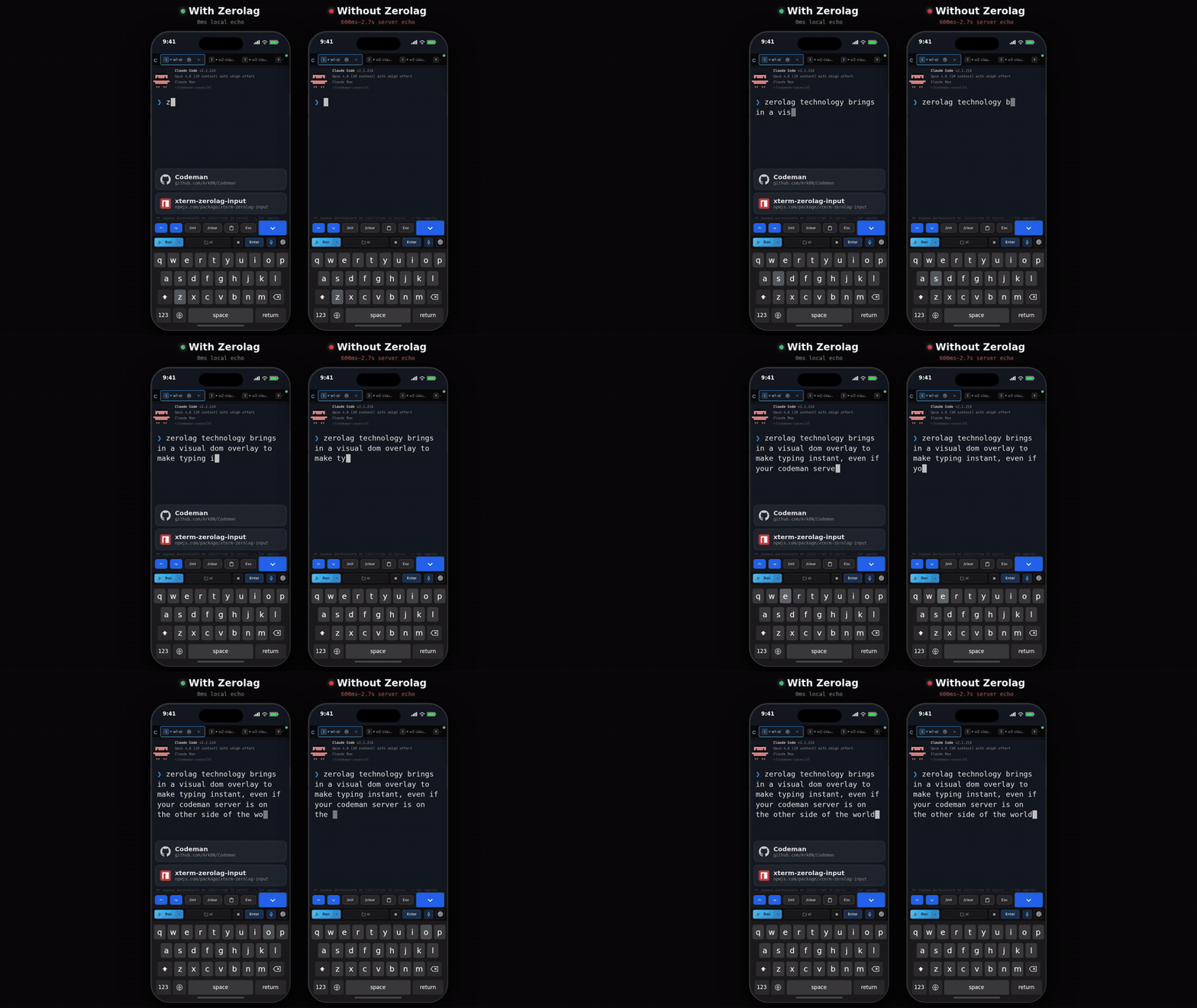
|
||||
|
||||
The consequence to remember: **text on screen has not necessarily reached the agent yet.**
|
||||
It is flushed on Enter. If a prompt appears to have been ignored, press Enter, or the phone
|
||||
toolbar's **Enter** button.
|
||||
|
||||
Default on for touch devices, off for desktop, and switchable in
|
||||
**App Settings → Terminal & Input**.
|
||||
|
||||
### Codex is different on purpose
|
||||
|
||||
Codex's composer reacts to every keystroke: `/` opens a live-filtering picker, arrows edit
|
||||
state on its side, the composer grows as text wraps. Buffering until Enter starved it, so
|
||||
Codex sessions use **predictive echo** instead: each keystroke is painted at its predicted
|
||||
position while the bytes actually sent stay identical to what you typed. Predictions
|
||||
reconcile against the real buffer and only apply while the cursor is on the composer row.
|
||||
|
||||
## CJK input
|
||||
|
||||
Chinese, Japanese, and Korean input needs an IME, and an IME needs a real text field.
|
||||
Turning on CJK input in **App Settings → Terminal & Input** puts an always-visible textarea
|
||||
below the terminal that owns composition, then delivers the composed text to the session.
|
||||
|
||||
## Voice dictation
|
||||
|
||||
`Ctrl+Shift+V`, or the microphone button. There are three providers and the default is
|
||||
`auto`, which prefers them in this order:
|
||||
|
||||
| Provider | Needs | Notes |
|
||||
| ------------------ | ---------------------------------------------- | ------------------------------------------------------------ |
|
||||
| **Claude** | Claude Code logged in on the server. Opt-in. | Uses this machine's existing Claude login. No extra key. |
|
||||
| **Deepgram** | A Deepgram API key. | Nova-3, with automatic silence detection. |
|
||||
| **Web Speech** | Nothing. | Browser-provided, quality varies. |
|
||||
|
||||
### Dictating through your Claude login
|
||||
|
||||
Off by default; enable it in **App Settings → Voice**.
|
||||
|
||||
Claude Code has its own voice mode, but it opens the **host's** microphone, and in Codeman
|
||||
the CLI runs headless in a tmux pane while you are in a browser somewhere else entirely. So
|
||||
Codeman captures audio in your browser and borrows only the backend: audio goes browser to
|
||||
Codeman to Anthropic, and the page never sees the OAuth token.
|
||||
|
||||
Two deliberate limits:
|
||||
|
||||
- **Credentials are read only.** Codeman never refreshes your Claude token, because a
|
||||
refresh rotates the refresh token and could sign you out of your own CLI. An expired token
|
||||
is reported as expired rather than silently renewed.
|
||||
- **Capture is raw PCM** at 16 kHz mono, which requires an AudioWorklet rather than the
|
||||
usual browser recorder.
|
||||
|
||||
## Read My Mind
|
||||
|
||||
**Claude only, off by default.** Turn it on in **App Settings**, and a 🧠 button appears in
|
||||
the header (on phones, in the keyboard bar instead).
|
||||
|
||||
It keeps a per-case **intent profile**: goals you or your agent write down, plus the prompts
|
||||
you actually submitted in that case. Pressing 🧠 feeds that profile plus live session signals
|
||||
to a single model call and shows a predicted next prompt.
|
||||
|
||||
What you can do with the result:
|
||||
|
||||
- **Send** it, **Insert** it into the composer, or edit it first.
|
||||
- Pick one of the alternate suggestions, which swaps into the editable field without losing
|
||||
your edits.
|
||||
- **Rethink**, optionally with a steer note, to reject the whole set and try again.
|
||||
|
||||
**Nothing is ever sent automatically.** Every path requires a click.
|
||||
|
||||
Where the data lives: the profile is keyed by owner and the resolved working directory, so
|
||||
it survives `/clear` and respawns. Prompts can contain secrets, so the store is written
|
||||
0600 and is deliberately excluded from cross-session search.
|
||||
|
||||
Guide: [`docs/readmymind.md`](https://github.com/Ark0N/Codeman/blob/master/docs/readmymind.md).
|
||||
|
||||
## Programmatic input
|
||||
|
||||
Sending prompts over the API has one rule that catches everyone: **the payload must end with
|
||||
`\r`** or Enter is never sent. The request still succeeds, the text sits unsubmitted in the
|
||||
composer, and any wait burns its whole timeout on a turn that never started.
|
||||
|
||||
Input is also **single line**. Embedded newlines are stripped rather than rejected, so
|
||||
`"echo A\necho B\r"` runs the joined `echo Aecho B`. Put multi-line content in a file and
|
||||
tell the agent to read it.
|
||||
|
||||
See [Driving Codeman From An Agent](Driving-Codeman-From-An-Agent).
|
||||
|
||||
## Gotchas
|
||||
|
||||
- **Typed text sitting on screen has not been sent.** Press Enter.
|
||||
- **`Ctrl+C` with a selection copies.** Clear the selection to interrupt.
|
||||
- **Voice needs HTTPS.** Microphone access requires a secure context, same as push
|
||||
notifications.
|
||||
- **Read My Mind goes blind for sessions using a relocated Claude config directory**, along
|
||||
with the other transcript-backed features. See [Agent CLIs](Agent-CLIs).
|
||||
|
||||
## Read next
|
||||
|
||||
- [Mobile Guide](Mobile-Guide) - the keyboard bar and touch input.
|
||||
- [Keyboard Shortcuts](Keyboard-Shortcuts) - the full list.
|
||||
- [Working With Files](Working-With-Files) - images and attachments as input.
|
||||
@@ -1,234 +0,0 @@
|
||||
# Installation
|
||||
|
||||
Getting Codeman onto a machine, verifying it works, updating it, and removing it.
|
||||
|
||||
## Requirements
|
||||
|
||||
| Requirement | Notes |
|
||||
| ---------------- | -------------------------------------------------------------------------------------------------------------------------------------- |
|
||||
| **macOS or Linux** | Windows works through WSL2. See [Windows](#windows-wsl) below. |
|
||||
| **Node.js 22+** | The installer offers to install it if missing. |
|
||||
| **tmux** | Not optional. Sessions live inside tmux, which is what makes them survive a server restart, a dropped connection, or a closed laptop. |
|
||||
| **An agent CLI** | At least one of [Claude Code](https://docs.anthropic.com/en/docs/claude-code), [OpenCode](https://opencode.ai), [Codex](https://developers.openai.com/codex/cli), [Antigravity](https://antigravity.google), [Gemini CLI](https://github.com/google-gemini/gemini-cli), [Pi](https://pi.dev). Plain shell sessions need none. See [Agent CLIs](Agent-CLIs). |
|
||||
|
||||
Codeman itself sends no telemetry and phones no home. The only network traffic is your
|
||||
browser to your server, and whatever the agent CLI you chose does on its own.
|
||||
|
||||
## Route A: the installer (recommended)
|
||||
|
||||
```bash
|
||||
curl -fsSL https://getcodeman.com/install | bash
|
||||
```
|
||||
|
||||
This installs Node.js and tmux if they are missing, clones Codeman into `~/.codeman/app`,
|
||||
and builds it.
|
||||
|
||||
What it asks you:
|
||||
|
||||
1. **Permission for every system change.** Package installs and agent CLI downloads are
|
||||
prompted individually. Nothing is installed silently.
|
||||
2. **How the dashboard should be reachable.** Three choices:
|
||||
- **Tailscale** (recommended for phone access): keeps the loopback bind and walks you
|
||||
through `tailscale serve`, including the tailnet HTTPS toggle, then verifies the result
|
||||
end to end.
|
||||
- **Your local network** (`0.0.0.0`): prompts for a password. Skipping the password takes
|
||||
an explicit confirmation and ends on a loud warning.
|
||||
- **This machine only** (`127.0.0.1`): the safest option, and the default for a bare
|
||||
`codeman web` regardless of what you pick here.
|
||||
|
||||
Which one is preselected depends on what the installer finds. A fresh install defaults to
|
||||
the local network, unless Tailscale is already connected, in which case it defaults to
|
||||
Tailscale. An existing loopback install defaults to keeping loopback, or to Tailscale when
|
||||
a serve mapping for Codeman is already there. A bare Enter never pulls in new software,
|
||||
and a non-interactive run always keeps the safe loopback default.
|
||||
3. **What to do when it finishes.** Run in this terminal, install as a background service
|
||||
that starts on boot, or do nothing yet.
|
||||
|
||||
Re-running the same one-liner **updates an existing install in place**. Local changes in
|
||||
`~/.codeman/app` are stashed rather than discarded, a running service is restarted and
|
||||
verified, and your existing network binding is preserved. An interrupted first install
|
||||
resumes instead of restarting.
|
||||
|
||||
Two other entry points exist:
|
||||
|
||||
```bash
|
||||
install.sh update # update only
|
||||
install.sh uninstall # remove
|
||||
install.sh tailscale # retrofit Tailscale access onto an existing install
|
||||
```
|
||||
|
||||
**Automation and CI**: with no terminal attached, any step that would change the system
|
||||
aborts with instructions instead of running silently. Set `CODEMAN_NONINTERACTIVE=1` to
|
||||
approve those steps. `CODEMAN_TAILSCALE=1` preselects the Tailscale answer, and never
|
||||
installs Tailscale itself non-interactively.
|
||||
|
||||
## Route B: npm
|
||||
|
||||
```bash
|
||||
npm install -g aicodeman
|
||||
codeman web
|
||||
```
|
||||
|
||||
The npm package is named `aicodeman`; the product is Codeman. Both `codeman` and
|
||||
`aicodeman` are installed as commands.
|
||||
|
||||
The trade-off against Route A: no guided network setup, and the in-app self-updater does
|
||||
not apply. npm installs report as non-updatable in **App Settings → System → Updates**, and
|
||||
you update with `npm update -g aicodeman`.
|
||||
|
||||
## Route C: git clone
|
||||
|
||||
For contributing, or for running unreleased code.
|
||||
|
||||
```bash
|
||||
git clone https://github.com/Ark0N/Codeman.git
|
||||
cd Codeman
|
||||
npm install # postinstall builds the vendored xterm addon bundles
|
||||
npm run dev # dev server on http://localhost:3000
|
||||
```
|
||||
|
||||
For a production run from a clone:
|
||||
|
||||
```bash
|
||||
npm run build
|
||||
npm run start
|
||||
```
|
||||
|
||||
`npm run dev` runs TypeScript directly through `tsx` with no build step. The frontend is
|
||||
plain JavaScript served from `src/web/public/` with no bundler, so editing a `.js` or `.css`
|
||||
file and reloading the page is enough. The one exception is `index.html`, which is read once
|
||||
at server start, so markup changes need a restart.
|
||||
|
||||
See [Contributing](Contributing) for the rest of the development loop.
|
||||
|
||||
## Installing an agent CLI
|
||||
|
||||
Codeman drives CLIs, it does not bundle them. Install at least one:
|
||||
|
||||
| CLI | Install | Notes |
|
||||
| --------------- | ------------------------------------------------------------------ | -------------------------------------------------------------------------- |
|
||||
| **Claude Code** | `npm i -g @anthropic-ai/claude-code` | The primary target. Some Codeman features are Claude-only: see [Agent CLIs](Agent-CLIs). |
|
||||
| **OpenCode** | See [opencode.ai](https://opencode.ai) | |
|
||||
| **Codex** | See [developers.openai.com/codex/cli](https://developers.openai.com/codex/cli) | |
|
||||
| **Antigravity** | See [antigravity.google](https://antigravity.google) | Google's successor to the consumer Gemini CLI. |
|
||||
| **Gemini CLI** | See [github.com/google-gemini/gemini-cli](https://github.com/google-gemini/gemini-cli) | Enterprise only since Google's June 2026 consumer cutover. |
|
||||
| **Pi** | See [pi.dev](https://pi.dev) | No permission prompts and no sandbox by design. Read [Agent CLIs](Agent-CLIs) before using it on a repo you care about. |
|
||||
|
||||
Log each CLI in once, by hand, before pointing Codeman at it. Codeman never collects or
|
||||
stores your CLI credentials.
|
||||
|
||||
## Verify the install
|
||||
|
||||
```bash
|
||||
codeman doctor # checks Node, tmux, the agent CLIs, document converters
|
||||
codeman --version
|
||||
codeman web # then open http://localhost:3000
|
||||
```
|
||||
|
||||
`codeman doctor --json` gives machine-readable output, and `--category core` narrows it to
|
||||
the things a session cannot start without.
|
||||
|
||||
If the dashboard loads and **+ New Session** opens, you are done. Continue to
|
||||
[Quick Start](Quick-Start).
|
||||
|
||||
## Where things live
|
||||
|
||||
| Path | What |
|
||||
| ----------------------- | ------------------------------------------------------------------------------------------------ |
|
||||
| `~/.codeman/app` | The installed code (installer route only). |
|
||||
| `~/.codeman/` | All state: `state.json`, settings, session history, push keys, TLS certs. See [Core Concepts](Core-Concepts). |
|
||||
| `~/codeman-cases/` | Cases created from scratch. Linked cases stay wherever they already are. |
|
||||
| `~/.codeman/web.log` | Log for a detached (`-d`) server. |
|
||||
|
||||
Everything is under your home directory, and nothing needs root.
|
||||
|
||||
## Keeping it running
|
||||
|
||||
A bare `codeman web` dies with the shell that started it. Two ways to outlive that:
|
||||
|
||||
```bash
|
||||
codeman web -d # detached; --status and --stop manage it
|
||||
codeman service install # systemd user unit or macOS LaunchAgent; survives reboots
|
||||
```
|
||||
|
||||
Full detail, including logs and the self-updater, is in
|
||||
[Running As A Service](Running-As-A-Service).
|
||||
|
||||
## Updating
|
||||
|
||||
| Install route | How to update |
|
||||
| ------------- | ----------------------------------------------------------------- |
|
||||
| Installer | Re-run the one-liner, or **App Settings → System → Updates** in the UI. |
|
||||
| npm | `npm update -g aicodeman` |
|
||||
| git clone | `git pull && npm install && npm run build`, then restart. |
|
||||
|
||||
The in-app updater covers git-clone installs supervised by systemd or launchd. It restarts
|
||||
the process that is running it, so the actual work happens in a detached script and the
|
||||
browser polls across the restart. Progress appears in the UI.
|
||||
|
||||
## Uninstalling
|
||||
|
||||
```bash
|
||||
install.sh uninstall # installer route
|
||||
npm uninstall -g aicodeman # npm route
|
||||
```
|
||||
|
||||
Neither removes `~/.codeman/` or `~/codeman-cases/`. Delete those by hand if you want the
|
||||
state and your case folders gone as well, and check `~/codeman-cases/` first: linked cases
|
||||
point at directories you already had, but cases created from scratch have their only copy
|
||||
there.
|
||||
|
||||
Running tmux sessions are not killed by an uninstall. `tmux -L codeman kill-server` ends
|
||||
them.
|
||||
|
||||
## Windows (WSL)
|
||||
|
||||
```powershell
|
||||
wsl bash -c "curl -fsSL https://getcodeman.com/install | bash"
|
||||
```
|
||||
|
||||
Codeman requires tmux, so Windows runs it inside
|
||||
[WSL2](https://learn.microsoft.com/en-us/windows/wsl/install). If you do not have WSL yet:
|
||||
run `wsl --install` in an admin PowerShell, reboot, open Ubuntu, and install your agent CLI
|
||||
*inside* WSL. `http://localhost:3000` then works from your Windows browser.
|
||||
|
||||
Work inside the Linux filesystem (`~/project`), not `/mnt/c/...`. Filesystem watching and
|
||||
git are both dramatically slower across the Windows mount, and agents notice.
|
||||
|
||||
## macOS notes
|
||||
|
||||
**`Error: posix_spawnp failed.` on every session start.** node-pty publishes its macOS
|
||||
`spawn-helper` without the executable bit, and macOS launches every PTY through it. Codeman
|
||||
detects this and repairs it automatically on the first failure. If you hit it on a clone
|
||||
install and want to fix it by hand:
|
||||
|
||||
```bash
|
||||
npm run fix:node-pty
|
||||
```
|
||||
|
||||
This is a `chmod`, not a rebuild. Look in `prebuilds/darwin-<arch>/`, not
|
||||
`build/Release/`, which does not exist on macOS. Linux cannot reproduce this.
|
||||
|
||||
**launchd and PATH.** A LaunchAgent gets `/usr/bin:/bin:/usr/sbin:/sbin`, which finds
|
||||
neither a Homebrew or nvm `node` nor `tmux` or `claude`. `codeman service install` bakes
|
||||
your current PATH into the unit for exactly this reason, so prefer it over a hand-written
|
||||
plist.
|
||||
|
||||
## Gotchas
|
||||
|
||||
- **`tmux: command not found` after a successful install.** The installer asks before
|
||||
installing packages, and a declined prompt is a valid answer it remembers. Install tmux
|
||||
and re-run.
|
||||
- **Port 3000 in use.** `codeman web --port 8080`, or set `CODEMAN_PORT`.
|
||||
- **Two Codemans on one machine.** The data directory and the tmux socket are both process
|
||||
wide, so a second instance discovers and attaches the first one's live sessions. Give each
|
||||
a distinct `CODEMAN_INSTANCE` before starting a second. See [Core Concepts](Core-Concepts).
|
||||
- **The dashboard is not reachable from your phone.** That is the default, not a fault. The
|
||||
server binds `127.0.0.1`. See [Remote Access](Remote-Access).
|
||||
|
||||
## Read next
|
||||
|
||||
- [Quick Start](Quick-Start) - your first working session.
|
||||
- [Agent CLIs](Agent-CLIs) - picking and setting up a run mode.
|
||||
- [Remote Access](Remote-Access) - reaching it from another device.
|
||||
- [Troubleshooting](Troubleshooting) - when the above did not go as written.
|
||||
@@ -1,159 +0,0 @@
|
||||
# Keeping Agents Running
|
||||
|
||||
Codeman exists for the hours you are not at the keyboard. This page covers how it notices an
|
||||
agent has stopped, what it does about it, and how to run a session overnight without
|
||||
babysitting it.
|
||||
|
||||
Everything here is **per session and off by default**. A session you never configure just
|
||||
sits there when it finishes, which is usually what you want.
|
||||
|
||||
## How Codeman knows an agent is idle
|
||||
|
||||
Harder than it sounds, and worth understanding, because it is what every other feature here
|
||||
is built on.
|
||||
|
||||
**For Claude sessions**, the naive signal does not work. Claude redraws its prompt marker
|
||||
roughly once a second all the way through a turn, so "saw a prompt, waited two seconds,
|
||||
called it idle" flipped working sessions to idle a couple of seconds into every turn. Its
|
||||
real working indicator is an animated line whose glyph and wording both change, and terminal
|
||||
repaints arrive in partial fragments, so matching it in the output stream does not work
|
||||
either.
|
||||
|
||||
So Codeman waits for the pane to go quiet, then **asks the screen** what is on it before
|
||||
believing the session is idle. Turn-start detection works the same way in reverse: a
|
||||
sustained run of repaints marks a turn as started, with the same screen check vetoing mere
|
||||
keystroke echo. Idle now lands a few seconds after a turn genuinely ends.
|
||||
|
||||
There are several layers stacked on that: a completion message from the CLI, an AI check,
|
||||
output silence, and token stability.
|
||||
|
||||
**For every other CLI**, there are no hooks to lean on, so detection is output
|
||||
stabilization: the session is idle when output stops changing. Coarser, and it is why the
|
||||
features further down this page are Claude-only.
|
||||
|
||||
## The Respawn Controller
|
||||
|
||||
Respawn keeps a session working past the point where the agent would otherwise stop. When
|
||||
the session goes idle, Codeman runs a cycle and starts it again.
|
||||
|
||||
A cycle is up to four steps, each optional:
|
||||
|
||||
1. **Update prompt.** Ask the agent to write down where it got to, so the next round can pick
|
||||
it up.
|
||||
2. **`/clear`.** Reset the context window.
|
||||
3. **`/init`.** Re-read the project's `CLAUDE.md`.
|
||||
4. **Kickstart prompt.** Tell it to continue.
|
||||
|
||||
Steps 2 and 3 are what make long runs possible: without a context reset, a multi-hour
|
||||
session eventually spends its whole window on its own history.
|
||||
|
||||
Configure it in **Session Options → Respawn**, then press **Enable**. It repeats until the
|
||||
duration you set runs out.
|
||||
|
||||
| Setting | What it controls |
|
||||
| ---------------------- | ----------------------------------------------------------------------- |
|
||||
| **Idle timeout** | How long the session must be quiet before a cycle starts. |
|
||||
| **Duration** | How long the whole arrangement stays armed. |
|
||||
| **Inter-step delay** | Pause between the steps above, so a step is not sent into a busy pane. |
|
||||
| **`/clear` + `/init`** | Whether the context reset happens at all. |
|
||||
| **Update prompt** | What the agent is asked to record before the reset. |
|
||||
| **Kickstart prompt** | What starts the next round. |
|
||||
| **Auto-accept prompts**| Answer routine confirmation dialogs automatically. |
|
||||
|
||||
### Presets
|
||||
|
||||
Five built-ins, and the numbers matter more than the names. The idle timeout is the main
|
||||
difference: a lead session coordinating subagents is legitimately silent for a minute at a
|
||||
time, and a three second timeout would interrupt it constantly.
|
||||
|
||||
| Preset | Idle timeout | Duration | Built for |
|
||||
| -------------- | ------------ | -------- | --------------------------------------------------------------- |
|
||||
| **Solo** | 3s | 60 min | One agent working alone, fast cycles with a context reset. |
|
||||
| **Subagents** | 45s | 240 min | A lead session running Task subagents; tolerates their silences. |
|
||||
| **Team** | 90s | 480 min | Leading an agent team; tolerates long silences. |
|
||||
| **Ralph/Todo** | 8s | 480 min | Working through a task list with progress tracking. |
|
||||
| **Overnight** | 10s | 480 min | Unattended overnight runs with a full reset between cycles. |
|
||||
|
||||
Start from the preset that matches your shape of work and adjust the idle timeout first.
|
||||
Presets you build yourself can be saved alongside these.
|
||||
|
||||
### What it costs
|
||||
|
||||
Every cycle is real tokens: the update prompt, the reset, and the kickstart, plus whatever
|
||||
work follows. An overnight run is a deliberate spend, not a background nicety. The duration
|
||||
setting is the ceiling, and it is worth setting honestly.
|
||||
|
||||
## Auto-resume when a usage limit resets
|
||||
|
||||
**Claude only.** At the top of the Respawn tab.
|
||||
|
||||
When Claude halts on a subscription limit, the message names the time the limit resets.
|
||||
Codeman parses it, arms a timer for two minutes after that, then sends Escape followed by
|
||||
`continue`.
|
||||
|
||||
The important part is what it does **not** do: respawn cycles are blocked while a session is
|
||||
limit-paused. Without that, the next cycle would fire `/clear` and wipe the conversation you
|
||||
are waiting to resume. This is the single most useful setting for overnight runs on a
|
||||
subscription plan.
|
||||
|
||||
## The plan usage chip
|
||||
|
||||
**Claude only.** A header chip showing live subscription usage, on by default on desktop and
|
||||
off on phones.
|
||||
|
||||
It works by installing a status line exporter into Claude Code, which posts Claude's own
|
||||
rate limit data back to Codeman. The exporter is marker-identified, so it only ever touches
|
||||
a status line Codeman installed, never one you wrote yourself, and it prints your footer
|
||||
through so the in-terminal status line still works.
|
||||
|
||||
The chip and the exporter are the same setting. Turning the chip on without the exporter
|
||||
would leave it showing a dash forever, so resolve it in one place: **App Settings**.
|
||||
|
||||
## Circuit breakers
|
||||
|
||||
Two, and they are unrelated:
|
||||
|
||||
- **The Ralph breaker** stops respawn thrashing. It moves from closed to half-open to open,
|
||||
and is reset from the session's Ralph controls.
|
||||
- **The PTY-exit breaker** trips when a session's process exits repeatedly and quickly, and
|
||||
blocks automatic restarts so a broken configuration cannot spin forever.
|
||||
|
||||
The PTY-exit breaker resets **only** on an explicit clear. Reattaching to the session does
|
||||
not clear it, deliberately, so a UI reconnect cannot paper over a session that is genuinely
|
||||
failing to start.
|
||||
|
||||
## A working overnight setup
|
||||
|
||||
1. Start a Claude session in the case you want worked on.
|
||||
2. Give it a clear goal and let it start. Respawn continues work, it does not invent it.
|
||||
3. **Session Options → Respawn → Overnight preset.**
|
||||
4. Turn on **auto-resume on usage limit**.
|
||||
5. Set the duration to how long you actually want it running.
|
||||
6. Press **Enable**.
|
||||
7. Optionally turn on push notifications so a blocking question reaches your phone: see
|
||||
[Notifications And Approvals](Notifications-And-Approvals).
|
||||
|
||||
In the morning, the **Away Digest** summarizes what happened while you were gone, and the
|
||||
run summary and lifecycle log carry the detail.
|
||||
|
||||
## Gotchas
|
||||
|
||||
- **Respawn without a context reset stalls eventually.** The window fills with history and
|
||||
the agent gets less useful every cycle.
|
||||
- **An idle timeout that is too short interrupts real work.** If the agent runs long tool
|
||||
calls or coordinates subagents, raise it. That is what the Subagents and Team presets are.
|
||||
- **The update prompt is what makes a reset survivable.** After `/clear`, everything the
|
||||
agent knows comes from that summary and the project files. A vague update prompt produces
|
||||
a vague next cycle.
|
||||
- **Non-Claude sessions can respawn**, but with output-based idle detection and no
|
||||
usage-limit auto-resume.
|
||||
- **Do not run respawn on a session you are actively typing in.** It will send prompts
|
||||
underneath you.
|
||||
|
||||
## Read next
|
||||
|
||||
- [Autonomous Loops](Autonomous-Loops) - Ralph and the orchestrator, for structured
|
||||
autonomous work rather than "keep going".
|
||||
- [Cron Jobs](Cron-Jobs) - starting work on a schedule instead of continuing it.
|
||||
- [Notifications And Approvals](Notifications-And-Approvals) - being told when it needs you.
|
||||
- [`docs/respawn-state-machine.md`](https://github.com/Ark0N/Codeman/blob/master/docs/respawn-state-machine.md) - the state machine itself.
|
||||
@@ -1,73 +0,0 @@
|
||||
# Keyboard Shortcuts
|
||||
|
||||
Every binding, and how to change them. `Ctrl` also accepts `Cmd` on macOS.
|
||||
|
||||
Press `Ctrl+?` in the app for the same list in a floating overlay.
|
||||
|
||||
## Sessions and tabs
|
||||
|
||||
| Shortcut | Action |
|
||||
| ------------------------------- | --------------------------------------------------------------- |
|
||||
| `Ctrl+K` (also `Cmd+K`, `Alt+K`)| Find an open session or start a new one. |
|
||||
| `Ctrl+W` | Kill the active session. |
|
||||
| `Ctrl+Tab` | Next session. |
|
||||
| `Alt+[` / `Alt+]` | Previous / next tab. |
|
||||
| `Alt+1` to `Alt+9` | Switch to tab N. Physical keys, so macOS Option layouts work. |
|
||||
| `Ctrl+Shift+{` / `Ctrl+Shift+}` | Move the active tab left / right. |
|
||||
| `Alt+B` | Collapse / expand the session sidebar, when that layout is on. |
|
||||
|
||||
## Terminal
|
||||
|
||||
| Shortcut | Action |
|
||||
| ----------------------- | --------------------------------------------------------------- |
|
||||
| `Enter` | Send. |
|
||||
| `Shift+Enter` | Insert a newline without sending. |
|
||||
| `Ctrl+Enter` | Same. |
|
||||
| `Ctrl+C` | Copy the selection, or interrupt when nothing is selected. |
|
||||
| `Ctrl+Shift+C` | Copy the selection. Never interrupts. |
|
||||
| `Ctrl+V` | Paste. An image on the clipboard uploads and pastes its file path instead. |
|
||||
| `Ctrl+L` | Clear the terminal. |
|
||||
| `Ctrl+Shift+R` | Restore terminal size. |
|
||||
| `Ctrl` `+` / `Ctrl` `-` | Font size. |
|
||||
| `Shift+Wheel` | Scroll the local buffer, even where the wheel is forwarded to the CLI. |
|
||||
|
||||
## Everything else
|
||||
|
||||
| Shortcut | Action |
|
||||
| -------------- | ------------------------------- |
|
||||
| `Ctrl+Shift+V` | Toggle voice input. |
|
||||
| `Ctrl+?` | Shortcut reference overlay. |
|
||||
| `Escape` | Close panels and modals. |
|
||||
|
||||
## Rebinding
|
||||
|
||||
**App Settings → Shortcuts.** Bindings live in a registry with per-user overrides, so a
|
||||
rebind is stored as an override on top of the default rather than replacing the table.
|
||||
|
||||
Two things are deliberately not rebindable:
|
||||
|
||||
- **`Ctrl+C` smart copy.** The generic dispatch loop calls `preventDefault()` on every
|
||||
shortcut it handles, and doing that to `Ctrl+C` would swallow the interrupt when nothing
|
||||
is selected. It is handled separately for that reason.
|
||||
- **`Escape`**, which closes whatever is open.
|
||||
|
||||
## Why some chords behave oddly
|
||||
|
||||
The terminal sees keystrokes before the app does. Any chord the app claims has to also be
|
||||
swallowed at the terminal layer, or xterm writes the control byte into the session as well
|
||||
as triggering the action. If you rebind something to a chord the terminal cares about
|
||||
(`Ctrl+D`, say), expect the CLI to see it too.
|
||||
|
||||
`Alt+1` through `Alt+9` are matched on **physical key position** rather than the character
|
||||
produced, so macOS Option layouts that produce `¡™£` still switch tabs.
|
||||
|
||||
## On phones
|
||||
|
||||
There is no physical keyboard, so the equivalents live in the keyboard accessory bar: `Esc`,
|
||||
`Ctrl` as a one-shot modifier, `Tab`, arrows, and quick actions. See
|
||||
[Mobile Guide](Mobile-Guide).
|
||||
|
||||
## Read next
|
||||
|
||||
- [The Dashboard](The-Dashboard) - what the shortcuts are navigating.
|
||||
- [Settings Reference](Settings-Reference) - where the overrides are stored.
|
||||
@@ -1,165 +0,0 @@
|
||||
# Mobile Guide
|
||||
|
||||
Codeman on a phone is not a shrunken desktop UI. It is the surface most of its design
|
||||
attention has gone into, because checking on an agent from a bus is the thing this software
|
||||
is for.
|
||||
|
||||
<p align="center">
|
||||
<img src="https://raw.githubusercontent.com/Ark0N/Codeman/master/docs/screenshots/mobile-session-keyboard-20260727.png" alt="Answering an agent prompt on a phone" width="300">
|
||||
</p>
|
||||
|
||||
## Getting there
|
||||
|
||||
1. **Set up access.** Tailscale is the recommended route and gives you real HTTPS. See
|
||||
[Remote Access](Remote-Access).
|
||||
2. **Log in by QR.** Open the dashboard on your desktop and scan the code. No password
|
||||
typing. Tokens are single use and rotate every 60 seconds.
|
||||
3. **Install it to your home screen.** On iOS this is mandatory for push notifications;
|
||||
Safari does not deliver push to tabs. On Android it makes the app full screen.
|
||||
|
||||
HTTPS matters for more than security here: microphone access and push notifications both
|
||||
require a secure context.
|
||||
|
||||
## The layout
|
||||
|
||||
| Element | Where |
|
||||
| -------------------- | --------------------------------------------------------------------- |
|
||||
| Header | Fixed at the top, deliberately minimal. Desktop-only controls never appear. |
|
||||
| Tab strip | Scrolls horizontally. The active tab is always scrolled into view. |
|
||||
| Terminal | The rest of the screen. |
|
||||
| Toolbar | Bottom: Run, Stop, **Enter**, case picker, voice, settings. |
|
||||
| Keyboard bar | Above the on-screen keyboard when it is open. |
|
||||
|
||||
Layout respects notch and home-indicator safe areas, touch targets are 44px, and the case
|
||||
picker is a bottom sheet rather than a dropdown.
|
||||
|
||||
**Swipe left and right** on the terminal to switch sessions.
|
||||
|
||||
## The home screen
|
||||
|
||||
Tapping the "C" logo gives a session overview rather than a welcome page:
|
||||
|
||||
1. **NEEDS YOU** first: sessions blocked on a question, with answer strips so you can
|
||||
resolve them without opening the session.
|
||||
2. **CURRENT SESSIONS** with live status.
|
||||
3. **PAST SESSIONS**, resumable.
|
||||
|
||||
Row status uses the same language as the tabs: green when fine, pulsing while working,
|
||||
yellow when waiting for input, red when a question is pending.
|
||||
|
||||
The split Run button carries the same per-backend colours as the desktop toolbar, and its
|
||||
picker mirrors the desktop run-mode menu.
|
||||
|
||||
On by default; it can be turned off in settings.
|
||||
|
||||
## The keyboard accessory bar
|
||||
|
||||
A row of keys above the virtual keyboard, and what it contains depends on the session.
|
||||
|
||||
**Agent sessions** get quick actions: `/init`, `/clear`, `/compact`, a clipboard key, `Esc`,
|
||||
a path picker, an image key, and 🧠 when Read My Mind is on. Destructive commands need a
|
||||
double press, so you cannot fire `/clear` with a stray thumb.
|
||||
|
||||
**Shell sessions** automatically swap it for terminal controls: `Ctrl`, `Esc`, `Tab`, four
|
||||
arrows, paste, and dismiss. Your normal preference is remembered and restored when you
|
||||
switch back to an agent session, so a settings change during a shell session cannot strip
|
||||
the bar away permanently.
|
||||
|
||||
### One-shot Ctrl
|
||||
|
||||
`Ctrl` on the shell bar is a **one-shot modifier**: tap `Ctrl`, then tap `c`, and the
|
||||
control byte is sent. It disarms on use, on a second tap, on any other accessory key, on a
|
||||
session switch, and when the keyboard closes.
|
||||
|
||||
That list matters. A modifier left armed turns your next innocent keystroke into a control
|
||||
byte, so it is deliberately eager to disarm. Keys with no control equivalent pass through
|
||||
unchanged, exactly like a hardware keyboard.
|
||||
|
||||
## The Enter button
|
||||
|
||||
The toolbar's dedicated **Enter** button exists because of local echo. On a phone, the
|
||||
characters you type are painted locally and have not reached the agent yet; Enter flushes
|
||||
them and then submits.
|
||||
|
||||
It replays the keypress through the terminal rather than sending a bare carriage return.
|
||||
Sending a bare `\r` would submit an empty line and strand your typed text on screen, which
|
||||
looks exactly like a dead button.
|
||||
|
||||
On phones this button replaces the desktop's **Run Shell** control; starting a shell moved
|
||||
into the Run dropdown.
|
||||
|
||||
## Tapping, links and copying
|
||||
|
||||
- **Tap a link** in terminal output and it opens in a new tab. Same for a link in an agent's
|
||||
answer in the response viewer — it opens a tab rather than navigating the dashboard away,
|
||||
which on a phone would unload the whole session view.
|
||||
- **Tap a file path** an agent printed and the file-preview overlay opens; a log path opens the
|
||||
log viewer. Works in scrolled-up transcript too.
|
||||
- A tap on the prose *beside* a link still places the cursor as usual, and a tap on a dialog's
|
||||
numbered choice still answers the dialog even when the row contains a path — the dialog wins,
|
||||
because on a phone it is the only interaction that matters.
|
||||
- **Long-press to select text**, then drag, or tap the other end to extend the selection — no
|
||||
hairline handles to grab. A small bar offers **Copy**, **Line** (the whole logical line,
|
||||
wrapped rows included) and dismiss. Copy works on plain-HTTP installs too, where the browser
|
||||
clipboard API is unavailable.
|
||||
- A swipe is never mistaken for a long-press, and the keyboard stays down while you select.
|
||||
|
||||
## Scrolling and the keyboard
|
||||
|
||||
- The terminal and toolbar shift up when the keyboard opens, tracked through the browser's
|
||||
visual viewport rather than guessed.
|
||||
- **Two ways to dismiss the keyboard**: tap outside the terminal on inert space, or tap twice
|
||||
on inert terminal content. Tapping a control never dismisses it, and tapping the prompt row
|
||||
keeps focus so you can place the caret.
|
||||
- A scroll is never mistaken for a tap: travel is measured from the start of the gesture, and
|
||||
multi-touch never counts.
|
||||
- **A long prompt stays visible.** Once what you are typing wraps past the last visible row it
|
||||
grows upward over the transcript instead of sliding under the keyboard, so the end of the
|
||||
sentence — where the cursor is — is always on screen. A prompt taller than the visible strip
|
||||
shows its tail.
|
||||
|
||||
## Voice
|
||||
|
||||
The microphone button, or the keyboard bar. Providers and setup are covered in
|
||||
[Input And Voice](Input-And-Voice). Dictating is often faster than typing a prompt on a
|
||||
phone, and it is the main reason the feature exists.
|
||||
|
||||
## Notifications
|
||||
|
||||
Push notifications reach you with no tab open, and with the Approvals Inbox on they carry
|
||||
**Approve** and **Deny** buttons handled by the service worker, so you can unblock an agent
|
||||
from the lock screen.
|
||||
|
||||
Setup in [Notifications And Approvals](Notifications-And-Approvals).
|
||||
|
||||
## Reading long answers
|
||||
|
||||
The terminal viewport is small. **Last Response** (opt-in header button) renders the agent's
|
||||
last answer as scrollable text instead, with a **More** button for additional context.
|
||||
|
||||
The [File Viewer](Working-With-Files) works on phones too, including edit mode, which is
|
||||
enough to fix a typo an agent introduced while you are away from your desk.
|
||||
|
||||
## What is deliberately not on phones
|
||||
|
||||
- Extra header buttons. New header controls are kept off phones by policy, with a test that
|
||||
enforces it.
|
||||
- The Approvals bell. Phones get the NEEDS YOU strips on the home screen instead.
|
||||
- The desktop home tab rail, which needs a wide window.
|
||||
- Lineage arcs, which are a desktop overlay.
|
||||
|
||||
## Gotchas
|
||||
|
||||
- **Typed text sitting on screen has not been sent.** Press Enter.
|
||||
- **iOS needs the home screen install for push**, not just a bookmark.
|
||||
- **iOS Safari can serve stale JavaScript after an update** until the tab is fully closed.
|
||||
Close it and reopen.
|
||||
- **Plain HTTP over a LAN address disables voice and push.** Use HTTPS.
|
||||
- **An armed `Ctrl` is visibly highlighted.** If it looks the same as a resting key, you are
|
||||
on an old version, on a light skin.
|
||||
|
||||
## Read next
|
||||
|
||||
- [Remote Access](Remote-Access) - getting the phone connected in the first place.
|
||||
- [Notifications And Approvals](Notifications-And-Approvals) - being told when you are needed.
|
||||
- [Input And Voice](Input-And-Voice) - local echo, dictation, and the input rules.
|
||||
@@ -1,97 +0,0 @@
|
||||
# Multi-User Mode
|
||||
|
||||
Share one Codeman with a small trusted team. Each person gets their own login and workspace,
|
||||
and sessions, cases, search, and live events are scoped to their owner.
|
||||
|
||||
**Off by default.** Without the flag, behaviour is identical to single-user Codeman, because
|
||||
every scoping check short-circuits.
|
||||
|
||||
## Read this before enabling it
|
||||
|
||||
**Multi-user mode separates workspaces. It does not sandbox users from each other.**
|
||||
|
||||
Every session still runs as the **same operating system account**. A determined user's agent
|
||||
can reach another user's files, because at the OS level they are the same user. This is a
|
||||
convenience and organization feature, not a security boundary.
|
||||
|
||||
If you need real isolation:
|
||||
|
||||
- Pair each user with [Docker Cases](Docker-Cases), which gives their work its own
|
||||
filesystem and network.
|
||||
- Or run separate Codeman instances under separate OS accounts, each with its own
|
||||
`CODEMAN_INSTANCE`.
|
||||
|
||||
"Small trusted team" is the honest description of who this is for.
|
||||
|
||||
## Enabling it
|
||||
|
||||
```bash
|
||||
codeman users add alice --admin # create the first admin, prompts for a password
|
||||
codeman web --multiuser # or CODEMAN_MULTIUSER=1
|
||||
```
|
||||
|
||||
Then manage users from the CLI or the **Users** entry in App Settings:
|
||||
|
||||
```bash
|
||||
codeman users add bob # a regular user
|
||||
codeman users list
|
||||
codeman users passwd bob # reset to a one-time password
|
||||
codeman users rm bob
|
||||
```
|
||||
|
||||
`--password-stdin` reads the password from standard input, for scripts.
|
||||
|
||||
Accounts live in `~/.codeman/users.json` with scrypt-hashed passwords, mode 0600.
|
||||
Administrative actions are audited to `~/.codeman/admin-audit.jsonl`.
|
||||
|
||||
## What each user gets
|
||||
|
||||
| Thing | Scope |
|
||||
| ------------------- | ---------------------------------------------------------------------------- |
|
||||
| **Case space** | `~/codeman-users/<name>/cases`, their own. |
|
||||
| **Sessions** | Only theirs are listed, reachable, or controllable. |
|
||||
| **Events** | Live event routing is per owner, and fails closed. |
|
||||
| **Search** | Scoped on read, including historical results. |
|
||||
| **File previews** | Scoped to sessions they own. |
|
||||
| **Path picker** | Only their own user space as a root, not the whole home directory. |
|
||||
|
||||
Admins see everything.
|
||||
|
||||
Ownership threads through every list endpoint, the session lookup helper, the WebSocket
|
||||
layer, and file previews. A user cannot address another user's session even by id.
|
||||
|
||||
## Safer defaults for regular users
|
||||
|
||||
Non-admins get tighter defaults, and lifting them is an explicit per-user grant:
|
||||
|
||||
| Default | Meaning |
|
||||
| ---------------------------------- | ------------------------------------------------------------------------ |
|
||||
| Claude runs in `auto` permission mode | Anthropic's classifier-guarded mode instead of skip-prompts. |
|
||||
| Raw shell sessions require a grant | A plain shell is unmediated machine access. |
|
||||
| Skip-permissions requires a grant | Same reasoning. |
|
||||
| Cron `launchCommand` requires a grant | It is an arbitrary command on a schedule. |
|
||||
| Pi project trust defaults to off | Trust makes Pi execute repo-local TypeScript. |
|
||||
|
||||
These exist because the OS boundary is shared. They narrow what a normal account can do
|
||||
casually; they do not make the account a sandbox.
|
||||
|
||||
## Accounts and sessions
|
||||
|
||||
Each user authenticates with their own name and password rather than the shared
|
||||
`CODEMAN_PASSWORD`. Logins are individually revocable: disable, reset, or delete an account
|
||||
at any time, and existing browser sessions can be revoked.
|
||||
|
||||
## Gotchas
|
||||
|
||||
- **Enabling it does not migrate existing cases** into a user space. They stay where they
|
||||
are, owned by whoever the ownership rules resolve them to.
|
||||
- **Admins see everything**, including other users' sessions. Choose admins accordingly.
|
||||
- **The audit log is append-only and local.** Ship it somewhere if you care about it.
|
||||
- **It is not a substitute for OS accounts.** Restating this because it is the one thing
|
||||
people get wrong.
|
||||
|
||||
## Read next
|
||||
|
||||
- [Security](Security) - where this fits in the model, and what it does not cover.
|
||||
- [Docker Cases](Docker-Cases) - the isolation story that actually isolates.
|
||||
- [`docs/multi-user-plan.md`](https://github.com/Ark0N/Codeman/blob/master/docs/multi-user-plan.md) - the design.
|
||||
@@ -1,147 +0,0 @@
|
||||
# Notifications and Approvals
|
||||
|
||||
An agent that stops to ask a question, with nobody watching, is a run that quietly wasted an
|
||||
hour. This page covers every way Codeman tells you it needs you, and how to answer without
|
||||
opening the session.
|
||||
|
||||
## The signals, cheapest first
|
||||
|
||||
| Surface | Reaches you | Default |
|
||||
| ---------------------- | ------------------------------------------------- | ------- |
|
||||
| Tab alert | While the dashboard is open | On |
|
||||
| Browser title flash | Another tab in the same browser | On |
|
||||
| Desktop notification | Another window on the same machine | Opt-in |
|
||||
| Push notification | Anywhere, even with no tab open | Opt-in |
|
||||
| Approvals Inbox | One queue across every session | Opt-in |
|
||||
| Phone overview | Phone home screen, NEEDS YOU section | On |
|
||||
| Away Digest | Afterwards, as a summary | Opt-in |
|
||||
|
||||
## Tab alerts
|
||||
|
||||
The tab itself changes state:
|
||||
|
||||
| State | Meaning |
|
||||
| -------------------- | ---------------------------------------------------------- |
|
||||
| Yellow, blinking | The agent is waiting for input from you. |
|
||||
| Red, blinking | A question or permission prompt is blocking the session. |
|
||||
|
||||
These are a steady colour with a pulse layered on top, not a blink to transparent, so a tab
|
||||
needing attention looks that way at every point in the cycle.
|
||||
|
||||
They survive a reload. The alert state is re-seeded from the server on page load, so
|
||||
reloading the dashboard while a permission dialog is blocking a session does not leave you
|
||||
with a normal-looking tab.
|
||||
|
||||
For Claude sessions, these come from Claude Code's hooks and are precise about *why* the
|
||||
session stopped. For other CLIs there are no hooks, so you get the coarser output-based
|
||||
signal.
|
||||
|
||||
## Window title and OS notifications
|
||||
|
||||
The browser tab title is prefixed `codeman:<host>`, so several Codeman instances across
|
||||
several machines stay distinguishable at a glance. Override the hostname with
|
||||
`codeman web --title-hostname <name>`.
|
||||
|
||||
Desktop notifications use the same prefix. Enable them in **App Settings → Notifications**.
|
||||
|
||||
## Push notifications
|
||||
|
||||
Push reaches your phone with **no Codeman tab open at all**, which is the only option that
|
||||
works while you are actually away.
|
||||
|
||||
Setup:
|
||||
|
||||
1. Open Codeman over **HTTPS**. Web push requires a secure context. Tailscale gives you real
|
||||
HTTPS; `--https` gives you a self-signed certificate; plain HTTP over a LAN address will
|
||||
not work.
|
||||
2. **App Settings → Notifications → Subscribe**, and accept the browser prompt.
|
||||
3. On **iOS**, add Codeman to your home screen first. Safari only delivers web push to
|
||||
installed web apps, not to tabs.
|
||||
|
||||
Once subscribed, a blocking prompt reaches your phone even from a locked screen.
|
||||
|
||||
## The Approvals Inbox
|
||||
|
||||
**Opt-in, off by default. Claude sessions only.**
|
||||
|
||||
One queue of every prompt currently waiting on a human, across all your sessions, answerable
|
||||
in place. When you have eight workers running, this is the difference between checking eight
|
||||
tabs and checking one list.
|
||||
|
||||
Turn it on in **App Settings**. Surfaces:
|
||||
|
||||
- **A header bell** with a count, hidden entirely while the count is zero. Never shown on
|
||||
phones.
|
||||
- **A drawer** listing each waiting card.
|
||||
- **NEEDS YOU strips** at the top of the phone overview home screen.
|
||||
|
||||
Each card shows the session, the case, and the captured prompt with its options. Answering
|
||||
sends the keystroke into the session for you: a digit for a menu choice, Escape to decline,
|
||||
or free text for an idle prompt.
|
||||
|
||||
Behaviour worth knowing:
|
||||
|
||||
- **One item per session.** A newer prompt supersedes the older one, because the older one
|
||||
is no longer on screen.
|
||||
- **Menu answers are validated against the live screen.** Codeman re-captures the pane before
|
||||
sending, and refuses with a conflict if the dialog is no longer there. Otherwise your
|
||||
keystroke would land in the composer as stray text.
|
||||
- **Permission and question items clear only on definitive signals**: the turn ending, the
|
||||
dialog completing, an answer, a supersede, the session exiting, or a 12 hour timeout. They
|
||||
do not clear on a heuristic "looks busy again" signal, because that signal is wrong often
|
||||
enough to lose a real prompt.
|
||||
- **In memory only.** Restarting the server clears the queue; the prompts themselves are
|
||||
still sitting in the sessions.
|
||||
|
||||
### Approve and Deny from the notification
|
||||
|
||||
With the inbox enabled, push notifications carry **Approve** and **Deny** buttons. Those are
|
||||
handled by the service worker directly, so they work with no tab open: tap Approve on a
|
||||
locked phone and the agent continues.
|
||||
|
||||
With the inbox off, the buttons are stripped from the notification payload entirely rather
|
||||
than being shown and failing.
|
||||
|
||||
## The phone overview
|
||||
|
||||
On phones, tapping the "C" logo gives a session overview with **NEEDS YOU** first, then
|
||||
current sessions, then past ones. Rows use the same language as the tab strip: a green dot
|
||||
when fine, pulsing while working, yellow when waiting for input, red when a question is
|
||||
pending.
|
||||
|
||||
Answer strips let you resolve a prompt straight from the home screen without opening the
|
||||
session.
|
||||
|
||||
## The Away Digest
|
||||
|
||||
Retrospective rather than live: what happened while you were gone, aggregated from the
|
||||
lifecycle log, run summaries, live sessions, token statistics, and recent subagents.
|
||||
|
||||
It is the morning-after view for an overnight run. Enable its header button in
|
||||
**App Settings → Header & Panels**.
|
||||
|
||||
## Recommended setup for unattended runs
|
||||
|
||||
1. HTTPS access, ideally Tailscale. See [Remote Access](Remote-Access).
|
||||
2. Push notifications subscribed, with Codeman installed to the home screen on iOS.
|
||||
3. Approvals Inbox on.
|
||||
4. Auto-resume on usage limit on, for each session you leave running. See
|
||||
[Keeping Agents Running](Keeping-Agents-Running).
|
||||
|
||||
That combination means a blocking question wakes your phone and can be answered in two taps
|
||||
from the lock screen.
|
||||
|
||||
## Gotchas
|
||||
|
||||
- **No push over plain HTTP.** It is a browser requirement, not a Codeman one.
|
||||
- **iOS needs the home screen install.** A Safari tab will never receive push.
|
||||
- **The bell is invisible at zero.** That is deliberate, not a broken setting.
|
||||
- **Approvals are Claude-only.** They are built on hook events the other CLIs do not emit.
|
||||
- **A stale menu answer is refused, not sent.** If you answer a card for a dialog that has
|
||||
since gone away, Codeman declines rather than typing a digit into the composer.
|
||||
|
||||
## Read next
|
||||
|
||||
- [Keeping Agents Running](Keeping-Agents-Running) - what to configure before walking away.
|
||||
- [Mobile Guide](Mobile-Guide) - the phone surfaces in full.
|
||||
- [Settings Reference](Settings-Reference) - where each of these toggles lives.
|
||||
@@ -1,153 +0,0 @@
|
||||
# Quick Start
|
||||
|
||||
From an installed Codeman to a working agent, in about five minutes. If you have not
|
||||
installed yet, start at [Installation](Installation).
|
||||
|
||||
## 1. Start the server
|
||||
|
||||
```bash
|
||||
codeman web
|
||||
```
|
||||
|
||||
It prints a URL, `http://localhost:3000` by default. Open it.
|
||||
|
||||
The server binds `127.0.0.1` only, so this URL works from the machine running it and
|
||||
nowhere else. That is deliberate: Codeman starts agents with permission prompts skipped by
|
||||
default, so anyone who can reach the dashboard can run code on this machine. Reaching it
|
||||
from your phone is a separate, deliberate step covered in [Remote Access](Remote-Access).
|
||||
|
||||
To keep it alive after you close the terminal, use `codeman web -d` instead, or install it
|
||||
as a service. See [Running As A Service](Running-As-A-Service).
|
||||
|
||||
## 2. Meet the welcome screen
|
||||
|
||||
With no sessions running you get the welcome screen:
|
||||
|
||||
- **Run buttons** for each agent CLI Codeman found on your PATH. If you expected one and it
|
||||
is missing, its binary is not visible to the server; see [Agent CLIs](Agent-CLIs).
|
||||
- **A QR code**, if a password is set. Scanning it logs a phone in without typing anything.
|
||||
- **Resume Conversation**, a list of past sessions, including Claude conversations started
|
||||
outside Codeman. Empty on a fresh install.
|
||||
- **Search**, across sessions, events, and files.
|
||||
|
||||
You can click a Run button right now and get a working agent in your current case. The rest
|
||||
of this page is the deliberate version.
|
||||
|
||||
## 3. Pick or create a case
|
||||
|
||||
A **case** is a named working directory that Codeman remembers. Every session runs inside
|
||||
one. The case picker is in the bottom toolbar.
|
||||
|
||||
To make a new one, click **+** next to the picker. The Add Case dialog has three tabs:
|
||||
|
||||
| Tab | Use it when |
|
||||
| ----------------- | ------------------------------------------------------------------------------------------------------------------ |
|
||||
| **Create New** | Starting a fresh project. Creates `~/codeman-cases/<name>` and scaffolds a `CLAUDE.md` into it. |
|
||||
| **Clone Repo** | Working on an existing public repo. Paste the URL; Codeman preflights it as you type, offers the repo's real branches and tags, and fills in the case name. |
|
||||
| **Link Existing** | The code is already on disk. Point at the folder, with **Browse** if you would rather click than type. |
|
||||
|
||||
The gear next to the picker holds two per-case toggles: **Agent Teams** and
|
||||
**1M Opus Context**. Both are off by default and both are safe to ignore for now.
|
||||
|
||||
**Create New** also has a checkbox for running the case inside a Docker container, and a
|
||||
**Remote** panel for running it over SSH on another machine. Those are
|
||||
[Docker Cases](Docker-Cases) and [Remote SSH Sessions](Remote-SSH-Sessions); skip them for
|
||||
your first session.
|
||||
|
||||
## 4. Pick a run mode and hit Run
|
||||
|
||||
The **Run** button starts an agent in the selected case. The arrow next to it picks which
|
||||
one:
|
||||
|
||||
| Mode | What starts |
|
||||
| -------------------- | -------------------------------------------------------------- |
|
||||
| **Claude Code** | The default, and the mode every Codeman feature supports. |
|
||||
| **OpenCode** | |
|
||||
| **Codex** | OpenAI's CLI. |
|
||||
| **Gemini** | Enterprise only since Google's consumer cutover. |
|
||||
| **Antigravity** | Google's successor to the consumer Gemini CLI. |
|
||||
| **Pi** | No permission prompts and no sandbox by design. |
|
||||
| **Terminal / Shell** | A plain shell, no agent. Also the **Run Shell** button. |
|
||||
|
||||
The dropdown also lists any saved dashboard URLs ([Web Tabs](Web-Tabs)) and your recent
|
||||
sessions. Those do not change the run mode: Run always means "start an agent".
|
||||
|
||||
Click **Run**. A tab appears, and Codeman spawns the CLI on a real PTY inside a tmux
|
||||
session and streams it to your browser.
|
||||
|
||||
The number spinner beside the button starts several sessions at once, up to 20. Useful for
|
||||
fanning the same case out across parallel workers; unnecessary for a first run.
|
||||
|
||||
## 5. Talk to the agent
|
||||
|
||||
Click into the terminal and type. It is a real terminal (xterm.js over a real PTY), so full
|
||||
TUIs render properly and everything the CLI supports works, slash commands included.
|
||||
|
||||
| Key | Effect |
|
||||
| ---------------------------- | --------------------------------------------- |
|
||||
| `Enter` | Send. |
|
||||
| `Shift+Enter` / `Ctrl+Enter` | Newline without sending. |
|
||||
| `Ctrl+C` | Copy if text is selected, otherwise interrupt. |
|
||||
| `Ctrl+Shift+V` | Voice input. |
|
||||
|
||||
You can also paste or drag an image straight into the session, and register external files
|
||||
as attachments. See [Working With Files](Working-With-Files) and
|
||||
[Input And Voice](Input-And-Voice).
|
||||
|
||||
Input is delivered **exactly once**, even if your connection drops mid-prompt. A dropped
|
||||
link never loses a prompt and never sends it twice.
|
||||
|
||||
## 6. Read the tab
|
||||
|
||||
The tab tells you what the session is doing without opening it:
|
||||
|
||||
| Signal | Meaning |
|
||||
| --------------------- | ---------------------------------------------------------- |
|
||||
| Green dot | Alive and idle. |
|
||||
| Pulsing green dot | Working on a turn. |
|
||||
| Yellow, blinking | Waiting for you to type something. |
|
||||
| Red, blinking | A question or permission prompt is blocking the agent. |
|
||||
|
||||
Full tour in [The Dashboard](The-Dashboard). If you want a phone notification when an agent
|
||||
needs you, that is [Notifications And Approvals](Notifications-And-Approvals).
|
||||
|
||||
## 7. Leave, and come back
|
||||
|
||||
Close the browser tab. Close the laptop. The agent keeps running, because it lives in tmux
|
||||
and not in your browser.
|
||||
|
||||
Reopen the dashboard and the session is still there with its scrollback intact. First load
|
||||
of a session pulls the full tmux scrollback, so you get the history, not just what arrived
|
||||
after you reconnected.
|
||||
|
||||
This also survives restarting the Codeman server itself. What does not survive is killing
|
||||
the tmux server or rebooting the machine.
|
||||
|
||||
## 8. Stop things
|
||||
|
||||
| To do this | Do that |
|
||||
| ------------------------- | ------------------------------------------------------------------- |
|
||||
| Interrupt the current turn | `Ctrl+C` with nothing selected, or the **Stop** button. |
|
||||
| Close one session | `Ctrl+W`, or the tab's close control. |
|
||||
| Stop the server, keep agents | `codeman web --stop`. The tmux sessions stay alive. |
|
||||
| Stop everything | `tmux -L codeman kill-server`. |
|
||||
|
||||
If you are working *inside* a Codeman-managed session (`echo $CODEMAN_MUX` prints `1`),
|
||||
never run `tmux kill-session` or `pkill claude` by hand. You will kill the session you are
|
||||
sitting in, along with its siblings.
|
||||
|
||||
## Where to go next
|
||||
|
||||
**Make it run without you.** [Keeping Agents Running](Keeping-Agents-Running) covers idle
|
||||
detection, respawn cycling, and auto-resume when a subscription limit resets. That is the
|
||||
feature Codeman exists for.
|
||||
|
||||
**Get it on your phone.** [Remote Access](Remote-Access), then
|
||||
[Mobile Guide](Mobile-Guide).
|
||||
|
||||
**Understand what you just used.** [Core Concepts](Core-Concepts) explains cases, sessions,
|
||||
run modes, and what state lives where.
|
||||
|
||||
**Automate it.** [Cron Jobs](Cron-Jobs) for scheduled work,
|
||||
[Driving Codeman From An Agent](Driving-Codeman-From-An-Agent) for agents that spawn and
|
||||
supervise other agents.
|
||||
@@ -1,254 +0,0 @@
|
||||
# Remote Access
|
||||
|
||||
Reaching your Codeman from a phone, a laptop on the other side of the house, or a hotel
|
||||
network. This is the page to read carefully, because Codeman's dashboard is a
|
||||
remote-code-execution surface by design: it starts agents with permission prompts skipped,
|
||||
so whoever can reach it can run code on your machine.
|
||||
|
||||
## Start from the default
|
||||
|
||||
`codeman web` binds `127.0.0.1`. It is reachable from the machine running it and nothing
|
||||
else, which is why the no-password default is safe out of the box. Every option below is a
|
||||
deliberate step away from that.
|
||||
|
||||
Two rules that make the rest of this page simple:
|
||||
|
||||
1. **Never expose Codeman on a network without `CODEMAN_PASSWORD`.** Binding a non-loopback
|
||||
host without one starts, but prints a loud warning with the fixes.
|
||||
2. **Prefer keeping the loopback bind** and putting an authenticated tunnel in front of it,
|
||||
over binding wide and relying on a password alone.
|
||||
|
||||
## Pick an approach
|
||||
|
||||
| Approach | Good for | Cost |
|
||||
| --------------------- | ----------------------------------------------------- | --------------------------------------------------------- |
|
||||
| **Tailscale** | Phone access, permanently. The recommended setup. | Install Tailscale on both devices. |
|
||||
| **Cloudflare tunnel** | A public URL, quickly, from anywhere. | Public URL, so a password is mandatory. |
|
||||
| **LAN + password** | Home network only, no extra software. | Every device on your LAN can reach the login page. |
|
||||
| **SSH port forward** | You already SSH to the box. | Manual, per session, terminal-bound. |
|
||||
|
||||
## Tailscale (recommended)
|
||||
|
||||
Your devices join a private network, and Codeman stays bound to loopback. Nothing is
|
||||
published to the internet, and you get real HTTPS with a real certificate.
|
||||
|
||||
The installer sets this up for you, including installing Tailscale, logging in, enabling
|
||||
tailnet HTTPS, and verifying the result end to end. To retrofit it onto an existing
|
||||
install:
|
||||
|
||||
```bash
|
||||
install.sh tailscale
|
||||
```
|
||||
|
||||
By hand:
|
||||
|
||||
```bash
|
||||
tailscale serve --bg 3000
|
||||
tailscale serve status
|
||||
```
|
||||
|
||||
Then open `https://<machine>.<tailnet>.ts.net` from any device on your tailnet.
|
||||
|
||||
Notes:
|
||||
|
||||
- Keep the loopback bind. `tailscale serve` connects to `127.0.0.1:3000` locally, so
|
||||
binding wider adds exposure and buys nothing.
|
||||
- Your tailnet is the authentication boundary. Setting `CODEMAN_PASSWORD` as well is
|
||||
reasonable defence in depth, especially if other people have devices on your tailnet.
|
||||
- Codeman's Host-header allowlist already accepts `.ts.net`, so no extra configuration is
|
||||
needed.
|
||||
- The installer never resets or rewrites `serve` mappings other than the one pointing at
|
||||
Codeman's port, so unrelated serve configuration is left alone.
|
||||
|
||||
## Cloudflare tunnel
|
||||
|
||||
A free [quick tunnel](https://developers.cloudflare.com/cloudflare-one/connections/connect-networks/do-more-with-tunnels/trycloudflare/)
|
||||
gives you a public HTTPS URL with no port forwarding, no DNS, and no static IP:
|
||||
|
||||
```
|
||||
Browser → Cloudflare edge (HTTPS) → cloudflared → localhost:3000
|
||||
```
|
||||
|
||||
Prerequisites: [`cloudflared`](https://developers.cloudflare.com/cloudflare-one/connections/connect-networks/downloads/)
|
||||
installed, and `CODEMAN_PASSWORD` set.
|
||||
|
||||
```bash
|
||||
./scripts/tunnel.sh start # starts the tunnel, prints the public URL
|
||||
./scripts/tunnel.sh url
|
||||
./scripts/tunnel.sh status
|
||||
./scripts/tunnel.sh stop
|
||||
```
|
||||
|
||||
The quick-tunnel URL is a random `*.trycloudflare.com` address that changes every time the
|
||||
tunnel restarts. For a stable hostname, `./scripts/tunnel.sh named setup` walks through a
|
||||
named tunnel.
|
||||
|
||||
To survive reboots:
|
||||
|
||||
```bash
|
||||
systemctl --user enable codeman-tunnel
|
||||
loginctl enable-linger $USER
|
||||
```
|
||||
|
||||
There is also a toggle in **App Settings → System → Remote access**.
|
||||
|
||||
**The tunnel refuses to start without a password.** That is on purpose: a public URL with no
|
||||
authentication is a terminal on your machine handed to the internet. Acknowledging the risk
|
||||
explicitly is possible from the UI toggle, and only from there; the API will not do it for
|
||||
you.
|
||||
|
||||
## LAN plus password
|
||||
|
||||
```bash
|
||||
export CODEMAN_PASSWORD='something long'
|
||||
codeman web -H 0.0.0.0 --https
|
||||
```
|
||||
|
||||
Every device on your local network can now reach the login page. `--https` generates a
|
||||
self-signed certificate into `~/.codeman/certs/`, which your browser will warn about once.
|
||||
|
||||
`CODEMAN_USERNAME` defaults to `admin`.
|
||||
|
||||
The installer offers this path and prompts for the password. On re-runs it preserves
|
||||
whichever binding you already chose.
|
||||
|
||||
## SSH port forward
|
||||
|
||||
No configuration at all, if you already have SSH access:
|
||||
|
||||
```bash
|
||||
ssh -L 3000:localhost:3000 you@your-box
|
||||
```
|
||||
|
||||
Then open `http://localhost:3000` on the local machine. Codeman keeps its loopback bind and
|
||||
sees a local connection. Good for occasional access, awkward as a permanent arrangement
|
||||
because it dies with the SSH session.
|
||||
|
||||
## Logging in from a phone
|
||||
|
||||
Typing a long password on a phone keyboard is miserable, so Codeman issues **single-use QR
|
||||
tokens**. The desktop dashboard shows a QR code; scan it and the phone is authenticated.
|
||||
|
||||
How it behaves:
|
||||
|
||||
- The code rotates every 60 seconds, with a 90 second grace window so scanning during a
|
||||
rotation still works.
|
||||
- Each token is **single use**. The moment a phone consumes it, a new one is generated.
|
||||
- The URL contains a 6-character lookup code, not the secret, so it does not leak through
|
||||
browser history, `Referer` headers, or the tunnel provider's logs.
|
||||
- The desktop shows a toast naming the device and browser that just authenticated, with a
|
||||
one-click revoke.
|
||||
- QR attempts are rate limited separately from password attempts, so a mistyped password
|
||||
cannot lock out your QR login and vice versa.
|
||||
|
||||
Someone holding only the tunnel URL still meets the normal password prompt. The QR is the
|
||||
fast path, not a bypass.
|
||||
|
||||
Design detail and the threat analysis it is built against:
|
||||
[`docs/qr-auth-plan.md`](https://github.com/Ark0N/Codeman/blob/master/docs/qr-auth-plan.md).
|
||||
|
||||
## Behind a reverse proxy
|
||||
|
||||
Codeman enforces a Host-header allowlist on every request to block DNS rebinding, and the
|
||||
same allowlist gates the cross-site Origin check. It accepts `localhost`, IP literals, the
|
||||
bind host, `.ts.net`, `.trycloudflare.com`, `.cfargotunnel.com`, and the active managed
|
||||
tunnel.
|
||||
|
||||
**Your own domain is not on that list.** Add it:
|
||||
|
||||
```bash
|
||||
CODEMAN_ALLOWED_HOSTS='codeman.example.com,.internal.example.com'
|
||||
```
|
||||
|
||||
A bare entry matches that exact host; a leading dot matches subdomains. Without this, a
|
||||
correctly configured proxy still gets `403 host not allowed`, which reads like a proxy bug
|
||||
and is not one.
|
||||
|
||||
Also make sure the proxy forwards WebSocket upgrades. The terminal is a WebSocket, and the
|
||||
upgrade runs the same Host and Origin checks, closing with code `4003` on failure.
|
||||
|
||||
### Mounting under a sub-path
|
||||
|
||||
By default Codeman assumes it is served at the origin root (`/`). To mount it under a
|
||||
sub-path — e.g. `https://example.com/codeman/` — start it with `--base-url` (or the
|
||||
`CODEMAN_BASE_URL` env var):
|
||||
|
||||
```bash
|
||||
codeman web --base-url /codeman
|
||||
# or
|
||||
CODEMAN_BASE_URL=/codeman codeman web
|
||||
```
|
||||
|
||||
The value is a plain path prefix; `/` (the default) means "mounted at the root". With a
|
||||
prefix set, Codeman emits every URL — the HTML shell and its assets, API/SSE/WebSocket
|
||||
calls, redirects, the PWA manifest and the service worker — under that prefix, so a browser
|
||||
loading `https://example.com/codeman/` stays inside the mount.
|
||||
|
||||
**Forward the prefix unchanged — do NOT strip it.** Codeman expects the proxy to pass the
|
||||
full path (including `/codeman/`) straight through. A minimal nginx block:
|
||||
|
||||
```nginx
|
||||
location /codeman/ {
|
||||
proxy_pass http://127.0.0.1:3000; # note: no trailing slash — keep the /codeman/ prefix
|
||||
proxy_http_version 1.1;
|
||||
proxy_set_header Host $host;
|
||||
proxy_set_header Upgrade $http_upgrade; # WebSocket
|
||||
proxy_set_header Connection "upgrade";
|
||||
}
|
||||
```
|
||||
|
||||
Notes and current limits:
|
||||
|
||||
- The prefix must still be paired with `CODEMAN_ALLOWED_HOSTS` for your domain, exactly as
|
||||
above — the two are independent.
|
||||
- Health checks, Claude Code hooks and the docker bridge connect to the raw port directly
|
||||
(bypassing the proxy), so Codeman also keeps answering at the un-prefixed paths on the port
|
||||
itself. Nothing about those flows changes.
|
||||
- **Web-tab (dashboard) proxying** is base-path aware: proxied dashboards have their injected
|
||||
`<base>` tag, root-absolute asset rewrites, runtime `fetch`/XHR shim, `Set-Cookie` paths, and
|
||||
redirects all rebased onto the mount, so they load the same under `--base-url` as at the root.
|
||||
|
||||
## Session cookies and rate limits
|
||||
|
||||
The first request prompts for HTTP Basic credentials. On success the server issues an opaque
|
||||
`codeman_session` cookie (24 hour lifetime, extended on activity, validated server-side so
|
||||
it cannot be forged offline). Ten failed attempts from one IP produce a `429` with a 15
|
||||
minute decay.
|
||||
|
||||
A valid cookie or a correct password recovers immediately even while an attacker is hammering
|
||||
the same IP, which matters because all tunnel traffic arrives from one loopback address.
|
||||
|
||||
## Terminal alternatives
|
||||
|
||||
You do not have to use a browser. `codeman tui` is a full-screen session dashboard that
|
||||
works well in SSH clients like Termius or Blink:
|
||||
|
||||
```bash
|
||||
codeman tui # the dashboard
|
||||
codeman tui 2 # attach straight to session 2
|
||||
codeman tui --list # numbered list, then exit
|
||||
```
|
||||
|
||||
`Enter` attaches into the pane and `F1` comes back. Under 72 columns it drops the preview
|
||||
and becomes a single-column list, so it stays usable on a phone. The sessions are the same
|
||||
ones the dashboard shows. See [docs/tui.md](https://github.com/Ark0N/Codeman/blob/master/docs/tui.md)
|
||||
for the full guide.
|
||||
|
||||
## Common problems
|
||||
|
||||
| Symptom | Cause and fix |
|
||||
| ----------------------------------------------------------- | ------------------------------------------------------------------------------------------------------- |
|
||||
| `403 host not allowed` | Your domain is not in the allowlist. Set `CODEMAN_ALLOWED_HOSTS`. |
|
||||
| Assets 404 / blank page under a sub-path | Start Codeman with `--base-url /<prefix>` and have the proxy forward the prefix unchanged (don't strip it). |
|
||||
| Phone shows the login page but the terminal never connects | The proxy is not forwarding WebSocket upgrades. |
|
||||
| Browser warns about the certificate | Expected with `--https` and its self-signed certificate. Tailscale gives you a real one instead. |
|
||||
| LAN IP does not respond, but a tunnel to the same box works | The server is bound to loopback. That is the default. A tunnel reaches it; a LAN browser cannot. |
|
||||
| Hooks stopped working after switching to HTTPS | Hook callbacks need `-k` for the self-signed certificate. Recent versions self-heal existing cases; if yours predates that, recreate the case's hooks. |
|
||||
| Everything is slow over the tunnel | Quick tunnels route through Cloudflare's edge. Tailscale is usually a direct connection and much faster. |
|
||||
|
||||
## Read next
|
||||
|
||||
- [Security](Security) - the whole model, and the hardening checklist.
|
||||
- [Mobile Guide](Mobile-Guide) - once you can reach it from the phone.
|
||||
- [Running As A Service](Running-As-A-Service) - keeping server and tunnel up across reboots.
|
||||
- [`docs/security-architecture.md`](https://github.com/Ark0N/Codeman/blob/master/docs/security-architecture.md) - the full model.
|
||||
@@ -1,101 +0,0 @@
|
||||
# Remote SSH Sessions
|
||||
|
||||
Point a case at another machine and the agent runs **there**, with the same dashboard,
|
||||
mobile UI, and autonomy features. Your laptop becomes a window onto a session living on the
|
||||
remote host.
|
||||
|
||||
Like Docker, this is a **location overlay** on a case, not a run mode. All seven run modes
|
||||
work remotely. See [Core Concepts](Core-Concepts).
|
||||
|
||||
## Why bother
|
||||
|
||||
The agent runs where the work is: a build server, a NAS, a GPU box, a machine reachable only
|
||||
through a jump host. Your laptop can sleep, change networks, or close, and the run continues.
|
||||
|
||||
## Setting it up
|
||||
|
||||
**Add Case → Remote**:
|
||||
|
||||
| Field | Notes |
|
||||
| --------------------- | -------------------------------------------------------------------- |
|
||||
| **Host** | Hostname or IP. |
|
||||
| **Username** | The SSH user. |
|
||||
| **Port** | Defaults to 22. |
|
||||
| **Identity file** | `~` and `$HOME` are expanded for you. |
|
||||
| **Jump host** | The `-J` equivalent, `[user@]host[:port]`. |
|
||||
| **SOCKS proxy** | For hosts reachable only through a proxy. |
|
||||
| **Extra SSH options** | Any `KEY=VALUE` options your normal connection needs. |
|
||||
| **Remote path** | The working directory on that machine. |
|
||||
|
||||
Hosts are saved and reusable, so a second case on the same machine is just a path. Host
|
||||
profiles can also carry per-run-mode launch command overrides, for when the binary lives
|
||||
somewhere unusual on that host.
|
||||
|
||||
The remote host needs **tmux**. Codeman probes for it when you link the host rather than
|
||||
failing later at launch.
|
||||
|
||||
## What actually runs
|
||||
|
||||
The agent lives inside a dedicated tmux server on the **remote** host, and Codeman fronts it
|
||||
with a local tmux pane running `ssh`.
|
||||
|
||||
That two-layer arrangement is what makes it durable: a dropped SSH connection, a network
|
||||
change, or a closed laptop kills the local pane, not the remote session. Reconnecting lands
|
||||
back in the same live conversation.
|
||||
|
||||
The remote session name is deliberately chosen so that a Codeman **running on the target
|
||||
host** will not adopt it as one of its own. Two Codemans, one host, no interference.
|
||||
|
||||
## Auto-reconnect
|
||||
|
||||
A watcher with bounded backoff notices a dead SSH pane and quietly reattaches to the still
|
||||
running remote session. On by default; the kill switch is in
|
||||
**App Settings → Agents & CLIs → Remote auto-reconnect**.
|
||||
|
||||
Intentional kills are never revived. Closing a session means closing it.
|
||||
|
||||
## Discover and attach
|
||||
|
||||
Codeman can list the `codeman-*` sessions already running on a host, whether that machine's
|
||||
own Codeman started them or another operator did, and attach to one.
|
||||
|
||||
The distinction that matters:
|
||||
|
||||
| Session | On tab close |
|
||||
| ------------ | ------------------------------------------------ |
|
||||
| **Launched** | Killed, like any local session. |
|
||||
| **Attached** | **Detached, never killed.** |
|
||||
|
||||
Attaching to someone else's session and closing your tab must not end their run, so it does
|
||||
not. Several clients can attach the same remote session at different window sizes without
|
||||
clamping each other, and discovery shows a shared badge with the client count.
|
||||
|
||||
## Security
|
||||
|
||||
Every SSH command line in Codeman flows through one builder that shell-escapes every
|
||||
user-supplied field: identity paths, jump hosts, proxy commands, and extra options. That is
|
||||
the entire injection surface, and it is deliberately a single function rather than string
|
||||
concatenation spread across the codebase.
|
||||
|
||||
Host, path, and identity fields are schema-validated on top of that.
|
||||
|
||||
Codeman does not store SSH passwords. Use keys, as you would for any other automation.
|
||||
|
||||
## Gotchas
|
||||
|
||||
- **The remote host needs tmux.** Probed at link time, so you find out immediately.
|
||||
- **The local working directory is meaningless** for a remote session, and is not used.
|
||||
- **Run flows must go through the quick-start path** for remote cases. This matters if you
|
||||
are driving Codeman over the API: the plain session-create endpoint validates the working
|
||||
directory locally and has no case concept, so it will reject or misroute a remote case.
|
||||
- **Latency is SSH latency.** Local echo helps the typing feel, but a slow link is a slow
|
||||
link.
|
||||
- **Transcript-backed features follow the transcript.** Subagent windows and similar surfaces
|
||||
read files on the machine where the agent runs.
|
||||
|
||||
## Read next
|
||||
|
||||
- [Core Concepts](Core-Concepts) - overlays versus run modes.
|
||||
- [Docker Cases](Docker-Cases) - the other overlay.
|
||||
- [Security](Security) - the wider model.
|
||||
- [`docs/remote-sessions.md`](https://github.com/Ark0N/Codeman/blob/master/docs/remote-sessions.md) - the full design.
|
||||
@@ -1,197 +0,0 @@
|
||||
# Running As A Service
|
||||
|
||||
Keeping Codeman up: past the shell you started it in, past a logout, past a reboot. Plus
|
||||
logs, updates, and running more than one instance.
|
||||
|
||||
## Three levels
|
||||
|
||||
| Level | Survives | Command |
|
||||
| -------------------- | ----------------------------------------- | ------------------------- |
|
||||
| Foreground | Nothing. Dies with the terminal. | `codeman web` |
|
||||
| Detached | Closing the shell and logging out. | `codeman web -d` |
|
||||
| Service | Reboots. | `codeman service install` |
|
||||
|
||||
Agents themselves survive all three, because they live in tmux. Stopping the server never
|
||||
stops the agents.
|
||||
|
||||
## Detached mode
|
||||
|
||||
```bash
|
||||
codeman web -d # start detached; logs to ~/.codeman/web.log
|
||||
codeman web --status # is it up, and on which pid
|
||||
codeman web --stop # graceful stop; agents keep running
|
||||
```
|
||||
|
||||
`-d` waits until the server actually answers before reporting success, so a port clash never
|
||||
reads as a successful start.
|
||||
|
||||
Two implementation details that explain the behaviour:
|
||||
|
||||
- It relaunches the same entry script detached, so there is no controlling terminal and no
|
||||
shell job entry. `nohup` is **not** what makes this work: Node re-arms the hangup signal to
|
||||
its default even when it inherits "ignore", and Codeman handles that signal with a graceful
|
||||
shutdown, so a delivered hangup would still stop the server.
|
||||
- `--stop` verifies the process still looks like a Codeman server before signalling it,
|
||||
because process ids get recycled.
|
||||
|
||||
**It refuses to start a second server on the same data directory.** Two servers sharing a
|
||||
tmux socket attach to each other's live sessions.
|
||||
|
||||
## Installing as a service
|
||||
|
||||
```bash
|
||||
codeman service install # systemd user unit on Linux, LaunchAgent on macOS
|
||||
codeman service status
|
||||
codeman service uninstall
|
||||
```
|
||||
|
||||
The installer's final menu offers this too.
|
||||
|
||||
Notable behaviours:
|
||||
|
||||
- **Your PATH is baked into the unit.** launchd hands a job
|
||||
`/usr/bin:/bin:/usr/sbin:/sbin`, which finds neither a Homebrew or nvm `node` nor `tmux`
|
||||
or `claude`. This is the single most common cause of a hand-written unit that starts and
|
||||
immediately dies.
|
||||
- **`CODEMAN_PASSWORD` is never written into the unit file.** Add it yourself if the service
|
||||
needs authentication.
|
||||
- **It refuses when a server is already running** on that data directory, for the same reason
|
||||
detached mode does.
|
||||
- **It verifies rather than assumes.** `launchctl load` and a clean spawn are both silent
|
||||
about a server that starts and immediately exits, so the parent polls until the child
|
||||
answers or dies.
|
||||
|
||||
On Linux, if you want the service running while you are not logged in:
|
||||
|
||||
```bash
|
||||
loginctl enable-linger $USER
|
||||
```
|
||||
|
||||
### Writing the unit by hand
|
||||
|
||||
**Linux (systemd user unit):**
|
||||
|
||||
```bash
|
||||
mkdir -p ~/.config/systemd/user
|
||||
cat > ~/.config/systemd/user/codeman-web.service << EOF
|
||||
[Unit]
|
||||
Description=Codeman Web Server
|
||||
After=network.target
|
||||
|
||||
[Service]
|
||||
Type=simple
|
||||
ExecStart=$(which node) $HOME/.codeman/app/dist/index.js web
|
||||
Restart=always
|
||||
RestartSec=10
|
||||
|
||||
[Install]
|
||||
WantedBy=default.target
|
||||
EOF
|
||||
systemctl --user daemon-reload
|
||||
systemctl --user enable --now codeman-web
|
||||
loginctl enable-linger $USER
|
||||
```
|
||||
|
||||
**macOS (LaunchAgent):**
|
||||
|
||||
```bash
|
||||
mkdir -p ~/Library/LaunchAgents
|
||||
cat > ~/Library/LaunchAgents/com.codeman.web.plist << EOF
|
||||
<?xml version="1.0" encoding="UTF-8"?>
|
||||
<!DOCTYPE plist PUBLIC "-//Apple//DTD PLIST 1.0//EN"
|
||||
"http://www.apple.com/DTDs/PropertyList-1.0.dtd">
|
||||
<plist version="1.0">
|
||||
<dict>
|
||||
<key>Label</key>
|
||||
<string>com.codeman.web</string>
|
||||
<key>ProgramArguments</key>
|
||||
<array>
|
||||
<string>$(which node)</string>
|
||||
<string>$HOME/.codeman/app/dist/index.js</string>
|
||||
<string>web</string>
|
||||
</array>
|
||||
<key>RunAtLoad</key><true/>
|
||||
<key>KeepAlive</key><true/>
|
||||
<key>StandardOutPath</key>
|
||||
<string>/tmp/codeman.log</string>
|
||||
<key>StandardErrorPath</key>
|
||||
<string>/tmp/codeman.log</string>
|
||||
</dict>
|
||||
</plist>
|
||||
EOF
|
||||
launchctl bootstrap gui/$(id -u) ~/Library/LaunchAgents/com.codeman.web.plist
|
||||
```
|
||||
|
||||
Prefer `codeman service install` where you can. It handles the PATH problem for you.
|
||||
|
||||
## Logs
|
||||
|
||||
```bash
|
||||
journalctl --user -u codeman-web -f # systemd
|
||||
tail -f ~/.codeman/web.log # detached mode
|
||||
log stream --predicate 'process == "node"' # macOS, noisy
|
||||
```
|
||||
|
||||
## Updating
|
||||
|
||||
| Install route | Update with |
|
||||
| ------------- | ------------------------------------------------------------------------ |
|
||||
| Installer | Re-run the one-liner, or **App Settings → System → Updates**. |
|
||||
| npm | `npm update -g aicodeman` |
|
||||
| git clone | `git pull && npm install && npm run build`, then restart. |
|
||||
|
||||
### The in-app updater
|
||||
|
||||
**App Settings → System → Updates**, for git-clone installs supervised by systemd or
|
||||
launchd. npm installs report as non-updatable, and an unsupervised install is told to
|
||||
restart manually.
|
||||
|
||||
The interesting part is that the update restarts the very process running it. So the real
|
||||
work runs in a **detached script that outlives the restart** and writes progress to a status
|
||||
file, which the browser polls across the connection drop. A dirty tree is stashed rather
|
||||
than discarded.
|
||||
|
||||
### After updating
|
||||
|
||||
Sessions are unaffected: they live in tmux and the server reattaches. If the UI looks stale,
|
||||
reload; on iOS Safari, close the tab completely and reopen.
|
||||
|
||||
## Running two instances
|
||||
|
||||
The data directory and the tmux socket are process wide, so a second server on the defaults
|
||||
will discover and attach the first one's sessions. Scope both together:
|
||||
|
||||
```bash
|
||||
CODEMAN_INSTANCE=beta CODEMAN_PORT=5000 codeman web
|
||||
```
|
||||
|
||||
Service unit names are instance-scoped too, so a beta instance can be installed as its own
|
||||
service without colliding with the main one. `CODEMAN_DATA_DIR` and `CODEMAN_TMUX_SOCKET`
|
||||
exist for the rare case where they need to differ, but setting only one of them recreates
|
||||
exactly the problem you were avoiding.
|
||||
|
||||
## The tunnel as a service
|
||||
|
||||
```bash
|
||||
systemctl --user enable codeman-tunnel
|
||||
loginctl enable-linger $USER
|
||||
```
|
||||
|
||||
Or the toggle in **App Settings → System → Remote access**. See
|
||||
[Remote Access](Remote-Access).
|
||||
|
||||
## Health checks
|
||||
|
||||
```bash
|
||||
curl -s localhost:3000/api/status | jq '.version, .uptime'
|
||||
codeman web --status
|
||||
codeman doctor
|
||||
```
|
||||
|
||||
Add `-k` and the `https://` URL on an HTTPS install.
|
||||
|
||||
## Read next
|
||||
|
||||
- [Installation](Installation) - the routes and what each supports.
|
||||
- [Remote Access](Remote-Access) - exposing it once it stays up.
|
||||
- [Troubleshooting](Troubleshooting) - when it does not.
|
||||
@@ -1,120 +0,0 @@
|
||||
# Security
|
||||
|
||||
The honest version first: **Codeman's dashboard is a remote code execution surface, by
|
||||
design.** It starts agents with permission prompts skipped by default, so anyone who can
|
||||
reach it can run arbitrary code as your user, on your machine. Every protection in Codeman
|
||||
exists to control who that is.
|
||||
|
||||
That is not a flaw to be fixed. It is what "run my coding agent for me" means. The job is to
|
||||
make sure the set of people who can reach it is exactly the set you intended.
|
||||
|
||||
## The default is safe
|
||||
|
||||
A bare `codeman web` binds `127.0.0.1`. Only processes on that machine can reach it, which
|
||||
is why shipping with no password by default is defensible. Everything risky starts when you
|
||||
expose it.
|
||||
|
||||
## Hardening checklist
|
||||
|
||||
In order of how much they matter:
|
||||
|
||||
1. **Do not expose it without `CODEMAN_PASSWORD`.** Binding a non-loopback host without one
|
||||
starts, but warns loudly. A tunnel refuses outright unless you acknowledge the exposure
|
||||
in the UI.
|
||||
2. **Prefer Tailscale over a public tunnel.** Keeping the loopback bind and putting a
|
||||
private network in front of it removes the public attack surface entirely, and gives you
|
||||
real HTTPS. See [Remote Access](Remote-Access).
|
||||
3. **Use a long password.** It is the only thing between a public URL and your shell.
|
||||
4. **Consider the permission mode.** **App Settings → Agents & CLIs → Claude → Startup
|
||||
Mode** can switch new sessions from skip-prompts to Anthropic's classifier-guarded `auto`
|
||||
mode, to normal prompting, or to an explicit allowed-tools list.
|
||||
5. **Use Docker cases for untrusted work.** If you are pointing an autonomous loop at a repo
|
||||
you did not write, [Docker Cases](Docker-Cases) gives it its own filesystem and network
|
||||
for the cost of one checkbox.
|
||||
6. **Keep it updated.** Browser-driven attack paths were closed in 0.9.x and hardening is
|
||||
ongoing.
|
||||
|
||||
## What protects what
|
||||
|
||||
These run on **every** request, including on a default no-password loopback install:
|
||||
|
||||
| Layer | What it stops |
|
||||
| ---------------------------- | ----------------------------------------------------------------------------------------------- |
|
||||
| **Host-header allowlist** | DNS rebinding. A domain rebound to `127.0.0.1` is rejected before any handler runs. Add your own domains with `CODEMAN_ALLOWED_HOSTS`. |
|
||||
| **Cross-site Origin guard** | CSRF on state-changing requests. A *missing* Origin is allowed so curl, the CLI, and hooks keep working; a foreign or opaque one is rejected. |
|
||||
| **Raw `text/plain` bodies** | The CORS simple-request CSRF vector, where a cross-site form could smuggle JSON into a write route with no preflight. |
|
||||
| **WebSocket origin check** | Cross-site WebSocket hijacking. The terminal upgrade closes with code `4003` on failure. |
|
||||
| **Output escaping** | Stored XSS from agent-derived strings: tool names, command arguments, subagent descriptions. |
|
||||
| **Security headers** | A strict content security policy, `nosniff`, frame options, and HSTS over HTTPS. CORS is reflected only for loopback origins. |
|
||||
|
||||
When authentication is enabled:
|
||||
|
||||
| Layer | Behaviour |
|
||||
| ------------------- | ------------------------------------------------------------------------------------------------ |
|
||||
| **HTTP Basic** | `CODEMAN_USERNAME` (default `admin`) and `CODEMAN_PASSWORD`. |
|
||||
| **Session cookie** | A 256-bit opaque token validated server side, so it cannot be forged offline. 24 hours, extended on activity, with a device-context audit trail. |
|
||||
| **Rate limiting** | Ten failed attempts per IP produce a `429` with a 15 minute decay. A correct password or valid cookie recovers immediately even under attack, which matters because all tunnel traffic shares one loopback address. |
|
||||
| **QR auth** | Single-use 60-second tokens with their own separate rate limiter, so a mistyped password cannot lock out QR login. |
|
||||
| **Hook endpoints** | The hook and telemetry endpoints skip Basic auth because they are called from localhost by the CLI, but when auth is on, that bypass additionally requires a per-instance hook secret. |
|
||||
|
||||
## File access
|
||||
|
||||
Three separate file surfaces, each confined differently, because a single shared rule would
|
||||
be wrong for at least one of them:
|
||||
|
||||
| Surface | Rules |
|
||||
| -------------------- | -------------------------------------------------------------------------------------------- |
|
||||
| **File Viewer** | Real path resolution before boundary checks, so symlinks cannot escape. Sensitive trees blocked. Edit mode adds an extension allowlist, a size cap, `.git` denial, and optimistic concurrency. It never creates files. |
|
||||
| **Attachments** | An id-based registry, so browser requests never carry absolute paths. The magic-link scanner is prompt-injectable by nature and is therefore force-confined to the session's workspace. Extension allowlist, not a blocklist. |
|
||||
| **Path picker** | Its own root allowlist rather than the workspace confinement. In multi-user mode a non-admin gets only their own user space, because per-user spaces live inside the home directory. |
|
||||
|
||||
Downloads block sensitive paths outright (`.env`, credentials files, `~/.ssh`, AWS
|
||||
credentials), and SVG and HTML are served as downloads with `nosniff` so they cannot execute
|
||||
in the page.
|
||||
|
||||
## Supply chain and isolation
|
||||
|
||||
- Security-sensitive transitive dependencies are pinned to patched versions, and lockfile
|
||||
integrity is checked on every push and pull request: every entry must resolve to the public
|
||||
registry with a hash.
|
||||
- Public assets are scanned for NUL bytes and syntax-checked in CI.
|
||||
- `CODEMAN_INSTANCE` scopes the tmux socket and the data directory together, so two
|
||||
instances never attach each other's live sessions.
|
||||
|
||||
## What Codeman does not protect against
|
||||
|
||||
Stated plainly, because a security page that only lists strengths is not useful:
|
||||
|
||||
- **Multi-user mode is not a sandbox.** It separates workspaces. Every session still runs as
|
||||
the same OS account, so a determined user's agent can reach another user's files. For real
|
||||
isolation, pair users with Docker cases or run separate instances under separate OS
|
||||
accounts.
|
||||
- **An agent you gave shell access can do anything you can.** Permission modes narrow this;
|
||||
they do not remove it.
|
||||
- **A tunnel makes your machine reachable from the internet.** The password is the whole
|
||||
boundary. Treat it accordingly.
|
||||
- **Codeman cannot detect your own loopback reverse proxy**, which is why the hook-endpoint
|
||||
bypass requires a secret unconditionally when auth is on.
|
||||
- **The agent CLIs have their own trust models.** Pi's project trust executes repo-local
|
||||
TypeScript, for instance. See [Agent CLIs](Agent-CLIs).
|
||||
|
||||
## Privacy
|
||||
|
||||
No telemetry, no analytics, no phone-home. Codeman's only network traffic is between your
|
||||
browser and your server. Your agent CLI's traffic is its own, on your account.
|
||||
|
||||
Two features send data outward, both off by default and both stated where they appear: voice
|
||||
dictation through your Claude login, and the Read My Mind prediction call.
|
||||
|
||||
## Reporting a vulnerability
|
||||
|
||||
**Never in a public issue.**
|
||||
[SECURITY.md](https://github.com/Ark0N/Codeman/blob/master/.github/SECURITY.md) has the
|
||||
private disclosure process and the current list of known limitations.
|
||||
|
||||
## Read next
|
||||
|
||||
- [Remote Access](Remote-Access) - the safe ways to expose it.
|
||||
- [Multi-User Mode](Multi-User-Mode) - what it does and does not separate.
|
||||
- [Docker Cases](Docker-Cases) - real isolation for untrusted work.
|
||||
- [`docs/security-architecture.md`](https://github.com/Ark0N/Codeman/blob/master/docs/security-architecture.md) - the complete model.
|
||||
@@ -1,173 +0,0 @@
|
||||
# Settings Reference
|
||||
|
||||
Two settings surfaces, and the rule that explains why a setting you changed on your laptop
|
||||
did not follow you to your phone.
|
||||
|
||||
| Surface | Scope | Opened from |
|
||||
| ------------------- | ------------------------------ | ---------------------------- |
|
||||
| **App Settings** | Global, this Codeman install. | The header gear. |
|
||||
| **Session Options** | One session. | The session's tab. |
|
||||
|
||||
App Settings is a single scrolling document with a rail acting as a table of contents;
|
||||
clicking a rail entry scrolls rather than switching. Session Options genuinely switches
|
||||
panels.
|
||||
|
||||
## Per-device versus synced
|
||||
|
||||
Some settings live on the server and follow you to every device. Others are stored in the
|
||||
browser and stay put. This is deliberate, not an oversight: your phone wants a different
|
||||
font size, a different keyboard bar, and a different set of header buttons than your
|
||||
desktop.
|
||||
|
||||
| Category | Examples |
|
||||
| ----------------------- | ------------------------------------------------------------------------------- |
|
||||
| **Per-device, local** | Skin, WebGL renderer, local echo, CJK input, extended keyboard bar, File Viewer and Cron header buttons. Never sent to the server at all. |
|
||||
| **Per-device policy** | Most `show*` toggles, plan usage chip, language. Stored server-side, but a device only takes the server value when it has no local one of its own. |
|
||||
| **Synced** | Models, effort, CLI options, notification preferences, voice settings, display name, the agent skill and approvals toggles. |
|
||||
|
||||
The practical rule: **appearance and input are per device, behaviour is shared.** If a change
|
||||
did not follow you, it is in one of the first two rows, and you change it again on that
|
||||
device.
|
||||
|
||||
## App Settings
|
||||
|
||||
### Updates
|
||||
|
||||
Current version, a manual check, and the in-app updater. Covers git-clone installs
|
||||
supervised by systemd or launchd; npm installs report as non-updatable. See
|
||||
[Running As A Service](Running-As-A-Service).
|
||||
|
||||
### Terminal & Input
|
||||
|
||||
| Setting | Default | Notes |
|
||||
| ----------------------------- | -------------------- | --------------------------------------------------------------------- |
|
||||
| Local Echo | On for touch devices | Paints keystrokes locally and flushes on Enter. See [Input And Voice](Input-And-Voice). |
|
||||
| CJK Input | Off | IME composition through a dedicated text field. |
|
||||
| Extended Keyboard Bar | Per device | Which accessory bar phones get. Shell sessions override it while they are active. |
|
||||
| Wheel Scrolls Local History | Off | Keeps the wheel on the local buffer instead of forwarding it to the CLI. |
|
||||
| Auto Copy Selection | Off | Copies highlighted terminal text to the clipboard the moment you finish selecting it. Ctrl+C still copies on demand. |
|
||||
| WebGL Renderer | On | With a GPU-stall watchdog that falls back to DOM rendering. |
|
||||
| Gesture Control | Off | Camera hand tracking. Also needs `CODEMAN_GESTURE=1` on the server. |
|
||||
|
||||
### Header & Panels
|
||||
|
||||
Chips for every optional header control, with a live preview of the resulting header:
|
||||
|
||||
Run, Font Size, System Stats, Redraw Terminal, Response Viewer, Away Digest, Session
|
||||
Manager, Attachments, File Viewer, Multi-monitor, Plan Usage, Lifecycle Log, Monitor,
|
||||
Project Insights, File Browser, Subagents, Approvals Inbox, Read My Mind, Ultracode Agents,
|
||||
Ultracode Windows, Cron.
|
||||
|
||||
Most default to off. The stock desktop header is system stats, File Viewer, and the gear.
|
||||
New header controls never appear on phones.
|
||||
|
||||
This section also holds background-agent tracking, including whether to track agents for
|
||||
every session or only the active tab.
|
||||
|
||||
### Appearance
|
||||
|
||||
| Setting | Notes |
|
||||
| ---------------------- | ----------------------------------------------------------------------------------------- |
|
||||
| Skin | Theme palettes, light ones included. Applied before first paint, so no flash of the wrong theme. |
|
||||
| Entrance Animations | Per-surface animation styles for tabs, terminals, windows, and lineage lines. All default to the legacy no-animation behaviour. |
|
||||
| Display Name | Your name in the UI. Cosmetic only; it never renames the package, CLI, API, or storage. |
|
||||
| Interface Language | English or Simplified Chinese. Per device. |
|
||||
| Session List Layout | Header tab strip (default) or a collapsible left sidebar. See [The Dashboard](The-Dashboard#session-list-layout). |
|
||||
| Tall Tabs | Taller tab strip. |
|
||||
| Pop-out Button on Tabs | Adds the detach control to tabs, with a per-tab override. |
|
||||
| Spawn Lineage Lines | Arcs from a parent tab to sessions it spawned. Desktop only, on by default. |
|
||||
| Overview Home Screen | The phone home screen. On by default. |
|
||||
|
||||
### Models
|
||||
|
||||
Claude model cards, the 1M context window switch, and the thinking effort segment. The cards
|
||||
and the switch compose into one model choice, so there is no separate "which one wins"
|
||||
question.
|
||||
|
||||
Model and effort are both **soft defaults**: the model is written into the case's
|
||||
`.claude/settings.local.json` and effort is passed at start, so `/model` and `/effort`
|
||||
inside a session override them at any time.
|
||||
|
||||
### Agents & CLIs
|
||||
|
||||
| Setting | Notes |
|
||||
| -------------------------------- | -------------------------------------------------------------------------------------------- |
|
||||
| Startup Mode | Claude's permission mode for new sessions. Default skips prompts; `auto` uses Anthropic's classifier-guarded mode; `normal` prompts; or give an explicit allowed-tools list. |
|
||||
| Allowed Tools | The list used by the explicit mode. |
|
||||
| Ralph / Todo Tracker | Enables the Ralph loop surfaces. |
|
||||
| Agent Teams | Experimental teams. Also needs the CLI's own environment flag. |
|
||||
| Codeman Agent Skill | Injects the agent skill into new Claude sessions per case. Off by default. See [Driving Codeman From An Agent](Driving-Codeman-From-An-Agent). |
|
||||
| Remote auto-reconnect | Reattaches dropped remote SSH sessions. On by default. |
|
||||
| Nice priority / value | Runs agent processes at a lower CPU priority. |
|
||||
| Bypass approvals and sandbox | Pi's project trust. Read [Agent CLIs](Agent-CLIs) before enabling. |
|
||||
| Animated status effects | Cosmetic. |
|
||||
|
||||
### Notifications
|
||||
|
||||
Master toggle, browser notifications, push subscription, audio alerts, and the idle
|
||||
threshold that decides when a quiet session counts as needing you. See
|
||||
[Notifications And Approvals](Notifications-And-Approvals).
|
||||
|
||||
### Voice
|
||||
|
||||
Active provider and the engine behind it, insert mode, language, domain keywords to bias
|
||||
recognition, the Deepgram API key, and the opt-in switch for transcribing through this
|
||||
server's Claude login, with its live credential status. See
|
||||
[Input And Voice](Input-And-Voice).
|
||||
|
||||
### Shortcuts
|
||||
|
||||
Rebinding for the shortcut registry. See [Keyboard Shortcuts](Keyboard-Shortcuts).
|
||||
|
||||
### System
|
||||
|
||||
`CLAUDE.md` template for new cases, default working directory, the image watcher, and
|
||||
Cloudflare tunnel controls including the tunnel and upload URLs. In multi-user mode, the
|
||||
**Users** administration entry is injected here.
|
||||
|
||||
## Session Options
|
||||
|
||||
Per session, from the tab.
|
||||
|
||||
| Panel | Contains |
|
||||
| ---------------- | ------------------------------------------------------------------------------------------- |
|
||||
| **Respawn** | Auto-resume on usage limit, the respawn cycle configuration, presets, duration. See [Keeping Agents Running](Keeping-Agents-Running). |
|
||||
| **Session** | Name, working directory, environment overrides, per-tab pop-out override. |
|
||||
| **Ralph / Todo** | Loop configuration, iteration and todo caps, circuit breaker reset. See [Autonomous Loops](Autonomous-Loops). |
|
||||
| **Summary** | What this session has done: tokens, activity, run summary. |
|
||||
|
||||
Panels that only make sense for Claude are hidden for other run modes rather than shown and
|
||||
failing.
|
||||
|
||||
## Environment variables
|
||||
|
||||
Some things are configured before the server starts, not in the UI:
|
||||
|
||||
| Variable | Effect |
|
||||
| ----------------------------------- | ---------------------------------------------------------------------- |
|
||||
| `CODEMAN_PORT` | Listen port. |
|
||||
| `CODEMAN_HOST` | Bind address. Loopback by default. |
|
||||
| `CODEMAN_PASSWORD` / `CODEMAN_USERNAME` | HTTP Basic credentials. Username defaults to `admin`. |
|
||||
| `CODEMAN_ALLOWED_HOSTS` | Extra Host and Origin allowlist entries for a reverse proxy. |
|
||||
| `CODEMAN_INSTANCE` | Scopes the data directory and tmux socket together. Required for a second instance. |
|
||||
| `CODEMAN_MULTIUSER` | Enables multi-user mode. |
|
||||
| `CODEMAN_GESTURE` | Makes gesture control available to be enabled. |
|
||||
| `CODEMAN_DOCKER_BRIDGE_HOOKS` | Lets in-container hooks reach the host on a loopback bind. |
|
||||
| `CODEMAN_FILE_PICKER_ROOTS` | Extra roots for the path picker. |
|
||||
| `CODEMAN_ALLOW_UNAUTHENTICATED_NETWORK` | Acknowledges exposing the server with no password. |
|
||||
|
||||
## Gotchas
|
||||
|
||||
- **A setting that did not sync is per device.** Change it again on that device.
|
||||
- **The plan usage chip and its telemetry exporter are one setting.** Enabling the chip
|
||||
without the exporter would leave it blank forever, so it is deliberately not separable.
|
||||
- **Toggling a header button does nothing on a phone.** Phones deliberately ignore most of
|
||||
the header chips.
|
||||
- **Enabling a feature does not retroactively configure existing sessions.** The agent skill
|
||||
injection, for instance, applies at session creation.
|
||||
|
||||
## Read next
|
||||
|
||||
- [The Dashboard](The-Dashboard) - what each control does once visible.
|
||||
- [Keeping Agents Running](Keeping-Agents-Running) - the Respawn panel in depth.
|
||||
- [Agent CLIs](Agent-CLIs) - model, effort, and permission modes.
|
||||
@@ -1,206 +0,0 @@
|
||||
# The Dashboard
|
||||
|
||||
What the interface is telling you, and which parts of it are hidden until you turn them on.
|
||||
|
||||
Most of Codeman's UI is **opt-in**. A stock install shows a deliberately small header, and a
|
||||
feature you read about here may simply not be on screen yet. Where that is the case, this
|
||||
page says so and names the setting.
|
||||
|
||||
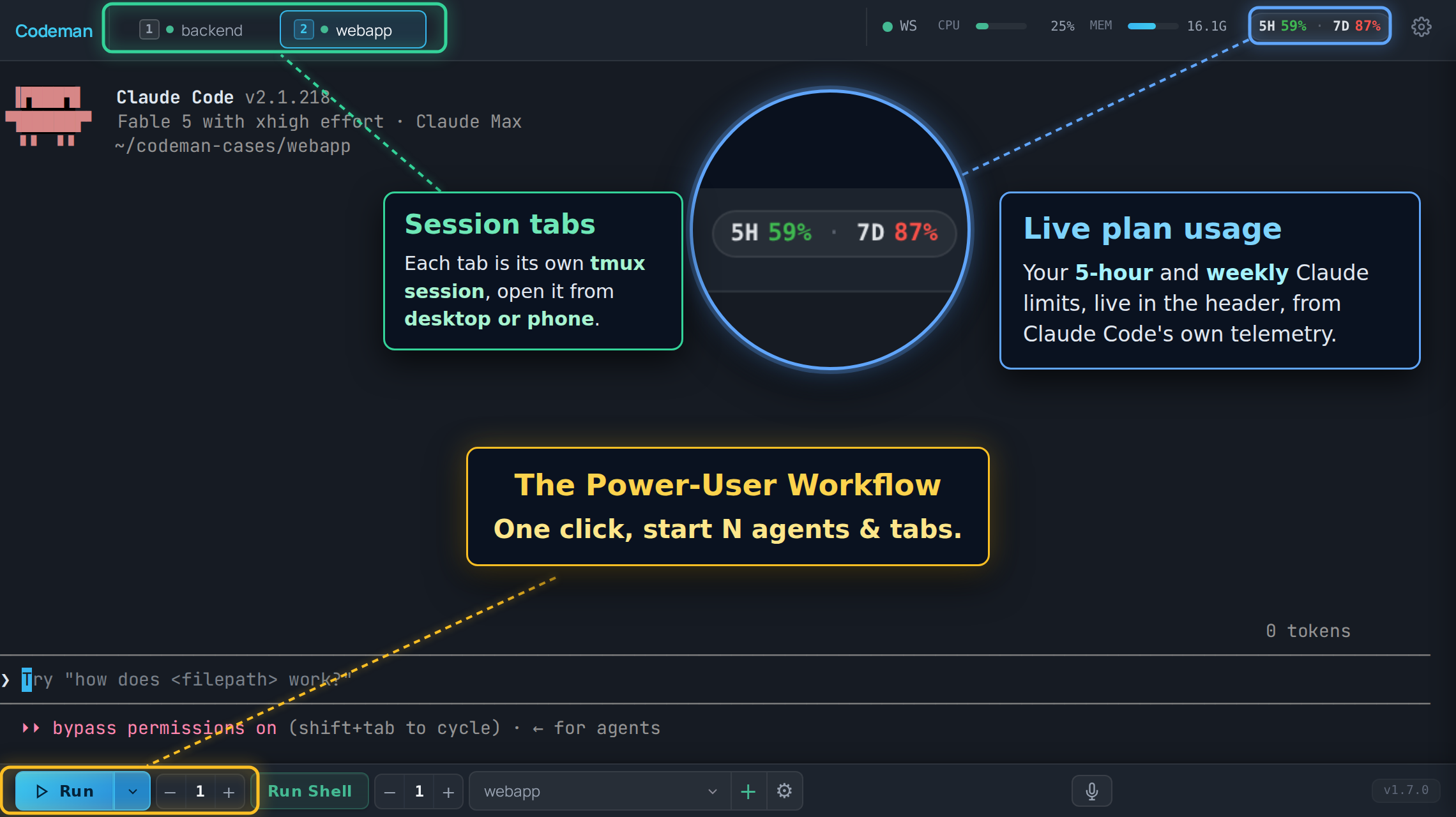
|
||||
|
||||
## Layout
|
||||
|
||||
| Region | What lives there |
|
||||
| ------------------ | -------------------------------------------------------------------------------------- |
|
||||
| **Header, left** | The "C" logo (goes home) and the session list, unless you moved it to the sidebar. |
|
||||
| **Header, right** | Status chips and panel buttons, most of them off by default. |
|
||||
| **Center** | The terminal for the active session, or the home screen when nothing is selected. |
|
||||
| **Bottom toolbar** | Run, Stop, Run Shell, the case picker, and the instance counters. |
|
||||
| **Overlays** | Panels and modals: Respawn, Cron, Subagents, File Viewer, Settings. |
|
||||
|
||||
## Session list layout
|
||||
|
||||
The session list lives in the header as a horizontal strip by default. With a lot of
|
||||
sessions open that strip stops being scannable, so **App Settings → Appearance → Tabs →
|
||||
Session List Layout** can move it into a vertical sidebar on the left instead.
|
||||
|
||||
| Layout | Behaviour |
|
||||
| -------------------- | --------------------------------------------------------------------------------- |
|
||||
| **Header tab strip** | The default. Wraps to a second row on desktop, scrolls sideways on a phone. |
|
||||
| **Left sidebar** | A vertical list with a filter box and a live session count. `Alt+B` collapses it to a narrow rail that keeps the status dots and task badges visible. On a phone it is an off-canvas drawer rather than a docked rail. |
|
||||
|
||||
It is the same list either way, just re-hosted: tab order, drag-to-reorder, the `Alt+1`
|
||||
to `Alt+9` numbers and every status colour below behave identically in both. The setting is
|
||||
per device, so a sidebar on your desktop does not force one onto your phone.
|
||||
|
||||
## Session tabs
|
||||
|
||||
One tab per session, in your order, and that order syncs across your devices.
|
||||
|
||||
**Status is carried by the dot and the tab's own styling:**
|
||||
|
||||
| Look | Meaning |
|
||||
| ----------------------------- | ----------------------------------------------------------------------- |
|
||||
| Green dot | Alive, not currently working. |
|
||||
| Pulsing green dot with a ring | Working on a turn. |
|
||||
| Yellow tab, blinking | The agent is waiting for input from you. |
|
||||
| Red tab, blinking | A question or permission prompt is blocking the session. |
|
||||
| No dot | The session is not running. |
|
||||
|
||||

|
||||
|
||||
The alert states are steady colour with a pulse layered on top, not a blink between the
|
||||
alert colour and nothing, so a tab that needs you looks like it needs you at every point in
|
||||
the cycle. They survive a page reload: the state is re-seeded from the server on load, so
|
||||
reloading while a permission prompt is blocking does not lose the red tab.
|
||||
|
||||
**Navigation:**
|
||||
|
||||
| Action | Keys |
|
||||
| ------------------------------- | ------------------------------------------------------- |
|
||||
| Jump to tab N | `Alt+1` to `Alt+9` (the number on the tab) |
|
||||
| Next / previous | `Ctrl+Tab`, `Alt+[`, `Alt+]` |
|
||||
| Move the active tab | `Ctrl+Shift+{`, `Ctrl+Shift+}` |
|
||||
| Close | `Ctrl+W` |
|
||||
| Find any session, open or past | `Ctrl+K` (also `Cmd+K` and `Alt+K`) |
|
||||
|
||||
Tabs can also be dragged to reorder.
|
||||
|
||||
On phones the strip scrolls horizontally instead of wrapping, and the active tab is always
|
||||
scrolled into view. It is not reordered to the front, so the `Alt+N` numbering stays stable.
|
||||
|
||||
### Lineage arcs
|
||||
|
||||
When one session spawns another (an agent starting a worker through the API), Codeman draws
|
||||
a coloured arc under the strip connecting parent to child, with one colour per child. It is
|
||||
how a fan-out of eight workers stays readable.
|
||||
|
||||
Desktop only, and on by default. Turn it off in **App Settings → Appearance**. Arcs are
|
||||
skipped for tabs scrolled out of the strip.
|
||||
|
||||
## Header controls
|
||||
|
||||
The right side of the header. Almost all of these are off until you enable them in
|
||||
**App Settings → Header & Panels**.
|
||||
|
||||
| Control | Default | What it does |
|
||||
| ---------------------- | ------------------ | ------------------------------------------------------------------------------- |
|
||||
| Connection dot | Always on | SSE connection health. Green is connected. |
|
||||
| Font size `-` / `+` | Always on | `Ctrl +` / `Ctrl -` do the same. |
|
||||
| CPU / MEM bars | On | Server resource use. |
|
||||
| File Viewer | On | Toggles the file browser panel. |
|
||||
| Settings gear | Always on | App Settings. |
|
||||
| Plan usage chip | On, desktop only | Live Claude subscription usage. Claude-only, and needs its telemetry exporter, which the same setting installs. |
|
||||
| Session Manager | Off | The full session list, live and historical. |
|
||||
| Approvals bell | Off | Cross-session queue of prompts waiting on a human. Appears only when the count is above zero. Never shown on phones. |
|
||||
| Read My Mind 🧠 | Off | Predicts your next prompt for this case. Claude-only. |
|
||||
| Attachments | Off | Registered external files. |
|
||||
| Away Digest | Off | What happened while you were gone. |
|
||||
| Last Response | Off | Readable view of the agent's last answer, useful on phones. |
|
||||
| Ultracode / Workflow | Off | Live workflow-run agents. |
|
||||
| Notifications | Off | Notification history and settings. |
|
||||
| Lifecycle Log | Off | Session start, exit, and kill audit trail. |
|
||||
| Cron ⏰ | Off | Scheduled jobs. |
|
||||
| Multi-monitor | Off, macOS | Opens a window spanning every display. |
|
||||
| Tunnel indicator | When a tunnel runs | Cloudflare tunnel status. |
|
||||
| Admin panel | Multi-user only | User administration. |
|
||||
|
||||
New header controls never appear on phones. Phone layout is deliberately minimal and is
|
||||
covered in [Mobile Guide](Mobile-Guide).
|
||||
|
||||
## Connection state
|
||||
|
||||
The dot in the header is the quick read. Two louder surfaces exist because a cached page
|
||||
with no server behind it used to look identical to a page with no sessions:
|
||||
|
||||
- **A full-screen overlay** when the page has never loaded server state. There is nothing
|
||||
behind it worth preserving.
|
||||
- **A banner** when the connection drops after state had loaded, so your scrollback stays
|
||||
readable.
|
||||
|
||||
Both wait about 2.5 seconds before appearing, so a deploy that restarts the server does not
|
||||
flash a warning at you every time. If the browser reports itself offline, the grace period
|
||||
is skipped.
|
||||
|
||||
There is also a watchdog for the case where the connection stops delivering without
|
||||
erroring. If the server's heartbeat stops arriving, Codeman reconnects on its own rather
|
||||
than sitting on a green dot showing frozen data.
|
||||
|
||||
## The terminal
|
||||
|
||||
A real terminal: xterm.js in the browser, a real PTY on the server, tmux in between. Full
|
||||
TUIs render correctly.
|
||||
|
||||
Worth knowing:
|
||||
|
||||
- **Scrollback.** Agent/TUI sessions pull their entire tmux scrollback on first open.
|
||||
Shell sessions open from a bounded recent tail so a large transcript cannot stall tab
|
||||
switching; press **Load full history** to pull the rest explicitly. Ordinary Shell scrolling
|
||||
and automatic output recovery stay within the bounded browser buffer.
|
||||
- **Wheel and touch scrolling** are forwarded into Claude's own transcript on recent Claude
|
||||
versions, so the wheel scrolls the conversation rather than the terminal. `Shift+Wheel` is
|
||||
always local scrollback. Other CLIs scroll locally.
|
||||
- **Selection copy.** `Ctrl+C` copies when text is selected and interrupts when it is not.
|
||||
`Ctrl+Shift+C` always copies.
|
||||
- **Zero-lag input.** On touch devices, keystrokes paint locally before the round trip. See
|
||||
[Input And Voice](Input-And-Voice).
|
||||
- **Renderer.** WebGL by default, with a watchdog that falls back to DOM rendering if the
|
||||
GPU stalls. `?nowebgl` forces DOM rendering for one page load.
|
||||
|
||||
## The home screen
|
||||
|
||||
With no session selected you get the welcome screen: run buttons for the CLIs Codeman
|
||||
found, a QR code when a password is set, cross-session search, and **Resume Conversation**,
|
||||
which lists past sessions including Claude conversations started outside Codeman entirely.
|
||||
|
||||
Two extras depending on the device:
|
||||
|
||||
- **Desktop, wide windows**: your open tabs appear as a rail docked to the left edge, in tab
|
||||
order, with created and last-active stamps. It needs at least 1180px of width; below that
|
||||
it is hidden so it cannot overlap the search panel.
|
||||
- **Phones**: tapping the "C" logo gives a session overview instead: NEEDS YOU first, then
|
||||
current sessions, then past ones. On by default.
|
||||
|
||||
## Panels
|
||||
|
||||
| Panel | Opened from | Covered in |
|
||||
| ---------------- | --------------------------------- | ---------------------------------------------------------------- |
|
||||
| Respawn | Session Options | [Keeping Agents Running](Keeping-Agents-Running) |
|
||||
| Ralph | Session Options | [Autonomous Loops](Autonomous-Loops) |
|
||||
| Orchestrator | Toolbar | [Autonomous Loops](Autonomous-Loops) |
|
||||
| Cron | Header ⏰ (opt-in) | [Cron Jobs](Cron-Jobs) |
|
||||
| Subagents | Automatic while agents run | [Watching Agents Work](Watching-Agents-Work) |
|
||||
| Ultracode | Header (opt-in) | [Watching Agents Work](Watching-Agents-Work) |
|
||||
| File Viewer | Header | [Working With Files](Working-With-Files) |
|
||||
| Attachments | Header (opt-in) | [Working With Files](Working-With-Files) |
|
||||
| Approvals | Header bell (opt-in) | [Notifications And Approvals](Notifications-And-Approvals) |
|
||||
| App Settings | Header gear | [Settings Reference](Settings-Reference) |
|
||||
|
||||
Session-specific configuration lives in **Session Options**, reachable from the tab. App
|
||||
Settings is global; Session Options is per session.
|
||||
|
||||
## Search and the session palette
|
||||
|
||||
`Ctrl+K` opens the session palette: every session, live or historical, filtered as you
|
||||
type. Picking a past one resumes its conversation.
|
||||
|
||||
The search box on the home screen is wider in scope. It federates over session metadata,
|
||||
run-summary events, and attachment history, filtered by type, case, status, and date. It
|
||||
does substring matching over data already in memory, with no regex and no filesystem reads,
|
||||
so it is fast and cannot be turned into a traversal.
|
||||
|
||||
## Appearance
|
||||
|
||||
**App Settings → Appearance** carries the theme skins, including light ones. The choice is
|
||||
applied before the first paint, so there is no flash of the wrong theme on load.
|
||||
|
||||
The same section has the entrance animations for tabs, terminals, agent windows, and
|
||||
lineage lines. All of them default to the legacy no-animation behaviour, so an untouched
|
||||
install animates nothing.
|
||||
|
||||
## Read next
|
||||
|
||||
- [Keyboard Shortcuts](Keyboard-Shortcuts) - the full list, and how to rebind.
|
||||
- [Settings Reference](Settings-Reference) - every setting, and why some follow you across devices and others do not.
|
||||
- [Mobile Guide](Mobile-Guide) - what changes on a phone.
|
||||
- [Watching Agents Work](Watching-Agents-Work) - subagent windows and workflow runs.
|
||||
@@ -1,290 +0,0 @@
|
||||
# Troubleshooting
|
||||
|
||||
Symptom first. Find the line that matches what you are seeing.
|
||||
|
||||
Before anything else, check what version you are on and whether the problem is already
|
||||
fixed:
|
||||
|
||||
```bash
|
||||
codeman --version
|
||||
codeman doctor
|
||||
```
|
||||
|
||||
## Installing and starting
|
||||
|
||||
### `Failed to start claude: error: posix_spawnp failed` on macOS
|
||||
|
||||
node-pty ships its macOS `spawn-helper` without the executable bit, and macOS launches
|
||||
every PTY through it. Codeman detects this and repairs it on the first failure, so updating
|
||||
usually fixes it outright. To repair by hand on a clone install:
|
||||
|
||||
```bash
|
||||
npm run fix:node-pty
|
||||
```
|
||||
|
||||
It is a `chmod`, not a rebuild, so it does not need Xcode command line tools. The helper
|
||||
lives in `prebuilds/darwin-<arch>/`, not `build/Release/`, which does not exist on macOS.
|
||||
Linux never sees this.
|
||||
|
||||
### `tmux: command not found`
|
||||
|
||||
The installer asks before installing packages and remembers a declined answer. Install tmux
|
||||
and start again. There is no tmux-free mode: sessions live in tmux.
|
||||
|
||||
### The port is already in use
|
||||
|
||||
```bash
|
||||
codeman web --port 8080 # or set CODEMAN_PORT
|
||||
```
|
||||
|
||||
If you believe nothing is on 3000, check for a Codeman you already started:
|
||||
|
||||
```bash
|
||||
codeman web --status
|
||||
```
|
||||
|
||||
### The terminal area is blank, and the console mentions a missing vendor file
|
||||
|
||||
Clone installs build the vendored xterm addon bundles in `postinstall`. If `npm install`
|
||||
was interrupted or run with `--ignore-scripts`, those bundles are missing:
|
||||
|
||||
```bash
|
||||
npm install
|
||||
```
|
||||
|
||||
They are intentionally not committed to the repository.
|
||||
|
||||
### `Case path not found` when clicking Run
|
||||
|
||||
The case points at a directory that no longer exists, usually because it was deleted or
|
||||
moved outside Codeman. Re-link the case, or create it again.
|
||||
|
||||
### The server starts but nothing is reachable
|
||||
|
||||
That is the default behaviour, not a failure. Codeman binds `127.0.0.1`. See
|
||||
[Remote Access](Remote-Access).
|
||||
|
||||
## Reaching the interface
|
||||
|
||||
### The dashboard will not load from another device
|
||||
|
||||
Check, in order: the bind (loopback by default), a firewall, and then
|
||||
[Remote Access](Remote-Access) for a supported way to expose it.
|
||||
|
||||
### `403 host not allowed`
|
||||
|
||||
The Host header is not in the allowlist, which is the DNS-rebinding guard doing its job. Add
|
||||
your domain:
|
||||
|
||||
```bash
|
||||
CODEMAN_ALLOWED_HOSTS='codeman.example.com,.internal.example.com'
|
||||
```
|
||||
|
||||
A leading dot matches subdomains.
|
||||
|
||||
### The page loads but the terminal never connects
|
||||
|
||||
The terminal is a WebSocket. Behind a reverse proxy, the upgrade must be forwarded. The
|
||||
upgrade also runs the Host and Origin checks and closes with code `4003` when they fail.
|
||||
|
||||
### The UI looks stale after updating
|
||||
|
||||
The app shell is cached by a service worker, and static assets are served with a long cache
|
||||
lifetime. `index.html` is not cached, and every asset reference is version-stamped, so a
|
||||
normal reload picks up a new build.
|
||||
|
||||
Two exceptions worth knowing:
|
||||
|
||||
- **iOS Safari** can keep serving old JavaScript until the tab is fully closed, not just
|
||||
reloaded. Close the tab and reopen it.
|
||||
- If you edit files in dev, changes to `index.html` need a server restart. Changes to `.js`
|
||||
and `.css` do not.
|
||||
|
||||
### A full-screen "cannot reach the server" overlay appears
|
||||
|
||||
The server is genuinely unreachable, or the connection dropped. Codeman waits about 2.5
|
||||
seconds before showing it, so a quick restart does not flash it. Retry re-arms both the
|
||||
event stream and the terminal socket.
|
||||
|
||||
## Sessions
|
||||
|
||||
### A session shows idle while it is clearly working
|
||||
|
||||
Update. Claude redraws its prompt roughly once a second throughout a turn, and older idle
|
||||
detection treated that as the end of the turn, flipping working sessions to idle a couple of
|
||||
seconds in. Current versions confirm against the actual screen before believing it.
|
||||
|
||||
### A session is stuck showing busy
|
||||
|
||||
For non-Claude CLIs, idle detection is output-based and coarser by necessity: those CLIs
|
||||
expose no hooks. A session that has genuinely gone quiet will settle. If it never does,
|
||||
interrupt it (`Ctrl+C` with nothing selected).
|
||||
|
||||
### The agent asks about bypass permissions every time
|
||||
|
||||
That prompt comes from Claude Code, not Codeman. Codeman's default is to start with
|
||||
permission prompts skipped, which is what the security model is built around. If you would
|
||||
rather it prompted, change **App Settings → Agents & CLIs → Claude → Startup Mode**.
|
||||
|
||||
### Sessions vanished after a reboot
|
||||
|
||||
Expected. tmux does not survive a reboot, so the sessions are gone. Conversations are not:
|
||||
Claude transcripts persist, so the welcome screen's **Resume Conversation** list can pick
|
||||
them back up.
|
||||
|
||||
### A session restarts, then refuses to restart again
|
||||
|
||||
That is the PTY-exit circuit breaker. Repeated rapid PTY exits trip it, and it blocks
|
||||
automatic restarts so a broken configuration does not spin forever. Reset it explicitly from
|
||||
the session's controls. Reattaching does not clear it, deliberately.
|
||||
|
||||
### Sessions I did not create appeared, or my session resized itself
|
||||
|
||||
Two Codeman servers are running against the same data directory and tmux socket. The second
|
||||
one discovers and attaches the first one's sessions. Give each instance its own scope:
|
||||
|
||||
```bash
|
||||
CODEMAN_INSTANCE=beta CODEMAN_PORT=5000 codeman web
|
||||
```
|
||||
|
||||
`codeman web -d` and `codeman service install` both refuse to start a second server on one
|
||||
data directory for exactly this reason.
|
||||
|
||||
## The terminal
|
||||
|
||||
### I cannot scroll back through history
|
||||
|
||||
Scrollback behaviour depends on the CLI, and Codeman adjusts what it strips per mode.
|
||||
Things to try:
|
||||
|
||||
- `Shift+Wheel` always scrolls the local buffer, whatever else is going on.
|
||||
- On Claude sessions with a recent CLI, the wheel is forwarded into Claude's own transcript,
|
||||
so it scrolls the conversation rather than the terminal buffer. That is intended.
|
||||
- Scrolling to the very top pulls the full tmux scrollback again on demand.
|
||||
|
||||
### The wheel does nothing in a Codex session
|
||||
|
||||
Codex ignores the mouse reports that forwarding would send, so Codeman does not forward
|
||||
there. Scrolling is local, and `Shift+Wheel` behaves the same way.
|
||||
|
||||
### `Ctrl+C` copies when I wanted to interrupt
|
||||
|
||||
With a selection, `Ctrl+C` copies. With no selection, it interrupts. Clear the selection
|
||||
first, or use the **Stop** button. `Ctrl+Shift+C` always copies and never interrupts.
|
||||
|
||||
### I typed a prompt but nothing was sent
|
||||
|
||||
On touch devices, keystrokes are painted locally and flushed when you press Enter, so text
|
||||
on screen has not necessarily reached the agent yet. Press Enter, or the phone toolbar's
|
||||
**Enter** button.
|
||||
|
||||
If you are sending input over the API instead, your payload must end with `\r` or no Enter
|
||||
is ever sent. The request still succeeds and the text sits unsubmitted in the composer. See
|
||||
[Driving Codeman From An Agent](Driving-Codeman-From-An-Agent).
|
||||
|
||||
## Mobile
|
||||
|
||||
### The keyboard covers the terminal, or scroll position jumps
|
||||
|
||||
Update first; several rounds of fixes have gone into keyboard resize and scroll restoration.
|
||||
|
||||
### I cannot reach the rightmost tabs
|
||||
|
||||
The strip scrolls horizontally on phones and the active tab is scrolled into view
|
||||
automatically. Swipe the strip itself. If a background render snaps you back, update.
|
||||
|
||||
### The space key does nothing on Android
|
||||
|
||||
A long-standing Android keyboard bug, fixed some time ago. Update.
|
||||
|
||||
### The keyboard will not close
|
||||
|
||||
Tap outside the terminal, or tap twice on inert terminal content. Tapping a control does not
|
||||
dismiss it, by design.
|
||||
|
||||
## Agents and CLIs
|
||||
|
||||
### A CLI is installed but Codeman does not offer it
|
||||
|
||||
Codeman resolves binaries from the environment the **server** runs in.
|
||||
|
||||
```bash
|
||||
codeman doctor
|
||||
```
|
||||
|
||||
If it runs as a service, launchd gives the job a minimal PATH. `codeman service install`
|
||||
bakes your PATH into the unit; a hand-written plist does not. Restart the server after
|
||||
installing a new CLI.
|
||||
|
||||
### Hooks stopped working after switching to HTTPS
|
||||
|
||||
Hook callbacks have to accept the self-signed certificate. Recent versions self-heal
|
||||
existing cases; if yours predates that, recreate the case so its hooks are rewritten.
|
||||
|
||||
### The model or effort I chose is not being used
|
||||
|
||||
Both are **soft defaults**, on purpose. The model is written into the case's
|
||||
`.claude/settings.local.json` and effort is passed on the command line at start, so `/model`
|
||||
and `/effort` inside the session override them at any time. Effort is deliberately never
|
||||
passed as an environment variable, because that hard-locks it.
|
||||
|
||||
### Tab alerts and approvals never fire in one of my repos
|
||||
|
||||
That case is missing its hooks block. Recreating the case rewrites it.
|
||||
|
||||
## Docker and remote
|
||||
|
||||
### Docker sessions do not detect idle
|
||||
|
||||
On a loopback-only bind, a container cannot reach `127.0.0.1` on the host, so in-container
|
||||
hooks have nothing to call. Set `CODEMAN_DOCKER_BRIDGE_HOOKS=1` to open a hooks-only
|
||||
listener on the docker bridge gateway. Without it, idle detection falls back to output
|
||||
watching.
|
||||
|
||||
### A rebuilt agent image still has old CLI versions
|
||||
|
||||
Always rebuild with `--no-cache`:
|
||||
|
||||
```bash
|
||||
node scripts/build-agent-image.mjs --no-cache
|
||||
```
|
||||
|
||||
A plain rebuild reuses the cached `npm install -g` layer and keeps the CLIs frozen at their
|
||||
original versions while reporting success.
|
||||
|
||||
### A remote SSH session dropped and did not come back
|
||||
|
||||
A bounded-backoff watcher reattaches dropped sessions, and it is on by default. Intentional
|
||||
kills are never revived. Check the host is reachable and that the remote tmux server is
|
||||
still running.
|
||||
|
||||
## Gathering diagnostics
|
||||
|
||||
```bash
|
||||
codeman doctor # dependency check
|
||||
curl -s localhost:3000/api/status | jq # full app state
|
||||
tmux -L codeman list-sessions # what tmux thinks is alive
|
||||
journalctl --user -u codeman-web -f # service logs (Linux)
|
||||
tail -f ~/.codeman/web.log # detached mode logs
|
||||
```
|
||||
|
||||
On an HTTPS install, add `-k` to the curl commands and use the `https://` URL.
|
||||
|
||||
## Filing a good bug report
|
||||
|
||||
Open an [issue](https://github.com/Ark0N/Codeman/issues) with:
|
||||
|
||||
- OS and version.
|
||||
- Install method: installer, npm, or git clone.
|
||||
- `codeman --version`.
|
||||
- Browser and version, if the problem is in the UI.
|
||||
- Which CLI the session was running, and its version.
|
||||
- What you did, what happened, what you expected.
|
||||
|
||||
Reports usually get a response within a day, and every release credits its reporters by
|
||||
name.
|
||||
|
||||
Questions and setup help fit better in
|
||||
[Discussions](https://github.com/Ark0N/Codeman/discussions). Security problems never go in a
|
||||
public issue; see
|
||||
[SECURITY.md](https://github.com/Ark0N/Codeman/blob/master/.github/SECURITY.md).
|
||||
@@ -1,72 +0,0 @@
|
||||
# Versioning
|
||||
|
||||
Codeman follows [semantic versioning](https://semver.org/). This page says what the version
|
||||
number actually promises, which matters if you are building anything against Codeman.
|
||||
|
||||
## Covered by the version number
|
||||
|
||||
Breaking any of these after 1.0 requires a **major** bump:
|
||||
|
||||
1. **The CLI.** Command names, documented flags, and their behaviour. The npm package is
|
||||
`aicodeman` and installs both the `aicodeman` and `codeman` commands; renaming either is
|
||||
breaking.
|
||||
2. **The HTTP API and SSE channel**, served under `/api/v1` with the uniform envelope and
|
||||
conventional status codes. Endpoint paths, the envelope, `errorCode` values, and SSE event
|
||||
names are all stable.
|
||||
3. **Documented deployment environment variables**: `CODEMAN_PASSWORD`, `CODEMAN_USERNAME`,
|
||||
`CODEMAN_HOST`, `CODEMAN_PORT`, `CODEMAN_INSTANCE`, `CODEMAN_ALLOWED_HOSTS`,
|
||||
`CODEMAN_DATA_DIR`, `CODEMAN_TMUX_SOCKET`, plus the `--host`, `--port`, and `--https`
|
||||
flags.
|
||||
4. **The published `xterm-zerolag-input` library**, on its own independent version line.
|
||||
Codeman reaching 1.0 says nothing about that package's version.
|
||||
|
||||
Additive changes are **not** breaking: new endpoints, new optional fields, new error codes,
|
||||
new SSE events. Genuinely breaking API changes would ship under a new prefix rather than
|
||||
changing `/api/v1`.
|
||||
|
||||
## Not covered
|
||||
|
||||
These can change in a minor or even patch release:
|
||||
|
||||
1. **The `~/.codeman/` state file formats.** Migrations are made on a best-effort basis and
|
||||
have been done across renames, but the on-disk shape is not a contract. Do not write
|
||||
tooling against it.
|
||||
2. **Internal TypeScript modules.** The npm package is CLI-only. There is no stable library
|
||||
entry point, and importing it programmatically is unsupported.
|
||||
3. **Experimental and opt-in features**, whatever the app's version: gesture control, agent
|
||||
teams, and anything labelled experimental in the UI or docs.
|
||||
|
||||
## Deprecation
|
||||
|
||||
- Additive changes are preferred over breaking ones.
|
||||
- A covered surface slated for removal is deprecated first: it keeps working for at least one
|
||||
minor release, with a runtime warning and a changelog note pointing at the replacement,
|
||||
then is removed in the next major.
|
||||
- Backwards-compatibility shims are kept until a major boundary.
|
||||
|
||||
## Releases
|
||||
|
||||
Releases are managed with changesets. Every release:
|
||||
|
||||
- Bumps the version and updates
|
||||
[`CHANGELOG.md`](https://github.com/Ark0N/Codeman/blob/master/CHANGELOG.md).
|
||||
- Publishes to npm as `aicodeman`.
|
||||
- Cuts a GitHub release, tagged `codeman@X.Y.Z`.
|
||||
- **Credits its contributors and bug reporters by name** in the release notes.
|
||||
|
||||
There is no fixed cadence. Patches ship when fixes are ready, which in practice is often.
|
||||
|
||||
## Which version am I on?
|
||||
|
||||
```bash
|
||||
codeman --version
|
||||
```
|
||||
|
||||
Or **App Settings → Updates**, which also checks for a newer one and can install it. See
|
||||
[Running As A Service](Running-As-A-Service).
|
||||
|
||||
## Read next
|
||||
|
||||
- [HTTP API](HTTP-API) - the stable API surface itself.
|
||||
- [Contributing](Contributing) - how changes get made.
|
||||
- [`docs/versioning-policy.md`](https://github.com/Ark0N/Codeman/blob/master/docs/versioning-policy.md) - the authoritative statement.
|
||||
@@ -1,112 +0,0 @@
|
||||
# Watching Agents Work
|
||||
|
||||
Modern agents fan out. A single Claude session can be running six subagents, and the parent
|
||||
terminal shows you almost none of it. Codeman surfaces that hidden work as live windows,
|
||||
panels, and after-the-fact summaries.
|
||||
|
||||
Everything on this page is Claude-only. It reads Claude Code's transcripts and team state;
|
||||
the other CLIs expose no equivalent.
|
||||
|
||||
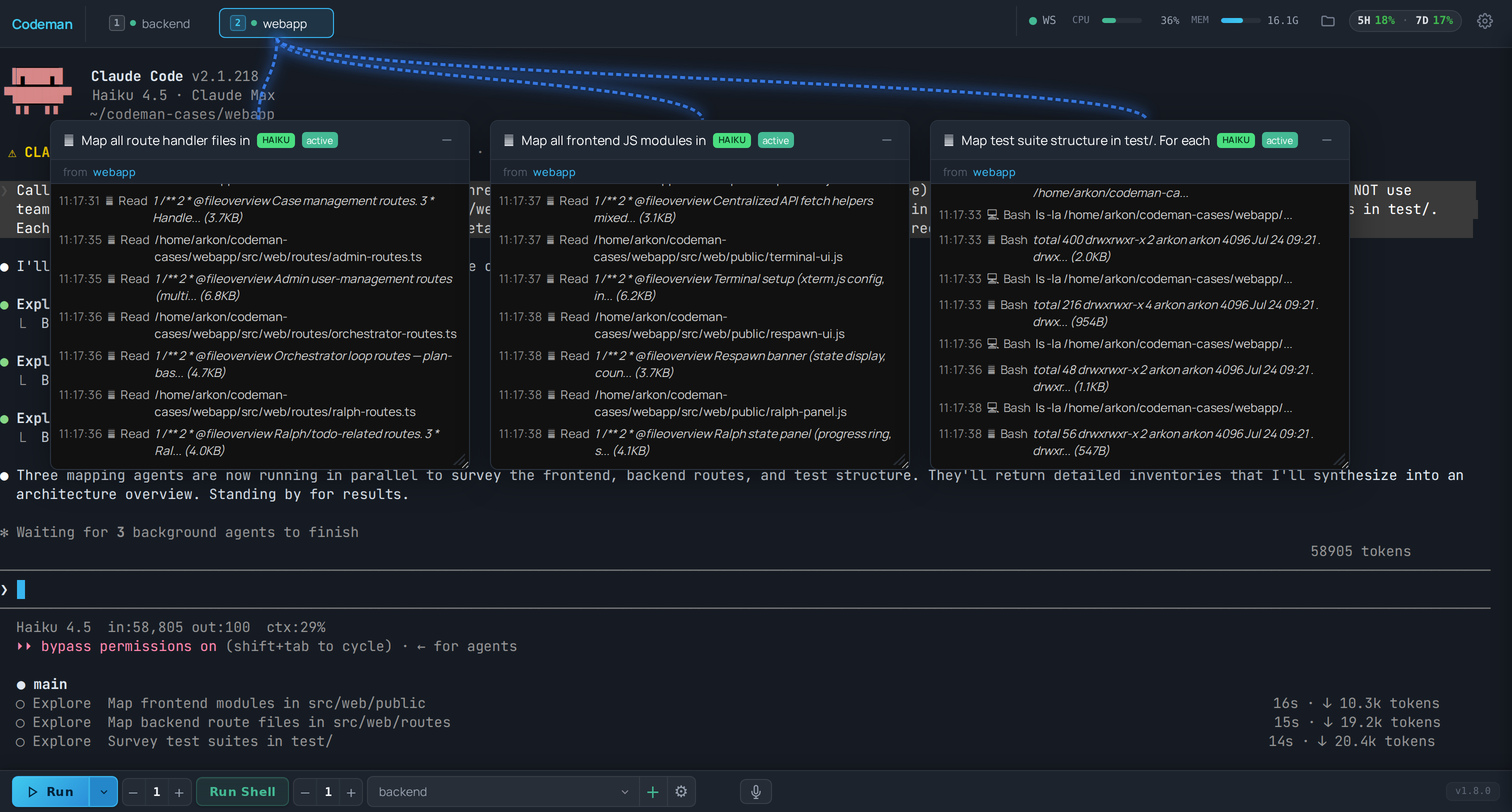
|
||||
|
||||
## Subagent windows
|
||||
|
||||
When a Claude session spawns subagents, each one gets its own floating window with a live
|
||||
transcript: what it was asked to do, what it is doing, and what it returned.
|
||||
|
||||
- Windows are draggable and resizable, and their positions persist across reloads.
|
||||
- A connection line links each window to the session tab that spawned it, so with four
|
||||
sessions running you can still tell whose worker is whose.
|
||||
- Closing a window does not stop the subagent. It only stops you watching it.
|
||||
|
||||
This is the feature that makes a fan-out legible. Without it, a lead session that spawned
|
||||
eight workers looks like a stalled terminal for several minutes.
|
||||
|
||||
## Session lineage arcs
|
||||
|
||||
The tab strip draws a coloured arc from a parent tab to any tab it spawned, one colour per
|
||||
child. That covers the other direction of fan-out: not subagents inside one session, but
|
||||
whole sessions started by an agent through the API.
|
||||
|
||||
Desktop only, on by default, and toggled in **App Settings → Appearance**. Arcs are skipped
|
||||
for tabs scrolled out of view.
|
||||
|
||||
See [Driving Codeman From An Agent](Driving-Codeman-From-An-Agent) for the spawning side.
|
||||
|
||||
## Agent teams
|
||||
|
||||
Claude Code's experimental agent teams appear as teammates alongside subagents. Enable them
|
||||
in the CLI's own environment:
|
||||
|
||||
```bash
|
||||
CLAUDE_CODE_EXPERIMENTAL_AGENT_TEAMS=1
|
||||
```
|
||||
|
||||
and turn the per-case **Agent Teams** toggle on in the case settings gear.
|
||||
|
||||
Codeman watches the team directory and matches teammates to the session leading them.
|
||||
Teammates are in-process threads rather than separate CLI processes, so they show up as
|
||||
windows, not tabs.
|
||||
|
||||
Notes and the experiment log:
|
||||
[`docs/agent-teams/`](https://github.com/Ark0N/Codeman/tree/master/docs/agent-teams).
|
||||
|
||||
## Ultracode and workflow runs
|
||||
|
||||
When Claude runs a Workflow, dozens of agents can be in flight at once. The completion
|
||||
artifact for a run is only written at the **end**, so a live run would otherwise be
|
||||
invisible until it finished. Codeman synthesizes the in-flight view from the transcripts and
|
||||
lets the real artifact supersede it when it lands.
|
||||
|
||||
Two independent toggles, both off by default:
|
||||
|
||||
| Setting | Shows |
|
||||
| ---------------------- | ----------------------------------------- |
|
||||
| Ultracode panel | A docked panel listing the run's agents. |
|
||||
| Ultracode windows | Floating windows, like subagents. |
|
||||
|
||||
Turning on either starts the watcher.
|
||||
|
||||
## Reading the answer, not the terminal
|
||||
|
||||
**Last Response** (header button, opt-in) renders the agent's last answer as scrollable text
|
||||
rather than terminal output. It exists mostly for phones, where reading a long answer in a
|
||||
terminal viewport is painful. **More** loads additional context.
|
||||
|
||||
## After the fact
|
||||
|
||||
| Surface | Answers |
|
||||
| ------------------ | -------------------------------------------------------------- |
|
||||
| **Away Digest** | What happened while I was gone? |
|
||||
| **Run summary** | What did this run actually do? |
|
||||
| **Lifecycle log** | When did sessions start, exit, or get killed, and why? |
|
||||
| **Token stats** | What did it cost? |
|
||||
|
||||
The Away Digest aggregates the lifecycle log, run summary events, live sessions, token
|
||||
statistics, and recent subagents into one view. It is the right first thing to open in the
|
||||
morning after an overnight run.
|
||||
|
||||
All of these header buttons are opt-in: **App Settings → Header & Panels**.
|
||||
|
||||
## Performance
|
||||
|
||||
The design target is 20 sessions and 50 agent windows at 60fps. If you routinely run more
|
||||
than that, expect the browser rather than the server to be the limit, and close windows you
|
||||
are not reading.
|
||||
|
||||
## Gotchas
|
||||
|
||||
- **A session pointed at a relocated Claude config directory goes blind here.** Transcripts
|
||||
written outside `~/.claude/projects` are invisible to the watchers, so subagent windows,
|
||||
the ultracode panel, the response viewer, and Read My Mind all stop working for that
|
||||
session. Symlink `projects` back into the shared tree to fix it. See
|
||||
[Agent CLIs](Agent-CLIs).
|
||||
- **Closing a window does not cancel the agent.** Nothing on this page controls agents; it
|
||||
observes them.
|
||||
- **Windows are opt-in for ultracode, automatic for subagents.**
|
||||
|
||||
## Read next
|
||||
|
||||
- [The Dashboard](The-Dashboard) - where these surfaces live.
|
||||
- [Driving Codeman From An Agent](Driving-Codeman-From-An-Agent) - the other kind of fan-out.
|
||||
- [Autonomous Loops](Autonomous-Loops) - the loops that generate this much activity.
|
||||
@@ -1,101 +0,0 @@
|
||||
# Web Tabs
|
||||
|
||||
Open any dashboard you run, Grafana, Uptime Kuma, Portainer, a status page on port 4000, as
|
||||
a tab beside your agent sessions. Codeman becomes one mission control instead of Codeman
|
||||
plus a pile of browser tabs.
|
||||
|
||||
A web tab is **not a session**. There is no PTY, no tmux, and no respawn behind it, the same
|
||||
way a docker case is not a run mode.
|
||||
|
||||
## Adding one
|
||||
|
||||
1. Click the chevron next to **Run**.
|
||||
2. Under **Web / URL**, pick **Add URL**.
|
||||
3. Name it, paste the URL, optionally hit **Test**, and **Save**.
|
||||
|
||||
It opens immediately and appears in the dropdown from then on. Web tabs share the tab strip
|
||||
with sessions, continue the same `Alt+1` to `Alt+9` numbering, and carry a globe icon so
|
||||
they never read as a running agent.
|
||||
|
||||
**Closing a tab is not deleting it.** The tab's `x` closes; the `x` on its **dropdown row**
|
||||
deletes the saved dashboard. Each dropdown row also has a gear for editing the URL.
|
||||
|
||||
Switching tabs does not reload a dashboard. Frames stay alive in the background, so one that
|
||||
took a while to authenticate is still there when you come back. Past six live frames, the
|
||||
least recently viewed is dropped to bound memory.
|
||||
|
||||
## Why dashboards are proxied
|
||||
|
||||
A plain cross-origin iframe fails three ways at once in the setup Codeman actually ships in:
|
||||
|
||||
| Blocker | What happens |
|
||||
| ------------------- | ----------------------------------------------------------------------------------------------- |
|
||||
| **Mixed content** | Production is HTTPS, and browsers hard-block `http://` iframes on an HTTPS page. No override, and none at all on iOS Safari. |
|
||||
| **Framing refusal** | Grafana, Portainer, Home Assistant and many others send `X-Frame-Options: DENY`. |
|
||||
| **Codeman's CSP** | `default-src 'self'` blocks a cross-origin frame before it starts. |
|
||||
|
||||
So by default the dashboard is served **through Codeman's own origin**: the browser loads a
|
||||
path on Codeman, and Codeman relays to the dashboard, stripping the framing refusal,
|
||||
rewriting redirects, cookies and root-absolute URLs, and relaying WebSockets so live panels
|
||||
still update.
|
||||
|
||||
A useful side effect: the dashboard is fetched **by the Codeman server**, so a tailnet-only
|
||||
or localhost-only dashboard works from any device that can reach Codeman, including a phone
|
||||
that is not on your tailnet.
|
||||
|
||||
There is also a `direct` mode, a plain cross-origin iframe, which is cheaper but only works
|
||||
for an HTTPS dashboard that permits framing.
|
||||
|
||||
## The Test button, and what it does not test
|
||||
|
||||
**Test** probes from the server and tells you which mode applies. It verifies
|
||||
**server-to-upstream reachability and nothing else**. It does not exercise the browser
|
||||
sandbox, cookies, CORS, CSP, or any reverse proxy in front of Codeman.
|
||||
|
||||
A passing Test does not guarantee the embedded page renders.
|
||||
|
||||
## The sandbox, and when to turn it off
|
||||
|
||||
Because a proxied dashboard is served from Codeman's own address, the browser considers it
|
||||
same-origin with Codeman. Unchecked, its JavaScript could read the Codeman page and call the
|
||||
API that spawns agents.
|
||||
|
||||
So the frame is sandboxed **without** same-origin access by default. The page runs in an
|
||||
opaque origin: it cannot touch Codeman, and it gets no cookies or local storage of its own.
|
||||
|
||||
Unchecking **Open sandboxed** grants a real origin. Do that only for a dashboard you fully
|
||||
trust, and only when you need it, which in practice means one with its own login that stores
|
||||
a session in a cookie.
|
||||
|
||||
Either way, Codeman never forwards its own credentials upstream. The `Authorization` header
|
||||
and the `codeman_session` cookie are stripped on the way out, so `CODEMAN_PASSWORD` cannot
|
||||
leak into a dashboard.
|
||||
|
||||
## Known incompatibility: cookie-authenticated reverse proxies
|
||||
|
||||
If Codeman itself sits behind Cloudflare Access, Authelia, oauth2-proxy, or similar, a
|
||||
**sandboxed** tab may render unstyled or broken while the Codeman page around it works fine.
|
||||
|
||||
The reason: an opaque-origin frame's stylesheet, script, and API requests do not carry the
|
||||
proxy's authentication cookie. The proxy redirects them to the login provider, and CORS or
|
||||
CSP kills them there.
|
||||
|
||||
Trusted mode keeps a real origin and the cookie, so it works. Test cannot catch this, because
|
||||
it checks the server's reach, not the browser's.
|
||||
|
||||
## Security notes
|
||||
|
||||
The proxy authenticates on an in-memory capability embedded in the path, which is why it is
|
||||
exempt from the cookie and Origin checks that every API route enforces. That exemption is
|
||||
fenced to safe methods and non-API paths, and there is a test pinning it in place.
|
||||
|
||||
Two failure modes that only appear inside a sandboxed frame, and that curl can never
|
||||
reproduce, are handled: runtime-built root-absolute URLs escaping the injected base, and
|
||||
same-host requests being CORS-checked with a null origin. Both present as the dashboard's own
|
||||
"Failed to fetch" while the page itself renders fine.
|
||||
|
||||
## Read next
|
||||
|
||||
- [The Dashboard](The-Dashboard) - the tab strip these share.
|
||||
- [Security](Security) - why the sandbox default is what it is.
|
||||
- [`docs/web-tabs.md`](https://github.com/Ark0N/Codeman/blob/master/docs/web-tabs.md) - the full reference.
|
||||
@@ -1,161 +0,0 @@
|
||||
# Working With Files
|
||||
|
||||
Reading, editing, attaching, and previewing files without leaving the dashboard. Useful on
|
||||
a desktop; on a phone it is the difference between reviewing an agent's work and waiting
|
||||
until you get home.
|
||||
|
||||
## The File Viewer
|
||||
|
||||
A panel that browses the active session's working directory. Its header button is on by
|
||||
default; if it is missing, re-enable it in **App Settings → Header & Panels**.
|
||||
|
||||
It renders what it can:
|
||||
|
||||
| Kind | Behaviour |
|
||||
| ------------------------ | ------------------------------------------------------------------------- |
|
||||
| Text and code | Syntax-aware preview. Long files are truncated in plain preview. |
|
||||
| Images | Inline. |
|
||||
| Audio and video | Inline with a working scrub bar, because range requests are supported. |
|
||||
| PDF and Office documents | Converted for preview when a converter is available. |
|
||||
| Anything else | Download. |
|
||||
|
||||
Caps: 10 MB for text preview, 2 GB for raw and download (set `CODEMAN_MAX_DOWNLOAD_BYTES`
|
||||
to change it, `0` for no limit — these bodies are streamed, so a large file costs a read
|
||||
stream rather than server memory). Sensitive paths (`.env`, anything
|
||||
matching credentials, `~/.ssh`, AWS credentials) are blocked from download, and SVG and HTML
|
||||
are served as downloads rather than rendered, so they cannot execute in the page.
|
||||
|
||||
Closing the preview pauses and unloads any playing media. A video that keeps playing after
|
||||
you close the panel means you are on an old version.
|
||||
|
||||
## Editing in place
|
||||
|
||||
Text files can be edited and saved directly in the viewer. Click the pencil in the preview
|
||||
header, edit, **Save**.
|
||||
|
||||
The guardrails are worth knowing, because they are what makes editing safe rather than
|
||||
convenient:
|
||||
|
||||
- **Extension allowlist**, not a blocklist. Code, docs, config, and markup are editable.
|
||||
Anything not on the list is not.
|
||||
- **512 KB cap** on both read and write.
|
||||
- **Edit mode never truncates.** The plain preview does truncate long files, and saving a
|
||||
truncated buffer would silently delete the rest, so the editor loads the whole file or
|
||||
refuses.
|
||||
- **Optimistic concurrency.** The save carries a hash of what you started from. If the file
|
||||
changed underneath you (likely, when an agent is working in the same repo), the save is
|
||||
rejected rather than clobbering their work.
|
||||
- **No file creation.** Writes go to a temporary file and are renamed over the original, and
|
||||
the open never creates. Editing in place is structural, not a rule.
|
||||
- **Line endings are preserved** server-side, so editing two lines of a CRLF file does not
|
||||
produce a whole-file diff.
|
||||
- **`.git/` is denied outright.** Hooks are executable code, and a corrupted index looks
|
||||
unrecoverable to someone who wanted to fix a typo.
|
||||
- **Non-UTF-8 content is refused**, verified by a round-trip comparison.
|
||||
|
||||
## Attachments
|
||||
|
||||
Attachments are live references to files **outside** the session's workspace: a spec on your
|
||||
desktop, a PDF in Downloads, a design document elsewhere on the machine.
|
||||
|
||||
Register one from the CLI:
|
||||
|
||||
```bash
|
||||
codeman attach /path/to/spec.pdf
|
||||
```
|
||||
|
||||
An attachment card appears in the session, and the file can be previewed inline. The
|
||||
attachment gets a stable id, and browser requests use that id rather than carrying absolute
|
||||
paths around.
|
||||
|
||||
Agents can register attachments too, by emitting a `codeman://attach?...` link in their
|
||||
output. That path is **prompt-injectable by nature**, so it is force-confined to the
|
||||
session's workspace: a hostile prompt cannot use it to pull arbitrary host files into the
|
||||
event stream. The gate is an extension allowlist rather than a blocklist.
|
||||
|
||||
Document conversion for previews is globally rate limited. Without that, ten large documents
|
||||
detected at once would fork ten multi-minute converter processes.
|
||||
|
||||
## Clicking a path
|
||||
|
||||
File paths in a session are links. That works in two places:
|
||||
|
||||
- **In the terminal**, on any absolute path an agent prints.
|
||||
- **In the response viewer**, where paths are usually written as prose or in backticks. They
|
||||
render as underlined monospace links.
|
||||
|
||||
Clicking one opens it in the preview: images and PDFs render, video and audio play with a
|
||||
working scrub bar, documents convert, text and Markdown show inline. Log-shaped files open in
|
||||
the tail viewer instead, which follows a file that is still being written.
|
||||
|
||||
Paths **outside** the session's workspace work too, which matters because that is where most
|
||||
of an agent's output lands: a screenshot in `/tmp`, a capture in its own scratchpad, a file in
|
||||
another checkout. Those are served through the attachment routes rather than the workspace
|
||||
ones, so the same rules apply as to any other attachment: secret trees are blocked, the
|
||||
extension allowlist decides what can be opened, and symlinks are resolved before either check.
|
||||
|
||||
Outside the workspace the allowlist is images, video, audio, PDF, Office documents, and text
|
||||
files, where "text" is the same list the viewer will let you edit: code, config, logs, csv,
|
||||
markdown. The reasoning is that a session can already `cat` any of those, so the file suffix
|
||||
was never what kept anything secret; the path guard is. Types outside the list (`.svg`,
|
||||
`.bmp`) say so rather than failing silently, and `.html` previews as source rather than being
|
||||
rendered, so nothing served this way can execute in the page.
|
||||
|
||||
Text previews are capped at the first 500 lines, fetched as a partial read, so clicking a
|
||||
one-gigabyte log does not try to paint one.
|
||||
|
||||
Log-shaped files inside the workspace still open in the tail viewer, which follows a file as
|
||||
it is written. Outside the workspace they open in the preview instead: the tail viewer runs
|
||||
`tail -f`, and that is deliberately restricted to the workspace, `/var/log` and `~/logs`.
|
||||
|
||||
Nothing is registered until you click. Opening a file this way does not add an attachment card.
|
||||
|
||||
## The path picker
|
||||
|
||||
For choosing a path rather than typing one. It appears in two places:
|
||||
|
||||
- **Browse** in **Add Case → Link Existing**.
|
||||
- The **📁 Path** key on the mobile keyboard bar.
|
||||
|
||||
It browses one directory at a time and can show hidden entries on request. The picker
|
||||
inserts the path into your prompt **without** pressing Enter, so nothing is submitted by
|
||||
accident. Its sibling **⌫ All** key clears the unsent prompt, and never sends the agent's
|
||||
`/clear` command.
|
||||
|
||||
This is a separate file-serving surface from the viewer, with its own rules: it allowlists
|
||||
your home directory, the cases directory, and anything in `CODEMAN_FILE_PICKER_ROOTS`, and
|
||||
blocks sensitive trees. In multi-user mode a non-admin gets only their own user space as a
|
||||
root, because per-user spaces live inside the home directory and a home-directory root would
|
||||
expose everyone.
|
||||
|
||||
## Images into a session
|
||||
|
||||
Paste from the clipboard or drag and drop straight onto the terminal. The image is written
|
||||
where the agent can read it and the reference is inserted into your prompt. On a phone, the
|
||||
image key in the keyboard bar opens the camera or photo library.
|
||||
|
||||
HEIC images from an iPhone are converted to JPEG on the way in.
|
||||
|
||||
## Generated artifacts
|
||||
|
||||
When an agent produces a file the UI can show (a chart, a diagram, a document), it can
|
||||
surface as an artifact attachment rather than a path you have to go and find.
|
||||
|
||||
## Gotchas
|
||||
|
||||
- **The viewer follows the active session's workspace.** Switching tabs changes what you are
|
||||
browsing.
|
||||
- **A save can be rejected, and that is the feature.** It means the agent edited the file
|
||||
while you were typing. Re-open, re-apply, save again.
|
||||
- **Attachments live outside the workspace on purpose.** For files inside it, just use the
|
||||
viewer.
|
||||
- **`.env` files are readable in the viewer if the extension policy allows the preview, but
|
||||
never downloadable.** Do not treat the viewer as a secrets boundary; treat the machine as
|
||||
the boundary.
|
||||
|
||||
## Read next
|
||||
|
||||
- [The Dashboard](The-Dashboard) - where the panels live.
|
||||
- [Input And Voice](Input-And-Voice) - other ways to get content into a session.
|
||||
- [Security](Security) - how the file surfaces are confined.
|
||||
- [`docs/file-viewer-edit-plan.md`](https://github.com/Ark0N/Codeman/blob/master/docs/file-viewer-edit-plan.md) - the edit-mode design.
|
||||
@@ -1,9 +0,0 @@
|
||||
Documents Codeman **{{VERSION}}**. Something wrong or missing on this page? These pages are
|
||||
generated from [`docs/wiki/`](https://github.com/Ark0N/Codeman/tree/master/docs/wiki) in
|
||||
the main repository, so browser edits here are overwritten on the next sync. Send a pull
|
||||
request against that directory instead, or open a
|
||||
[Discussion](https://github.com/Ark0N/Codeman/discussions).
|
||||
|
||||
<!-- {{VERSION}} is replaced with the current major.minor series by
|
||||
.github/workflows/wiki-sync.yml at publish time. Do not hardcode a
|
||||
version here: it went stale every release when it was hand-written. -->
|
||||
@@ -1,53 +0,0 @@
|
||||
### [Codeman Wiki](Home)
|
||||
|
||||
[README](https://github.com/Ark0N/Codeman)
|
||||
|
||||
**Getting started**
|
||||
|
||||
- [Installation](Installation)
|
||||
- [Quick Start](Quick-Start)
|
||||
- [Core Concepts](Core-Concepts)
|
||||
|
||||
**Using it**
|
||||
|
||||
- [The Dashboard](The-Dashboard)
|
||||
- [Agent CLIs](Agent-CLIs)
|
||||
- [Working With Files](Working-With-Files)
|
||||
- [Input And Voice](Input-And-Voice)
|
||||
- [Mobile Guide](Mobile-Guide)
|
||||
- [Keyboard Shortcuts](Keyboard-Shortcuts)
|
||||
- [Settings Reference](Settings-Reference)
|
||||
|
||||
**Keeping agents running**
|
||||
|
||||
- [Unattended Runs](Keeping-Agents-Running)
|
||||
- [Notifications & Approvals](Notifications-And-Approvals)
|
||||
- [Cron Jobs](Cron-Jobs)
|
||||
- [Autonomous Loops](Autonomous-Loops)
|
||||
- [Watching Agents Work](Watching-Agents-Work)
|
||||
|
||||
**Where it runs**
|
||||
|
||||
- [Docker Cases](Docker-Cases)
|
||||
- [Remote SSH Sessions](Remote-SSH-Sessions)
|
||||
- [Web Tabs](Web-Tabs)
|
||||
- [Multi-User Mode](Multi-User-Mode)
|
||||
|
||||
**Access & security**
|
||||
|
||||
- [Remote Access](Remote-Access)
|
||||
- [Security](Security)
|
||||
|
||||
**Automation**
|
||||
|
||||
- [Driving It From An Agent](Driving-Codeman-From-An-Agent)
|
||||
- [HTTP API](HTTP-API)
|
||||
- [Hooks & Integrations](Hooks-And-Integrations)
|
||||
|
||||
**Operating it**
|
||||
|
||||
- [Running As A Service](Running-As-A-Service)
|
||||
- [Troubleshooting](Troubleshooting)
|
||||
- [FAQ](FAQ)
|
||||
- [Contributing](Contributing)
|
||||
- [Versioning](Versioning)
|
||||
@@ -1,121 +0,0 @@
|
||||
# Warm worker pool: sub-second claude worker spawns
|
||||
|
||||
Design sketch. Status: **proposed**, not started. Opt-in (`workerPoolSize`, default 0 = off); a user who touches nothing sees no change at all.
|
||||
|
||||
---
|
||||
|
||||
## 1. Problem and numbers
|
||||
|
||||
Measured against prod 1.18.3 on 2026-08-15, AFTER the SKILL.md fast-path hardening
|
||||
(no recon turns), on the identical "spawn two codeman workers" prompt:
|
||||
|
||||
- **Cold orchestrator** (fresh session, skill loaded from disk): **20.2 s** prompt to
|
||||
final report. Breakdown: 3.9 s Skill-load turn, 6.4 s generating the one fused Bash
|
||||
call, **4.4 s spawn call**, 5.5 s summary. Tabs appeared at 10.5 s.
|
||||
- **Warm orchestrator** (skill already in context, no Skill turn): **12.8 s**, spawn
|
||||
call 6.0 s.
|
||||
- Inside the spawn call, session + tmux + case creation is cheap: the workers (and
|
||||
their tabs) appeared 0.2-1.7 s in, both siblings within ~350 ms of each other. The
|
||||
remaining **~4-5 s is claude CLI boot plus the composer-readiness wait**, paid again
|
||||
on every cold spawn. That slice is the pool's entire target.
|
||||
|
||||
The honest framing after the hardening: model turns dominate the skill flow (~16 of
|
||||
20 cold seconds) and no server feature can shrink those. The pool attacks the
|
||||
tool-side floor, and it has two distinct beneficiaries:
|
||||
|
||||
- **Skill/API orchestration**: the spawn call drops from ~4.4-6 s to ~1 s. Cold runs
|
||||
land ~16-17 s, warm ~8 s. Tab appearance barely moves for this consumer (it is
|
||||
model-turn-bound at ~10 s cold / ~4 s warm).
|
||||
- **The UI Run button and direct quick-start callers**: a click today waits the full
|
||||
boot + readiness before the worker can take a prompt; a pooled claim makes the tab
|
||||
appear and the worker READY sub-second. This is the most visible win, and it
|
||||
involves no skill at all.
|
||||
|
||||
Target: hand out an already-ready worker in **under 1 s**.
|
||||
|
||||
## 2. Shape
|
||||
|
||||
A new `src/worker-pool.ts` singleton service, following the `CronService` pattern: it **reuses the existing session layer** (`SessionManager` create + the normal spawn path) and never rebuilds tmux logic.
|
||||
|
||||
A pool member is a real claude `Session`, pre-spawned in a reserved scratch case (`~/codeman-cases/.pool-<n>`, created with the standard scaffold + hooks), already past readiness: composer drawn, hooks installed, preamble file seeded. It sits idle at the composer costing no tokens.
|
||||
|
||||
The claim happens **transparently inside `POST /api/quick-start`**: when a request is pool-eligible (§3) and a healthy member is available, quick-start returns that member instead of cold-spawning. The agent skill, the UI Run button, and every existing caller change **nothing**. Ineligible or pool-empty requests cold-spawn exactly as today, so the pool is only ever a fast path, never a behavior change.
|
||||
|
||||
## 3. Eligibility gate
|
||||
|
||||
Claim only when ALL of these hold; otherwise fall through to a cold spawn:
|
||||
|
||||
- `mode === 'claude'` (external CLIs have different readiness semantics and inject secrets via `tmux setenv` at spawn; out of scope).
|
||||
- No `envOverrides`, no `CLAUDE_CONFIG_DIR`, and `modelOverride`/`effort` unset or equal to what the pool member was spawned with. Env vars flow at spawn time and cannot be applied to a running CLI.
|
||||
- The requested case is **fresh** (does not exist yet). A linked case, an existing directory, a remote-SSH case, or a Docker case means the caller wants a specific workspace; pool members cannot provide one.
|
||||
- Single-user mode, or the requester owns the pool (v1 ships single-user only; §11).
|
||||
|
||||
## 4. What a claim does (~300 ms)
|
||||
|
||||
1. Pop a ready member (in-memory check-and-remove; Node's single thread makes this atomic, so two concurrent quick-starts cannot claim the same member).
|
||||
2. Health-probe it: `isPaneDead` (the existing ~750 ms-cached mux probe) plus one `capturePaneText` asserting a clean composer. A dead, limit-paused, or dirty member is recycled, and the claim tries the next member or falls through to cold spawn.
|
||||
3. Rename the session to the normal `w<n>-<case>` name, set `parentSessionId` via the existing `resolveParentSessionId()`, clear the pool flag, persist state.
|
||||
4. Emit `session_created` **now** (it was suppressed at warm-spawn time, §5). The tab appears here, sub-second after the request.
|
||||
5. Return the **pool case** as `casePath`/`workingDir` and do NOT create a directory under the requested name: an empty dir the worker's CLI does not run in is a trap (files written there are invisible to the worker at cwd), and the agent skill greps the RETURNED `casePath` for Codeman hooks before trusting the worker, so the response must point at the directory that really carries them.
|
||||
6. Kick a background refill (§6).
|
||||
|
||||
**The identity wrinkle, stated honestly:** the session id, `CODEMAN_SESSION_ID` inside the pane, the seeded preamble file, and the CLI's cwd are all fixed at warm-spawn and survive the claim unchanged. So a claimed worker's `workingDir` is the pool dir, not `~/codeman-cases/<requested-name>`; the requested name is a **label**. The API must report the truthful `workingDir`. Transcript projHash, response viewer, subagent windows, and Read My Mind all key off the real path and keep working precisely because we do not lie about it. This is acceptable for the dominant use (ephemeral skill workers that are deleted after answering) and is documented in the skill; a caller that needs the real case as cwd is by definition not pool-eligible.
|
||||
|
||||
**Verified skill compatibility (zero preamble changes).** Checked against the shipped 1.18.3 preamble: `spawn_worker`'s readiness probe (`_composer_up`) is a `wait-output` call with `from=buffer`, which scans output that already scrolled past before blocking, so a pooled member's long-since-drawn composer matches instantly instead of stranding a fresh-stream wait. The trust-dialog fallback never fires (members passed the dialog at warm time), and the hooks grep passes because the pool case carries the standard scaffold. Pooled and cold spawns are indistinguishable to the skill except in speed and the additive `pooled: true`.
|
||||
|
||||
## 5. Hiding pre-claim members
|
||||
|
||||
Pool members must be invisible until claimed or they read as ghost tabs. `Session.isPoolWorker` gates, at minimum:
|
||||
|
||||
- `GET /api/sessions` and `GET /api/sessions/unified` (and therefore the Cmd+K palette and the session-history-index snapshot that feeds `/api/search`).
|
||||
- `session_created` SSE at warm-spawn (deferred to claim time). All other per-session SSE for a hidden member is suppressed at the broadcast call sites it would reach.
|
||||
- Push notifications and the Approvals Inbox (a warm member showing a trust dialog must recycle, not notify).
|
||||
- The phone overview / home rail (both render from the session list, so the list filter covers them).
|
||||
- The lifecycle log records `pool_warm` / `pool_claim` events rather than user-visible session history.
|
||||
|
||||
`maxSessions` (50) **counts** pool members, and the pool refuses to warm within `poolSize + 2` of the cap so it can never starve real session creation.
|
||||
|
||||
## 6. Refill, TTL, drain
|
||||
|
||||
- **Refill** after each claim, debounced, at most one warm spawn in flight (a claim burst falls back to cold spawns rather than forking N CLIs at once; same reasoning as the document-conversion limiter).
|
||||
- **TTL ~30 min**: recycle members older than that so they cannot drift from settings, hooks config, or a self-updated CLI on disk.
|
||||
- **Drain and respawn** on: `claudeModel` change, hooks-config regeneration, self-update, and `workerPoolSize` changes. On server shutdown, kill pool sessions (they are stateless and ours). On boot, kill any leftover `.pool-*` tmux sessions found via `mux-sessions.json` rather than adopting them; adoption buys nothing for stateless members.
|
||||
|
||||
## 7. Failure modes
|
||||
|
||||
| Failure | Handling |
|
||||
| --- | --- |
|
||||
| Member died idle (PTY exit, crash) | Health probe at claim catches it; recycle + try next; PTY-exit breaker applies unchanged |
|
||||
| Member hit a usage limit while idle | `isLimitPaused` members are never handed out; recycle |
|
||||
| Composer dirty (stray keystrokes, dialog) | `capturePaneText` probe refuses it; recycle |
|
||||
| Claim race | Impossible by construction (synchronous in-memory pop) |
|
||||
| Warm spawn itself fails | Log, back off, retry on next refill tick; pool empty just means cold spawns |
|
||||
|
||||
## 8. Cost
|
||||
|
||||
Each warm member is one tmux session + one idle claude process (order 150-300 MB RSS; **measure before defaulting the size above 0**, including whether an idle CLI makes any background requests via its statusline refresh). Zero token cost while idle. Suggested starting size for users who opt in: 2.
|
||||
|
||||
## 9. Settings and API surface
|
||||
|
||||
- `workerPoolSize` (int, 0-4, default 0): **synced** setting in `SettingsUpdateSchema`. The watcher that resizes the pool on `PUT /api/settings` must resolve from `merged`, never the raw body (the partial-PUT gotcha in CLAUDE.md).
|
||||
- One internal status endpoint, `GET /api/worker-pool` (size, members' ages, claims served, fall-through count), for debugging. No new SSE events: the claim emits the existing `session_created`.
|
||||
- No new public API semantics: `/api/quick-start`'s contract is unchanged apart from a `pooled: true` field in the response data, which is additive.
|
||||
|
||||
## 10. Considered and rejected
|
||||
|
||||
- **Renaming the pool case dir to the requested name at claim.** Linux keeps the process cwd working across the rename (inode-based), but claude computed its transcript projHash from the old path string at boot, so transcripts, subagent windows, and the response viewer go blind, the exact failure mode the `CLAUDE_CONFIG_DIR` docs warn about. Truthful label semantics (§4) beat a clever rename.
|
||||
- **A new explicit claim endpoint.** Transparency inside quick-start means the skill, the UI, and every existing script get the speedup with zero changes; a new endpoint means new docs, new drift, and callers that must know the pool exists.
|
||||
- **Pooling external CLI modes.** Readiness there is output stabilization, secrets ride `tmux setenv` at spawn, and codex/pi composer semantics differ per CLI. Claude-only until someone measures a need.
|
||||
- **Returning quick-start at creation instead of readiness (no pool).** Would move tabs earlier on cold spawns too, but `sendwait` immediately after would then race the composer; readiness is what makes immediate tasking safe, and the pool makes the whole question moot for eligible spawns.
|
||||
|
||||
## 11. Phasing
|
||||
|
||||
1. **v1**: single-user, claude-only, fixed-size pool, transparent claim, status endpoint. Everything above.
|
||||
2. **v2**: per-owner pools for multi-user mode (pool members must carry an owner because ownership scoping is structural); possibly model-matched pools (one warm set per configured `claudeModel`).
|
||||
3. **Explicitly out**: warming linked/repo cases (spawning where the work is has no hooks and is the skill's documented costliest mistake; a warm pool must not make it faster to reach).
|
||||
|
||||
## 12. Testing
|
||||
|
||||
- Unit: pool manager logic pure and mock-driven (eligibility gate, TTL, refill debounce, drain triggers), `MockSession` from `test/mocks/`.
|
||||
- Route: `app.inject` on quick-start asserting claim vs cold-spawn per eligibility row in §3, plus the double-claim race (two concurrent injects, one pool member: exactly one `pooled: true`).
|
||||
- Live: re-run the pinned baselines against a warmed beta instance. Before (2026-08-15, prod 1.18.3, post-hardening): cold orchestrator **20.2 s** / warm **12.8 s** end to end, spawn call 4.4-6.0 s. Acceptance: spawn call under 1 s, cold ~16-17 s, warm ~8-9 s, and a UI Run click to a READY worker in under 1 s.
|
||||
+28
-401
@@ -116,31 +116,6 @@ GEMINI_SEARCH_PATHS=(
|
||||
"$HOME/bin/gemini"
|
||||
)
|
||||
|
||||
# Pi CLI search paths (from src/utils/pi-cli-resolver.ts)
|
||||
PI_SEARCH_PATHS=(
|
||||
"$HOME/.local/bin/pi"
|
||||
"/usr/local/bin/pi"
|
||||
"$HOME/.bun/bin/pi"
|
||||
"$HOME/.npm-global/bin/pi"
|
||||
"$HOME/bin/pi"
|
||||
)
|
||||
|
||||
# DeepSeek Harness search paths (from src/utils/deepseek-cli-resolver.ts)
|
||||
DSH_SEARCH_PATHS=(
|
||||
"$HOME/.local/bin/dsh"
|
||||
"/usr/local/bin/dsh"
|
||||
"$HOME/.npm-global/bin/dsh"
|
||||
"$HOME/bin/dsh"
|
||||
)
|
||||
|
||||
# Grok CLI search paths (from src/utils/grok-cli-resolver.ts)
|
||||
GROK_SEARCH_PATHS=(
|
||||
"$HOME/.grok/bin/grok"
|
||||
"$HOME/.local/bin/grok"
|
||||
"/usr/local/bin/grok"
|
||||
"$HOME/bin/grok"
|
||||
)
|
||||
|
||||
# Antigravity CLI search paths (from src/utils/antigravity-cli-resolver.ts)
|
||||
ANTIGRAVITY_SEARCH_PATHS=(
|
||||
"$HOME/.local/bin/agy"
|
||||
@@ -149,17 +124,6 @@ ANTIGRAVITY_SEARCH_PATHS=(
|
||||
"$HOME/bin/agy"
|
||||
)
|
||||
|
||||
# OMP CLI search paths (from src/utils/omp-cli-resolver.ts's OMP_SEARCH_DIRS —
|
||||
# ~/.local/bin leads, omp.sh's installer target; ~/.omp/bin is a fallback only)
|
||||
OMP_SEARCH_PATHS=(
|
||||
"$HOME/.local/bin/omp"
|
||||
"$HOME/.omp/bin/omp"
|
||||
"/usr/local/bin/omp"
|
||||
"$HOME/.bun/bin/omp"
|
||||
"$HOME/.npm-global/bin/omp"
|
||||
"$HOME/bin/omp"
|
||||
)
|
||||
|
||||
# ============================================================================
|
||||
# Color Output
|
||||
# ============================================================================
|
||||
@@ -256,11 +220,7 @@ print_security_notice() {
|
||||
echo -e " ${YELLOW}${BOLD}Security:${NC}"
|
||||
echo -e " Codeman binds ${BOLD}127.0.0.1${NC} (this machine only) — no password needed by default."
|
||||
echo -e " To reach it from another device, do ONE of:"
|
||||
if check_tailscale; then
|
||||
echo -e " ${CYAN}•${NC} ${CYAN}bash $INSTALL_DIR/install.sh tailscale${NC} ${DIM}(Tailscale is installed here; HTTPS, recommended)${NC}, or"
|
||||
else
|
||||
echo -e " ${CYAN}•${NC} tailscale serve / cloudflared tunnel ${DIM}(recommended)${NC}, or"
|
||||
fi
|
||||
echo -e " ${CYAN}•${NC} tailscale serve / cloudflared tunnel ${DIM}(recommended)${NC}, or"
|
||||
echo -e " ${CYAN}•${NC} ${CYAN}codeman web --host 0.0.0.0${NC} AND set ${CYAN}CODEMAN_PASSWORD${NC}"
|
||||
echo -e " A non-loopback bind without a password still starts, but warns loudly."
|
||||
echo -e " ${DIM}Details: docs/security-architecture.md${NC}"
|
||||
@@ -427,27 +387,6 @@ check_tmux() {
|
||||
command -v tmux &>/dev/null
|
||||
}
|
||||
|
||||
# node-pty ships prebuilt binaries for darwin and win32 ONLY, so on Linux it is
|
||||
# always compiled from source during `npm install`. Without a toolchain that
|
||||
# fails deep inside node-gyp with `not found: make`, which reads like an npm bug
|
||||
# rather than a missing system package (issue: fresh Ubuntu 24 server install).
|
||||
# So the toolchain is checked up front, exactly like git and tmux.
|
||||
#
|
||||
# Returns a human-readable list of what is missing, empty when all present.
|
||||
missing_build_tools() {
|
||||
local missing=""
|
||||
command -v make &>/dev/null || missing="make"
|
||||
if ! command -v c++ &>/dev/null && ! command -v g++ &>/dev/null && ! command -v clang++ &>/dev/null; then
|
||||
missing="${missing:+$missing, }a C++ compiler (g++)"
|
||||
fi
|
||||
command -v python3 &>/dev/null || missing="${missing:+$missing, }python3"
|
||||
printf '%s' "$missing"
|
||||
}
|
||||
|
||||
check_build_tools() {
|
||||
[[ -z "$(missing_build_tools)" ]]
|
||||
}
|
||||
|
||||
check_claude() {
|
||||
# Check PATH first
|
||||
if command -v claude &>/dev/null; then
|
||||
@@ -590,150 +529,6 @@ get_antigravity_path() {
|
||||
done
|
||||
}
|
||||
|
||||
# `pi` is a short, generic name (Raspberry Pi tooling, personal scripts), so the
|
||||
# server-side resolver additionally probes `pi --version`. Detection here only feeds
|
||||
# the "you have no AI CLI" hint, so a plain executable test is enough.
|
||||
check_pi() {
|
||||
if command -v pi &>/dev/null; then
|
||||
return 0
|
||||
fi
|
||||
|
||||
for path in "${PI_SEARCH_PATHS[@]}"; do
|
||||
if [[ -x "$path" ]]; then
|
||||
return 0
|
||||
fi
|
||||
done
|
||||
|
||||
return 1
|
||||
}
|
||||
|
||||
get_pi_path() {
|
||||
if command -v pi &>/dev/null; then
|
||||
command -v pi
|
||||
return
|
||||
fi
|
||||
|
||||
for path in "${PI_SEARCH_PATHS[@]}"; do
|
||||
if [[ -x "$path" ]]; then
|
||||
echo "$path"
|
||||
return
|
||||
fi
|
||||
done
|
||||
}
|
||||
|
||||
# `grok` has known squatters too (the unrelated @vibe-kit/grok-cli), so the
|
||||
# server-side resolver additionally probes `grok --version`. Detection here only
|
||||
# feeds the "you have no AI CLI" hint, so a plain executable test is enough.
|
||||
check_grok() {
|
||||
if command -v grok &>/dev/null; then
|
||||
return 0
|
||||
fi
|
||||
|
||||
for path in "${GROK_SEARCH_PATHS[@]}"; do
|
||||
if [[ -x "$path" ]]; then
|
||||
return 0
|
||||
fi
|
||||
done
|
||||
|
||||
return 1
|
||||
}
|
||||
|
||||
# `dsh` is the hardest name of the lot: Debian ships an unrelated `dsh`
|
||||
# (dancer's shell). The server-side resolver settles it by demanding the
|
||||
# harness's own help banner; detection here only feeds the "you have no AI CLI"
|
||||
# hint, so the same banner grep is enough — but unlike every sibling probe it
|
||||
# EXECUTES the candidate, so it must be bounded. </dev/null is load-bearing
|
||||
# twice over: a foreign binary that blocks on stdin would hang the install, and
|
||||
# under `curl | bash` a child that reads stdin EATS THE REST OF THIS SCRIPT.
|
||||
# The timeout (where coreutils ships one; stock macOS has none) bounds a binary
|
||||
# that ignores EOF, mirroring the server resolver's own EXEC_TIMEOUT_MS.
|
||||
dsh_banner_probe() {
|
||||
local runner=()
|
||||
if command -v timeout &>/dev/null; then runner=(timeout 5); fi
|
||||
"${runner[@]}" "$1" --help </dev/null 2>/dev/null | grep -qi "DeepSeek Harness"
|
||||
}
|
||||
|
||||
# Resolved ONCE and memoized: the probe executes a possibly-foreign binary, and
|
||||
# the check/get/reminder call sites together used to re-run the whole scan many
|
||||
# times per install.
|
||||
DSH_RESOLVE_DONE=""
|
||||
DSH_RESOLVED_PATH=""
|
||||
resolve_dsh() {
|
||||
[[ -n "$DSH_RESOLVE_DONE" ]] && return 0
|
||||
DSH_RESOLVE_DONE=1
|
||||
local candidate path
|
||||
if command -v dsh &>/dev/null; then
|
||||
candidate="$(command -v dsh)"
|
||||
if dsh_banner_probe "$candidate"; then
|
||||
DSH_RESOLVED_PATH="$candidate"
|
||||
return 0
|
||||
fi
|
||||
fi
|
||||
|
||||
for path in "${DSH_SEARCH_PATHS[@]}"; do
|
||||
if [[ -x "$path" ]] && dsh_banner_probe "$path"; then
|
||||
DSH_RESOLVED_PATH="$path"
|
||||
return 0
|
||||
fi
|
||||
done
|
||||
return 0
|
||||
}
|
||||
|
||||
check_dsh() {
|
||||
resolve_dsh
|
||||
[[ -n "$DSH_RESOLVED_PATH" ]]
|
||||
}
|
||||
|
||||
get_dsh_path() {
|
||||
resolve_dsh
|
||||
echo "$DSH_RESOLVED_PATH"
|
||||
}
|
||||
|
||||
get_grok_path() {
|
||||
if command -v grok &>/dev/null; then
|
||||
command -v grok
|
||||
return
|
||||
fi
|
||||
|
||||
for path in "${GROK_SEARCH_PATHS[@]}"; do
|
||||
if [[ -x "$path" ]]; then
|
||||
echo "$path"
|
||||
return
|
||||
fi
|
||||
done
|
||||
}
|
||||
|
||||
# `omp` is a short name too, so like grok/pi the server-side resolver
|
||||
# additionally probes `omp --version`. Detection here only feeds the
|
||||
# "you have no AI CLI" hint, so a plain executable test is enough.
|
||||
check_omp() {
|
||||
if command -v omp &>/dev/null; then
|
||||
return 0
|
||||
fi
|
||||
|
||||
for path in "${OMP_SEARCH_PATHS[@]}"; do
|
||||
if [[ -x "$path" ]]; then
|
||||
return 0
|
||||
fi
|
||||
done
|
||||
|
||||
return 1
|
||||
}
|
||||
|
||||
get_omp_path() {
|
||||
if command -v omp &>/dev/null; then
|
||||
command -v omp
|
||||
return
|
||||
fi
|
||||
|
||||
for path in "${OMP_SEARCH_PATHS[@]}"; do
|
||||
if [[ -x "$path" ]]; then
|
||||
echo "$path"
|
||||
return
|
||||
fi
|
||||
done
|
||||
}
|
||||
|
||||
check_cloudflared() {
|
||||
# Check ~/.local/bin first (matches tunnel-manager.ts resolution order)
|
||||
if [[ -x "$HOME/.local/bin/cloudflared" ]]; then
|
||||
@@ -1001,50 +796,6 @@ install_git_suse() {
|
||||
run_as_root zypper install -y git
|
||||
}
|
||||
|
||||
# Build toolchain for node-pty's source compile (see missing_build_tools).
|
||||
install_buildtools_debian() {
|
||||
info "Installing build tools via apt (build-essential, python3)..."
|
||||
ensure_sudo
|
||||
run_as_root apt-get update -qq
|
||||
run_as_root apt-get install -y -qq build-essential python3
|
||||
}
|
||||
|
||||
install_buildtools_fedora() {
|
||||
info "Installing build tools (gcc, gcc-c++, make, python3)..."
|
||||
ensure_sudo
|
||||
if command -v dnf &>/dev/null; then
|
||||
run_as_root dnf install -y gcc gcc-c++ make python3
|
||||
else
|
||||
run_as_root yum install -y gcc gcc-c++ make python3
|
||||
fi
|
||||
}
|
||||
|
||||
install_buildtools_arch() {
|
||||
info "Installing build tools via pacman (base-devel, python)..."
|
||||
ensure_sudo
|
||||
run_as_root pacman -Sy --noconfirm base-devel python
|
||||
}
|
||||
|
||||
install_buildtools_alpine() {
|
||||
info "Installing build tools via apk (build-base, python3)..."
|
||||
ensure_sudo
|
||||
run_as_root apk add --no-cache build-base python3
|
||||
}
|
||||
|
||||
install_buildtools_suse() {
|
||||
info "Installing build tools via zypper..."
|
||||
ensure_sudo
|
||||
run_as_root zypper install -y gcc gcc-c++ make python3
|
||||
}
|
||||
|
||||
install_buildtools_macos() {
|
||||
# macOS normally never gets here: node-pty ships darwin prebuilds. Only a
|
||||
# forced source build needs a compiler, and Xcode CLT is its only supplier.
|
||||
info "Requesting Xcode Command Line Tools..."
|
||||
xcode-select --install 2>/dev/null || true
|
||||
die "Finish the Xcode Command Line Tools install in the dialog, then re-run this installer."
|
||||
}
|
||||
|
||||
install_cloudflared_macos() {
|
||||
info "Installing cloudflared via Homebrew..."
|
||||
ensure_homebrew
|
||||
@@ -1281,28 +1032,21 @@ add_to_path() {
|
||||
success "Added to $profile"
|
||||
}
|
||||
|
||||
# The `sc` bash chooser was retired in favour of `codeman tui`, which reaches
|
||||
# sessions 10+, carries the server's real states and leaves an attach with one
|
||||
# key. Older installers wrote this alias, so take it back out.
|
||||
#
|
||||
# Marker-owned on purpose: it matches the exact line WE wrote, so a user's own
|
||||
# `alias sc=` for something entirely different is never touched. The rewrite
|
||||
# goes through `cat >` rather than `mv` so the profile keeps its own mode and
|
||||
# ownership.
|
||||
remove_sc_alias() {
|
||||
setup_sc_alias() {
|
||||
local profile
|
||||
profile=$(detect_shell_profile)
|
||||
[[ -f "$profile" ]] || return 0
|
||||
grep -qE "^alias sc='tmux-chooser'\$" "$profile" 2>/dev/null || return 0
|
||||
|
||||
local tmp
|
||||
tmp=$(mktemp 2>/dev/null) || return 0
|
||||
if sed -e "/^alias sc='tmux-chooser'\$/d" \
|
||||
-e '/^# Codeman tmux session shortcut$/d' "$profile" > "$tmp" 2>/dev/null; then
|
||||
cat "$tmp" > "$profile"
|
||||
info "Removed the retired 'sc' alias from $profile (use: codeman tui)"
|
||||
# Check if alias already exists
|
||||
if [[ -f "$profile" ]] && grep -qE "^alias sc=" "$profile" 2>/dev/null; then
|
||||
info "Alias 'sc' already configured in $profile"
|
||||
return 0
|
||||
fi
|
||||
rm -f "$tmp"
|
||||
|
||||
echo "" >> "$profile"
|
||||
echo "# Codeman tmux session shortcut" >> "$profile"
|
||||
echo "alias sc='tmux-chooser'" >> "$profile"
|
||||
|
||||
info "Added 'sc' alias for tmux-chooser"
|
||||
}
|
||||
|
||||
# ============================================================================
|
||||
@@ -1920,41 +1664,6 @@ setup_tailscale_access() {
|
||||
return 0
|
||||
}
|
||||
|
||||
# A loopback install with Tailscale already connected but nothing fronting
|
||||
# Codeman is one command away from working remote access — and that is exactly
|
||||
# where a user lands when the first install died BEFORE the network-access
|
||||
# prompt (it runs after the build, so any build failure costs the network step
|
||||
# too) or when they finished a broken build by hand instead of re-running the
|
||||
# installer. Detect that state on re-run and offer the retrofit, rather than
|
||||
# leaving them to discover `install.sh tailscale` on their own. Never nags a
|
||||
# deliberate network bind, and never nags once a serve mapping already exists.
|
||||
maybe_offer_tailscale_repair() {
|
||||
# A non-loopback bind already has network access; leave that choice alone.
|
||||
if [[ "$EXISTING_FOUND" == "1" && -n "$EXISTING_HOST" && "$EXISTING_HOST" != "127.0.0.1" ]]; then
|
||||
return 0
|
||||
fi
|
||||
check_tailscale || return 0
|
||||
command -v node &>/dev/null || return 0
|
||||
[[ "$(ts_status_field 's.BackendState')" == "Running" ]] || return 0
|
||||
# Already fronting Codeman: nothing to repair.
|
||||
[[ -z "$(detect_tailscale_serve_url)" ]] || return 0
|
||||
|
||||
echo ""
|
||||
info "Tailscale is connected here, but no serve mapping fronts Codeman yet."
|
||||
if [[ "$NONINTERACTIVE" == "1" ]] || ! has_tty; then
|
||||
echo -e " ${DIM}Enable HTTPS access from your tailnet with:${NC} ${CYAN}bash $INSTALL_DIR/install.sh tailscale${NC}"
|
||||
return 0
|
||||
fi
|
||||
if ! prompt_yes_no "Set up Tailscale HTTPS access now? (your tailnet is the login; no password needed)" "y"; then
|
||||
echo -e " ${DIM}Any time later:${NC} ${CYAN}bash $INSTALL_DIR/install.sh tailscale${NC}"
|
||||
return 0
|
||||
fi
|
||||
if setup_tailscale_access; then
|
||||
verify_tailscale_access || true
|
||||
fi
|
||||
return 0
|
||||
}
|
||||
|
||||
# `install.sh tailscale`: retrofit Tailscale access onto an existing install
|
||||
# (also the target of every "set it up later" hint above).
|
||||
setup_tailscale_subcommand() {
|
||||
@@ -2207,29 +1916,6 @@ setup_tunnel_service() {
|
||||
# Installation Helpers
|
||||
# ============================================================================
|
||||
|
||||
# npm install with an actionable message for the failure that actually happens
|
||||
# on a fresh Linux box: no toolchain, so node-pty cannot compile.
|
||||
npm_install_deps() {
|
||||
if npm install --quiet --no-fund --no-audit 2>/dev/null; then
|
||||
return 0
|
||||
fi
|
||||
if npm install --no-fund --no-audit; then
|
||||
return 0
|
||||
fi
|
||||
|
||||
error "npm install failed."
|
||||
if [[ "$(detect_os)" == "linux" ]] && ! check_build_tools; then
|
||||
error "Missing native build tools: $(missing_build_tools)"
|
||||
error "node-pty has no Linux prebuilds, so it must compile from source."
|
||||
error "Install them and re-run this installer:"
|
||||
error " Debian/Ubuntu: sudo apt-get install -y build-essential python3"
|
||||
error " Fedora/RHEL: sudo dnf install -y gcc gcc-c++ make python3"
|
||||
error " Arch: sudo pacman -S --noconfirm base-devel python"
|
||||
error " Alpine: sudo apk add build-base python3"
|
||||
fi
|
||||
exit 1
|
||||
}
|
||||
|
||||
install_dependency() {
|
||||
local dep_name="$1"
|
||||
local os="$2"
|
||||
@@ -2343,41 +2029,12 @@ main() {
|
||||
fi
|
||||
fi
|
||||
|
||||
# Native build toolchain. node-pty compiles from source on Linux, so this is
|
||||
# a hard requirement there, not a nicety.
|
||||
if [[ "$os" == "linux" ]]; then
|
||||
info "Checking build tools (node-pty compiles from source on Linux)..."
|
||||
local missing_tools
|
||||
missing_tools="$(missing_build_tools)"
|
||||
if [[ -z "$missing_tools" ]]; then
|
||||
success "Build tools are installed"
|
||||
else
|
||||
warn "Missing build tools: $missing_tools"
|
||||
headless_guard "install build tools (system package via sudo)"
|
||||
if prompt_yes_no "Install the build tools now?"; then
|
||||
install_dependency "buildtools" "$os" "$distro"
|
||||
hash -r 2>/dev/null || true
|
||||
missing_tools="$(missing_build_tools)"
|
||||
if [[ -n "$missing_tools" ]]; then
|
||||
die "Build tools still missing after install: $missing_tools. Install them manually and re-run."
|
||||
fi
|
||||
success "Build tools installed"
|
||||
else
|
||||
die "A build toolchain (make, g++, python3) is required: node-pty has no Linux prebuilds and compiles from source."
|
||||
fi
|
||||
fi
|
||||
fi
|
||||
|
||||
# AI CLI (Codeman drives one of: Claude Code, OpenCode, Codex, Gemini, Antigravity, Pi)
|
||||
# AI CLI (Codeman drives one of: Claude Code, OpenCode, Codex, Gemini, Antigravity)
|
||||
local has_claude=false
|
||||
local has_opencode=false
|
||||
local has_codex=false
|
||||
local has_gemini=false
|
||||
local has_antigravity=false
|
||||
local has_pi=false
|
||||
local has_grok=false
|
||||
local has_dsh=false
|
||||
local has_omp=false
|
||||
|
||||
info "Checking AI CLI tools..."
|
||||
if check_claude; then
|
||||
@@ -2400,33 +2057,17 @@ main() {
|
||||
has_antigravity=true
|
||||
success "Antigravity CLI found at $(get_antigravity_path)"
|
||||
fi
|
||||
if check_pi; then
|
||||
has_pi=true
|
||||
success "Pi CLI found at $(get_pi_path)"
|
||||
fi
|
||||
if check_grok; then
|
||||
has_grok=true
|
||||
success "Grok CLI found at $(get_grok_path)"
|
||||
fi
|
||||
if check_dsh; then
|
||||
has_dsh=true
|
||||
success "DeepSeek Harness found at $(get_dsh_path)"
|
||||
fi
|
||||
if check_omp; then
|
||||
has_omp=true
|
||||
success "OMP CLI found at $(get_omp_path)"
|
||||
fi
|
||||
|
||||
if [[ "$has_claude" == "false" && "$has_opencode" == "false" && "$has_codex" == "false" && "$has_gemini" == "false" && "$has_antigravity" == "false" && "$has_pi" == "false" && "$has_grok" == "false" && "$has_dsh" == "false" && "$has_omp" == "false" ]]; then
|
||||
if [[ "$has_claude" == "false" && "$has_opencode" == "false" && "$has_codex" == "false" && "$has_gemini" == "false" && "$has_antigravity" == "false" ]]; then
|
||||
echo ""
|
||||
warn "No AI CLI found. Codeman needs at least one: Claude Code, OpenCode, Codex, Antigravity, Gemini, Pi, Grok, DeepSeek Harness, or OMP."
|
||||
warn "No AI CLI found. Codeman needs at least one: Claude Code, OpenCode, Codex, Antigravity, or Gemini."
|
||||
headless_guard "install an AI CLI (curl | bash from its vendor)"
|
||||
echo ""
|
||||
echo -e " ${BOLD}Which AI CLI would you like to install?${NC}"
|
||||
echo -e " ${CYAN}1)${NC} Claude Code (Anthropic)"
|
||||
echo -e " ${CYAN}2)${NC} OpenCode (open-source)"
|
||||
echo -e " ${CYAN}3)${NC} Both"
|
||||
echo -e " ${CYAN}4)${NC} Skip (I'll install one myself, e.g. Codex, Antigravity, Gemini, Pi, Grok, DeepSeek Harness or OMP)"
|
||||
echo -e " ${CYAN}4)${NC} Skip (I'll install one myself, e.g. Codex or Antigravity)"
|
||||
echo ""
|
||||
|
||||
local cli_choice=""
|
||||
@@ -2473,8 +2114,6 @@ main() {
|
||||
warn "Skipping AI CLI install. Codeman will run, but sessions need a CLI to drive."
|
||||
info "Install one later, e.g.: npm install -g @openai/codex (Codex)"
|
||||
info " or: curl -fsSL https://antigravity.google/cli/install.sh | bash (Antigravity)"
|
||||
info " or: npm install -g --ignore-scripts @earendil-works/pi-coding-agent (Pi)"
|
||||
info " or: curl -fsSL https://x.ai/cli/install.sh | bash (Grok)"
|
||||
elif [[ "$has_claude" == "false" ]] && [[ "$has_opencode" == "false" ]]; then
|
||||
die "The selected AI CLI failed to install. Install one manually and re-run the installer."
|
||||
fi
|
||||
@@ -2540,7 +2179,7 @@ main() {
|
||||
# ========================================================================
|
||||
|
||||
info "Installing dependencies..."
|
||||
npm_install_deps
|
||||
npm install --quiet --no-fund --no-audit 2>/dev/null || npm install --no-fund --no-audit
|
||||
|
||||
info "Building..."
|
||||
npm run build --quiet 2>/dev/null || npm run build
|
||||
@@ -2558,14 +2197,13 @@ main() {
|
||||
ln -sf "$INSTALL_DIR/dist/index.js" "$symlink_dir/codeman"
|
||||
info "Created symlink: $symlink_dir/codeman"
|
||||
|
||||
# tmux-chooser/`sc` is retired; `codeman tui` replaces it. Sweep up what
|
||||
# an older installer left behind, so an update does not leave a symlink
|
||||
# pointing at a script this version no longer ships.
|
||||
if [[ -L "$symlink_dir/tmux-chooser" ]]; then
|
||||
rm -f "$symlink_dir/tmux-chooser"
|
||||
info "Removed the retired tmux-chooser symlink (use: codeman tui)"
|
||||
# Install tmux-chooser as 'tmux-chooser' command
|
||||
if [[ -f "$INSTALL_DIR/scripts/tmux-chooser.sh" ]]; then
|
||||
ln -sf "$INSTALL_DIR/scripts/tmux-chooser.sh" "$symlink_dir/tmux-chooser"
|
||||
info "Created symlink: $symlink_dir/tmux-chooser"
|
||||
# Add 'sc' alias for quick access
|
||||
setup_sc_alias
|
||||
fi
|
||||
remove_sc_alias
|
||||
|
||||
# Add ~/.local/bin to PATH if not already there
|
||||
if [[ ":$PATH:" != *":$symlink_dir:"* ]]; then
|
||||
@@ -2766,28 +2404,22 @@ main() {
|
||||
|
||||
echo -e " ${BOLD}Mobile Access (Termius/SSH):${NC}"
|
||||
echo ""
|
||||
echo -e " ${CYAN}codeman tui${NC} # Full-screen session dashboard"
|
||||
echo -e " ${CYAN}codeman tui 2${NC} # Attach straight to session 2"
|
||||
echo -e " ${CYAN}codeman tui -l${NC} # Numbered list, then exit"
|
||||
echo -e " ${CYAN}sc${NC} # Interactive tmux session chooser"
|
||||
echo -e " ${CYAN}sc 2${NC} # Quick attach to session 2"
|
||||
echo -e " ${CYAN}sc -h${NC} # Help"
|
||||
echo ""
|
||||
|
||||
echo -e " ${BOLD}Documentation:${NC}"
|
||||
echo -e " https://github.com/Ark0N/Codeman"
|
||||
echo ""
|
||||
|
||||
if ! check_claude && ! check_opencode && ! check_codex && ! check_gemini && ! check_antigravity && ! check_pi && ! check_grok && ! check_dsh && ! check_omp; then
|
||||
if ! check_claude && ! check_opencode && ! check_codex && ! check_gemini && ! check_antigravity; then
|
||||
echo -e " ${YELLOW}${BOLD}Reminder:${NC} Install at least one AI CLI to start using Codeman:"
|
||||
echo -e " ${CYAN}curl -fsSL https://claude.ai/install.sh | bash${NC} # Claude Code"
|
||||
echo -e " ${CYAN}curl -fsSL https://opencode.ai/install | bash${NC} # OpenCode"
|
||||
echo -e " ${CYAN}npm install -g @openai/codex${NC} # Codex"
|
||||
echo -e " ${CYAN}curl -fsSL https://antigravity.google/cli/install.sh | bash${NC} # Antigravity"
|
||||
echo -e " ${CYAN}npm install -g --ignore-scripts @earendil-works/pi-coding-agent${NC} # Pi"
|
||||
echo -e " ${CYAN}curl -fsSL https://x.ai/cli/install.sh | bash${NC} # Grok"
|
||||
echo -e " ${CYAN}curl -fsSL https://omp.sh/install | sh${NC} # OMP"
|
||||
echo ""
|
||||
echo -e " DeepSeek Harness has no vendor one-liner — install it from within Codeman"
|
||||
echo -e " once the server is up (Run dropdown → Install DeepSeek Profile, or see"
|
||||
echo -e " docs/deepseek-integration.md)."
|
||||
fi
|
||||
|
||||
# Security notice — last informational block so it stays visible (when not
|
||||
@@ -2840,7 +2472,7 @@ update() {
|
||||
|
||||
git fetch --quiet origin
|
||||
git reset --hard "origin/$BRANCH" --quiet
|
||||
npm_install_deps
|
||||
npm install --quiet --no-fund --no-audit 2>/dev/null || npm install --no-fund --no-audit
|
||||
npm run build --quiet 2>/dev/null || npm run build
|
||||
date -u +%Y-%m-%dT%H:%M:%SZ > "$INSTALL_DIR/.install-complete"
|
||||
success "Updated to $(node -e "console.log(require('./package.json').version)")"
|
||||
@@ -2877,10 +2509,6 @@ update() {
|
||||
BIND_ACK="$EXISTING_ACK"
|
||||
fi
|
||||
|
||||
# An update is the only place a half-configured install gets a second
|
||||
# chance at remote access; the fresh-install path asks outright.
|
||||
maybe_offer_tailscale_repair
|
||||
|
||||
print_security_notice
|
||||
}
|
||||
|
||||
@@ -2945,7 +2573,6 @@ uninstall() {
|
||||
rm -f "$symlink_dir/tmux-chooser"
|
||||
success "Removed symlink: $symlink_dir/tmux-chooser"
|
||||
fi
|
||||
remove_sc_alias
|
||||
|
||||
# Remove install directory
|
||||
if [[ -d "$INSTALL_DIR" ]]; then
|
||||
|
||||
Generated
+29
-57
@@ -1,12 +1,12 @@
|
||||
{
|
||||
"name": "aicodeman",
|
||||
"version": "1.26.2",
|
||||
"version": "1.16.2",
|
||||
"lockfileVersion": 3,
|
||||
"requires": true,
|
||||
"packages": {
|
||||
"": {
|
||||
"name": "aicodeman",
|
||||
"version": "1.26.2",
|
||||
"version": "1.16.2",
|
||||
"hasInstallScript": true,
|
||||
"license": "MIT",
|
||||
"workspaces": [
|
||||
@@ -17,7 +17,7 @@
|
||||
"@fastify/compress": "^8.3.1",
|
||||
"@fastify/cookie": "^11.0.2",
|
||||
"@fastify/multipart": "^10.0.0",
|
||||
"@fastify/static": "^10.1.3",
|
||||
"@fastify/static": "^9.1.3",
|
||||
"@fastify/websocket": "^11.2.0",
|
||||
"@xterm/addon-fit": "^0.11.0",
|
||||
"@xterm/addon-serialize": "^0.14.0",
|
||||
@@ -32,7 +32,6 @@
|
||||
"jpeg-js": "^0.4.4",
|
||||
"node-pty": "^1.1.0",
|
||||
"qrcode": "^1.5.4",
|
||||
"undici": "^6.28.0",
|
||||
"uuid": "^14.0.0",
|
||||
"web-push": "^3.6.7",
|
||||
"ws": "^8.21.0",
|
||||
@@ -61,7 +60,6 @@
|
||||
"pixelmatch": "^6.0.0",
|
||||
"playwright": "^1.58.0",
|
||||
"pngjs": "^7.0.0",
|
||||
"postcss": "^8.5.15",
|
||||
"prettier": "^3.4.0",
|
||||
"puppeteer": "^24.36.0",
|
||||
"remotion": "4.0.473",
|
||||
@@ -1455,9 +1453,9 @@
|
||||
}
|
||||
},
|
||||
"node_modules/@fastify/static": {
|
||||
"version": "10.1.3",
|
||||
"resolved": "https://registry.npmjs.org/@fastify/static/-/static-10.1.3.tgz",
|
||||
"integrity": "sha512-W6jqajYS974XjPjB5hQWoxPM8NKM4+p8YmQT6G5IbCa4uhdWSVadZUv75siy1wEA/3ty8RYdpBydfWeu9AqAqQ==",
|
||||
"version": "9.1.3",
|
||||
"resolved": "https://registry.npmjs.org/@fastify/static/-/static-9.1.3.tgz",
|
||||
"integrity": "sha512-aXrYtsiryLhRxRNaxNqsn7FUISeb7rB9q4eHUPIot5aeQBLNahnz1m6thzm7JWC1poSGXS9XrX8DvuMivp2hkQ==",
|
||||
"funding": [
|
||||
{
|
||||
"type": "github",
|
||||
@@ -1471,30 +1469,13 @@
|
||||
"license": "MIT",
|
||||
"dependencies": {
|
||||
"@fastify/accept-negotiator": "^2.0.0",
|
||||
"@fastify/error": "^4.0.0",
|
||||
"@fastify/send": "^4.0.0",
|
||||
"content-disposition": "^2.0.1",
|
||||
"fastify-plugin": "^6.0.0",
|
||||
"content-disposition": "^1.0.1",
|
||||
"fastify-plugin": "^5.0.0",
|
||||
"fastq": "^1.17.1",
|
||||
"glob": "^13.0.0"
|
||||
}
|
||||
},
|
||||
"node_modules/@fastify/static/node_modules/fastify-plugin": {
|
||||
"version": "6.0.0",
|
||||
"resolved": "https://registry.npmjs.org/fastify-plugin/-/fastify-plugin-6.0.0.tgz",
|
||||
"integrity": "sha512-fZOty7z3O7vOliF6d8bHE3wiEh1KcNnKEQensSgTk9C1DvN6nRLS++XVd86v33Hw/8u9Un8A1zDrQ8ujcQDHEg==",
|
||||
"funding": [
|
||||
{
|
||||
"type": "github",
|
||||
"url": "https://github.com/sponsors/fastify"
|
||||
},
|
||||
{
|
||||
"type": "opencollective",
|
||||
"url": "https://opencollective.com/fastify"
|
||||
}
|
||||
],
|
||||
"license": "MIT"
|
||||
},
|
||||
"node_modules/@fastify/websocket": {
|
||||
"version": "11.2.0",
|
||||
"resolved": "https://registry.npmjs.org/@fastify/websocket/-/websocket-11.2.0.tgz",
|
||||
@@ -4154,16 +4135,16 @@
|
||||
}
|
||||
},
|
||||
"node_modules/@typescript-eslint/typescript-estree/node_modules/brace-expansion": {
|
||||
"version": "5.0.9",
|
||||
"resolved": "https://registry.npmjs.org/brace-expansion/-/brace-expansion-5.0.9.tgz",
|
||||
"integrity": "sha512-ScQ4IuvIEF1TMlP7Zt+vjJ//9zlPb2SDcxWxM3bk8s6t6GGdJ7KO1dCcTidOPJKePW30LE/2cT7wCyPho9/Wxg==",
|
||||
"version": "5.0.6",
|
||||
"resolved": "https://registry.npmjs.org/brace-expansion/-/brace-expansion-5.0.6.tgz",
|
||||
"integrity": "sha512-kLpxurY4Z4r9sgMsyG0Z9uzsBlgiU/EFKhj/h91/8yHu0edo7XuixOIH3VcJ8kkxs6/jPzoI6U9Vj3WqbMQ94g==",
|
||||
"dev": true,
|
||||
"license": "MIT",
|
||||
"dependencies": {
|
||||
"balanced-match": "^4.0.2"
|
||||
},
|
||||
"engines": {
|
||||
"node": "20 || >=22"
|
||||
"node": "18 || 20 || >=22"
|
||||
}
|
||||
},
|
||||
"node_modules/@typescript-eslint/typescript-estree/node_modules/minimatch": {
|
||||
@@ -5096,9 +5077,9 @@
|
||||
"license": "MIT"
|
||||
},
|
||||
"node_modules/brace-expansion": {
|
||||
"version": "1.1.18",
|
||||
"resolved": "https://registry.npmjs.org/brace-expansion/-/brace-expansion-1.1.18.tgz",
|
||||
"integrity": "sha512-Edep/X9fGqVNmzKBVsDYIOtD+z1tuezV70LBjdCst9Tqu76lsnvRiZ6oTic1n+/BIwX6QDGAO94PN4N2SADvtw==",
|
||||
"version": "1.1.15",
|
||||
"resolved": "https://registry.npmjs.org/brace-expansion/-/brace-expansion-1.1.15.tgz",
|
||||
"integrity": "sha512-EwOCDEex4quD37XhqM3omwtMoJjr//isUZz1JopUNWms+4Z2ViyM/k1YIRePpoVNnQhENnxtFjLaxNHrT7xIUg==",
|
||||
"dev": true,
|
||||
"license": "MIT",
|
||||
"dependencies": {
|
||||
@@ -5449,9 +5430,9 @@
|
||||
}
|
||||
},
|
||||
"node_modules/content-disposition": {
|
||||
"version": "2.0.1",
|
||||
"resolved": "https://registry.npmjs.org/content-disposition/-/content-disposition-2.0.1.tgz",
|
||||
"integrity": "sha512-e+H0ZXHSWYrENhQzw1LPuP4oF5MzVKmDU6d3hxlvaPEYLLg62MxtQNPRx4SYSuYJSBUgnQIG4HIN2tEtNv7Dog==",
|
||||
"version": "1.1.0",
|
||||
"resolved": "https://registry.npmjs.org/content-disposition/-/content-disposition-1.1.0.tgz",
|
||||
"integrity": "sha512-5jRCH9Z/+DRP7rkvY83B+yGIGX96OYdJmzngqnw2SBSxqCFPd0w2km3s5iawpGX8krnwSGmF0FW5Nhr0Hfai3g==",
|
||||
"license": "MIT",
|
||||
"engines": {
|
||||
"node": ">=18"
|
||||
@@ -6570,9 +6551,9 @@
|
||||
}
|
||||
},
|
||||
"node_modules/fast-uri": {
|
||||
"version": "3.1.5",
|
||||
"resolved": "https://registry.npmjs.org/fast-uri/-/fast-uri-3.1.5.tgz",
|
||||
"integrity": "sha512-gHwA1O9LDIcKunMKhObS/HimwtehO1nPUECKAu5TpKgaO19fcWEl4bliWe1jWxVFvIXztJjjQ4L8XQ1EU9f7Jw==",
|
||||
"version": "3.1.2",
|
||||
"resolved": "https://registry.npmjs.org/fast-uri/-/fast-uri-3.1.2.tgz",
|
||||
"integrity": "sha512-rVjf7ArG3LTk+FS6Yw81V1DLuZl1bRbNrev6Tmd/9RaroeeRRJhAt7jg/6YFxbvAQXUCavSoZhPPj6oOx+5KjQ==",
|
||||
"funding": [
|
||||
{
|
||||
"type": "github",
|
||||
@@ -6679,9 +6660,9 @@
|
||||
}
|
||||
},
|
||||
"node_modules/find-my-way": {
|
||||
"version": "9.8.0",
|
||||
"resolved": "https://registry.npmjs.org/find-my-way/-/find-my-way-9.8.0.tgz",
|
||||
"integrity": "sha512-JtyUgATO7qxRp2zKhrmWof74Mqxc1ikbwpwMY97p8ipuTj2QtreA4gK2JNAF6SOqqHnYYkwMUvsgQVi2AJxIyw==",
|
||||
"version": "9.6.0",
|
||||
"resolved": "https://registry.npmjs.org/find-my-way/-/find-my-way-9.6.0.tgz",
|
||||
"integrity": "sha512-Zf4Xve4RymLl7NgaavNebZ01joJ8MfVerOG43wy7SHLO+r+K0C6d/SE0BiR7AV5V1VOCFlOP7ecdo+I4qmiHrQ==",
|
||||
"license": "MIT",
|
||||
"dependencies": {
|
||||
"fast-deep-equal": "^3.1.3",
|
||||
@@ -6923,15 +6904,15 @@
|
||||
}
|
||||
},
|
||||
"node_modules/glob/node_modules/brace-expansion": {
|
||||
"version": "5.0.9",
|
||||
"resolved": "https://registry.npmjs.org/brace-expansion/-/brace-expansion-5.0.9.tgz",
|
||||
"integrity": "sha512-ScQ4IuvIEF1TMlP7Zt+vjJ//9zlPb2SDcxWxM3bk8s6t6GGdJ7KO1dCcTidOPJKePW30LE/2cT7wCyPho9/Wxg==",
|
||||
"version": "5.0.6",
|
||||
"resolved": "https://registry.npmjs.org/brace-expansion/-/brace-expansion-5.0.6.tgz",
|
||||
"integrity": "sha512-kLpxurY4Z4r9sgMsyG0Z9uzsBlgiU/EFKhj/h91/8yHu0edo7XuixOIH3VcJ8kkxs6/jPzoI6U9Vj3WqbMQ94g==",
|
||||
"license": "MIT",
|
||||
"dependencies": {
|
||||
"balanced-match": "^4.0.2"
|
||||
},
|
||||
"engines": {
|
||||
"node": "20 || >=22"
|
||||
"node": "18 || 20 || >=22"
|
||||
}
|
||||
},
|
||||
"node_modules/glob/node_modules/minimatch": {
|
||||
@@ -11551,15 +11532,6 @@
|
||||
"dev": true,
|
||||
"license": "MIT"
|
||||
},
|
||||
"node_modules/undici": {
|
||||
"version": "6.28.0",
|
||||
"resolved": "https://registry.npmjs.org/undici/-/undici-6.28.0.tgz",
|
||||
"integrity": "sha512-LIY910g9TI13YS95lrMFrs8Rm/u/irgHeTWoKCoteeJ04CUJ92eEfj0rVn+7VKMPBpUPiUoBKfhNyLI23EE/KA==",
|
||||
"license": "MIT",
|
||||
"engines": {
|
||||
"node": ">=18.17"
|
||||
}
|
||||
},
|
||||
"node_modules/undici-types": {
|
||||
"version": "6.21.0",
|
||||
"resolved": "https://registry.npmjs.org/undici-types/-/undici-types-6.21.0.tgz",
|
||||
@@ -12371,7 +12343,7 @@
|
||||
}
|
||||
},
|
||||
"packages/xterm-zerolag-input": {
|
||||
"version": "0.3.1",
|
||||
"version": "0.3.0",
|
||||
"license": "MIT",
|
||||
"devDependencies": {
|
||||
"@xterm/headless": "^6.0.0",
|
||||
|
||||
+11
-20
@@ -1,6 +1,6 @@
|
||||
{
|
||||
"name": "aicodeman",
|
||||
"version": "1.26.2",
|
||||
"version": "1.16.2",
|
||||
"description": "Mission control for AI coding agents - run 20 autonomous agents with real-time monitoring and session persistence",
|
||||
"type": "module",
|
||||
"main": "dist/index.js",
|
||||
@@ -17,30 +17,26 @@
|
||||
"dev": "tsx src/index.ts web",
|
||||
"web": "node dist/index.js web",
|
||||
"clean": "rm -rf dist",
|
||||
"test": "vitest run --config config/vitest.ci.config.ts",
|
||||
"test:watch": "vitest --config config/vitest.ci.config.ts",
|
||||
"test:coverage": "vitest run --config config/vitest.ci.config.ts --coverage",
|
||||
"test": "vitest run --config config/vitest.config.ts",
|
||||
"test:watch": "vitest --config config/vitest.config.ts",
|
||||
"test:coverage": "vitest run --config config/vitest.config.ts --coverage",
|
||||
"test:ci": "vitest run --config config/vitest.ci.config.ts",
|
||||
"test:browser": "vitest run --config config/vitest.browser.config.ts",
|
||||
"test:perf": "vitest run --config config/vitest.perf.config.ts",
|
||||
"test:all": "vitest run --config config/vitest.config.ts",
|
||||
"pretest:mobile": "node scripts/prepare-test-vendor.mjs",
|
||||
"test:mobile": "vitest run --config test/mobile/vitest.config.ts",
|
||||
"check:frontend-syntax": "node scripts/check-frontend-syntax.mjs",
|
||||
"fix:node-pty": "node scripts/fix-node-pty.mjs",
|
||||
"typecheck": "tsc --noEmit && tsc -p config/tsconfig.pr-bot.json",
|
||||
"lint": "eslint --config config/eslint.config.js 'src/**/*.ts' 'scripts/pr-bot/**/*.ts'",
|
||||
"lint:fix": "eslint --config config/eslint.config.js 'src/**/*.ts' 'scripts/pr-bot/**/*.ts' --fix",
|
||||
"format": "prettier --write 'src/**/*.ts' 'scripts/pr-bot/**/*.ts' 'src/web/public/**/*.{js,css,html,json}'",
|
||||
"format:check": "prettier --check 'src/**/*.ts' 'scripts/pr-bot/**/*.ts' 'src/web/public/**/*.{js,css,html,json}'",
|
||||
"typecheck": "tsc --noEmit",
|
||||
"lint": "eslint --config config/eslint.config.js 'src/**/*.ts'",
|
||||
"lint:fix": "eslint --config config/eslint.config.js 'src/**/*.ts' --fix",
|
||||
"format": "prettier --write 'src/**/*.ts' 'src/web/public/**/*.{js,css,html,json}'",
|
||||
"format:check": "prettier --check 'src/**/*.ts' 'src/web/public/**/*.{js,css,html,json}'",
|
||||
"check:public-assets": "node scripts/check-public-assets.mjs",
|
||||
"capture:subagents": "node scripts/capture-subagent-screenshots.mjs",
|
||||
"changeset": "changeset",
|
||||
"version-packages": "changeset version && npm install --package-lock-only && node scripts/check-lockfile-sync.mjs",
|
||||
"check:lockfile": "node scripts/check-lockfile-sync.mjs",
|
||||
"knip": "npx --yes knip@latest --config config/knip.json",
|
||||
"release": "changeset publish",
|
||||
"pr-bot": "tsx scripts/pr-bot/main.ts"
|
||||
"release": "changeset publish"
|
||||
},
|
||||
"prettier": {
|
||||
"singleQuote": true,
|
||||
@@ -62,9 +58,6 @@
|
||||
"opencode",
|
||||
"codex",
|
||||
"antigravity",
|
||||
"pi",
|
||||
"grok",
|
||||
"deepseek",
|
||||
"gemini-cli",
|
||||
"ai-agents",
|
||||
"agent",
|
||||
@@ -88,7 +81,7 @@
|
||||
"@fastify/compress": "^8.3.1",
|
||||
"@fastify/cookie": "^11.0.2",
|
||||
"@fastify/multipart": "^10.0.0",
|
||||
"@fastify/static": "^10.1.3",
|
||||
"@fastify/static": "^9.1.3",
|
||||
"@fastify/websocket": "^11.2.0",
|
||||
"@xterm/addon-fit": "^0.11.0",
|
||||
"@xterm/addon-serialize": "^0.14.0",
|
||||
@@ -103,7 +96,6 @@
|
||||
"jpeg-js": "^0.4.4",
|
||||
"node-pty": "^1.1.0",
|
||||
"qrcode": "^1.5.4",
|
||||
"undici": "^6.28.0",
|
||||
"uuid": "^14.0.0",
|
||||
"web-push": "^3.6.7",
|
||||
"ws": "^8.21.0",
|
||||
@@ -128,7 +120,6 @@
|
||||
"pixelmatch": "^6.0.0",
|
||||
"playwright": "^1.58.0",
|
||||
"pngjs": "^7.0.0",
|
||||
"postcss": "^8.5.15",
|
||||
"prettier": "^3.4.0",
|
||||
"puppeteer": "^24.36.0",
|
||||
"remotion": "4.0.473",
|
||||
|
||||
@@ -1,20 +1,5 @@
|
||||
# xterm-zerolag-input
|
||||
|
||||
## 0.3.1
|
||||
|
||||
### Patch Changes
|
||||
|
||||
- Mobile catches up: links open from a tap, terminal text can be selected and copied, long prompts stay visible while you type. Plus Files panel search, a bundled Nerd Font symbols fallback, and a per-device terminal font setting.
|
||||
- **Terminal and chat links work on phones** (#321): tapping a URL or file path in terminal output now opens it (new tab, file preview, or log viewer), resolved through the same provider desktop hover uses, so tap and click can never disagree about what is a link. Dialog rows and the composer keep their existing meaning. Response-viewer links open in a new tab with `rel="noopener noreferrer"` instead of navigating the dashboard away. Wrapped links open whole: the logical-line reconstruction now stitches hard wraps through the indent their continuation carries, which also fixes desktop hover-click truncating wrapped URLs.
|
||||
- **Terminal text can be copied on touch devices** (#321): long-press selects the token under the finger, drag or tap the other end to extend, and a small bar offers Copy, Line (the whole logical line, wraps included) and dismiss. Copy works on plain-HTTP installs too. Three guards keep the keyboard down and the selection alive through the browser's own long-press handling.
|
||||
- **A long prompt stays visible on phones** (#321): the local-echo overlay grows upward once it would run past the last visible row (a prompt taller than the screen keeps its tail, where the cursor is), and the keyboard-driven padding shrink can no longer reclaim the space the fixed toolbar and accessory bar stand in.
|
||||
- **Files panel search** (#324): `GET /api/sessions/:id/files?q=...` answers a flat match list (name or path substring, `*`/`?` globs), recursing past non-matching directories with its own match cap on top of the existing bounds; without `q` the response is byte-identical to before. Glob queries are matched without regex so a pathological pattern cannot stall the server.
|
||||
- **Nerd Font prompt glyphs out of the box, custom terminal font** (#320): a bundled icons-only Symbols Nerd Font Mono fallback renders powerlevel10k/starship/oh-my-posh glyphs on every device with no font install, and App Settings gains a per-device terminal font family that is prepended to the built-in stack.
|
||||
|
||||
### Thanks
|
||||
|
||||
Three contributor PRs in one release: thanks to @rounakdatta (#321), @aakhter (#324) and @comzine (#320).
|
||||
|
||||
## 0.3.0
|
||||
|
||||
### Minor Changes
|
||||
|
||||
@@ -1,6 +1,6 @@
|
||||
{
|
||||
"name": "xterm-zerolag-input",
|
||||
"version": "0.3.1",
|
||||
"version": "0.3.0",
|
||||
"description": "Instant keystroke feedback overlay for xterm.js: Mosh-inspired local echo that removes perceived input latency over SSH, tunnels and other high-RTT connections",
|
||||
"type": "module",
|
||||
"main": "dist/index.cjs",
|
||||
|
||||
@@ -65,71 +65,38 @@ export function renderOverlay(container: HTMLDivElement, params: RenderParams):
|
||||
charTop,
|
||||
charHeight,
|
||||
promptRow,
|
||||
totalRows,
|
||||
font,
|
||||
showCursor,
|
||||
cursorColor,
|
||||
terminal,
|
||||
} = params;
|
||||
|
||||
// ── Keep what is being typed ON SCREEN ────────────────────────────
|
||||
//
|
||||
// The overlay lays its wrapped lines out DOWNWARD from the prompt row, and
|
||||
// nothing past the last terminal row is visible. On a phone the strip left
|
||||
// above the on-screen keyboard is only a handful of rows, so a prompt long
|
||||
// enough to wrap ran off the bottom and the user was typing blind — the tail
|
||||
// of their own sentence, the part they are actually looking at, hidden behind
|
||||
// the keyboard.
|
||||
//
|
||||
// So the composer grows UPWARD once it reaches the last row, exactly as a real
|
||||
// terminal's does: every line div is opaque (see makeLine), so the lines cover
|
||||
// transcript rows above instead of vanishing under the keyboard below, and the
|
||||
// newest text stays where the eye is. A prompt taller than the whole viewport
|
||||
// keeps its TAIL for the same reason.
|
||||
//
|
||||
// `startCol` indents only the line that begins at the prompt marker, so it is
|
||||
// dropped along with that line when the tail is all that fits.
|
||||
const rows = totalRows && totalRows > 0 ? totalRows : terminal?.rows;
|
||||
let visibleLines = lines;
|
||||
let keepsPromptLine = true;
|
||||
let topRow = promptRow;
|
||||
if (rows && rows > 0) {
|
||||
if (lines.length > rows) {
|
||||
visibleLines = lines.slice(lines.length - rows);
|
||||
keepsPromptLine = false;
|
||||
topRow = 0;
|
||||
} else if (promptRow + lines.length > rows) {
|
||||
topRow = rows - lines.length;
|
||||
}
|
||||
}
|
||||
topRow = Math.max(0, topRow);
|
||||
|
||||
// Position container at prompt row.
|
||||
container.style.left = '0px';
|
||||
container.style.top = topRow * cellH + 'px';
|
||||
container.style.top = promptRow * cellH + 'px';
|
||||
|
||||
// Clear and rebuild (typically 1-3 line divs, negligible cost)
|
||||
container.innerHTML = '';
|
||||
const fullWidthPx = totalCols * cellW;
|
||||
|
||||
for (let i = 0; i < visibleLines.length; i++) {
|
||||
const indents = i === 0 && keepsPromptLine;
|
||||
const leftPx = indents ? startCol * cellW : 0;
|
||||
const widthPx = indents ? fullWidthPx - leftPx : fullWidthPx;
|
||||
for (let i = 0; i < lines.length; i++) {
|
||||
const leftPx = i === 0 ? startCol * cellW : 0;
|
||||
const widthPx = i === 0 ? fullWidthPx - leftPx : fullWidthPx;
|
||||
const topPx = i * cellH;
|
||||
const lineEl = makeLine(visibleLines[i], leftPx, topPx, widthPx, cellH, cellW, charTop, charHeight, font, terminal);
|
||||
const lineEl = makeLine(lines[i], leftPx, topPx, widthPx, cellH, cellW, charTop, charHeight, font, terminal);
|
||||
container.appendChild(lineEl);
|
||||
}
|
||||
|
||||
// Block cursor at end of last line (use visual width for CJK support)
|
||||
if (showCursor) {
|
||||
const lastLine = visibleLines[visibleLines.length - 1];
|
||||
const lastLineLeft = visibleLines.length === 1 && keepsPromptLine ? startCol : 0;
|
||||
const lastLine = lines[lines.length - 1];
|
||||
const lastLineLeft = lines.length === 1 ? startCol : 0;
|
||||
const cursorCol = lastLineLeft + stringCellWidth(terminal, lastLine);
|
||||
if (cursorCol < totalCols) {
|
||||
const cursor = document.createElement('span');
|
||||
cursor.style.cssText = 'position:absolute;display:inline-block';
|
||||
cursor.style.left = cursorCol * cellW + 'px';
|
||||
cursor.style.top = (visibleLines.length - 1) * cellH + 'px';
|
||||
cursor.style.top = (lines.length - 1) * cellH + 'px';
|
||||
cursor.style.width = cellW + 'px';
|
||||
cursor.style.height = cellH + 'px';
|
||||
cursor.style.backgroundColor = cursorColor;
|
||||
|
||||
@@ -172,13 +172,6 @@ export interface RenderParams {
|
||||
/** Height of the character rendering area (px). */
|
||||
charHeight: number;
|
||||
promptRow: number;
|
||||
/**
|
||||
* Visible terminal rows. When given, the overlay is kept ON SCREEN: it grows
|
||||
* upward instead of running off the bottom edge, and a wrapped prompt taller
|
||||
* than the viewport keeps its tail. Omit to lay out straight down from
|
||||
* `promptRow` (the historical behaviour).
|
||||
*/
|
||||
totalRows?: number;
|
||||
font: FontStyle;
|
||||
showCursor: boolean;
|
||||
cursorColor: string;
|
||||
|
||||
@@ -565,10 +565,7 @@ export class ZerolagInputAddon implements XtermAddon {
|
||||
|
||||
// Skip redundant re-renders — include text content to detect
|
||||
// same-length changes (e.g., setFlushed with different text)
|
||||
// `rows` is part of the key: the layout is clamped to the visible rows
|
||||
// (see renderOverlay), so a keyboard opening — which changes rows without
|
||||
// changing the text — must not be skipped as a redundant render.
|
||||
const renderKey = `${displayText}:${startCol}:${activePrompt.row}:${activePrompt.col}:${totalCols}:${this._terminal.rows}:${this._flushedOffset}`;
|
||||
const renderKey = `${displayText}:${startCol}:${activePrompt.row}:${activePrompt.col}:${totalCols}:${this._flushedOffset}`;
|
||||
if (renderKey === this._lastRenderKey && this._overlay.style.display !== 'none') return;
|
||||
this._lastRenderKey = renderKey;
|
||||
|
||||
@@ -615,7 +612,6 @@ export class ZerolagInputAddon implements XtermAddon {
|
||||
charTop,
|
||||
charHeight,
|
||||
promptRow: activePrompt.row,
|
||||
totalRows: this._terminal.rows,
|
||||
font: this._font,
|
||||
showCursor: this._options.showCursor,
|
||||
cursorColor,
|
||||
|
||||
@@ -418,88 +418,3 @@ describe('stringCellWidth', () => {
|
||||
expect(stringCellWidth(null, '')).toBe(0);
|
||||
});
|
||||
});
|
||||
|
||||
describe('renderOverlay — staying on screen (totalRows)', () => {
|
||||
// A phone with the keyboard up leaves only a handful of terminal rows. The
|
||||
// overlay lays its wrapped lines out downward from the prompt row, so a long
|
||||
// prompt used to run off the bottom edge and the user typed blind, with the
|
||||
// tail of their own sentence behind the keyboard. With totalRows known, the
|
||||
// composer grows UPWARD instead — the line divs are opaque, so they cover
|
||||
// transcript above rather than disappearing below.
|
||||
const linesOf = (n: number) => Array.from({ length: n }, (_, i) => `line${i}`);
|
||||
const lineDivs = (container: HTMLDivElement) =>
|
||||
Array.from(container.children).filter((el) => el.tagName === 'DIV') as HTMLDivElement[];
|
||||
|
||||
it('lifts the block so its last line lands on the last visible row', () => {
|
||||
const container = document.createElement('div');
|
||||
renderOverlay(container, makeParams({ lines: linesOf(5), promptRow: 10, totalRows: 12, cellH: 17 }));
|
||||
|
||||
// 10 + 5 would end on row 14 of a 12-row screen; the block starts at 7 instead.
|
||||
expect(container.style.top).toBe(7 * 17 + 'px');
|
||||
expect(lineDivs(container)).toHaveLength(5);
|
||||
});
|
||||
|
||||
it('leaves the prompt row alone when the block already fits', () => {
|
||||
const container = document.createElement('div');
|
||||
renderOverlay(container, makeParams({ lines: linesOf(3), promptRow: 5, totalRows: 24, cellH: 17 }));
|
||||
|
||||
expect(container.style.top).toBe(5 * 17 + 'px');
|
||||
});
|
||||
|
||||
it('keeps the TAIL when the prompt is taller than the whole viewport', () => {
|
||||
// The end is where the cursor is, and where the user is looking.
|
||||
const container = document.createElement('div');
|
||||
renderOverlay(container, makeParams({ lines: linesOf(6), promptRow: 2, totalRows: 3, cellH: 20 }));
|
||||
|
||||
const divs = lineDivs(container);
|
||||
expect(container.style.top).toBe('0px');
|
||||
expect(divs).toHaveLength(3);
|
||||
expect(divs.map((d) => d.textContent)).toEqual(['line3', 'line4', 'line5']);
|
||||
});
|
||||
|
||||
it('drops the prompt indent once the prompt line is no longer shown', () => {
|
||||
// startCol indents only the line that begins at the prompt marker.
|
||||
const container = document.createElement('div');
|
||||
renderOverlay(
|
||||
container,
|
||||
makeParams({ lines: linesOf(6), promptRow: 2, totalRows: 3, startCol: 5, cellW: 10, totalCols: 80 })
|
||||
);
|
||||
|
||||
const first = lineDivs(container)[0];
|
||||
expect(first.style.left).toBe('0px');
|
||||
expect(first.style.width).toBe(80 * 10 + 'px');
|
||||
});
|
||||
|
||||
it('rides the cursor on the last VISIBLE line', () => {
|
||||
const container = document.createElement('div');
|
||||
renderOverlay(
|
||||
container,
|
||||
makeParams({ lines: ['aaa', 'bbb', 'ccc', 'ddd'], promptRow: 9, totalRows: 3, cellH: 20, cellW: 10, startCol: 4 })
|
||||
);
|
||||
|
||||
const cursor = Array.from(container.children).find((el) => el.tagName === 'SPAN') as HTMLSpanElement;
|
||||
// Tail is the last 3 lines, so the cursor sits on row 2 (0-based) of the block…
|
||||
expect(cursor.style.top).toBe(2 * 20 + 'px');
|
||||
// …at column 3, NOT startCol + 3: the indented prompt line is not shown.
|
||||
expect(cursor.style.left).toBe(3 * 10 + 'px');
|
||||
});
|
||||
|
||||
it('lays out straight down when totalRows is absent (unchanged behaviour)', () => {
|
||||
const container = document.createElement('div');
|
||||
renderOverlay(container, makeParams({ lines: linesOf(9), promptRow: 20, cellH: 17 }));
|
||||
|
||||
expect(container.style.top).toBe(20 * 17 + 'px');
|
||||
expect(lineDivs(container)).toHaveLength(9);
|
||||
});
|
||||
|
||||
it('falls back to the terminal row count when totalRows is not passed', () => {
|
||||
// The addon passes totalRows, but a stale bundle / third-party caller may not.
|
||||
const container = document.createElement('div');
|
||||
renderOverlay(
|
||||
container,
|
||||
makeParams({ lines: linesOf(4), promptRow: 8, cellH: 17, terminal: { rows: 10, cols: 80 } as never })
|
||||
);
|
||||
|
||||
expect(container.style.top).toBe(6 * 17 + 'px');
|
||||
});
|
||||
});
|
||||
|
||||
@@ -86,7 +86,6 @@ run('minify input-cjk.js', 'npx esbuild dist/web/public/input-cjk.js --minify --
|
||||
run('minify i18n.js', 'npx esbuild dist/web/public/i18n.js --minify --outfile=dist/web/public/i18n.js --allow-overwrite');
|
||||
run('minify sanitize-html.js', 'npx esbuild dist/web/public/sanitize-html.js --minify --outfile=dist/web/public/sanitize-html.js --allow-overwrite');
|
||||
run('minify app.js', 'npx esbuild dist/web/public/app.js --minify --outfile=dist/web/public/app.js --allow-overwrite');
|
||||
run('minify tab-rail-resize.js', 'npx esbuild dist/web/public/tab-rail-resize.js --minify --outfile=dist/web/public/tab-rail-resize.js --allow-overwrite');
|
||||
run('minify terminal-ui.js', 'npx esbuild dist/web/public/terminal-ui.js --minify --outfile=dist/web/public/terminal-ui.js --allow-overwrite');
|
||||
run('minify respawn-ui.js', 'npx esbuild dist/web/public/respawn-ui.js --minify --outfile=dist/web/public/respawn-ui.js --allow-overwrite');
|
||||
run('minify ralph-panel.js', 'npx esbuild dist/web/public/ralph-panel.js --minify --outfile=dist/web/public/ralph-panel.js --allow-overwrite');
|
||||
@@ -112,7 +111,6 @@ console.log('\n[build] content-hash cache busting');
|
||||
'input-cjk.js',
|
||||
'sanitize-html.js',
|
||||
'app.js',
|
||||
'tab-rail-resize.js',
|
||||
'terminal-ui.js',
|
||||
'respawn-ui.js',
|
||||
'ralph-panel.js',
|
||||
|
||||
File diff suppressed because it is too large
Load Diff
@@ -1,316 +0,0 @@
|
||||
/**
|
||||
* @fileoverview Codeman HTTP client for the PR bot: spawn a claude session in a
|
||||
* directory, wait until its composer is up, run one prompt to the END of its turn,
|
||||
* read the answer, delete the session.
|
||||
*
|
||||
* This is the `skills/codeman` §0 preamble translated to TypeScript, and it keeps
|
||||
* the traps that preamble documents:
|
||||
* - readiness is the rendered composer (`shift+tab` in the pane), never `idle`;
|
||||
* - the folder-trust dialog is READ off the screen and answered one keystroke at a
|
||||
* time (Claude Code 2.1.252 highlights "No, exit" by default, so a blind Enter kills
|
||||
* the session);
|
||||
* - send-and-wait waits on `stop,blocked,exit`, never on the flapping `idle`, with a
|
||||
* short first wait, one Enter nudge for a stranded prompt, and tagged-duplicate
|
||||
* resends that re-wait without retyping (the server treats an already-applied
|
||||
* (clientId, seq) frame as "wait only");
|
||||
* - the bot deletes only sessions it created, by exact id.
|
||||
*
|
||||
* The production server is HTTPS with a self-signed certificate on loopback, so the
|
||||
* undici Agent skips certificate verification for that one connection.
|
||||
*/
|
||||
import { Agent, fetch as undiciFetch } from 'undici';
|
||||
|
||||
export interface CodemanClientOptions {
|
||||
apiUrl: string;
|
||||
username?: string;
|
||||
password?: string;
|
||||
}
|
||||
|
||||
export interface CreateSessionOptions {
|
||||
workingDir: string;
|
||||
name: string;
|
||||
modelOverride?: string;
|
||||
effort?: string;
|
||||
resumeSessionId?: string;
|
||||
}
|
||||
|
||||
export interface WaitResult {
|
||||
ended: boolean;
|
||||
timedOut: boolean;
|
||||
signal?: string;
|
||||
}
|
||||
|
||||
export interface SessionRecord {
|
||||
id: string;
|
||||
name: string;
|
||||
status: string;
|
||||
pid: number | null;
|
||||
claudeSessionId?: string | null;
|
||||
workingDir: string;
|
||||
mode: string;
|
||||
}
|
||||
|
||||
export type TurnOutcome =
|
||||
| { kind: 'stop' }
|
||||
| { kind: 'blocked' }
|
||||
| { kind: 'exit' }
|
||||
| { kind: 'timeout' }
|
||||
| { kind: 'limit'; message: string };
|
||||
|
||||
/**
|
||||
* Claude Code answers a spent model budget INSIDE the turn ("You've reached your Fable
|
||||
* limit. Run /usage-credits to continue or switch models with /model.") and then simply
|
||||
* sits there with nothing to write. Measured 2026-09-08: four reviews each burned their
|
||||
* whole 40-minute deadline and reported a bare "timed out without a report", which reads
|
||||
* as a hung reviewer rather than an account that needs attention, and the retries spent
|
||||
* the per-head budget so the PRs would not have been picked up again once credits
|
||||
* returned. Matching the notice turns 40 silent minutes into a named failure in seconds.
|
||||
*
|
||||
* Deliberately model-agnostic: the same sentence is printed for every model, and the
|
||||
* apostrophe is typographic on the pane, so neither the model name nor `'` is matched.
|
||||
*/
|
||||
const MODEL_LIMIT_PATTERN = /reached your [^\n]{0,40}?\blimit\b|\/usage-credits/i;
|
||||
|
||||
/**
|
||||
* Thrown instead of a plain Error when a review died on a spent model budget, so the
|
||||
* caller can tell an account condition apart from a review that genuinely failed.
|
||||
*/
|
||||
export class ModelLimitError extends Error {
|
||||
override readonly name = 'ModelLimitError';
|
||||
}
|
||||
|
||||
/** The limit notice as one clean line, or undefined if the screen does not carry it. */
|
||||
export function findModelLimitNotice(screen: string): string | undefined {
|
||||
const line = stripAnsi(screen)
|
||||
.split('\n')
|
||||
.find((l) => MODEL_LIMIT_PATTERN.test(l));
|
||||
return line?.replace(/^[\s>|]*(?:\u23bf|\u2514|\u256d|\u2570|\u23a2|\u2502|\u23bd)?\s*/u, '').trim() || undefined;
|
||||
}
|
||||
|
||||
const sleep = (ms: number) => new Promise((r) => setTimeout(r, ms));
|
||||
|
||||
export function stripAnsi(text: string): string {
|
||||
// eslint-disable-next-line no-control-regex
|
||||
return text.replace(/\x1b\[[0-9;?]*[a-zA-Z]/g, '').replace(/\x1b[()][AB0]/g, '');
|
||||
}
|
||||
|
||||
/** Which key answers the trust dialog right now, read from the rendered pane. */
|
||||
export function trustDialogKey(screen: string): 'confirm' | 'move' | null {
|
||||
const compact = stripAnsi(screen).replace(/\s+/g, '');
|
||||
const matches = compact.match(/❯[0-9.]*(yes,itrustthisfolder|no,exit)/gi);
|
||||
if (!matches || matches.length === 0) return null;
|
||||
const last = matches[matches.length - 1].toLowerCase();
|
||||
return last.includes('yes,') ? 'confirm' : 'move';
|
||||
}
|
||||
|
||||
export class CodemanClient {
|
||||
// headersTimeout/bodyTimeout default to 300 s in undici, which is shorter than one
|
||||
// long-poll slice on the wait endpoints (up to 580 s): the first review died at
|
||||
// exactly five minutes with a bare "fetch failed". The per-request AbortSignal is
|
||||
// the only ceiling here.
|
||||
private readonly agent = new Agent({ connect: { rejectUnauthorized: false }, headersTimeout: 0, bodyTimeout: 0 });
|
||||
private readonly authHeader?: string;
|
||||
|
||||
constructor(private readonly opts: CodemanClientOptions) {
|
||||
if (opts.password) {
|
||||
this.authHeader = 'Basic ' + Buffer.from(`${opts.username || 'admin'}:${opts.password}`).toString('base64');
|
||||
}
|
||||
}
|
||||
|
||||
private async request<T>(
|
||||
method: string,
|
||||
path: string,
|
||||
body?: unknown,
|
||||
query?: Record<string, string | number | undefined>,
|
||||
timeoutMs = 60_000
|
||||
): Promise<T> {
|
||||
const url = new URL(this.opts.apiUrl + path);
|
||||
for (const [k, v] of Object.entries(query ?? {})) if (v !== undefined) url.searchParams.set(k, String(v));
|
||||
const headers: Record<string, string> = { Accept: 'application/json' };
|
||||
if (this.authHeader) headers.Authorization = this.authHeader;
|
||||
if (body !== undefined) headers['Content-Type'] = 'application/json';
|
||||
let res;
|
||||
try {
|
||||
res = await undiciFetch(url, {
|
||||
method,
|
||||
headers,
|
||||
body: body === undefined ? undefined : JSON.stringify(body),
|
||||
dispatcher: this.agent,
|
||||
signal: AbortSignal.timeout(timeoutMs),
|
||||
});
|
||||
} catch (err) {
|
||||
const cause = (err as { cause?: { message?: string; code?: string } }).cause;
|
||||
const detail = cause ? ` (${cause.code ?? ''} ${cause.message ?? ''})`.replace(/\(\s+/, '(').trim() : '';
|
||||
throw new Error(`${method} ${path}: ${(err as Error).message}${detail}`);
|
||||
}
|
||||
const text = await res.text();
|
||||
let json: { success?: boolean; data?: T; error?: string; errorCode?: string } & Record<string, unknown> = {};
|
||||
try {
|
||||
json = text ? JSON.parse(text) : {};
|
||||
} catch {
|
||||
throw new Error(`${method} ${path}: non-JSON ${res.status} response: ${text.slice(0, 200)}`);
|
||||
}
|
||||
if (!res.ok || json.success === false) {
|
||||
throw new Error(
|
||||
`${method} ${path}: ${res.status} ${json.errorCode ?? ''} ${json.error ?? text.slice(0, 200)}`.trim()
|
||||
);
|
||||
}
|
||||
// Most routes use the {success, data} envelope; a few legacy GETs return the raw shape.
|
||||
return (json.success === true && json.data !== undefined ? json.data : json) as T;
|
||||
}
|
||||
|
||||
async status(): Promise<{ version?: string }> {
|
||||
return this.request<{ version?: string }>('GET', '/api/status');
|
||||
}
|
||||
|
||||
async listSessions(): Promise<SessionRecord[]> {
|
||||
const data = await this.request<SessionRecord[] | { sessions: SessionRecord[] }>('GET', '/api/sessions');
|
||||
return Array.isArray(data) ? data : (data.sessions ?? []);
|
||||
}
|
||||
|
||||
async getSession(id: string): Promise<SessionRecord> {
|
||||
return this.request<SessionRecord>('GET', `/api/sessions/${id}`);
|
||||
}
|
||||
|
||||
/** Create + start. Creation alone leaves pid null and no pane, so the two are one step here. */
|
||||
async createInteractiveSession(opts: CreateSessionOptions): Promise<string> {
|
||||
const created = await this.request<{ session: { id: string } }>('POST', '/api/sessions', {
|
||||
workingDir: opts.workingDir,
|
||||
mode: 'claude',
|
||||
name: opts.name,
|
||||
modelOverride: opts.modelOverride,
|
||||
effort: opts.effort,
|
||||
resumeSessionId: opts.resumeSessionId,
|
||||
});
|
||||
const id = created.session?.id;
|
||||
if (!id) throw new Error('POST /api/sessions returned no session id');
|
||||
await this.request('POST', `/api/sessions/${id}/interactive`, {});
|
||||
return id;
|
||||
}
|
||||
|
||||
async deleteSession(id: string): Promise<void> {
|
||||
if (!id || id.length < 8) throw new Error(`refusing to delete session "${id}"`);
|
||||
await this.request('DELETE', `/api/sessions/${id}`);
|
||||
}
|
||||
|
||||
async waitOutput(id: string, match: string, from: 'now' | 'buffer', timeoutMs: number): Promise<boolean> {
|
||||
const data = await this.request<{ wait?: { matched?: boolean } }>(
|
||||
'GET',
|
||||
`/api/sessions/${id}/wait-output`,
|
||||
undefined,
|
||||
{ match, from, timeout: timeoutMs },
|
||||
timeoutMs + 15_000
|
||||
);
|
||||
return Boolean(data.wait?.matched);
|
||||
}
|
||||
|
||||
async waitSignal(id: string, until: string, timeoutMs: number): Promise<WaitResult> {
|
||||
const data = await this.request<{ wait?: WaitResult }>(
|
||||
'GET',
|
||||
`/api/sessions/${id}/wait`,
|
||||
undefined,
|
||||
{ until, timeout: timeoutMs },
|
||||
timeoutMs + 15_000
|
||||
);
|
||||
return data.wait ?? { ended: false, timedOut: true };
|
||||
}
|
||||
|
||||
async terminalText(id: string): Promise<string> {
|
||||
const data = await this.request<{ terminalBuffer?: string }>('GET', `/api/sessions/${id}/terminal`, undefined, {
|
||||
full: '1',
|
||||
});
|
||||
return data.terminalBuffer ?? '';
|
||||
}
|
||||
|
||||
async sendKeys(id: string, input: string, clientId: string, seq: number): Promise<void> {
|
||||
await this.request('POST', `/api/sessions/${id}/input`, { input, useMux: true, clientId, seq });
|
||||
}
|
||||
|
||||
async lastResponse(id: string): Promise<string> {
|
||||
const data = await this.request<{ text?: string }>('GET', `/api/sessions/${id}/last-response`);
|
||||
return data.text ?? '';
|
||||
}
|
||||
|
||||
/** Composer wait, trust-dialog fallback, composer wait again. Throws when the pane never gets there. */
|
||||
async ensureReady(id: string, log: (m: string) => void): Promise<void> {
|
||||
if (await this.waitOutput(id, 'shift+tab', 'buffer', 5000)) return;
|
||||
for (let i = 1; i <= 6; i++) {
|
||||
const key = trustDialogKey(await this.terminalText(id));
|
||||
if (!key) break;
|
||||
log(`trust dialog on screen: ${key === 'confirm' ? 'Enter' : 'arrow down'}`);
|
||||
await this.sendKeys(id, key === 'confirm' ? '\r' : '\x1b[B', `prbot-trust-${id}`, i);
|
||||
if (key === 'confirm') break;
|
||||
await sleep(1000);
|
||||
}
|
||||
if (await this.waitOutput(id, 'shift+tab', 'buffer', 45_000)) return;
|
||||
throw new Error('the session never drew its composer (no `shift+tab` in the pane after 50s)');
|
||||
}
|
||||
|
||||
/**
|
||||
* Send ONE prompt and block until the turn ends, the session blocks on a question,
|
||||
* the pane exits, or `deadlineMs` passes. `isDone` lets the caller finish early on
|
||||
* an out-of-band signal (the report file appearing), which also covers a stop edge
|
||||
* that fired between two waits.
|
||||
*/
|
||||
async runTurn(
|
||||
id: string,
|
||||
prompt: string,
|
||||
opts: { deadlineMs: number; isDone?: () => boolean; log: (m: string) => void }
|
||||
): Promise<TurnOutcome> {
|
||||
if (prompt.includes('\n'))
|
||||
throw new Error('runTurn prompts must be single-line (embedded newlines are stripped by tmux)');
|
||||
const clientId = `prbot-${id}`;
|
||||
const seq = Math.floor(Date.now() / 1000);
|
||||
const frame = { input: prompt + '\r', useMux: true, clientId, seq, wait: 'stop,blocked,exit', waitTimeout: 20_000 };
|
||||
const started = Date.now();
|
||||
const post = (body: unknown, timeout: number) =>
|
||||
this.request<{ delivered?: boolean; wait?: WaitResult }>(
|
||||
'POST',
|
||||
`/api/sessions/${id}/input`,
|
||||
body,
|
||||
undefined,
|
||||
timeout + 15_000
|
||||
);
|
||||
|
||||
let r = await post(frame, 20_000);
|
||||
if (!r.delivered) throw new Error('the prompt was not delivered (pane dead?)');
|
||||
let wait = r.wait;
|
||||
let nudged = false;
|
||||
// Only consulted when the turn produced nothing, so a review that merely QUOTES the
|
||||
// notice in its report cannot be mistaken for one that hit it.
|
||||
const limitNotice = async (): Promise<string | undefined> =>
|
||||
findModelLimitNotice(await this.terminalText(id).catch(() => ''));
|
||||
while (true) {
|
||||
if (wait && !wait.timedOut) {
|
||||
const outcome = toOutcome(wait);
|
||||
if (outcome.kind === 'stop' && !opts.isDone?.()) {
|
||||
const limit = await limitNotice();
|
||||
if (limit) return { kind: 'limit', message: limit };
|
||||
}
|
||||
return outcome;
|
||||
}
|
||||
if (opts.isDone?.()) return { kind: 'stop' };
|
||||
const limit = await limitNotice();
|
||||
if (limit) return { kind: 'limit', message: limit };
|
||||
const remaining = opts.deadlineMs - (Date.now() - started);
|
||||
if (remaining <= 0) return { kind: 'timeout' };
|
||||
if (!nudged) {
|
||||
// An Ink repaint occasionally eats the Enter: a bare \r is the missing key when
|
||||
// the prompt is stranded and a no-op when the turn is genuinely running.
|
||||
nudged = true;
|
||||
await this.sendKeys(id, '\r', clientId, seq + 1);
|
||||
}
|
||||
const slice = Math.min(remaining, 580_000);
|
||||
opts.log(`still working (${Math.round((Date.now() - started) / 60_000)} min)`);
|
||||
r = await post({ ...frame, waitTimeout: slice }, slice);
|
||||
wait = r.wait;
|
||||
}
|
||||
}
|
||||
}
|
||||
|
||||
function toOutcome(wait: WaitResult): TurnOutcome {
|
||||
const signal = wait.signal ?? '';
|
||||
if (signal === 'blocked') return { kind: 'blocked' };
|
||||
if (signal === 'exit') return { kind: 'exit' };
|
||||
return { kind: 'stop' };
|
||||
}
|
||||
@@ -1,194 +0,0 @@
|
||||
/**
|
||||
* @fileoverview PR bot configuration.
|
||||
*
|
||||
* Read from `~/.codeman/pr-bot.env` (KEY=VALUE lines, mode 0600, the same shape as
|
||||
* the data dir's `.env`) with the process environment layered on top, then validated
|
||||
* into a typed config. `parseEnvFile` and `buildConfig` are pure so the validation
|
||||
* rules are unit-testable without touching the filesystem.
|
||||
*
|
||||
* Nothing here reads Codeman's own settings: the bot is maintainer tooling that
|
||||
* drives a running Codeman over HTTP, it is not part of the server.
|
||||
*/
|
||||
import { existsSync, readFileSync } from 'fs';
|
||||
import { homedir } from 'os';
|
||||
import { dirname, join, resolve } from 'path';
|
||||
import { fileURLToPath } from 'url';
|
||||
|
||||
export interface PrBotConfig {
|
||||
/** Telegram bot token from BotFather. */
|
||||
telegramBotToken: string;
|
||||
/** The ONE chat the bot talks to and accepts commands from. Everything else is ignored. */
|
||||
telegramChatId: string;
|
||||
/** `owner/name` of the repository whose PRs are reviewed. */
|
||||
githubRepo: string;
|
||||
/** Codeman server the review sessions are spawned on. */
|
||||
codemanApiUrl: string;
|
||||
codemanUsername?: string;
|
||||
codemanPassword?: string;
|
||||
/** How often open PRs are listed. */
|
||||
pollIntervalMs: number;
|
||||
/** The maintainer's checkout; worktrees are added from its git dir. Never checked out by the bot. */
|
||||
mainCheckout: string;
|
||||
/** State, reports and worktrees live under here. */
|
||||
dataDir: string;
|
||||
worktreesDir: string;
|
||||
/** Optional model / effort for the review sessions (Codeman `modelOverride` / `effort`). */
|
||||
model?: string;
|
||||
effort?: string;
|
||||
/** Hard ceiling for one review turn. */
|
||||
reviewTimeoutMs: number;
|
||||
/** Hard ceiling for one follow-up turn. */
|
||||
followupTimeoutMs: number;
|
||||
/** When false, PRs are only reviewed on an explicit `/review N`. */
|
||||
autoReview: boolean;
|
||||
/** Draft PRs are skipped unless this is on. */
|
||||
reviewDrafts: boolean;
|
||||
}
|
||||
|
||||
export const CONFIG_FILE_NAME = 'pr-bot.env';
|
||||
|
||||
/**
|
||||
* The maintainer's existing Telegram notifier bot (a separate, send-only process)
|
||||
* keeps its token and chat id here. The PR bot shares that bot identity by default,
|
||||
* so it reads those two keys from the same file rather than making anyone copy a
|
||||
* secret around. Override with `PR_BOT_TELEGRAM_ENV_FILE`.
|
||||
*/
|
||||
export const DEFAULT_TELEGRAM_ENV_FILE = join('codeman-cases', 'telegram', '.env');
|
||||
const SHARED_TELEGRAM_KEYS = ['TELEGRAM_BOT_TOKEN', 'TELEGRAM_CHAT_ID'] as const;
|
||||
|
||||
/** The keys the env file understands, for `check` and the docs. */
|
||||
export const CONFIG_KEYS = [
|
||||
'TELEGRAM_BOT_TOKEN',
|
||||
'TELEGRAM_CHAT_ID',
|
||||
'GITHUB_REPO',
|
||||
'CODEMAN_API_URL',
|
||||
'CODEMAN_USERNAME',
|
||||
'CODEMAN_PASSWORD',
|
||||
'PR_BOT_POLL_INTERVAL',
|
||||
'PR_BOT_MAIN_CHECKOUT',
|
||||
'PR_BOT_DATA_DIR',
|
||||
'PR_BOT_MODEL',
|
||||
'PR_BOT_EFFORT',
|
||||
'PR_BOT_REVIEW_TIMEOUT',
|
||||
'PR_BOT_FOLLOWUP_TIMEOUT',
|
||||
'PR_BOT_AUTO_REVIEW',
|
||||
'PR_BOT_REVIEW_DRAFTS',
|
||||
'PR_BOT_TELEGRAM_ENV_FILE',
|
||||
] as const;
|
||||
|
||||
/** Parse `KEY=VALUE` lines. Comments, blanks, `export ` prefixes and matching quotes are handled. */
|
||||
export function parseEnvFile(text: string): Record<string, string> {
|
||||
const out: Record<string, string> = {};
|
||||
for (const rawLine of text.split(/\r?\n/)) {
|
||||
const line = rawLine.trim();
|
||||
if (!line || line.startsWith('#')) continue;
|
||||
const eq = line.indexOf('=');
|
||||
if (eq <= 0) continue;
|
||||
const key = line
|
||||
.slice(0, eq)
|
||||
.trim()
|
||||
.replace(/^export\s+/, '');
|
||||
let value = line.slice(eq + 1).trim();
|
||||
if (value.length >= 2) {
|
||||
const first = value[0];
|
||||
const last = value[value.length - 1];
|
||||
if ((first === '"' && last === '"') || (first === "'" && last === "'")) value = value.slice(1, -1);
|
||||
}
|
||||
if (/^[A-Z_][A-Z0-9_]*$/.test(key)) out[key] = value;
|
||||
}
|
||||
return out;
|
||||
}
|
||||
|
||||
function intFrom(raw: string | undefined, fallback: number, min: number): number {
|
||||
const n = parseInt(raw ?? '', 10);
|
||||
if (!Number.isFinite(n) || n <= 0) return fallback;
|
||||
return Math.max(min, n);
|
||||
}
|
||||
|
||||
function flagFrom(raw: string | undefined, fallback: boolean): boolean {
|
||||
if (raw === undefined || raw === '') return fallback;
|
||||
return !['0', 'false', 'no', 'off'].includes(raw.trim().toLowerCase());
|
||||
}
|
||||
|
||||
/** Build the typed config from an env map. Throws with every missing key named at once. */
|
||||
export function buildConfig(
|
||||
env: Record<string, string | undefined>,
|
||||
defaults: { home: string; repoRoot: string }
|
||||
): PrBotConfig {
|
||||
const missing: string[] = [];
|
||||
const telegramBotToken = env.TELEGRAM_BOT_TOKEN?.trim() ?? '';
|
||||
const telegramChatId = env.TELEGRAM_CHAT_ID?.trim() ?? '';
|
||||
if (!telegramBotToken) missing.push('TELEGRAM_BOT_TOKEN');
|
||||
if (!telegramChatId) missing.push('TELEGRAM_CHAT_ID');
|
||||
if (missing.length) throw new Error(`pr-bot config is missing: ${missing.join(', ')}`);
|
||||
|
||||
const githubRepo = env.GITHUB_REPO?.trim() || 'Ark0N/Codeman';
|
||||
if (!/^[\w.-]+\/[\w.-]+$/.test(githubRepo)) throw new Error(`GITHUB_REPO must be owner/name, got "${githubRepo}"`);
|
||||
|
||||
const codemanApiUrl = (env.CODEMAN_API_URL?.trim() || 'https://127.0.0.1:3000').replace(/\/+$/, '');
|
||||
if (!/^https?:\/\//.test(codemanApiUrl))
|
||||
throw new Error(`CODEMAN_API_URL must be http(s)://..., got "${codemanApiUrl}"`);
|
||||
|
||||
const dataDir = resolve(env.PR_BOT_DATA_DIR?.trim() || join(defaults.home, '.codeman', 'pr-bot'));
|
||||
const mainCheckout = resolve(env.PR_BOT_MAIN_CHECKOUT?.trim() || defaults.repoRoot);
|
||||
|
||||
return {
|
||||
telegramBotToken,
|
||||
telegramChatId,
|
||||
githubRepo,
|
||||
codemanApiUrl,
|
||||
codemanUsername: env.CODEMAN_USERNAME?.trim() || undefined,
|
||||
codemanPassword: env.CODEMAN_PASSWORD || undefined,
|
||||
pollIntervalMs: intFrom(env.PR_BOT_POLL_INTERVAL, 600, 60) * 1000,
|
||||
mainCheckout,
|
||||
dataDir,
|
||||
worktreesDir: join(dataDir, 'worktrees'),
|
||||
model: env.PR_BOT_MODEL?.trim() || undefined,
|
||||
effort: env.PR_BOT_EFFORT?.trim() || undefined,
|
||||
reviewTimeoutMs: intFrom(env.PR_BOT_REVIEW_TIMEOUT, 40, 5) * 60_000,
|
||||
followupTimeoutMs: intFrom(env.PR_BOT_FOLLOWUP_TIMEOUT, 20, 2) * 60_000,
|
||||
autoReview: flagFrom(env.PR_BOT_AUTO_REVIEW, true),
|
||||
reviewDrafts: flagFrom(env.PR_BOT_REVIEW_DRAFTS, false),
|
||||
};
|
||||
}
|
||||
|
||||
/** The repository this script lives in (scripts/pr-bot/ -> repo root). */
|
||||
export function scriptRepoRoot(): string {
|
||||
return resolve(dirname(fileURLToPath(import.meta.url)), '..', '..');
|
||||
}
|
||||
|
||||
export function configFilePath(): string {
|
||||
return join(process.env.CODEMAN_DATA_DIR || join(homedir(), '.codeman'), CONFIG_FILE_NAME);
|
||||
}
|
||||
|
||||
export function telegramEnvFilePath(fromFile: Record<string, string>): string {
|
||||
return resolve(
|
||||
process.env.PR_BOT_TELEGRAM_ENV_FILE ||
|
||||
fromFile.PR_BOT_TELEGRAM_ENV_FILE ||
|
||||
join(homedir(), DEFAULT_TELEGRAM_ENV_FILE)
|
||||
);
|
||||
}
|
||||
|
||||
/**
|
||||
* Layers, lowest first: the shared Telegram notifier's `.env` (token + chat id only),
|
||||
* then `~/.codeman/pr-bot.env`, then the process environment, so a one-off
|
||||
* `PR_BOT_MODEL=... npx tsx ...` wins over everything.
|
||||
*/
|
||||
export function loadConfig(): PrBotConfig {
|
||||
const file = configFilePath();
|
||||
const fromFile = existsSync(file) ? parseEnvFile(readFileSync(file, 'utf8')) : {};
|
||||
const sharedFile = telegramEnvFilePath(fromFile);
|
||||
const shared = existsSync(sharedFile) ? parseEnvFile(readFileSync(sharedFile, 'utf8')) : {};
|
||||
const merged: Record<string, string | undefined> = {};
|
||||
for (const key of SHARED_TELEGRAM_KEYS) if (shared[key]) merged[key] = shared[key];
|
||||
Object.assign(merged, fromFile);
|
||||
for (const key of CONFIG_KEYS) {
|
||||
const v = process.env[key];
|
||||
if (v !== undefined && v !== '') merged[key] = v;
|
||||
}
|
||||
try {
|
||||
return buildConfig(merged, { home: homedir(), repoRoot: scriptRepoRoot() });
|
||||
} catch (err) {
|
||||
throw new Error(`${(err as Error).message} (config file: ${file}; shared Telegram env: ${sharedFile})`);
|
||||
}
|
||||
}
|
||||
Some files were not shown because too many files have changed in this diff Show More
Reference in New Issue
Block a user