| Terminal Apps |
Codeman Mobile |
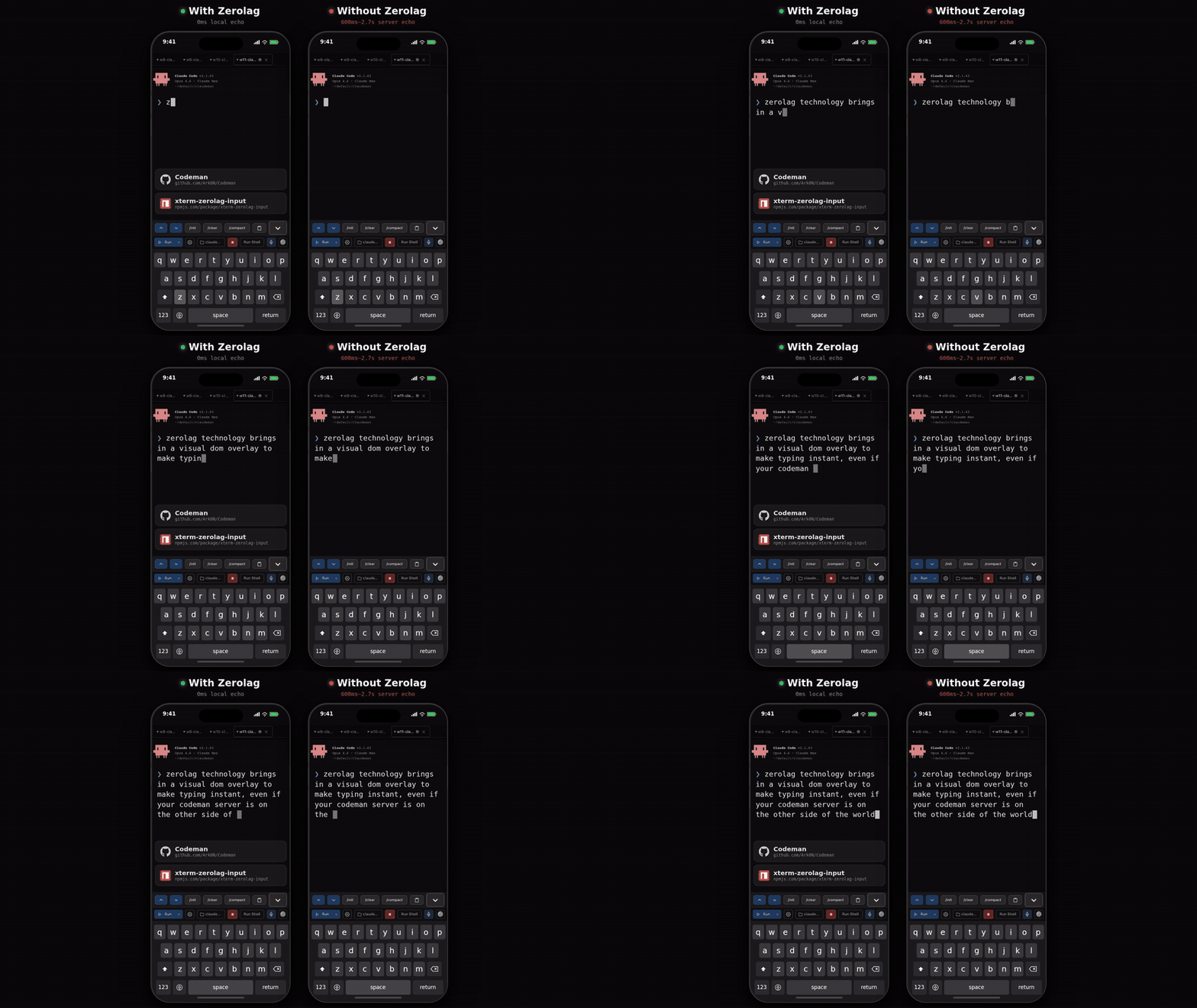
| 200-300ms input lag over remote | Local echo — instant feedback |
| Tiny text, no context | Full xterm.js terminal |
| No session management | Swipe between sessions |
| No notifications | Push alerts for approvals and idle |
| Manual reconnect | tmux persistence |
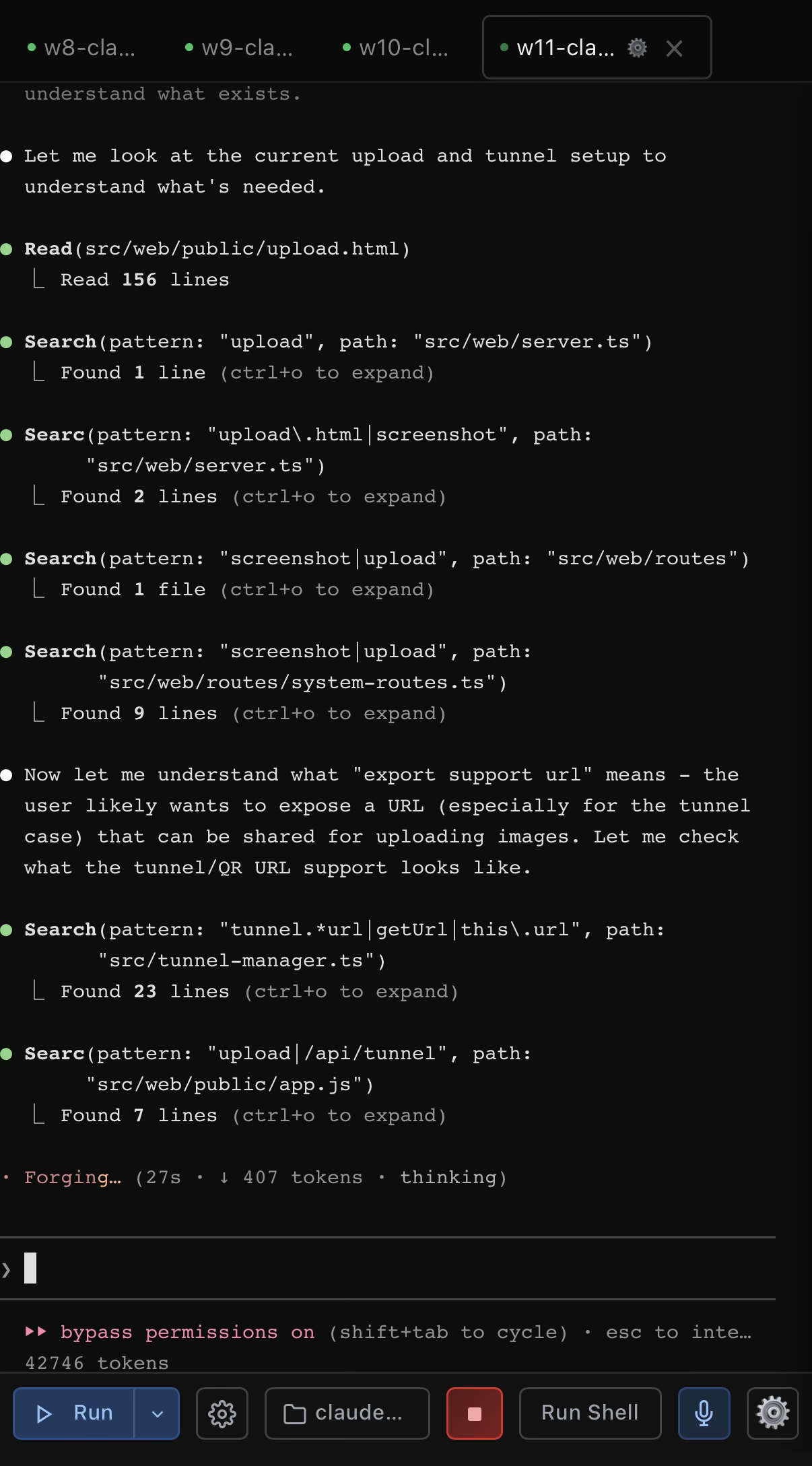
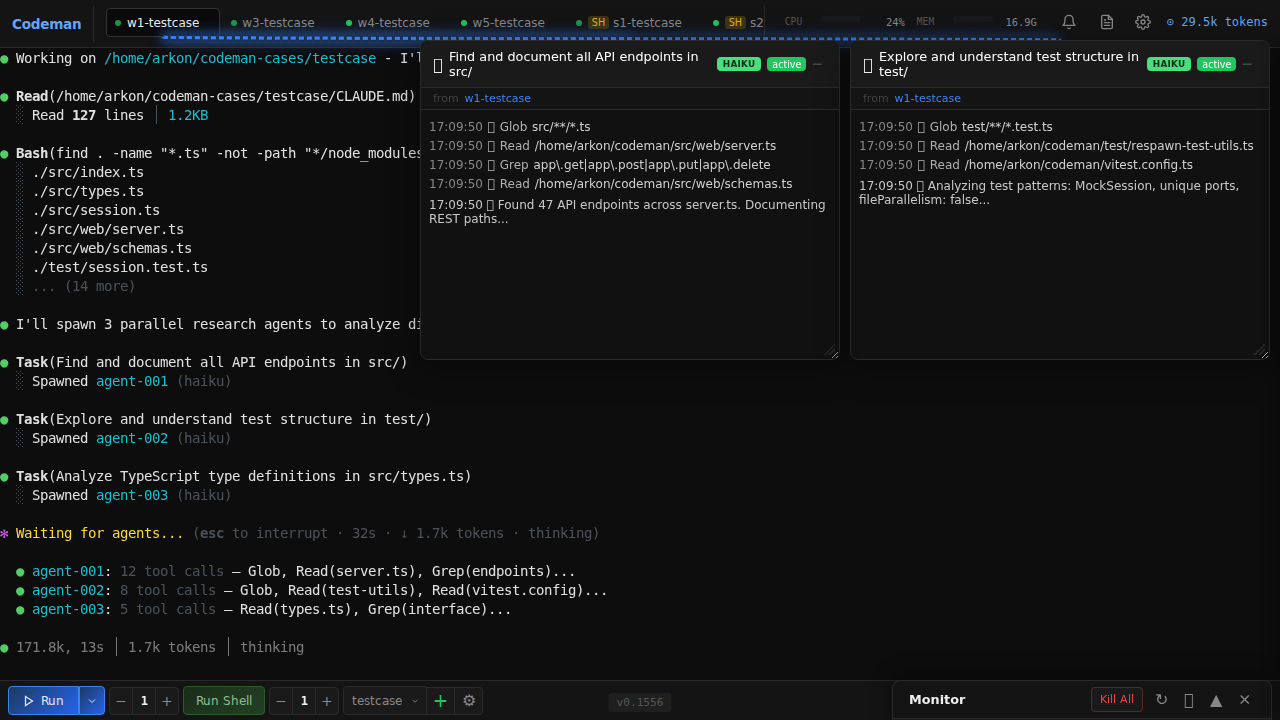
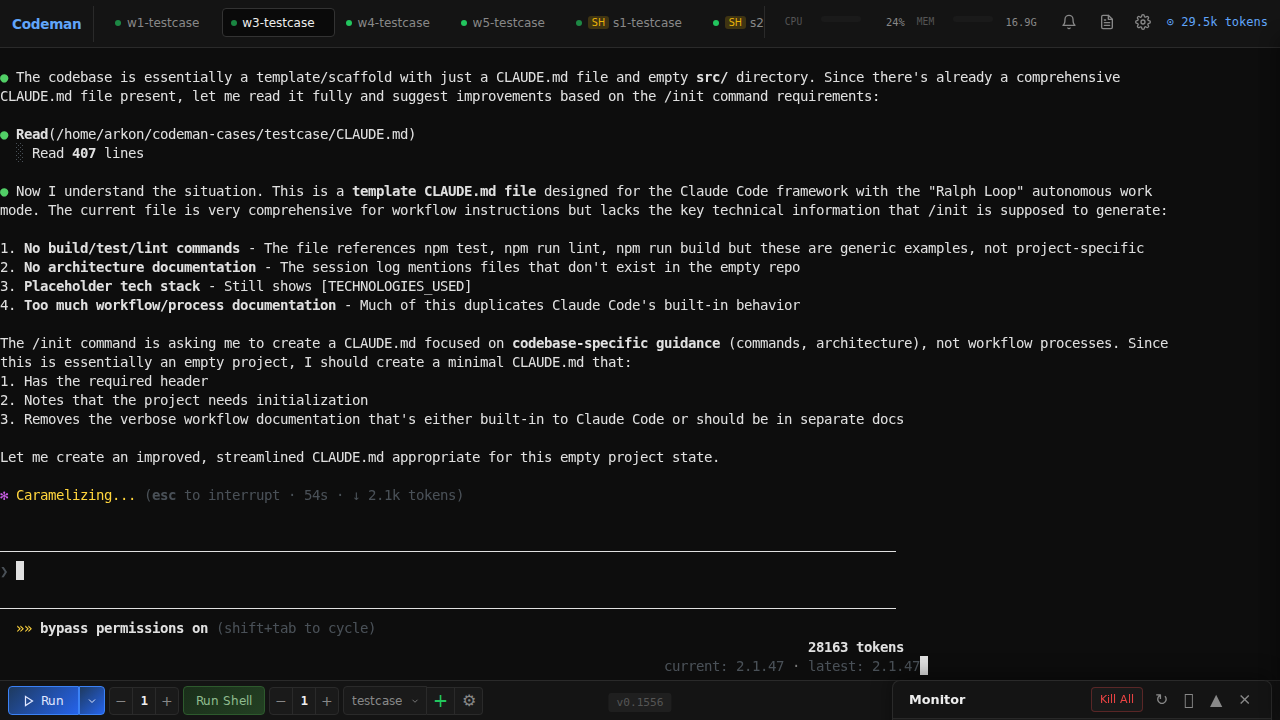
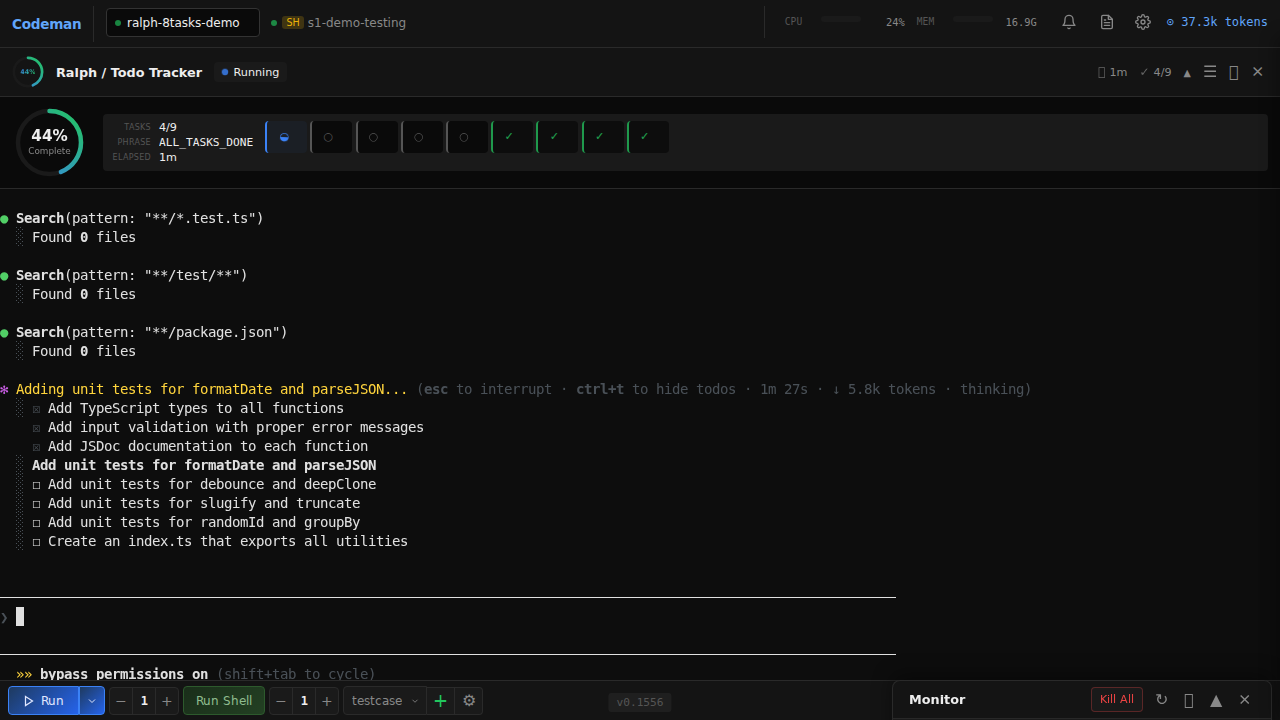
| No agent visibility | Background agents in real-time |
| Copy-paste slash commands | One-tap /init, /clear, /compact |
| Password typing on phone | QR code scan — instant auth |
### Secure QR Code Authentication
Typing passwords on a phone keyboard is miserable. Codeman replaces it with **cryptographically secure single-use QR tokens** — scan the code displayed on your desktop and your phone is authenticated instantly.
Each QR encodes a URL containing a 6-character short code that maps to a 256-bit secret (`crypto.randomBytes(32)`) on the server. Tokens auto-rotate every **60 seconds**, are **atomically consumed on first scan** (replays always fail), and use **hash-based `Map.get()` lookup** that leaks nothing through response timing. The short code is an opaque pointer — the real secret never appears in browser history, `Referer` headers, or Cloudflare edge logs.
The security design addresses all 6 critical QR auth flaws identified in ["Demystifying the (In)Security of QR Code-based Login"](https://www.usenix.org/conference/usenixsecurity25/presentation/zhang-xin) (USENIX Security 2025, which found 47 of the top-100 websites vulnerable): single-use enforcement, short TTL, cryptographic randomness, server-side generation, real-time desktop notification on scan (QRLjacking detection), and IP + User-Agent session binding with manual revocation. Dual-layer rate limiting (per-IP + global) makes brute force infeasible across 62^6 = 56.8 billion possible codes. Full security analysis: [`docs/qr-auth-plan.md`](docs/qr-auth-plan.md)
### Touch-Optimized Interface
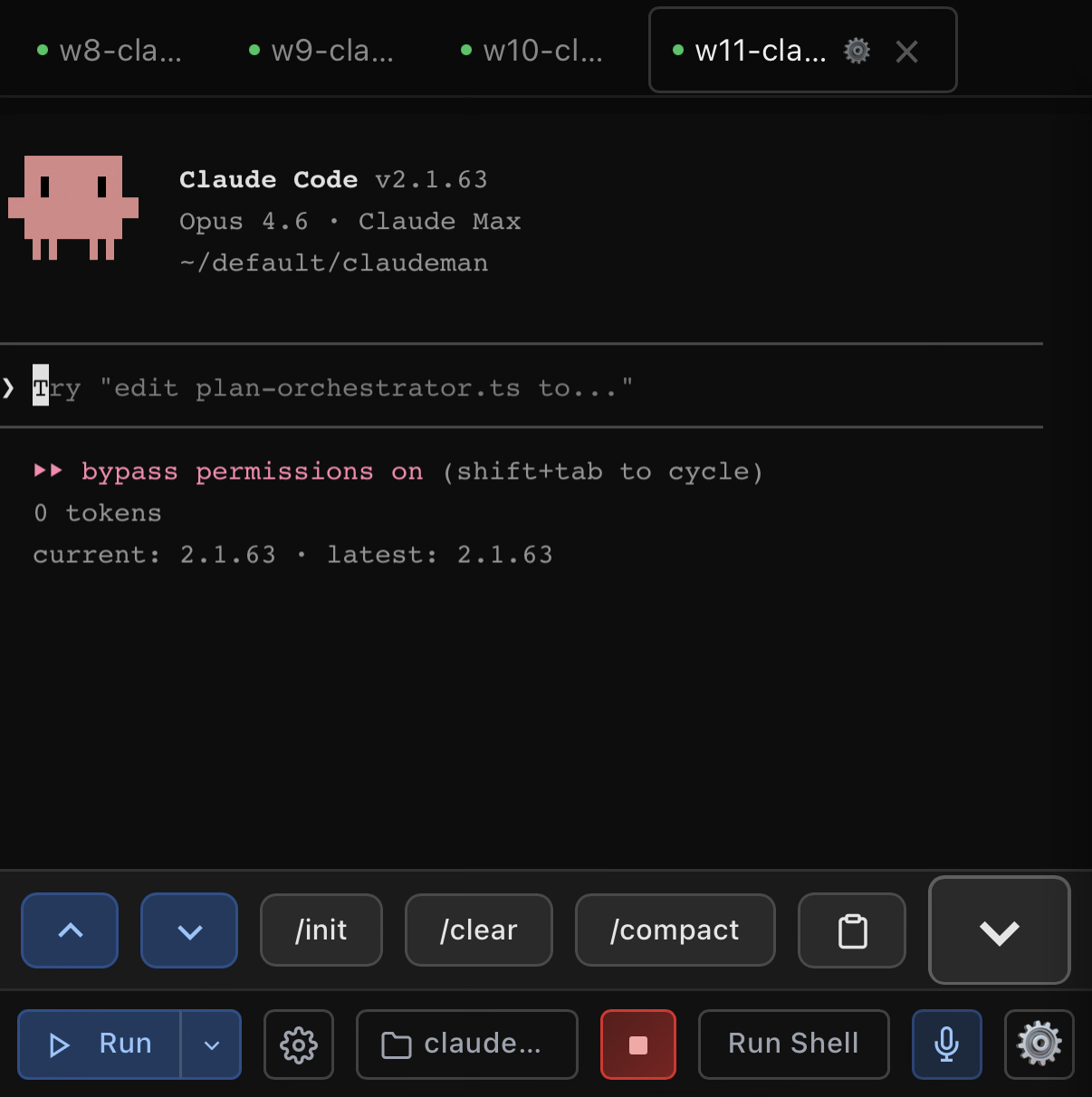
- **Keyboard accessory bar** — `/init`, `/clear`, `/compact` quick-action buttons above the virtual keyboard. Destructive commands (`/clear`, `/compact`) require a double-press to confirm — first tap arms the button, second tap executes — so you never fire one by accident on a bumpy commute
- **Swipe navigation** — left/right on the terminal to switch sessions (80px threshold, 300ms)
- **Smart keyboard handling** — toolbar and terminal shift up when keyboard opens (uses `visualViewport` API with 100px threshold for iOS address bar drift)
- **Safe area support** — respects iPhone notch and home indicator via `env(safe-area-inset-*)`
- **44px touch targets** — all buttons meet iOS Human Interface Guidelines minimum sizes
- **Bottom sheet case picker** — slide-up modal replaces the desktop dropdown
- **Native momentum scrolling** — `-webkit-overflow-scrolling: touch` for buttery scroll
```bash
codeman web --https
# Open on your phone: https://